 HitLight
Ayrton Rivale Profile
DMX-Tabelle, 2 DMX-Modi und eine 3D-Vorschau. 42 / 65 DMX-Kanäle.
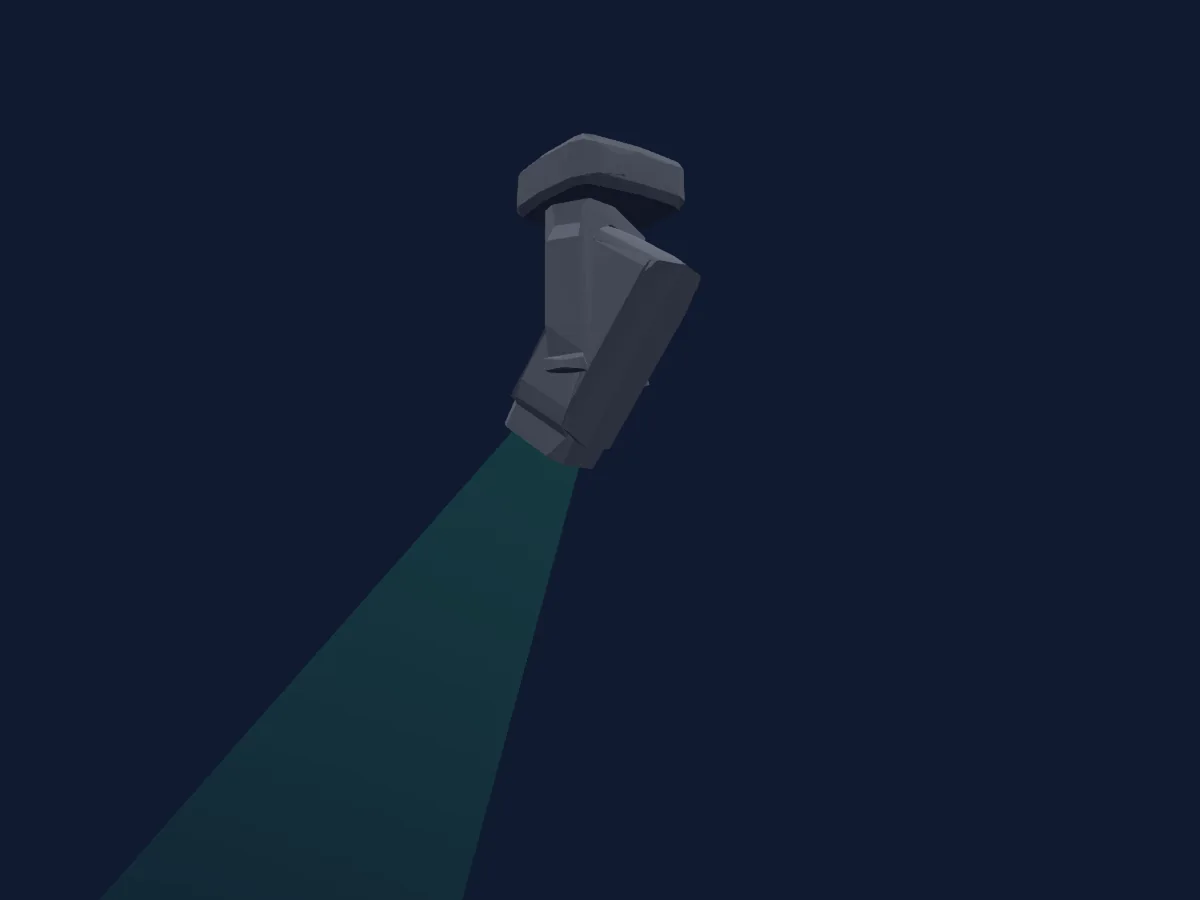
Was er kann
- Fokus
- Frost
- Iris
- Prisma
- Prismenrotation
- Zoom
- CMY-Farbmischung
- Farbtemperatur
- Farbrad
- Strobe
- Dimmer
- Pan und Tilt
- Bewegungsgeschwindigkeit
- Animationsrad
- Gobos
- Gobo-Rotation
Sicherheitsrelevante Funktionen: Haze- oder Nebelausstoß. Prüfe vor einer Show, wie sie sich an deinem eigenen Scheinwerfer verhalten.
DMX-Modi und Kanaltabellen
| Modus | Kanäle | In HitLight |
|---|---|---|
| Standard_540 | 42 | Bereit in HitLight |
| Extended_540 | 65 | Bereit in HitLight |
Standard_540
Bereit in HitLight42 DMX-Kanäle · Diese Tabelle als CSV herunterladen
| Kanal | Funktion | Standard | DMX-Werte |
|---|---|---|---|
| 1 | Pan | 128 | 0–255 |
| 2 | Pan Fine | 0 | Feinbyte von Pan |
| 3 | Tilt | 128 | 0–255 |
| 4 | Tilt Fine | 0 | Feinbyte von Tilt |
| 5 | Pan Rotate | 0 | 7 Wertebereiche
|
| 6 | Tilt Rotate | 0 | 7 Wertebereiche
|
| 7 | Shutter / Strobe | 11 | 11 Wertebereiche
|
| 8 | Dimmer | 0 | 2 Wertebereiche
|
| 9 | Dimmer Fine | 0 | Feinbyte von Dimmer |
| 10 | Zoom | 128 | 3 Wertebereiche
|
| 11 | Zoom Fine | 0 | Feinbyte von Zoom |
| 12 | Focus | 128 | 3 Wertebereiche
|
| 13 | Focus Fine | 0 | Feinbyte von Focus |
| 14 | Color Wheel | 0 | 21 Wertebereiche
|
| 15 | Color Wheel Fine | 0 | Feinbyte von Color Wheel |
| 16 | Cyan | 0 | 0–255 |
| 17 | Magenta | 0 | 0–255 |
| 18 | Yellow | 0 | 0–255 |
| 19 | C TO | 0 | 0–255 |
| 20 | C TP | 0 | 2 Wertebereiche
|
| 21 | Gobo | 0 | 20 Wertebereiche
|
| 22 | Gobo Rotation | 0 | 6 Wertebereiche
|
| 23 | Gobo Rotation Fine | 0 | Feinbyte von Gobo Rotation |
| 24 | Gobo 2 | 0 | 24 Wertebereiche
|
| 25 | Animation Wheel1 | 0 | 6 Wertebereiche
|
| 26 | Iris | 0 | 6 Wertebereiche
|
| 27 | Prism | 0 | 2 Wertebereiche
|
| 28 | Prism Rotation | 0 | 6 Wertebereiche
|
| 29 | Prism | 0 | 2 Wertebereiche
|
| 30 | Prism Rotation | 0 | 6 Wertebereiche
|
| 31 | Frost1 | 0 | 2 Wertebereiche
|
| 32 | Frost2 | 0 | 2 Wertebereiche
|
| 33 | Blade3B | 0 | 0–255 |
| 34 | Blade3A | 0 | 0–255 |
| 35 | Blade1B | 0 | 0–255 |
| 36 | Blade1A | 0 | 0–255 |
| 37 | Blade4B | 0 | 0–255 |
| 38 | Blade4A | 0 | 0–255 |
| 39 | Blade2B | 0 | 0–255 |
| 40 | Blade2A | 0 | 0–255 |
| 41 | Shaper Rot | 128 | 3 Wertebereiche
|
| 42 | Control1 | 0 | 0–255 |
Extended_540
Bereit in HitLight65 DMX-Kanäle · Diese Tabelle als CSV herunterladen
| Kanal | Funktion | Standard | DMX-Werte |
|---|---|---|---|
| 1 | Pan | 128 | 0–255 |
| 2 | Pan Fine | 0 | Feinbyte von Pan |
| 3 | Tilt | 128 | 0–255 |
| 4 | Tilt Fine | 0 | Feinbyte von Tilt |
| 5 | Position MSpeed | 0 | 0–255 |
| 6 | Pan Rotate | 0 | 0–255 |
| 7 | Tilt Rotate | 0 | 0–255 |
| 8 | Shutter / Strobe | 11 | 11 Wertebereiche
|
| 9 | Dimmer | 0 | 0–255 |
| 10 | Dimmer Fine | 0 | Feinbyte von Dimmer |
| 11 | Zoom | 128 | 0–255 |
| 12 | Zoom Fine | 0 | Feinbyte von Zoom |
| 13 | Focus | 128 | 0–255 |
| 14 | Focus Fine | 0 | Feinbyte von Focus |
| 15 | Focus1Distance | 0 | 0–255 |
| 16 | Focus1Distance Fine | 0 | Feinbyte von Focus1Distance |
| 17 | Color Wheel | 0 | 21 Wertebereiche
|
| 18 | Color Wheel Fine | 0 | Feinbyte von Color Wheel |
| 19 | Cyan | 0 | 0–255 |
| 20 | Cyan Fine | 0 | Feinbyte von Cyan |
| 21 | Magenta | 0 | 0–255 |
| 22 | Magenta Fine | 0 | Feinbyte von Magenta |
| 23 | Yellow | 0 | 0–255 |
| 24 | Yellow Fine | 0 | Feinbyte von Yellow |
| 25 | C TO | 0 | 0–255 |
| 26 | C TO Fine | 0 | Feinbyte von C TO |
| 27 | C TP | 0 | 0–255 |
| 28 | C TP Fine | 0 | Feinbyte von C TP |
| 29 | Tint | 0 | 0–255 |
| 30 | No Feature | 0 | 0–255 |
| 31 | No Feature Fine | 0 | Feinbyte von No Feature |
| 32 | Gobo | 0 | 20 Wertebereiche
|
| 33 | Gobo Rotation | 0 | 6 Wertebereiche
|
| 34 | Gobo Rotation Fine | 0 | Feinbyte von Gobo Rotation |
| 35 | Gobo 2 | 0 | 24 Wertebereiche
|
| 36 | Animation Wheel1 | 0 | 0–255 |
| 37 | Iris | 0 | 0–255 |
| 38 | Iris Fine | 0 | Feinbyte von Iris |
| 39 | Prism | 0 | 2 Wertebereiche
|
| 40 | Prism Rotation | 0 | 0–255 |
| 41 | Prism Rotation Fine | 0 | Feinbyte von Prism Rotation |
| 42 | Prism | 0 | 2 Wertebereiche
|
| 43 | Prism Rotation | 0 | 0–255 |
| 44 | Prism Rotation Fine | 0 | Feinbyte von Prism Rotation |
| 45 | Frost1 | 0 | 0–255 |
| 46 | Frost2 | 0 | 0–255 |
| 47 | Blade3B | 0 | 0–255 |
| 48 | Blade3B Fine | 0 | Feinbyte von Blade3B |
| 49 | Blade3A | 0 | 0–255 |
| 50 | Blade3A Fine | 0 | Feinbyte von Blade3A |
| 51 | Blade1B | 0 | 0–255 |
| 52 | Blade1B Fine | 0 | Feinbyte von Blade1B |
| 53 | Blade1A | 0 | 0–255 |
| 54 | Blade1A Fine | 0 | Feinbyte von Blade1A |
| 55 | Blade4B | 0 | 0–255 |
| 56 | Blade4B Fine | 0 | Feinbyte von Blade4B |
| 57 | Blade4A | 0 | 0–255 |
| 58 | Blade4A Fine | 0 | Feinbyte von Blade4A |
| 59 | Blade2B | 0 | 0–255 |
| 60 | Blade2B Fine | 0 | Feinbyte von Blade2B |
| 61 | Blade2A | 0 | 0–255 |
| 62 | Blade2A Fine | 0 | Feinbyte von Blade2A |
| 63 | Shaper Rot | 128 | 0–255 |
| 64 | Shaper Rot Fine | 0 | Feinbyte von Shaper Rot |
| 65 | Control1 | 0 | 0–255 |
Ayrton Rivale Profile in HitLight verwenden
- Öffne Scheinwerfer hinzufügen und suche nach Ayrton Rivale Profile.
- Wähle den DMX-Modus, der im Menü des Scheinwerfers eingestellt ist. HitLight gibt ihm die niedrigste freie Startadresse in seinem Universum, die zur Kanalzahl des Modus passt.
- Prüfe Modus und Steuerung an deinem echten Scheinwerfer, bevor du ihn live einsetzt.
Spielstätten mit Ayrton Rivale Profile
Ihre gespeicherten Lichtaufbauten enthalten dieses Scheinwerfermodell. Klären Sie die aktuelle Ausstattung mit der Spielstätte.
- Effenaar Eindhoven, Niederlande
- Kulturhuset i Tromsø Tromsø, Norwegen
- Švandovo divadlo na Smíchově Praha, Tschechien
Ähnliche Scheinwerfer
Profilscheinwerfer
Ayrton Huracan LT
44 / 46 / 70 DMX-Kanäle
Profilscheinwerfer
Ayrton Khamsin
40 / 42 / 64 DMX-Kanäle
Profilscheinwerfer
Ayrton Eurus
39 / 41 / 62 DMX-Kanäle
Profilscheinwerfer
Ayrton EagleStrike
44 / 66 DMX-Kanäle
Profilscheinwerfer
Ayrton Levante
29 / 31 / 50 DMX-Kanäle
Profilscheinwerfer
Ayrton Domino LT
44 / 46 / 70 DMX-Kanäle
Die Tabellen stammen aus der GDTF-Beschreibung des Scheinwerfers, umgewandelt für die HitLight-Bibliothek. HitLight ist nicht mit Ayrton verbunden.