Zum Inhalt springen
HitLight
Blizzard Lighting LLC · Moving Head

Blizzard Lighting LLC N-Trance

DMX-Tabelle, 1 DMX-Modus und eine 3D-Vorschau. 44 DMX-Kanäle.
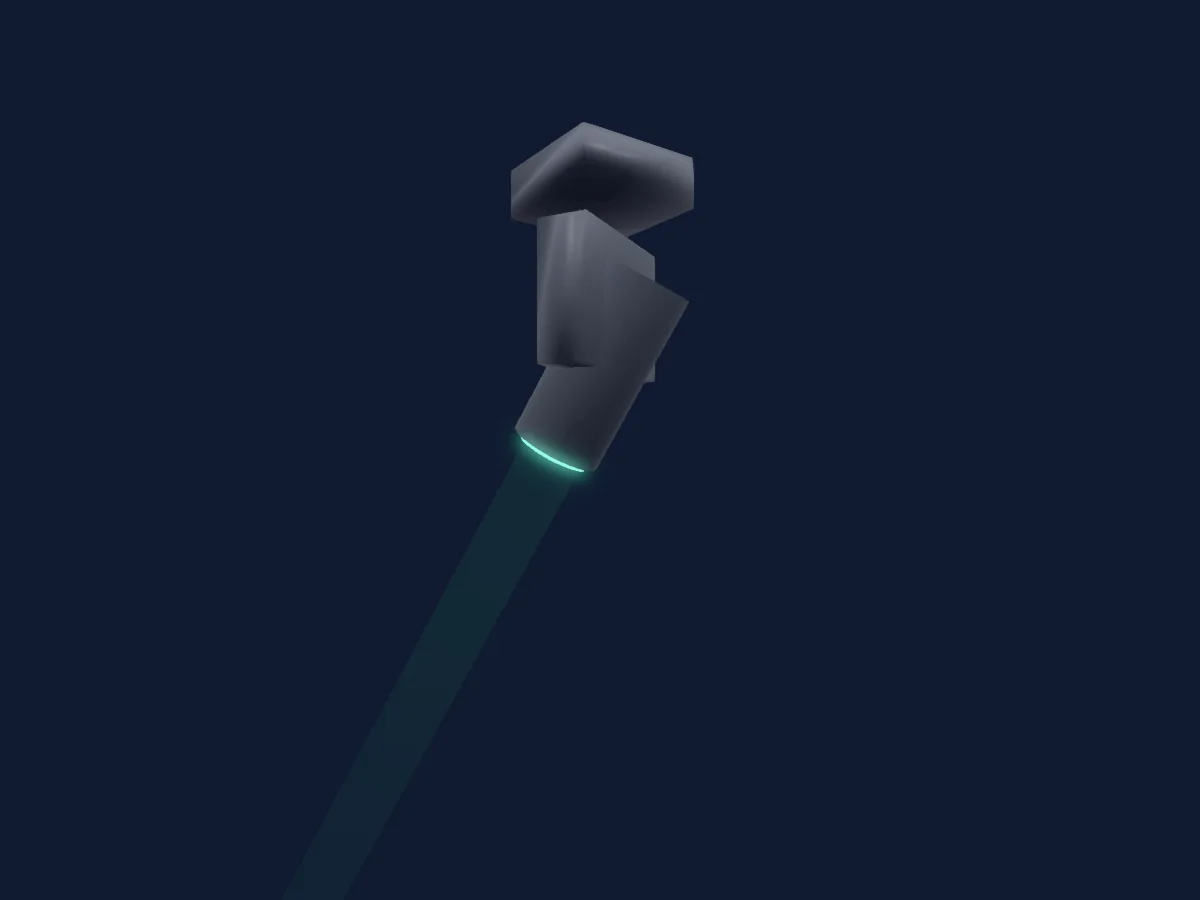
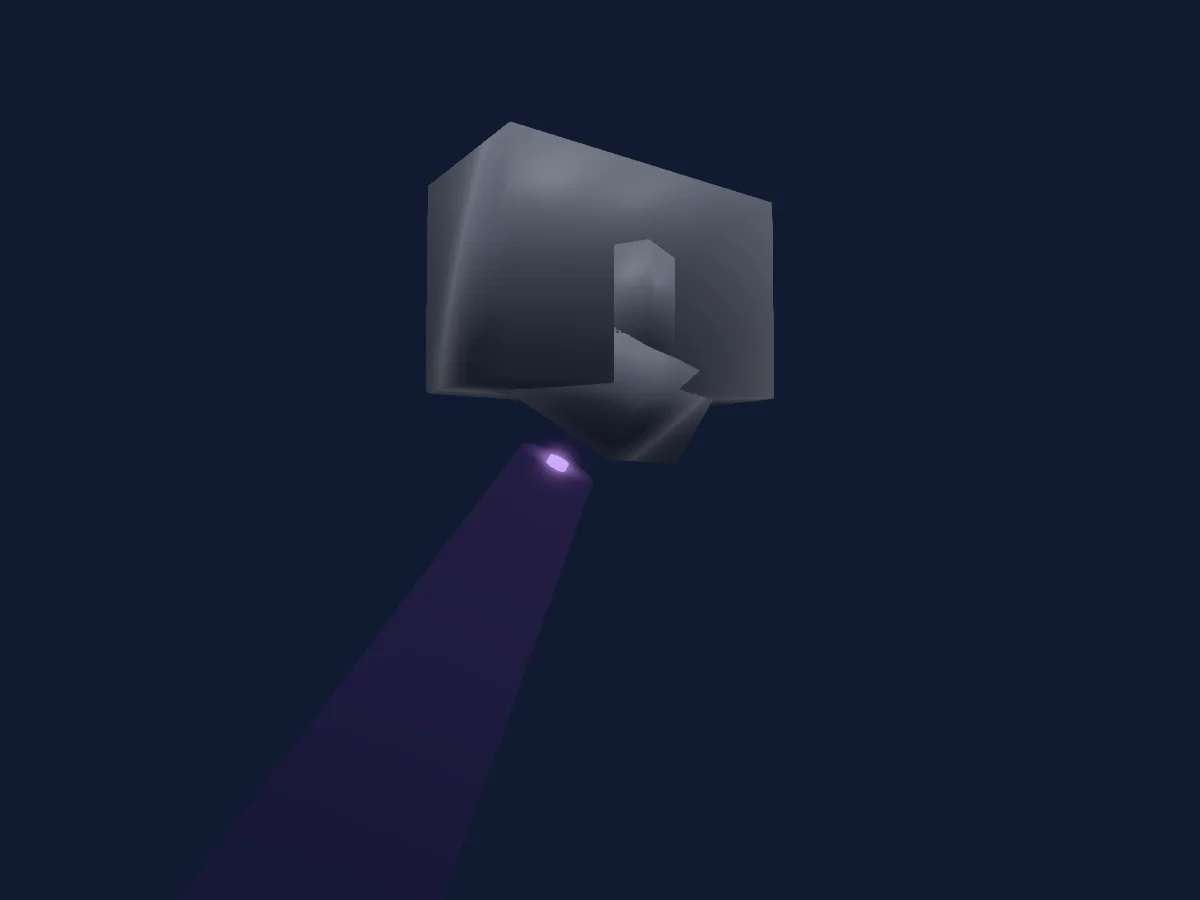
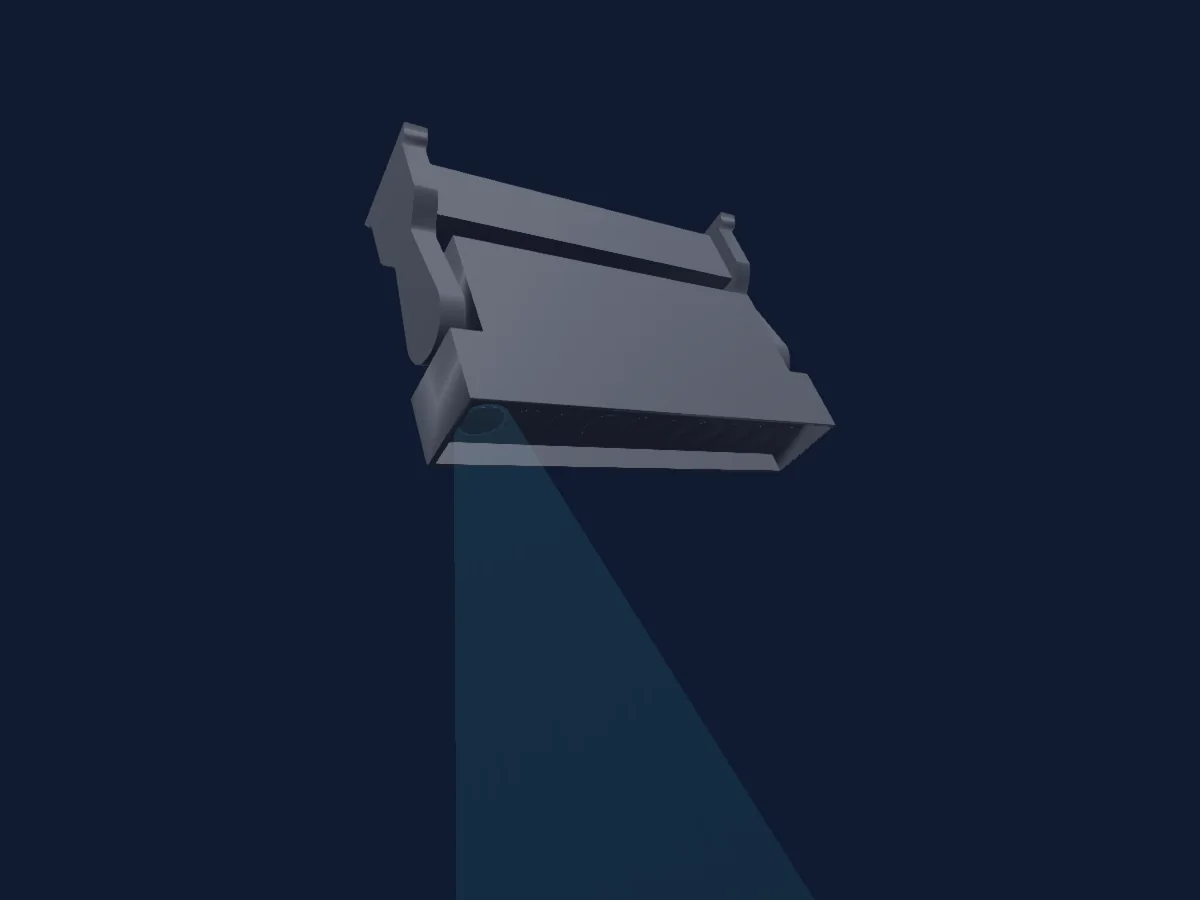
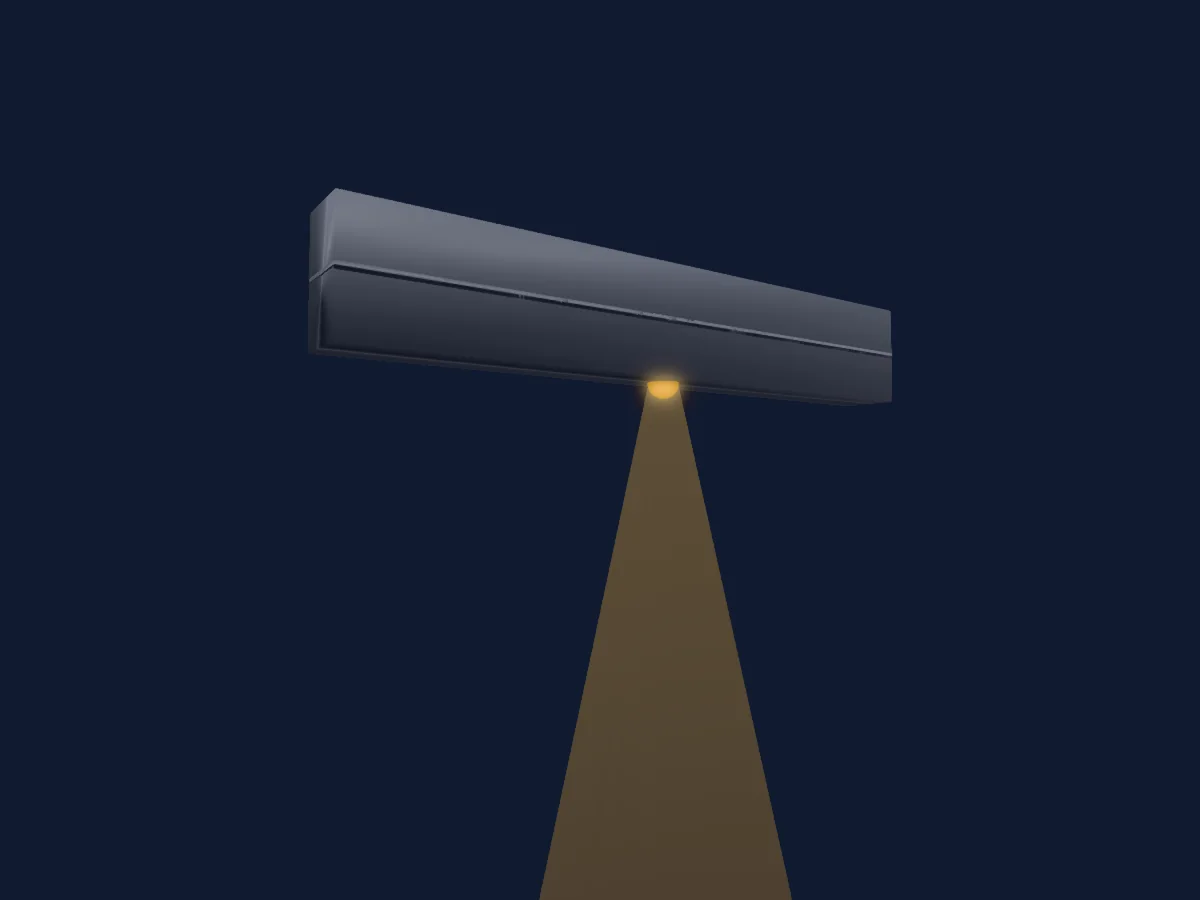
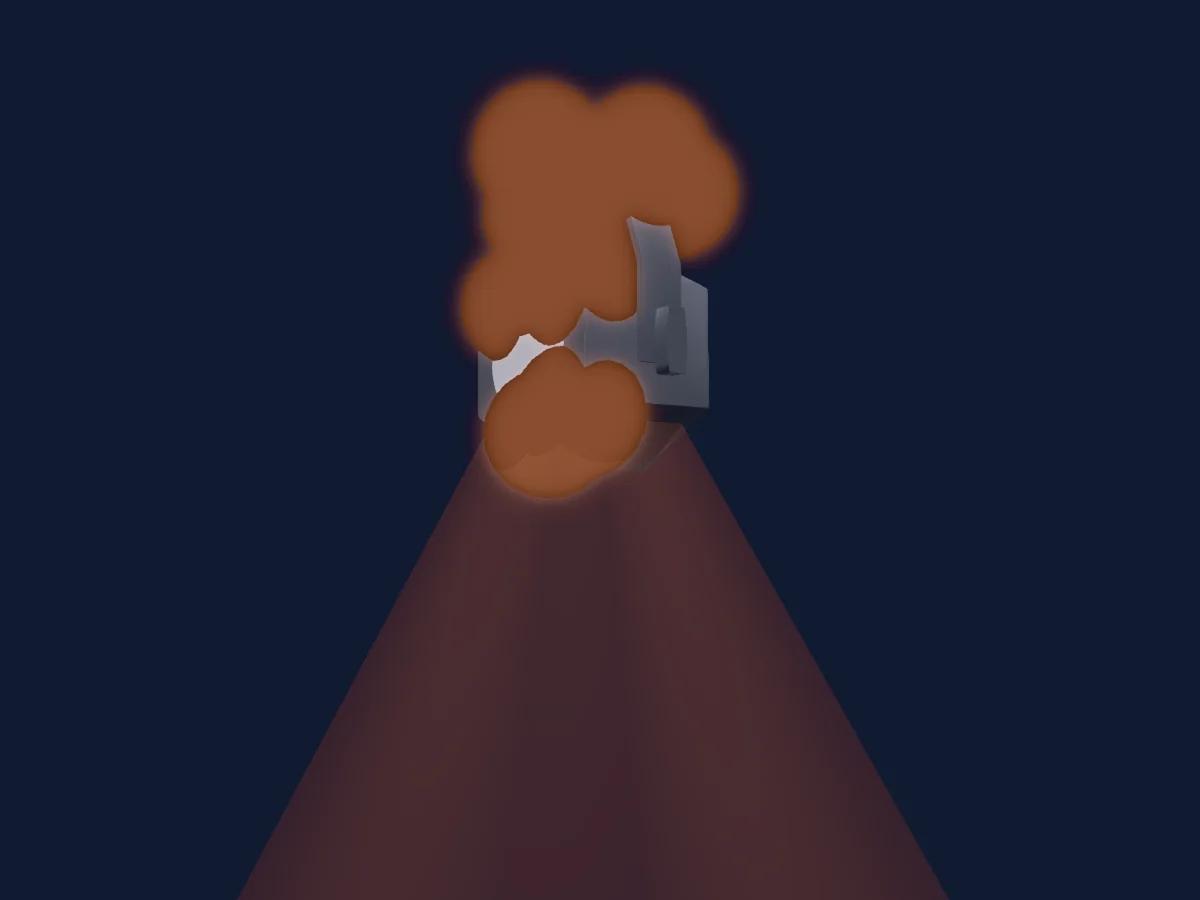
Blizzard Lighting LLC N-Trance, gerendert in HitLight

Was er kann

  • Fokus
  • Frost
  • Prisma
  • Prismenrotation
  • Zusätzliche LED-Farben
  • RGB-Farbmischung
  • Farbrad
  • Strobe
  • Dimmer
  • Pan und Tilt
  • Bewegungsgeschwindigkeit
  • Gobos

Sicherheitsrelevante Funktionen: Scheinwerfer-Reset · Strobe. Prüfe vor einer Show, wie sie sich an deinem eigenen Scheinwerfer verhalten.

DMX-Modi und Kanaltabellen

DMX-Modi von Blizzard Lighting LLC N-Trance
ModusKanäleIn HitLight
Standard44Bereit in HitLight

Standard

Bereit in HitLight

44 DMX-Kanäle · Diese Tabelle als CSV herunterladen

DMX-Kanaltabelle für Standard
KanalFunktionStandardDMX-Werte
1Pan1700–255
2Pan Fine127Feinbyte von Pan
3Tilt1270–255
4Tilt Fine127Feinbyte von Tilt
5Dimmer0
2 Wertebereiche
  • 0–254 Off
  • 255–255 On
6Dimmer Fine0Feinbyte von Dimmer
7Shutter / Strobe0
9 Wertebereiche
  • 0–5 Open
  • 6–10 Closed
  • 11–33 RandPulse
  • 34–56 RampUp
  • 57–79 RampDown
  • 80–102 RandStrobe
  • 103–127 StrobeBreak
  • 128–250 Strobe
  • 251–255 Open
8Color1Wheel Index0
34 Wertebereiche
  • 0–5 Open (wheel slot 1)
  • 6–11 Open/Congo (wheel slot 1)
  • 12–17 Congo (wheel slot 2)
  • 18–23 Congo/Red (wheel slot 2)
  • 24–29 Red (wheel slot 3)
  • 30–35 Red/Fluorescent (wheel slot 3)
  • 36–41 Fluorescent Green (wheel slot 4)
  • 42–47 Fluorescent/Blue (wheel slot 4)
  • 48–53 Blue (wheel slot 5)
  • 54–59 Blue/Orange (wheel slot 5)
  • 60–65 Orange (wheel slot 6)
  • 66–71 Orange/Lt Green (wheel slot 6)
  • 72–77 Light Green (wheel slot 7)
  • 78–83 Lt Green/Pink (wheel slot 7)
  • 84–89 Pink (wheel slot 8)
  • 90–95 Pink/CTB (wheel slot 8)
  • 96–101 CTB (wheel slot 9)
  • 102–107 CTB/Lavender (wheel slot 9)
  • 108–113 Lavender (wheel slot 10)
  • 114–119 Lavender/Green (wheel slot 10)
  • 120–125 Green (wheel slot 11)
  • 126–131 Green/Purple (wheel slot 11)
  • 132–137 Purple (wheel slot 12)
  • 138–143 Purple/Cyan (wheel slot 12)
  • 144–149 Cyan (wheel slot 13)
  • 150–155 Cyan/Yellow (wheel slot 13)
  • 156–161 Yellow (wheel slot 14)
  • 162–167 Yellow/CTO (wheel slot 14)
  • 168–173 CTO 3000k (wheel slot 15)
  • 174–179 CTO/Open (wheel slot 15)
  • 180–185 Open (wheel slot 1)
  • 186–218 CW Rotate
  • 219–222 Stop
  • 223–255 CCW Rotate
9Gobo2
50 Wertebereiche
  • 0–3 Open (wheel slot 1)
  • 4–7 Reducer 1 (wheel slot 2)
  • 8–11 Reducer 2 (wheel slot 3)
  • 12–15 Reducer 3 (wheel slot 4)
  • 16–19 Reducer 4 (wheel slot 5)
  • 20–23 Reducer 5 (wheel slot 6)
  • 24–27 Reducer 6 (wheel slot 7)
  • 28–31 5pt Star (wheel slot 8)
  • 32–35 Bar 1 (wheel slot 9)
  • 36–39 Bar 2 (wheel slot 10)
  • 40–43 Dot Spiral (wheel slot 11)
  • 44–47 Shells (wheel slot 12)
  • 48–51 6pt Star (wheel slot 13)
  • 52–55 Triangle Box (wheel slot 14)
  • 56–59 Dots (wheel slot 15)
  • 60–63 Crosshair (wheel slot 16)
  • 64–67 Square (wheel slot 17)
  • 68–71 Sun Dog (wheel slot 18)
  • 72–75 Triangle (wheel slot 19)
  • 76–79 Sun (wheel slot 20)
  • 80–83 Hexes (wheel slot 21)
  • 84–87 Squiggle (wheel slot 22)
  • 88–91 Shake Open (wheel slot 1)
  • 92–95 Shake Reducer 1 (wheel slot 2)
  • 96–99 Shake Reducer 2 (wheel slot 3)
  • 100–103 Shake Reducer 3 (wheel slot 4)
  • 104–107 Shake Reducer 4 (wheel slot 5)
  • 108–111 Shake Reducer 5 (wheel slot 6)
  • 112–115 Shake Reducer 6 (wheel slot 7)
  • 116–119 5pt Star Shake (wheel slot 8)
  • 120–123 Bar 1 Shake (wheel slot 9)
  • 124–127 Bar 2 Shake (wheel slot 10)
  • 128–131 Dot Spiral Shake (wheel slot 11)
  • 132–135 Shells Shake (wheel slot 12)
  • 136–139 6pt Star Shake (wheel slot 13)
  • 140–143 Triangle Box Shake (wheel slot 14)
  • 144–147 Dots Shake (wheel slot 15)
  • 148–151 Crosshair Shake (wheel slot 16)
  • 152–155 Square Shake (wheel slot 17)
  • 156–159 Sun Dog Shake (wheel slot 18)
  • 160–163 Triangle Shake (wheel slot 19)
  • 164–167 Sun Shake (wheel slot 20)
  • 168–171 Hexes Shake (wheel slot 21)
  • 172–175 Squiggle Shake (wheel slot 22)
  • 176–187 Animation 1 Index (wheel slot 23)
  • 188–199 Animation 2 Index (wheel slot 24)
  • 200–211 Animation 1 Shake (wheel slot 23)
  • 212–223 Animation 2 Shake (wheel slot 24)
  • 224–239 CW Rotate
  • 240–255 CCW Rotate
10Prism0
2 Wertebereiche
  • 0–127 Off
  • 128–255 Prism 8f
11Prism Rotation0
5 Wertebereiche
  • 0–127 Index (wheel slot 1)
  • 128–128 Stop (wheel slot 1)
  • 129–191 CW Rotate (wheel slot 1)
  • 192–254 CCW Rotate (wheel slot 1)
  • 255–255 Stop (wheel slot 1)
12Prism0
2 Wertebereiche
  • 0–127 Off
  • 128–255 Prism 6f
13Prism Rotation255
5 Wertebereiche
  • 0–127 Index (wheel slot 1)
  • 128–128 Stop (wheel slot 1)
  • 129–191 CW Rotate (wheel slot 1)
  • 192–254 CCW Rotate (wheel slot 1)
  • 255–255 Stop (wheel slot 1)
14Focus00–255
15Fine Focus00–255
16Frost10
3 Wertebereiche
  • 0–5 Off
  • 6–130 Colorizer
  • 131–255 Frost
17Position MSpeed00–255
18Dimmer Curve0
5 Wertebereiche
  • 0–5 NoFunc
  • 6–63 Linear
  • 64–127 Exponential
  • 128–191 Logarithmic
  • 192–255 S-Curve
19Control10
11 Wertebereiche
  • 0–5 NoFunc
  • 6–30 Move In Black On
  • 31–55 Move In Black Off
  • 56–80 Inv Pan
  • 81–105 Norm Pan
  • 106–130 Inv Tilt
  • 131–155 Norm Tilt
  • 156–180 Dim Response LED
  • 181–205 Dim Response Halogen
  • 206–230 Fan Spd Max
  • 231–255 Fan Spd Auto
20Color Settings Reset0
4 Wertebereiche
  • 0–5 NoFunc
  • 6–127 P/T Reset
  • 128–191 Internal Reset
  • 192–255 Reset All
21Ring1Dimmer00–255
22Color RGBRed00–255
23Color RGBGreen00–255
24Color RGBBlue00–255
25Bk Gd Red00–255
26Bk Gd Green00–255
27Bk Gd Blue00–255
28F XSelect Ring0
5 Wertebereiche
  • 0–0 Off
  • 1–102 PROG
  • 103–112 Pie Piece
  • 113–137 ColorFX
  • 138–255 NoFunc
29Rotate FXRing0
4 Wertebereiche
  • 0–0 Stop
  • 1–127 CW Rotate
  • 128–128 Stop
  • 129–255 CCW Rotate
30F XRing Repeat0
5 Wertebereiche
  • 0–0 1
  • 1–63 2
  • 64–127 4
  • 128–191 8
  • 192–255 16
31F XRing Direction0
4 Wertebereiche
  • 0–63 Forward
  • 64–127 Reverse
  • 128–191 Mirror Out
  • 192–255 Mirror In
32F XRing Offset00–255
33Ring2Dimmer00–255
34Ring2Red00–255
35Ring2Green00–255
36Ring2Blue00–255
37Ring2Bk Gd Red00–255
38Ring2Bk Gd Green00–255
39Ring2Bk Gd Blue00–255
40Ring2FXSelect00–255
41Ring2FXRotate00–255
42Ring2FXRepeat00–255
43Ring2FXDirection00–255
44Ring2FXOffset00–255

Blizzard Lighting LLC N-Trance in HitLight verwenden

  1. Öffne Scheinwerfer hinzufügen und suche nach Blizzard Lighting LLC N-Trance.
  2. Wähle den DMX-Modus, der im Menü des Scheinwerfers eingestellt ist. HitLight gibt ihm die niedrigste freie Startadresse in seinem Universum, die zur Kanalzahl des Modus passt.
  3. Prüfe Modus und Steuerung an deinem echten Scheinwerfer, bevor du ihn live einsetzt.

Die Tabellen stammen aus der GDTF-Beschreibung des Scheinwerfers, umgewandelt für die HitLight-Bibliothek. HitLight ist nicht mit Blizzard Lighting LLC verbunden.

Patche ihn und lass die Musik das Licht steuern.

HitLight findet diese Scheinwerfer in seiner Bibliothek, patcht sie auf die nächste freie Adresse und zeigt deine Lichtanlage in 3D, bevor ein einziges Licht eingesteckt ist.

HitLight öffnen ↗HitLight herunterladen