 HitLight
Chauvet Professional COLORado Batten 144 Tour
DMX-Tabelle, 9 DMX-Modi und eine 3D-Vorschau. 3 / 4 / 5 / 6 / 7 / 9 / 12 / 15 DMX-Kanäle.
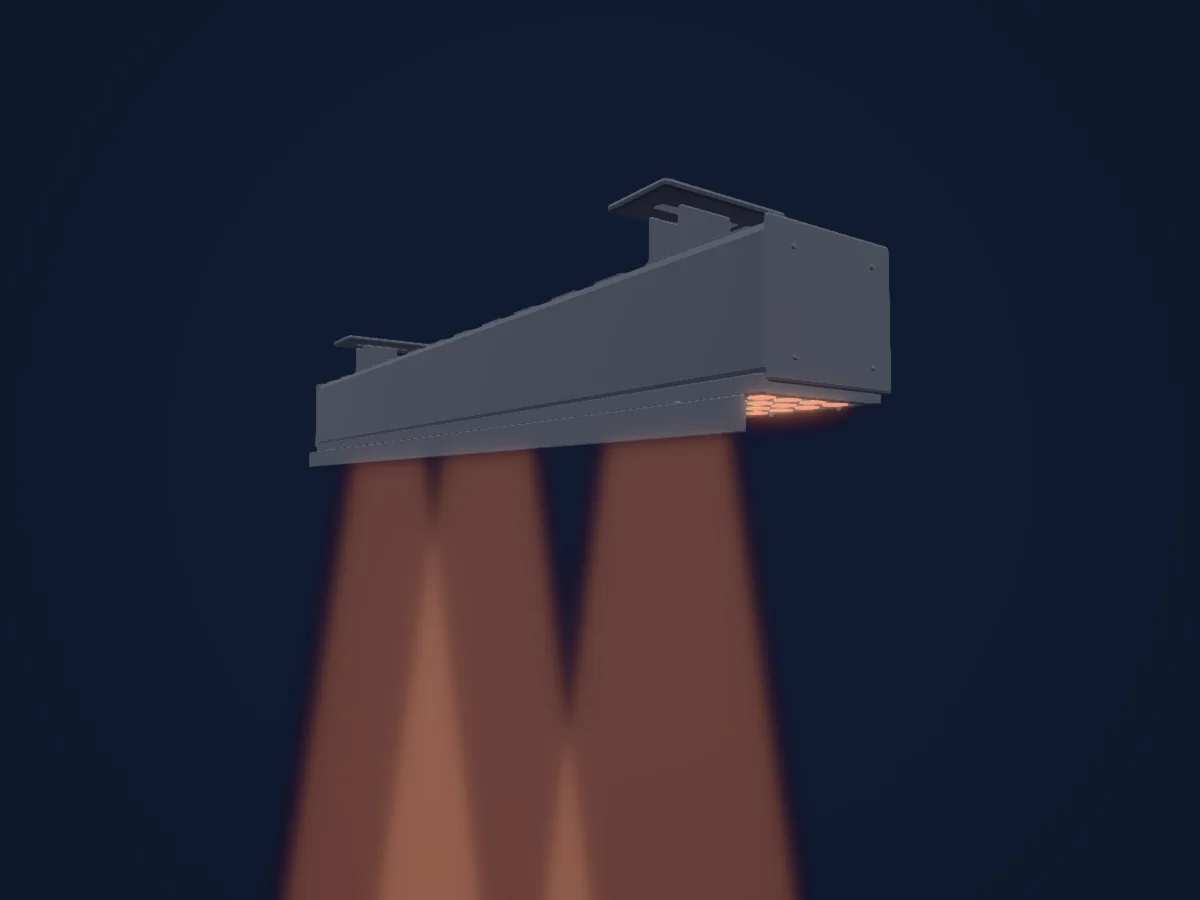
Was er kann
- Zusätzliche LED-Farben
- Farbton und Sättigung
- RGB-Farbmischung
- Dimmer
- Pixelsteuerung
Sicherheitsrelevante Funktionen: Eingebaute Effektprogramme. Prüfe vor einer Show, wie sie sich an deinem eigenen Scheinwerfer verhalten.
DMX-Modi und Kanaltabellen
| Modus | Kanäle | In HitLight |
|---|---|---|
| ARC1 (provisional) | 3 | Bereit in HitLight |
| HSV (provisional) | 3 | Bereit in HitLight |
| ARC1 + D (provisional) | 4 | Bereit in HitLight |
| ARC3 (provisional) | 5 | Bereit in HitLight |
| ARC3 + D (provisional) | 6 | Bereit in HitLight |
| ARC3 + S (provisional) | 7 | Bereit in HitLight |
| BLOCK1 (provisional) | 9 | Bereit in HitLight |
| TOUR (provisional) | 12 | Bereit in HitLight |
| BLOCK2 (provisional) | 15 | Bereit in HitLight |
ARC1 (provisional)
Bereit in HitLight3 DMX-Kanäle · Diese Tabelle als CSV herunterladen
| Kanal | Funktion | Standard | DMX-Werte |
|---|---|---|---|
| 1 | Red | 0 | 0–255 |
| 2 | Green | 0 | 0–255 |
| 3 | Blue | 0 | 0–255 |
HSV (provisional)
Bereit in HitLight3 DMX-Kanäle · Diese Tabelle als CSV herunterladen
| Kanal | Funktion | Standard | DMX-Werte |
|---|---|---|---|
| 1 | H SBHue | 0 | 0–255 |
| 2 | H SBSaturation | 0 | 0–255 |
| 3 | H SBBrightness | 0 | 0–255 |
ARC1 + D (provisional)
Bereit in HitLight4 DMX-Kanäle · Diese Tabelle als CSV herunterladen
| Kanal | Funktion | Standard | DMX-Werte |
|---|---|---|---|
| 1 | Dimmer | 0 | 0–255 |
| 2 | Red | 0 | 0–255 |
| 3 | Green | 0 | 0–255 |
| 4 | Blue | 0 | 0–255 |
ARC3 (provisional)
Bereit in HitLight5 DMX-Kanäle · Diese Tabelle als CSV herunterladen
| Kanal | Funktion | Standard | DMX-Werte |
|---|---|---|---|
| 1 | Red | 0 | 0–255 |
| 2 | Green | 0 | 0–255 |
| 3 | Blue | 0 | 0–255 |
| 4 | White | 0 | 0–255 |
| 5 | Amber | 0 | 0–255 |
ARC3 + D (provisional)
Bereit in HitLight6 DMX-Kanäle · Diese Tabelle als CSV herunterladen
| Kanal | Funktion | Standard | DMX-Werte |
|---|---|---|---|
| 1 | Dimmer | 0 | 0–255 |
| 2 | Red | 0 | 0–255 |
| 3 | Green | 0 | 0–255 |
| 4 | Blue | 0 | 0–255 |
| 5 | White | 0 | 0–255 |
| 6 | Amber | 0 | 0–255 |
ARC3 + S (provisional)
Bereit in HitLight7 DMX-Kanäle · Diese Tabelle als CSV herunterladen
| Kanal | Funktion | Standard | DMX-Werte |
|---|---|---|---|
| 1 | Dimmer | 0 | 0–255 |
| 2 | Red | 0 | 0–255 |
| 3 | Green | 0 | 0–255 |
| 4 | Blue | 0 | 0–255 |
| 5 | White | 0 | 0–255 |
| 6 | Amber | 0 | 0–255 |
| 7 | Shutter / Strobe | 0 | 2 Wertebereiche
|
BLOCK1 (provisional)
Bereit in HitLight9 DMX-Kanäle · Diese Tabelle als CSV herunterladen
| Kanal | Funktion | Standard | DMX-Werte |
|---|---|---|---|
| 1 | Red | 0 | 0–255 |
| 2 | Green | 0 | 0–255 |
| 3 | Blue | 0 | 0–255 |
| 4 | Red | 0 | 0–255 |
| 5 | Green | 0 | 0–255 |
| 6 | Blue | 0 | 0–255 |
| 7 | Red | 0 | 0–255 |
| 8 | Green | 0 | 0–255 |
| 9 | Blue | 0 | 0–255 |
TOUR (provisional)
Bereit in HitLight12 DMX-Kanäle · Diese Tabelle als CSV herunterladen
| Kanal | Funktion | Standard | DMX-Werte |
|---|---|---|---|
| 1 | Dimmer | 0 | 0–255 |
| 2 | Red | 0 | 0–255 |
| 3 | Green | 0 | 0–255 |
| 4 | Blue | 0 | 0–255 |
| 5 | White | 0 | 0–255 |
| 6 | Amber | 0 | 0–255 |
| 7 | No Feature | 0 | 21 Wertebereiche
|
| 8 | Shutter / Strobe | 0 | 2 Wertebereiche
|
| 9 | Effect | 0 | 25 Wertebereiche
|
| 10 | Effect Speed 3 | 0 | 0–255 |
| 11 | Control | 10 | 6 Wertebereiche
|
| 12 | Control | 0 | 10 Wertebereiche
|
BLOCK2 (provisional)
Bereit in HitLight15 DMX-Kanäle · Diese Tabelle als CSV herunterladen
| Kanal | Funktion | Standard | DMX-Werte |
|---|---|---|---|
| 1 | Red | 0 | 0–255 |
| 2 | Green | 0 | 0–255 |
| 3 | Blue | 0 | 0–255 |
| 4 | White | 0 | 0–255 |
| 5 | Amber | 0 | 0–255 |
| 6 | Red | 0 | 0–255 |
| 7 | Green | 0 | 0–255 |
| 8 | Blue | 0 | 0–255 |
| 9 | White | 0 | 0–255 |
| 10 | Amber | 0 | 0–255 |
| 11 | Red | 0 | 0–255 |
| 12 | Green | 0 | 0–255 |
| 13 | Blue | 0 | 0–255 |
| 14 | White | 0 | 0–255 |
| 15 | Amber | 0 | 0–255 |
Chauvet Professional COLORado Batten 144 Tour in HitLight verwenden
- Öffne Scheinwerfer hinzufügen und suche nach Chauvet Professional COLORado Batten 144 Tour.
- Wähle den DMX-Modus, der im Menü des Scheinwerfers eingestellt ist. HitLight gibt ihm die niedrigste freie Startadresse in seinem Universum, die zur Kanalzahl des Modus passt.
- Prüfe Modus und Steuerung an deinem echten Scheinwerfer, bevor du ihn live einsetzt.
Spielstätten mit Chauvet Professional COLORado Batten 144 Tour
Ihre gespeicherten Lichtaufbauten enthalten dieses Scheinwerfermodell. Klären Sie die aktuelle Ausstattung mit der Spielstätte.
- Sid Buckwold Theatre, TCU Place Saskatoon, Kanada
- Starbright Theater Campbell, Vereinigte Staaten
Ähnliche Scheinwerfer
Chauvet Professional COLOrado SOLO Bar 4
Chauvet Professional COLOrado SOLO Bar 1
Chauvet Professional WELL STX 360
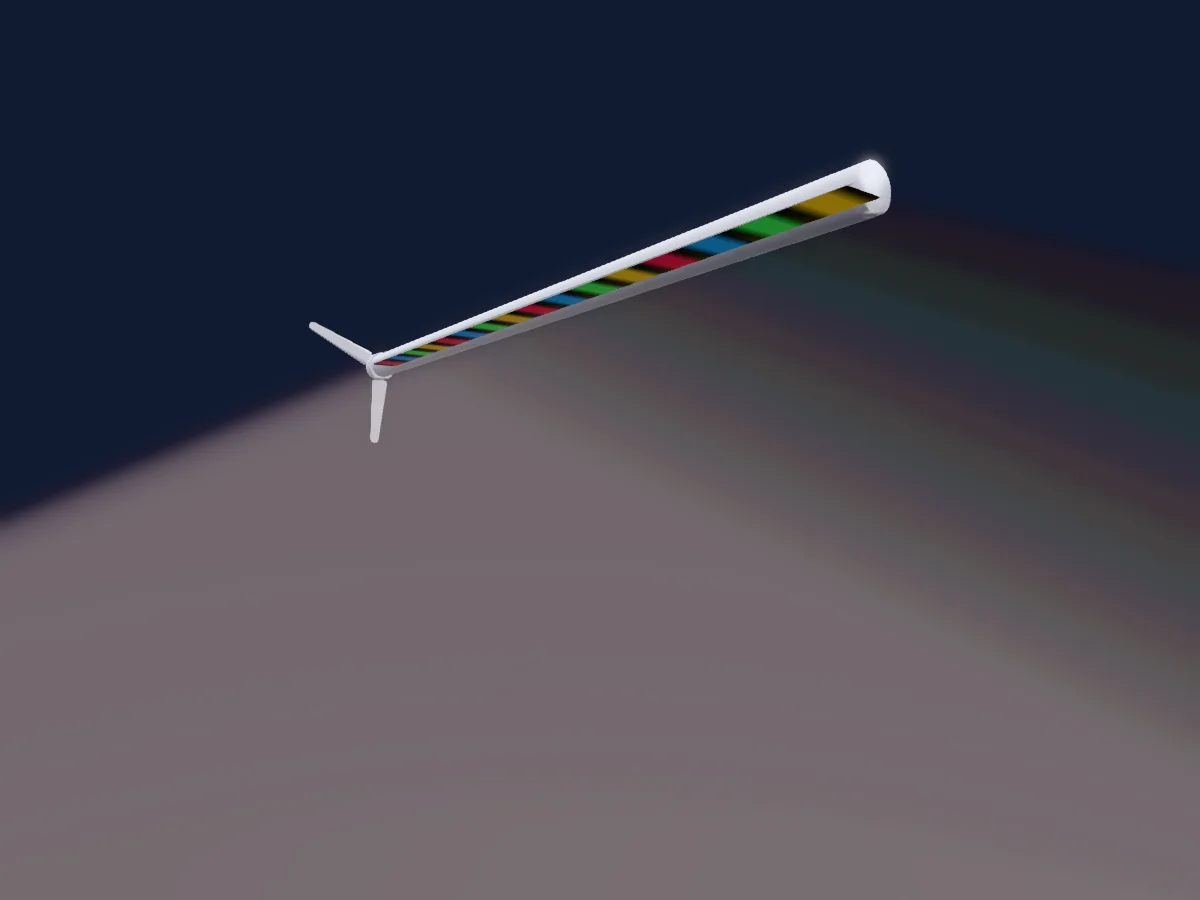
Chauvet Professional WELL STX 180
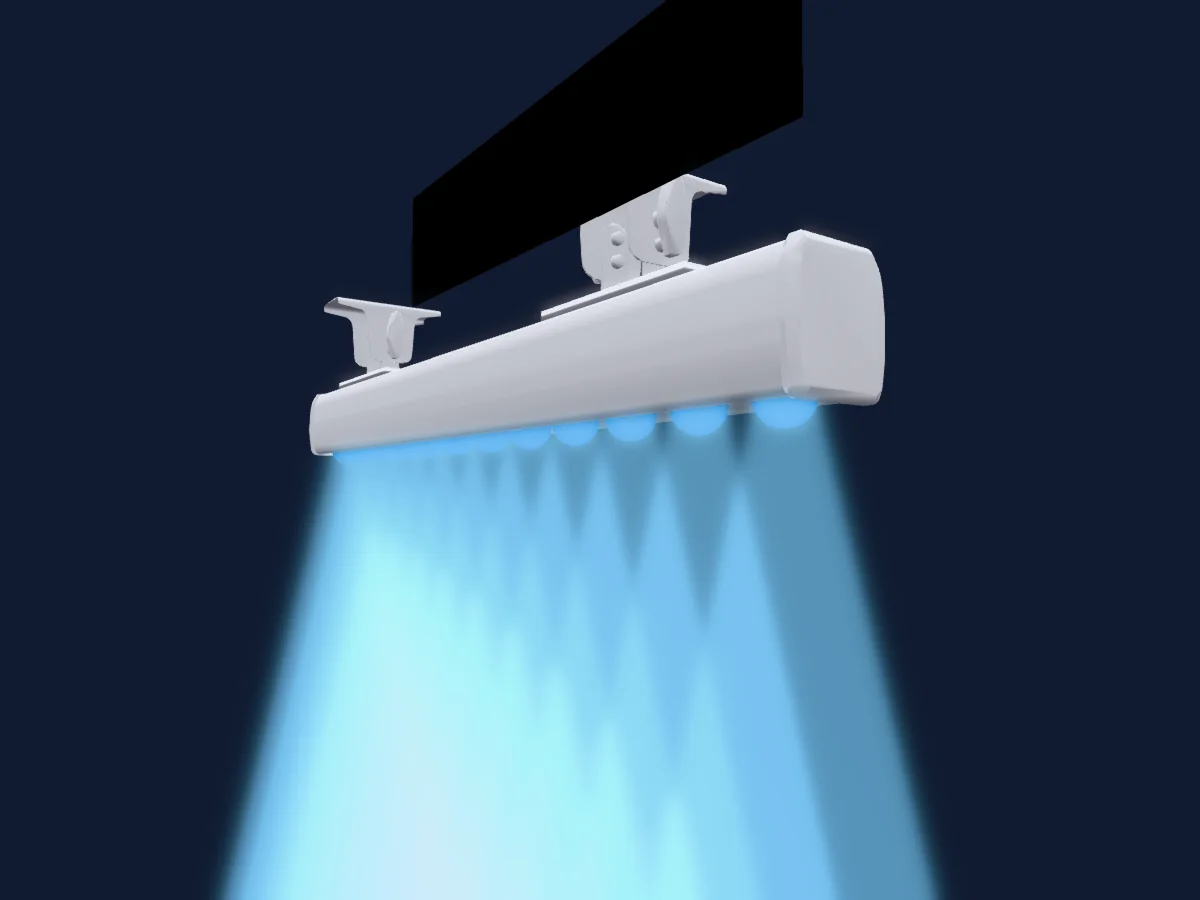
Chauvet Professional COLORdash Batten H12X IP
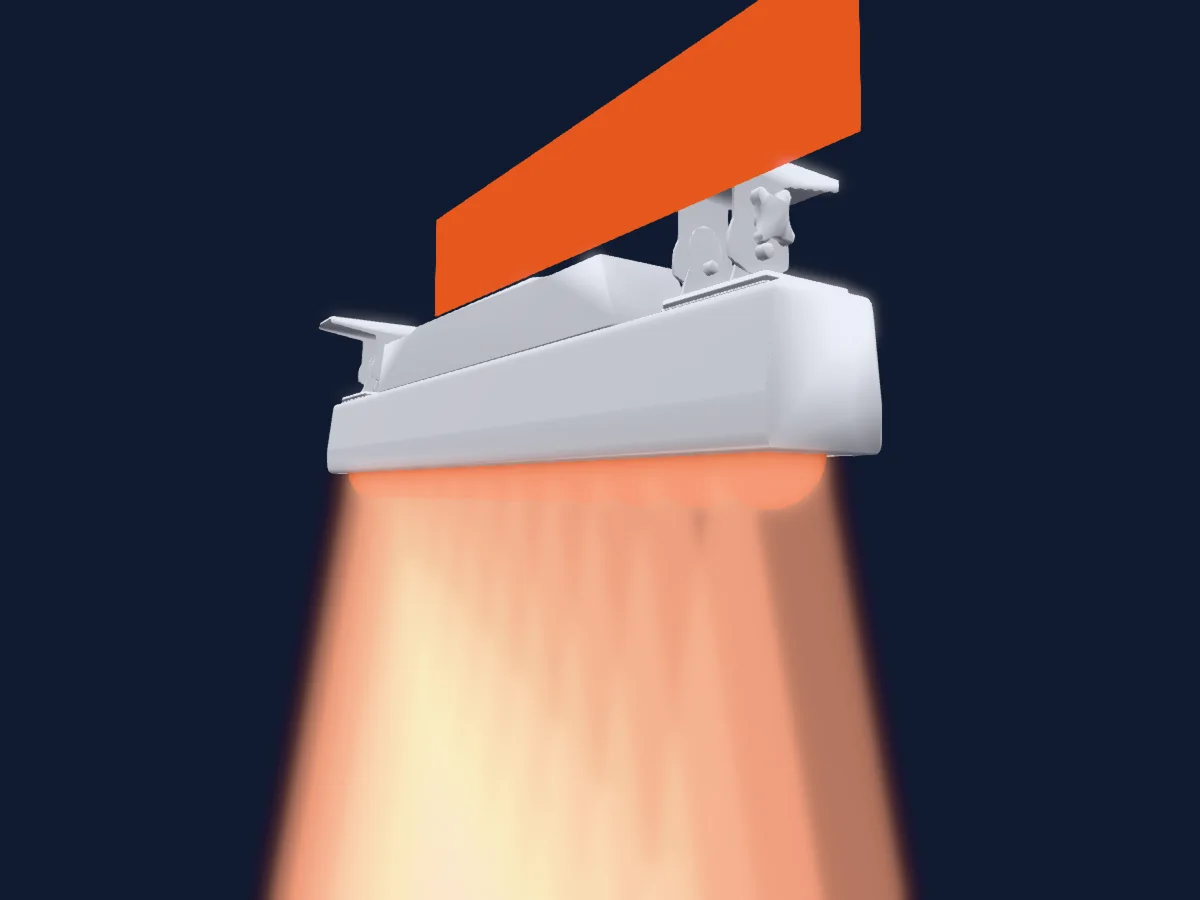
Chauvet Professional Colorado Solo Batten
Die Tabellen stammen aus der GDTF-Beschreibung des Scheinwerfers, umgewandelt für die HitLight-Bibliothek. HitLight ist nicht mit Chauvet Professional verbunden.
Fixture model: gdtf-chauvet-professional-colorado-batten-144-tour-2611049201
Original HitLight parametric reconstruction. Manufacturer drawings and photographs used as dimensional and visual references; no third-party mesh or photographic texture incorporated. Approximate planning model; not hardware verified.
Creator: HitLight