 HitLight
Chauvet Professional COLORado Batten 72 Tour
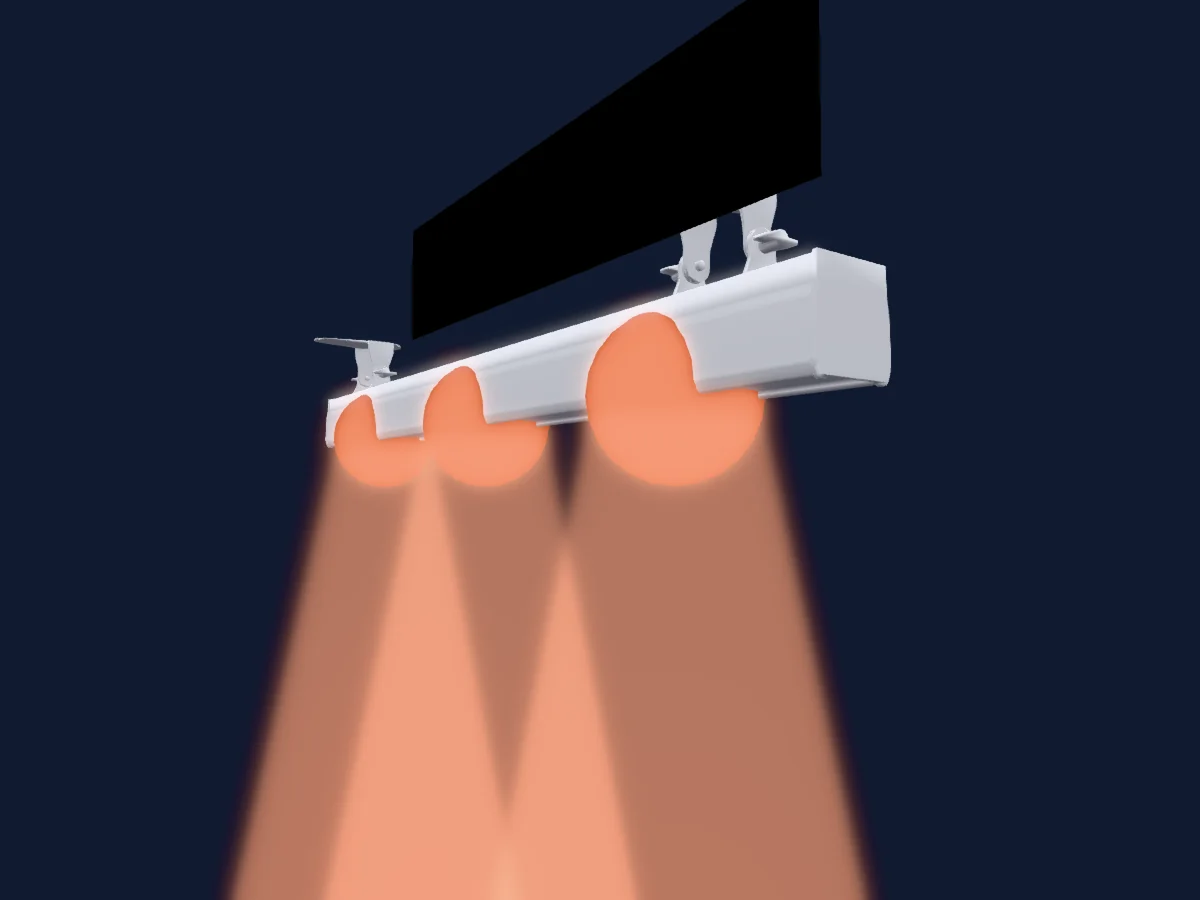
DMX-Tabelle, 10 DMX-Modi und eine 3D-Vorschau. 3 / 4 / 5 / 6 / 7 / 9 / 12 / 15 / 18 DMX-Kanäle.
Was er kann
- Zusätzliche LED-Farben
- Farbton und Sättigung
- RGB-Farbmischung
- Farbrad
- Effektgeschwindigkeit
- Strobe
- Dimmer
- Pixelsteuerung
Sicherheitsrelevante Funktionen: Strobe · Eingebaute Effektprogramme. Prüfe vor einer Show, wie sie sich an deinem eigenen Scheinwerfer verhalten.
DMX-Modi und Kanaltabellen
| Modus | Kanäle | In HitLight |
|---|---|---|
| ARC1 | 3 | Bereit in HitLight |
| HSV | 3 | Bereit in HitLight |
| ARC1 + D | 4 | Bereit in HitLight |
| ARC2 | 5 | Bereit in HitLight |
| ARC2 + D | 6 | Bereit in HitLight |
| ARC2 + S | 7 | Bereit in HitLight |
| BLOCK 1 | 9 | Bereit in HitLight |
| TOUR | 12 | Bereit in HitLight |
| BLOCK 2 | 15 | Bereit in HitLight |
| TR16 | 18 | Bereit in HitLight |
ARC1
Bereit in HitLight3 DMX-Kanäle · Diese Tabelle als CSV herunterladen
| Kanal | Funktion | Standard | DMX-Werte |
|---|---|---|---|
| 1 | Red | 255 | 0–255 |
| 2 | Green | 255 | 0–255 |
| 3 | Blue | 255 | 0–255 |
HSV
Bereit in HitLight3 DMX-Kanäle · Diese Tabelle als CSV herunterladen
| Kanal | Funktion | Standard | DMX-Werte |
|---|---|---|---|
| 1 | H SBHue | 0 | 0–255 |
| 2 | H SBSaturation | 0 | 0–255 |
| 3 | H SBBrightness | 0 | 0–255 |
ARC1 + D
Bereit in HitLight4 DMX-Kanäle · Diese Tabelle als CSV herunterladen
| Kanal | Funktion | Standard | DMX-Werte |
|---|---|---|---|
| 1 | Dimmer | 0 | 0–255 |
| 2 | Red | 255 | 0–255 |
| 3 | Green | 255 | 0–255 |
| 4 | Blue | 255 | 0–255 |
ARC2
Bereit in HitLight5 DMX-Kanäle · Diese Tabelle als CSV herunterladen
| Kanal | Funktion | Standard | DMX-Werte |
|---|---|---|---|
| 1 | Red | 255 | 0–255 |
| 2 | Green | 255 | 0–255 |
| 3 | Blue | 255 | 0–255 |
| 4 | White | 255 | 0–255 |
| 5 | Color Add RY | 0 | 0–255 |
ARC2 + D
Bereit in HitLight6 DMX-Kanäle · Diese Tabelle als CSV herunterladen
| Kanal | Funktion | Standard | DMX-Werte |
|---|---|---|---|
| 1 | Dimmer | 0 | 0–255 |
| 2 | Red | 255 | 0–255 |
| 3 | Green | 255 | 0–255 |
| 4 | Blue | 255 | 0–255 |
| 5 | White | 255 | 0–255 |
| 6 | Color Add RY | 0 | 0–255 |
ARC2 + S
Bereit in HitLight7 DMX-Kanäle · Diese Tabelle als CSV herunterladen
| Kanal | Funktion | Standard | DMX-Werte |
|---|---|---|---|
| 1 | Dimmer | 0 | 0–255 |
| 2 | Red | 255 | 0–255 |
| 3 | Green | 255 | 0–255 |
| 4 | Blue | 255 | 0–255 |
| 5 | White | 255 | 0–255 |
| 6 | Color Add RY | 0 | 0–255 |
| 7 | Shutter / Strobe | 0 | 2 Wertebereiche
|
BLOCK 1
Bereit in HitLight9 DMX-Kanäle · Diese Tabelle als CSV herunterladen
| Kanal | Funktion | Standard | DMX-Werte |
|---|---|---|---|
| 1 | Red | 255 | 0–255 |
| 2 | Green | 255 | 0–255 |
| 3 | Blue | 255 | 0–255 |
| 4 | Red | 255 | 0–255 |
| 5 | Green | 255 | 0–255 |
| 6 | Blue | 255 | 0–255 |
| 7 | Red | 255 | 0–255 |
| 8 | Green | 255 | 0–255 |
| 9 | Blue | 255 | 0–255 |
TOUR
Bereit in HitLight12 DMX-Kanäle · Diese Tabelle als CSV herunterladen
| Kanal | Funktion | Standard | DMX-Werte |
|---|---|---|---|
| 1 | Dimmer | 0 | 0–255 |
| 2 | Red | 255 | 0–255 |
| 3 | Green | 255 | 0–255 |
| 4 | Blue | 255 | 0–255 |
| 5 | White | 255 | 0–255 |
| 6 | Color Add RY | 0 | 0–255 |
| 7 | Color Macro1 | 0 | 21 Wertebereiche
|
| 8 | Shutter / Strobe | 0 | 2 Wertebereiche
|
| 9 | Effect | 0 | 21 Wertebereiche
|
| 10 | Effect Speed | 0 | 0–255 |
| 11 | Intensity MSpeed | 0 | 6 Wertebereiche
|
| 12 | L EDZone Mode | 0 | 9 Wertebereiche
|
BLOCK 2
Bereit in HitLight15 DMX-Kanäle · Diese Tabelle als CSV herunterladen
| Kanal | Funktion | Standard | DMX-Werte |
|---|---|---|---|
| 1 | Red | 255 | 0–255 |
| 2 | Green | 255 | 0–255 |
| 3 | Blue | 255 | 0–255 |
| 4 | White | 255 | 0–255 |
| 5 | Color Add RY | 0 | 0–255 |
| 6 | Red | 255 | 0–255 |
| 7 | Green | 255 | 0–255 |
| 8 | Blue | 255 | 0–255 |
| 9 | White | 255 | 0–255 |
| 10 | Color Add RY | 0 | 0–255 |
| 11 | Red | 255 | 0–255 |
| 12 | Green | 255 | 0–255 |
| 13 | Blue | 255 | 0–255 |
| 14 | White | 255 | 0–255 |
| 15 | Color Add RY | 0 | 0–255 |
TR16
Bereit in HitLight18 DMX-Kanäle · Diese Tabelle als CSV herunterladen
| Kanal | Funktion | Standard | DMX-Werte |
|---|---|---|---|
| 1 | Dimmer | 0 | 0–255 |
| 2 | Dimmer Fine | 0 | Feinbyte von Dimmer |
| 3 | Red | 255 | 0–255 |
| 4 | Red Fine | 255 | Feinbyte von Red |
| 5 | Green | 255 | 0–255 |
| 6 | Green Fine | 255 | Feinbyte von Green |
| 7 | Blue | 255 | 0–255 |
| 8 | Blue Fine | 255 | Feinbyte von Blue |
| 9 | White | 255 | 0–255 |
| 10 | White Fine | 255 | Feinbyte von White |
| 11 | Color Add RY | 0 | 0–255 |
| 12 | Color Add RY Fine | 0 | Feinbyte von Color Add RY |
| 13 | Color Macro1 | 0 | 21 Wertebereiche
|
| 14 | Effect | 0 | 21 Wertebereiche
|
| 15 | Effect Speed | 0 | 0–255 |
| 16 | Shutter / Strobe | 0 | 2 Wertebereiche
|
| 17 | Intensity MSpeed | 0 | 6 Wertebereiche
|
| 18 | L EDZone Mode | 0 | 9 Wertebereiche
|
Chauvet Professional COLORado Batten 72 Tour in HitLight verwenden
- Öffne Scheinwerfer hinzufügen und suche nach Chauvet Professional COLORado Batten 72 Tour.
- Wähle den DMX-Modus, der im Menü des Scheinwerfers eingestellt ist. HitLight gibt ihm die niedrigste freie Startadresse in seinem Universum, die zur Kanalzahl des Modus passt.
- Prüfe Modus und Steuerung an deinem echten Scheinwerfer, bevor du ihn live einsetzt.
Spielstätten mit Chauvet Professional COLORado Batten 72 Tour
Ihre gespeicherten Lichtaufbauten enthalten dieses Scheinwerfermodell. Klären Sie die aktuelle Ausstattung mit der Spielstätte.
- Norwich Theatre Stage Two Norwich, Vereinigtes Königreich
Ähnliche Scheinwerfer
Chauvet Professional Colorado Solo Batten
Chauvet Professional WELL STX 360
Chauvet Professional WELL STX 180
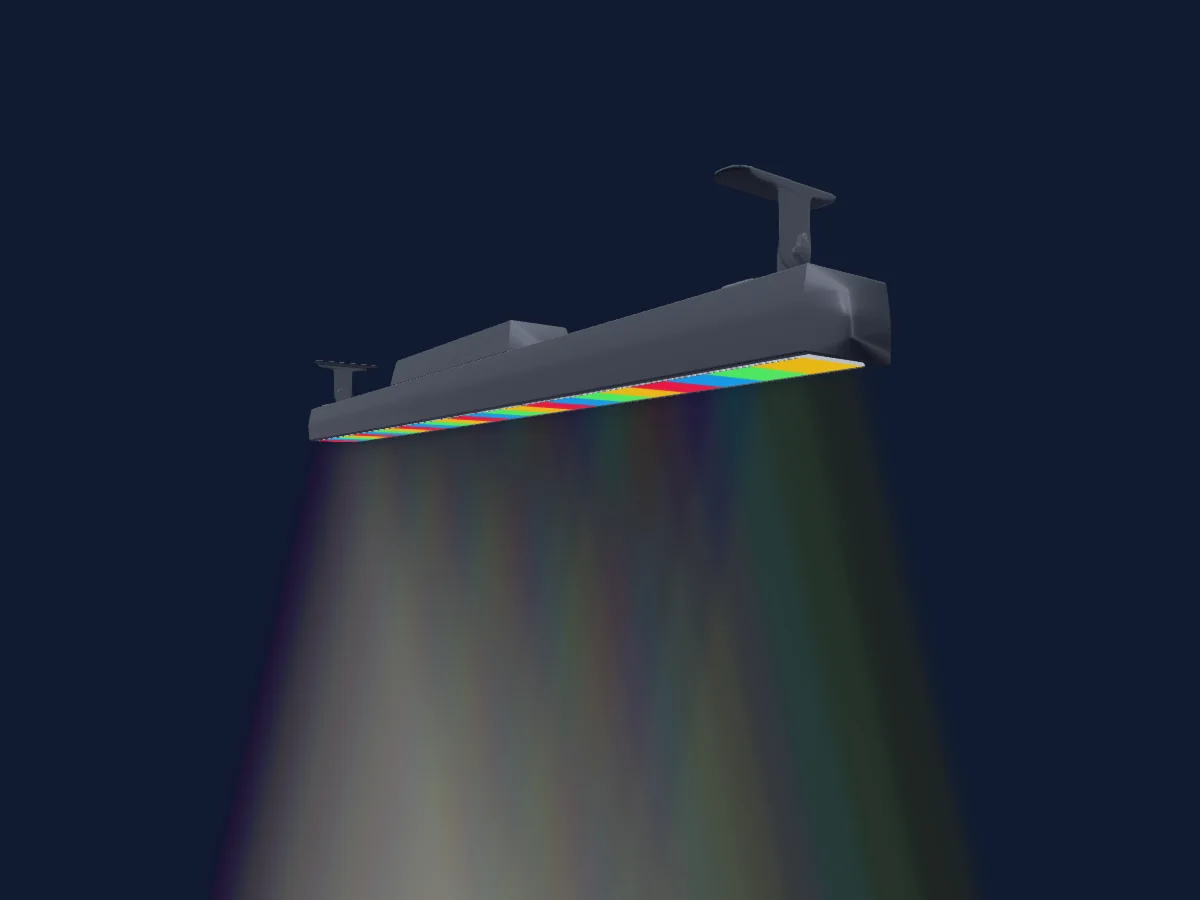
Chauvet Professional COLOrado SOLO Bar 6
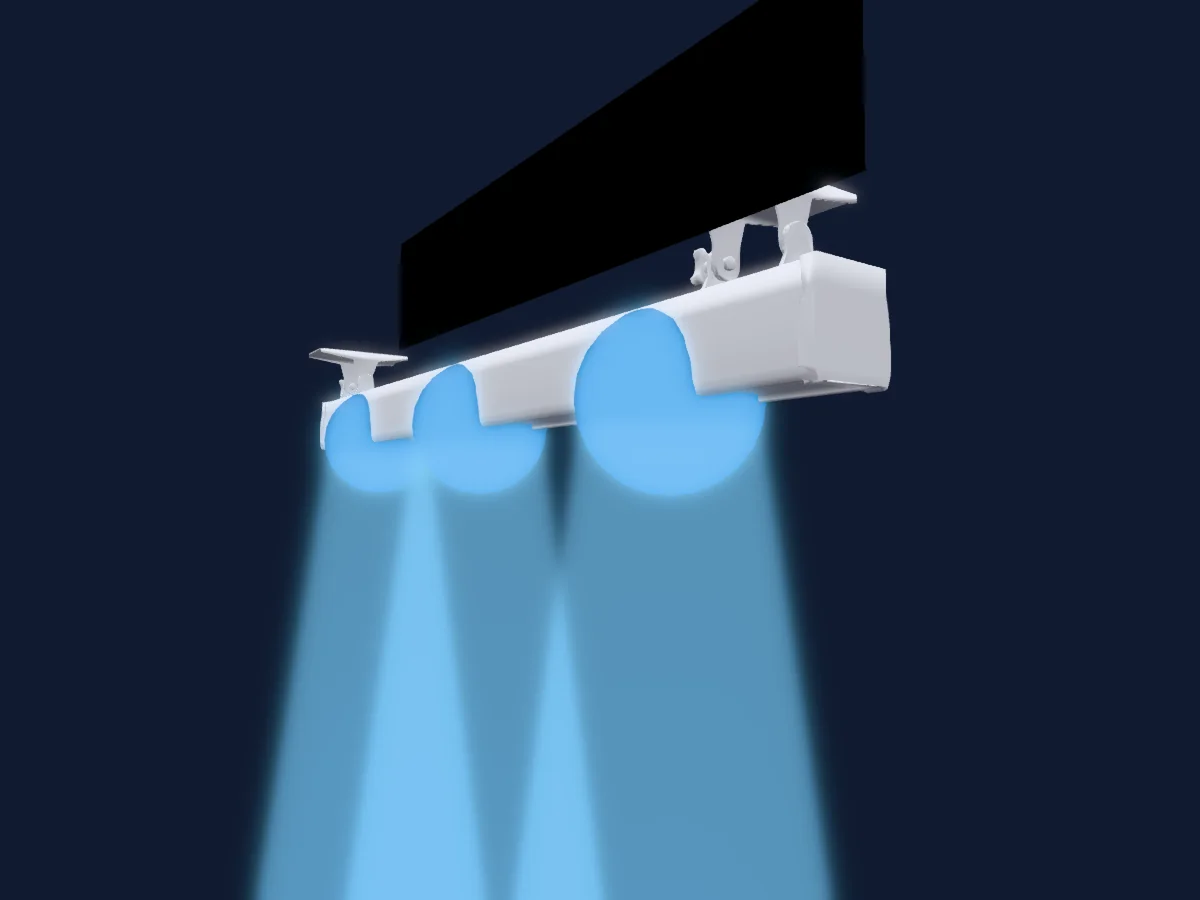
Chauvet Professional COLORado Batten 72X
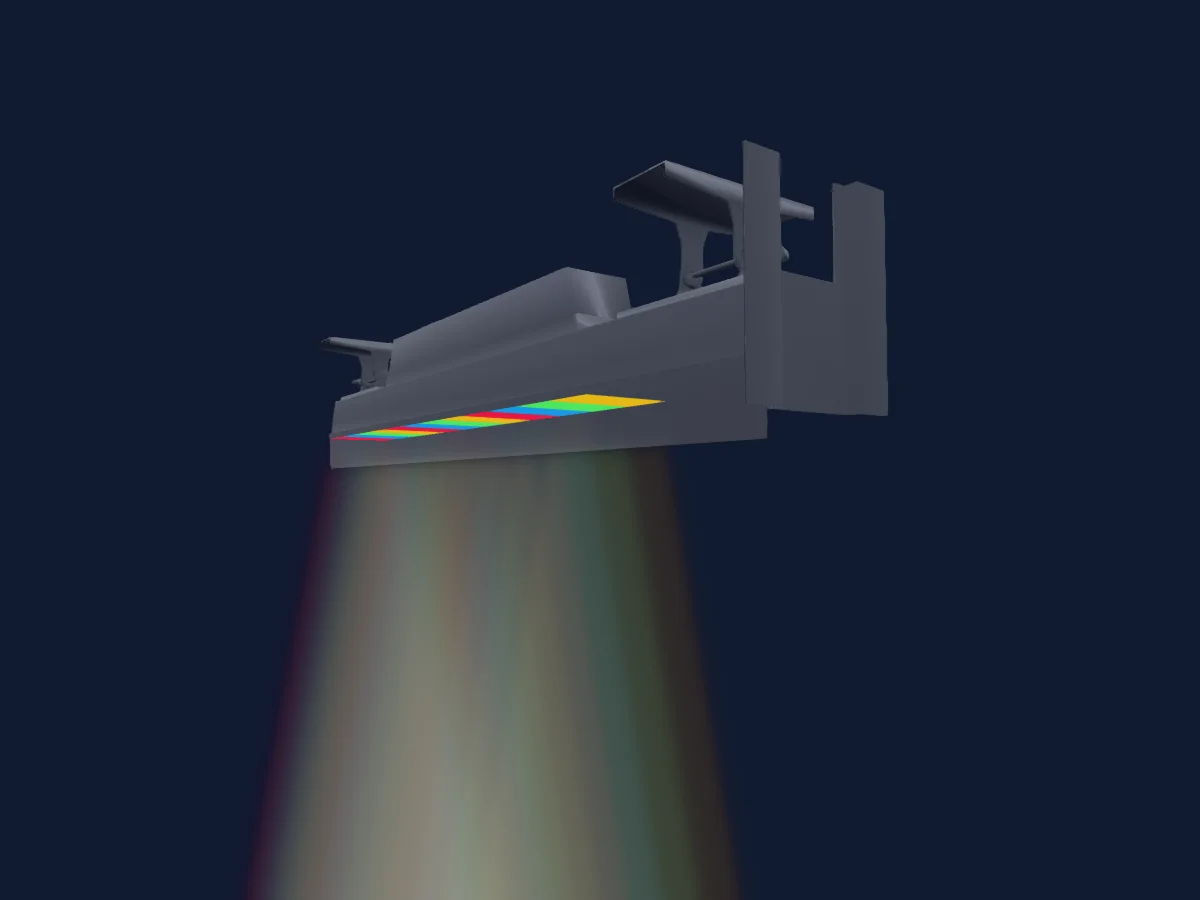
Chauvet Professional COLORado Batten Quad 12
Die Tabellen stammen aus der GDTF-Beschreibung des Scheinwerfers, umgewandelt für die HitLight-Bibliothek. HitLight ist nicht mit Chauvet Professional verbunden.