Zum Inhalt springen
HitLight
Chauvet Professional · Moving Head

Chauvet Professional Rogue Outcast 1L Beam

DMX-Tabelle, 1 DMX-Modus und eine 3D-Vorschau. 19 DMX-Kanäle.
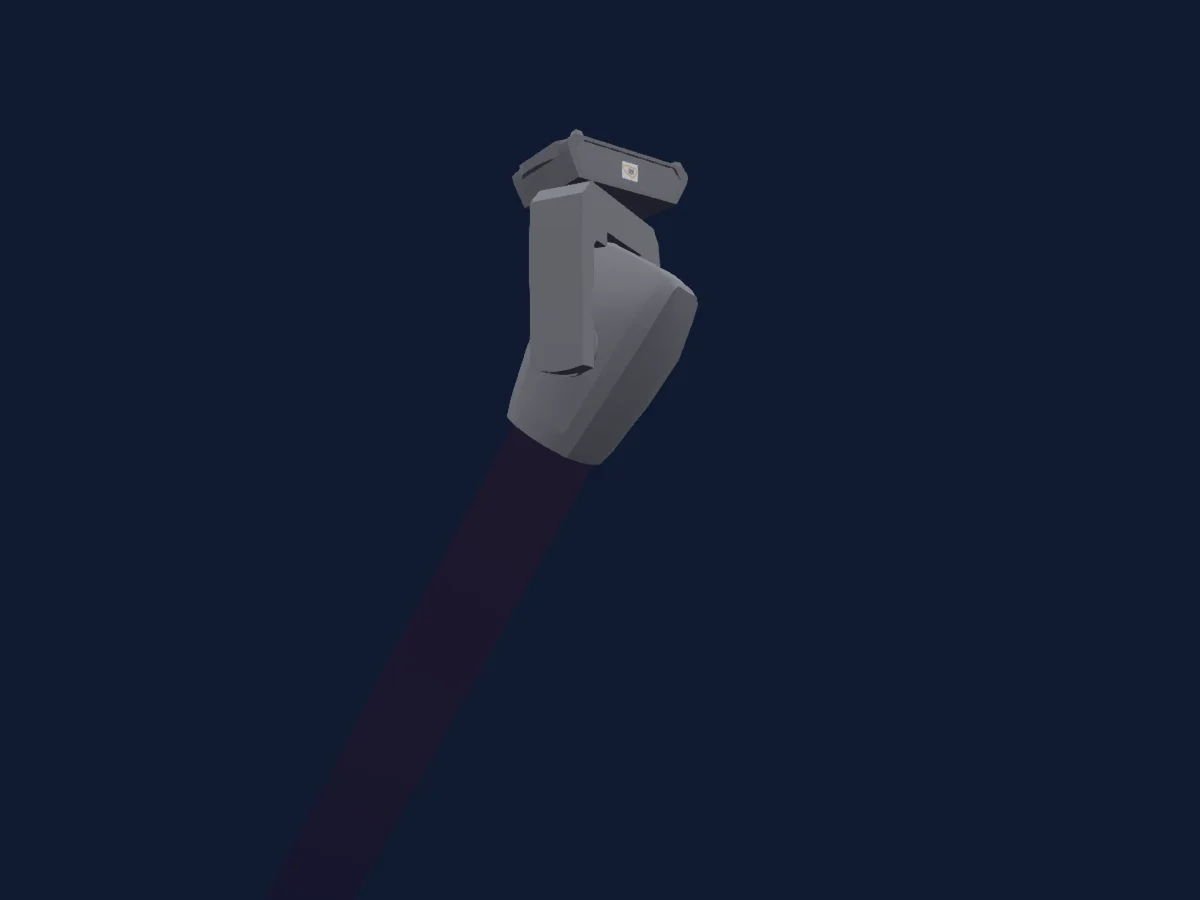
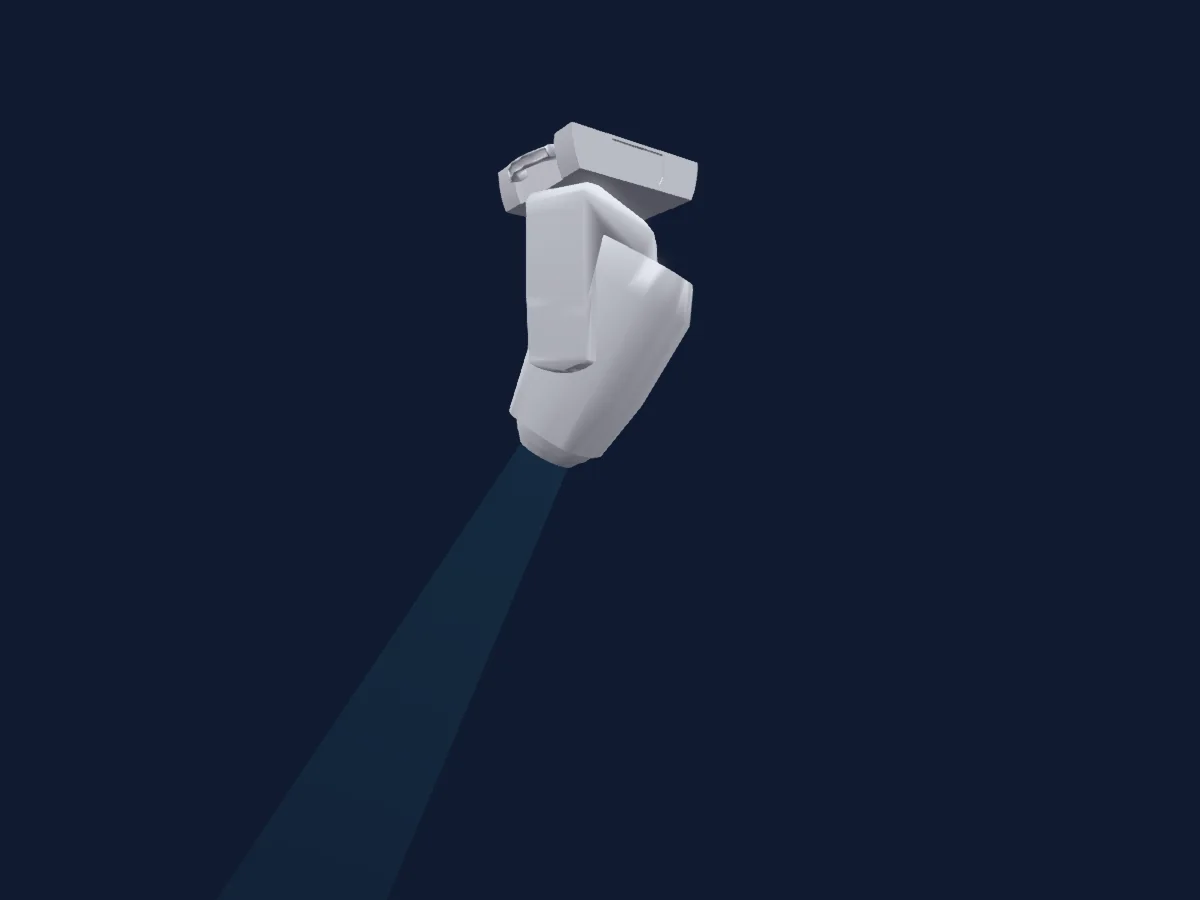
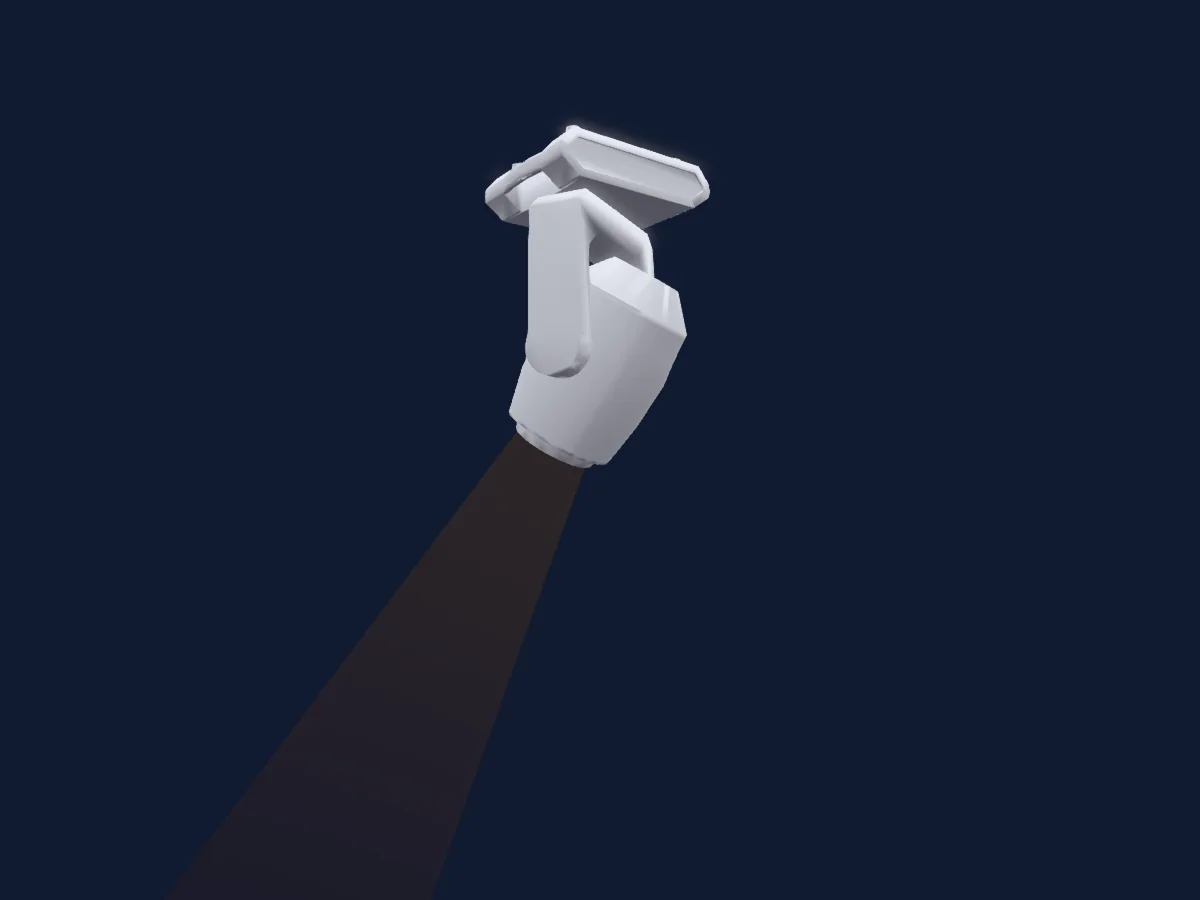
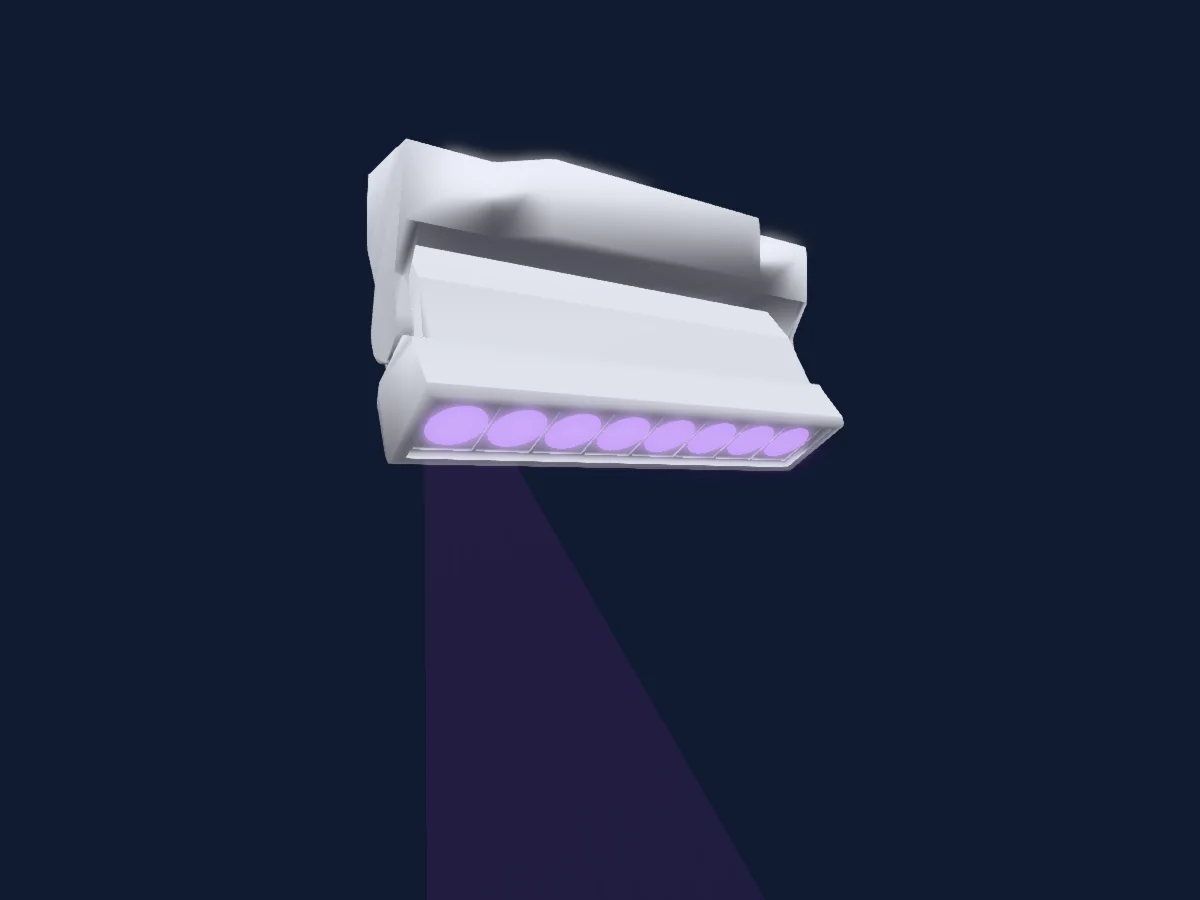
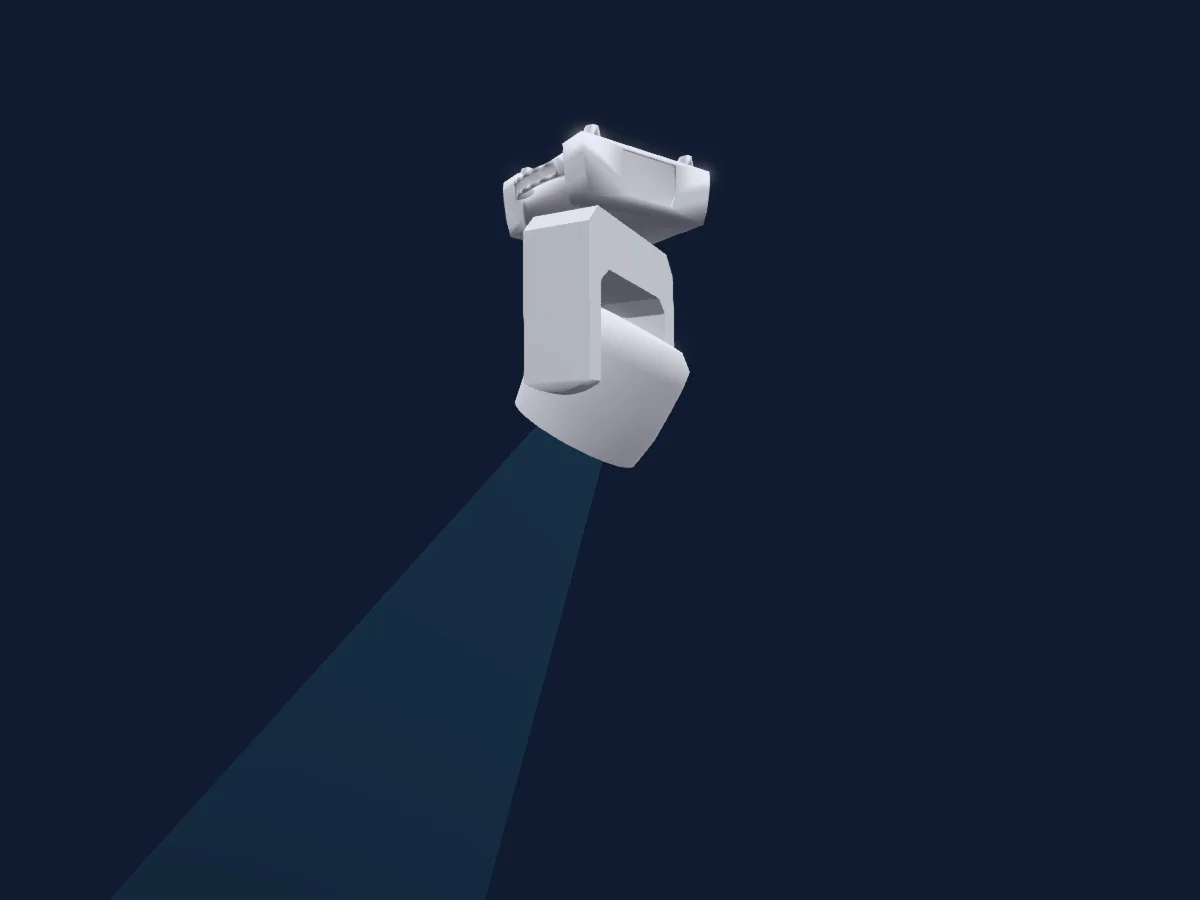
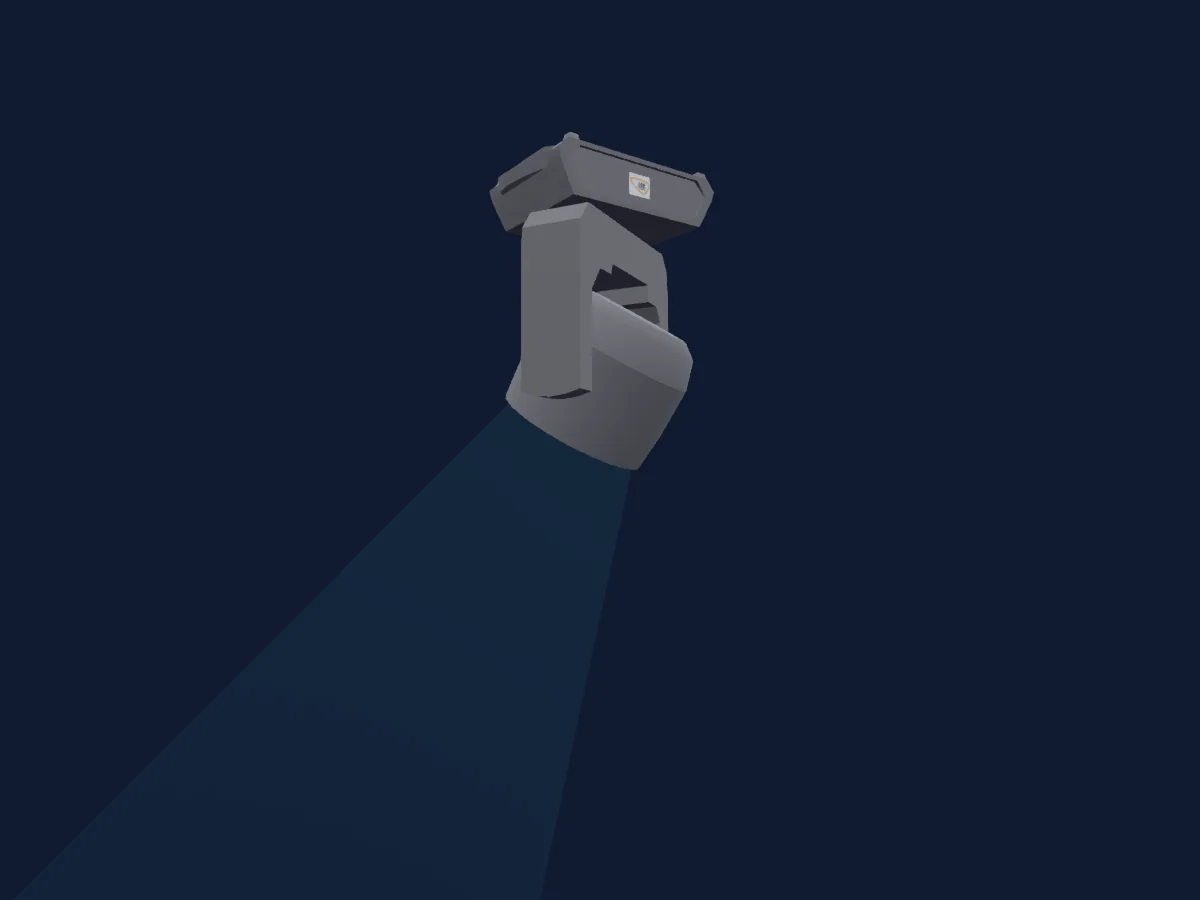
Chauvet Professional Rogue Outcast 1L Beam, gerendert in HitLight

Was er kann

  • Fokus
  • Frost
  • Prisma
  • Prismenrotation
  • Farbrad
  • Strobe
  • Dimmer
  • Pan und Tilt
  • Bewegungsgeschwindigkeit
  • Gobos
  • Gobo-Rotation

Sicherheitsrelevante Funktionen: Scheinwerfer-Reset. Prüfe vor einer Show, wie sie sich an deinem eigenen Scheinwerfer verhalten.

DMX-Modi und Kanaltabellen

DMX-Modi von Chauvet Professional Rogue Outcast 1L Beam
ModusKanäleIn HitLight
19ch19Bereit in HitLight

19ch

Bereit in HitLight

19 DMX-Kanäle · Diese Tabelle als CSV herunterladen

DMX-Kanaltabelle für 19ch
KanalFunktionStandardDMX-Werte
1Pan850–255
2Pan Fine85Feinbyte von Pan
3Tilt1280–255
4Tilt Fine0Feinbyte von Tilt
5Position MSpeed00–255
6Dimmer0
2 Wertebereiche
  • 0–254 Closed
  • 255–255 Open
7Dimmer Fine0Feinbyte von Dimmer
8Shutter / Strobe7
9 Wertebereiche
  • 0–3 Closed
  • 4–7 Open
  • 8–75 Strobe · Min 1–11.8 Hz
  • 76–76 Strobe · Max 12 Hz
  • 77–144 Pulse · Min 1–8.88 Hz
  • 145–145 Pulse · Max 9 Hz
  • 146–214 Strobe Random · Min 1–11.8 Hz
  • 215–215 Strobe Random · Max 12 Hz
  • 255–255 Open
9Color Wheel0
19 Wertebereiche
  • 0–3 Open (wheel slot 1)
  • 4–7 Red (wheel slot 2)
  • 8–11 Orange (wheel slot 3)
  • 12–15 Cyan (wheel slot 4)
  • 16–19 Light green (wheel slot 5)
  • 20–23 Light yellow (wheel slot 6)
  • 24–27 Lavender (wheel slot 7)
  • 28–31 Pink (wheel slot 8)
  • 32–35 Yellow (wheel slot 9)
  • 36–39 Magenta (wheel slot 10)
  • 40–43 Light blue (wheel slot 11)
  • 44–47 Amber (wheel slot 12)
  • 48–51 CTO 5600K (wheel slot 13)
  • 52–55 CTO 6500K (wheel slot 14)
  • 56–59 UV (wheel slot 15)
  • 60–187 Split colors
  • 188–219 Color scroll fast to slow
  • 220–223 Stop
  • 224–255 Reverse color scroll slow to fast
10Gobo0
32 Wertebereiche
  • 0–3 Open (wheel slot 1)
  • 4–7 Gobo 1 (wheel slot 2)
  • 8–11 Gobo 2 (wheel slot 3)
  • 12–15 Gobo 3 (wheel slot 4)
  • 16–19 Gobo 4 (wheel slot 5)
  • 20–23 Gobo 5 (wheel slot 6)
  • 24–27 Gobo 6 (wheel slot 7)
  • 28–31 Gobo 7 (wheel slot 8)
  • 32–35 Gobo 8 (wheel slot 9)
  • 36–39 Gobo 9 (wheel slot 10)
  • 40–43 Gobo 10 (wheel slot 11)
  • 44–47 Gobo 11 (wheel slot 12)
  • 48–51 Gobo 12 (wheel slot 13)
  • 52–55 Gobo 13 (wheel slot 14)
  • 56–63 Gobo 14 (wheel slot 15)
  • 64–71 Gobo 14 shaking slow to fast (wheel slot 15)
  • 72–75 Gobo 13 shaking slow to fast (wheel slot 14)
  • 76–79 Gobo 12 shaking slow to fast (wheel slot 13)
  • 80–83 Gobo 11 shaking slow to fast (wheel slot 12)
  • 84–87 Gobo 10 shaking slow to fast (wheel slot 11)
  • 88–91 Gobo 9 shaking slow to fast (wheel slot 10)
  • 92–95 Gobo 8 shaking slow to fast (wheel slot 9)
  • 96–99 Gobo 7 shaking slow to fast (wheel slot 8)
  • 100–103 Gobo 6 shaking slow to fast (wheel slot 7)
  • 104–107 Gobo 5 shaking slow to fast (wheel slot 6)
  • 108–111 Gobo 4 shaking slow to fast (wheel slot 5)
  • 112–115 Gobo 3 shaking slow to fast (wheel slot 4)
  • 116–119 Gobo 2 shaking slow to fast (wheel slot 3)
  • 120–123 Gobo 1 shaking slow to fast (wheel slot 2)
  • 124–131 Open (wheel slot 1)
  • 132–191 Gobo scroll slow to fast
  • 192–255 Reverse gobo scroll slow to fast
11Gobo Rotation147
5 Wertebereiche
  • 0–63 Gobo index
  • 64–145 Gobo rotation fast to slow
  • 146–149 Stop
  • 150–231 Reverse gobo rotation slow to fast
  • 232–255 Bounce effect short to long
12Prism0
2 Wertebereiche
  • 0–4 No function (wheel slot 1)
  • 5–255 Prism effect (wheel slot 2)
13Prism Rotation192
4 Wertebereiche
  • 0–127 Prism index
  • 128–189 Prism rotation fast to slow
  • 190–193 Stop
  • 194–255 Reverse prism rotation slow to fast
14Prism0
2 Wertebereiche
  • 0–4 No function (wheel slot 1)
  • 5–255 Prism effect (wheel slot 2)
15Prism Rotation192
4 Wertebereiche
  • 0–127 Prism index
  • 128–189 Prism rotation fast to slow
  • 190–193 Stop
  • 194–255 Reverse prism rotation slow to fast
16Frost100–255
17Focus1280–255
18Focus Fine128Feinbyte von Focus
19Control10
19 Wertebereiche
  • 0–7 No function
  • 8–15 Pan tilt blackout
  • 16–23 Color blackout
  • 24–31 Gobo blackout
  • 32–39 Pan tilt/color blackout
  • 40–47 Pan tilt/gobo blackout
  • 48–55 Pan tilt/color/gobo blackout
  • 56–95 No function
  • 96–103 Pan reset
  • 104–111 Tilt reset
  • 112–119 Color reset
  • 120–127 Gobo reset
  • 128–135 No function
  • 136–143 Prism reset
  • 144–151 Focus reset
  • 152–159 All reset
  • 160–167 No function
  • 168–231 Frost reset
  • 232–255 No function

Chauvet Professional Rogue Outcast 1L Beam in HitLight verwenden

  1. Öffne Scheinwerfer hinzufügen und suche nach Chauvet Professional Rogue Outcast 1L Beam.
  2. Wähle den DMX-Modus, der im Menü des Scheinwerfers eingestellt ist. HitLight gibt ihm die niedrigste freie Startadresse in seinem Universum, die zur Kanalzahl des Modus passt.
  3. Prüfe Modus und Steuerung an deinem echten Scheinwerfer, bevor du ihn live einsetzt.

Die Tabellen stammen aus der GDTF-Beschreibung des Scheinwerfers, umgewandelt für die HitLight-Bibliothek. HitLight ist nicht mit Chauvet Professional verbunden.

Patche ihn und lass die Musik das Licht steuern.

HitLight findet diese Scheinwerfer in seiner Bibliothek, patcht sie auf die nächste freie Adresse und zeigt deine Lichtanlage in 3D, bevor ein einziges Licht eingesteckt ist.

HitLight öffnen ↗HitLight herunterladen