Zum Inhalt springen
HitLight
CKC Lighting · Profilscheinwerfer

CKC Lighting V15

DMX-Tabelle, 2 DMX-Modi und eine 3D-Vorschau. 38 / 54 DMX-Kanäle.
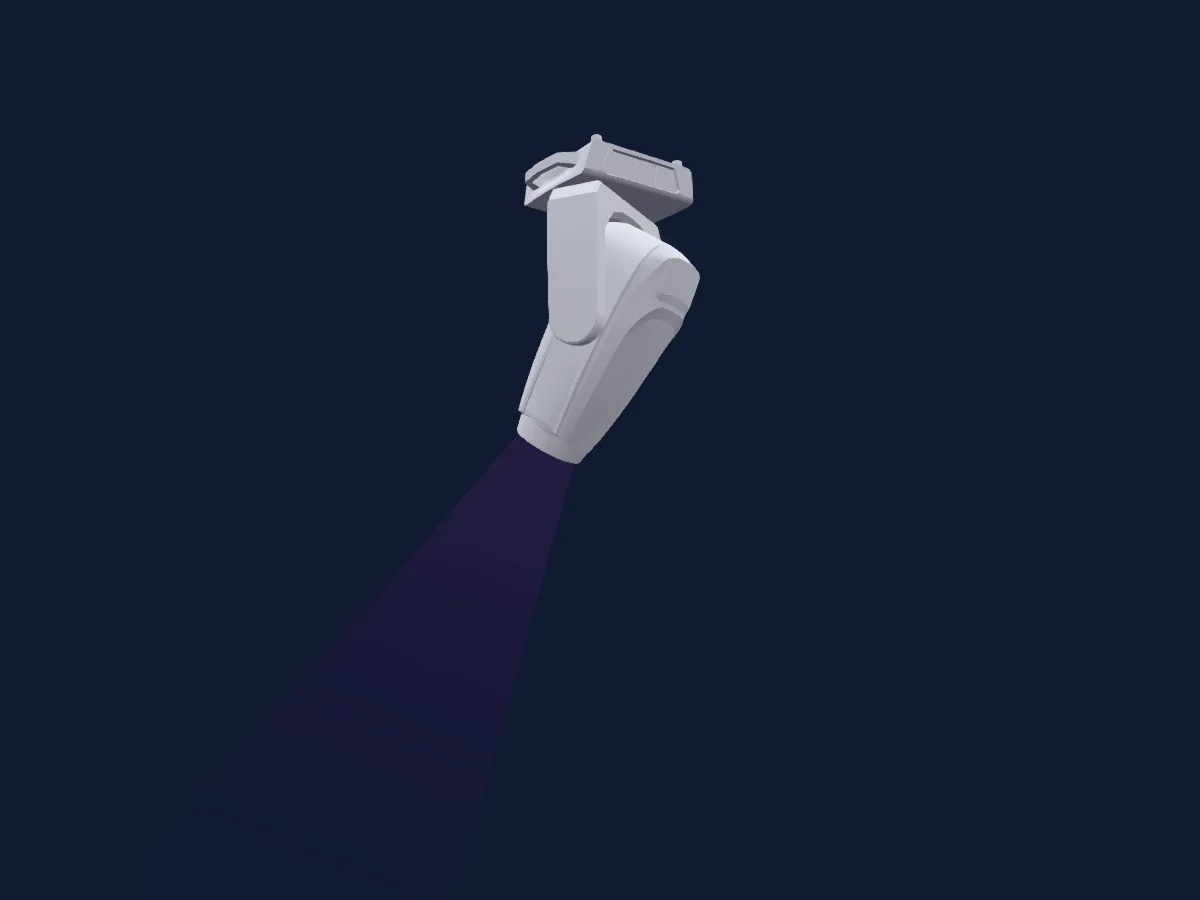
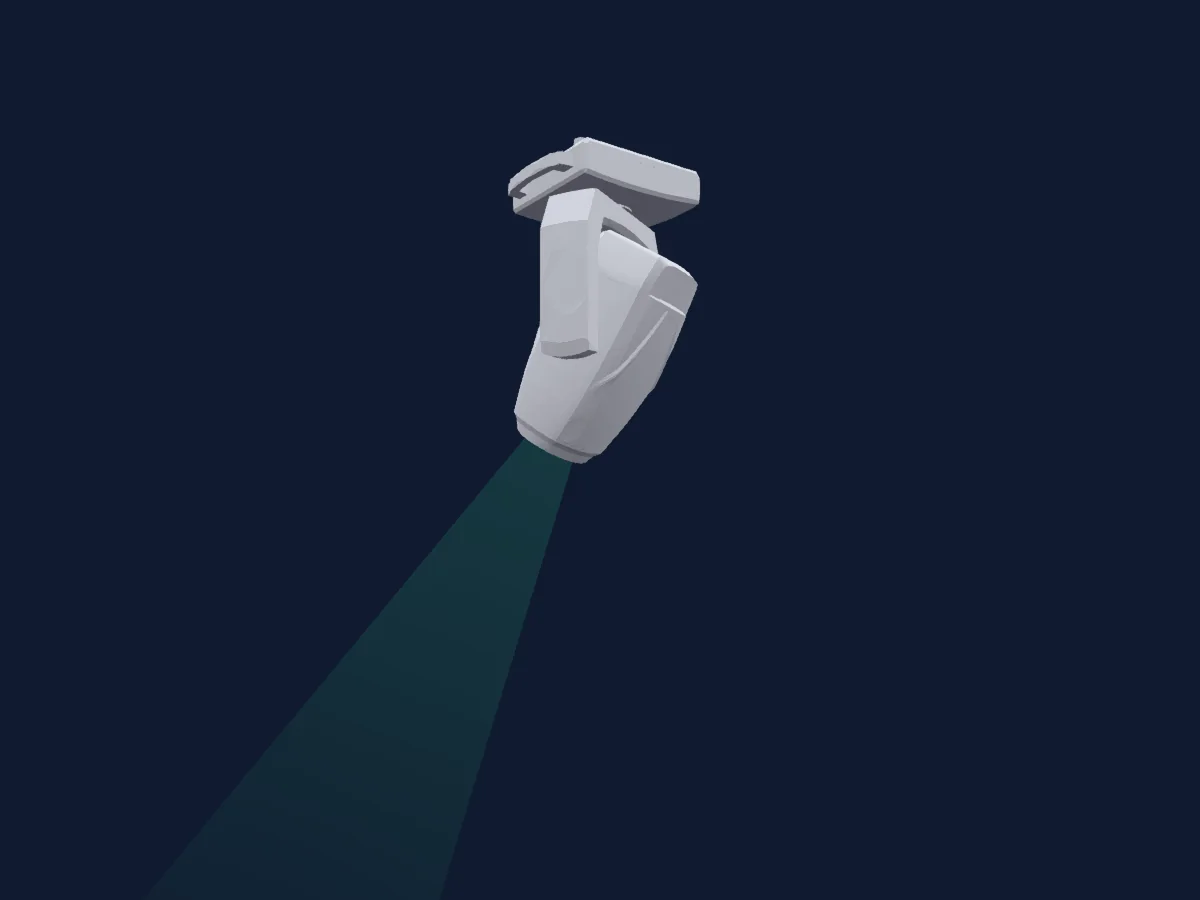
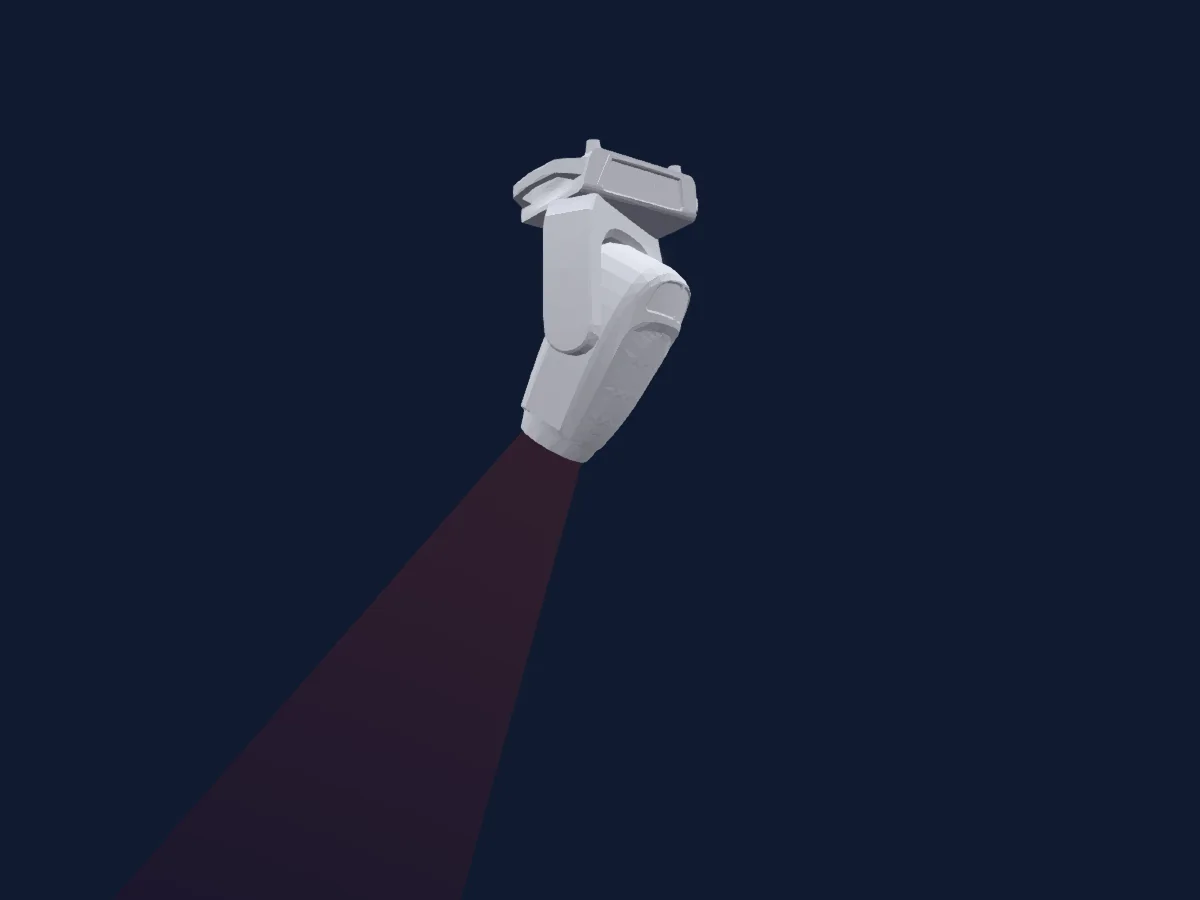
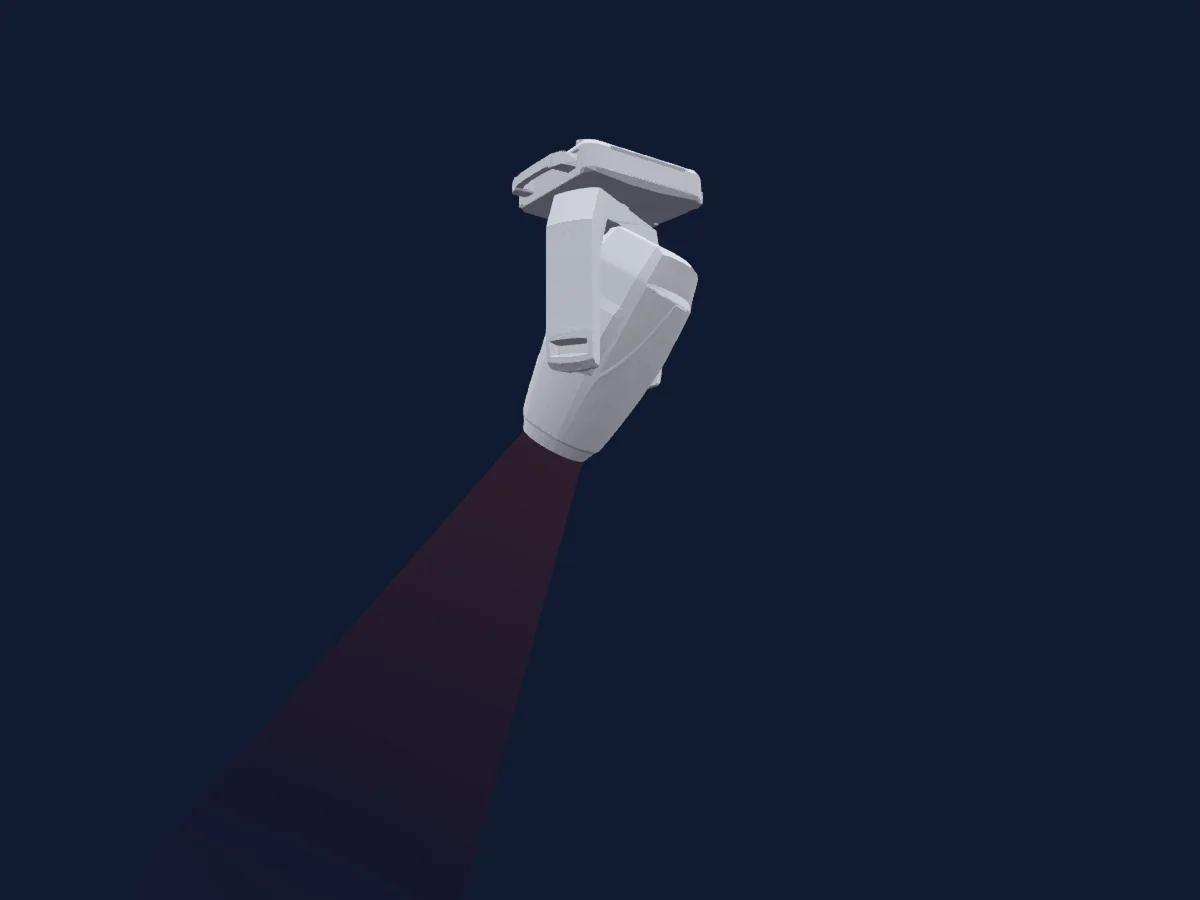
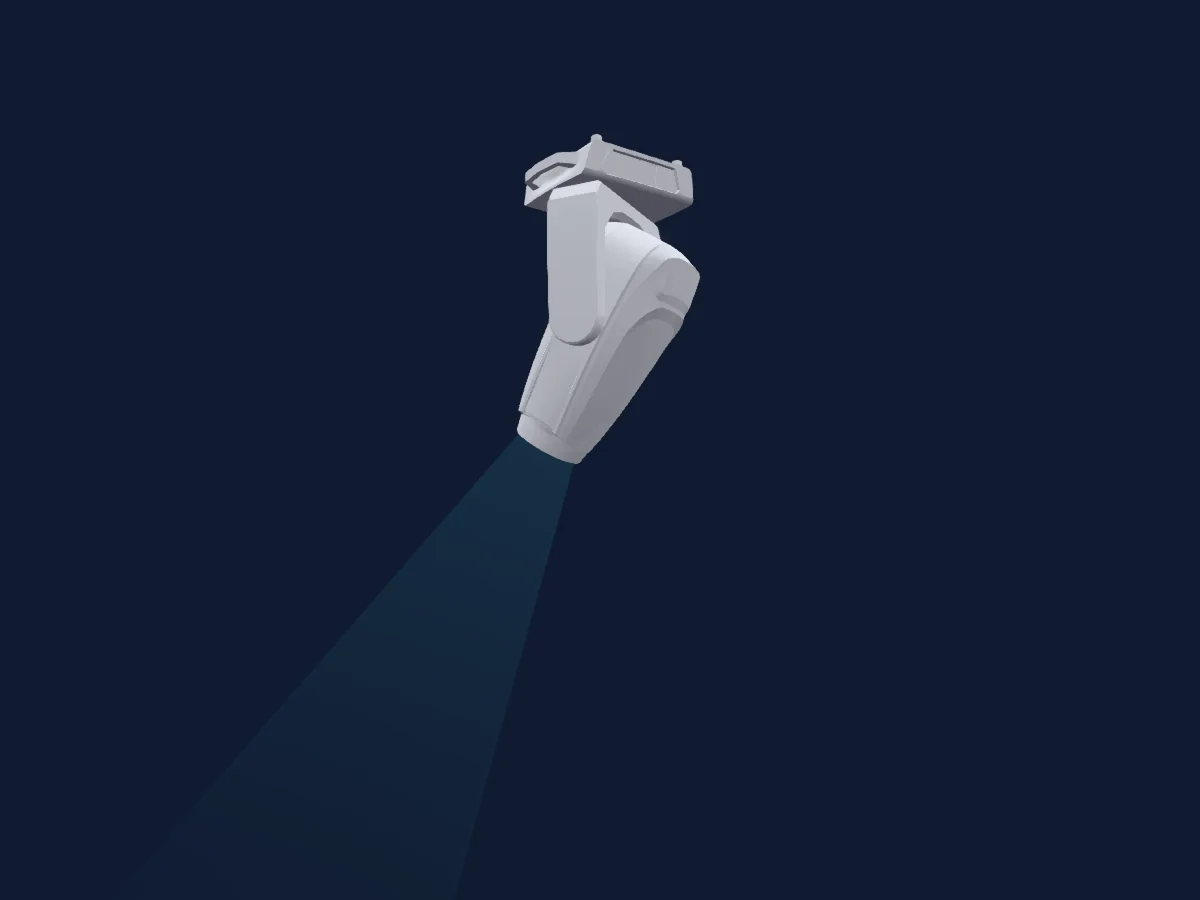
CKC Lighting V15, gerendert in HitLight

Was er kann

  • Fokus
  • Frost
  • Iris
  • Prisma
  • Prismenrotation
  • Zoom
  • CMY-Farbmischung
  • Farbtemperatur
  • Farbrad
  • Strobe
  • Dimmer
  • Pan und Tilt
  • Animationsrad
  • Gobos
  • Gobo-Rotation

Sicherheitsrelevante Funktionen: Scheinwerfer-Reset · Strobe. Prüfe vor einer Show, wie sie sich an deinem eigenen Scheinwerfer verhalten.

DMX-Modi und Kanaltabellen

DMX-Modi von CKC Lighting V15
ModusKanäleIn HitLight
Standard 38CH38Bereit in HitLight
Extended 54CH54Bereit in HitLight

Standard 38CH

Bereit in HitLight

38 DMX-Kanäle · Diese Tabelle als CSV herunterladen

DMX-Kanaltabelle für Standard 38CH
KanalFunktionStandardDMX-Werte
1Pan1280–255
2Pan Fine0Feinbyte von Pan
3Tilt1280–255
4Tilt Fine0Feinbyte von Tilt
5Dimmer0
2 Wertebereiche
  • 0–254 Closed
  • 255–255 Open
6Dimmer Fine0Feinbyte von Dimmer
7Shutter / Strobe50
11 Wertebereiche
  • 0–31 Closed
  • 32–63 Open
  • 64–94 Strobe Min
  • 95–95 Strobe Max
  • 96–127 Open
  • 128–158 Strobe Pulse Min
  • 159–159 Strobe Pulse Max
  • 160–191 Open
  • 192–222 Random Strobe Min
  • 223–223 Random Strobe Max
  • 224–255 Shutter Open 2
8Cyan00–255
9Magenta00–255
10Yellow00–255
11C TO0
2 Wertebereiche
  • 0–254 6500K
  • 255–255 2400K
12Color Wheel0
12 Wertebereiche
  • 0–4 Color off (open) (wheel slot 1)
  • 5–114 index
  • 115–119 Open (wheel slot 1)
  • 120–129 Deep Red (wheel slot 2)
  • 130–139 Medium Blue (wheel slot 3)
  • 140–149 Deep Green (wheel slot 4)
  • 150–159 Amber (wheel slot 5)
  • 160–169 CTB (wheel slot 6)
  • 170–191 Open2 (wheel slot 1)
  • 192–222 Slow to Fast CW
  • 223–223 Stop
  • 224–255 Fast to Slow CCW
13Color Wheel Fine0Feinbyte von Color Wheel
14Gobo0
17 Wertebereiche
  • 0–5 Open (wheel slot 1)
  • 6–20 Gobo 1 (wheel slot 2)
  • 21–35 Gobo 2 (wheel slot 3)
  • 36–50 Gobo 3 (wheel slot 4)
  • 51–65 Gobo 4 (wheel slot 5)
  • 66–80 Gobo 5 (wheel slot 6)
  • 81–95 Gobo 6 (wheel slot 7)
  • 96–110 Gobo 1 shake (slow-fast) (wheel slot 2)
  • 111–125 Gobo 2 shake (slow-fast) (wheel slot 3)
  • 126–140 Gobo 3 shake (slow-fast) (wheel slot 4)
  • 141–155 Gobo 4 shake (slow-fast) (wheel slot 5)
  • 156–170 Gobo 5 shake (slow-fast) (wheel slot 6)
  • 171–185 Gobo 6 shake (slow-fast) (wheel slot 7)
  • 186–192 Open (wheel slot 1)
  • 193–223 slow to fast CW
  • 224–224 Stop
  • 225–255 fast to slow CCW
15Gobo Rotation6
5 Wertebereiche
  • 0–127 Gobo Position 0 degree
  • 128–128 Gobo Position 540 degree
  • 129–191 Rot CW Slow to Fast
  • 192–192 Stop
  • 193–255 Rot CCW Fast to Slow
16Gobo Rotation Fine6Feinbyte von Gobo Rotation
17Gobo 20
17 Wertebereiche
  • 0–5 Open (wheel slot 1)
  • 6–20 Gobo 1 (wheel slot 2)
  • 21–35 Gobo 2 (wheel slot 3)
  • 36–50 Gobo 3 (wheel slot 4)
  • 51–65 Gobo 4 (wheel slot 5)
  • 66–80 Gobo 5 (wheel slot 6)
  • 81–95 Gobo 6 (wheel slot 7)
  • 96–110 Gobo 1 shake (slow-fast) (wheel slot 2)
  • 111–125 Gobo 2 shake (slow-fast) (wheel slot 3)
  • 126–140 Gobo 3 shake (slow-fast) (wheel slot 4)
  • 141–155 Gobo 4 shake (slow-fast) (wheel slot 5)
  • 156–170 Gobo 5 shake (slow-fast) (wheel slot 6)
  • 171–185 Gobo 6 shake (slow-fast) (wheel slot 7)
  • 186–192 Open (wheel slot 1)
  • 193–223 Spin CW Slow to Fast
  • 224–224 Stop
  • 225–255 Spin CCW Fast to Slow
18Gobo Rotation 26
4 Wertebereiche
  • 0–128 Gobo Position 0 degree
  • 129–191 Gobo Position 540 degree
  • 192–192 Stop
  • 193–255 Fast to Slow CCW
19Gobo Rotation 2 Fine6Feinbyte von Gobo Rotation 2
20Zoom128
2 Wertebereiche
  • 0–254 narrow
  • 255–255 wide
21Focus0
2 Wertebereiche
  • 0–254 Open
  • 255–255 Close
22Iris0
8 Wertebereiche
  • 0–224 Open
  • 225–225 Close
  • 226–234 slow
  • 235–235 fast
  • 236–244 slow
  • 245–245 fast
  • 246–254 Slow
  • 255–255 Fast
23Prism0
3 Wertebereiche
  • 0–5 Open (wheel slot 1)
  • 6–130 Prism 1 (6 liner Prism) (wheel slot 2)
  • 131–255 Prism 2 (4 Facet Prism) (wheel slot 3)
24Prism Rotation6
5 Wertebereiche
  • 0–127 Position 0 degrees
  • 128–128 Position 540 degrees
  • 129–191 Rotation CW Slow to Fast
  • 192–192 Stop
  • 193–255 Rotation CCW Fast to Slow
25Frost100–255
26Frost200–255
27Animation Wheel1Pos6
5 Wertebereiche
  • 0–127 Wheel Position 0 degrees
  • 128–128 Wheel Position 540 degrees
  • 129–191 Rot CW Slow to Fast
  • 192–192 Stop
  • 193–255 Rot CCW Fast to Slow
28Blade1A00–255
29Blade1B00–255
30Blade2A00–255
31Blade2B00–255
32Blade3A00–255
33Blade3B00–255
34Blade4A00–255
35Blade4B00–255
36Shaper Rot1280–255
37Dimmer Mode0
6 Wertebereiche
  • 0–20 Standard
  • 21–40 Stage
  • 41–60 TV
  • 61–80 Architectural
  • 81–100 Theater
  • 101–255 Default to U nit Setting
38Control10
24 Wertebereiche
  • 0–2 No function
  • 3–4 OFF Display Backlight
  • 5–6 On Display Backlight
  • 7–17 Invert Pan on (Hold 3s)
  • 18–29 Invert Pan off (Hold 5s)
  • 30–41 Invert Tilt on (Hold 3s)
  • 42–53 Invert Tilt off (Hold 5s)
  • 54–61 Fan Auto (Hold 3s)
  • 62–69 Fan Silent (Hold 5s)
  • 70–77 Fan high (Hold 3s)
  • 78–89 Linear Dimmer Curve (hold 3s)
  • 90–101 Square Dimmer Curve (hold 3s)
  • 102–113 Inv-Square Dimmer Curve (hold 3s)
  • 114–125 S- Dimmer Curve (hold 3s)
  • 126–137 1200 Hz (hold 3s)
  • 138–149 3600 Hz (hold 3s)
  • 150–161 5000 Hz (hold 3s)
  • 162–173 10000 Hz (hold 3s)
  • 174–185 15000 Hz (hold 3s)
  • 186–197 20000 Hz (hold 3s)
  • 198–209 25000 Hz (hold 3s)
  • 210–221 Reset Pan/Tilt (Hold 3s)
  • 222–233 Reset only Head (Hold 3s)
  • 234–255 Reset All Functions (Hold 3s)

Extended 54CH

Bereit in HitLight

54 DMX-Kanäle · Diese Tabelle als CSV herunterladen

DMX-Kanaltabelle für Extended 54CH
KanalFunktionStandardDMX-Werte
1Pan1280–255
2Pan Fine0Feinbyte von Pan
3Tilt1280–255
4Tilt Fine0Feinbyte von Tilt
5Dimmer0
2 Wertebereiche
  • 0–254 Closed
  • 255–255 Open
6Dimmer Fine0Feinbyte von Dimmer
7Shutter / Strobe50
11 Wertebereiche
  • 0–31 Closed
  • 32–63 Open
  • 64–94 Strobe Min
  • 95–95 Strobe Max
  • 96–127 Open
  • 128–158 Strobe Pulse Min
  • 159–159 Strobe Pulse Max
  • 160–191 Open
  • 192–222 Random Strobe Min
  • 223–223 Random Strobe Max
  • 224–255 Shutter Open 2
8Cyan00–255
9Cyan Fine0Feinbyte von Cyan
10Magenta00–255
11Magenta Fine0Feinbyte von Magenta
12Yellow00–255
13Yellow Fine0Feinbyte von Yellow
14C TO00–255
15C TO Fine0Feinbyte von C TO
16Color Wheel0
12 Wertebereiche
  • 0–4 Color off (open) (wheel slot 1)
  • 5–114 index
  • 115–119 Open (wheel slot 1)
  • 120–129 Deep Red (wheel slot 2)
  • 130–139 Medium Blue (wheel slot 3)
  • 140–149 Deep Green (wheel slot 4)
  • 150–159 Amber (wheel slot 5)
  • 160–169 CTB (wheel slot 6)
  • 170–191 Open2 (wheel slot 1)
  • 192–222 Slow to Fast CW
  • 223–223 Stop
  • 224–255 Fast to Slow CCW
17Color Wheel Fine0Feinbyte von Color Wheel
18Gobo0
17 Wertebereiche
  • 0–5 Open (wheel slot 1)
  • 6–20 Gobo 1 (wheel slot 2)
  • 21–35 Gobo 2 (wheel slot 3)
  • 36–50 Gobo 3 (wheel slot 4)
  • 51–65 Gobo 4 (wheel slot 5)
  • 66–80 Gobo 5 (wheel slot 6)
  • 81–95 Gobo 6 (wheel slot 7)
  • 96–110 Gobo 1 shake (slow-fast) (wheel slot 2)
  • 111–125 Gobo 2 shake (slow-fast) (wheel slot 3)
  • 126–140 Gobo 3 shake (slow-fast) (wheel slot 4)
  • 141–155 Gobo 4 shake (slow-fast) (wheel slot 5)
  • 156–170 Gobo 5 shake (slow-fast) (wheel slot 6)
  • 171–185 Gobo 6 shake (slow-fast) (wheel slot 7)
  • 186–192 Open (wheel slot 1)
  • 193–223 slow to fast CW
  • 224–224 Stop
  • 225–255 fast to slow CCW
19Gobo Rotation6
5 Wertebereiche
  • 0–127 Gobo Position 0 degree
  • 128–128 Gobo Position 540 degree
  • 129–191 Rot CW Slow to Fast
  • 192–192 Stop
  • 193–255 Rot CCW Fast to Slow
20Gobo Rotation Fine6Feinbyte von Gobo Rotation
21Gobo 20
17 Wertebereiche
  • 0–5 Open (wheel slot 1)
  • 6–20 Gobo 1 (wheel slot 2)
  • 21–35 Gobo 2 (wheel slot 3)
  • 36–50 Gobo 3 (wheel slot 4)
  • 51–65 Gobo 4 (wheel slot 5)
  • 66–80 Gobo 5 (wheel slot 6)
  • 81–95 Gobo 6 (wheel slot 7)
  • 96–110 Gobo 1 shake (slow-fast) (wheel slot 2)
  • 111–125 Gobo 2 shake (slow-fast) (wheel slot 3)
  • 126–140 Gobo 3 shake (slow-fast) (wheel slot 4)
  • 141–155 Gobo 4 shake (slow-fast) (wheel slot 5)
  • 156–170 Gobo 5 shake (slow-fast) (wheel slot 6)
  • 171–185 Gobo 6 shake (slow-fast) (wheel slot 7)
  • 186–192 Open (wheel slot 1)
  • 193–223 Spin CW Slow to Fast
  • 224–224 Stop
  • 225–255 Spin CCW Fast to Slow
22Gobo Rotation 26
4 Wertebereiche
  • 0–128 Gobo Position 0 degree
  • 129–191 Gobo Position 540 degree
  • 192–192 Stop
  • 193–255 Fast to Slow CCW
23Gobo Rotation 2 Fine6Feinbyte von Gobo Rotation 2
24Zoom128
2 Wertebereiche
  • 0–254 narrow
  • 255–255 wide
25Zoom Fine0Feinbyte von Zoom
26Focus0
2 Wertebereiche
  • 0–254 Open
  • 255–255 Close
27Focus Fine0Feinbyte von Focus
28Iris0
8 Wertebereiche
  • 0–224 Open
  • 225–225 Close
  • 226–234 slow
  • 235–235 fast
  • 236–244 slow
  • 245–245 fast
  • 246–254 Slow
  • 255–255 Fast
29Prism0
3 Wertebereiche
  • 0–5 Open (wheel slot 1)
  • 6–130 Prism 1 (6 liner Prism) (wheel slot 2)
  • 131–255 Prism 2 (4 Facet Prism) (wheel slot 3)
30Prism Rotation6
5 Wertebereiche
  • 0–127 Position 0 degrees
  • 128–128 Position 540 degrees
  • 129–191 Rotation CW Slow to Fast
  • 192–192 Stop
  • 193–255 Rotation CCW Fast to Slow
31Frost100–255
32Frost200–255
33Animation Wheel1Pos6
5 Wertebereiche
  • 0–127 Wheel Position 0 degrees
  • 128–128 Wheel Position 540 degrees
  • 129–191 Rot CW Slow to Fast
  • 192–192 Stop
  • 193–255 Rot CCW Fast to Slow
34Blade1A00–255
35Blade1A Fine0Feinbyte von Blade1A
36Blade1B00–255
37Blade1B Fine0Feinbyte von Blade1B
38Blade2A00–255
39Blade2A Fine0Feinbyte von Blade2A
40Blade2B00–255
41Blade2B Fine0Feinbyte von Blade2B
42Blade3A00–255
43Blade3A Fine0Feinbyte von Blade3A
44Blade3B00–255
45Blade3B Fine0Feinbyte von Blade3B
46Blade4A00–255
47Blade4A Fine0Feinbyte von Blade4A
48Blade4B00–255
49Blade4B Fine0Feinbyte von Blade4B
50Shaper Rot1280–255
51Shaper Rot Fine0Feinbyte von Shaper Rot
52Position Effect Rate0
2 Wertebereiche
  • 0–254 Max Speed
  • 255–255 Min Speed
53Dimmer Mode0
6 Wertebereiche
  • 0–20 Standard
  • 21–40 Stage
  • 41–60 TV
  • 61–80 Architectural
  • 81–100 Theater
  • 101–255 Default to U nit Setting
54Control10
24 Wertebereiche
  • 0–2 No function
  • 3–4 OFF Display Backlight
  • 5–6 On Display Backlight
  • 7–17 Invert Pan on (Hold 3s)
  • 18–29 Invert Pan off (Hold 5s)
  • 30–41 Invert Tilt on (Hold 3s)
  • 42–53 Invert Tilt off (Hold 5s)
  • 54–61 Fan Auto (Hold 3s)
  • 62–69 Fan Silent (Hold 5s)
  • 70–77 Fan high (Hold 3s)
  • 78–89 Linear Dimmer Curve (hold 3s)
  • 90–101 Square Dimmer Curve (hold 3s)
  • 102–113 Inv-Square Dimmer Curve (hold 3s)
  • 114–125 S- Dimmer Curve (hold 3s)
  • 126–137 1200 Hz (hold 3s)
  • 138–149 3600 Hz (hold 3s)
  • 150–161 5000 Hz (hold 3s)
  • 162–173 10000 Hz (hold 3s)
  • 174–185 15000 Hz (hold 3s)
  • 186–197 20000 Hz (hold 3s)
  • 198–209 25000 Hz (hold 3s)
  • 210–221 Reset Pan/Tilt (Hold 3s)
  • 222–233 Reset only Head (Hold 3s)
  • 234–255 Reset All Functions (Hold 3s)

CKC Lighting V15 in HitLight verwenden

  1. Öffne Scheinwerfer hinzufügen und suche nach CKC Lighting V15.
  2. Wähle den DMX-Modus, der im Menü des Scheinwerfers eingestellt ist. HitLight gibt ihm die niedrigste freie Startadresse in seinem Universum, die zur Kanalzahl des Modus passt.
  3. Prüfe Modus und Steuerung an deinem echten Scheinwerfer, bevor du ihn live einsetzt.

Die Tabellen stammen aus der GDTF-Beschreibung des Scheinwerfers, umgewandelt für die HitLight-Bibliothek. HitLight ist nicht mit CKC Lighting verbunden.

Patche ihn und lass die Musik das Licht steuern.

HitLight findet diese Scheinwerfer in seiner Bibliothek, patcht sie auf die nächste freie Adresse und zeigt deine Lichtanlage in 3D, bevor ein einziges Licht eingesteckt ist.

HitLight öffnen ↗HitLight herunterladen