 HitLight
Eurolite LED IP PIX Strobe FROST
DMX-Tabelle, 8 DMX-Modi und eine 3D-Vorschau. 7 / 11 / 18 / 25 / 26 / 32 / 33 / 35 DMX-Kanäle.
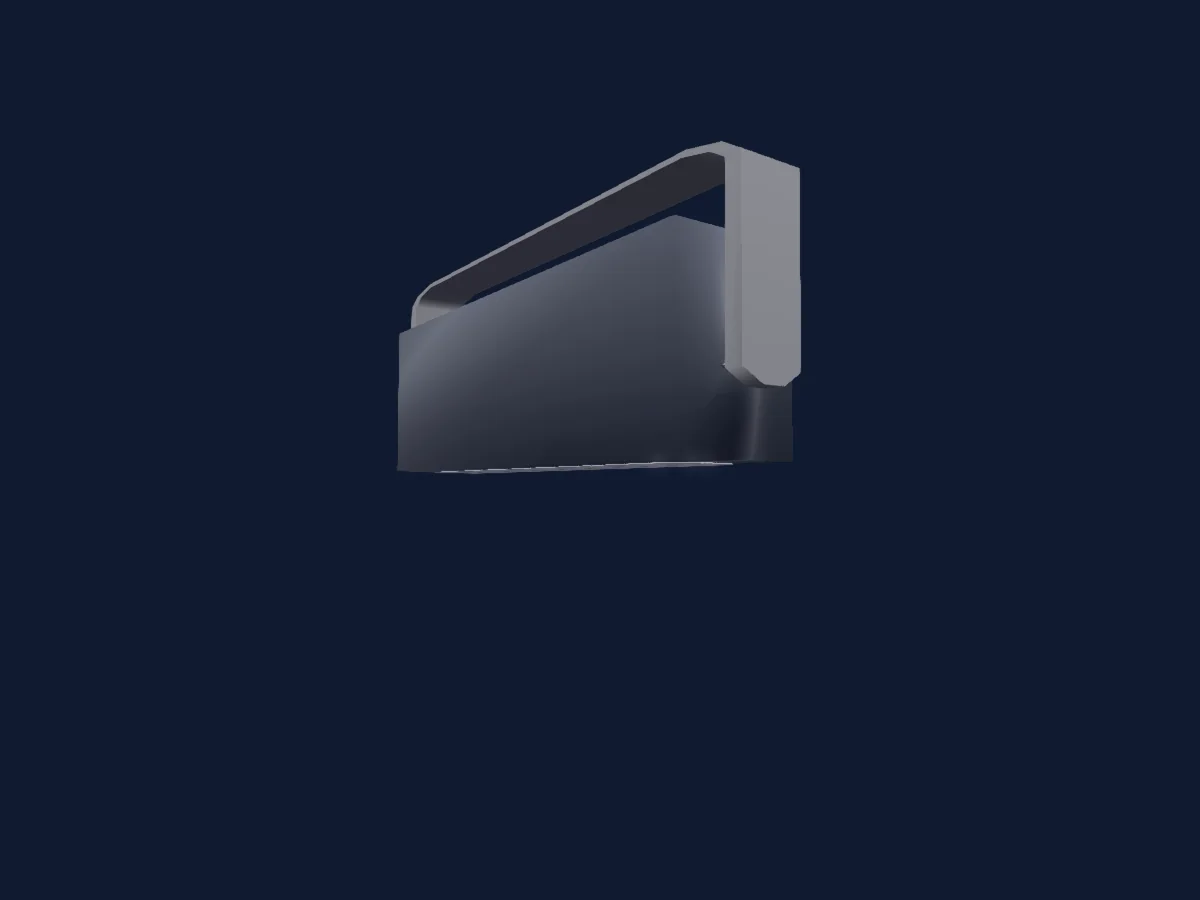
Was er kann
- Frost
- Zusätzliche LED-Farben
- Farbtemperatur
- Farbrad
- Strobe
- Dimmer
- Pixelsteuerung
Sicherheitsrelevante Funktionen: Strobe. Prüfe vor einer Show, wie sie sich an deinem eigenen Scheinwerfer verhalten.
DMX-Modi und Kanaltabellen
| Modus | Kanäle | In HitLight |
|---|---|---|
| 7Ch | 7 | Bereit in HitLight |
| 11Ch | 11 | Bereit in HitLight |
| 19Ch | 18 | Bereit in HitLight |
| 25Ch 1 | 25 | Bereit in HitLight |
| 26Ch | 26 | Bereit in HitLight |
| 32Ch | 32 | Bereit in HitLight |
| 33Ch | 33 | Bereit in HitLight |
| 35Ch | 35 | Bereit in HitLight |
7Ch
Bereit in HitLight7 DMX-Kanäle · Diese Tabelle als CSV herunterladen
| Kanal | Funktion | Standard | DMX-Werte |
|---|---|---|---|
| 1 | Red | 255 | 0–255 |
| 2 | Green | 255 | 0–255 |
| 3 | Blue | 255 | 0–255 |
| 4 | Color Add WW | 0 | 0–255 |
| 5 | Color Add CW | 0 | 0–255 |
| 6 | Shutter / Strobe | 0 | 2 Wertebereiche
|
| 7 | Frost1 | 0 | 0–255 |
11Ch
Bereit in HitLight11 DMX-Kanäle · Diese Tabelle als CSV herunterladen
| Kanal | Funktion | Standard | DMX-Werte |
|---|---|---|---|
| 1 | Red | 255 | 0–255 |
| 2 | Green | 255 | 0–255 |
| 3 | Blue | 255 | 0–255 |
| 4 | Color Add WW | 0 | 0–255 |
| 5 | Color Add CW | 0 | 0–255 |
| 6 | Shutter / Strobe | 0 | 2 Wertebereiche
|
| 7 | Color Macro1 | 0 | 13 Wertebereiche
|
| 8 | Color Macro1Rate | 0 | 0–255 |
| 9 | Color Macro2 | 0 | 31 Wertebereiche
|
| 10 | Color Macro2Rate | 0 | 0–255 |
| 11 | Frost1 | 0 | 0–255 |
19Ch
Bereit in HitLight18 DMX-Kanäle · Diese Tabelle als CSV herunterladen
| Kanal | Funktion | Standard | DMX-Werte |
|---|---|---|---|
| 1 | Dimmer | 0 | 0–255 |
| 2 | Red | 255 | 0–255 |
| 3 | Green | 255 | 0–255 |
| 4 | Blue | 255 | 0–255 |
| 5 | Color Add WW | 255 | 0–255 |
| 6 | Color Add CW | 255 | 0–255 |
| 7 | C TO | 0 | 0–255 |
| 8 | Color Macro1 | 0 | 13 Wertebereiche
|
| 9 | Color Macro1Rate | 0 | 0–255 |
| 10 | Shutter / Strobe | 0 | 2 Wertebereiche
|
| 11 | Shutter / Strobe 2 | 0 | 4 Wertebereiche
|
| 12 | Color Macro2 | 0 | 31 Wertebereiche
|
| 13 | Color Macro2Rate | 0 | 0–255 |
| 14 | Shutter / Strobe | 0 | 2 Wertebereiche
|
| 15 | Red | 0 | 0–255 |
| 16 | Green | 0 | 0–255 |
| 17 | Blue | 0 | 0–255 |
| 18 | Frost1 | 0 | 0–255 |
25Ch 1
Bereit in HitLight25 DMX-Kanäle · Diese Tabelle als CSV herunterladen
| Kanal | Funktion | Standard | DMX-Werte |
|---|---|---|---|
| 1 | Red | 255 | 0–255 |
| 2 | Green | 255 | 0–255 |
| 3 | Blue | 255 | 0–255 |
| 4 | Color Add WW | 0 | 0–255 |
| 5 | Color Add CW | 0 | 0–255 |
| 6 | Red | 255 | 0–255 |
| 7 | Green | 255 | 0–255 |
| 8 | Blue | 255 | 0–255 |
| 9 | Color Add WW | 0 | 0–255 |
| 10 | Color Add CW | 0 | 0–255 |
| 11 | Red | 255 | 0–255 |
| 12 | Green | 255 | 0–255 |
| 13 | Blue | 255 | 0–255 |
| 14 | Color Add WW | 0 | 0–255 |
| 15 | Color Add CW | 0 | 0–255 |
| 16 | Red | 255 | 0–255 |
| 17 | Green | 255 | 0–255 |
| 18 | Blue | 255 | 0–255 |
| 19 | Color Add WW | 0 | 0–255 |
| 20 | Color Add CW | 0 | 0–255 |
| 21 | Shutter / Strobe | 0 | 2 Wertebereiche
|
| 22 | Color Macro1 | 0 | 13 Wertebereiche
|
| 23 | Color Macro2 | 0 | 31 Wertebereiche
|
| 24 | Color Macro1Rate | 0 | 0–255 |
| 25 | Frost1 | 0 | 0–255 |
26Ch
Bereit in HitLight26 DMX-Kanäle · Diese Tabelle als CSV herunterladen
| Kanal | Funktion | Standard | DMX-Werte |
|---|---|---|---|
| 1 | Red | 255 | 0–255 |
| 2 | Green | 255 | 0–255 |
| 3 | Blue | 255 | 0–255 |
| 4 | Color Add WW | 0 | 0–255 |
| 5 | Color Add CW | 0 | 0–255 |
| 6 | Red | 255 | 0–255 |
| 7 | Green | 255 | 0–255 |
| 8 | Blue | 255 | 0–255 |
| 9 | Color Add WW | 0 | 0–255 |
| 10 | Color Add CW | 0 | 0–255 |
| 11 | Red | 255 | 0–255 |
| 12 | Green | 255 | 0–255 |
| 13 | Blue | 255 | 0–255 |
| 14 | Color Add WW | 0 | 0–255 |
| 15 | Color Add CW | 0 | 0–255 |
| 16 | Red | 255 | 0–255 |
| 17 | Green | 255 | 0–255 |
| 18 | Blue | 255 | 0–255 |
| 19 | Color Add WW | 0 | 0–255 |
| 20 | Color Add CW | 0 | 0–255 |
| 21 | Shutter / Strobe | 0 | 2 Wertebereiche
|
| 22 | Color Macro1 | 0 | 13 Wertebereiche
|
| 23 | Color Macro1Rate | 0 | 0–255 |
| 24 | Color Macro2 | 0 | 31 Wertebereiche
|
| 25 | Color Macro2Rate | 0 | 0–255 |
| 26 | Frost1 | 0 | 0–255 |
32Ch
Bereit in HitLight32 DMX-Kanäle · Diese Tabelle als CSV herunterladen
| Kanal | Funktion | Standard | DMX-Werte |
|---|---|---|---|
| 1 | Color Add WW | 0 | 0–255 |
| 2 | Color Add WW | 0 | 0–255 |
| 3 | Color Add WW | 0 | 0–255 |
| 4 | Color Add WW | 0 | 0–255 |
| 5 | Color Add CW | 0 | 0–255 |
| 6 | Color Add CW | 0 | 0–255 |
| 7 | Color Add CW | 0 | 0–255 |
| 8 | Color Add CW | 0 | 0–255 |
| 9 | Red | 255 | 0–255 |
| 10 | Green | 255 | 0–255 |
| 11 | Blue | 255 | 0–255 |
| 12 | Red | 255 | 0–255 |
| 13 | Green | 255 | 0–255 |
| 14 | Blue | 255 | 0–255 |
| 15 | Red | 255 | 0–255 |
| 16 | Green | 255 | 0–255 |
| 17 | Blue | 255 | 0–255 |
| 18 | Red | 255 | 0–255 |
| 19 | Green | 255 | 0–255 |
| 20 | Blue | 255 | 0–255 |
| 21 | Red | 255 | 0–255 |
| 22 | Green | 255 | 0–255 |
| 23 | Blue | 255 | 0–255 |
| 24 | Red | 255 | 0–255 |
| 25 | Green | 255 | 0–255 |
| 26 | Blue | 255 | 0–255 |
| 27 | Red | 255 | 0–255 |
| 28 | Green | 255 | 0–255 |
| 29 | Blue | 255 | 0–255 |
| 30 | Red | 255 | 0–255 |
| 31 | Green | 255 | 0–255 |
| 32 | Blue | 255 | 0–255 |
33Ch
Bereit in HitLight33 DMX-Kanäle · Diese Tabelle als CSV herunterladen
| Kanal | Funktion | Standard | DMX-Werte |
|---|---|---|---|
| 1 | Color Add WW | 0 | 0–255 |
| 2 | Color Add WW | 0 | 0–255 |
| 3 | Color Add WW | 0 | 0–255 |
| 4 | Color Add WW | 0 | 0–255 |
| 5 | Color Add CW | 0 | 0–255 |
| 6 | Color Add CW | 0 | 0–255 |
| 7 | Color Add CW | 0 | 0–255 |
| 8 | Color Add CW | 0 | 0–255 |
| 9 | Red | 255 | 0–255 |
| 10 | Green | 255 | 0–255 |
| 11 | Blue | 255 | 0–255 |
| 12 | Red | 255 | 0–255 |
| 13 | Green | 255 | 0–255 |
| 14 | Blue | 255 | 0–255 |
| 15 | Red | 255 | 0–255 |
| 16 | Green | 255 | 0–255 |
| 17 | Blue | 255 | 0–255 |
| 18 | Red | 255 | 0–255 |
| 19 | Green | 255 | 0–255 |
| 20 | Blue | 255 | 0–255 |
| 21 | Red | 255 | 0–255 |
| 22 | Green | 255 | 0–255 |
| 23 | Blue | 255 | 0–255 |
| 24 | Red | 255 | 0–255 |
| 25 | Green | 255 | 0–255 |
| 26 | Blue | 255 | 0–255 |
| 27 | Red | 255 | 0–255 |
| 28 | Green | 255 | 0–255 |
| 29 | Blue | 255 | 0–255 |
| 30 | Red | 255 | 0–255 |
| 31 | Green | 255 | 0–255 |
| 32 | Blue | 255 | 0–255 |
| 33 | Frost1 | 0 | 0–255 |
35Ch
Bereit in HitLight35 DMX-Kanäle · Diese Tabelle als CSV herunterladen
| Kanal | Funktion | Standard | DMX-Werte |
|---|---|---|---|
| 1 | Color Add WW | 0 | 0–255 |
| 2 | Color Add WW | 0 | 0–255 |
| 3 | Color Add WW | 0 | 0–255 |
| 4 | Color Add WW | 0 | 0–255 |
| 5 | Color Add CW | 0 | 0–255 |
| 6 | Color Add CW | 0 | 0–255 |
| 7 | Color Add CW | 0 | 0–255 |
| 8 | Color Add CW | 0 | 0–255 |
| 9 | Shutter / Strobe | 0 | 2 Wertebereiche
|
| 10 | Red | 255 | 0–255 |
| 11 | Green | 255 | 0–255 |
| 12 | Blue | 255 | 0–255 |
| 13 | Red | 255 | 0–255 |
| 14 | Green | 255 | 0–255 |
| 15 | Blue | 255 | 0–255 |
| 16 | Red | 255 | 0–255 |
| 17 | Green | 255 | 0–255 |
| 18 | Blue | 255 | 0–255 |
| 19 | Red | 255 | 0–255 |
| 20 | Green | 255 | 0–255 |
| 21 | Blue | 255 | 0–255 |
| 22 | Red | 255 | 0–255 |
| 23 | Green | 255 | 0–255 |
| 24 | Blue | 255 | 0–255 |
| 25 | Red | 255 | 0–255 |
| 26 | Green | 255 | 0–255 |
| 27 | Blue | 255 | 0–255 |
| 28 | Red | 255 | 0–255 |
| 29 | Green | 255 | 0–255 |
| 30 | Blue | 255 | 0–255 |
| 31 | Red | 255 | 0–255 |
| 32 | Green | 255 | 0–255 |
| 33 | Blue | 255 | 0–255 |
| 34 | Shutter / Strobe | 0 | 2 Wertebereiche
|
| 35 | Frost1 | 0 | 0–255 |
Eurolite LED IP PIX Strobe FROST in HitLight verwenden
- Öffne Scheinwerfer hinzufügen und suche nach Eurolite LED IP PIX Strobe FROST.
- Wähle den DMX-Modus, der im Menü des Scheinwerfers eingestellt ist. HitLight gibt ihm die niedrigste freie Startadresse in seinem Universum, die zur Kanalzahl des Modus passt.
- Prüfe Modus und Steuerung an deinem echten Scheinwerfer, bevor du ihn live einsetzt.
Ähnliche Scheinwerfer
Eurolite LED Mega Strobe 812 Panel
Eurolite LED PARty Hybrid Spot
Eurolite IP PIX Strobe FROST
Eurolite Super Strobe ABL
Eurolite Mega Strobe 812 Panel
Eurolite LED Super Strobe ABL
Die Tabellen stammen aus der GDTF-Beschreibung des Scheinwerfers, umgewandelt für die HitLight-Bibliothek. HitLight ist nicht mit Eurolite verbunden.