 HitLight
Favolite Vader Pro 350
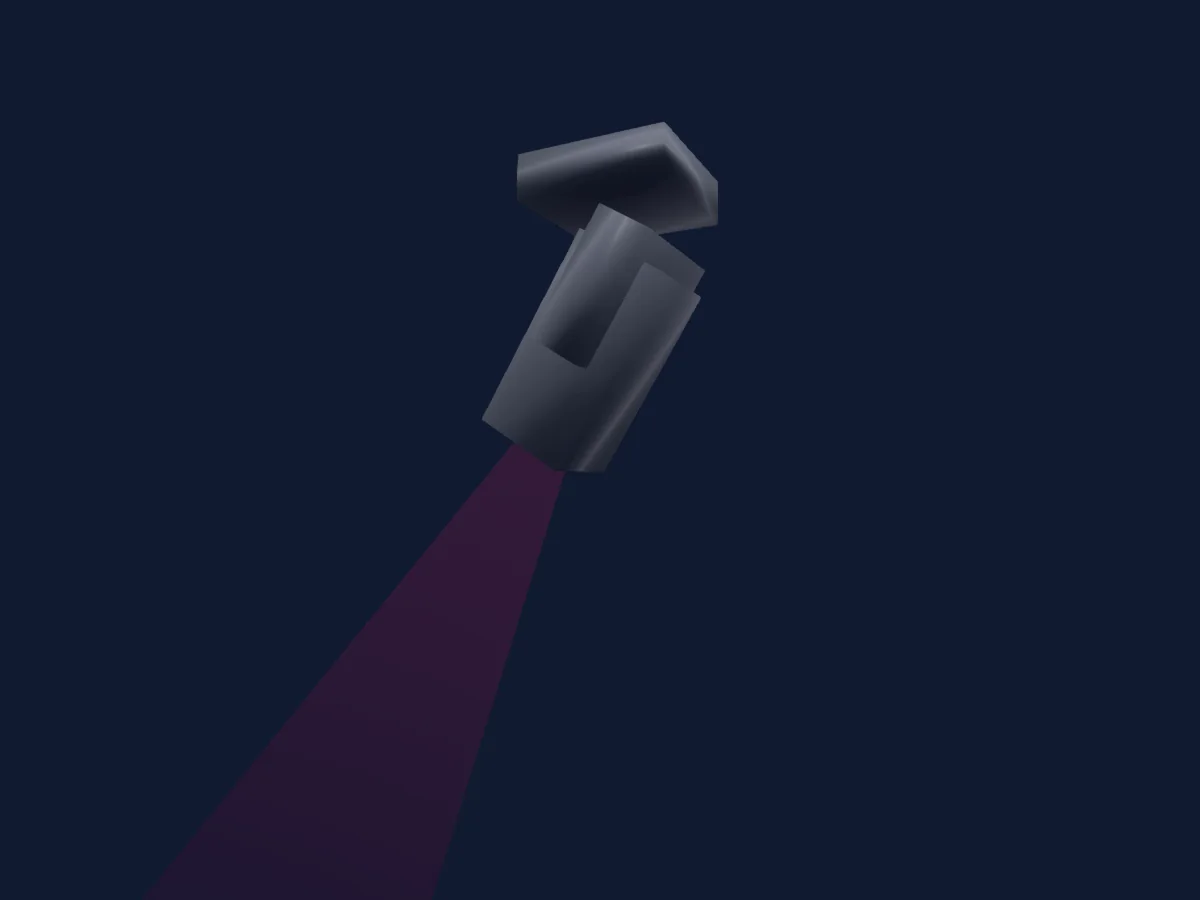
DMX-Tabelle, 1 DMX-Modus und eine 3D-Vorschau. 25 DMX-Kanäle.
Was er kann
- Fokus
- Frost
- Iris
- Prisma
- Prismenrotation
- Zoom
- Zusätzliche LED-Farben
- Farbtemperatur
- Farbrad
- Dimmer
- Gobos
- Gobo-Rotation
Sicherheitsrelevante Funktionen: Scheinwerfer-Reset. Prüfe vor einer Show, wie sie sich an deinem eigenen Scheinwerfer verhalten.
DMX-Modi und Kanaltabellen
| Modus | Kanäle | In HitLight |
|---|---|---|
| 25Ch Standar | 25 | Bereit in HitLight |
25Ch Standar
Bereit in HitLight25 DMX-Kanäle · Diese Tabelle als CSV herunterladen
| Kanal | Funktion | Standard | DMX-Werte |
|---|---|---|---|
| 1 | Pan | 0 | 0–255 |
| 2 | Pan Fine | 0 | Feinbyte von Pan |
| 3 | Tilt | 127 | 0–255 |
| 4 | Tilt Fine | 255 | Feinbyte von Tilt |
| 5 | Color Wheel | 0 | 12 Wertebereiche
|
| 6 | Color RGBCyan | 0 | 0–255 |
| 7 | Color RGBMagenta | 0 | 0–255 |
| 8 | Color RGBYellow | 0 | 0–255 |
| 9 | C TO | 0 | 0–255 |
| 10 | Gobo | 0 | 13 Wertebereiche
|
| 11 | Gobo Rotation | 0 | 7 Wertebereiche
|
| 12 | Gobo Rotation | 0 | 0–255 |
| 13 | Dimmer | 0 | 0–255 |
| 14 | Strobe Mode Strobe | 0 | 0–255 |
| 15 | Dimmer Mode | 0 | 0–255 |
| 16 | Prism | 0 | 0–255 |
| 17 | Prism Rotation | 0 | 0–255 |
| 18 | Zoom | 127 | 0–255 |
| 19 | Focus | 0 | 0–255 |
| 20 | Focus1Distance | 0 | 0–255 |
| 21 | Focus1Distance | 0 | 0–255 |
| 22 | Iris | 0 | 0–255 |
| 23 | Frost1 | 0 | 0–255 |
| 24 | Scan Speed | 0 | 0–255 |
| 25 | Control1 | 0 | 0–255 |
Favolite Vader Pro 350 in HitLight verwenden
- Öffne Scheinwerfer hinzufügen und suche nach Favolite Vader Pro 350.
- Wähle den DMX-Modus, der im Menü des Scheinwerfers eingestellt ist. HitLight gibt ihm die niedrigste freie Startadresse in seinem Universum, die zur Kanalzahl des Modus passt.
- Prüfe Modus und Steuerung an deinem echten Scheinwerfer, bevor du ihn live einsetzt.
Spielstätten mit Favolite Vader Pro 350
Ihre gespeicherten Lichtaufbauten enthalten dieses Scheinwerfermodell. Klären Sie die aktuelle Ausstattung mit der Spielstätte.
- Театр драмы Кузбасса имени А.В. Луначарского Кемерово, Russland
Ähnliche Scheinwerfer
Profilscheinwerfer
Favolite Vader 700 SLC
40 DMX-Kanäle
Profilscheinwerfer
Favolite Vader Pro 350 by BCM
25 DMX-Kanäle
Profilscheinwerfer
Favolite Vader 350 SLC
25 DMX-Kanäle
Profilscheinwerfer
Favolite Vader Pro 350-28CH25CH
25 / 28 DMX-Kanäle
Profilscheinwerfer
Favolite Vader BWS 350
22 DMX-Kanäle
PAR
Favolite P-760
7 / 9 / 12 / 17 DMX-Kanäle
Die Tabellen stammen aus der GDTF-Beschreibung des Scheinwerfers, umgewandelt für die HitLight-Bibliothek. HitLight ist nicht mit Favolite verbunden.