Zum Inhalt springen
HitLight
Infinity · PAR

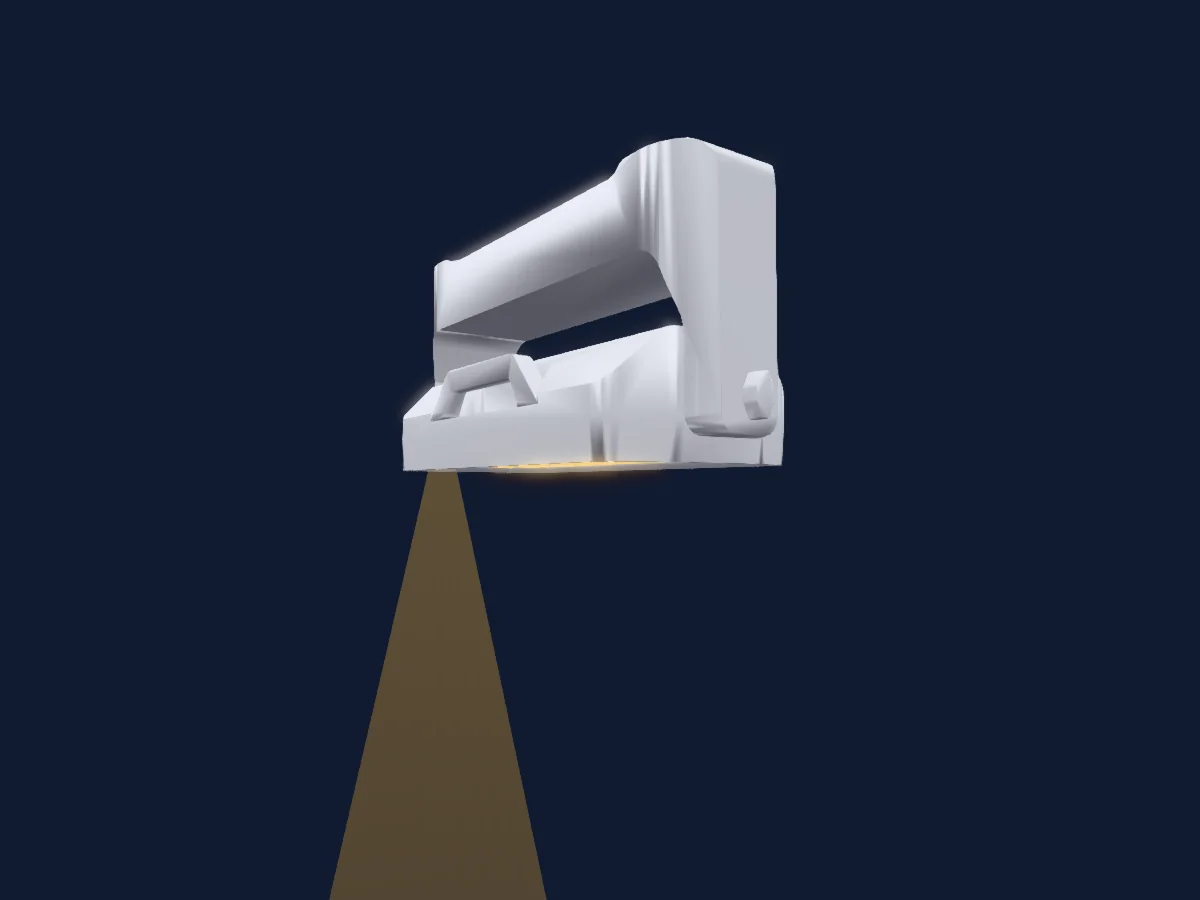
Infinity Raccoon W40-4

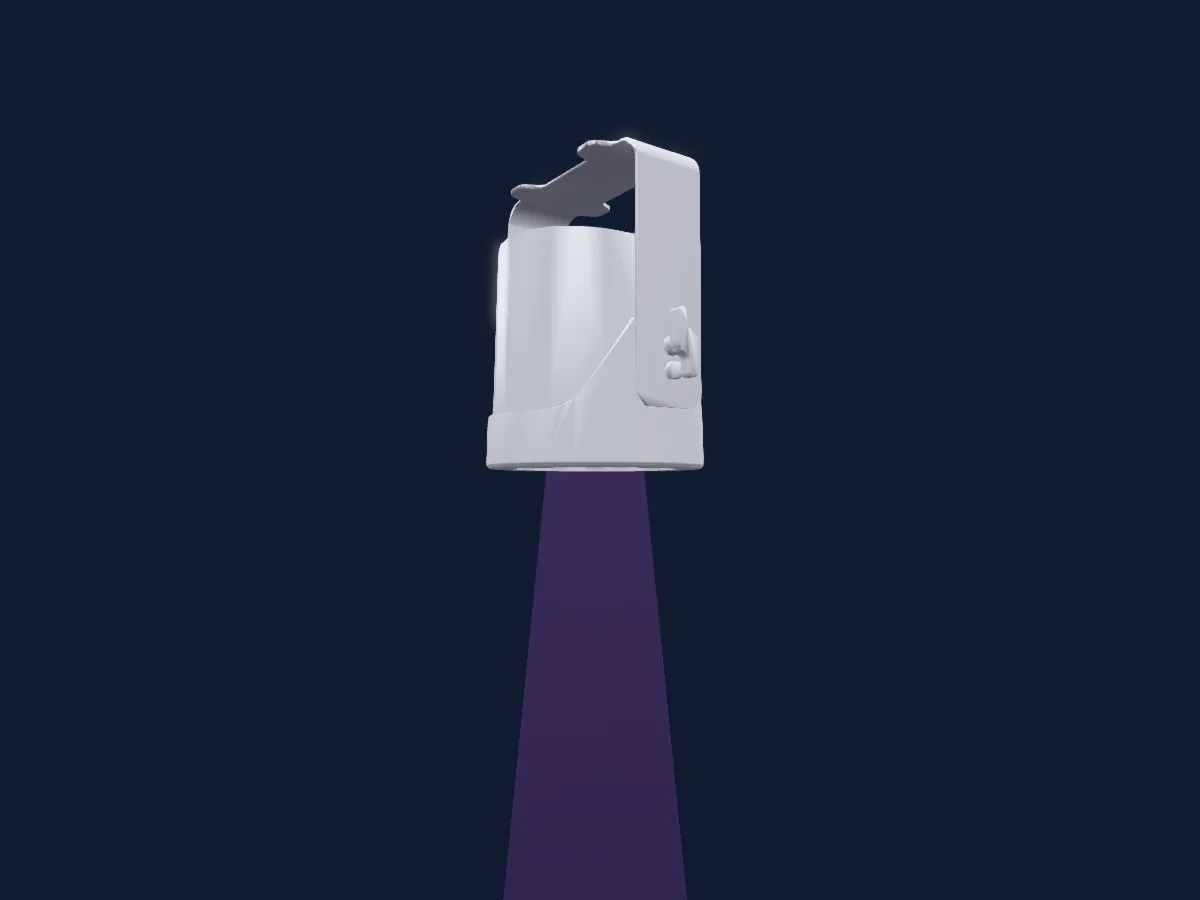
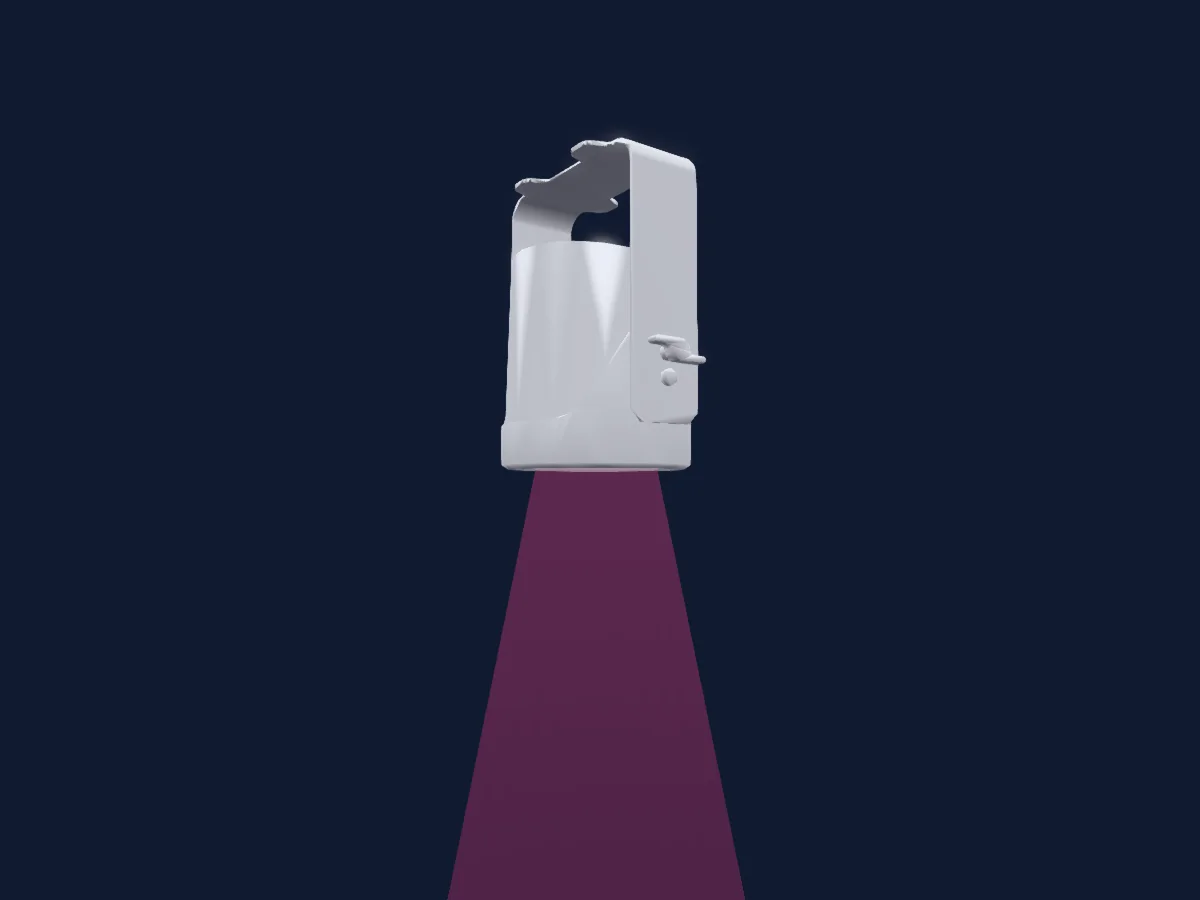
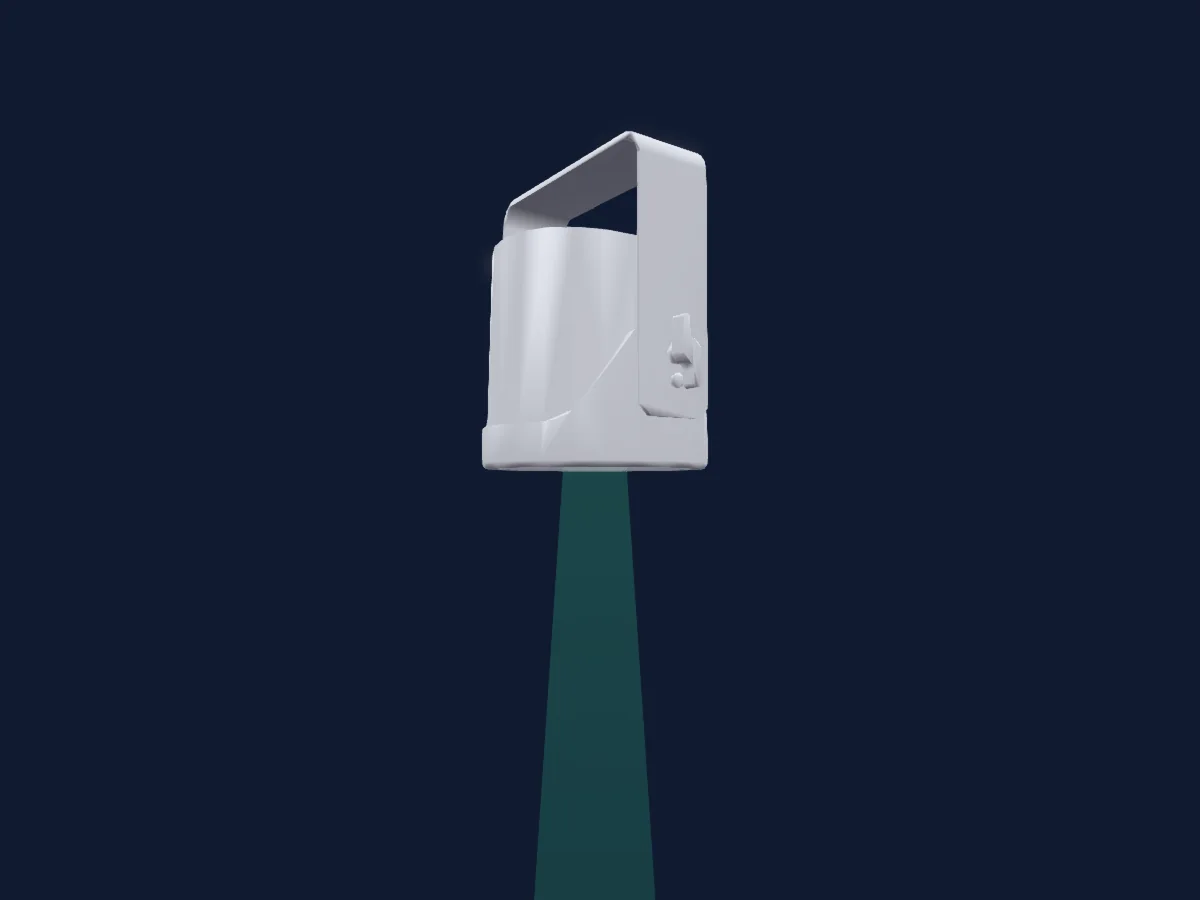
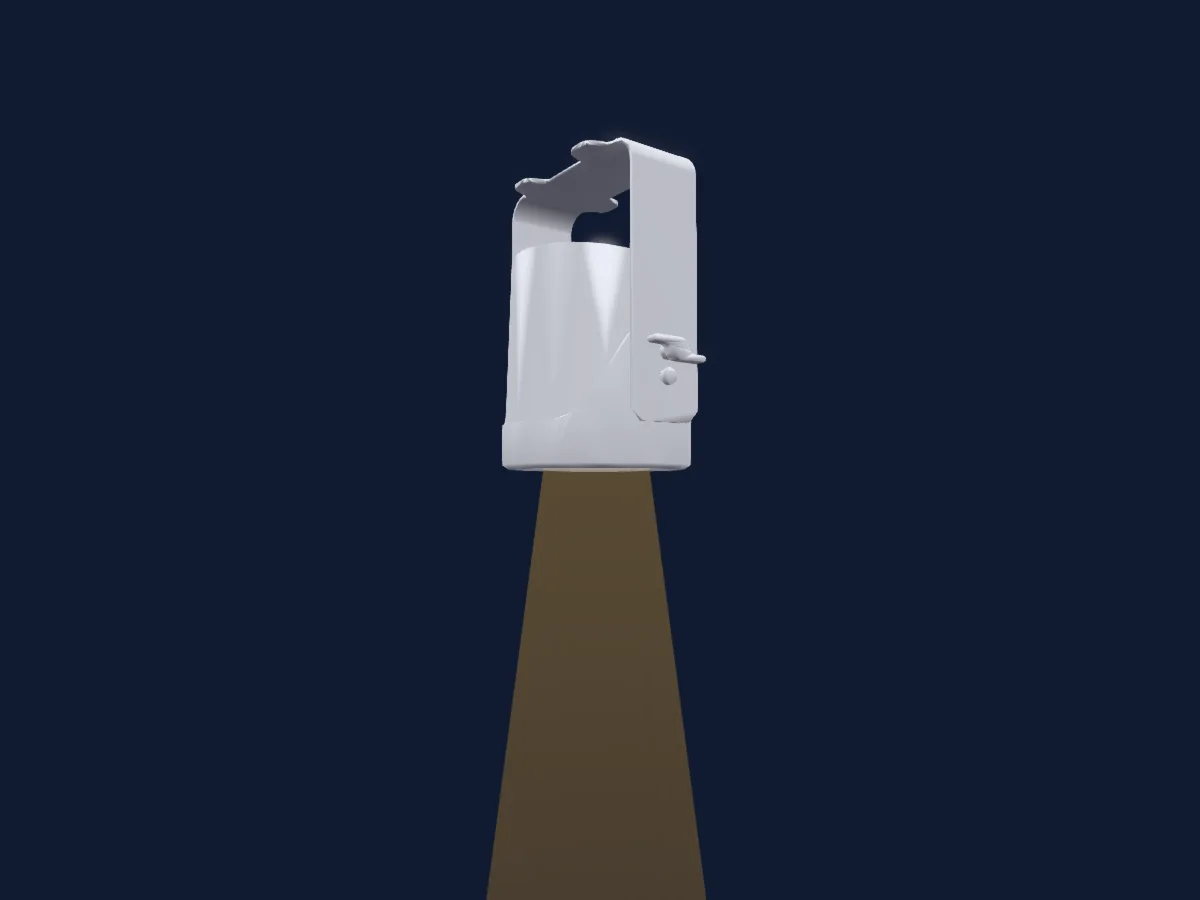
DMX-Tabelle, 5 DMX-Modi und eine 3D-Vorschau. 4 / 6 / 8 / 20 / 24 DMX-Kanäle.
Was er kann

  • Zusätzliche LED-Farben
  • RGB-Farbmischung
  • Farbrad
  • Strobe
  • Dimmer
  • Pixelsteuerung

DMX-Modi und Kanaltabellen

DMX-Modi von Infinity Raccoon W40-4
ModusKanäleIn HitLight
Wash Mode4Bereit in HitLight
Basic Mode6Bereit in HitLight
Basic FX Mode8Bereit in HitLight
RAW Mode20Bereit in HitLight
Full Mode24Bereit in HitLight

Wash Mode

Bereit in HitLight

4 DMX-Kanäle · Diese Tabelle als CSV herunterladen

DMX-Kanaltabelle für Wash Mode
KanalFunktionStandardDMX-Werte
1Red255
3 Wertebereiche
  • 0–0 Min
  • 1–254 Min > Max
  • 255–255 Max
2Green255
3 Wertebereiche
  • 0–0 Min
  • 1–254 Min > Max
  • 255–255 Max
3Blue255
3 Wertebereiche
  • 0–0 Min
  • 1–254 Min > Max
  • 255–255 Max
4Color Add GY0
3 Wertebereiche
  • 0–0 Min
  • 1–254 Min > Max
  • 255–255 Max

Basic Mode

Bereit in HitLight

6 DMX-Kanäle · Diese Tabelle als CSV herunterladen

DMX-Kanaltabelle für Basic Mode
KanalFunktionStandardDMX-Werte
1Dimmer0
3 Wertebereiche
  • 0–0 Min
  • 1–254 Min > Max
  • 255–255 Max
2Red255
3 Wertebereiche
  • 0–0 Min
  • 1–254 Min > Max
  • 255–255 Max
3Green255
3 Wertebereiche
  • 0–0 Min
  • 1–254 Min > Max
  • 255–255 Max
4Blue255
3 Wertebereiche
  • 0–0 Min
  • 1–254 Min > Max
  • 255–255 Max
5Color Add GY0
3 Wertebereiche
  • 0–0 Min
  • 1–254 Min > Max
  • 255–255 Max
6Shutter / Strobe0
4 Wertebereiche
  • 0–4 Open - Shutter Open
  • 5–127 Strobe S > F - Strobe
  • 128–189 Random All S > F - Strobe Random
  • 190–255 Random Sectional S > F - Strobe Random

Basic FX Mode

Bereit in HitLight

8 DMX-Kanäle · Diese Tabelle als CSV herunterladen

DMX-Kanaltabelle für Basic FX Mode
KanalFunktionStandardDMX-Werte
1Dimmer0
3 Wertebereiche
  • 0–0 Min
  • 1–254 Min > Max
  • 255–255 Max
2Red255
3 Wertebereiche
  • 0–0 Min
  • 1–254 Min > Max
  • 255–255 Max
3Green255
3 Wertebereiche
  • 0–0 Min
  • 1–254 Min > Max
  • 255–255 Max
4Blue255
3 Wertebereiche
  • 0–0 Min
  • 1–254 Min > Max
  • 255–255 Max
5Color Add GY0
3 Wertebereiche
  • 0–0 Min
  • 1–254 Min > Max
  • 255–255 Max
6Color Macro10
26 Wertebereiche
  • 0–5 No Function - Custom
  • 6–15 Jump 1 - Macro
  • 16–25 Jump 2 - Macro
  • 26–35 Jump 3 - Macro
  • 36–45 Jump 4 - Macro
  • 46–55 Jump 5 - Macro
  • 56–65 Jump 6 - Macro
  • 66–75 Jump 7 - Macro
  • 76–85 Jump 8 - Macro
  • 86–95 Fade 1 - Macro
  • 96–105 Fade 2 - Macro
  • 106–115 Fade 3 - Macro
  • 116–125 Fade 4 - Macro
  • 126–135 Fade 5 - Macro
  • 136–145 Fade 6 - Macro
  • 146–155 Fade 7 - Macro
  • 156–165 Section Jump 1 - Macro
  • 166–175 Section Jump 2 - Macro
  • 176–185 Section Jump 3 - Macro
  • 186–195 Section Jump 4 - Macro
  • 196–205 Section Jump 5 - Macro
  • 206–215 Section Fade 1 - Macro
  • 216–225 Section Fade 2 - Macro
  • 226–235 Section Fade 3 - Macro
  • 236–245 Section Fade 4 - Macro
  • 246–255 Section Fade 5 - Macro
7Color Wheel0
39 Wertebereiche
  • 0–10 Black - Color (wheel slot 1)
  • 11–16 Red - Color (wheel slot 2)
  • 17–22 Flame Red - Color (wheel slot 3)
  • 23–28 Deep Golden Amber - Color (wheel slot 4)
  • 29–34 Millennium Gold - Color (wheel slot 5)
  • 35–40 Gold Amber - Color (wheel slot 6)
  • 41–46 Orange - Color (wheel slot 7)
  • 47–52 Chrome Orange - Color (wheel slot 8)
  • 53–58 Deep Amber - Color (wheel slot 9)
  • 59–64 Spring Yellow - Color (wheel slot 10)
  • 65–70 Lime Green - Color (wheel slot 11)
  • 71–76 JAS Green - Color (wheel slot 12)
  • 77–82 Fern Green - Color (wheel slot 13)
  • 83–88 Moss Green - Color (wheel slot 14)
  • 89–94 Primary Green - Color (wheel slot 15)
  • 95–100 Dark Green - Color (wheel slot 16)
  • 101–106 Green - Color (wheel slot 17)
  • 107–112 Medium Blue Green - Color (wheel slot 18)
  • 113–118 Light Blue - Color (wheel slot 19)
  • 119–124 Lighter Blue - Color (wheel slot 20)
  • 125–130 Steel Blue - Color (wheel slot 21)
  • 131–136 Half CT Blue - Color (wheel slot 22)
  • 137–142 Full CT Blue - Color (wheel slot 23)
  • 143–148 State Blue - Color (wheel slot 24)
  • 149–154 Double CT Blue - Color (wheel slot 25)
  • 155–160 Medium Blue - Color (wheel slot 26)
  • 161–166 Just Blue - Color (wheel slot 27)
  • 167–172 Deep Blue - Color (wheel slot 28)
  • 173–178 Blue - Color (wheel slot 29)
  • 179–184 Congo Blue - Color (wheel slot 30)
  • 185–190 Surprise Pink - Color (wheel slot 31)
  • 191–196 Fuchsia Pink - Color (wheel slot 32)
  • 197–202 Follies Pink - Color (wheel slot 33)
  • 203–208 Special Rose Pink - Color (wheel slot 34)
  • 209–214 Pink - Color (wheel slot 35)
  • 215–220 Moroccan Pink - Color (wheel slot 36)
  • 221–226 Warm White - Color (wheel slot 37)
  • 227–232 Cold White - Color (wheel slot 38)
  • 233–255 Open White - Color (wheel slot 39)
8Shutter / Strobe0
4 Wertebereiche
  • 0–4 Open - Shutter Open
  • 5–127 Strobe S > F - Strobe
  • 128–189 Random All S > F - Strobe Random
  • 190–255 Random Sectional S > F - Strobe Random

RAW Mode

Bereit in HitLight

20 DMX-Kanäle · Diese Tabelle als CSV herunterladen

DMX-Kanaltabelle für RAW Mode
KanalFunktionStandardDMX-Werte
1Red255
3 Wertebereiche
  • 0–0 Min
  • 1–254 Min > Max
  • 255–255 Max
2Green255
3 Wertebereiche
  • 0–0 Min
  • 1–254 Min > Max
  • 255–255 Max
3Blue255
3 Wertebereiche
  • 0–0 Min
  • 1–254 Min > Max
  • 255–255 Max
4Color Add GY0
3 Wertebereiche
  • 0–0 Min
  • 1–254 Min > Max
  • 255–255 Max
5Red255
3 Wertebereiche
  • 0–0 Min
  • 1–254 Min > Max
  • 255–255 Max
6Green255
3 Wertebereiche
  • 0–0 Min
  • 1–254 Min > Max
  • 255–255 Max
7Blue255
3 Wertebereiche
  • 0–0 Min
  • 1–254 Min > Max
  • 255–255 Max
8Color Add GY0
3 Wertebereiche
  • 0–0 Min
  • 1–254 Min > Max
  • 255–255 Max
9Red255
3 Wertebereiche
  • 0–0 Min
  • 1–254 Min > Max
  • 255–255 Max
10Green255
3 Wertebereiche
  • 0–0 Min
  • 1–254 Min > Max
  • 255–255 Max
11Blue255
3 Wertebereiche
  • 0–0 Min
  • 1–254 Min > Max
  • 255–255 Max
12Color Add GY0
3 Wertebereiche
  • 0–0 Min
  • 1–254 Min > Max
  • 255–255 Max
13Red255
3 Wertebereiche
  • 0–0 Min
  • 1–254 Min > Max
  • 255–255 Max
14Green255
3 Wertebereiche
  • 0–0 Min
  • 1–254 Min > Max
  • 255–255 Max
15Blue255
3 Wertebereiche
  • 0–0 Min
  • 1–254 Min > Max
  • 255–255 Max
16Color Add GY0
3 Wertebereiche
  • 0–0 Min
  • 1–254 Min > Max
  • 255–255 Max
17Red255
3 Wertebereiche
  • 0–0 Min
  • 1–254 Min > Max
  • 255–255 Max
18Green255
3 Wertebereiche
  • 0–0 Min
  • 1–254 Min > Max
  • 255–255 Max
19Blue255
3 Wertebereiche
  • 0–0 Min
  • 1–254 Min > Max
  • 255–255 Max
20Color Add GY0
3 Wertebereiche
  • 0–0 Min
  • 1–254 Min > Max
  • 255–255 Max

Full Mode

Bereit in HitLight

24 DMX-Kanäle · Diese Tabelle als CSV herunterladen

DMX-Kanaltabelle für Full Mode
KanalFunktionStandardDMX-Werte
1Dimmer0
3 Wertebereiche
  • 0–0 Min
  • 1–254 Min > Max
  • 255–255 Max
2Shutter / Strobe0
4 Wertebereiche
  • 0–4 Open - Shutter Open
  • 5–127 Strobe S > F - Strobe
  • 128–189 Random All S > F - Strobe Random
  • 190–255 Random Sectional S > F - Strobe Random
3Color Wheel0
39 Wertebereiche
  • 0–10 Black - Color (wheel slot 1)
  • 11–16 Red - Color (wheel slot 2)
  • 17–22 Flame Red - Color (wheel slot 3)
  • 23–28 Deep Golden Amber - Color (wheel slot 4)
  • 29–34 Millennium Gold - Color (wheel slot 5)
  • 35–40 Gold Amber - Color (wheel slot 6)
  • 41–46 Orange - Color (wheel slot 7)
  • 47–52 Chrome Orange - Color (wheel slot 8)
  • 53–58 Deep Amber - Color (wheel slot 9)
  • 59–64 Spring Yellow - Color (wheel slot 10)
  • 65–70 Lime Green - Color (wheel slot 11)
  • 71–76 JAS Green - Color (wheel slot 12)
  • 77–82 Fern Green - Color (wheel slot 13)
  • 83–88 Moss Green - Color (wheel slot 14)
  • 89–94 Primary Green - Color (wheel slot 15)
  • 95–100 Dark Green - Color (wheel slot 16)
  • 101–106 Green - Color (wheel slot 17)
  • 107–112 Medium Blue Green - Color (wheel slot 18)
  • 113–118 Light Blue - Color (wheel slot 19)
  • 119–124 Lighter Blue - Color (wheel slot 20)
  • 125–130 Steel Blue - Color (wheel slot 21)
  • 131–136 Half CT Blue - Color (wheel slot 22)
  • 137–142 Full CT Blue - Color (wheel slot 23)
  • 143–148 State Blue - Color (wheel slot 24)
  • 149–154 Double CT Blue - Color (wheel slot 25)
  • 155–160 Medium Blue - Color (wheel slot 26)
  • 161–166 Just Blue - Color (wheel slot 27)
  • 167–172 Deep Blue - Color (wheel slot 28)
  • 173–178 Blue - Color (wheel slot 29)
  • 179–184 Congo Blue - Color (wheel slot 30)
  • 185–190 Surprise Pink - Color (wheel slot 31)
  • 191–196 Fuchsia Pink - Color (wheel slot 32)
  • 197–202 Follies Pink - Color (wheel slot 33)
  • 203–208 Special Rose Pink - Color (wheel slot 34)
  • 209–214 Pink - Color (wheel slot 35)
  • 215–220 Moroccan Pink - Color (wheel slot 36)
  • 221–226 Warm White - Color (wheel slot 37)
  • 227–232 Cold White - Color (wheel slot 38)
  • 233–255 Open White - Color (wheel slot 39)
4Color Macro10
26 Wertebereiche
  • 0–5 No Function - Custom
  • 6–15 Jump 1 - Macro
  • 16–25 Jump 2 - Macro
  • 26–35 Jump 3 - Macro
  • 36–45 Jump 4 - Macro
  • 46–55 Jump 5 - Macro
  • 56–65 Jump 6 - Macro
  • 66–75 Jump 7 - Macro
  • 76–85 Jump 8 - Macro
  • 86–95 Fade 1 - Macro
  • 96–105 Fade 2 - Macro
  • 106–115 Fade 3 - Macro
  • 116–125 Fade 4 - Macro
  • 126–135 Fade 5 - Macro
  • 136–145 Fade 6 - Macro
  • 146–155 Fade 7 - Macro
  • 156–165 Section Jump 1 - Macro
  • 166–175 Section Jump 2 - Macro
  • 176–185 Section Jump 3 - Macro
  • 186–195 Section Jump 4 - Macro
  • 196–205 Section Jump 5 - Macro
  • 206–215 Section Fade 1 - Macro
  • 216–225 Section Fade 2 - Macro
  • 226–235 Section Fade 3 - Macro
  • 236–245 Section Fade 4 - Macro
  • 246–255 Section Fade 5 - Macro
5Red255
3 Wertebereiche
  • 0–0 Min
  • 1–254 Min > Max
  • 255–255 Max
6Green255
3 Wertebereiche
  • 0–0 Min
  • 1–254 Min > Max
  • 255–255 Max
7Blue255
3 Wertebereiche
  • 0–0 Min
  • 1–254 Min > Max
  • 255–255 Max
8Color Add GY0
3 Wertebereiche
  • 0–0 Min
  • 1–254 Min > Max
  • 255–255 Max
9Red255
3 Wertebereiche
  • 0–0 Min
  • 1–254 Min > Max
  • 255–255 Max
10Green255
3 Wertebereiche
  • 0–0 Min
  • 1–254 Min > Max
  • 255–255 Max
11Blue255
3 Wertebereiche
  • 0–0 Min
  • 1–254 Min > Max
  • 255–255 Max
12Color Add GY0
3 Wertebereiche
  • 0–0 Min
  • 1–254 Min > Max
  • 255–255 Max
13Red255
3 Wertebereiche
  • 0–0 Min
  • 1–254 Min > Max
  • 255–255 Max
14Green255
3 Wertebereiche
  • 0–0 Min
  • 1–254 Min > Max
  • 255–255 Max
15Blue255
3 Wertebereiche
  • 0–0 Min
  • 1–254 Min > Max
  • 255–255 Max
16Color Add GY0
3 Wertebereiche
  • 0–0 Min
  • 1–254 Min > Max
  • 255–255 Max
17Red255
3 Wertebereiche
  • 0–0 Min
  • 1–254 Min > Max
  • 255–255 Max
18Green255
3 Wertebereiche
  • 0–0 Min
  • 1–254 Min > Max
  • 255–255 Max
19Blue255
3 Wertebereiche
  • 0–0 Min
  • 1–254 Min > Max
  • 255–255 Max
20Color Add GY0
3 Wertebereiche
  • 0–0 Min
  • 1–254 Min > Max
  • 255–255 Max
21Red255
3 Wertebereiche
  • 0–0 Min
  • 1–254 Min > Max
  • 255–255 Max
22Green255
3 Wertebereiche
  • 0–0 Min
  • 1–254 Min > Max
  • 255–255 Max
23Blue255
3 Wertebereiche
  • 0–0 Min
  • 1–254 Min > Max
  • 255–255 Max
24Color Add GY0
3 Wertebereiche
  • 0–0 Min
  • 1–254 Min > Max
  • 255–255 Max

Infinity Raccoon W40-4 in HitLight verwenden

  1. Öffne Scheinwerfer hinzufügen und suche nach Infinity Raccoon W40-4.
  2. Wähle den DMX-Modus, der im Menü des Scheinwerfers eingestellt ist. HitLight gibt ihm die niedrigste freie Startadresse in seinem Universum, die zur Kanalzahl des Modus passt.
  3. Prüfe Modus und Steuerung an deinem echten Scheinwerfer, bevor du ihn live einsetzt.

Die Tabellen stammen aus der GDTF-Beschreibung des Scheinwerfers, umgewandelt für die HitLight-Bibliothek. HitLight ist nicht mit Infinity verbunden.

Patche ihn und lass die Musik das Licht steuern.

HitLight findet diese Scheinwerfer in seiner Bibliothek, patcht sie auf die nächste freie Adresse und zeigt deine Lichtanlage in 3D, bevor ein einziges Licht eingesteckt ist.

HitLight öffnen ↗HitLight herunterladen