 HitLight
Martin Professional RUSH PAR 1 RGBW
DMX-Tabelle, 3 DMX-Modi und eine 3D-Vorschau. 4 / 5 / 7 DMX-Kanäle.
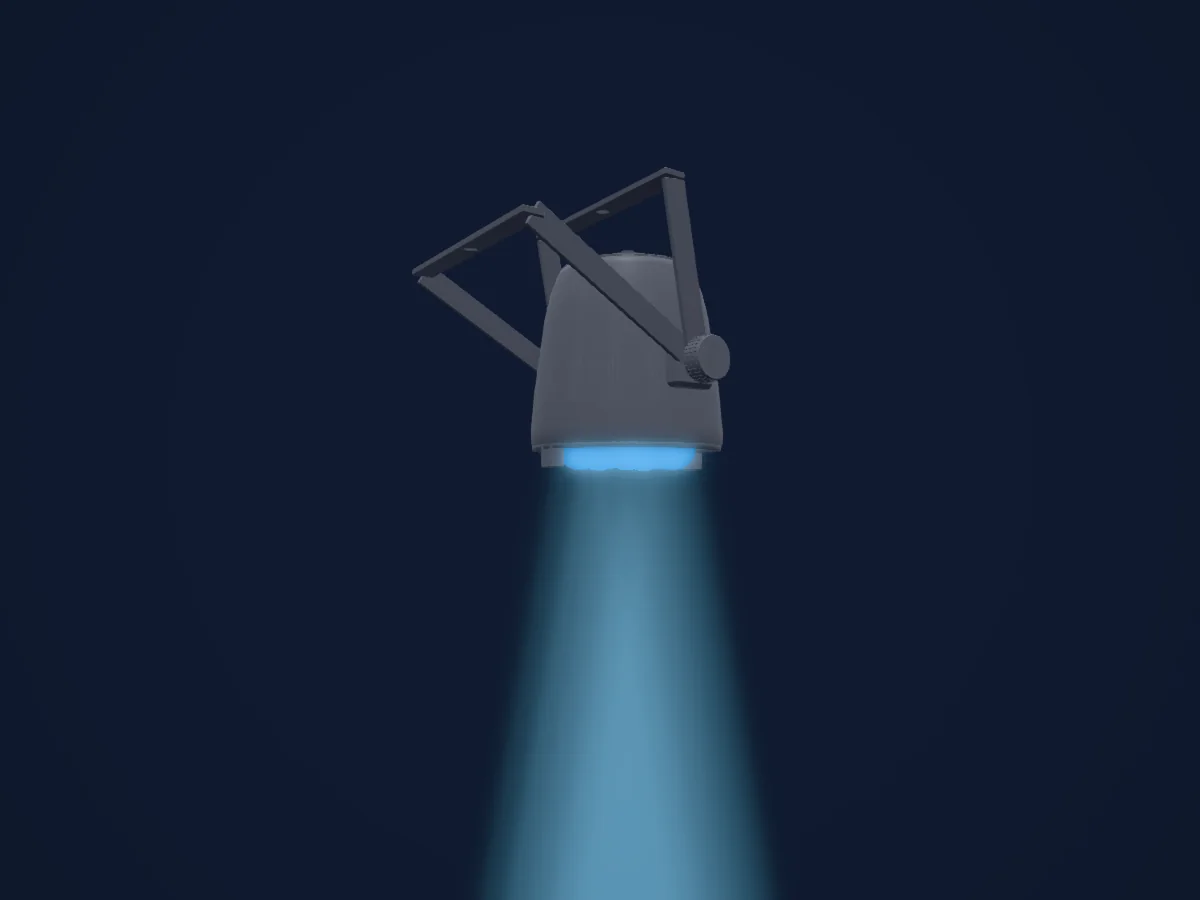
Was er kann
- Zusätzliche LED-Farben
- RGB-Farbmischung
- Strobe
- Dimmer
DMX-Modi und Kanaltabellen
| Modus | Kanäle | In HitLight |
|---|---|---|
| 4CH (provisional researched) | 4 | Bereit in HitLight |
| 5CH (provisional researched) | 5 | Bereit in HitLight |
| 7CH (provisional researched) | 7 | Bereit in HitLight |
4CH (provisional researched)
Bereit in HitLight4 DMX-Kanäle · Diese Tabelle als CSV herunterladen
| Kanal | Funktion | Standard | DMX-Werte |
|---|---|---|---|
| 1 | Red | 0 | 0–255 |
| 2 | Green | 0 | 0–255 |
| 3 | Blue | 0 | 0–255 |
| 4 | White | 0 | 0–255 |
5CH (provisional researched)
Bereit in HitLight5 DMX-Kanäle · Diese Tabelle als CSV herunterladen
| Kanal | Funktion | Standard | DMX-Werte |
|---|---|---|---|
| 1 | Red | 0 | 0–255 |
| 2 | Green | 0 | 0–255 |
| 3 | Blue | 0 | 0–255 |
| 4 | White | 0 | 0–255 |
| 5 | Dimmer | 0 | 0–255 |
7CH (provisional researched)
Bereit in HitLight7 DMX-Kanäle · Diese Tabelle als CSV herunterladen
| Kanal | Funktion | Standard | DMX-Werte |
|---|---|---|---|
| 1 | Red | 0 | 0–255 |
| 2 | Green | 0 | 0–255 |
| 3 | Blue | 0 | 0–255 |
| 4 | White | 0 | 0–255 |
| 5 | Color Macro1 | 0 | 33 Wertebereiche
|
| 6 | Dimmer | 0 | 0–255 |
| 7 | Shutter / Strobe | 10 | 10 Wertebereiche
|
Martin Professional RUSH PAR 1 RGBW in HitLight verwenden
- Öffne Scheinwerfer hinzufügen und suche nach Martin Professional RUSH PAR 1 RGBW.
- Wähle den DMX-Modus, der im Menü des Scheinwerfers eingestellt ist. HitLight gibt ihm die niedrigste freie Startadresse in seinem Universum, die zur Kanalzahl des Modus passt.
- Prüfe Modus und Steuerung an deinem echten Scheinwerfer, bevor du ihn live einsetzt.
Spielstätten mit Martin Professional RUSH PAR 1 RGBW
Ihre gespeicherten Lichtaufbauten enthalten dieses Scheinwerfermodell. Klären Sie die aktuelle Ausstattung mit der Spielstätte.
- American Music Theatre Lancaster, Vereinigte Staaten
- Cosmopolite / Belleville Oslo, Norwegen
Ähnliche Scheinwerfer

Martin Professional VC-Strip 30 16x1
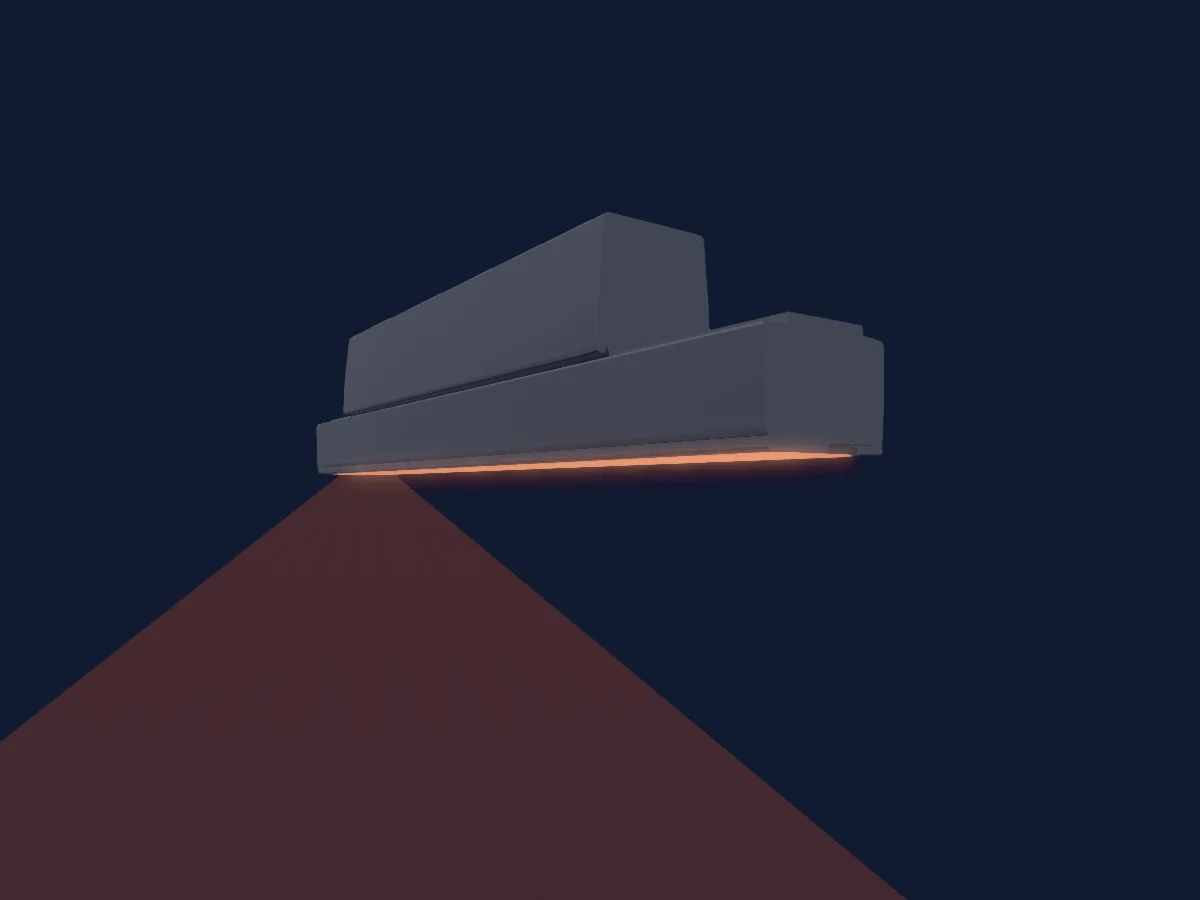
Martin Professional Exterior Linear Pro Cove QUAD 1ft
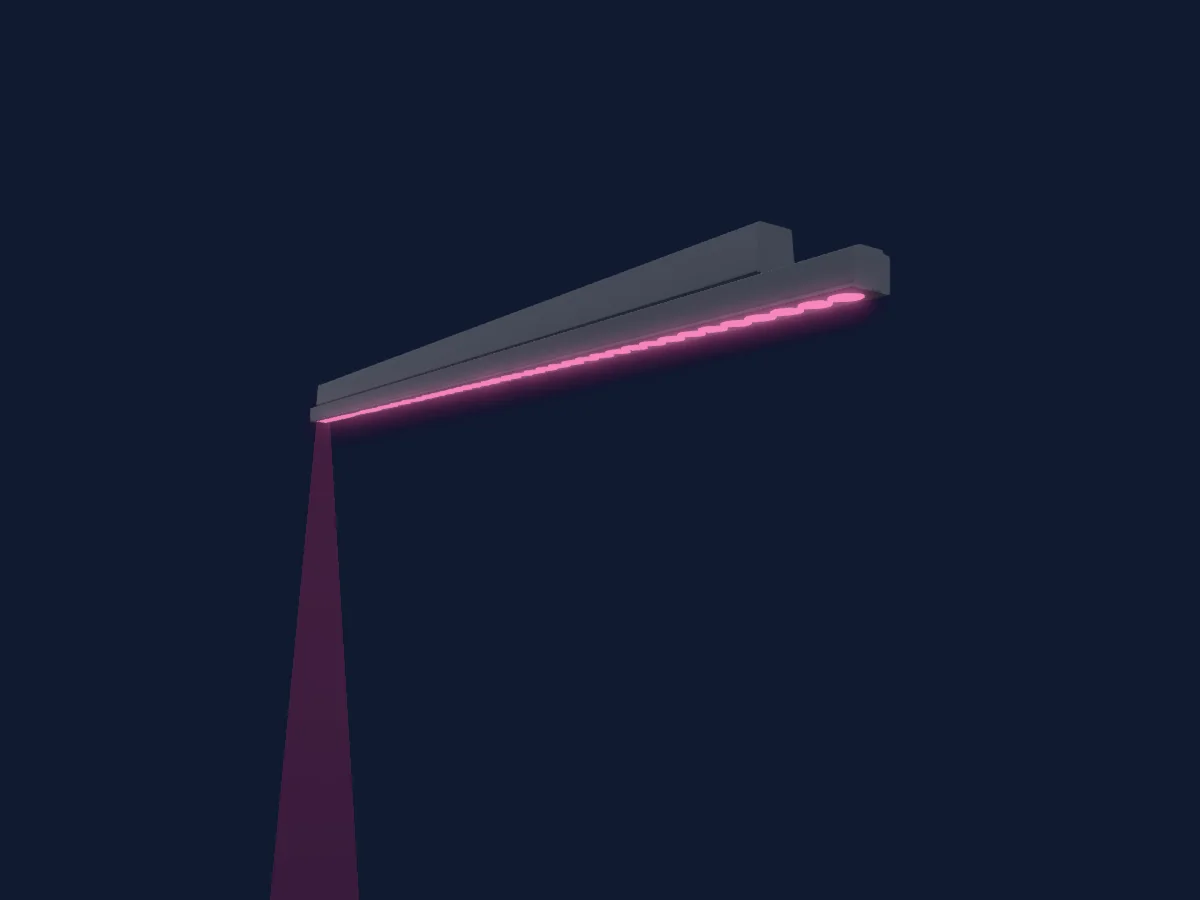
Martin Professional Exterior Linear Pro Graze CTC 4ft

Martin Professional VC-Strip 15 32x1

Martin Professional VC-Grid 25 8x8
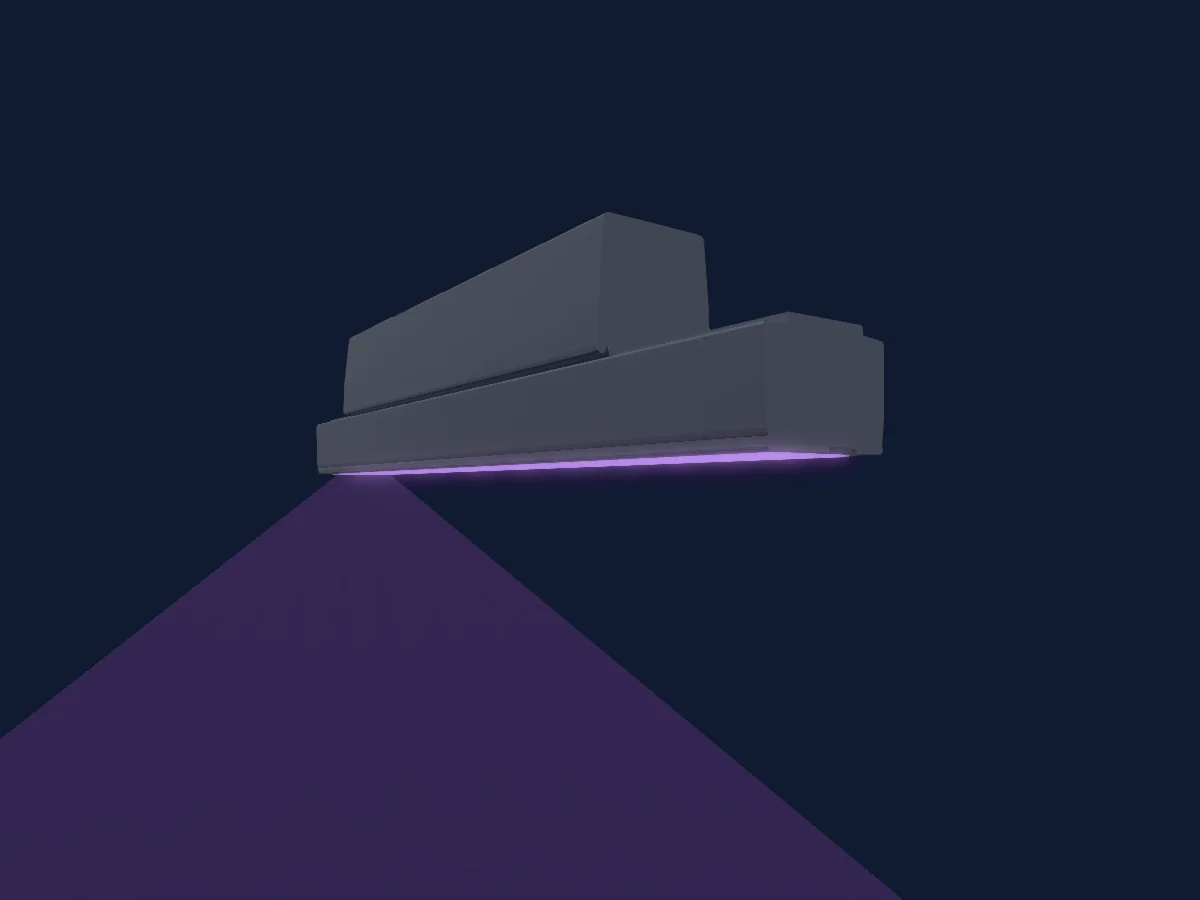
Martin Professional Exterior Linear Pro Cove CTC 1ft
Die Tabellen stammen aus der GDTF-Beschreibung des Scheinwerfers, umgewandelt für die HitLight-Bibliothek. HitLight ist nicht mit Martin Professional verbunden.
Fixture model: gdtf-martin-professional-rush-par-1-rgbw-202610290231
Original HitLight deterministic Blender geometry, authored and reviewed by the owner-authorized subscription agent. Manufacturer photo/manual used only as private visual/factual references; no manufacturer CAD, third-party mesh or texture imported. Approximate planning model, not hardware verified.
Creator: HitLight
Modifications: Original seven-lens housing, molded-shell cooling detail, double manual bracket and rear connectors replace the private CAD-derived mesh. Seven existing aperture centres/normals/common RGBW ownership, mounting datum and rest envelope retained. Cosmetic details and bracket pose estimated; profile, manifest, sidecar, native controls and photometric fields unchanged.