Zum Inhalt springen
HitLight
Prolights · Moving Head

Prolights AstraHybrid330

DMX-Tabelle, 1 DMX-Modus und eine 3D-Vorschau. 29 DMX-Kanäle.
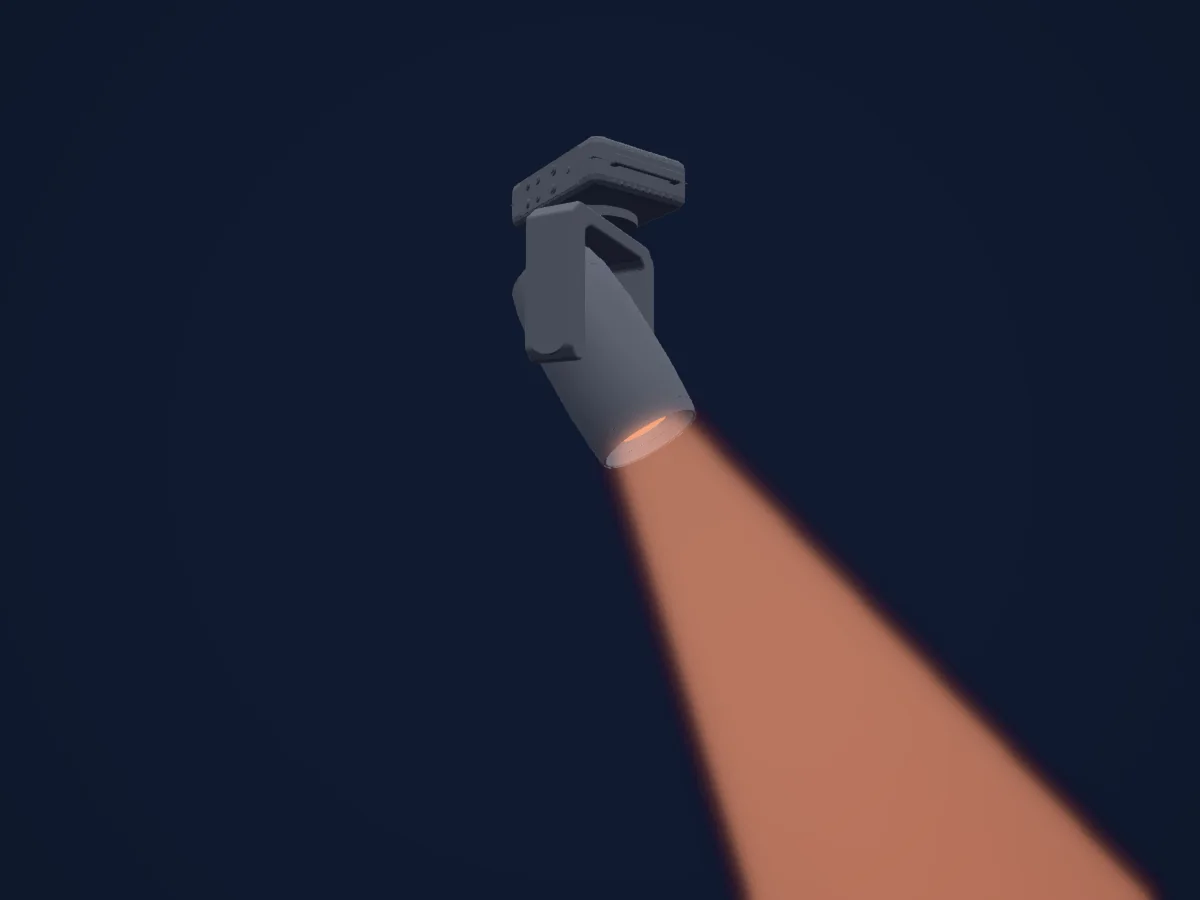
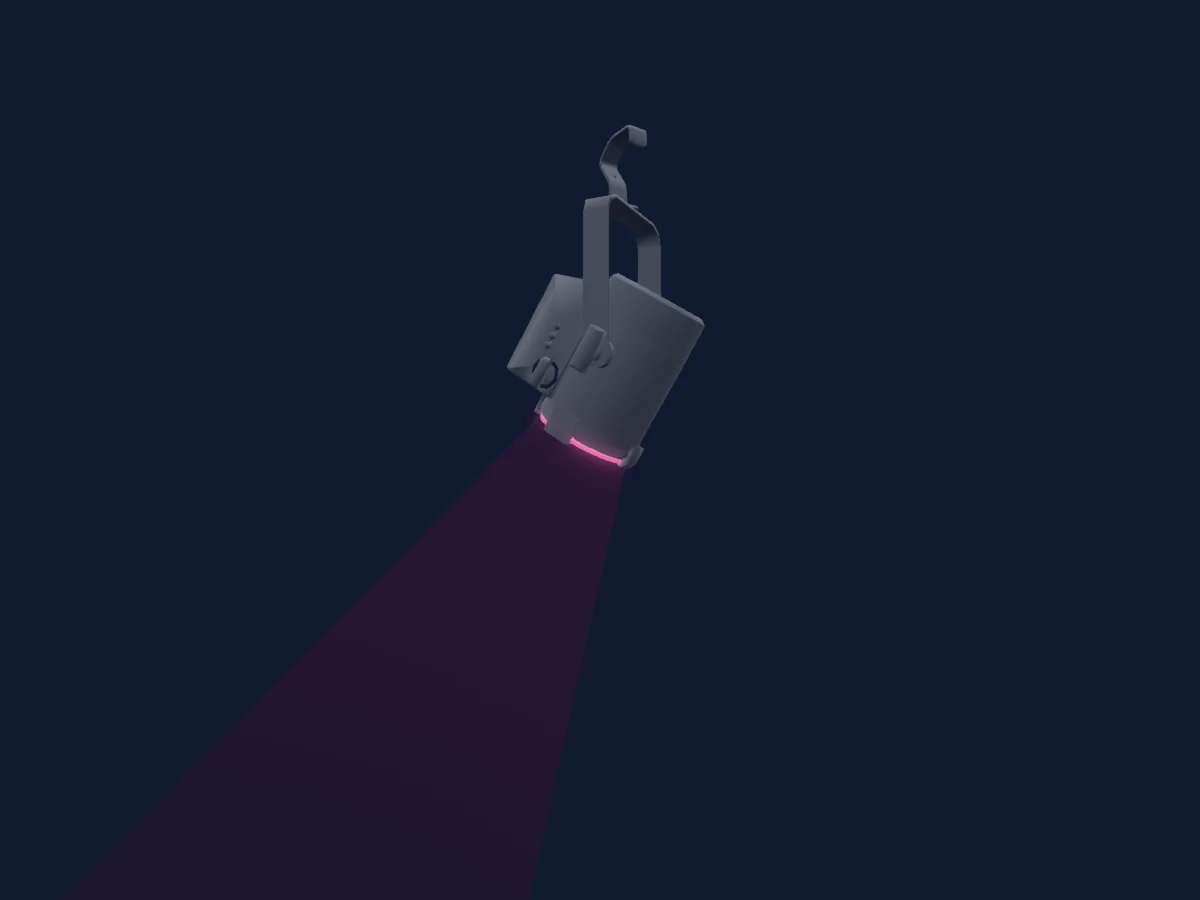
Prolights AstraHybrid330, gerendert in HitLight

Was er kann

  • Fokus
  • Frost
  • Prisma
  • Prismenrotation
  • Zoom
  • CMY-Farbmischung
  • Farbrad
  • Strobe
  • Dimmer
  • Pan und Tilt
  • Gobos
  • Gobo-Rotation

DMX-Modi und Kanaltabellen

DMX-Modi von Prolights AstraHybrid330
ModusKanäleIn HitLight
Standard29Bereit in HitLight

Standard

Bereit in HitLight

29 DMX-Kanäle · Diese Tabelle als CSV herunterladen

DMX-Kanaltabelle für Standard
KanalFunktionStandardDMX-Werte
1Pan1270–255
2Pan Fine255Feinbyte von Pan
3Tilt1270–255
4Tilt Fine255Feinbyte von Tilt
5Dimmer0
2 Wertebereiche
  • 0–254 Closed
  • 255–255 Open
6Dimmer Fine0Feinbyte von Dimmer
7Shutter / Strobe255
9 Wertebereiche
  • 0–1 Closed
  • 2–62 Strobe
  • 63–64 Open
  • 65–125 PulseInStrobe
  • 126–127 Open
  • 128–188 PulseOutStrobe
  • 189–190 Open
  • 191–251 RandomStrobe
  • 252–255 Open
8Cyan00–255
9Magenta00–255
10Yellow00–255
11Color Wheel0
16 Wertebereiche
  • 0–18 Open (wheel slot 1)
  • 19–37 Open + Hi Cri (wheel slot 1)
  • 38–56 Hi Cri (wheel slot 2)
  • 57–75 Hi Cri + CTO 3200K (wheel slot 2)
  • 76–94 CTO 3200K (wheel slot 3)
  • 95–113 CTO 3200k + CTO 2400K (wheel slot 3)
  • 114–132 CTO 2400K (wheel slot 4)
  • 133–151 CTO 2400K + CYAN (wheel slot 4)
  • 152–170 Cyan (wheel slot 5)
  • 171–171 CW Fast
  • 172–210 CW Fast2Slow
  • 211–211 CW Slow
  • 212–214 Stop
  • 215–215 CCW Slow
  • 216–254 CCW Slow2Fast
  • 255–255 CCW Fast
12Color Wheel 20
16 Wertebereiche
  • 0–18 Open (wheel slot 1)
  • 19–37 Open + Lavender (wheel slot 1)
  • 38–56 Lavender (wheel slot 2)
  • 57–75 Lavender + DarkBlue (wheel slot 2)
  • 76–94 DarkBlue (wheel slot 3)
  • 95–113 Dark Blue + DarkRed (wheel slot 3)
  • 114–132 DarkRed (wheel slot 4)
  • 133–151 DarkRed + Magenta (wheel slot 4)
  • 152–170 Magenta (wheel slot 5)
  • 171–171 CW Fast
  • 172–210 CW Fast2Slow
  • 211–211 CW Slow
  • 212–214 Stop
  • 215–215 CCW Slow
  • 216–254 CCW Slow2Fast
  • 255–255 CCW Fast
13Color30
16 Wertebereiche
  • 0–18 Open (wheel slot 1)
  • 19–37 Open + Light Green (wheel slot 1)
  • 38–56 Light Green (wheel slot 2)
  • 57–75 Light Green + Pink (wheel slot 2)
  • 76–94 Pink (wheel slot 3)
  • 95–113 Pink + Light Orange (wheel slot 3)
  • 114–132 Light Orange (wheel slot 4)
  • 133–151 Light Orange + Yellow (wheel slot 4)
  • 152–170 Yellow (wheel slot 5)
  • 171–171 CW Fast
  • 172–210 CW Fast2Slow
  • 211–211 CW Slow
  • 212–214 Stop
  • 215–215 CCW Slow
  • 216–254 CCW Slow2Fast
  • 255–255 CCW Fast
14Gobo0
24 Wertebereiche
  • 0–9 Open (wheel slot 1)
  • 10–19 Gobo_1 (wheel slot 2)
  • 20–29 Gobo_2 (wheel slot 3)
  • 30–39 Gobo_3 (wheel slot 4)
  • 40–49 Gobo_4 (wheel slot 5)
  • 50–59 Gobo_5 (wheel slot 6)
  • 60–69 Gobo_6 (wheel slot 7)
  • 70–79 Gobo_7 (wheel slot 8)
  • 80–89 Gobo_8 (wheel slot 9)
  • 90–90 CW Fast
  • 91–130 CW Fast2Slow
  • 131–131 CW Slow
  • 132–132 Spin Stop
  • 133–133 CCW Slow
  • 134–173 CCW Slow2Fast
  • 174–174 CCW Fast
  • 175–184 Gobo_1 (wheel slot 2)
  • 185–194 Gobo_2 (wheel slot 3)
  • 195–204 Gobo_3 (wheel slot 4)
  • 205–214 Gobo_4 (wheel slot 5)
  • 215–224 Gobo_5 (wheel slot 6)
  • 225–234 Gobo_6 (wheel slot 7)
  • 235–244 Gobo_7 (wheel slot 8)
  • 245–255 Gobo_8 (wheel slot 9)
15Gobo Rotation0
10 Wertebereiche
  • 0–62 Min 0 degrees
  • 63–126 Mid 180 degrees
  • 127–127 Max 360 degrees
  • 128–128 CW Fast
  • 129–189 CW Fast2Slow
  • 190–190 CW Slow
  • 191–192 Stop
  • 193–193 CCW Slow
  • 194–254 CCW Slow2Fast
  • 255–255 CCW Fast
16Gobo Rotation Fine0Feinbyte von Gobo Rotation
17Gobo 20
30 Wertebereiche
  • 0–5 Open (wheel slot 1)
  • 6–11 Gobo_1 (wheel slot 2)
  • 12–17 Gobo_2 (wheel slot 3)
  • 18–23 Gobo_3 (wheel slot 4)
  • 24–29 Gobo_4 (wheel slot 5)
  • 30–35 Gobo_5 (wheel slot 6)
  • 36–41 Gobo_6 (wheel slot 7)
  • 42–47 Gobo_7 (wheel slot 8)
  • 48–53 Gobo_8 (wheel slot 9)
  • 54–59 Gobo_9 (wheel slot 10)
  • 60–65 Gobo_10 (wheel slot 11)
  • 66–75 Gobo_11 (wheel slot 12)
  • 90–90 CW Fast
  • 91–130 CW Fast2Slow
  • 131–131 CW Slow
  • 132–132 Spin Stop
  • 133–133 CCW Slow
  • 134–173 CCW Slow2Fast
  • 174–181 CCW Fast
  • 182–187 Gobo_1 (wheel slot 2)
  • 188–193 Gobo_2 (wheel slot 3)
  • 194–199 Gobo_3 (wheel slot 4)
  • 200–205 Gobo_4 (wheel slot 5)
  • 206–211 Gobo_5 (wheel slot 6)
  • 212–217 Gobo_6 (wheel slot 7)
  • 218–223 Gobo_7 (wheel slot 8)
  • 224–229 Gobo_8 (wheel slot 9)
  • 230–235 Gobo_9 (wheel slot 10)
  • 236–241 Gobo_10 (wheel slot 11)
  • 242–255 Gobo_11 (wheel slot 12)
18Prism0
2 Wertebereiche
  • 0–127 Open (wheel slot 1)
  • 128–255 8F Prism (wheel slot 2)
19Prism Rotation0
10 Wertebereiche
  • 0–62 Min 0 Degrees (wheel slot 2)
  • 63–126 Mid 180 Degrees (wheel slot 2)
  • 127–127 Max 360 Degrees (wheel slot 2)
  • 128–128 CW Fast (wheel slot 2)
  • 129–189 CW Fast2Slow (wheel slot 2)
  • 190–190 CW Slow (wheel slot 2)
  • 191–192 Stop (wheel slot 2)
  • 193–193 CCW Slow (wheel slot 2)
  • 194–254 CCW Slow2Fast (wheel slot 2)
  • 255–255 CCW Fast (wheel slot 2)
20Prism0
2 Wertebereiche
  • 0–127 Open (wheel slot 1)
  • 128–255 6F Linear Prism (wheel slot 2)
21Prism Rotation0
10 Wertebereiche
  • 0–62 Min 0 Degrees (wheel slot 2)
  • 63–126 Mid 180 Degrees (wheel slot 2)
  • 127–127 Max 360 Degrees (wheel slot 2)
  • 128–138 CW Fast (wheel slot 2)
  • 139–189 CW Fast2Slow (wheel slot 2)
  • 190–190 CW Slow (wheel slot 2)
  • 191–192 Stop (wheel slot 2)
  • 193–193 CCW Slow (wheel slot 2)
  • 194–254 CCW Slow2Fast (wheel slot 2)
  • 255–255 CCW Fast (wheel slot 2)
22Frost100–255
23Zoom127
3 Wertebereiche
  • 0–127 Min
  • 128–254 Mid
  • 255–255 Max
24Zoom Fine255Feinbyte von Zoom
25Focus1270–255
26Focus Fine255Feinbyte von Focus
27Animation System10
2 Wertebereiche
  • 0–0 Open (wheel slot 1)
  • 1–255 Animation (wheel slot 2)
28Animation System1Pos0
10 Wertebereiche
  • 0–62 Min 0 Degrees (wheel slot 2)
  • 63–126 Mid 180 Degrees (wheel slot 2)
  • 127–127 Max 360 Degrees (wheel slot 2)
  • 128–128 CW Fast
  • 129–189 CW Fast2Slow
  • 190–190 CW Fast
  • 191–192 Stop
  • 193–193 CCW Slow
  • 194–254 CCW Slow2Fast
  • 255–255 CCW Fast
29Control100–255

Prolights AstraHybrid330 in HitLight verwenden

  1. Öffne Scheinwerfer hinzufügen und suche nach Prolights AstraHybrid330.
  2. Wähle den DMX-Modus, der im Menü des Scheinwerfers eingestellt ist. HitLight gibt ihm die niedrigste freie Startadresse in seinem Universum, die zur Kanalzahl des Modus passt.
  3. Prüfe Modus und Steuerung an deinem echten Scheinwerfer, bevor du ihn live einsetzt.

Spielstätten mit Prolights AstraHybrid330

Ihre gespeicherten Lichtaufbauten enthalten dieses Scheinwerfermodell. Klären Sie die aktuelle Ausstattung mit der Spielstätte.

Die Tabellen stammen aus der GDTF-Beschreibung des Scheinwerfers, umgewandelt für die HitLight-Bibliothek. HitLight ist nicht mit Prolights verbunden.

Fixture model: gdtf-prolights-astrahybrid330-108545
Original HitLight primitive housing from privately retained manufacturer dimensional/visual references. No third-party mesh,source page,logo or image texture embedded. Existing native geometry/programming retained; fine details estimated. Hardware and photometry unverified.
Creator: HitLight

Patche ihn und lass die Musik das Licht steuern.

HitLight findet diese Scheinwerfer in seiner Bibliothek, patcht sie auf die nächste freie Adresse und zeigt deine Lichtanlage in 3D, bevor ein einziges Licht eingesteckt ist.

HitLight öffnen ↗HitLight herunterladen