Zum Inhalt springen
HitLight
SHEHDS · Moving Head

SHEHDS 350W Beam Light

DMX-Tabelle, 1 DMX-Modus und eine 3D-Vorschau. 16 DMX-Kanäle.
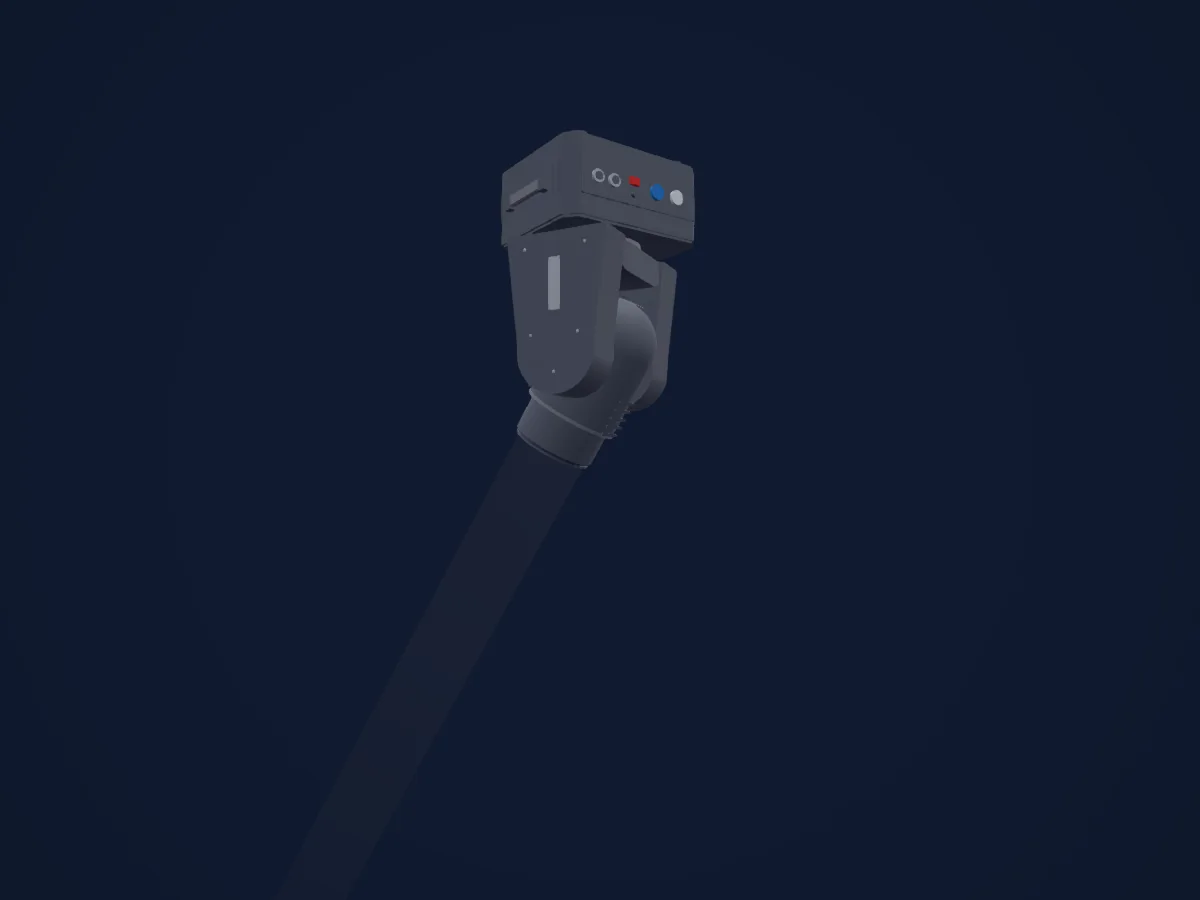
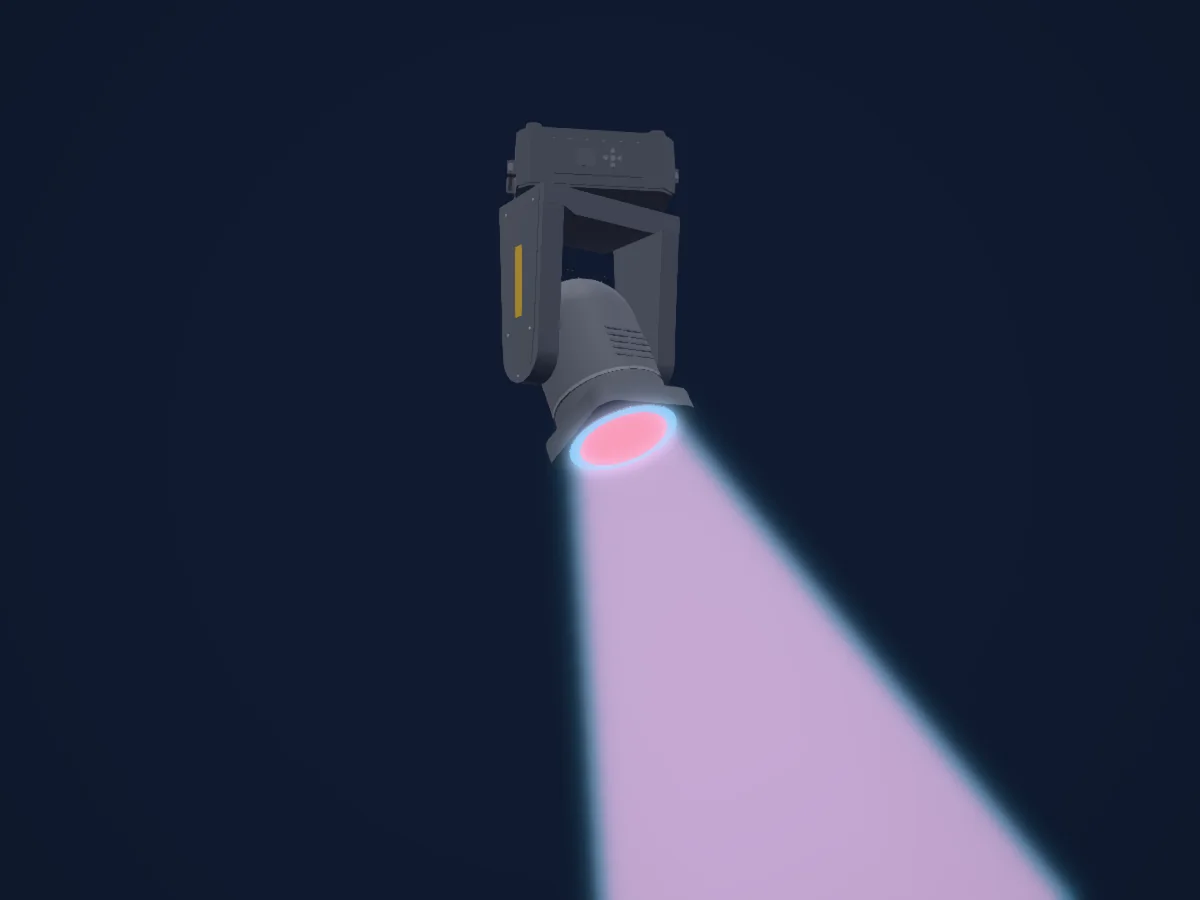
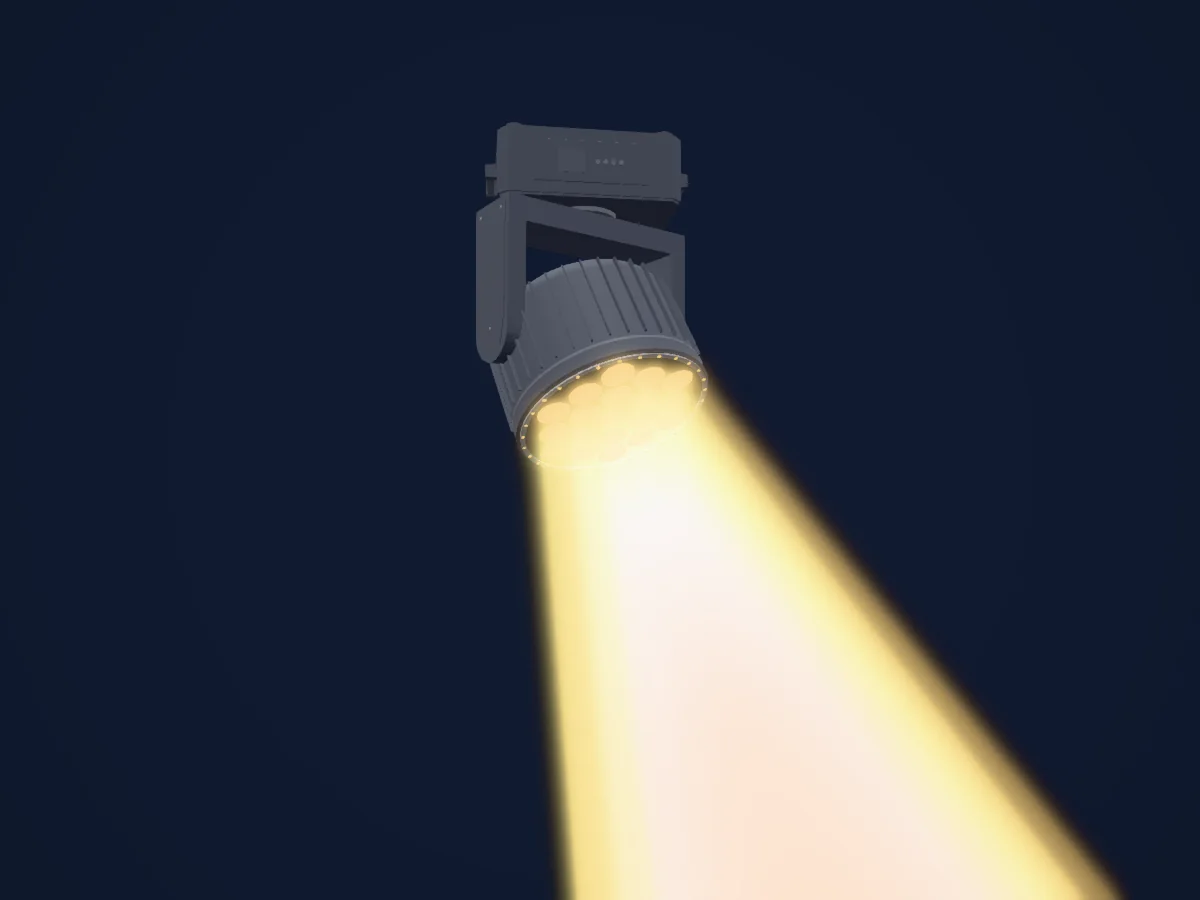
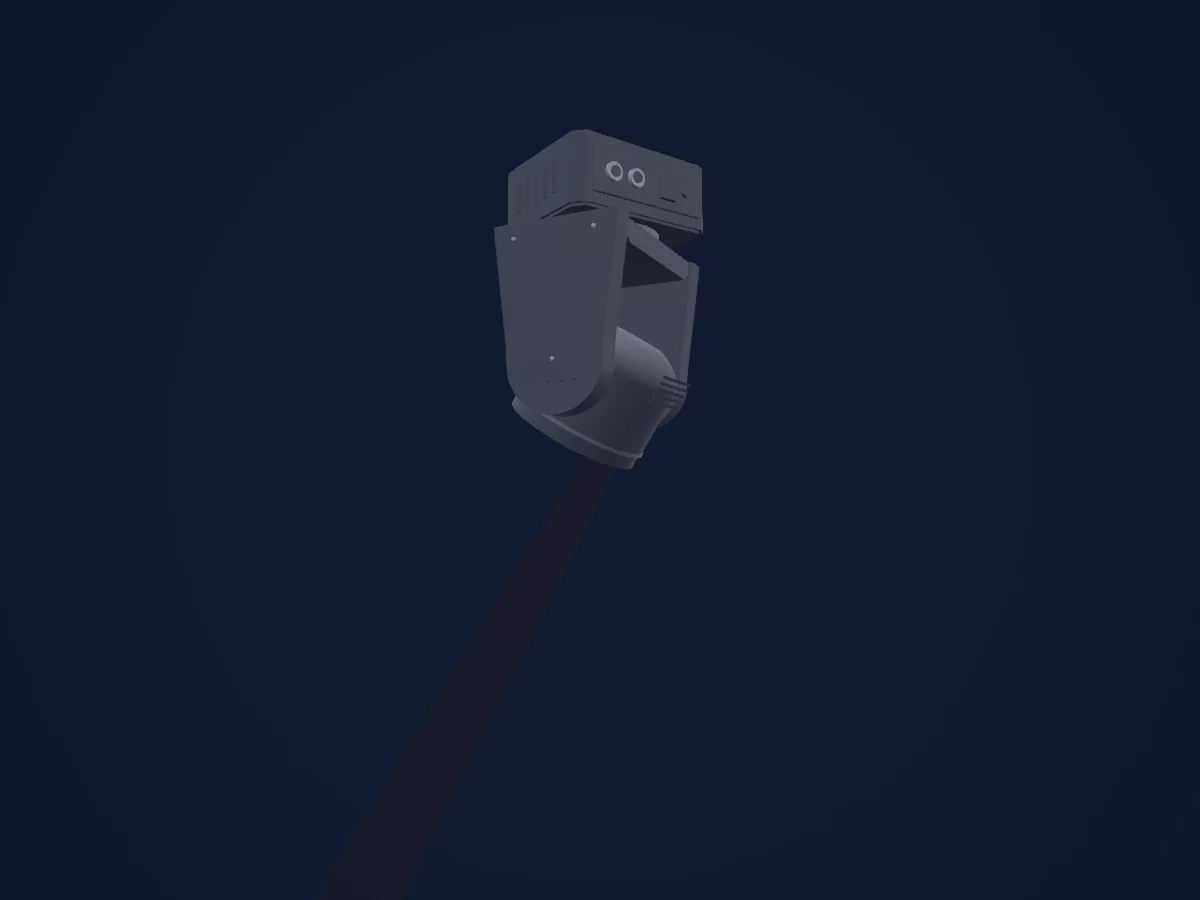
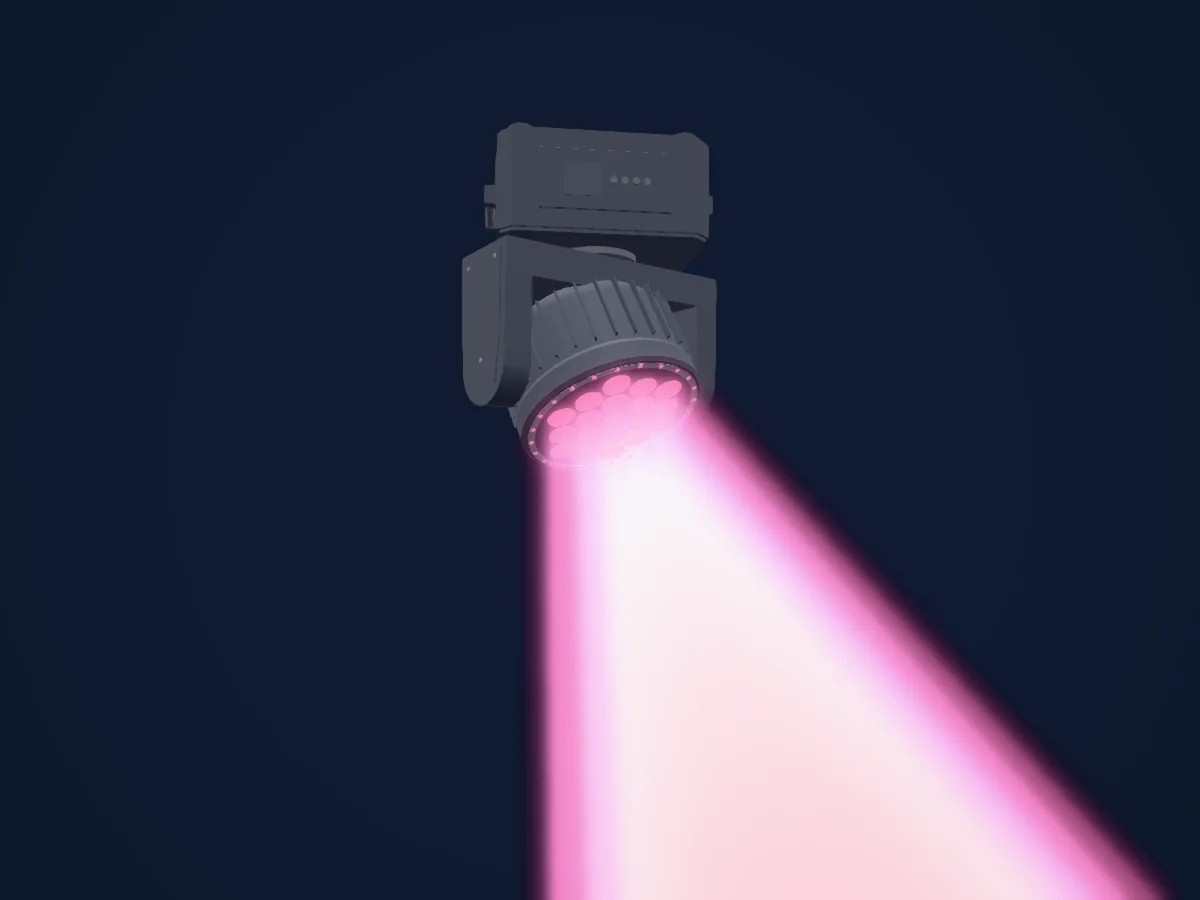
SHEHDS 350W Beam Light, gerendert in HitLight

Was er kann

  • Fokus
  • Frost
  • Prisma
  • Prismenrotation
  • Farbrad
  • Strobe
  • Dimmer
  • Pan und Tilt
  • Bewegungsgeschwindigkeit
  • Gobos

Sicherheitsrelevante Funktionen: Scheinwerfer-Reset. Prüfe vor einer Show, wie sie sich an deinem eigenen Scheinwerfer verhalten.

DMX-Modi und Kanaltabellen

DMX-Modi von SHEHDS 350W Beam Light
ModusKanäleIn HitLight
16 Channels Mode16Bereit in HitLight

16 Channels Mode

Bereit in HitLight

16 DMX-Kanäle · Diese Tabelle als CSV herunterladen

DMX-Kanaltabelle für 16 Channels Mode
KanalFunktionStandardDMX-Werte
1Pan1280–255
2Tilt1280–255
3Pan Fine0Feinbyte von Pan
4Tilt Fine0Feinbyte von Tilt
5Position MSpeed00–255
6Frost10
2 Wertebereiche
  • 0–127 No function
  • 128–255 Insert atomization
7Shutter / Strobe104
7 Wertebereiche
  • 0–3 Strobe: No function
  • 4–103 Strobe: From slow to fast 1–20 Hz
  • 104–107 Open
  • 108–207 Strobe: From slow to fast 1–20 Hz
  • 208–212 Open
  • 213–251 Strobe: From slow to fast 1–20 Hz
  • 252–255 Open
8Dimmer00–255
9Color Wheel0
32 Wertebereiche
  • 0–4 White (wheel slot 1)
  • 5–9 White + Color 1
  • 10–14 Color 1 (wheel slot 2)
  • 15–19 Color 1 + Color 2
  • 20–24 Color 2 (wheel slot 3)
  • 25–29 Color 2 + Color 3
  • 30–34 Color 3 (wheel slot 4)
  • 35–39 Color 3 + Color 4
  • 40–44 Color 4 (wheel slot 5)
  • 45–49 Color 4 + Color 5
  • 50–54 Color 5 (wheel slot 6)
  • 55–59 Color 5 + Color 6
  • 60–64 Color 6 (wheel slot 7)
  • 65–69 Color 6 + Color 7
  • 70–74 Color 7 (wheel slot 8)
  • 75–79 Color 7 + Color 8
  • 80–84 Color 8 (wheel slot 9)
  • 85–89 Color 8 + Color 9
  • 90–94 Color 9 (wheel slot 10)
  • 95–99 Color 9 + Color 10
  • 100–104 Color 10 (wheel slot 11)
  • 105–109 Color 10 + Color 11
  • 110–114 Color 11 (wheel slot 12)
  • 115–119 Color 11 + Color 12
  • 120–124 Color 12 (wheel slot 13)
  • 125–129 Color 12 + Color 13
  • 130–134 Color 13 (wheel slot 14)
  • 135–139 Color 13 + Color 14
  • 140–144 Color 14 (wheel slot 15)
  • 145–149 Color 14 + White
  • 150–202 Clockwise rotation
  • 203–255 Anticlockwise rotation
10Gobo0
30 Wertebereiche
  • 0–4 White (wheel slot 1)
  • 5–9 Gobo1 (wheel slot 2)
  • 10–14 Gobo2 (wheel slot 3)
  • 15–19 Gobo3 (wheel slot 4)
  • 20–24 Gobo4 (wheel slot 5)
  • 25–29 Gobo5 (wheel slot 6)
  • 30–34 Gobo6 (wheel slot 7)
  • 35–39 Gobo7 (wheel slot 8)
  • 40–44 Gobo8 (wheel slot 9)
  • 45–49 Gobo9 (wheel slot 10)
  • 50–54 Gobo10 (wheel slot 11)
  • 55–59 Gobo11 (wheel slot 12)
  • 60–64 Gobo12 (wheel slot 13)
  • 65–69 Gobo13 (wheel slot 14)
  • 70–125 Clockwise rotation
  • 126–130 Stop
  • 131–190 Anticlockwise rotation
  • 191–195 Shake Gobo1 (wheel slot 2)
  • 196–200 Shake Gobo2 (wheel slot 3)
  • 201–205 Shake Gobo3 (wheel slot 4)
  • 206–210 Shake Gobo4 (wheel slot 5)
  • 211–215 Shake Gobo5 (wheel slot 6)
  • 216–220 Shake Gobo6 (wheel slot 7)
  • 221–225 Shake Gobo7 (wheel slot 8)
  • 226–230 Shake Gobo8 (wheel slot 9)
  • 231–235 Shake Gobo9 (wheel slot 10)
  • 236–240 Shake Gobo10 (wheel slot 11)
  • 241–245 Shake Gobo11 (wheel slot 12)
  • 246–250 Shake Gobo12 (wheel slot 13)
  • 251–255 Shake Gobo13 (wheel slot 14)
11Prism0
2 Wertebereiche
  • 0–127 No function
  • 128–255 Prism 1 on
12Prism0
2 Wertebereiche
  • 0–127 No function
  • 128–255 Prism 2 on
13Prism Rotation0
4 Wertebereiche
  • 0–127 Rotating 0-400°
  • 128–187 Clockwise rotation
  • 188–195 Stop
  • 196–255 Anticlockwise rotation
14Color Effects10
2 Wertebereiche
  • 0–127 No function
  • 128–255 Rainbow Effect on
15Focus00–255
16Fixture Global Reset0
10 Wertebereiche
  • 0–99 No function (not printed, assumed)
  • 100–105 Turn off the lamp after 6 seconds
  • 106–199 No function (not printed, assumed)
  • 200–205 Turn on the lamp after 6 seconds
  • 206–209 No function (not printed, assumed)
  • 210–215 Reset P/T after 6 seconds
  • 216–219 No function (not printed, assumed)
  • 220–235 Return the effect motor after 6 seconds
  • 236–239 No function (not printed, assumed)
  • 240–255 Reset after 6 seconds

SHEHDS 350W Beam Light in HitLight verwenden

  1. Öffne Scheinwerfer hinzufügen und suche nach SHEHDS 350W Beam Light.
  2. Wähle den DMX-Modus, der im Menü des Scheinwerfers eingestellt ist. HitLight gibt ihm die niedrigste freie Startadresse in seinem Universum, die zur Kanalzahl des Modus passt.
  3. Prüfe Modus und Steuerung an deinem echten Scheinwerfer, bevor du ihn live einsetzt.

Die Tabellen stammen aus der GDTF-Beschreibung des Scheinwerfers, umgewandelt für die HitLight-Bibliothek. HitLight ist nicht mit SHEHDS verbunden.

Fixture model: gdtf-shehds-350w-beam-light-2611100216
Creator: HitLight
Modifications: Original HitLight 3D housing: scripted parametric geometry modelled by HitLight from public product photos and the manufacturer's published dimensions. No manufacturer imagery, CAD, meshes or GDTF models are redistributed.

Patche ihn und lass die Musik das Licht steuern.

HitLight findet diese Scheinwerfer in seiner Bibliothek, patcht sie auf die nächste freie Adresse und zeigt deine Lichtanlage in 3D, bevor ein einziges Licht eingesteckt ist.

HitLight öffnen ↗HitLight herunterladen