Saltar al contenido
HitLight
Blizzard Lighting LLC · PAR

Blizzard Lighting LLC Motif Risplendi 150

Tabla DMX, 3 modos DMX y vista previa en 3D. 5 / 7 / 11 canales DMX.
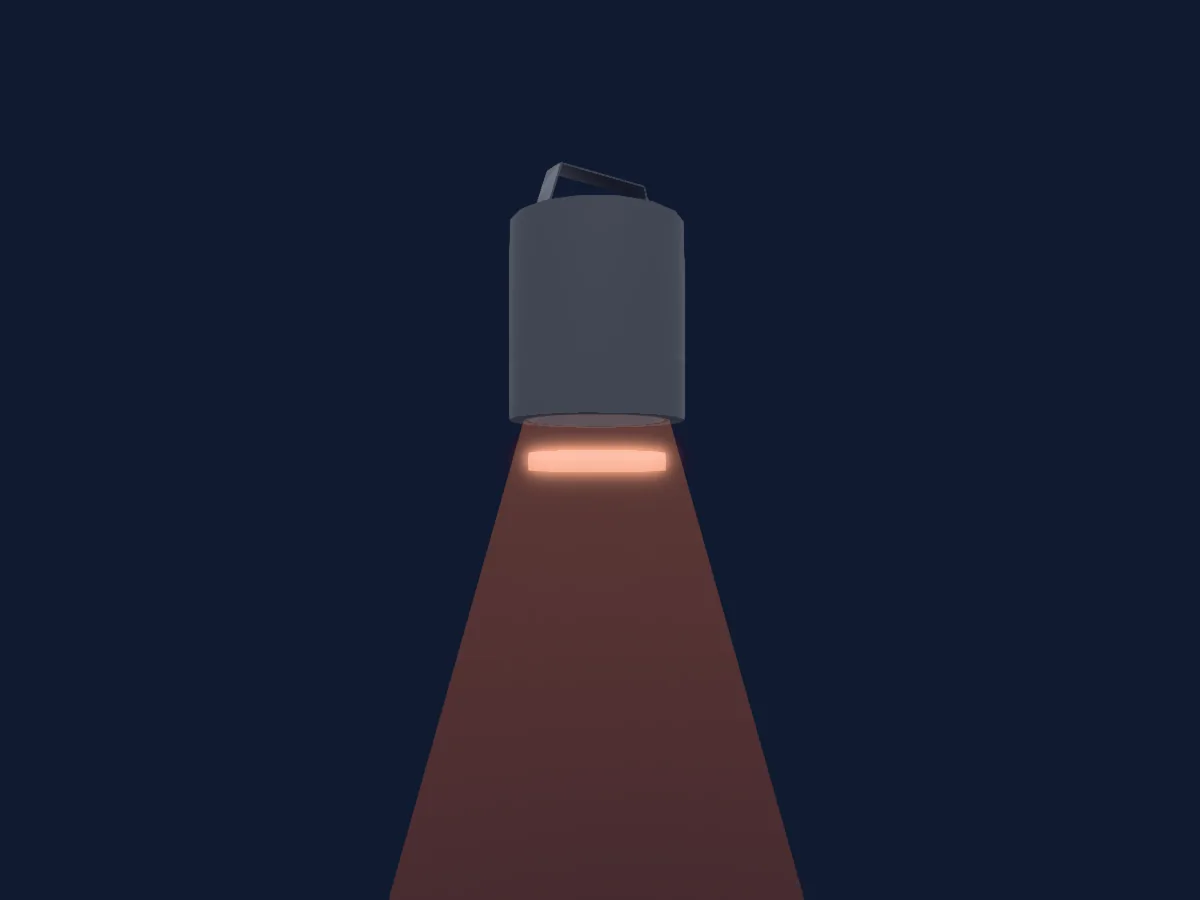
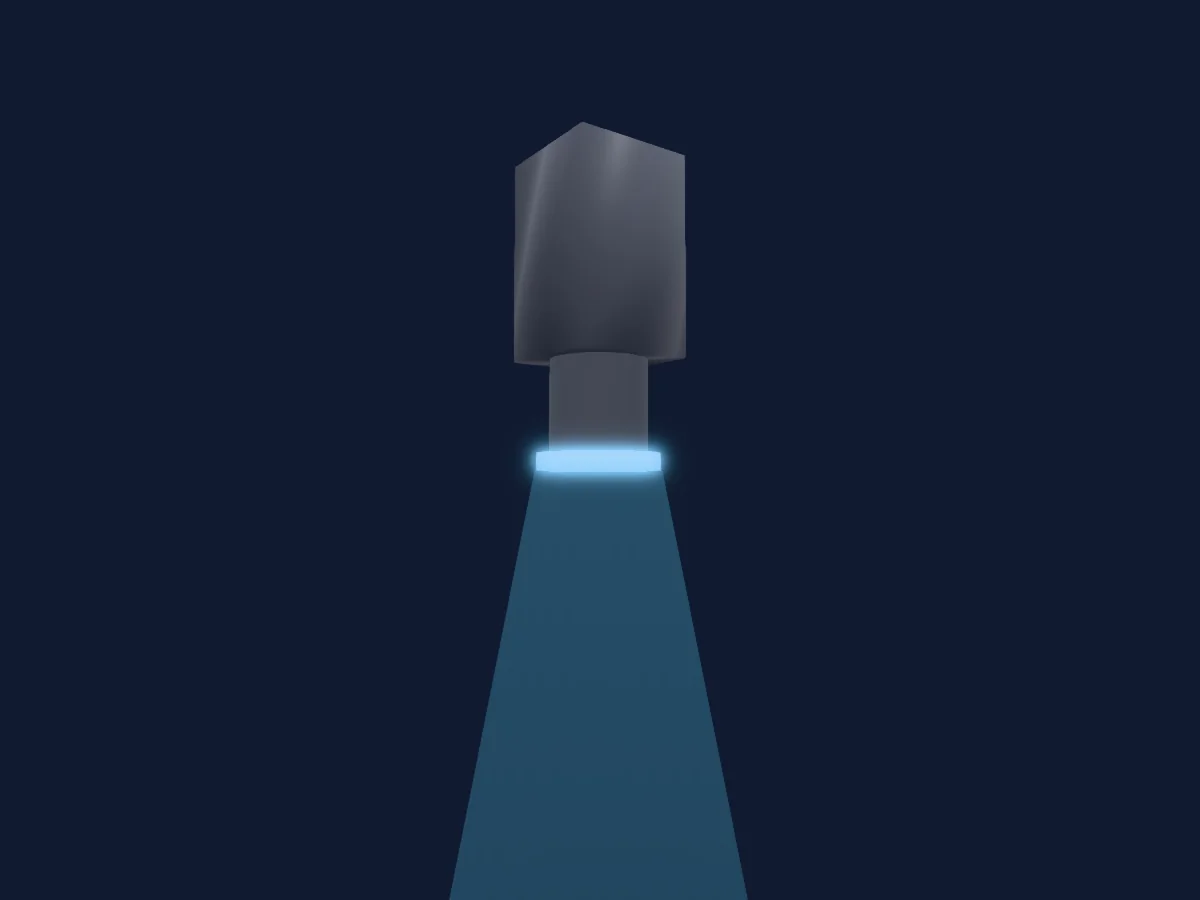
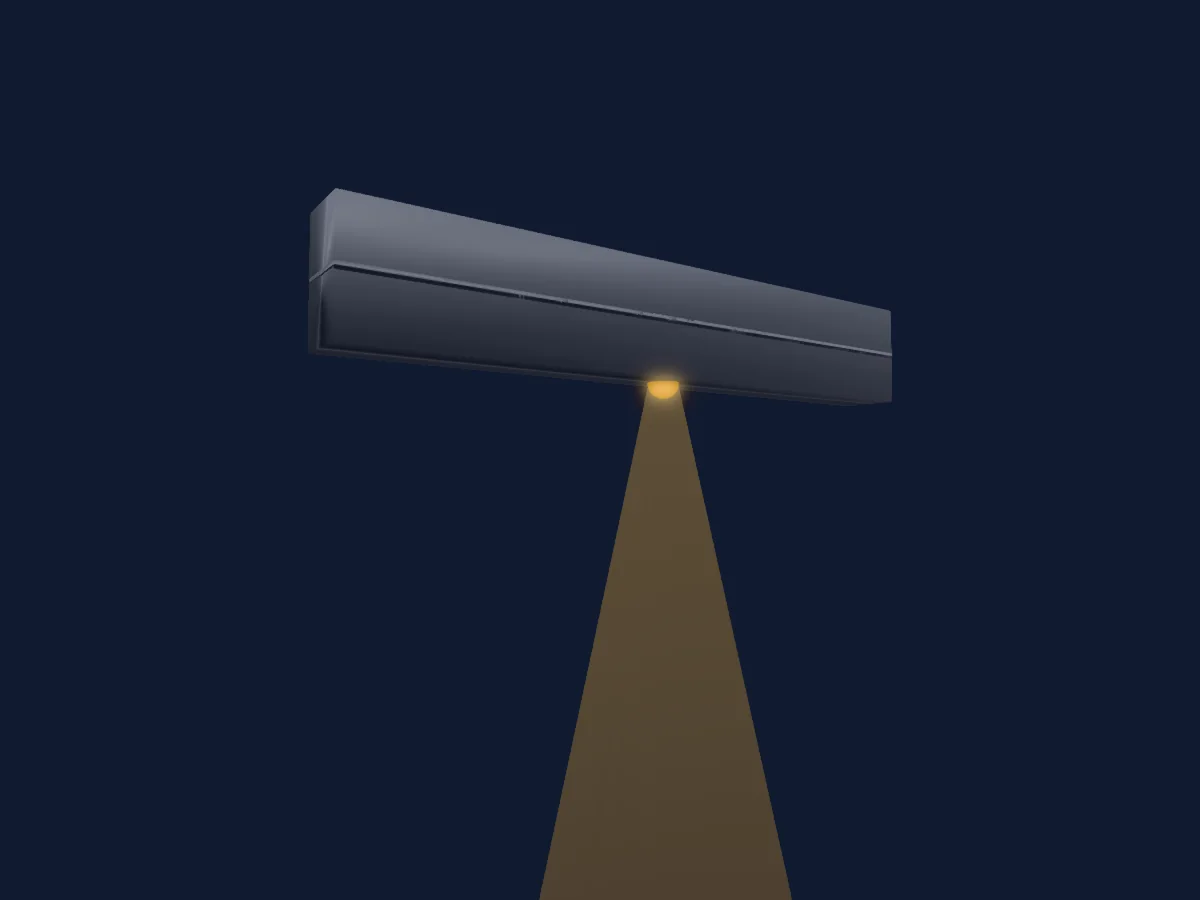
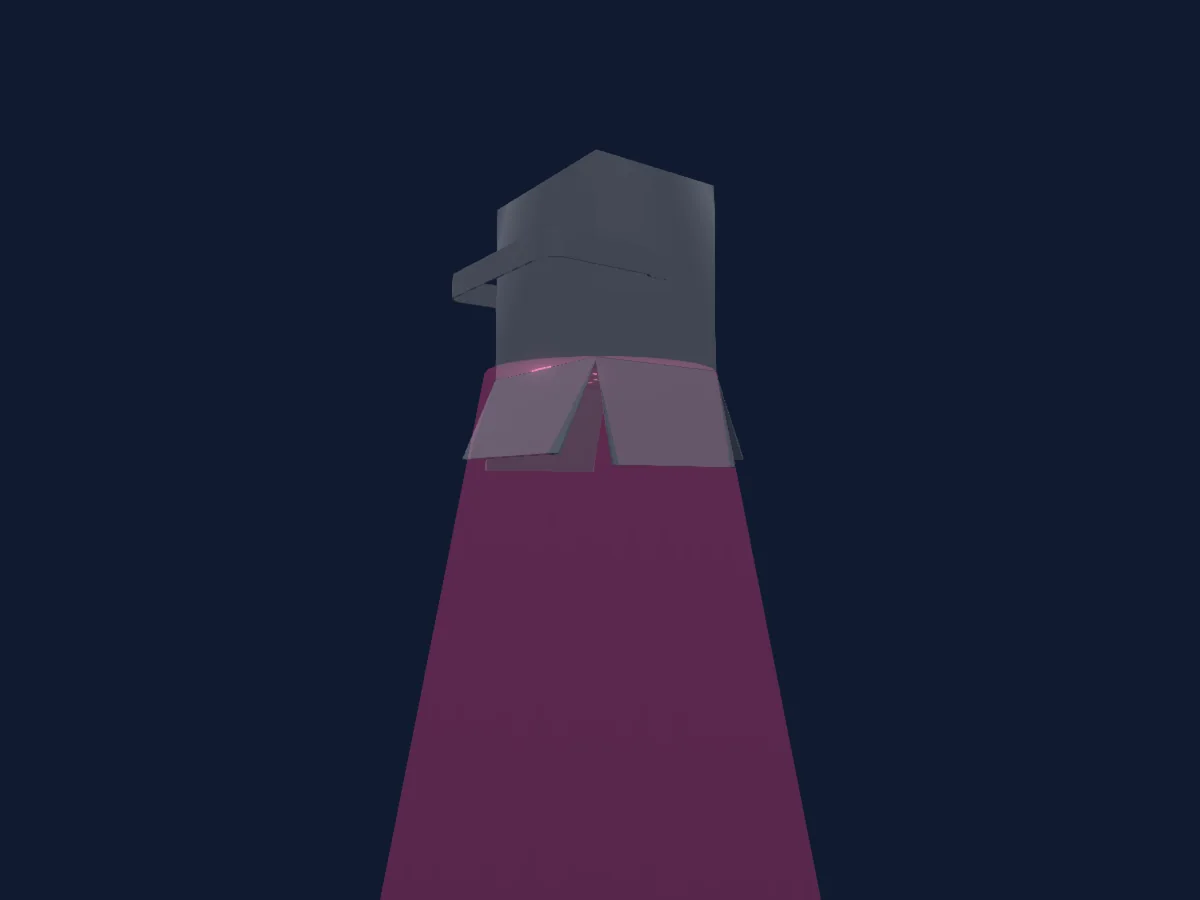
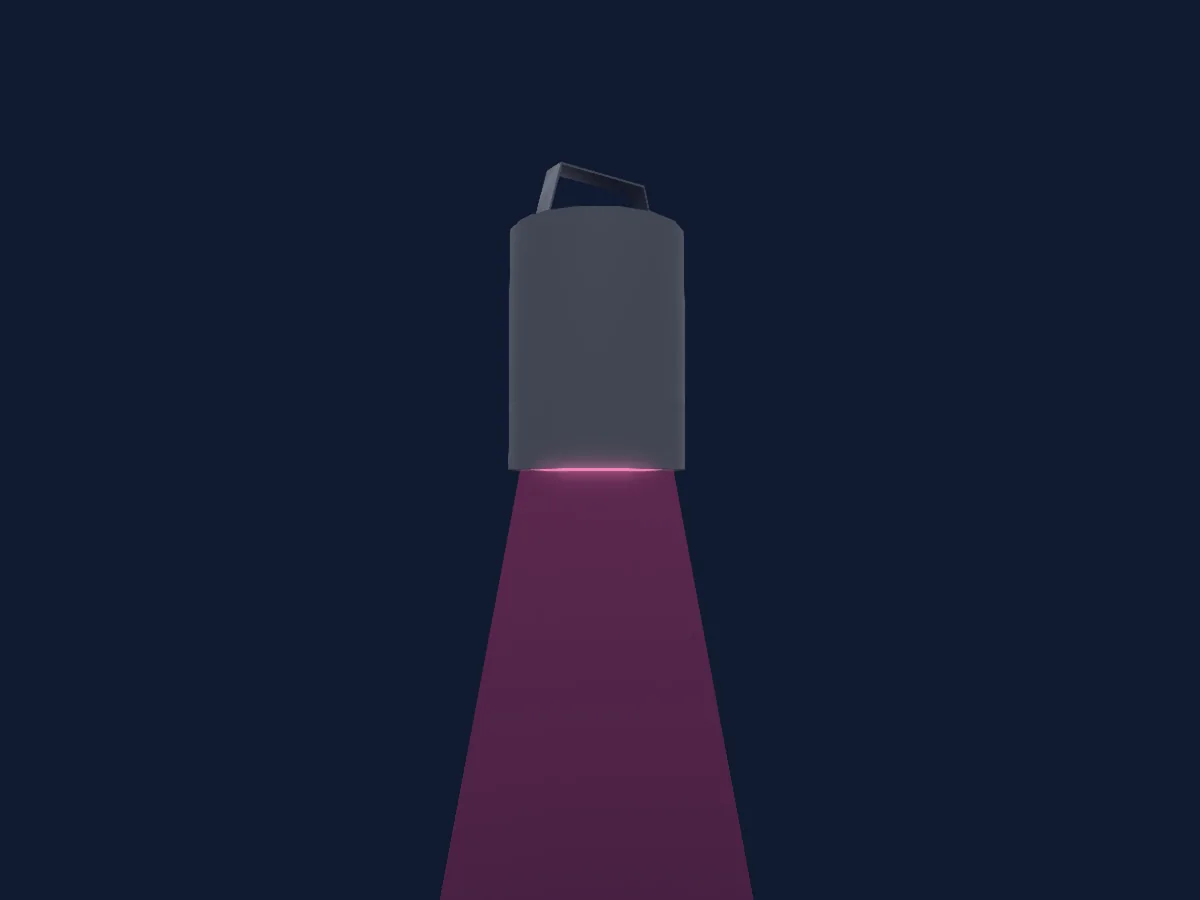
Blizzard Lighting LLC Motif Risplendi 150 renderizado en HitLight

Lo que puede hacer

  • Colores LED adicionales
  • Mezcla de color RGB
  • Rueda de color
  • Estrobo
  • Intensidad

Funciones relevantes para la seguridad: Estrobo · Programas de efectos integrados. Comprueba cómo se comportan en tu propio foco antes de un espectáculo.

Modos DMX y tablas de canales

Modos DMX de Blizzard Lighting LLC Motif Risplendi 150
ModoCanalesEn HitLight
5Ch Mode5Listo en HitLight
7Ch Mode7Listo en HitLight
11Ch Mode11Listo en HitLight

5Ch Mode

Listo en HitLight

5 canales DMX · Descargar esta tabla en CSV

Tabla de canales DMX de 5Ch Mode
CanalFunciónPredeterminadoValores DMX
1Red2550–255
2Green2550–255
3Blue2550–255
4Color Add RY00–255
5Color Add GY00–255

7Ch Mode

Listo en HitLight

7 canales DMX · Descargar esta tabla en CSV

Tabla de canales DMX de 7Ch Mode
CanalFunciónPredeterminadoValores DMX
1Dimmer00–255
2Red2550–255
3Green2550–255
4Blue2550–255
5Color Add RY00–255
6Color Add GY00–255
7Shutter / Strobe0
22 rangos de valores
  • 0–5 Shutter Open
  • 6–6 Slow Async Strobe
  • 7–19 Slow <--> Fast Async Strobe
  • 20–20 Fast Async Strobe
  • 21–21 Slow Normal Strobe
  • 22–59 Slow <--> Fast Normal Strobe
  • 60–60 Fast Normal Strobe
  • 61–61 Slow Sine Wave Strobe
  • 62–99 Slow <--> Fast Sine Wave Strobe
  • 100–100 Fast Sine Wave Strobe
  • 101–101 Slow Random Strobe
  • 102–139 Slow <--> Fast Random Strobe
  • 140–140 Fast Random Strobe
  • 141–178 Slow Pulse Open
  • 179–179 Slow <--> Fast Pulse Open
  • 180–180 Fast Pulse Open
  • 181–181 Slow Pulse Closed
  • 182–219 Slow <--> Fast Pulse Closed
  • 220–220 Fast Pulse Closed
  • 221–221 Slow Square Wave Strobe
  • 222–254 Slow <--> Fast Square Wave Strobe
  • 255–255 Fast Square Wave Strobe

11Ch Mode

Listo en HitLight

11 canales DMX · Descargar esta tabla en CSV

Tabla de canales DMX de 11Ch Mode
CanalFunciónPredeterminadoValores DMX
1Dimmer00–255
2Red2550–255
3Green2550–255
4Blue2550–255
5Color Add RY00–255
6Color Add GY00–255
7Shutter / Strobe0
22 rangos de valores
  • 0–5 Shutter Open
  • 6–6 Slow Async Strobe
  • 7–19 Slow <--> Fast Async Strobe
  • 20–20 Fast Async Strobe
  • 21–21 Slow Normal Strobe
  • 22–59 Slow <--> Fast Normal Strobe
  • 60–60 Fast Normal Strobe
  • 61–61 Slow Sine Wave Strobe
  • 62–99 Slow <--> Fast Sine Wave Strobe
  • 100–100 Fast Sine Wave Strobe
  • 101–101 Slow Random Strobe
  • 102–139 Slow <--> Fast Random Strobe
  • 140–140 Fast Random Strobe
  • 141–178 Slow Pulse Open
  • 179–179 Slow <--> Fast Pulse Open
  • 180–180 Fast Pulse Open
  • 181–181 Slow Pulse Closed
  • 182–219 Slow <--> Fast Pulse Closed
  • 220–220 Fast Pulse Closed
  • 221–221 Slow Square Wave Strobe
  • 222–254 Slow <--> Fast Square Wave Strobe
  • 255–255 Fast Square Wave Strobe
8Color Macro10
40 rangos de valores
  • 0–5 No Function
  • 6–10 Custom Color 1 (MENU: CT01)
  • 11–15 Custom Color 2 (MENU: CT02)
  • 16–20 Custom Color 3 (MENU: CT03)
  • 21–25 Custom Color 4 (MENU: CT04)
  • 26–30 Custom Color 5 (MENU: CT05)
  • 31–35 Custom Color 6 (MENU: CT06)
  • 36–40 Custom Color 7 (MENU: CT07)
  • 41–45 Custom Color 8 (MENU: CT08)
  • 46–50 Custom Color 9 (MENU: CT09)
  • 51–55 Custom Color 10 (MENU: CT10)
  • 56–60 Auto Program 1
  • 61–65 Auto Program 2
  • 66–70 Auto Program 3
  • 71–75 Auto Program 4
  • 76–80 Auto Program 5
  • 81–110 Reserved
  • 111–115 Red
  • 116–120 Green
  • 121–125 Blue
  • 126–130 Amber
  • 131–135 Lime
  • 136–140 RGBAL
  • 141–145 Red + Green (Yellow)
  • 146–150 Red + Blue (Magenta)
  • 151–155 Green + Blue (Cyan)
  • 156–160 Red + Amber (Deep Orange)
  • 161–165 Blue + Amber (Violet)
  • 166–170 Amber + Lime (Gold)
  • 171–175 2700K
  • 176–180 3200K
  • 181–185 4000K
  • 186–190 5500K
  • 191–195 6500K
  • 196–200 RGBL
  • 201–220 No Function
  • 221–225 Custom Auto Program 1
  • 226–230 Custom Auto Program 2
  • 231–235 Custom Auto Program 3
  • 236–255 No Function
9Color Macro1Rate0
3 rangos de valores
  • 0–0 Slow
  • 1–254 Slow <--> Fast
  • 255–255 Fast
10Color Effects10
14 rangos de valores
  • 0–10 No Function
  • 11–11 Red 0% + Green 0% Blue 100%
  • 12–50 Red 0% + Green 0 <--> 100% + Blue 100%
  • 51–51 Red 0% + Green 100% + Blue 100%(Cyan)
  • 52–90 Red 0% + Green 100% + Blue 100 <--> 0%
  • 91–91 Red 0% + Green 100% + Blue 0%
  • 92–130 Red 0 <--> 100% + Green 100% + Blue 0%
  • 131–131 Red 100% + Green 100% + Blue 0% (Yellow)
  • 132–170 Red 100% + Green 100 <--> 0% + Blue 0%
  • 171–171 Red 100% + Green 0% + Blue 0%
  • 172–210 Red 100% + Green 0% + Blue 0 <--> 100%
  • 211–211 Red 100% + Green 0% + Blue 100% (Magenta)
  • 212–250 Red 100 <--> 0% + Green 0% + Blue 100%
  • 251–255 Red 0% + Green 0% + Blue 100%
11Dimmer Curve0
10 rangos de valores
  • 0–10 As set in menu
  • 11–20 Linear curve
  • 21–30 Square law curve
  • 31–40 Inverse square law curve
  • 41–50 S-curve
  • 51–60 Linear curve - smoothed
  • 61–70 Square law curve - smoothed
  • 71–80 Inverse square law curve - smoothed
  • 81–90 S-curve - smoothed
  • 91–255 As set in menu

Usar Blizzard Lighting LLC Motif Risplendi 150 en HitLight

  1. Abre Añadir foco y busca Blizzard Lighting LLC Motif Risplendi 150.
  2. Elige el modo DMX configurado en el menú del propio foco. HitLight le asigna la dirección inicial libre más baja de su universo en la que cabe el número de canales del modo.
  3. Comprueba el modo y los controles con tu foco real antes de usarlo en directo.

Las tablas proceden de la descripción GDTF del foco, convertida para la biblioteca de HitLight. HitLight no está vinculado a Blizzard Lighting LLC.

Conéctalo y deja que la música mueva las luces.

HitLight encuentra estos focos en su biblioteca, los conecta en la siguiente dirección libre y muestra tu montaje en 3D antes de enchufar una sola luz.

Abrir HitLight ↗Descargar HitLight