Saltar al contenido
HitLight
DTS Lighting · Cabeza móvil

DTS Lighting Synergy 5 Spot

Tabla DMX, 1 modo DMX y vista previa en 3D. 37 canales DMX.
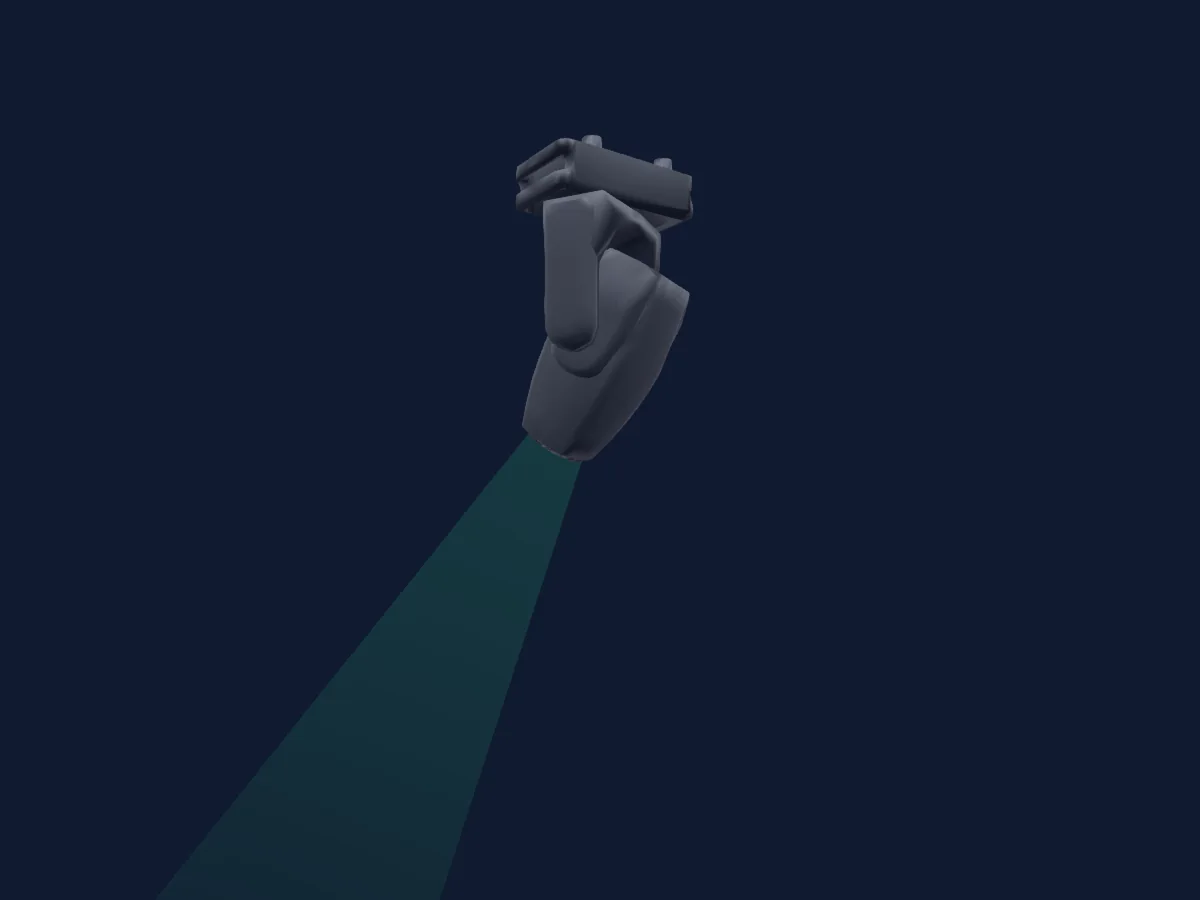
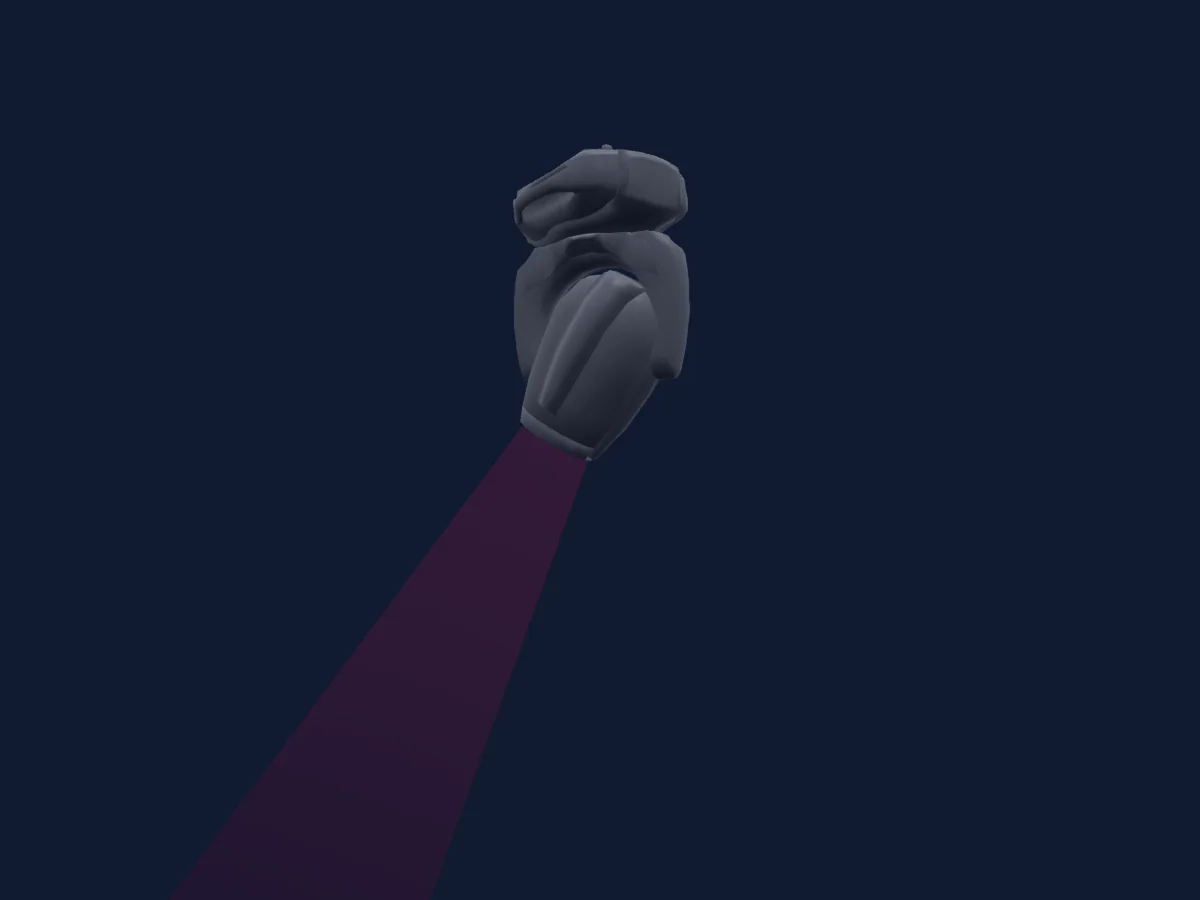
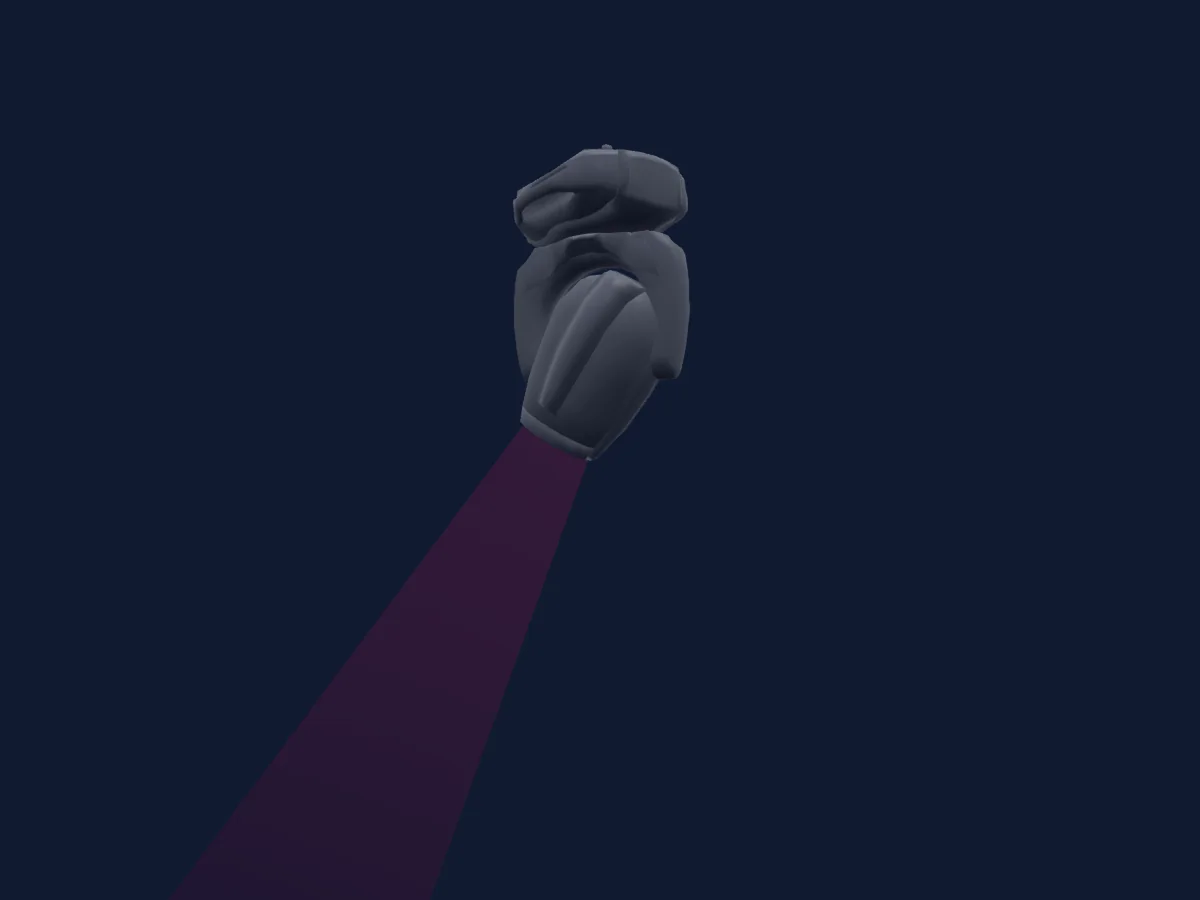
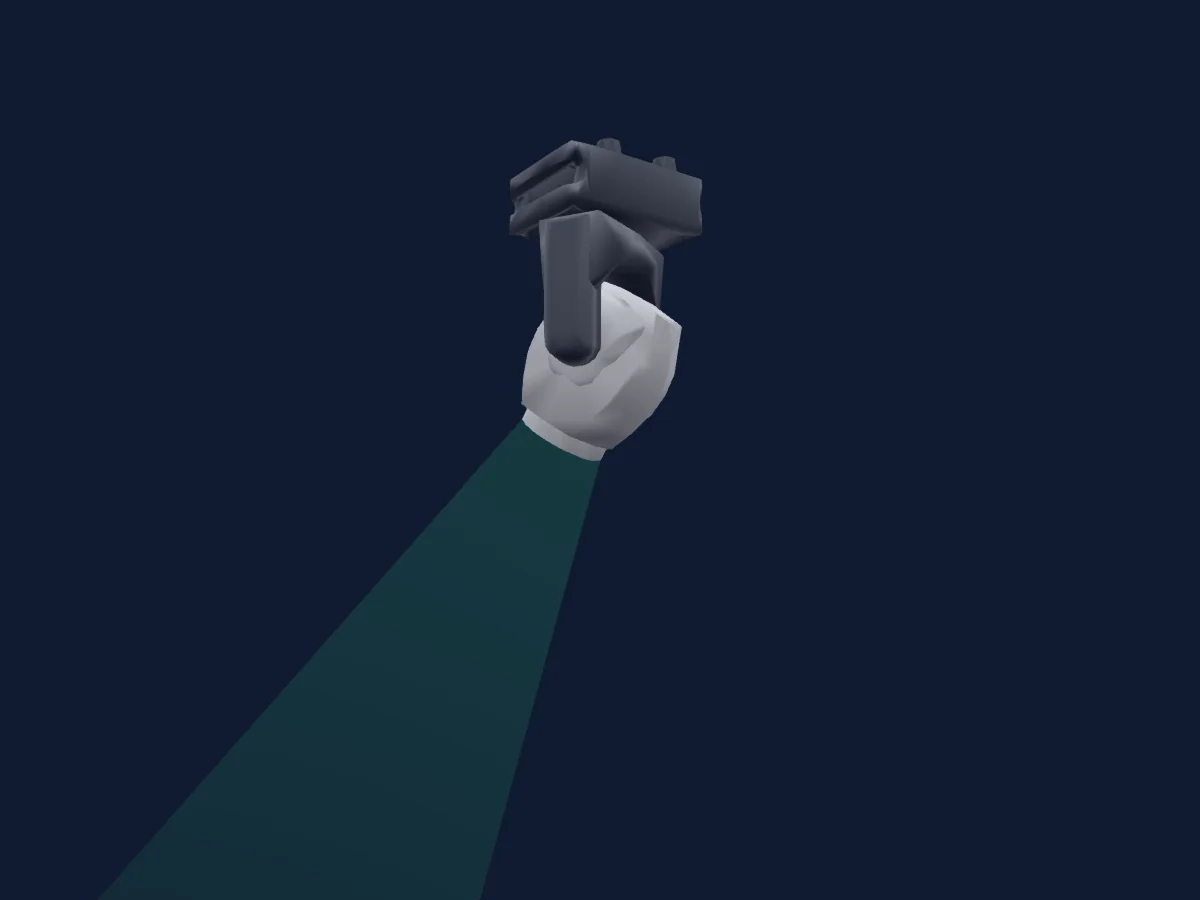
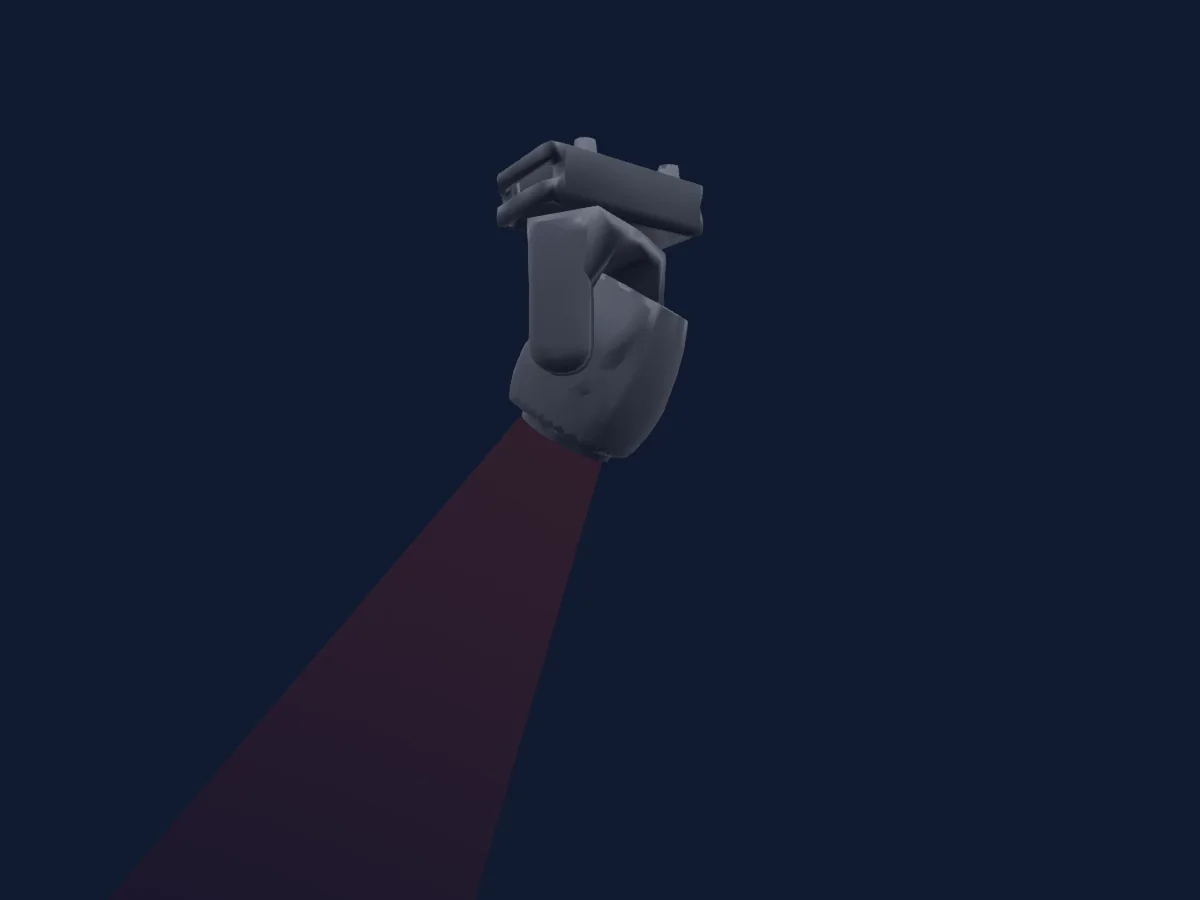
DTS Lighting Synergy 5 Spot renderizado en HitLight

Lo que puede hacer

  • Foco
  • Frost
  • Prisma
  • Rotación del prisma
  • Zoom
  • Mezcla de color CMY
  • Temperatura de color
  • Rueda de color
  • Velocidad de efecto
  • Estrobo
  • Intensidad
  • Pan y tilt
  • Velocidad de movimiento
  • Gobos
  • Rotación de gobos

Funciones relevantes para la seguridad: Reinicio del foco · Estrobo. Comprueba cómo se comportan en tu propio foco antes de un espectáculo.

Modos DMX y tablas de canales

Modos DMX de DTS Lighting Synergy 5 Spot
ModoCanalesEn HitLight
37 Channels37Listo en HitLight

37 Channels

Listo en HitLight

37 canales DMX · Descargar esta tabla en CSV

Tabla de canales DMX de 37 Channels
CanalFunciónPredeterminadoValores DMX
1Pan1280–255
2Pan Fine0Byte fino de Pan
3Tilt1280–255
4Tilt Fine0Byte fino de Tilt
5Position MSpeed0
5 rangos de valores
  • 0–9 Fast Movement
  • 10–25 Standard Movement
  • 26–127 Vector Mode fast>slow
  • 128–247 DMX React fast>slow
  • 248–255 Silente Movement
6Dummy00–255
7Dimmer00–255
8Dimmer Fine0Byte fino de Dimmer
9Shutter / Strobe10
16 rangos de valores
  • 0–9 Closed
  • 10–19 Open
  • 20–29 Closed
  • 30–118 Min Strobe
  • 119–119 Max Strobe
  • 120–148 Min PulseUp
  • 149–149 Max PulseUp
  • 150–178 Min PulseDown
  • 179–179 Max PulseDown
  • 180–199 Random Strobe
  • 200–209 Gobo/ColWheel in BO on Movement
  • 210–222 P/T in BO on Movement
  • 223–224 Frost/Prism in BO on Insertion
  • 225–226 Zoom in BO on Movement
  • 227–229 ALL in BO on Move/Ins
  • 230–255 Open
10Color Wheel0
15 rangos de valores
  • 0–9 Open (wheel slot 1)
  • 10–44 Deep Red (wheel slot 2)
  • 45–49 Color 1-2
  • 50–79 Deep Blue (wheel slot 3)
  • 80–89 Color 2-3
  • 90–114 Deep Green (wheel slot 4)
  • 115–127 Color 3-4
  • 128–129 Stop
  • 130–137 Amber (wheel slot 5)
  • 138–149 CCW Rotation slow>fast
  • 150–169 Color 4-5
  • 170–184 Lavender (wheel slot 6)
  • 185–209 Color 5-6
  • 210–219 Higher CRI (wheel slot 7)
  • 220–255 Color 6-0
11Color1Mode0
4 rangos de valores
  • 0–63 Full Color
  • 64–127 Half Color
  • 128–191 Proportional Color
  • 192–255 Rainbow
12Cyan00–255
13Magenta00–255
14Yellow00–255
15C TO0
3 rangos de valores
  • 0–0 7000 K
  • 1–254 CTO 7000K > 3000K
  • 255–255 CTO 3000 K
16Color Macro10
29 rangos de valores
  • 0–9 Open (wheel slot 1)
  • 10–20 L019 Fire (wheel slot 2)
  • 21–25 L020 Medium Amber (wheel slot 3)
  • 26–30 L025 Sunset Red (wheel slot 4)
  • 31–35 L068 Sky Blue (wheel slot 5)
  • 36–40 L101 Yellow (wheel slot 6)
  • 41–45 L104 Deep Amber (wheel slot 7)
  • 46–50 L105 Orange (wheel slot 8)
  • 51–55 L106 Primary Red (wheel slot 9)
  • 56–60 L111 Dark Pink (wheel slot 10)
  • 61–65 L113 Magenta (wheel slot 11)
  • 66–70 L117 Steel Blue (wheel slot 12)
  • 71–75 L118 Light Blue (wheel slot 13)
  • 76–80 L122 Fern Green (wheel slot 14)
  • 81–85 L126 Mauve (wheel slot 15)
  • 86–90 L132 Medium Blue (wheel slot 16)
  • 91–95 L136 Pale Lavender (wheel slot 17)
  • 96–100 L137 Special Lavender (wheel slot 18)
  • 101–105 L138 Pale Green (wheel slot 19)
  • 106–110 L139 Primary Green (wheel slot 20)
  • 111–115 L147 Apricot (wheel slot 21)
  • 116–120 L151 Gold Tint (wheel slot 22)
  • 121–125 L154 Pale Rose (wheel slot 23)
  • 126–130 L156 Chocolate (wheel slot 24)
  • 131–135 L181 Congo Blue (wheel slot 25)
  • 136–140 L200 Double CTB (wheel slot 26)
  • 141–145 L201 Full CTB (wheel slot 27)
  • 146–150 L204 Full CTO (wheel slot 28)
  • 151–255 L341 Plum (wheel slot 29)
17Gobo0
15 rangos de valores
  • 0–9 Open (wheel slot 1)
  • 10–42 Gobo 1 (wheel slot 2)
  • 43–75 Gobo 2 (wheel slot 3)
  • 76–108 Gobo 3 (wheel slot 4)
  • 109–141 Gobo 4 (wheel slot 5)
  • 142–174 Gobo 5 (wheel slot 6)
  • 175–207 Gobo 6 (wheel slot 7)
  • 208–213 Speed 1
  • 214–219 Speed 2
  • 220–225 Speed 3
  • 226–231 Speed 4
  • 232–237 Speed 5
  • 238–243 Speed 6
  • 244–249 Speed 7
  • 250–255 Speed 8
18Gobo Rotation0
4 rangos de valores
  • 0–127 Index 0 > 360 deg
  • 128–180 CCW Gobo Rotation fast>slow
  • 181–202 Stop
  • 203–255 CW Gobo Rotation slow>fast
19Gobo Rotation Fine0Byte fino de Gobo Rotation
20Gobo1Wheel Shake0
24 rangos de valores
  • 0–9 Stop
  • 10–19 Shake R-L speed 1
  • 20–29 Shake R-L speed 2
  • 30–39 Shake R-L speed 3
  • 40–49 Shake R-L speed 4
  • 50–59 Shake R-L speed 5
  • 60–69 Shake R-L speed 6
  • 70–79 Shake R-L speed 7
  • 80–89 Shake R-L speed 8
  • 90–99 Shake R-L speed 9
  • 100–109 Shake R-L speed 10
  • 110–126 Shake R-L speed 11
  • 127–138 Stop
  • 139–148 Shake L-R speed 1
  • 149–158 Shake L-R speed 2
  • 159–168 Shake L-R speed 3
  • 169–178 Shake L-R speed 4
  • 179–188 Shake L-R speed 5
  • 189–198 Shake L-R speed 6
  • 199–208 Shake L-R speed 7
  • 209–218 Shake L-R speed 8
  • 219–228 Shake L-R speed 9
  • 229–238 Shake L-R speed 10
  • 239–255 Shake L-R speed 11
21Gobo 20
29 rangos de valores
  • 0–9 Open (wheel slot 1)
  • 10–17 Fix Gobo 0-1
  • 18–27 Gobo 1 (wheel slot 2)
  • 28–36 Fix Gobo 1-2
  • 37–45 Gobo 2 (wheel slot 3)
  • 46–54 Fix Gobo 2-3
  • 55–63 Gobo 3 (wheel slot 4)
  • 64–72 Fix Gobo 3-4
  • 73–81 Gobo 4 (wheel slot 5)
  • 82–90 Fix Gobo 4-5
  • 91–99 Gobo 5 (wheel slot 6)
  • 100–109 Fix Gobo 5-6
  • 110–117 Gobo 6 (wheel slot 7)
  • 118–127 Fix Gobo 6-7
  • 128–135 Gobo 7 (wheel slot 8)
  • 136–137 Fix Gobo 7-8
  • 138–145 CCW Spin slow>fast
  • 146–153 Gobo 8 (wheel slot 9)
  • 154–164 Fix Gobo 8-9
  • 165–171 Gobo 9 (wheel slot 10)
  • 172–182 Fix Gobo 9-10
  • 183–189 Gobo 10 (wheel slot 11)
  • 190–200 Fix Gobo 10-11
  • 201–207 Gobo 11 (wheel slot 12)
  • 208–218 Fix Gobo 11-12
  • 219–225 Gobo 12 (wheel slot 13)
  • 226–237 Fix Gobo 12-13
  • 238–243 Gobo 13 (wheel slot 14)
  • 244–255 Fix Gobo 13-0
22Gobo2Select Spin0
4 rangos de valores
  • 0–63 Full
  • 64–127 Half
  • 128–191 Proportional
  • 192–255 Spin
23Gobo2Wheel Shake0
34 rangos de valores
  • 0–9 Stop
  • 10–16 Shake R-L speed 1
  • 17–23 Shake R-L speed 2
  • 24–30 Shake R-L speed 3
  • 31–37 Shake R-L speed 4
  • 38–44 Shake R-L speed 5
  • 45–51 Shake R-L speed 6
  • 52–58 Shake R-L speed 7
  • 59–65 Shake R-L speed 8
  • 66–72 Shake R-L speed 9
  • 73–79 Shake R-L speed 10
  • 80–86 Shake R-L speed 11
  • 87–93 Shake R-L speed 12
  • 94–100 Shake R-L speed 13
  • 101–107 Shake R-L speed 14
  • 108–114 Shake R-L speed 15
  • 115–126 Shake R-L speed 16
  • 127–138 Stop
  • 139–145 Shake L-R speed 1
  • 146–152 Shake L-R speed 2
  • 153–159 Shake L-R speed 3
  • 160–166 Shake L-R speed 4
  • 167–173 Shake L-R speed 5
  • 174–180 Shake L-R speed 6
  • 181–187 Shake L-R speed 7
  • 188–194 Shake L-R speed 8
  • 195–201 Shake L-R speed 9
  • 202–208 Shake L-R speed 10
  • 209–215 Shake L-R speed 11
  • 216–222 Shake L-R speed 12
  • 223–229 Shake L-R speed 13
  • 230–236 Shake L-R speed 14
  • 237–243 Shake L-R speed 15
  • 244–255 Shake L-R speed 16
24Animation System1Macro0
34 rangos de valores
  • 0–9 No Function
  • 10–15 Dynamove 1
  • 16–21 Dynamove 2
  • 22–27 Dynamove 3
  • 28–33 Dynamove 4
  • 34–39 Dynamove 5
  • 40–45 Dynamove 6
  • 46–51 Dynamove 7
  • 52–57 Dynamove 8
  • 58–63 Dynamove 9
  • 64–69 Dynamove 10
  • 70–75 Dynamove 11
  • 76–81 Dynamove 12
  • 82–87 Dynamove 13
  • 88–93 Dynamove 14
  • 94–99 Dynamove 15
  • 100–101 Dynamove 16
  • 102–103 Dynamove 17
  • 104–105 Dynamove 18
  • 106–107 Dynamove 19
  • 108–109 Dynamove 20
  • 110–111 Dynamove 21
  • 112–113 Dynamove 22
  • 114–115 Dynamove 23
  • 116–117 Dynamove 24
  • 118–119 Dynamove 25
  • 120–121 Dynamove 26
  • 122–123 Dynamove 27
  • 124–125 Dynamove 28
  • 126–127 Dynamove 29
  • 128–129 Dynamove 30
  • 130–131 Dynamove 31
  • 132–133 Dynamove 32
  • 134–255 Dynamove 33
25Effect Speed0
5 rangos de valores
  • 0–10 Default speed (1x)
  • 11–50 1x > 5x
  • 51–90 5x > 1x
  • 91–159 Default speed (1x)
  • 160–255 1x > 1/10x
26Prism0
7 rangos de valores
  • 0–9 Open (wheel slot 1)
  • 10–49 Prism 1 (after lens) (wheel slot 3)
  • 50–89 Prism 2 (after lens) (wheel slot 2)
  • 90–129 Prisms 1+2 (aftern lens)
  • 130–169 Prism 1 (before lens) (wheel slot 3)
  • 170–209 Prism 2 (before lens) (wheel slot 2)
  • 210–255 Prisms 1+2 (before lens)
27Prism Rotation0
4 rangos de valores
  • 0–9 Center
  • 10–127 Left > Center
  • 128–137 Center
  • 138–255 Center > Right
28Prism Rotation0
4 rangos de valores
  • 0–127 Index 0deg > 360deg
  • 128–180 CW Rotation fast>slow
  • 181–202 Stop
  • 203–255 CCW Rotation slow>fast
29Prism Rotation0
4 rangos de valores
  • 0–9 Center
  • 10–127 Right > Center
  • 128–137 Center
  • 138–255 Center > Left
30Prism Rotation0
4 rangos de valores
  • 0–127 Index 0deg > 360deg
  • 128–180 CW Rotation fast>slow
  • 181–202 Stop
  • 203–255 CCW Rotation slow>fast
31Frost10
3 rangos de valores
  • 0–9 Open
  • 10–254 Min
  • 255–255 Max
32Focus20
3 rangos de valores
  • 0–127 AutoFocus OFF
  • 128–191 AutoFocus ON (FixGobo priority)
  • 192–255 AutoFocus ON (RotGobo priority)
33Focus00–255
34Focus Fine0Byte fino de Focus
35Zoom00–255
36Control1310–255
37Fixture Global Reset0
10 rangos de valores
  • 0–9 No Function
  • 10–75 P/T Reset
  • 76–95 Head Motors Reset
  • 96–115 Gobo Wheel Reset
  • 116–135 Color Wheel Reset
  • 136–175 CMY/CTO Reset
  • 176–195 Prisms Reset
  • 196–215 Smooth/Frost Reset
  • 216–239 Focus/Zoom Reset
  • 240–255 Global Reset

Usar DTS Lighting Synergy 5 Spot en HitLight

  1. Abre Añadir foco y busca DTS Lighting Synergy 5 Spot.
  2. Elige el modo DMX configurado en el menú del propio foco. HitLight le asigna la dirección inicial libre más baja de su universo en la que cabe el número de canales del modo.
  3. Comprueba el modo y los controles con tu foco real antes de usarlo en directo.

Salas con DTS Lighting Synergy 5 Spot

Sus montajes guardados incluyen este modelo de aparato. Confirma el equipo actual con la sala.

Las tablas proceden de la descripción GDTF del foco, convertida para la biblioteca de HitLight. HitLight no está vinculado a DTS Lighting.

Conéctalo y deja que la música mueva las luces.

HitLight encuentra estos focos en su biblioteca, los conecta en la siguiente dirección libre y muestra tu montaje en 3D antes de enchufar una sola luz.

Abrir HitLight ↗Descargar HitLight