 HitLight
Elation ProTron LED Strobe
Tabla DMX, 5 modos DMX y vista previa en 3D. 1 / 3 / 4 / 6 canales DMX.
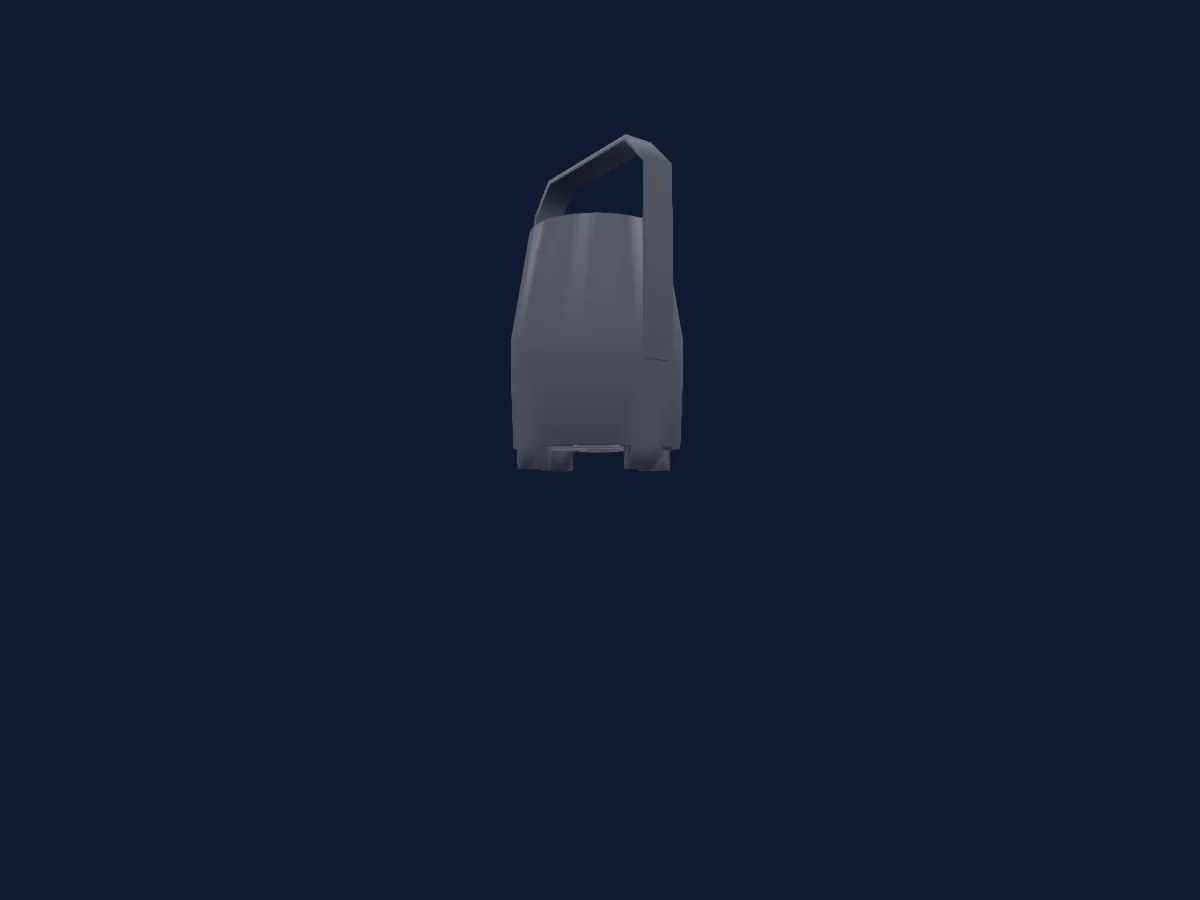
Lo que puede hacer
- Intensidad
Modos DMX y tablas de canales
| Modo | Canales | En HitLight |
|---|---|---|
| Single Chan Mode | 1 | Aún no compatible con HitLight |
| Three Chan Mode | 3 | Listo en HitLight |
| Four Chan Mode | 4 | Listo en HitLight |
| Zone Mapping Mode | 4 | Listo en HitLight |
| 16-Bit Mode | 6 | Listo en HitLight |
Single Chan Mode
Aún no compatible con HitLight1 canal DMX · Descargar esta tabla en CSV
| Canal | Función | Predeterminado | Valores DMX |
|---|---|---|---|
| 1 | Shutter1Strobe | 0 | 4 rangos de valores
|
Three Chan Mode
Listo en HitLight3 canales DMX · Descargar esta tabla en CSV
| Canal | Función | Predeterminado | Valores DMX |
|---|---|---|---|
| 1 | Dimmer | 0 | 13 rangos de valores
|
| 2 | Strobe Duration | 0 | 3 rangos de valores
|
| 3 | Shutter1Strobe | 0 | 4 rangos de valores
|
Four Chan Mode
Listo en HitLight4 canales DMX · Descargar esta tabla en CSV
| Canal | Función | Predeterminado | Valores DMX |
|---|---|---|---|
| 1 | Dimmer | 0 | 13 rangos de valores
|
| 2 | Strobe Duration | 0 | 3 rangos de valores
|
| 3 | Shutter1Strobe | 0 | 4 rangos de valores
|
| 4 | Shutter1Strobe Effect | 0 | 14 rangos de valores
|
Zone Mapping Mode
Listo en HitLight4 canales DMX · Descargar esta tabla en CSV
| Canal | Función | Predeterminado | Valores DMX |
|---|---|---|---|
| 1 | Dimmer | 255 | 13 rangos de valores
|
| 2 | Dimmer Fine | 255 | Byte fino de Dimmer |
| 3 | Shutter1Strobe Effect | 0 | 14 rangos de valores
|
| 4 | Control1 | 0 | 7 rangos de valores
|
16-Bit Mode
Listo en HitLight6 canales DMX · Descargar esta tabla en CSV
| Canal | Función | Predeterminado | Valores DMX |
|---|---|---|---|
| 1 | Dimmer | 0 | 13 rangos de valores
|
| 2 | Dimmer Fine | 0 | Byte fino de Dimmer |
| 3 | Shutter1Strobe Effect | 0 | 14 rangos de valores
|
| 4 | Control1 | 0 | 7 rangos de valores
|
| 5 | Strobe Duration | 0 | 3 rangos de valores
|
| 6 | Shutter1Strobe | 0 | 4 rangos de valores
|
Usar Elation ProTron LED Strobe en HitLight
- Abre Añadir foco y busca Elation ProTron LED Strobe.
- Elige el modo DMX configurado en el menú del propio foco. HitLight le asigna la dirección inicial libre más baja de su universo en la que cabe el número de canales del modo.
- Comprueba el modo y los controles con tu foco real antes de usarlo en directo.
Focos relacionados
Estrobo
Elation SIXPAR 100 IP
6 / 7 / 8 / 12 canales DMX
Estrobo
Elation SIXPAR 200
6 / 7 / 8 / 12 canales DMX
Estrobo
Elation CUEPIX 16IP
3 / 4 / 6 / 7 / 8 / 11 / 12 / 48 / 64 / 72 / 128 canales DMX
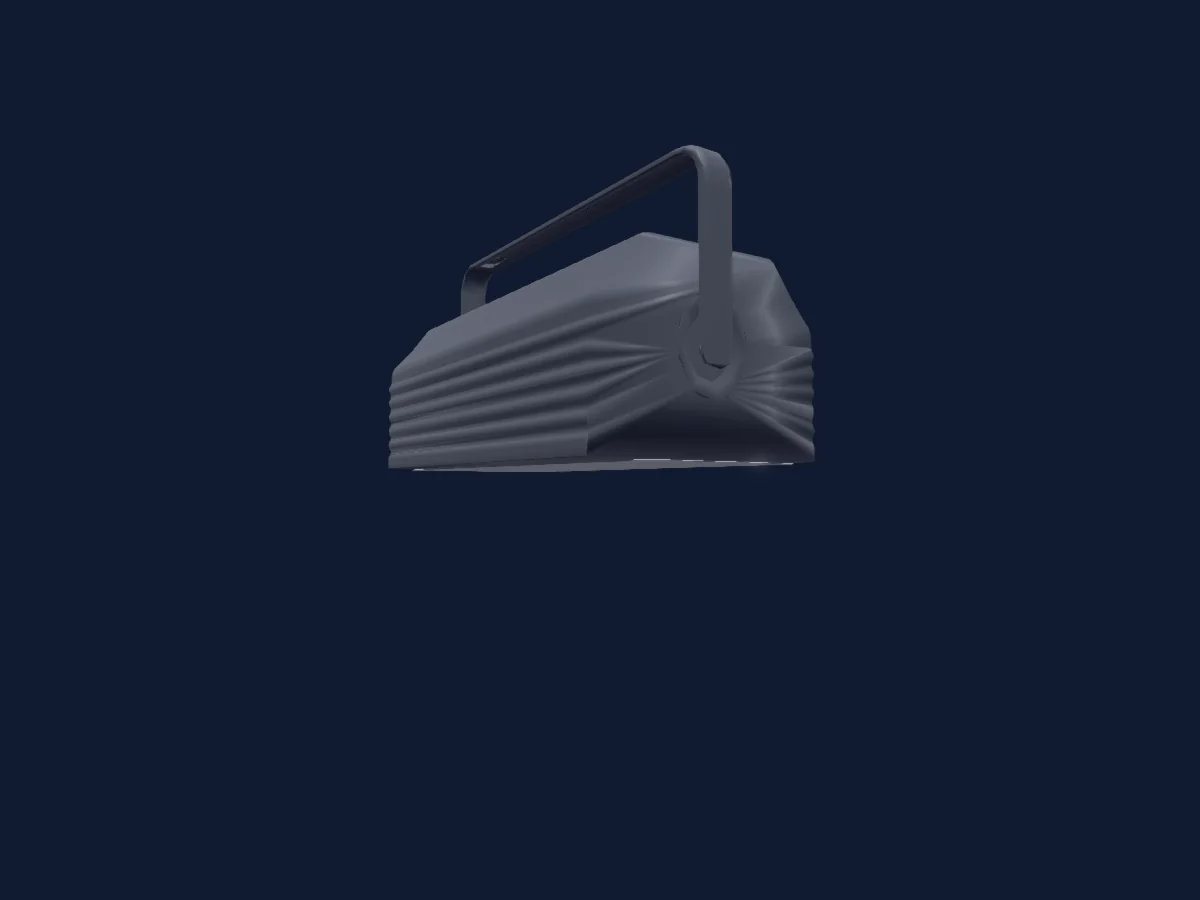
Estrobo
Elation Proton 3K Color
3 / 5 / 7 / 8 canales DMX
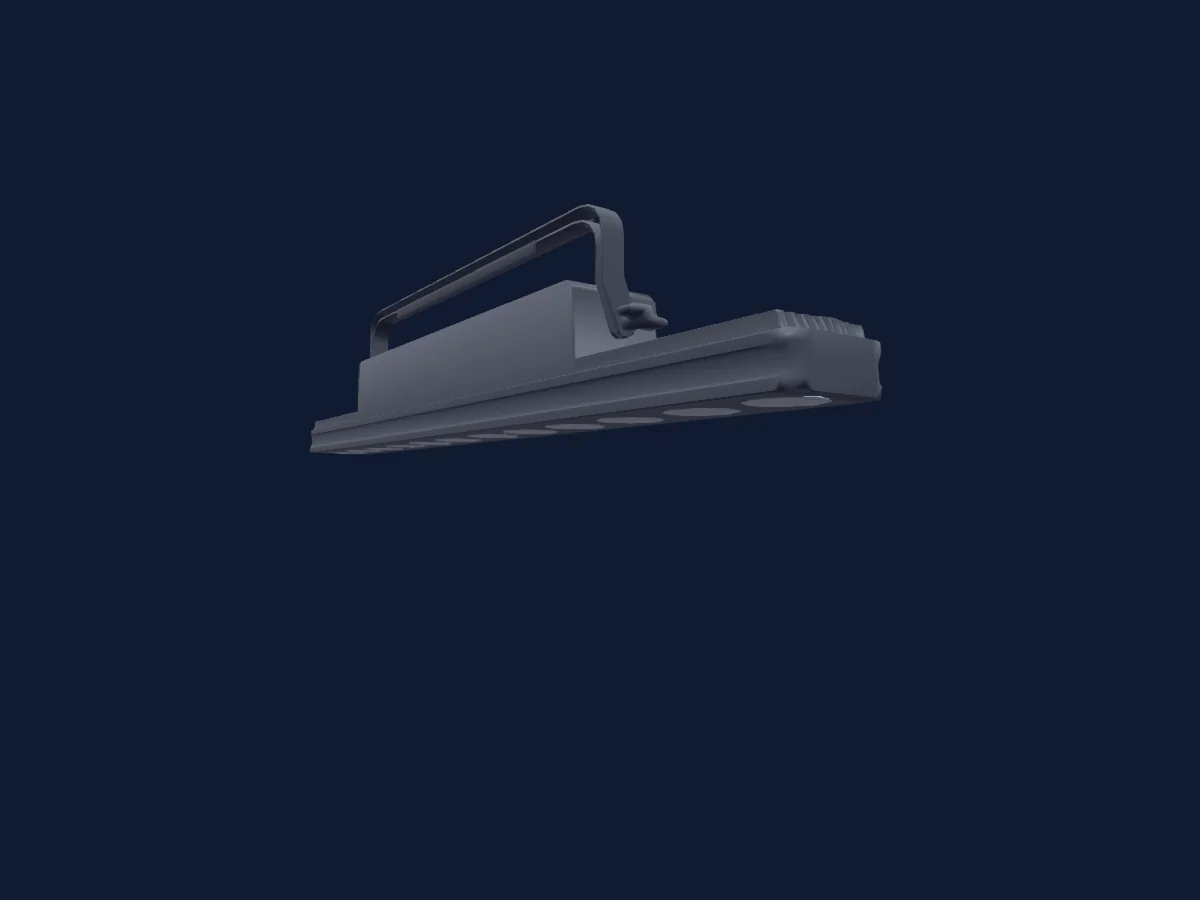
Estrobo
Elation SIXBAR 1000 GDTF
6 / 7 / 11 / 13 / 36 / 72 / 75 / 79 canales DMX
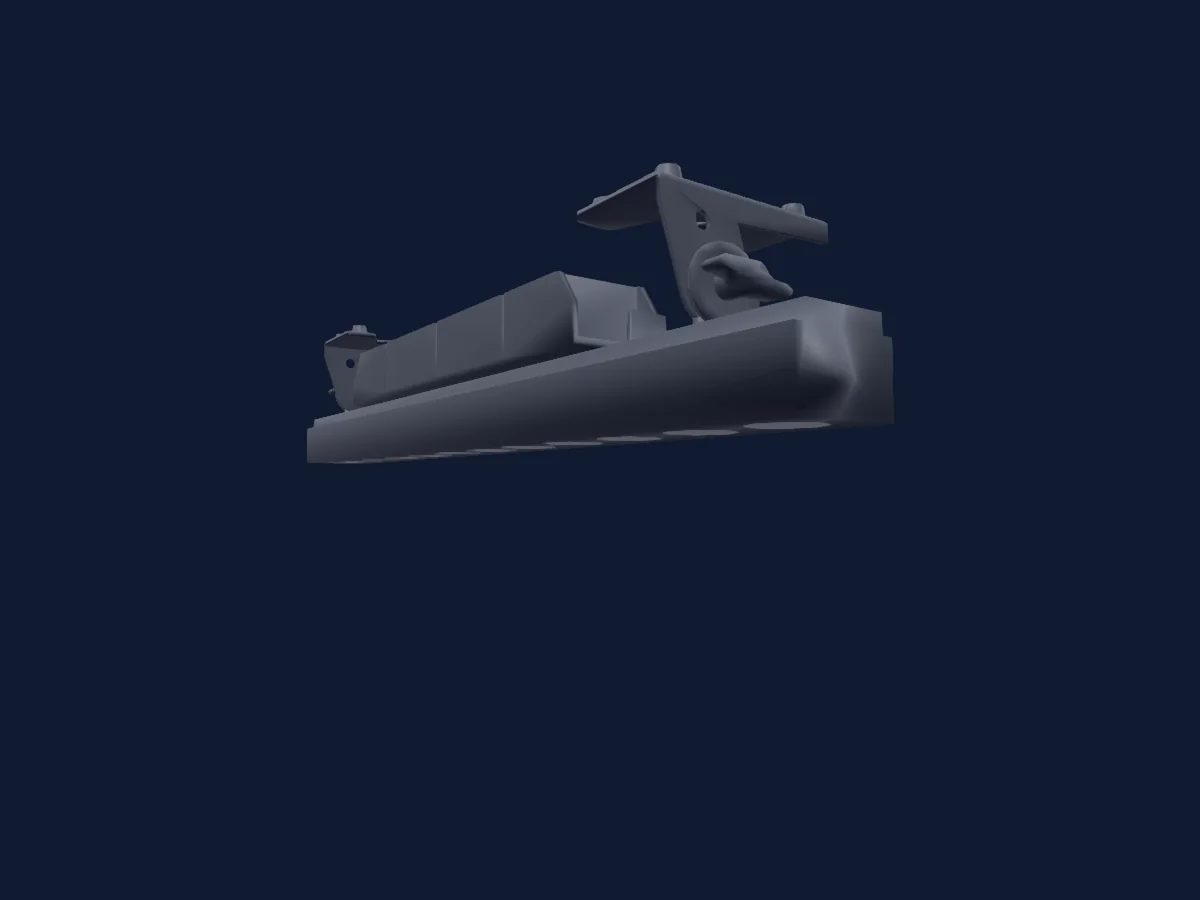
Estrobo
Elation SIXBAR 1000 IP
6 / 7 / 11 / 13 / 36 / 72 / 75 / 79 canales DMX
Las tablas proceden de la descripción GDTF del foco, convertida para la biblioteca de HitLight. HitLight no está vinculado a Elation.