Saltar al contenido
HitLight
Eurolite · Cabeza móvil

Eurolite TMH XB-130

Tabla DMX, 1 modo DMX y vista previa en 3D. 14 canales DMX.
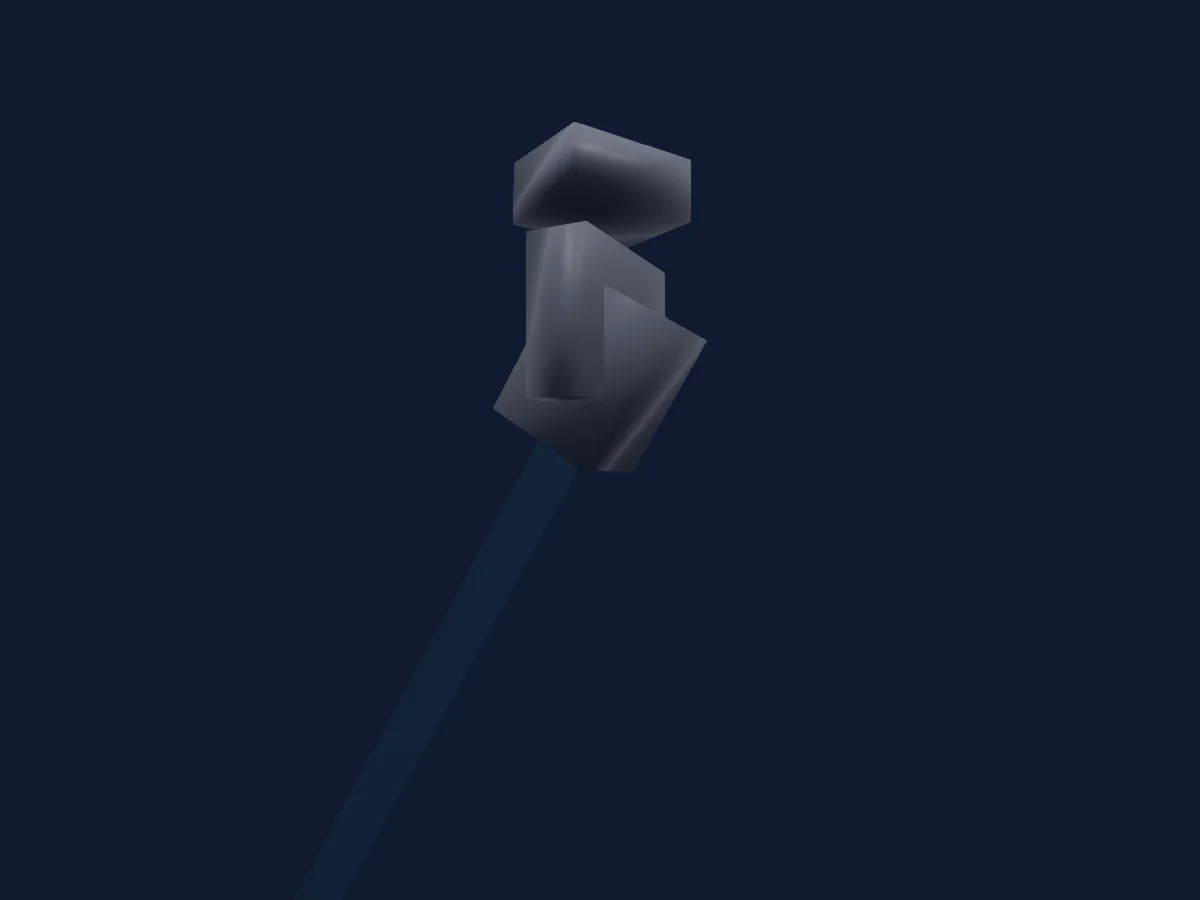
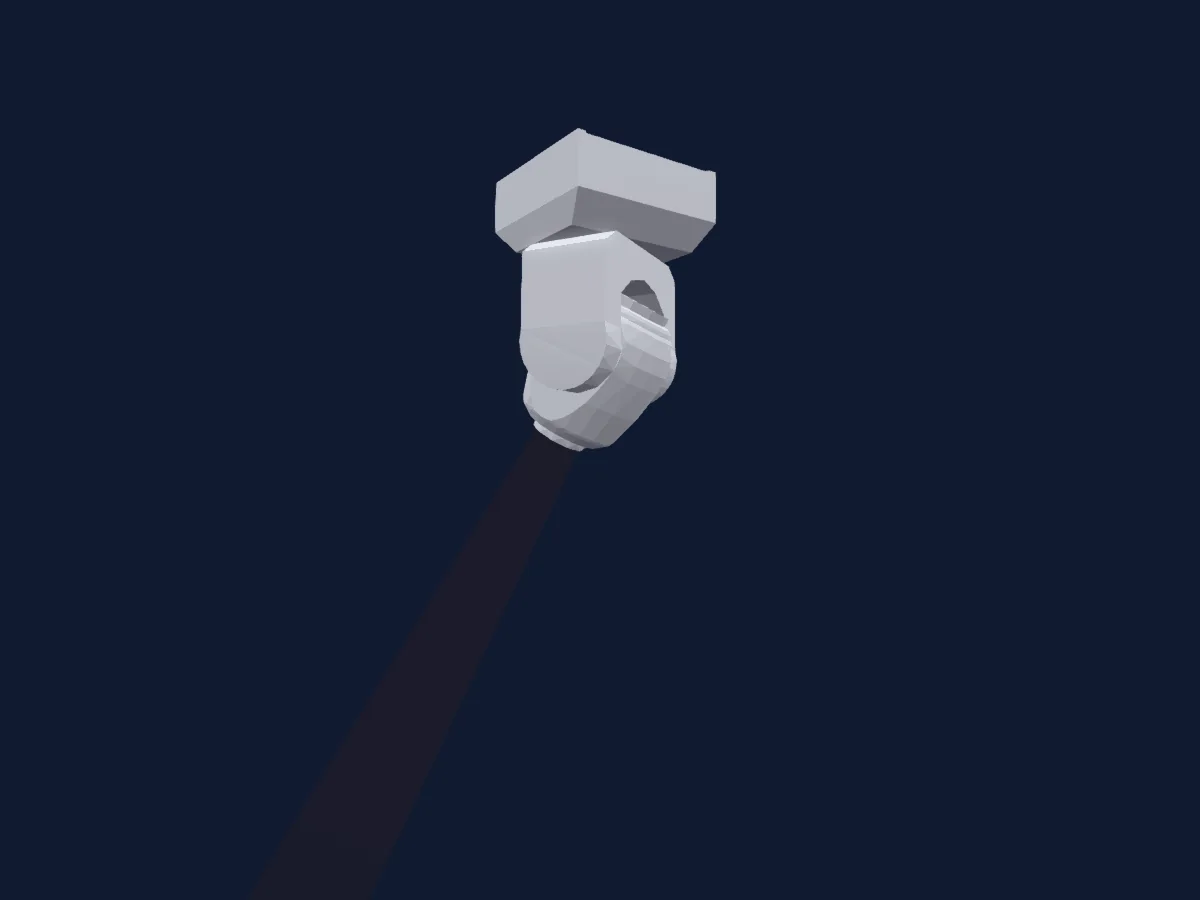
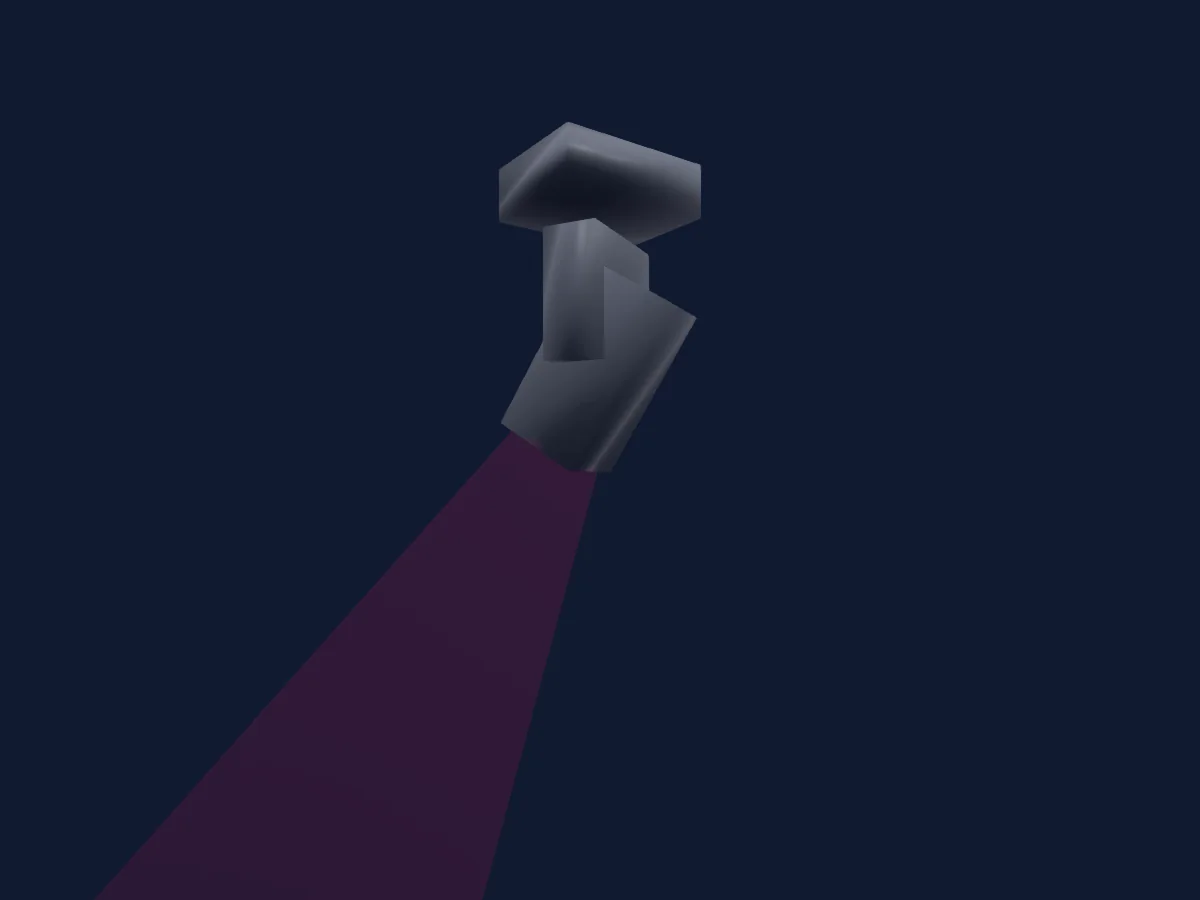
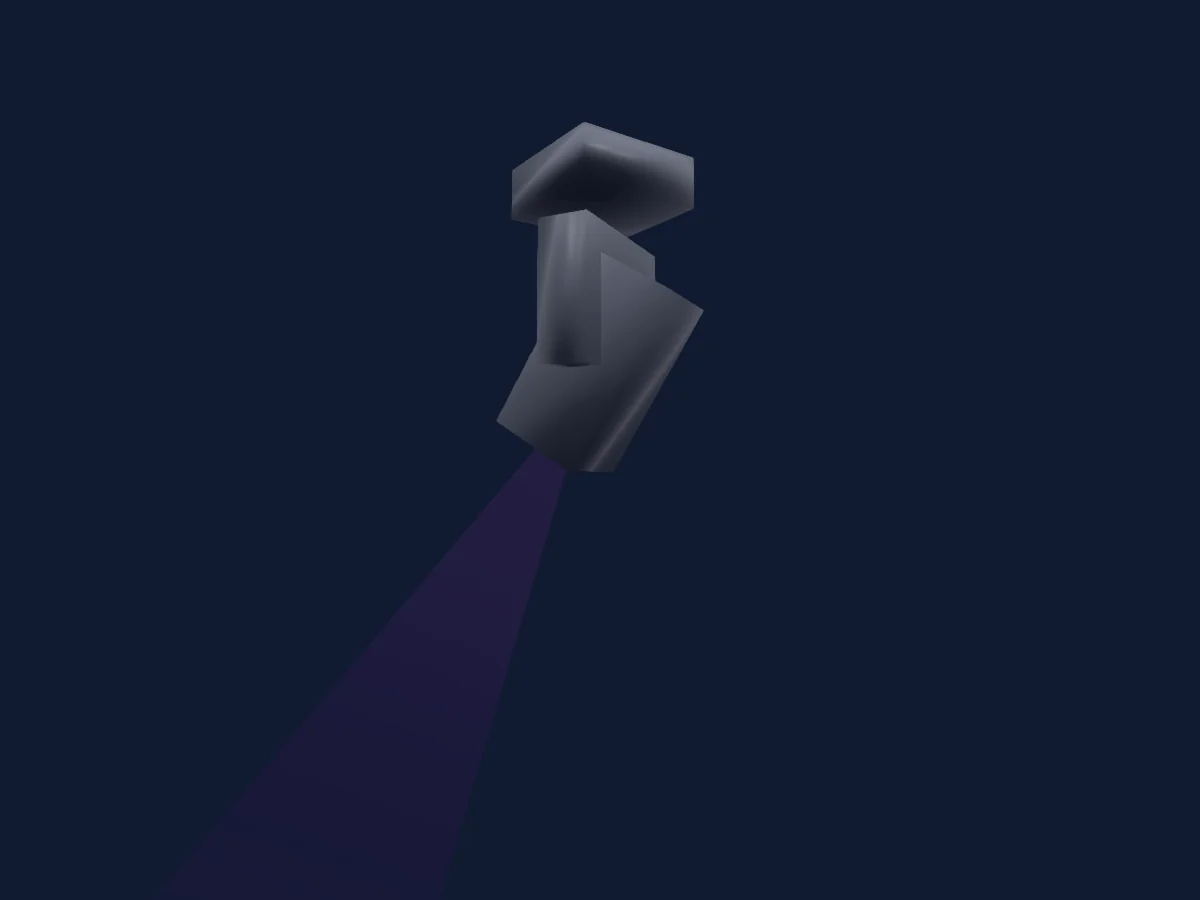
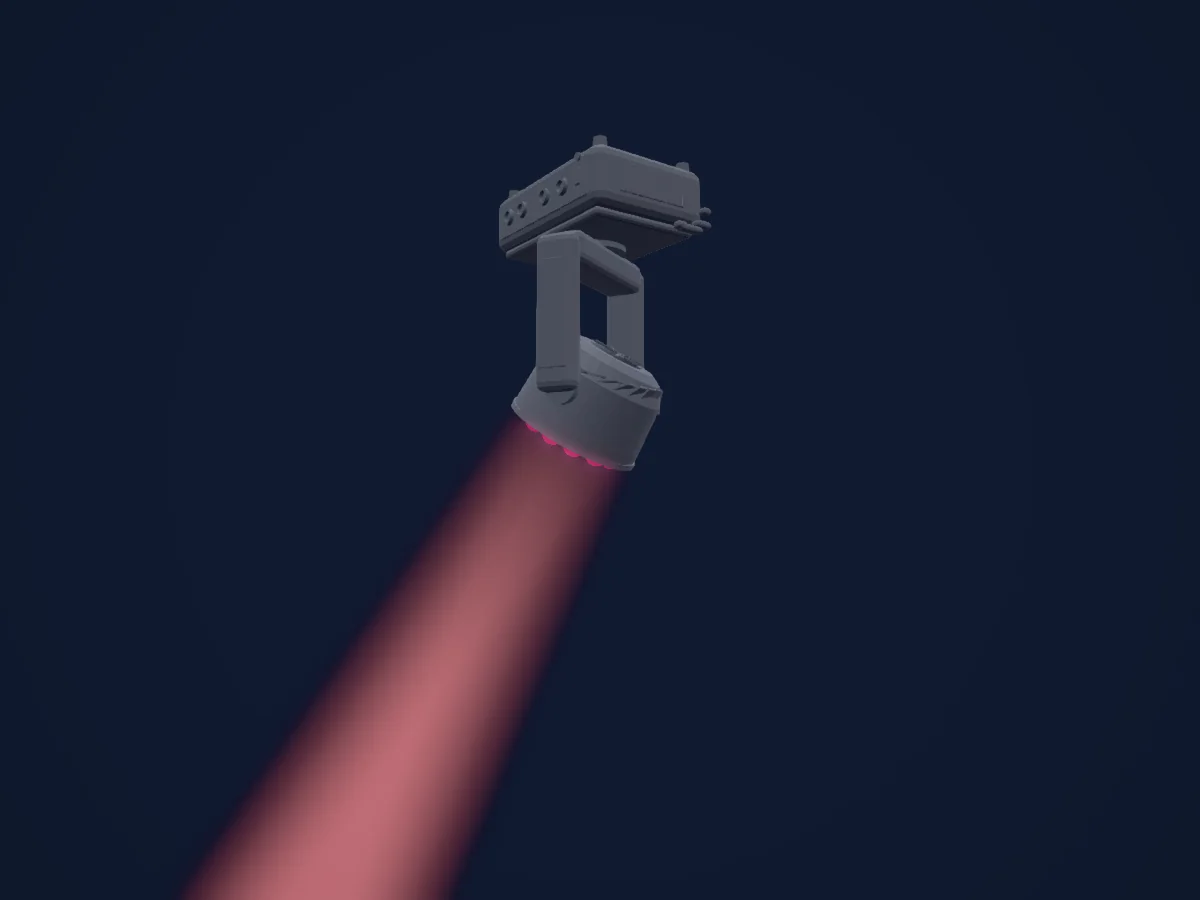
Eurolite TMH XB-130 renderizado en HitLight

Lo que puede hacer

  • Foco
  • Prisma
  • Rotación del prisma
  • Rueda de color
  • Estrobo
  • Intensidad
  • Pan y tilt
  • Velocidad de movimiento
  • Gobos

Funciones relevantes para la seguridad: Encendido y apagado de la lámpara · Reinicio del foco · Funciones de servicio. Comprueba cómo se comportan en tu propio foco antes de un espectáculo.

Modos DMX y tablas de canales

Modos DMX de Eurolite TMH XB-130
ModoCanalesEn HitLight
14ch14Listo en HitLight

14ch

Listo en HitLight

14 canales DMX · Descargar esta tabla en CSV

Tabla de canales DMX de 14ch
CanalFunciónPredeterminadoValores DMX
1Pan1270–255
2Pan Fine255Byte fino de Pan
3Tilt1270–255
4Tilt Fine255Byte fino de Tilt
5Position MSpeed0
2 rangos de valores
  • 0–254 Fast
  • 255–255 Slow
6Blackout Mode0
3 rangos de valores
  • 0–15 No Blackout
  • 16–31 Blackout Pan/Tilt
  • 32–255 NoFeature 1
7Shutter / Strobe32
11 rangos de valores
  • 0–31 Closed
  • 32–63 Open
  • 64–94 Shutter1Strobe 2 · Slow 1–19.4 Hz
  • 95–95 Shutter1Strobe 2 · Fast 20 Hz
  • 96–127 Open
  • 128–158 Shutter1StrobePulse 4 · Slow 1–19.4 Hz
  • 159–159 Shutter1StrobePulse 4 · Fast 20 Hz
  • 160–191 Open
  • 192–222 Shutter1StrobeRandom 6 · Slow 1–19.4 Hz
  • 223–223 Shutter1StrobeRandom 6 · Fast 20 Hz
  • 224–255 Open
8Dimmer0
2 rangos de valores
  • 0–254 Closed
  • 255–255 Open
9Color Wheel0
30 rangos de valores
  • 0–6 Open (wheel slot 1)
  • 7–13 Color 1 (wheel slot 2)
  • 14–20 Color 2 (wheel slot 3)
  • 21–27 Color 3 (wheel slot 4)
  • 28–34 Color 4 (wheel slot 5)
  • 35–41 Color 5 (wheel slot 6)
  • 42–48 Color 6 (wheel slot 7)
  • 49–55 Color 7 (wheel slot 8)
  • 56–62 Color 8 (wheel slot 9)
  • 63–69 Color 9 (wheel slot 10)
  • 70–76 Color 10 (wheel slot 11)
  • 77–83 Color 11 (wheel slot 12)
  • 84–89 Color 12 (wheel slot 13)
  • 90–98 Color 1 (wheel slot 2)
  • 99–107 Color 2 (wheel slot 3)
  • 108–116 Color 3 (wheel slot 4)
  • 117–125 Color 4 (wheel slot 5)
  • 126–134 Color 5 (wheel slot 6)
  • 135–143 Color 6 (wheel slot 7)
  • 144–152 Color 7 (wheel slot 8)
  • 153–161 Color 8 (wheel slot 9)
  • 162–170 Color 9 (wheel slot 10)
  • 171–179 Color 10 (wheel slot 11)
  • 180–188 Color 11 (wheel slot 12)
  • 189–206 Color 12 (wheel slot 13)
  • 207–223 Color 13 (wheel slot 14)
  • 224–238 Slow
  • 239–239 Fast
  • 240–254 Slow
  • 255–255 Fast
10Gobo0
37 rangos de valores
  • 0–4 Open (wheel slot 1)
  • 5–9 Gobo 1 (wheel slot 2)
  • 10–14 Gobo 2 (wheel slot 3)
  • 15–19 Gobo 3 (wheel slot 4)
  • 20–24 Gobo 4 (wheel slot 5)
  • 25–29 Gobo 5 (wheel slot 6)
  • 30–34 Gobo 6 (wheel slot 7)
  • 35–39 Gobo 7 (wheel slot 8)
  • 40–44 Gobo 8 (wheel slot 9)
  • 45–49 Gobo 9 (wheel slot 10)
  • 50–54 Gobo 10 (wheel slot 11)
  • 55–59 Gobo 11 (wheel slot 12)
  • 60–64 Gobo 12 (wheel slot 13)
  • 65–69 Gobo 13 (wheel slot 14)
  • 70–74 Gobo 14 (wheel slot 15)
  • 75–89 Gobo 15 (wheel slot 16)
  • 90–98 Gobo 2 (wheel slot 3)
  • 99–107 Gobo 4 (wheel slot 5)
  • 108–116 Gobo 5 (wheel slot 6)
  • 117–125 Gobo 6 (wheel slot 7)
  • 126–134 Gobo 7 (wheel slot 8)
  • 135–143 Gobo 8 (wheel slot 9)
  • 144–152 Gobo 9 (wheel slot 10)
  • 153–161 Gobo 10 (wheel slot 11)
  • 162–170 Gobo 11 (wheel slot 12)
  • 171–179 Gobo 12 (wheel slot 13)
  • 180–188 Gobo 13 (wheel slot 14)
  • 189–197 Gobo 14 (wheel slot 15)
  • 198–206 Gobo 15 (wheel slot 16)
  • 207–215 Gobo 16 (wheel slot 17)
  • 216–223 Gobo 17 (wheel slot 18)
  • 224–224 Stop
  • 225–238 Slow
  • 239–239 Fast
  • 240–240 Stop
  • 241–254 Slow
  • 255–255 Fast
11Prism0
4 rangos de valores
  • 0–63 Open (wheel slot 1)
  • 64–127 8-facet Prism (wheel slot 2)
  • 128–254 min Frost
  • 255–255 max Frost
12Prism Rotation0
6 rangos de valores
  • 0–3 Stop
  • 4–126 Slow
  • 127–127 Fast
  • 128–131 Stop
  • 132–254 Slow
  • 255–255 Fast
13Focus127
2 rangos de valores
  • 0–254 Near
  • 255–255 Far
14Control10
13 rangos de valores
  • 0–7 No function
  • 8–15 Reset All
  • 16–23 Reset Pan/TIlt
  • 24–31 Reset Color Wheel
  • 32–39 Reset Gobo Wheel
  • 40–47 NoFeature 1
  • 48–55 Reset Other
  • 56–63 Display off
  • 64–71 Display on
  • 72–79 Lamp off
  • 80–87 Lamp on
  • 88–95 Standby
  • 96–255 NoFeature 2

Usar Eurolite TMH XB-130 en HitLight

  1. Abre Añadir foco y busca Eurolite TMH XB-130.
  2. Elige el modo DMX configurado en el menú del propio foco. HitLight le asigna la dirección inicial libre más baja de su universo en la que cabe el número de canales del modo.
  3. Comprueba el modo y los controles con tu foco real antes de usarlo en directo.

Las tablas proceden de la descripción GDTF del foco, convertida para la biblioteca de HitLight. HitLight no está vinculado a Eurolite.

Conéctalo y deja que la música mueva las luces.

HitLight encuentra estos focos en su biblioteca, los conecta en la siguiente dirección libre y muestra tu montaje en 3D antes de enchufar una sola luz.

Abrir HitLight ↗Descargar HitLight