Saltar al contenido
HitLight
Robe Lighting · Cabeza móvil

Robe Lighting Robin SuperSpikie

Tabla DMX, 1 modo DMX y vista previa en 3D. 31 canales DMX.
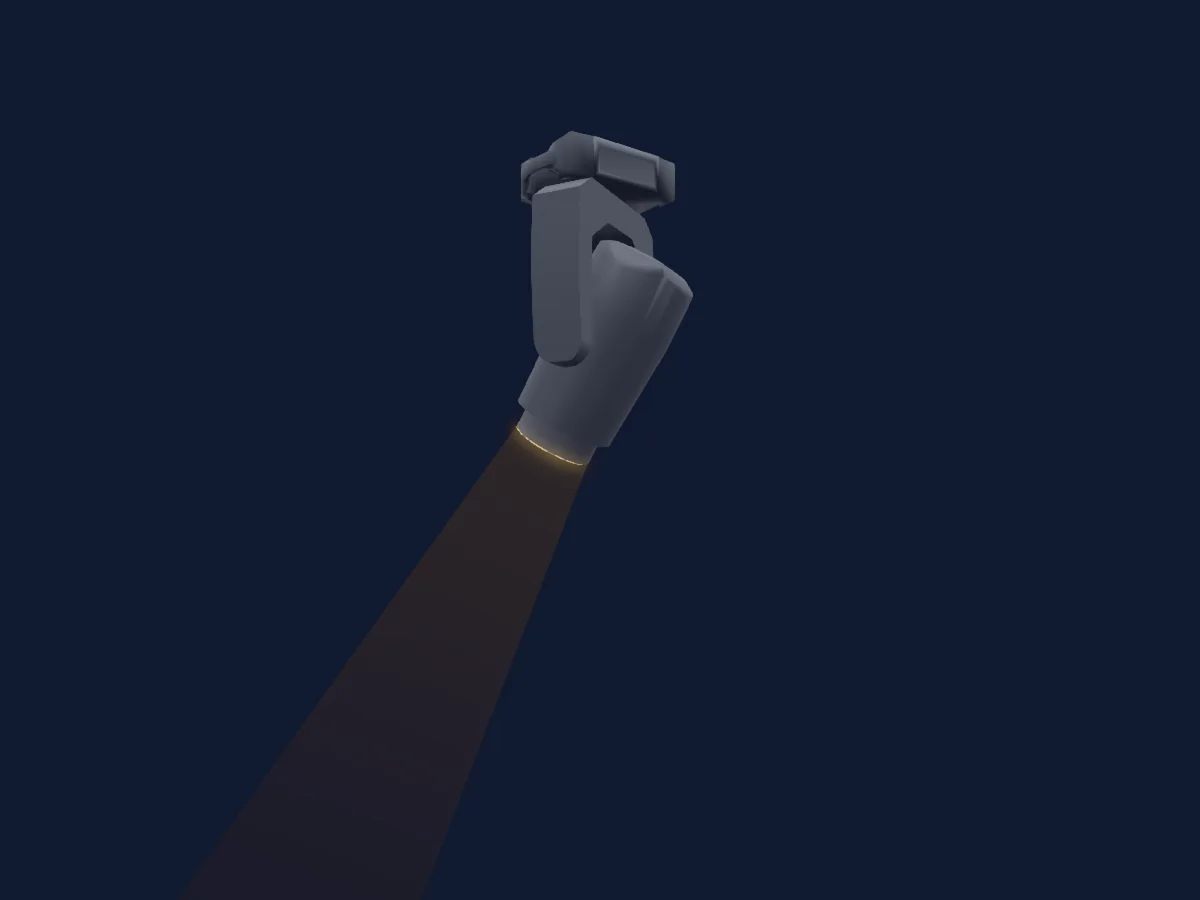
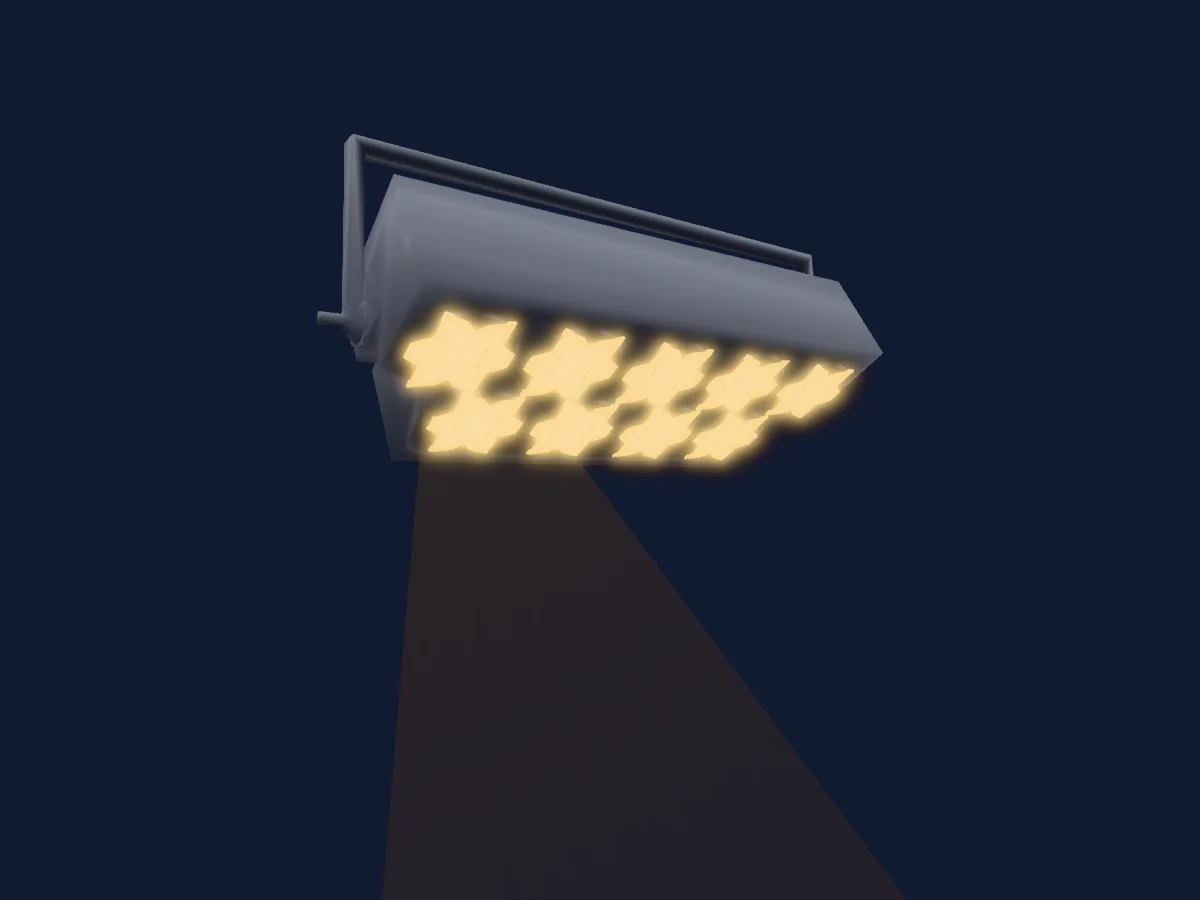
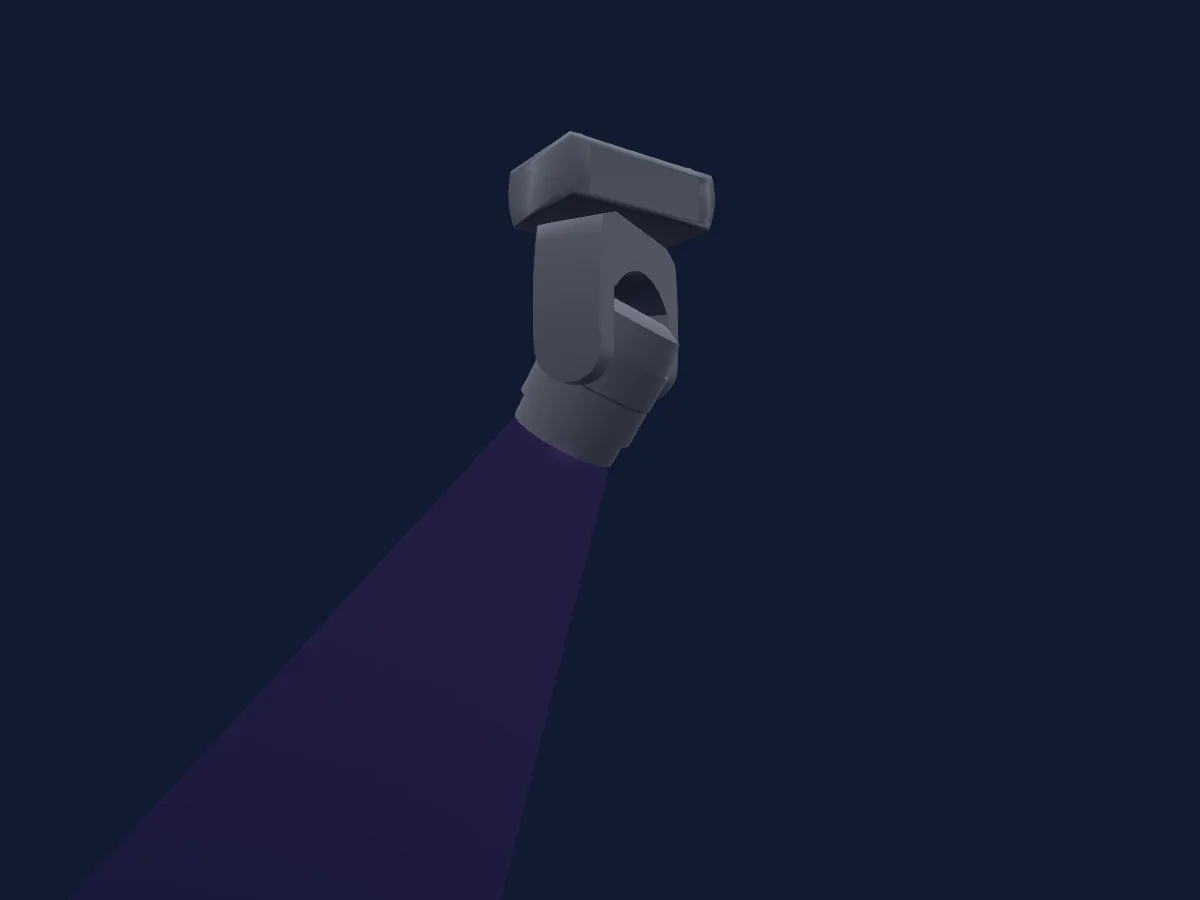
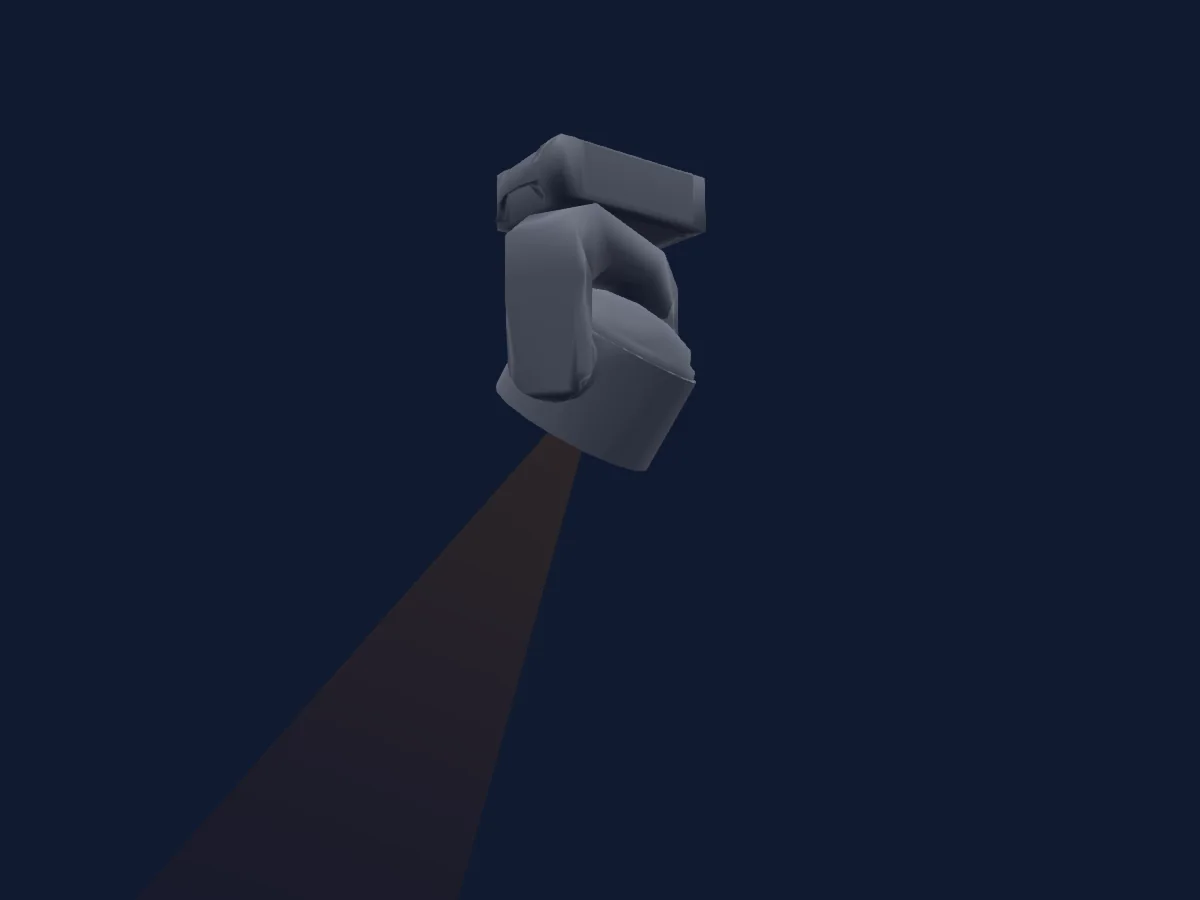
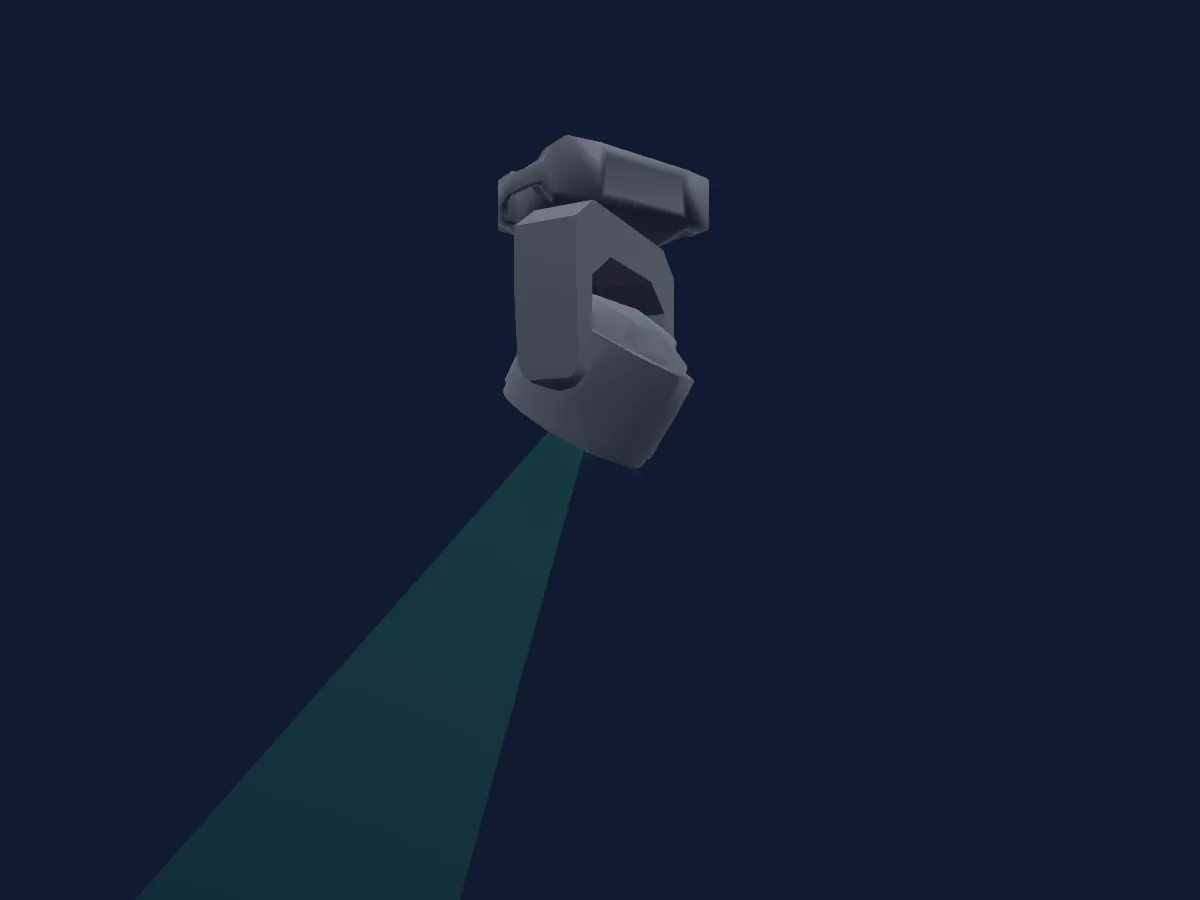
Robe Lighting Robin SuperSpikie renderizado en HitLight

Lo que puede hacer

  • Frost
  • Prisma
  • Zoom
  • Temperatura de color
  • Rueda de color
  • Estrobo
  • Intensidad
  • Control de píxeles
  • Pan y tilt
  • Velocidad de movimiento
  • Gobos
  • Rotación de gobos

Funciones relevantes para la seguridad: Programas de efectos integrados. Comprueba cómo se comportan en tu propio foco antes de un espectáculo.

Modos DMX y tablas de canales

Modos DMX de Robe Lighting Robin SuperSpikie
ModoCanalesEn HitLight
Mode 1 Full31Listo en HitLight

Mode 1 Full

Listo en HitLight

31 canales DMX · Descargar esta tabla en CSV

Tabla de canales DMX de Mode 1 Full
CanalFunciónPredeterminadoValores DMX
1Pan1280–255
2Pan Fine0Byte fino de Pan
3Tilt1280–255
4Tilt Fine0Byte fino de Tilt
5Pan Rotate0
8 rangos de valores
  • 0–0 Pan range 540Deg shortcut Off
  • 1–1 Pan range 360Deg shortcut On
  • 2–127 No function (Pan range 540Deg shortcut Off)
  • 128–188 Forwards - Fast
  • 189–189 Forwards - Slow
  • 190–193 No rotation middle
  • 194–254 Backwards - Slow
  • 255–255 Backwards - Fast
6Tilt Rotate0
8 rangos de valores
  • 0–0 Tilt range 360Deg Shortcut Off
  • 1–1 Tilt range 360Deg Shortcut On
  • 2–127 No function (Tilt range 360Deg Shortcut Off)
  • 128–188 Forwards - Fast
  • 189–189 Forwards - Slow
  • 190–193 No rotation middle
  • 194–254 Backwards - Slow
  • 255–255 Backwards - Fast
7Position MSpeed0
4 rangos de valores
  • 0–0 Standard mode
  • 1–1 Max Speed Mode
  • 2–254 Speed/Time
  • 255–255 Min Speed Mode
8Control100–255
9Color Wheel0
64 rangos de valores
  • 0–0 No function (wheel slot 1)
  • 1–2 Filter 4 (Medium Bastard Amber) (wheel slot 2)
  • 3–4 Filter 25 (Sunset Red) (wheel slot 3)
  • 5–6 Filter 19 (Fire) (wheel slot 4)
  • 7–8 Filter 26 (Bright Red) (wheel slot 5)
  • 9–10 Filter 58 (Lavender) (wheel slot 6)
  • 11–12 Filter 68 (Sky Blue) (wheel slot 7)
  • 13–14 Filter 36 (Medium Pink) (wheel slot 8)
  • 15–16 Filter 89 (Moss Green) (wheel slot 9)
  • 17–18 Filter 88 (Lime Green) (wheel slot 10)
  • 19–20 Filter 90 (Dark Yellow Green) (wheel slot 11)
  • 21–22 Filter 49 (Medium Purple) (wheel slot 12)
  • 23–24 Filter 52 (Light Lavender) (wheel slot 13)
  • 25–26 Filter 102 (Light Amber) (wheel slot 14)
  • 27–28 Filter 103 (Straw) (wheel slot 15)
  • 29–30 Filter 140 (Summer Blue) (wheel slot 16)
  • 31–32 Filter 124 (Dark Green) (wheel slot 17)
  • 33–34 Filter 106 (Primary Red) (wheel slot 18)
  • 35–36 Filter 111 (Dark Pink) (wheel slot 19)
  • 37–38 Filter 115 (Peacock Blue) (wheel slot 20)
  • 39–40 Filter 126 (Mauve) (wheel slot 21)
  • 41–42 Filter 117 (Steel Blue) (wheel slot 22)
  • 43–44 Filter 118 (Light Blue) (wheel slot 23)
  • 45–46 Filter 122 (Fern Green) (wheel slot 24)
  • 47–48 Filter 182 (Light Red) (wheel slot 25)
  • 49–50 Filter 121 (Filter Green) (wheel slot 26)
  • 51–52 Filter 128 (Bright Pink) (wheel slot 27)
  • 53–54 Filter 131 (Marine Blue) (wheel slot 28)
  • 55–56 Filter 132 (Medium Blue) (wheel slot 29)
  • 57–58 Filter 134 (Golden Amber) (wheel slot 30)
  • 59–60 Filter 135 (Deep Golden Amber) (wheel slot 31)
  • 61–62 Filter 136 (Pale Lavender) (wheel slot 32)
  • 63–64 Filter 137 (Special Lavender) (wheel slot 33)
  • 65–66 Filter 138 (Pale Green) (wheel slot 34)
  • 67–68 Filter 798 (Chrysalis Pink) (wheel slot 35)
  • 69–70 Filter 141 (Bright Blue) (wheel slot 36)
  • 71–72 Filter 147 (Apricot) (wheel slot 37)
  • 73–74 Filter 148 (Bright Rose) (wheel slot 38)
  • 75–76 Filter 152 (Pale Gold) (wheel slot 39)
  • 77–78 Filter 154 (Pale Rose) (wheel slot 40)
  • 79–80 Filter 157 (Pink) (wheel slot 41)
  • 81–82 Filter 143 (Pale Navy Blue) (wheel slot 42)
  • 83–84 Filter 162 (Bastard Amber) (wheel slot 43)
  • 85–86 Filter 164 (Flame Red) (wheel slot 44)
  • 87–88 Filter 165 (Daylight Blue) (wheel slot 45)
  • 89–90 Filter 169 (Lilac Tint) (wheel slot 46)
  • 91–92 Filter 170 (Deep Lavender) (wheel slot 47)
  • 93–94 Filter 172 (Lagoon Blue) (wheel slot 48)
  • 95–96 Filter 194 (Surprise Pink) (wheel slot 49)
  • 97–98 Filter 180 (Dark Lavender) (wheel slot 50)
  • 99–100 Filter 181 (Congo Blue) (wheel slot 51)
  • 101–102 Filter 197 (Alice Blue) (wheel slot 52)
  • 103–104 Filter 201 (Full CT Blue) (wheel slot 53)
  • 105–106 Filter 202 (Half CT Blue) (wheel slot 54)
  • 107–108 Filter 203 (Quarter CT Blue) (wheel slot 55)
  • 109–110 Filter 204 (Full CT Orange) (wheel slot 56)
  • 111–112 Filter 219 (Fluorescent Green) (wheel slot 57)
  • 113–114 Filter 206 (Quarter CT Orange) (wheel slot 58)
  • 115–116 Filter 247 (Filter Minus Green) (wheel slot 59)
  • 117–118 Filter 248 (Half Minus Green) (wheel slot 60)
  • 119–120 Filter 281 (Three Quarter CT Blue) (wheel slot 61)
  • 121–122 Filter 285 (Three Quarter CT Orange) (wheel slot 62)
  • 123–124 Filter 352 (Glacier Blue) (wheel slot 63)
  • 125–126 Filter 353 (Lighter Blue) (wheel slot 64)
10Red2550–255
11Red Fine255Byte fino de Red
12Green2550–255
13Green Fine255Byte fino de Green
14Blue2550–255
15Blue Fine255Byte fino de Blue
16White2550–255
17White Fine255Byte fino de White
18C TO0
2 rangos de valores
  • 0–254 8000K
  • 255–255 2700K
19Color Mix Mode45
11 rangos de valores
  • 0–9 Virtual colors (Virtual has priority)
  • 10–19 Maximum mode (highest values have priority)
  • 20–29 Minimum mode (lowest values have priority)
  • 30–39 Multiply mode (multiply Virtual and Colour Mix)
  • 40–49 Addition mode (Virtual + Colour mix)
  • 50–59 Subtraction mode (Virtual - Colour mix)
  • 60–69 Inverted Subtraction mode (Colour mix - Virtual)
  • 70–128 Reserved
  • 129–129 Virtual colors (virtual has priority)
  • 130–254 Crossfade (crossfade between Virtual and Colour mix)
  • 255–255 Colour channels (Colour mix has priority)
20Gobo0
6 rangos de valores
  • 0–4 Open/hole (wheel slot 1)
  • 5–9 Gobo 1 Index (wheel slot 2)
  • 10–14 Gobo 2 Index (wheel slot 3)
  • 15–19 Gobo 1 (wheel slot 2)
  • 20–24 Gobo 2 (wheel slot 3)
  • 25–255 Open/hole
21Gobo Rotation128
16 rangos de valores
  • 0–0 Gobo indexing min
  • 1–24 fast to slow 100%
  • 25–49 fast to slow 80%
  • 50–74 fast to slow 60%
  • 75–99 fast to slow 40%
  • 100–119 fast to slow 20%
  • 120–123 fast to slow 10%
  • 124–127 fast to slow 5%
  • 128–128 Gobo indexing center
  • 129–132 slow to fast 5%
  • 133–136 slow to fast 10%
  • 137–156 slow to fast 20%
  • 157–181 slow to fast 40%
  • 182–206 slow to fast 60%
  • 207–231 slow to fast 80%
  • 232–255 slow to fast 100%
22Gobo Rotation Fine128Byte fino de Gobo Rotation
23Prism0
16 rangos de valores
  • 0–0 Open (wheel slot 1)
  • 1–24 Fast to slow 1/7 (wheel slot 2)
  • 25–49 Fast to slow 2/7 (wheel slot 2)
  • 50–74 Fast to slow 3/7 (wheel slot 2)
  • 75–99 Fast to slow 4/7 (wheel slot 2)
  • 100–119 Fast to slow 5/7 (wheel slot 2)
  • 120–124 Fast to slow 6/7 (wheel slot 2)
  • 125–127 Fast to slow 7/7 (wheel slot 2)
  • 128–128 No rotation middle (wheel slot 2)
  • 129–131 Slow to fast 1/7 (wheel slot 2)
  • 132–136 Slow to fast 2/7 (wheel slot 2)
  • 137–156 Slow to fast 3/7 (wheel slot 2)
  • 157–181 Slow to fast 4/7 (wheel slot 2)
  • 182–206 Slow to fast 5/7 (wheel slot 2)
  • 207–232 Slow to fast 6/7 (wheel slot 2)
  • 233–255 slow to fast 7/7 (wheel slot 2)
24Flower Effect0
6 rangos de valores
  • 0–0 No Flower Effect
  • 1–124 Fast to slow - Fast (wheel slot 2)
  • 125–127 Fast to slow - Slow (wheel slot 2)
  • 128–128 No rotation middle (wheel slot 2)
  • 129–232 Slow to fast - Slow (wheel slot 2)
  • 233–255 Slow to fast - Fast (wheel slot 2)
25Effect0
12 rangos de valores
  • 0–0 Open position - without macros
  • 1–2 Macro 1
  • 3–4 Macro 2
  • 5–6 Macro 3
  • 7–8 Macro 4
  • 9–10 Macro 5
  • 11–12 Macro 6
  • 13–14 Macro 7
  • 15–16 Macro 8
  • 17–18 Macro 9
  • 19–20 Macro 10
  • 21–255 Reserved
26Frost10
9 rangos de valores
  • 0–5 Open
  • 6–11 Frost inserted
  • 12–211 Reserved
  • 212–212 Pulse closing from slow
  • 213–231 Pulse closing from slow to fast
  • 232–232 Pulse closing fast
  • 233–233 Pulse opening fast
  • 234–254 Pulse opening from fast to slow
  • 255–255 Pusle opening slow
27Zoom1280–255
28Zoom Fine0Byte fino de Zoom
29Shutter / Strobe32
16 rangos de valores
  • 0–31 Shutter closed
  • 32–63 Shutter open
  • 64–74 Shutter1Strobe · Slow to fast 1/10 0.303–6.72 Hz
  • 75–91 Shutter1Strobe · Slow to fast 5/10 7.36–17.6 Hz
  • 92–95 Shutter1Strobe · Slow to fast 10/10 18.3–20.2 Hz
  • 96–127 Shutter open
  • 128–134 Shutter1StrobePulseOpen · Slow to fast 1/7 0.126–0.277 Hz
  • 135–140 Shutter1StrobePulseOpen · Slow to fast 4/7 0.302–0.428 Hz
  • 141–143 Shutter1StrobePulseOpen · Slow to fast 7/7 0.454–0.504 Hz
  • 144–149 Shutter1StrobePulseClose · Fast to slow 1/7 0.504–0.378 Hz
  • 150–155 Shutter1StrobePulseClose · Fast to slow 4/7 0.353–0.227 Hz
  • 156–159 Shutter1StrobePulseClose · Fast to slow 7/7 0.202–0.126 Hz
  • 160–191 Shutter open
  • 192–222 Strobe random slow
  • 223–223 Strobe random fast
  • 224–255 Shutter open
30Dimmer0
2 rangos de valores
  • 0–254 Closed (wheel slot -2147483648)
  • 255–255 Open (wheel slot -2147483648)
31Dimmer Fine0Byte fino de Dimmer

Usar Robe Lighting Robin SuperSpikie en HitLight

  1. Abre Añadir foco y busca Robe Lighting Robin SuperSpikie.
  2. Elige el modo DMX configurado en el menú del propio foco. HitLight le asigna la dirección inicial libre más baja de su universo en la que cabe el número de canales del modo.
  3. Comprueba el modo y los controles con tu foco real antes de usarlo en directo.

Salas con Robe Lighting Robin SuperSpikie

Sus montajes guardados incluyen este modelo de aparato. Confirma el equipo actual con la sala.

Las tablas proceden de la descripción GDTF del foco, convertida para la biblioteca de HitLight. HitLight no está vinculado a Robe Lighting.

Conéctalo y deja que la música mueva las luces.

HitLight encuentra estos focos en su biblioteca, los conecta en la siguiente dirección libre y muestra tu montaje en 3D antes de enchufar una sola luz.

Abrir HitLight ↗Descargar HitLight