Saltar al contenido
HitLight
SHEHDS · Cabeza móvil

SHEHDS LED Spot 80W Lighting With 3 Face Prism

Tabla DMX, 2 modos DMX y vista previa en 3D. 10 / 13 canales DMX.
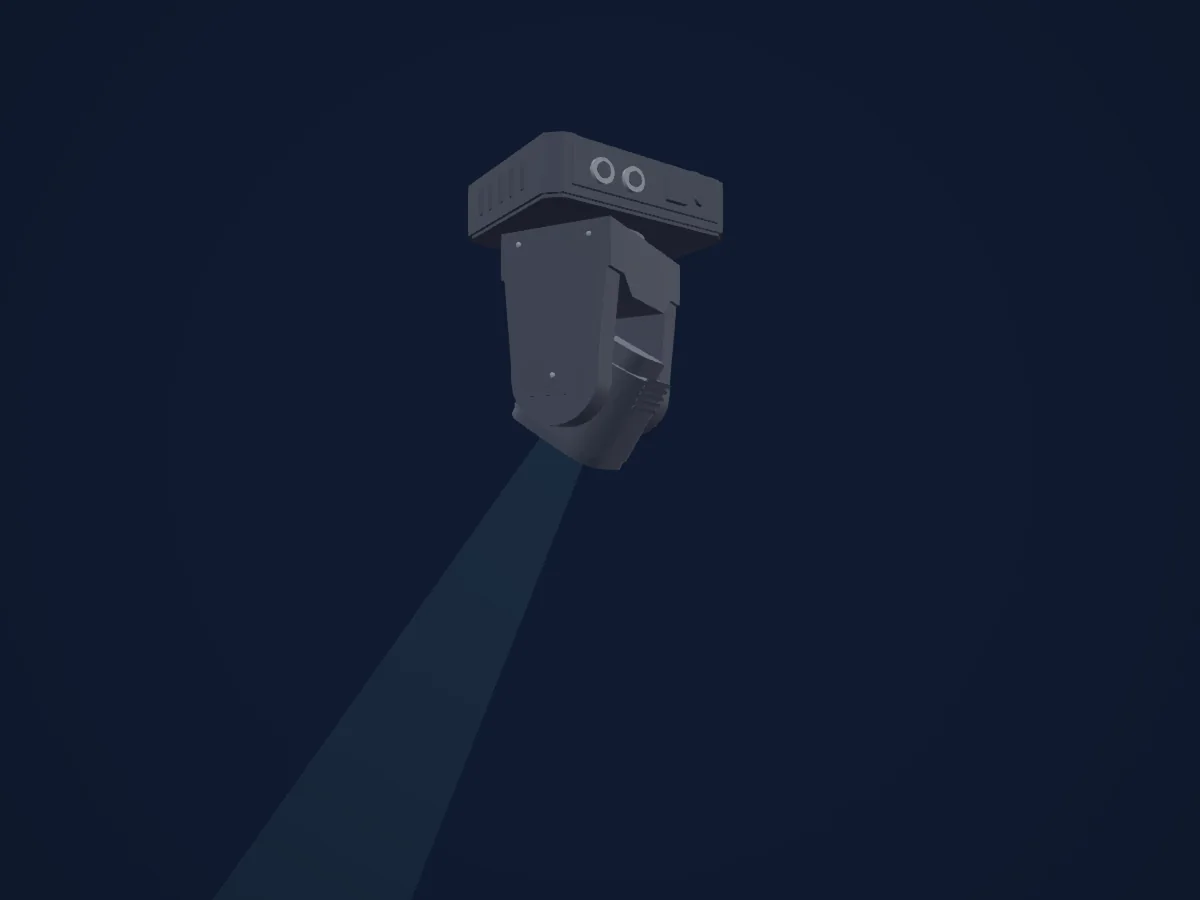
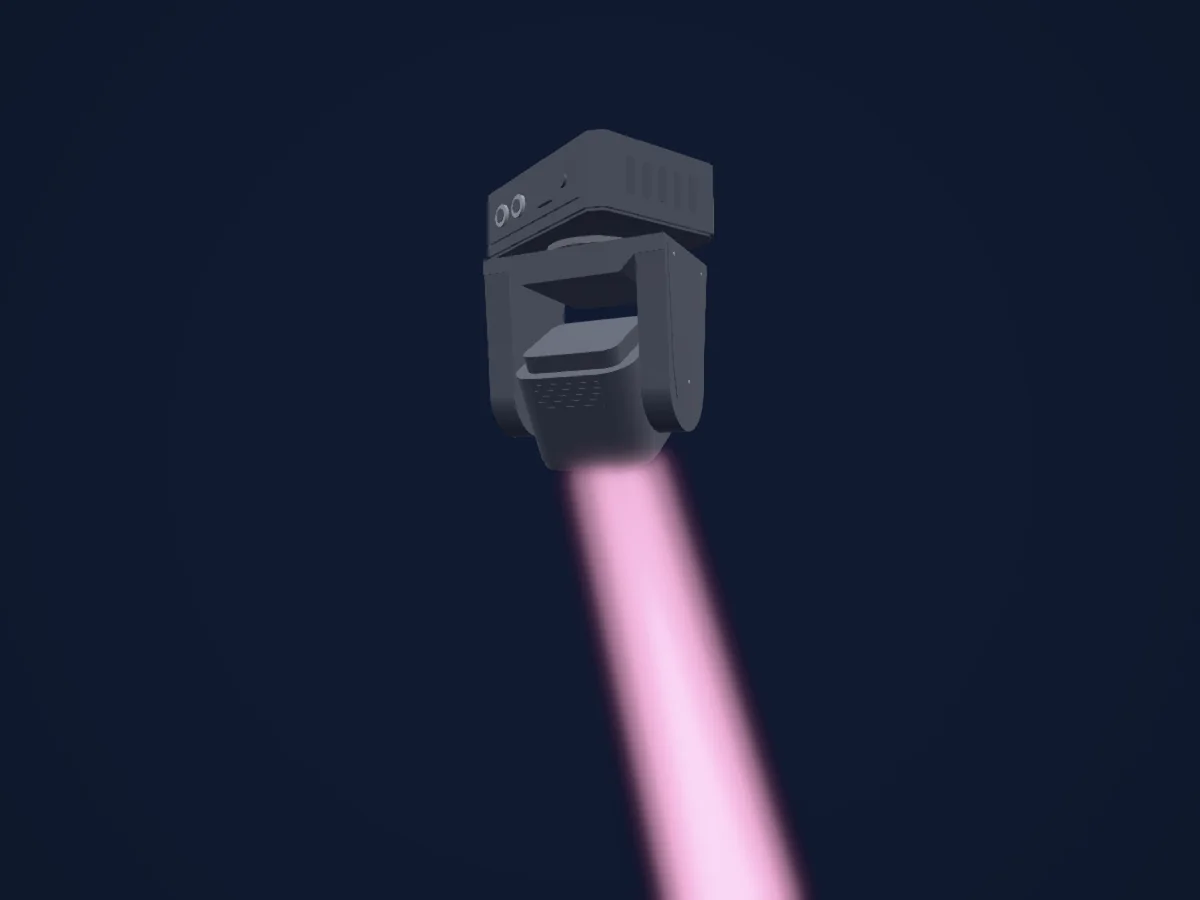
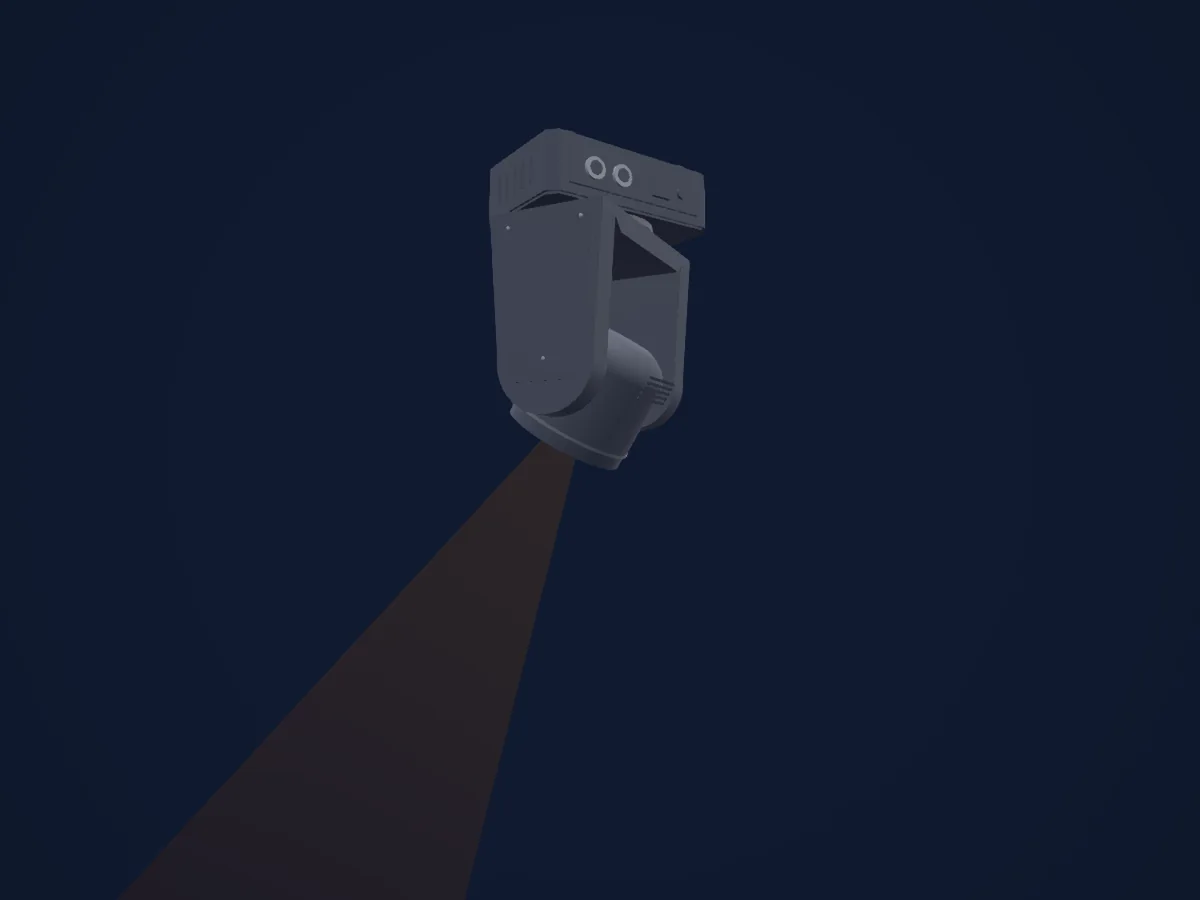
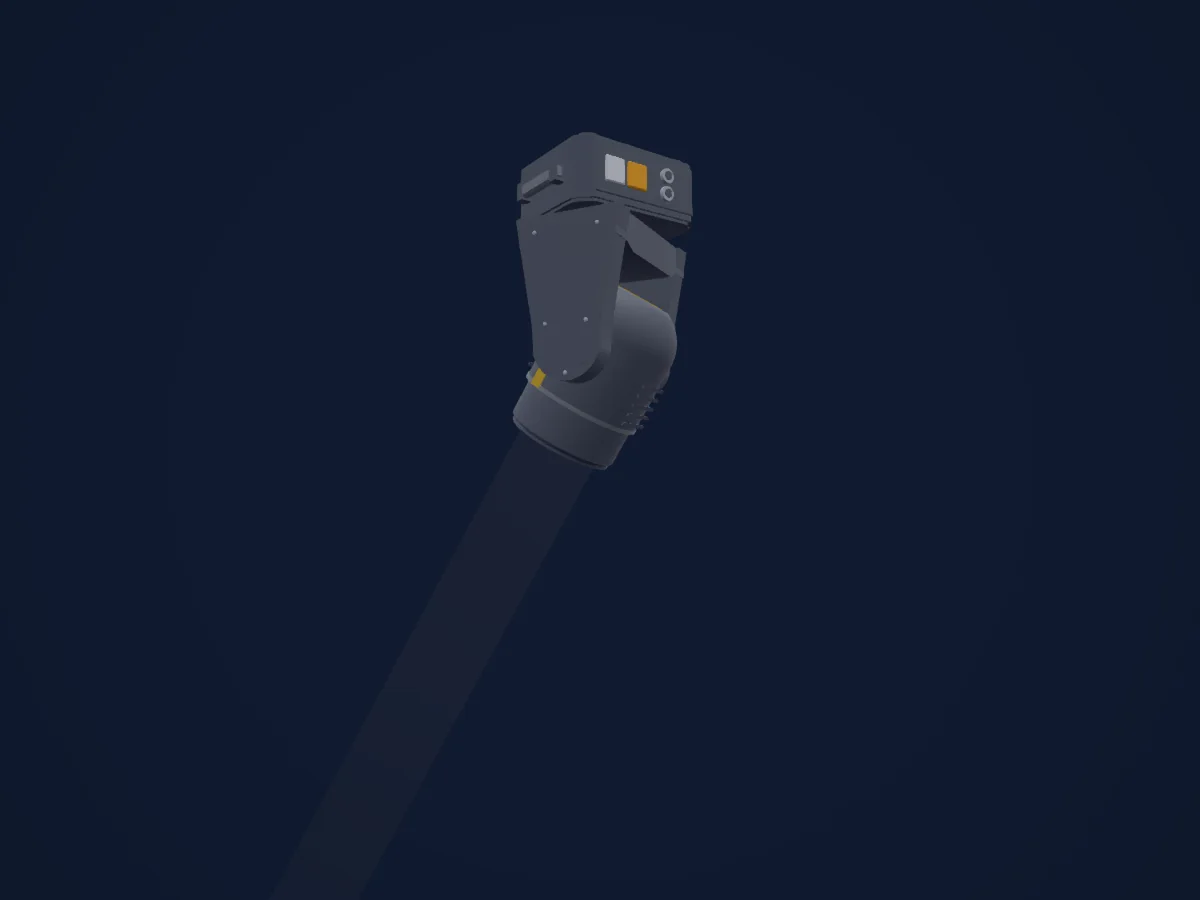
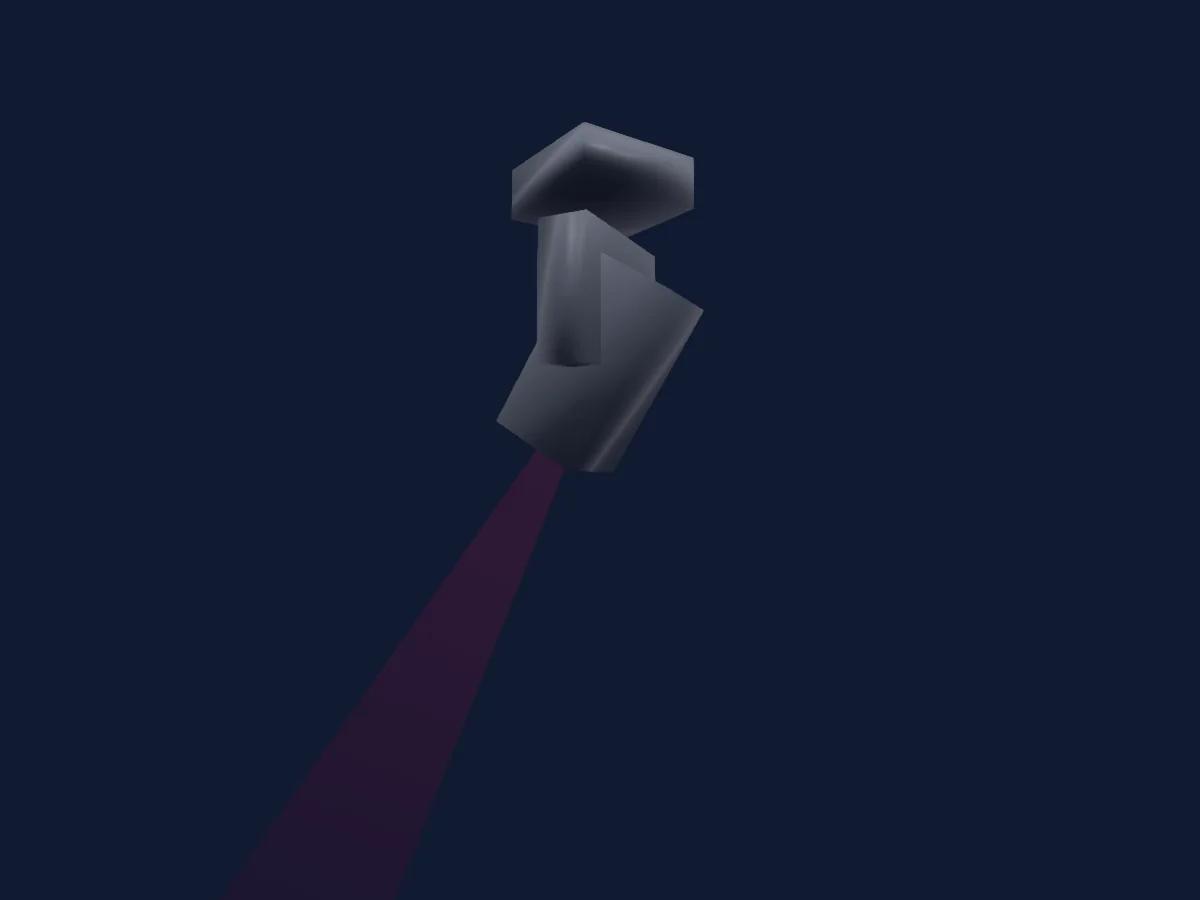
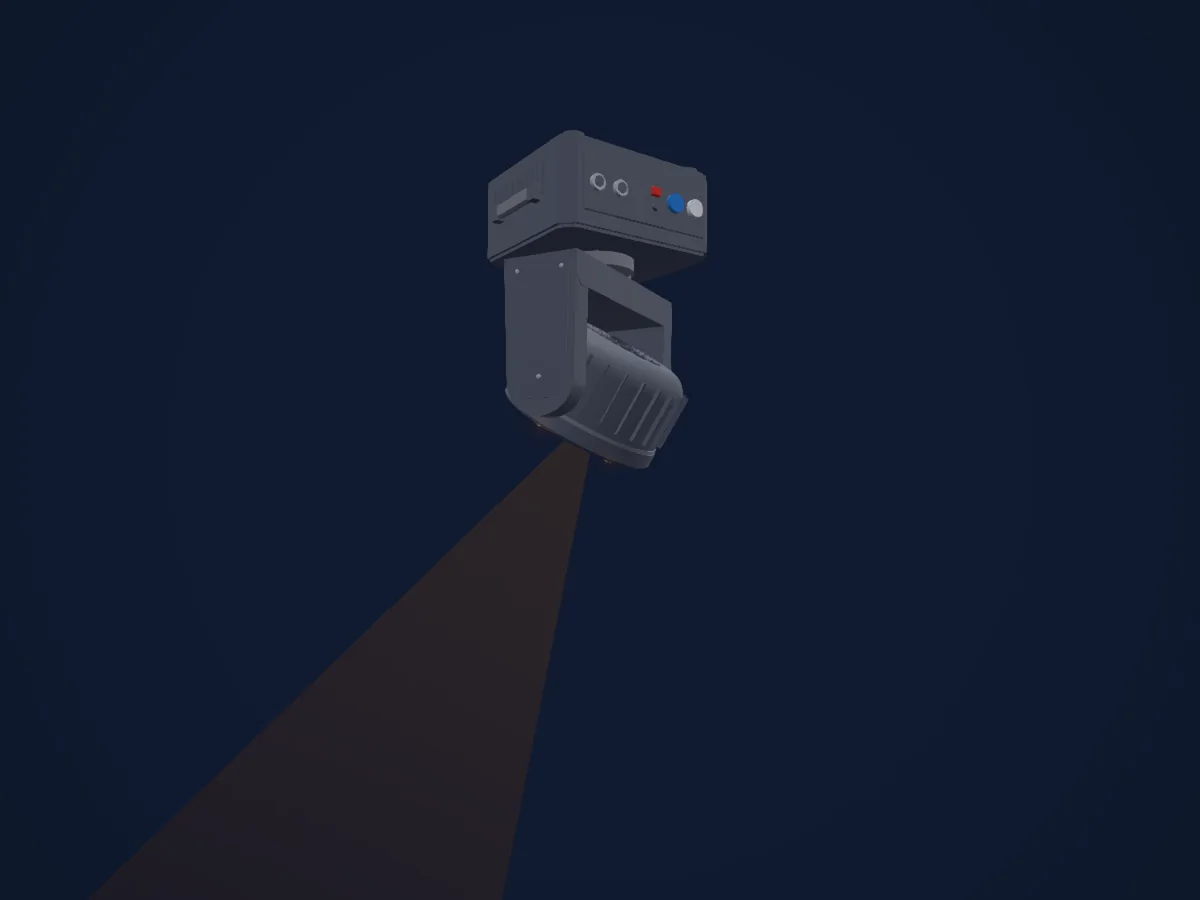
SHEHDS LED Spot 80W Lighting With 3 Face Prism renderizado en HitLight

Lo que puede hacer

  • Foco
  • Prisma
  • Rueda de color
  • Estrobo
  • Intensidad
  • Pan y tilt
  • Velocidad de movimiento
  • Gobos

Funciones relevantes para la seguridad: Reinicio del foco · Programas de efectos integrados. Comprueba cómo se comportan en tu propio foco antes de un espectáculo.

Modos DMX y tablas de canales

Modos DMX de SHEHDS LED Spot 80W Lighting With 3 Face Prism
ModoCanalesEn HitLight
10 Channel Mode10Listo en HitLight
13 Channel Mode13Listo en HitLight

10 Channel Mode

Listo en HitLight

10 canales DMX · Descargar esta tabla en CSV

Tabla de canales DMX de 10 Channel Mode
CanalFunciónPredeterminadoValores DMX
1Pan1280–255
2Tilt1280–255
3Dimmer00–255
4Shutter / Strobe0
3 rangos de valores
  • 0–15 Strobe off (assumed)
  • 16–251 Strobe frequency 1–16 Hz
  • 252–255 Not printed in the chart
5Color Wheel0
17 rangos de valores
  • 0–7 White (wheel slot 1)
  • 8–15 Red (wheel slot 2)
  • 16–23 Green (wheel slot 3)
  • 24–31 Blue (wheel slot 4)
  • 32–39 Yellow (wheel slot 5)
  • 40–47 Pink (wheel slot 6)
  • 48–55 Light green (wheel slot 7)
  • 56–63 Light blue (wheel slot 8)
  • 64–71 Light blue + White
  • 72–79 Light blue + Light green
  • 80–87 Light green + Pink
  • 88–95 Pink + Yellow
  • 96–103 Yellow + Blue
  • 104–111 Blue + Green
  • 112–119 Green + Red
  • 120–127 Red + White
  • 128–255 Color rotation
6Gobo0
16 rangos de valores
  • 0–8 White (wheel slot 1)
  • 9–17 Gobo 1 (wheel slot 2)
  • 18–25 Gobo 2 (wheel slot 3)
  • 26–34 Gobo 3 (wheel slot 4)
  • 35–42 Gobo 4 (wheel slot 5)
  • 43–51 Gobo 5 (wheel slot 6)
  • 52–59 Gobo 6 (wheel slot 7)
  • 60–68 Gobo 7 (wheel slot 8)
  • 69–76 Gobo 7 Shake (wheel slot 8)
  • 77–85 Gobo 6 Shake (wheel slot 7)
  • 86–93 Gobo 5 Shake (wheel slot 6)
  • 94–102 Gobo 4 Shake (wheel slot 5)
  • 103–110 Gobo 3 Shake (wheel slot 4)
  • 111–119 Gobo 2 Shake (wheel slot 3)
  • 120–127 Gobo 1 Shake (wheel slot 2)
  • 128–255 Gobo rotation
7Focus00–255
8Prism0
3 rangos de valores
  • 0–15 Not printed in the chart
  • 16–127 Prism switch
  • 128–255 Prism rotation
9Position MSpeed00–255
10Effect0
4 rangos de valores
  • 0–149 Not printed in the chart
  • 150–199 Full auto
  • 200–249 Sound active mode
  • 250–255 Reset

13 Channel Mode

Listo en HitLight

13 canales DMX · Descargar esta tabla en CSV

Tabla de canales DMX de 13 Channel Mode
CanalFunciónPredeterminadoValores DMX
1Pan1280–255
2Pan Fine0Byte fino de Pan
3Tilt1280–255
4Tilt Fine0Byte fino de Tilt
5Position MSpeed00–255
6Dimmer00–255
7Shutter / Strobe0
3 rangos de valores
  • 0–15 Strobe off (assumed)
  • 16–251 Strobe frequency 1–16 Hz
  • 252–255 Not printed in the chart
8Color Wheel0
17 rangos de valores
  • 0–7 White (wheel slot 1)
  • 8–15 Red (wheel slot 2)
  • 16–23 Green (wheel slot 3)
  • 24–31 Blue (wheel slot 4)
  • 32–39 Yellow (wheel slot 5)
  • 40–47 Pink (wheel slot 6)
  • 48–55 Light green (wheel slot 7)
  • 56–63 Light blue (wheel slot 8)
  • 64–71 Light blue + White
  • 72–79 Light blue + Light green
  • 80–87 Light green + Pink
  • 88–95 Pink + Yellow
  • 96–103 Yellow + Blue
  • 104–111 Blue + Green
  • 112–119 Green + Red
  • 120–127 Red + White
  • 128–255 Color rotation
9Gobo0
16 rangos de valores
  • 0–8 White (wheel slot 1)
  • 9–17 Gobo 1 (wheel slot 2)
  • 18–25 Gobo 2 (wheel slot 3)
  • 26–34 Gobo 3 (wheel slot 4)
  • 35–42 Gobo 4 (wheel slot 5)
  • 43–51 Gobo 5 (wheel slot 6)
  • 52–59 Gobo 6 (wheel slot 7)
  • 60–68 Gobo 7 (wheel slot 8)
  • 69–76 Gobo 7 Shake (wheel slot 8)
  • 77–85 Gobo 6 Shake (wheel slot 7)
  • 86–93 Gobo 5 Shake (wheel slot 6)
  • 94–102 Gobo 4 Shake (wheel slot 5)
  • 103–110 Gobo 3 Shake (wheel slot 4)
  • 111–119 Gobo 2 Shake (wheel slot 3)
  • 120–127 Gobo 1 Shake (wheel slot 2)
  • 128–255 Gobo rotation
10Focus00–255
11Prism0
3 rangos de valores
  • 0–15 Not printed in the chart
  • 16–127 Prism switch
  • 128–255 Prism rotation
12Effect0
13 rangos de valores
  • 0–15 No function
  • 16–35 Motor auto mode 1
  • 36–55 Motor auto mode 2
  • 56–75 Motor auto mode 3
  • 76–95 Motor auto mode 4
  • 96–115 Motor auto mode 5
  • 116–135 Motor auto mode 6
  • 136–155 Motor auto mode 7
  • 156–175 Motor auto mode 8
  • 176–195 Motor auto mode 9
  • 196–215 Motor auto mode 10
  • 216–235 Motor auto mode 11
  • 236–255 Motor auto mode 12
13Effect0
4 rangos de valores
  • 0–149 Not printed in the chart
  • 150–199 Full auto
  • 200–249 Sound active mode
  • 250–255 Reset

Usar SHEHDS LED Spot 80W Lighting With 3 Face Prism en HitLight

  1. Abre Añadir foco y busca SHEHDS LED Spot 80W Lighting With 3 Face Prism.
  2. Elige el modo DMX configurado en el menú del propio foco. HitLight le asigna la dirección inicial libre más baja de su universo en la que cabe el número de canales del modo.
  3. Comprueba el modo y los controles con tu foco real antes de usarlo en directo.

Las tablas proceden de la descripción GDTF del foco, convertida para la biblioteca de HitLight. HitLight no está vinculado a SHEHDS.

Fixture model: gdtf-shehds-led-spot-80w-lighting-with-3-face-prism-2611114109
Creator: HitLight
Modifications: Original HitLight 3D housing: scripted parametric geometry modelled by HitLight from public product photos and the manufacturer's published dimensions. No manufacturer imagery, CAD, meshes or GDTF models are redistributed.

Conéctalo y deja que la música mueva las luces.

HitLight encuentra estos focos en su biblioteca, los conecta en la siguiente dirección libre y muestra tu montaje en 3D antes de enchufar una sola luz.

Abrir HitLight ↗Descargar HitLight