 HitLight
SHEHDS Waterproof Pixel LED Beam+Wash 19x20W RGBLAC Zoom Moving Head Light With Mobile App Control
Tabla DMX, 2 modos DMX y vista previa en 3D. 30 / 50 canales DMX.
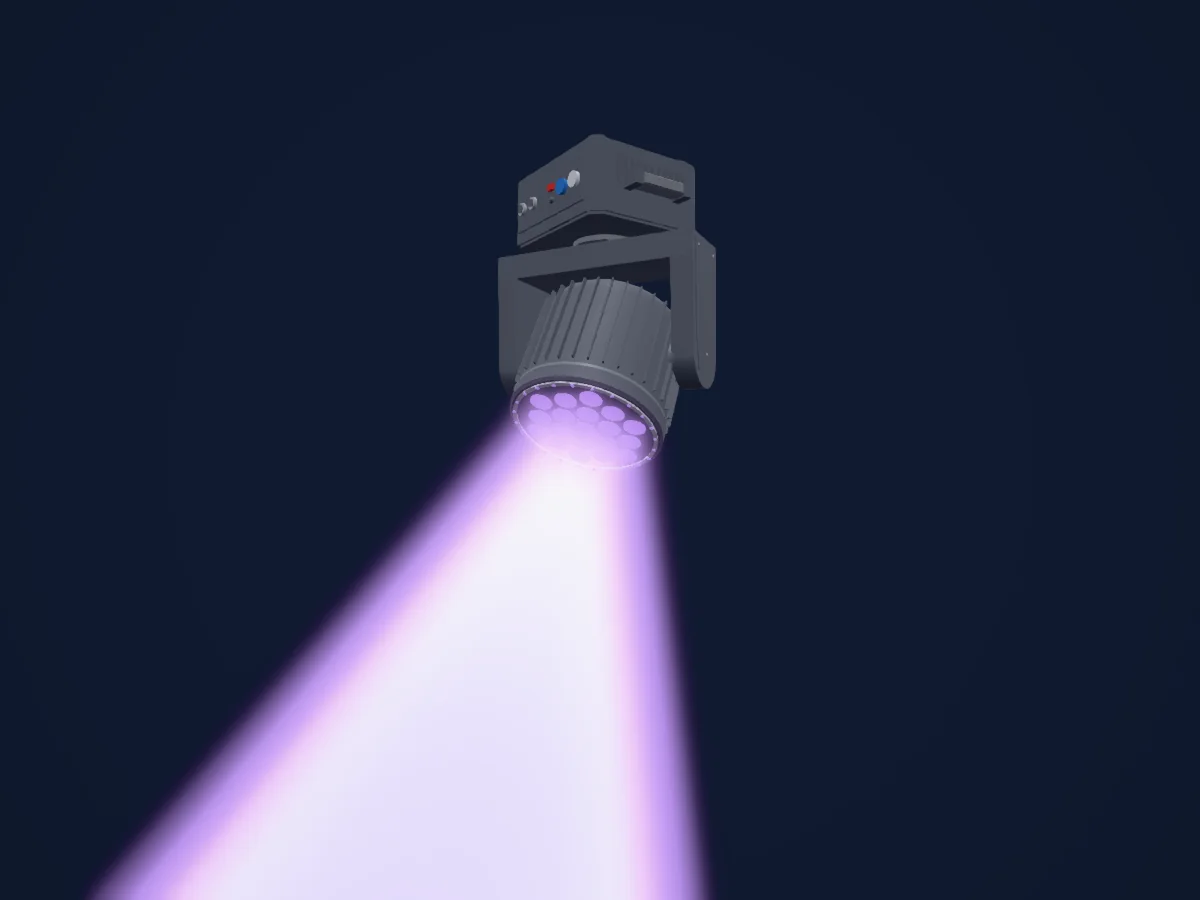
Lo que puede hacer
- Zoom
- Colores LED adicionales
- Temperatura de color
- Rueda de color
- Velocidad de efecto
- Estrobo
- Intensidad
- Control de píxeles
- Pan y tilt
- Velocidad de movimiento
Funciones relevantes para la seguridad: Programas de efectos integrados. Comprueba cómo se comportan en tu propio foco antes de un espectáculo.
Modos DMX y tablas de canales
| Modo | Canales | En HitLight |
|---|---|---|
| 30 Channels Mode | 30 | Listo en HitLight |
| 50 Channels Mode | 50 | Listo en HitLight |
30 Channels Mode
Listo en HitLight30 canales DMX · Descargar esta tabla en CSV
| Canal | Función | Predeterminado | Valores DMX |
|---|---|---|---|
| 1 | Pan | 128 | 0–255 |
| 2 | Tilt | 128 | 0–255 |
| 3 | Position MSpeed | 0 | 0–255 |
| 4 | Dimmer | 0 | 0–255 |
| 5 | Shutter / Strobe | 104 | 7 rangos de valores
|
| 6 | Red | 0 | 0–255 |
| 7 | Green | 0 | 0–255 |
| 8 | Blue | 0 | 0–255 |
| 9 | Color Add GY | 0 | 0–255 |
| 10 | Amber | 0 | 0–255 |
| 11 | Color Add C | 0 | 0–255 |
| 12 | Zoom | 0 | 0–255 |
| 13 | Color Macro1 | 0 | 26 rangos de valores
|
| 14 | C TO | 0 | 0–255 |
| 15 | Control1 | 0 | 15 rangos de valores
|
| 16 | Dimmer | 0 | 0–255 |
| 17 | Shutter / Strobe 2 | 0 | 4 rangos de valores
|
| 18 | Red | 0 | 0–255 |
| 19 | Green | 0 | 0–255 |
| 20 | Blue | 0 | 0–255 |
| 21 | Effect 2 | 0 | 7 rangos de valores
|
| 22 | Effect Speed 2 | 0 | 0–255 |
| 23 | Dimmer | 0 | 0–255 |
| 24 | Shutter / Strobe 3 | 0 | 4 rangos de valores
|
| 25 | Red | 0 | 0–255 |
| 26 | Green | 0 | 0–255 |
| 27 | Blue | 0 | 0–255 |
| 28 | Color Macro2 | 0 | 26 rangos de valores
|
| 29 | Effect 3 | 0 | 6 rangos de valores
|
| 30 | Effect Speed 3 | 0 | 2 rangos de valores
|
50 Channels Mode
Listo en HitLight50 canales DMX · Descargar esta tabla en CSV
| Canal | Función | Predeterminado | Valores DMX |
|---|---|---|---|
| 1 | Pan | 128 | 0–255 |
| 2 | Pan Fine | 0 | Byte fino de Pan |
| 3 | Tilt | 128 | 0–255 |
| 4 | Tilt Fine | 0 | Byte fino de Tilt |
| 5 | Position MSpeed | 0 | 0–255 |
| 6 | Dimmer | 0 | 0–255 |
| 7 | Shutter / Strobe | 104 | 7 rangos de valores
|
| 8 | Red | 0 | 0–255 |
| 9 | Green | 0 | 0–255 |
| 10 | Blue | 0 | 0–255 |
| 11 | Color Add GY | 0 | 0–255 |
| 12 | Amber | 0 | 0–255 |
| 13 | Color Add C | 0 | 0–255 |
| 14 | Zoom | 0 | 0–255 |
| 15 | Color Macro1 | 0 | 26 rangos de valores
|
| 16 | C TO | 0 | 0–255 |
| 17 | Control1 | 0 | 15 rangos de valores
|
| 18 | Dimmer | 0 | 0–255 |
| 19 | Shutter / Strobe 2 | 0 | 4 rangos de valores
|
| 20 | Red | 0 | 0–255 |
| 21 | Green | 0 | 0–255 |
| 22 | Blue | 0 | 0–255 |
| 23 | Effect 2 | 0 | 7 rangos de valores
|
| 24 | Effect Speed 2 | 0 | 0–255 |
| 25 | Red | 0 | 0–255 |
| 26 | Green | 0 | 0–255 |
| 27 | Blue | 0 | 0–255 |
| 28 | Color Add GY | 0 | 0–255 |
| 29 | Amber | 0 | 0–255 |
| 30 | Color Add C | 0 | 0–255 |
| 31 | Red | 0 | 0–255 |
| 32 | Green | 0 | 0–255 |
| 33 | Blue | 0 | 0–255 |
| 34 | Color Add GY | 0 | 0–255 |
| 35 | Amber | 0 | 0–255 |
| 36 | Color Add C | 0 | 0–255 |
| 37 | Red | 0 | 0–255 |
| 38 | Green | 0 | 0–255 |
| 39 | Blue | 0 | 0–255 |
| 40 | Color Add GY | 0 | 0–255 |
| 41 | Amber | 0 | 0–255 |
| 42 | Color Add C | 0 | 0–255 |
| 43 | Dimmer | 0 | 0–255 |
| 44 | Shutter / Strobe 3 | 0 | 4 rangos de valores
|
| 45 | Red | 0 | 0–255 |
| 46 | Green | 0 | 0–255 |
| 47 | Blue | 0 | 0–255 |
| 48 | Color Macro2 | 0 | 26 rangos de valores
|
| 49 | Effect 3 | 0 | 6 rangos de valores
|
| 50 | Effect Speed 3 | 0 | 2 rangos de valores
|
Usar SHEHDS Waterproof Pixel LED Beam+Wash 19x20W RGBLAC Zoom Moving Head Light With Mobile App Control en HitLight
- Abre Añadir foco y busca SHEHDS Waterproof Pixel LED Beam+Wash 19x20W RGBLAC Zoom Moving Head Light With Mobile App Control.
- Elige el modo DMX configurado en el menú del propio foco. HitLight le asigna la dirección inicial libre más baja de su universo en la que cabe el número de canales del modo.
- Comprueba el modo y los controles con tu foco real antes de usarlo en directo.
Focos relacionados
SHEHDS 300W 3iN1 Beam Moving Head Light With Ring version
SHEHDS 120W Cool&Warm White 2in1
SHEHDS 230W Beam
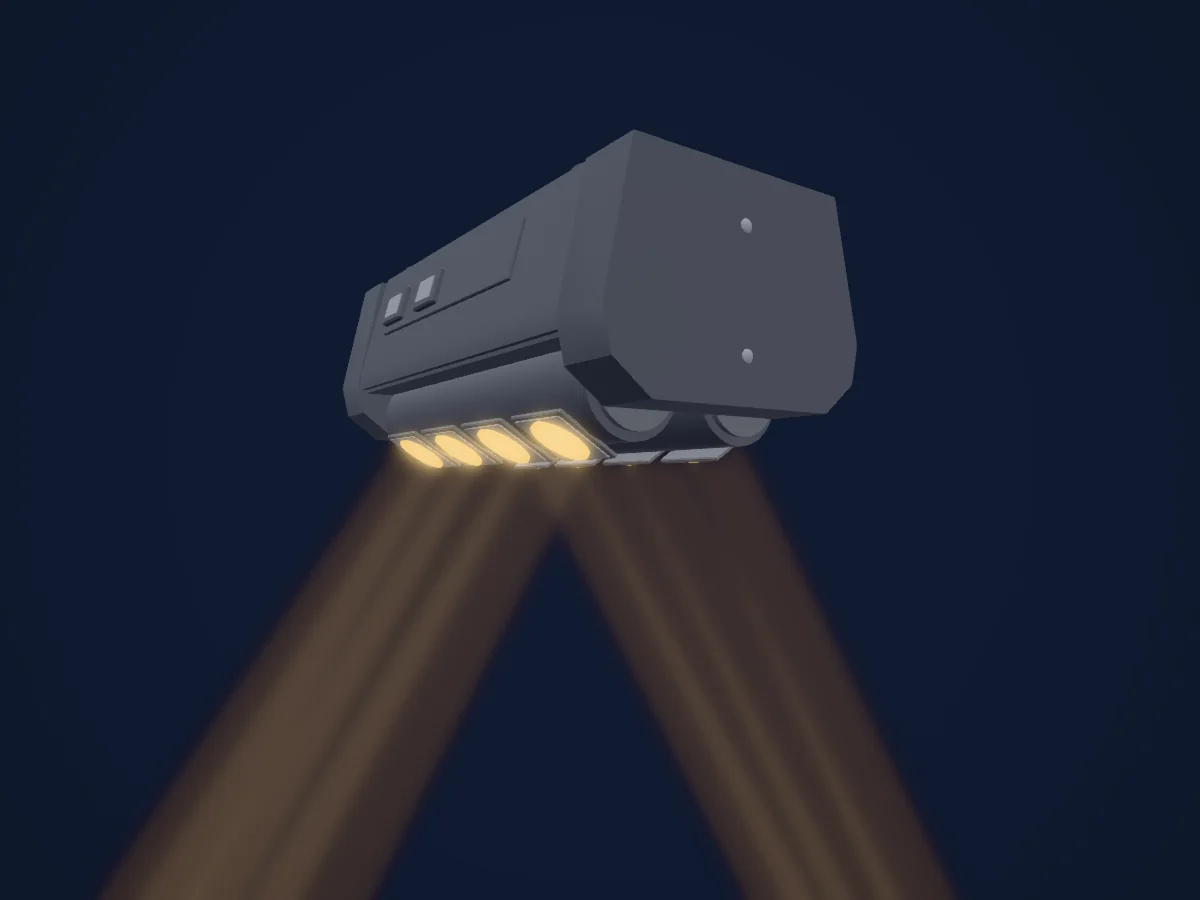
SHEHDS Mini LED Beam 8x6W Spider Lighting
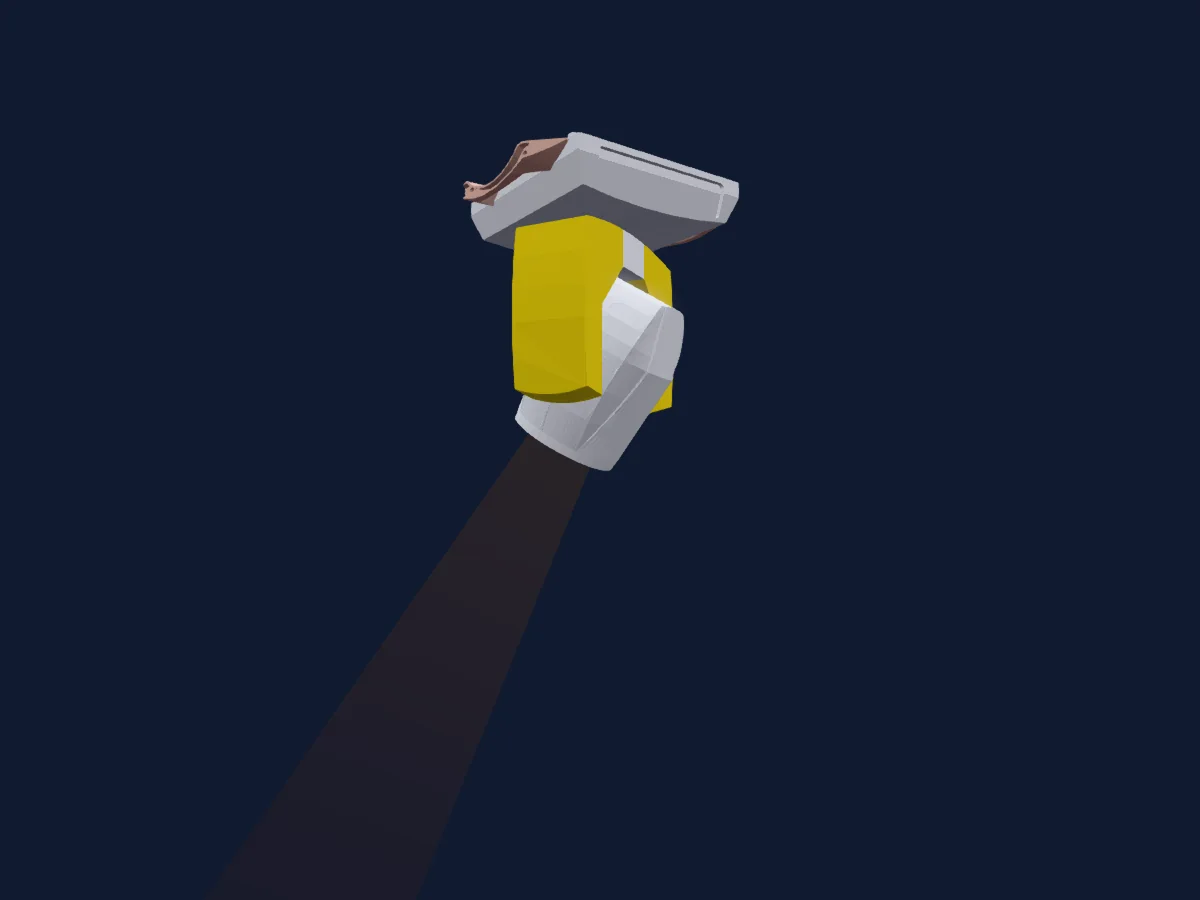
SHEHDS 230W Beam Moving Head Lighting by FriesenRadio
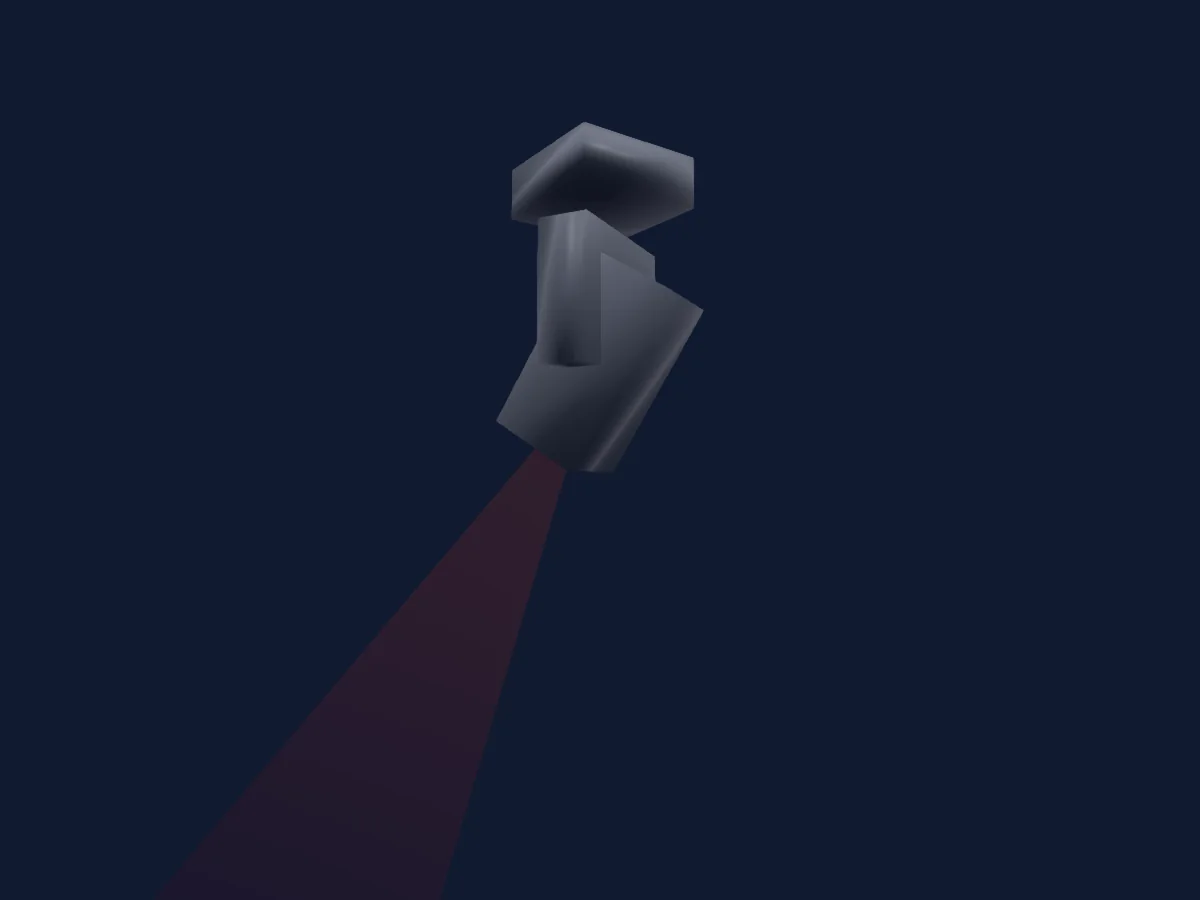
SHEHDS Mini wash 7x12w RGBW
Las tablas proceden de la descripción GDTF del foco, convertida para la biblioteca de HitLight. HitLight no está vinculado a SHEHDS.
Fixture model: gdtf-shehds-waterproof-pixel-led-beam-wash-19x20w-rgblac-zoom-moving-head-light-with-mobile-app-control-2026111511101
Creator: HitLight
Modifications: Original HitLight 3D housing: scripted parametric geometry modelled by HitLight from public product photos and the manufacturer's published dimensions. No manufacturer imagery, CAD, meshes or GDTF models are redistributed.