Saltar al contenido
HitLight
Showtec · Estrobo

Showtec Titan Strobe 1000 FX

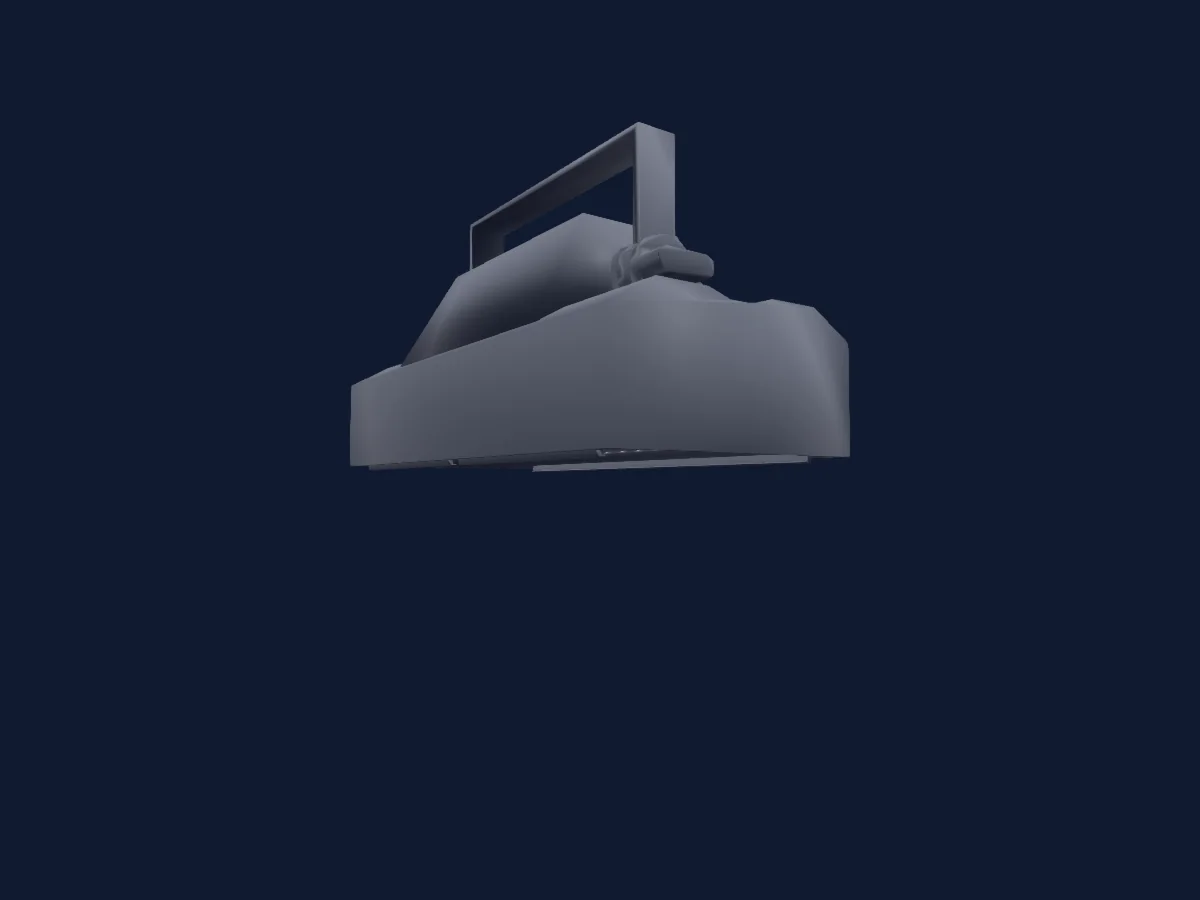
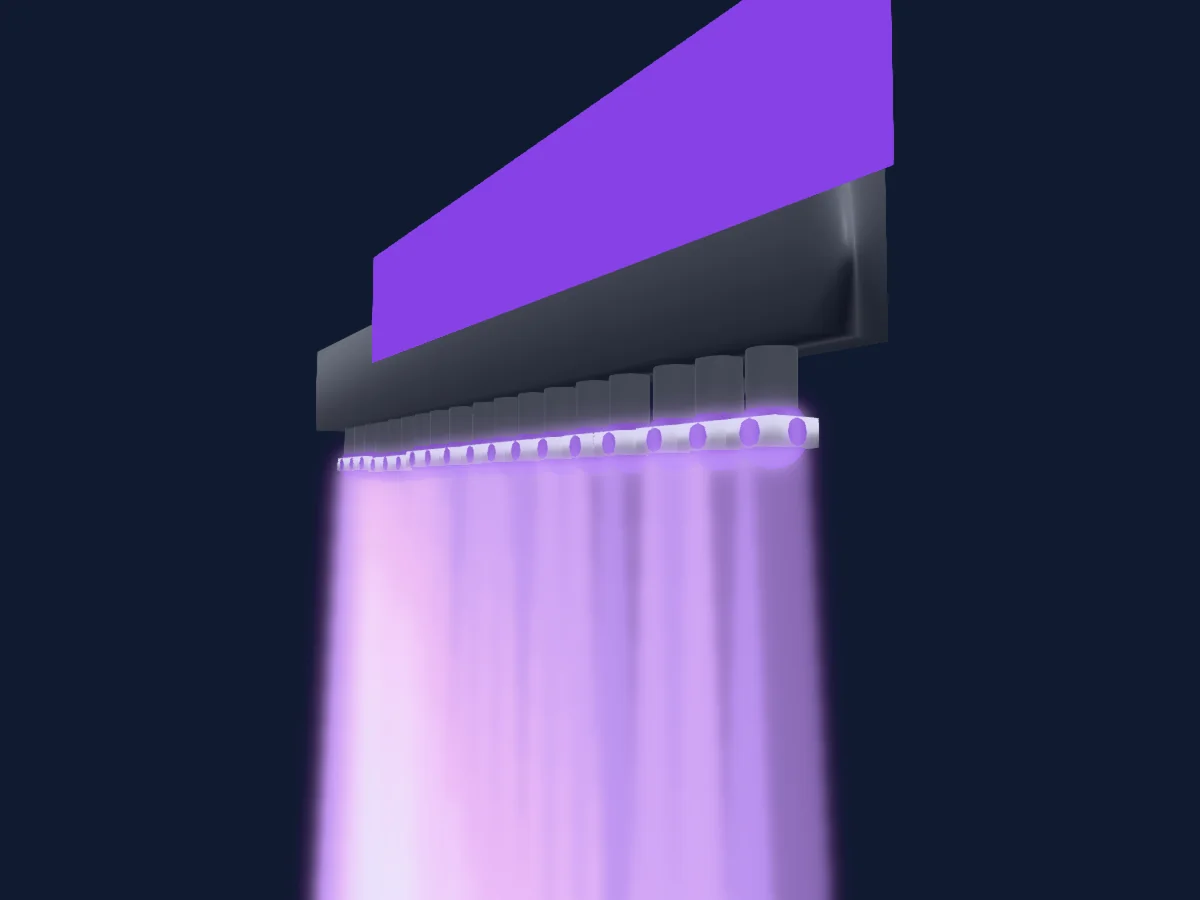
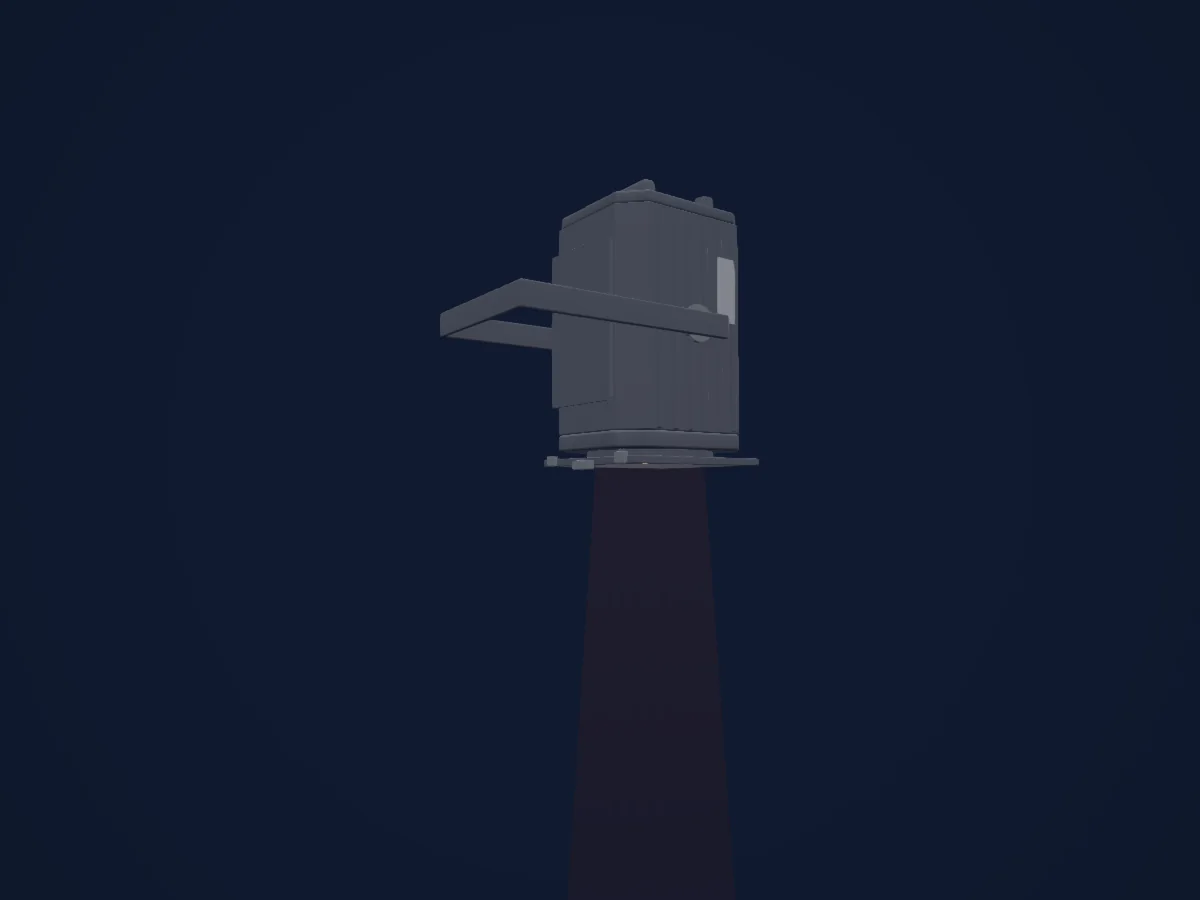
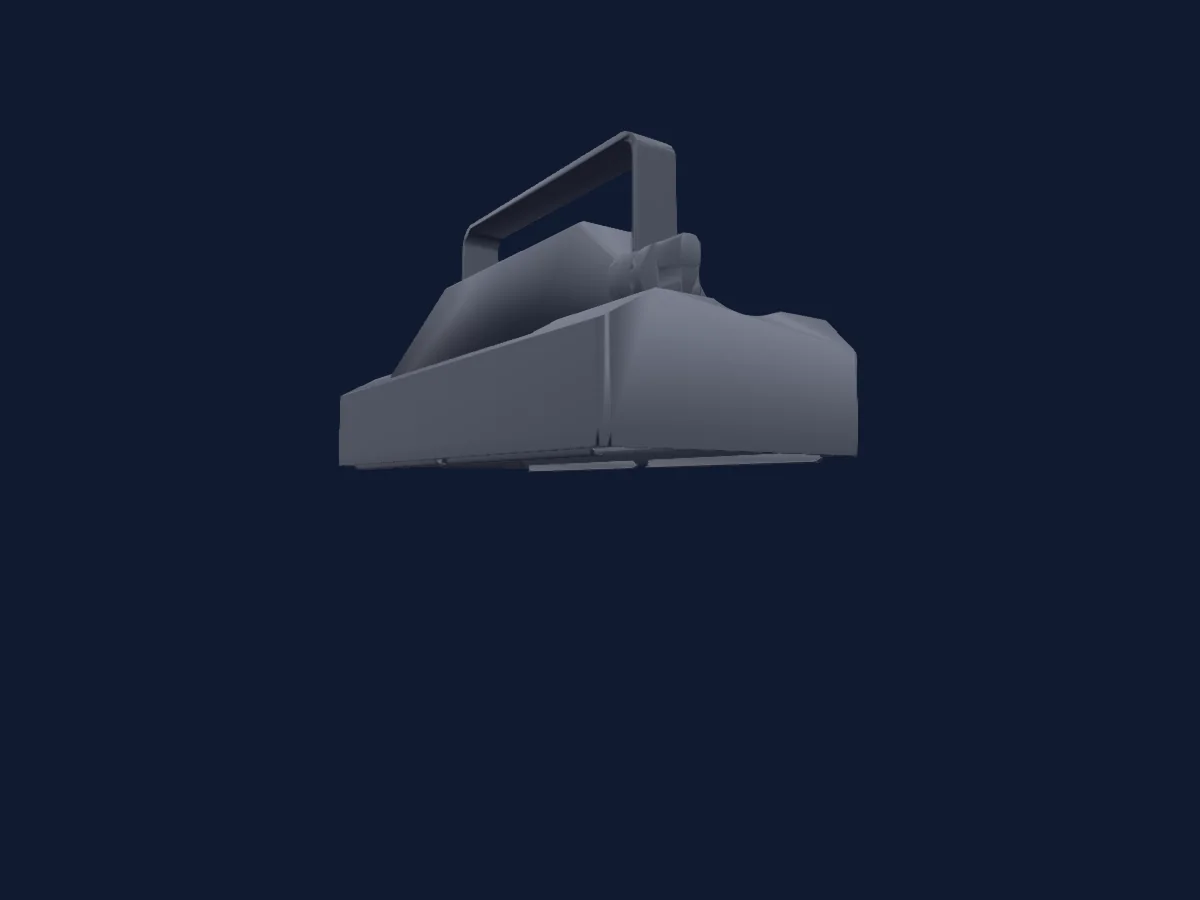
Tabla DMX, 4 modos DMX y vista previa en 3D. 4 / 7 / 12 / 13 canales DMX.
Lo que puede hacer

  • Mezcla de color RGB
  • Rueda de color
  • Estrobo
  • Intensidad

Funciones relevantes para la seguridad: Estrobo · Programas de efectos integrados. Comprueba cómo se comportan en tu propio foco antes de un espectáculo.

Modos DMX y tablas de canales

Modos DMX de Showtec Titan Strobe 1000 FX
ModoCanalesEn HitLight
Strobe 4Ch4Listo en HitLight
Basic 7Ch7Listo en HitLight
FX 12Ch12Listo en HitLight
Sectional 73Ch13Listo en HitLight

Strobe 4Ch

Listo en HitLight

4 canales DMX · Descargar esta tabla en CSV

Tabla de canales DMX de Strobe 4Ch
CanalFunciónPredeterminadoValores DMX
1Dimmer0
3 rangos de valores
  • 0–0 Min
  • 1–254 Min > Max
  • 255–255 Max
2Strobe Duration0
3 rangos de valores
  • 0–0 Min
  • 1–254 Min > Max
  • 255–255 Max
3Strobe Rate0
2 rangos de valores
  • 0–4 No Function - Custom
  • 5–255 S > F - Speed
4Shutter / Strobe0
8 rangos de valores
  • 0–5 Linear Strobe - Strobe
  • 6–42 Ramp Up - Strobe Pulse Open
  • 43–85 Ramp Down - Strobe Pulse Closed
  • 86–128 Ramp Up-Down - Strobe Pulse Random
  • 129–150 Random - Strobe Random
  • 151–171 Random Sectoral - Strobe Random
  • 172–214 Lighting - Strobe
  • 215–255 Spikes - Strobe

Basic 7Ch

Listo en HitLight

7 canales DMX · Descargar esta tabla en CSV

Tabla de canales DMX de Basic 7Ch
CanalFunciónPredeterminadoValores DMX
1Dimmer0
3 rangos de valores
  • 0–0 Min
  • 1–254 Min > Max
  • 255–255 Max
2Strobe Duration0
3 rangos de valores
  • 0–0 Min
  • 1–254 Min > Max
  • 255–255 Max
3Strobe Rate0
2 rangos de valores
  • 0–4 No Function - Custom
  • 5–255 S > F - Speed
4Shutter / Strobe0
8 rangos de valores
  • 0–5 Linear Strobe - Strobe
  • 6–42 Ramp Up - Strobe Pulse Open
  • 43–85 Ramp Down - Strobe Pulse Closed
  • 86–128 Ramp Up-Down - Strobe Pulse Random
  • 129–150 Random - Strobe Random
  • 151–171 Random Sectoral - Strobe Random
  • 172–214 Lighting - Strobe
  • 215–255 Spikes - Strobe
5Red255
3 rangos de valores
  • 0–0 Min
  • 1–254 Min > Max
  • 255–255 Max
6Green255
3 rangos de valores
  • 0–0 Min
  • 1–254 Min > Max
  • 255–255 Max
7Blue255
3 rangos de valores
  • 0–0 Min
  • 1–254 Min > Max
  • 255–255 Max

FX 12Ch

Listo en HitLight

12 canales DMX · Descargar esta tabla en CSV

Tabla de canales DMX de FX 12Ch
CanalFunciónPredeterminadoValores DMX
1Dimmer0
3 rangos de valores
  • 0–0 Min
  • 1–254 Min > Max
  • 255–255 Max
2Strobe Duration0
3 rangos de valores
  • 0–0 Min
  • 1–254 Min > Max
  • 255–255 Max
3Strobe Rate0
2 rangos de valores
  • 0–4 No Function - Custom
  • 5–255 S > F - Speed
4Shutter / Strobe0
8 rangos de valores
  • 0–5 Linear Strobe - Strobe
  • 6–42 Ramp Up - Strobe Pulse Open
  • 43–85 Ramp Down - Strobe Pulse Closed
  • 86–128 Ramp Up-Down - Strobe Pulse Random
  • 129–150 Random - Strobe Random
  • 151–171 Random Sectoral - Strobe Random
  • 172–214 Lighting - Strobe
  • 215–255 Spikes - Strobe
5Red255
3 rangos de valores
  • 0–0 Min
  • 1–254 Min > Max
  • 255–255 Max
6Green255
3 rangos de valores
  • 0–0 Min
  • 1–254 Min > Max
  • 255–255 Max
7Blue255
3 rangos de valores
  • 0–0 Min
  • 1–254 Min > Max
  • 255–255 Max
8Color Wheel0
19 rangos de valores
  • 0–4 No Function - Custom
  • 5–17 Open - Color (wheel slot 1)
  • 18–30 Red - Color (wheel slot 2)
  • 31–43 Green - Color (wheel slot 3)
  • 44–56 Blue - Color (wheel slot 4)
  • 57–69 Yellow - Color (wheel slot 5)
  • 70–82 Magenta - Color (wheel slot 6)
  • 83–95 Cyan - Color (wheel slot 7)
  • 96–108 Pink - Color (wheel slot 8)
  • 109–121 Light Pink - Color (wheel slot 9)
  • 122–134 Light Blue - Color (wheel slot 10)
  • 135–147 Turquoise - Color (wheel slot 11)
  • 148–160 Light Green - Color (wheel slot 12)
  • 161–173 Dark Yellow - Color (wheel slot 13)
  • 174–186 Light Orange - Color (wheel slot 14)
  • 187–199 Light Red - Color (wheel slot 15)
  • 200–212 CTO - Color (wheel slot 16)
  • 213–225 CTB - Color (wheel slot 17)
  • 226–255 Black - Color (wheel slot 18)
9Effect0
21 rangos de valores
  • 0–4 No Function - Custom
  • 5–16 Pattern 1 - Macro
  • 17–28 Pattern 2 - Macro
  • 29–40 Pattern 3 - Macro
  • 41–52 Pattern 4 - Macro
  • 53–64 Pattern 5 - Macro
  • 65–76 Pattern 6 - Macro
  • 77–88 Pattern 7 - Macro
  • 89–100 Pattern 8 - Macro
  • 101–112 Pattern 9 - Macro
  • 113–124 Pattern 10 - Macro
  • 125–136 Pattern 11 - Macro
  • 137–148 Pattern 12 - Macro
  • 149–160 Pattern 13 - Macro
  • 161–172 Pattern 14 - Macro
  • 173–184 Pattern 15 - Macro
  • 185–196 Pattern 16 - Macro
  • 197–208 Pattern 17 - Macro
  • 209–220 Pattern 18 - Macro
  • 221–232 Pattern 19 - Macro
  • 233–255 Pattern 20 - Macro
10Effects1Pos Rotate128
5 rangos de valores
  • 0–44 Indexing - Indexing
  • 45–125 F > S - Rotate CW
  • 126–129 Stop - Stop Loop
  • 130–210 S > F - Rotate CCW
  • 211–255 Bounce S > F - Gobo Shake
11Effect 20
14 rangos de valores
  • 0–4 No Function - Custom
  • 5–23 Pattern 1 - Macro
  • 24–42 Pattern 2 - Macro
  • 43–61 Pattern 3 - Macro
  • 62–80 Pattern 4 - Macro
  • 81–99 Pattern 5 - Macro
  • 100–118 Pattern 6 - Macro
  • 119–137 Pattern 7 - Macro
  • 138–156 Pattern 8 - Macro
  • 157–175 Pattern 9 - Macro
  • 176–194 Pattern 10 - Macro
  • 195–213 Pattern 11 - Macro
  • 214–232 Pattern 12 - Macro
  • 233–255 Pattern 13 - Macro
12Effects2Pos Rotate128
5 rangos de valores
  • 0–44 Indexing - Indexing
  • 45–125 F > S - Rotate CW
  • 126–129 Stop - Stop Loop
  • 130–210 S > F - Rotate CCW
  • 211–255 Bounce S > F - Gobo Shake

Sectional 73Ch

Listo en HitLight

13 canales DMX · Descargar esta tabla en CSV

Tabla de canales DMX de Sectional 73Ch
CanalFunciónPredeterminadoValores DMX
1Dimmer255
3 rangos de valores
  • 0–0 Min
  • 1–254 Min > Max
  • 255–255 Max
2Green255
3 rangos de valores
  • 0–0 Min
  • 1–254 Min > Max
  • 255–255 Max
3Blue255
3 rangos de valores
  • 0–0 Min
  • 1–254 Min > Max
  • 255–255 Max
4Reserved 400–255
5Reserved 500–255
6Reserved 600–255
7Reserved 700–255
8Reserved 800–255
9Reserved 900–255
10Reserved 1000–255
11Strobe Duration0
3 rangos de valores
  • 0–0 Min
  • 1–254 Min > Max
  • 255–255 Max
12Strobe Rate0
2 rangos de valores
  • 0–4 No Function - Custom
  • 5–255 S > F - Speed
13Shutter / Strobe0
8 rangos de valores
  • 0–5 Linear Strobe - Strobe
  • 6–42 Ramp Up - Strobe Pulse Open
  • 43–85 Ramp Down - Strobe Pulse Closed
  • 86–128 Ramp Up-Down - Strobe Pulse Random
  • 129–150 Random - Strobe Random
  • 151–171 Random Sectoral - Strobe Random
  • 172–214 Lighting - Strobe
  • 215–255 Spikes - Strobe

Usar Showtec Titan Strobe 1000 FX en HitLight

  1. Abre Añadir foco y busca Showtec Titan Strobe 1000 FX.
  2. Elige el modo DMX configurado en el menú del propio foco. HitLight le asigna la dirección inicial libre más baja de su universo en la que cabe el número de canales del modo.
  3. Comprueba el modo y los controles con tu foco real antes de usarlo en directo.

Las tablas proceden de la descripción GDTF del foco, convertida para la biblioteca de HitLight. HitLight no está vinculado a Showtec.

Conéctalo y deja que la música mueva las luces.

HitLight encuentra estos focos en su biblioteca, los conecta en la siguiente dirección libre y muestra tu montaje en 3D antes de enchufar una sola luz.

Abrir HitLight ↗Descargar HitLight