Saltar al contenido
HitLight
Silver Star · Cabeza móvil

Silver Star Pluto 4000

Tabla DMX, 5 modos DMX y vista previa en 3D. 9 / 13 / 14 / 21 canales DMX.
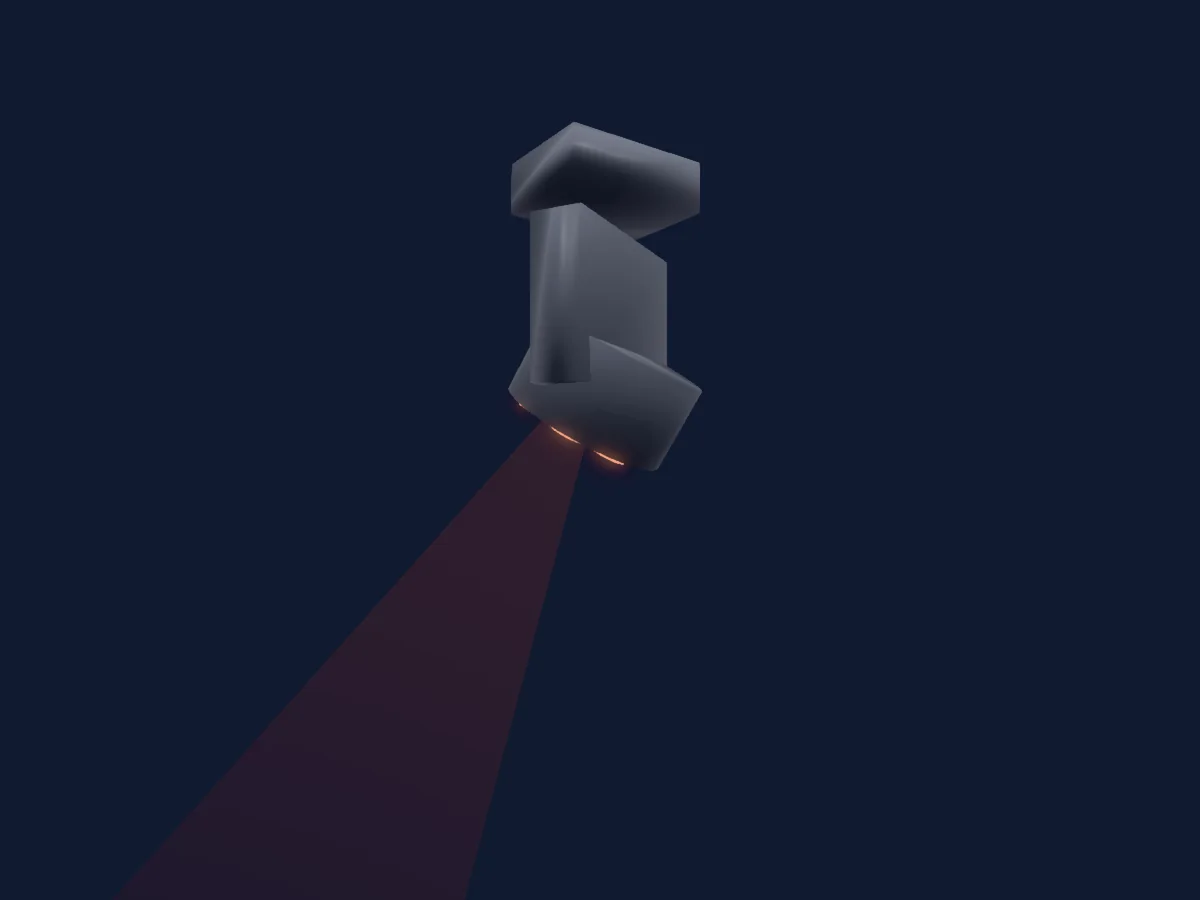
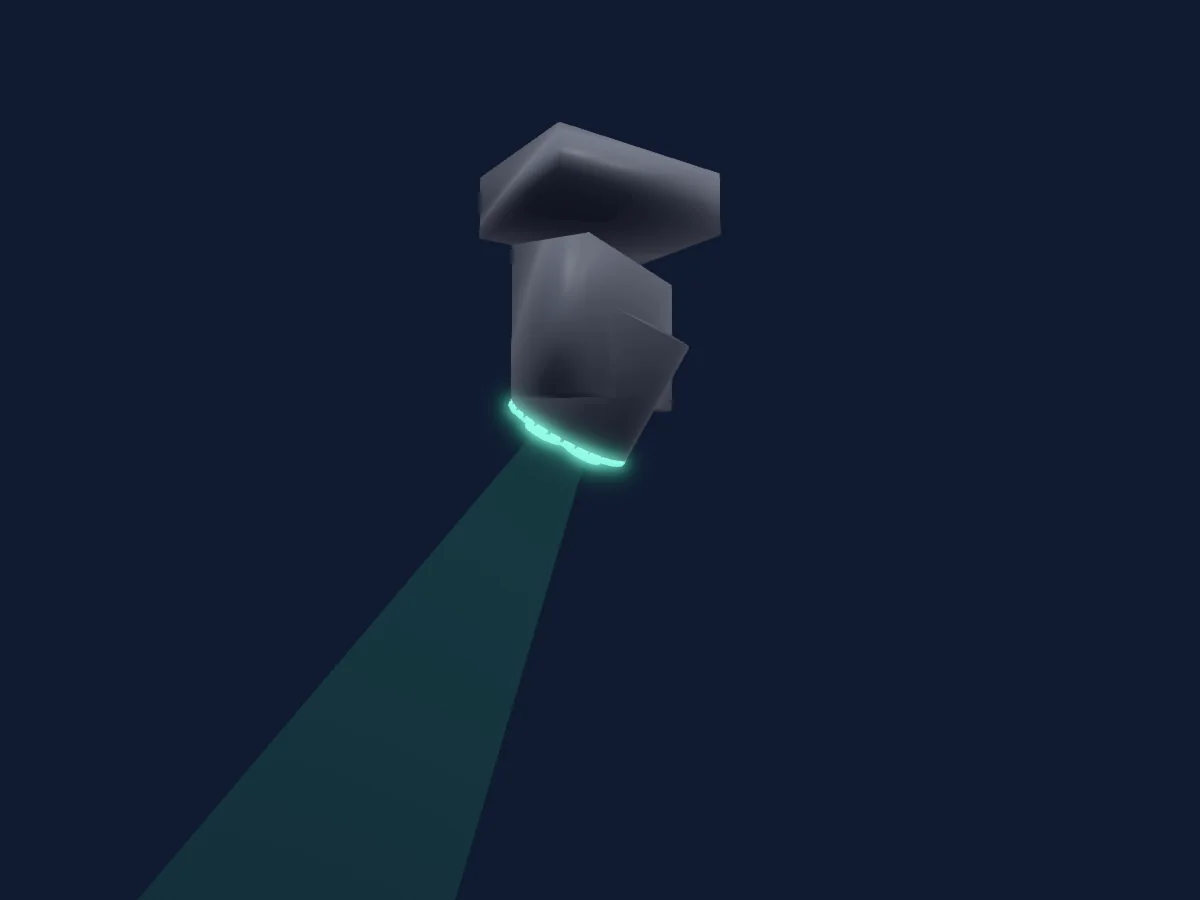
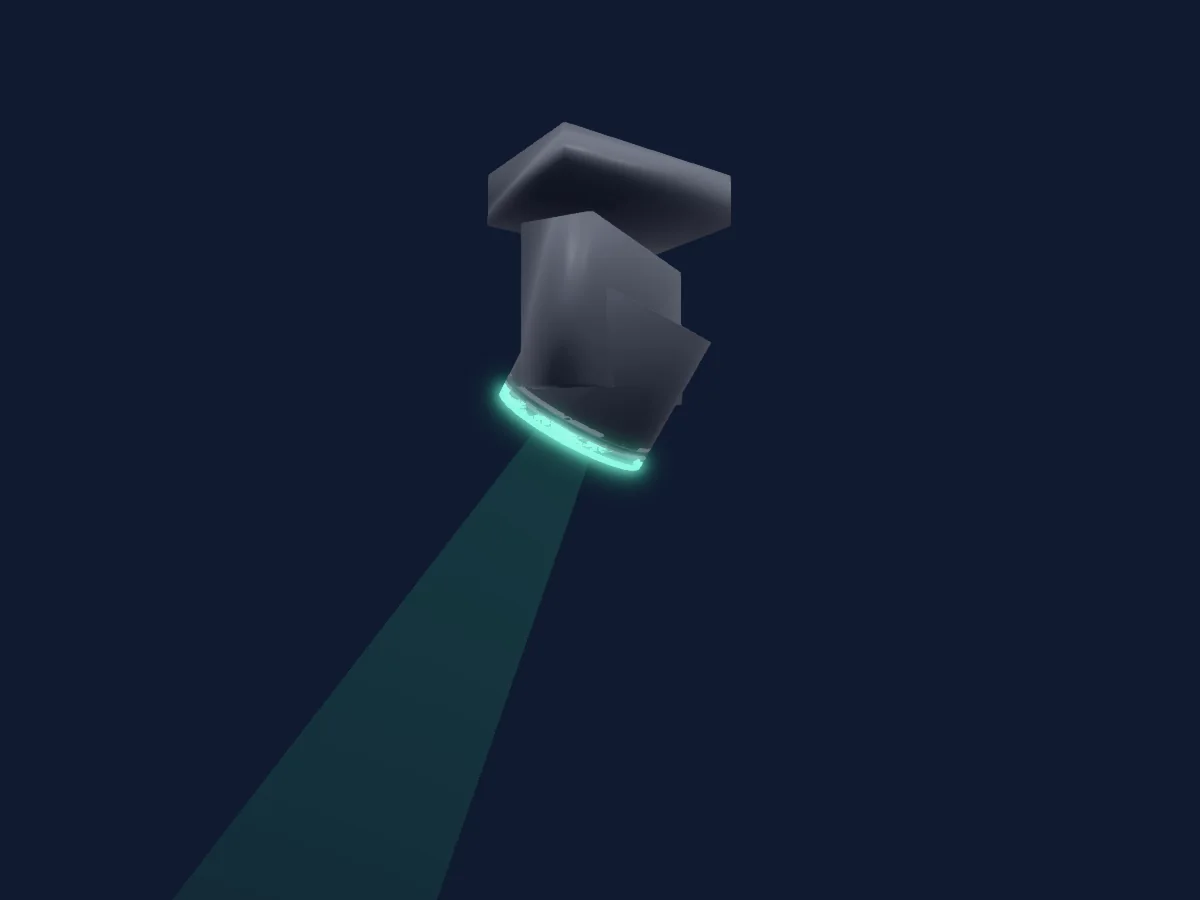
Silver Star Pluto 4000 renderizado en HitLight

Lo que puede hacer

  • Zoom
  • Mezcla de color CMY
  • Colores LED adicionales
  • Mezcla de color RGB
  • Temperatura de color
  • Rueda de color
  • Velocidad de efecto
  • Estrobo
  • Intensidad
  • Velocidad de movimiento

Funciones relevantes para la seguridad: Reinicio del foco · Programas de efectos integrados. Comprueba cómo se comportan en tu propio foco antes de un espectáculo.

Modos DMX y tablas de canales

Modos DMX de Silver Star Pluto 4000
ModoCanalesEn HitLight
Pixel9Listo en HitLight
HSIC13Listo en HitLight
PERSON113Listo en HitLight
CMY14Listo en HitLight
PERSON221Listo en HitLight

Pixel

Listo en HitLight

9 canales DMX · Descargar esta tabla en CSV

Tabla de canales DMX de Pixel
CanalFunciónPredeterminadoValores DMX
1Pan1280–255
2Pan Fine128Byte fino de Pan
3Tilt1280–255
4Tilt Fine128Byte fino de Tilt
5Position MSpeed00–255
6Dimmer0
2 rangos de valores
  • 0–254 Closed
  • 255–255 Open
7Shutter / Strobe0
6 rangos de valores
  • 0–9 Open
  • 10–99 Strobe
  • 100–109 Open
  • 110–179 Shutter1StrobePulse 4 · Lightning 1–25 Hz
  • 180–189 Open
  • 190–255 Random
8Zoom128
3 rangos de valores
  • 0–127 Narrow
  • 128–254 Mid
  • 255–255 Wide
9Control10
19 rangos de valores
  • 0–9 No Function
  • 10–19 P/T Blackout On
  • 20–29 P/T Blackout Off
  • 30–39 Fan Slow
  • 40–49 Fan Normal
  • 50–59 Fan Fast
  • 60–69 Fan Auto
  • 70–79 Auto 1
  • 80–89 Auto 2
  • 90–99 Custom
  • 100–109 Test
  • 110–119 Reset
  • 120–129 No Function
  • 130–139 Dim 0
  • 140–149 Dim 1
  • 150–159 Dim 2
  • 160–169 Dim 3
  • 170–179 Dim 4
  • 180–255 No Function

HSIC

Listo en HitLight

13 canales DMX · Descargar esta tabla en CSV

Tabla de canales DMX de HSIC
CanalFunciónPredeterminadoValores DMX
1Pan1280–255
2Pan Fine0Byte fino de Pan
3Tilt1280–255
4Tilt Fine0Byte fino de Tilt
5Position MSpeed00–255
6Dimmer0
2 rangos de valores
  • 0–254 Closed
  • 255–255 Open
7H SBHue00–255
8H SBHue Fine0Byte fino de H SBHue
9H SBSaturation00–255
10C TO0
7 rangos de valores
  • 0–9 No Function
  • 10–40 2700K
  • 41–80 3200K
  • 81–120 4200K
  • 121–160 5600K
  • 161–200 6500K
  • 201–255 8000K
11Shutter / Strobe0
6 rangos de valores
  • 0–9 Open
  • 10–99 Strobe
  • 100–109 Open
  • 110–179 Shutter1StrobePulse 4 · Lightning 1–25 Hz
  • 180–189 Open
  • 190–255 Random
12Zoom128
3 rangos de valores
  • 0–127 Narrow
  • 128–254 Mid
  • 255–255 Wide
13Control10
19 rangos de valores
  • 0–9 No Function
  • 10–19 P/T Blackout On
  • 20–29 P/T Blackout Off
  • 30–39 Fan Slow
  • 40–49 Fan Normal
  • 50–59 Fan Fast
  • 60–69 Fan Auto
  • 70–79 Auto 1
  • 80–89 Auto 2
  • 90–99 Custom
  • 100–109 Test
  • 110–119 Reset
  • 120–129 No Function
  • 130–139 Dim 0
  • 140–149 Dim 1
  • 150–159 Dim 2
  • 160–169 Dim 3
  • 170–179 Dim 4
  • 180–255 No Function

PERSON1

Listo en HitLight

13 canales DMX · Descargar esta tabla en CSV

Tabla de canales DMX de PERSON1
CanalFunciónPredeterminadoValores DMX
1Pan1280–255
2Tilt1280–255
3Red2550–255
4Green2550–255
5Blue2550–255
6White00–255
7Dimmer0
2 rangos de valores
  • 0–254 Closed
  • 255–255 Open
8Color Macro10
9 rangos de valores
  • 0–9 No Function
  • 10–169 RGB Macro
  • 170–189 All LED On
  • 190–199 2700K
  • 200–209 3200K
  • 210–219 4200K
  • 220–229 5600K
  • 230–239 6500K
  • 240–255 8000K
9Effect0
64 rangos de valores
  • 0–9 No Function
  • 10–12 Static 1
  • 13–15 Static 2
  • 16–18 Static 3
  • 19–21 Static 4
  • 22–24 Static 5
  • 25–27 Static 6
  • 28–30 Static 7
  • 31–33 Static 8
  • 34–36 Static 9
  • 37–39 Static 10
  • 40–42 Static 11
  • 43–45 Static 12
  • 46–49 Static 13
  • 50–53 Static 14
  • 54–57 Static 15
  • 58–61 Static 16
  • 62–65 Static 17
  • 66–69 Static 18
  • 70–73 Static 19
  • 74–77 Static 20
  • 78–81 Static 21
  • 82–85 Static 22
  • 86–89 Static 23
  • 90–93 Static 24
  • 94–97 Static 25
  • 98–101 Static 26
  • 102–105 Static 27
  • 106–109 Static 28
  • 110–113 Static 29
  • 114–117 Static 30
  • 118–121 Static 31
  • 122–125 Static 32
  • 126–129 Static 33
  • 130–133 Inner Red 2700
  • 134–137 Inner Orange 2700
  • 138–141 Inner Yellow 2700
  • 142–145 Inner Green 2700
  • 146–149 Inner Cyan 2700
  • 150–153 Inner Blue 2700
  • 154–157 Inner Purple 2700
  • 158–161 Inner Red 5600
  • 162–165 Inner Orange 5600
  • 166–169 Inner Yellow 5600
  • 170–173 Inner Green 5600
  • 174–177 Inner Cyan 5600
  • 178–181 Inner Blue 5600
  • 182–185 Inner Purple 5600
  • 186–189 Outer Red 2700
  • 190–193 Outer Orange 2700
  • 194–197 Outer Yellow 2700
  • 198–201 Outer Green 2700
  • 202–205 Outer Cyan 2700
  • 206–209 Outer Blue 2700
  • 210–213 Outer Purple 2700
  • 214–217 Outer Red 5600
  • 218–221 Outer Orange 5600
  • 222–225 Outer Yellow 5600
  • 226–229 Outer Green 5600
  • 230–233 Outer Cyan 5600
  • 234–237 Outer Blue 5600
  • 238–241 Outer Purple 5600
  • 242–245 In Red Out Blue 10000
  • 246–249 In Green Out Red 10000
10Effect Speed00–255
11Shutter / Strobe0
6 rangos de valores
  • 0–9 Open
  • 10–99 Strobe
  • 100–109 Open
  • 110–179 Shutter1StrobePulse 4 · Lightning 1–25 Hz
  • 180–189 Open
  • 190–255 Random
12Zoom128
3 rangos de valores
  • 0–127 Narrow
  • 128–254 Mid
  • 255–255 Wide
13Control10
19 rangos de valores
  • 0–9 No Function
  • 10–19 P/T Blackout On
  • 20–29 P/T Blackout Off
  • 30–39 Fan Slow
  • 40–49 Fan Normal
  • 50–59 Fan Fast
  • 60–69 Fan Auto
  • 70–79 Auto 1
  • 80–89 Auto 2
  • 90–99 Custom
  • 100–109 Test
  • 110–119 Reset
  • 120–129 No Function
  • 130–139 Dim 0
  • 140–149 Dim 1
  • 150–159 Dim 2
  • 160–169 Dim 3
  • 170–179 Dim 4
  • 180–255 No Function

CMY

Listo en HitLight

14 canales DMX · Descargar esta tabla en CSV

Tabla de canales DMX de CMY
CanalFunciónPredeterminadoValores DMX
1Pan1280–255
2Pan Fine128Byte fino de Pan
3Tilt1280–255
4Tilt Fine128Byte fino de Tilt
5Position MSpeed00–255
6Cyan00–255
7Magenta00–255
8Yellow00–255
9Dimmer0
2 rangos de valores
  • 0–254 Closed
  • 255–255 Open
10Color Macro10
9 rangos de valores
  • 0–9 No Function
  • 10–169 RGB Macro
  • 170–189 All LED On
  • 190–199 2700K
  • 200–209 3200K
  • 210–219 4200K
  • 220–229 5600K
  • 230–239 6500K
  • 240–255 8000K
11Effect0
64 rangos de valores
  • 0–9 No Function
  • 10–12 Static 1
  • 13–15 Static 2
  • 16–18 Static 3
  • 19–21 Static 4
  • 22–24 Static 5
  • 25–27 Static 6
  • 28–30 Static 7
  • 31–33 Static 8
  • 34–36 Static 9
  • 37–39 Static 10
  • 40–42 Static 11
  • 43–45 Static 12
  • 46–49 Static 13
  • 50–53 Static 14
  • 54–57 Static 15
  • 58–61 Static 16
  • 62–65 Static 17
  • 66–69 Static 18
  • 70–73 Static 19
  • 74–77 Static 20
  • 78–81 Static 21
  • 82–85 Static 22
  • 86–89 Static 23
  • 90–93 Static 24
  • 94–97 Static 25
  • 98–101 Static 26
  • 102–105 Static 27
  • 106–109 Static 28
  • 110–113 Static 29
  • 114–117 Static 30
  • 118–121 Static 31
  • 122–125 Static 32
  • 126–129 Static 33
  • 130–133 Inner Red 2700
  • 134–137 Inner Orange 2700
  • 138–141 Inner Yellow 2700
  • 142–145 Inner Green 2700
  • 146–149 Inner Cyan 2700
  • 150–153 Inner Blue 2700
  • 154–157 Inner Purple 2700
  • 158–161 Inner Red 5600
  • 162–165 Inner Orange 5600
  • 166–169 Inner Yellow 5600
  • 170–173 Inner Green 5600
  • 174–177 Inner Cyan 5600
  • 178–181 Inner Blue 5600
  • 182–185 Inner Purple 5600
  • 186–189 Outer Red 2700
  • 190–193 Outer Orange 2700
  • 194–197 Outer Yellow 2700
  • 198–201 Outer Green 2700
  • 202–205 Outer Cyan 2700
  • 206–209 Outer Blue 2700
  • 210–213 Outer Purple 2700
  • 214–217 Outer Red 5600
  • 218–221 Outer Orange 5600
  • 222–225 Outer Yellow 5600
  • 226–229 Outer Green 5600
  • 230–233 Outer Cyan 5600
  • 234–237 Outer Blue 5600
  • 238–241 Outer Purple 5600
  • 242–245 In Red Out Blue 10000
  • 246–249 In Green Out Red 10000
12Shutter / Strobe0
6 rangos de valores
  • 0–9 Open
  • 10–99 Strobe
  • 100–109 Open
  • 110–179 Shutter1StrobePulse 4 · Lightning 1–25 Hz
  • 180–189 Open
  • 190–255 Random
13Zoom128
3 rangos de valores
  • 0–127 Narrow
  • 128–254 Mid
  • 255–255 Wide
14Control10
19 rangos de valores
  • 0–9 No Function
  • 10–19 P/T Blackout On
  • 20–29 P/T Blackout Off
  • 30–39 Fan Slow
  • 40–49 Fan Normal
  • 50–59 Fan Fast
  • 60–69 Fan Auto
  • 70–79 Auto 1
  • 80–89 Auto 2
  • 90–99 Custom
  • 100–109 Test
  • 110–119 Reset
  • 120–129 No Function
  • 130–139 Dim 0
  • 140–149 Dim 1
  • 150–159 Dim 2
  • 160–169 Dim 3
  • 170–179 Dim 4
  • 180–255 No Function

PERSON2

Listo en HitLight

21 canales DMX · Descargar esta tabla en CSV

Tabla de canales DMX de PERSON2
CanalFunciónPredeterminadoValores DMX
1Pan1280–255
2Pan Fine128Byte fino de Pan
3Tilt1280–255
4Tilt Fine128Byte fino de Tilt
5Position MSpeed00–255
6Red2550–255
7Red Fine255Byte fino de Red
8Green2550–255
9Green Fine255Byte fino de Green
10Blue2550–255
11Blue Fine255Byte fino de Blue
12White00–255
13White Fine0Byte fino de White
14Dimmer0
2 rangos de valores
  • 0–254 Closed
  • 255–255 Open
15Dimmer Fine0Byte fino de Dimmer
16Color Macro10
9 rangos de valores
  • 0–9 No Function
  • 10–169 RGB Macro
  • 170–189 All LED On
  • 190–199 2700K
  • 200–209 3200K
  • 210–219 4200K
  • 220–229 5600K
  • 230–239 6500K
  • 240–255 8000K
17Effect0
64 rangos de valores
  • 0–9 No Function
  • 10–12 Static 1
  • 13–15 Static 2
  • 16–18 Static 3
  • 19–21 Static 4
  • 22–24 Static 5
  • 25–27 Static 6
  • 28–30 Static 7
  • 31–33 Static 8
  • 34–36 Static 9
  • 37–39 Static 10
  • 40–42 Static 11
  • 43–45 Static 12
  • 46–49 Static 13
  • 50–53 Static 14
  • 54–57 Static 15
  • 58–61 Static 16
  • 62–65 Static 17
  • 66–69 Static 18
  • 70–73 Static 19
  • 74–77 Static 20
  • 78–81 Static 21
  • 82–85 Static 22
  • 86–89 Static 23
  • 90–93 Static 24
  • 94–97 Static 25
  • 98–101 Static 26
  • 102–105 Static 27
  • 106–109 Static 28
  • 110–113 Static 29
  • 114–117 Static 30
  • 118–121 Static 31
  • 122–125 Static 32
  • 126–129 Static 33
  • 130–133 Inner Red 2700
  • 134–137 Inner Orange 2700
  • 138–141 Inner Yellow 2700
  • 142–145 Inner Green 2700
  • 146–149 Inner Cyan 2700
  • 150–153 Inner Blue 2700
  • 154–157 Inner Purple 2700
  • 158–161 Inner Red 5600
  • 162–165 Inner Orange 5600
  • 166–169 Inner Yellow 5600
  • 170–173 Inner Green 5600
  • 174–177 Inner Cyan 5600
  • 178–181 Inner Blue 5600
  • 182–185 Inner Purple 5600
  • 186–189 Outer Red 2700
  • 190–193 Outer Orange 2700
  • 194–197 Outer Yellow 2700
  • 198–201 Outer Green 2700
  • 202–205 Outer Cyan 2700
  • 206–209 Outer Blue 2700
  • 210–213 Outer Purple 2700
  • 214–217 Outer Red 5600
  • 218–221 Outer Orange 5600
  • 222–225 Outer Yellow 5600
  • 226–229 Outer Green 5600
  • 230–233 Outer Cyan 5600
  • 234–237 Outer Blue 5600
  • 238–241 Outer Purple 5600
  • 242–245 In Red Out Blue 10000
  • 246–249 In Green Out Red 10000
18Effect Speed00–255
19Shutter / Strobe0
6 rangos de valores
  • 0–9 Open
  • 10–99 Strobe
  • 100–109 Open
  • 110–179 Shutter1StrobePulse 4 · Lightning 1–25 Hz
  • 180–189 Open
  • 190–255 Random
20Zoom128
3 rangos de valores
  • 0–127 Narrow
  • 128–254 Mid
  • 255–255 Wide
21Control10
19 rangos de valores
  • 0–9 No Function
  • 10–19 P/T Blackout On
  • 20–29 P/T Blackout Off
  • 30–39 Fan Slow
  • 40–49 Fan Normal
  • 50–59 Fan Fast
  • 60–69 Fan Auto
  • 70–79 Auto 1
  • 80–89 Auto 2
  • 90–99 Custom
  • 100–109 Test
  • 110–119 Reset
  • 120–129 No Function
  • 130–139 Dim 0
  • 140–149 Dim 1
  • 150–159 Dim 2
  • 160–169 Dim 3
  • 170–179 Dim 4
  • 180–255 No Function

Usar Silver Star Pluto 4000 en HitLight

  1. Abre Añadir foco y busca Silver Star Pluto 4000.
  2. Elige el modo DMX configurado en el menú del propio foco. HitLight le asigna la dirección inicial libre más baja de su universo en la que cabe el número de canales del modo.
  3. Comprueba el modo y los controles con tu foco real antes de usarlo en directo.

Las tablas proceden de la descripción GDTF del foco, convertida para la biblioteca de HitLight. HitLight no está vinculado a Silver Star.

Conéctalo y deja que la música mueva las luces.

HitLight encuentra estos focos en su biblioteca, los conecta en la siguiente dirección libre y muestra tu montaje en 3D antes de enchufar una sola luz.

Abrir HitLight ↗Descargar HitLight