 HitLight
Stairville HL-x90 RGBW
Tabla DMX, 3 modos DMX y vista previa en 3D. 4 / 6 / 8 canales DMX.
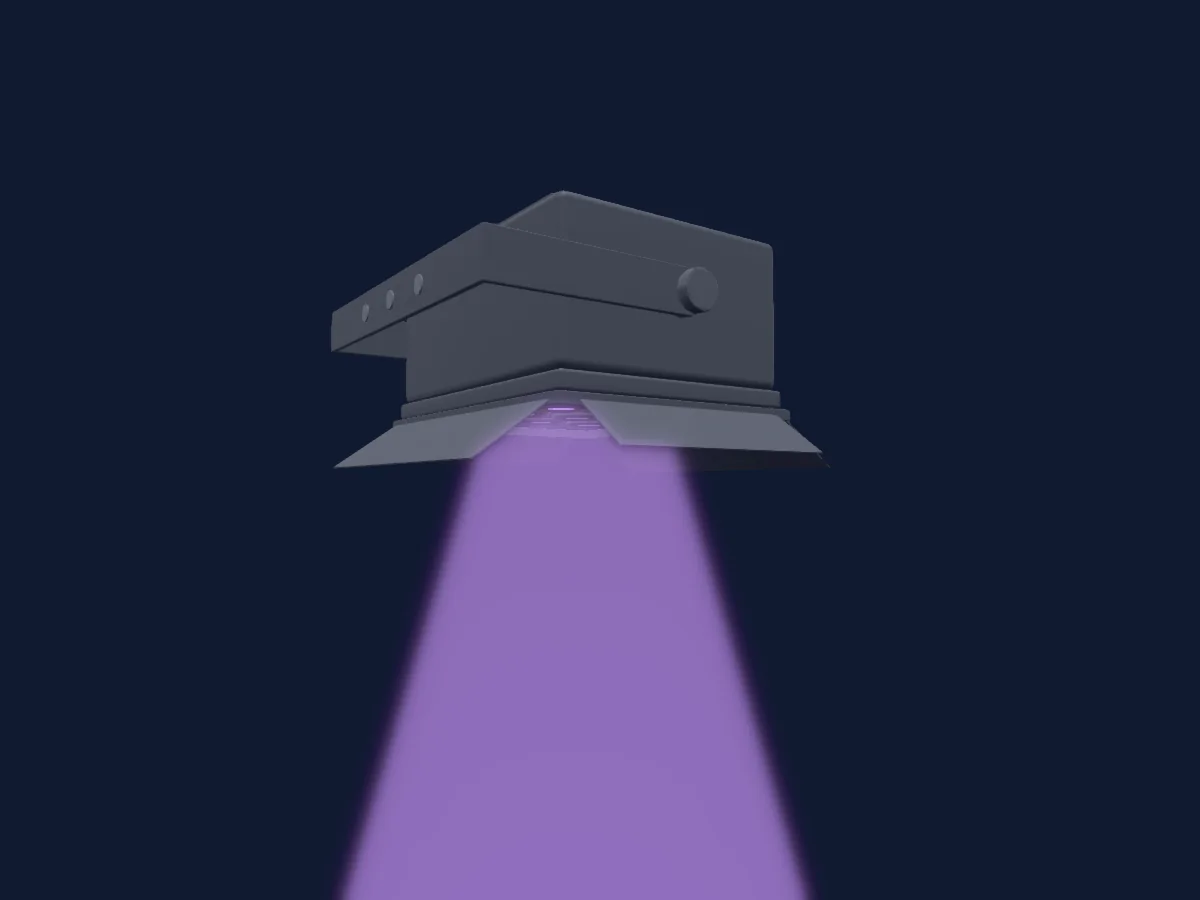
Lo que puede hacer
- Colores LED adicionales
- Mezcla de color RGB
- Velocidad de efecto
- Estrobo
- Intensidad
Funciones relevantes para la seguridad: Programas de efectos integrados. Comprueba cómo se comportan en tu propio foco antes de un espectáculo.
Modos DMX y tablas de canales
| Modo | Canales | En HitLight |
|---|---|---|
| 4CH | 4 | Listo en HitLight |
| 6CH | 6 | Listo en HitLight |
| 8CH | 8 | Listo en HitLight |
4CH
Listo en HitLight4 canales DMX · Descargar esta tabla en CSV
| Canal | Función | Predeterminado | Valores DMX |
|---|---|---|---|
| 1 | Red | 0 | 0–255 |
| 2 | Green | 0 | 0–255 |
| 3 | Blue | 0 | 0–255 |
| 4 | White | 0 | 0–255 |
6CH
Listo en HitLight6 canales DMX · Descargar esta tabla en CSV
| Canal | Función | Predeterminado | Valores DMX |
|---|---|---|---|
| 1 | Effect | 0 | 4 rangos de valores
|
| 2 | Red | 0 | 0–255 |
| 3 | Green | 0 | 0–255 |
| 4 | Blue | 0 | 0–255 |
| 5 | White | 0 | 0–255 |
| 6 | Effect Speed | 0 | 4 rangos de valores
|
8CH
Listo en HitLight8 canales DMX · Descargar esta tabla en CSV
| Canal | Función | Predeterminado | Valores DMX |
|---|---|---|---|
| 1 | Red | 0 | 0–255 |
| 2 | Green | 0 | 0–255 |
| 3 | Blue | 0 | 0–255 |
| 4 | White | 0 | 0–255 |
| 5 | Effect 2 | 0 | 2 rangos de valores
|
| 6 | Shutter / Strobe | 0 | 2 rangos de valores
|
| 7 | Effect | 0 | 8 rangos de valores
|
| 8 | Dimmer | 0 | 0–255 |
Usar Stairville HL-x90 RGBW en HitLight
- Abre Añadir foco y busca Stairville HL-x90 RGBW.
- Elige el modo DMX configurado en el menú del propio foco. HitLight le asigna la dirección inicial libre más baja de su universo en la que cabe el número de canales del modo.
- Comprueba el modo y los controles con tu foco real antes de usarlo en directo.
Salas con Stairville HL-x90 RGBW
Sus montajes guardados incluyen este modelo de aparato. Confirma el equipo actual con la sala.
- ENTRA Rapperswil Rapperswil, Suiza
Focos relacionados
StairVille Wild Wash 132 RGB
StairVille PS-1500-DMX
StairVille LED Pixel Rail Drive MK2
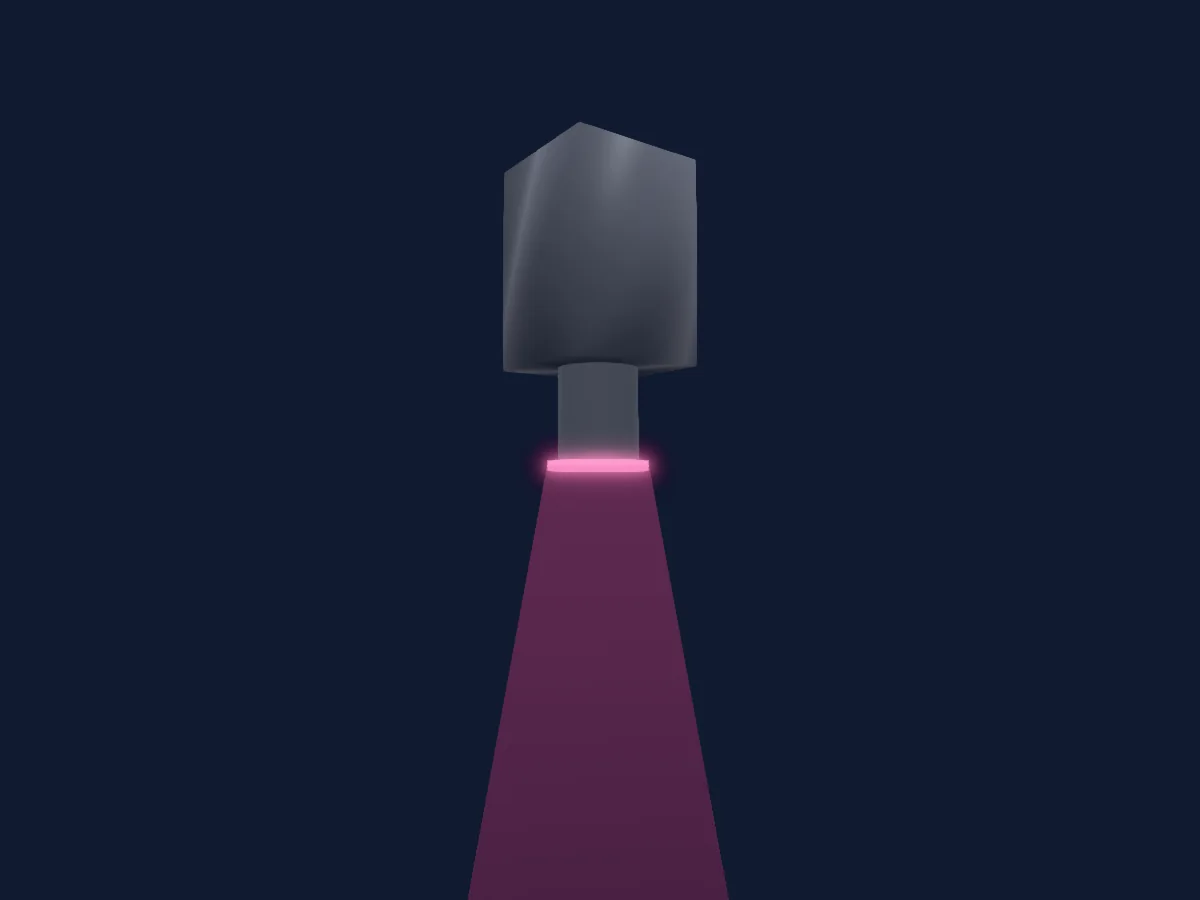
StairVille CX-30
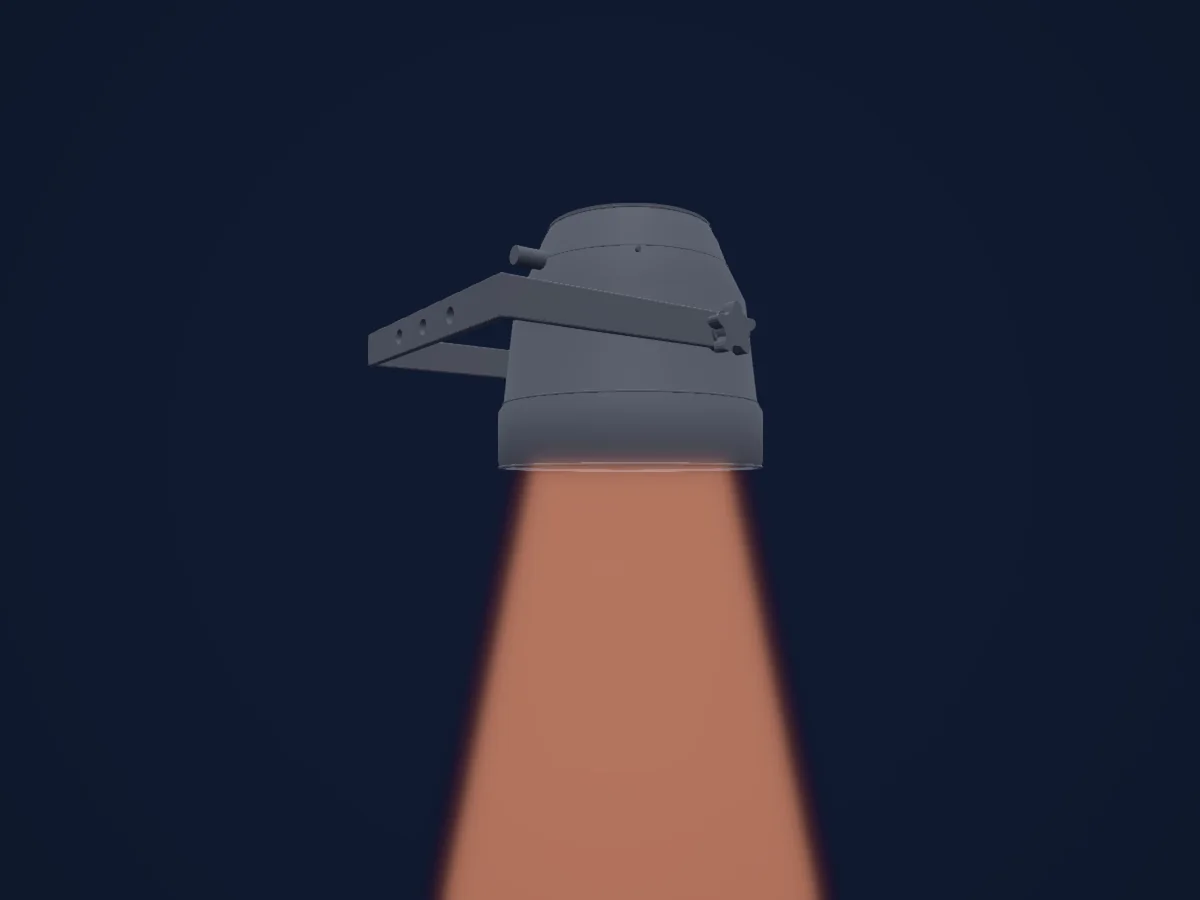
Stairville LED PAR 56 10 mm RGB
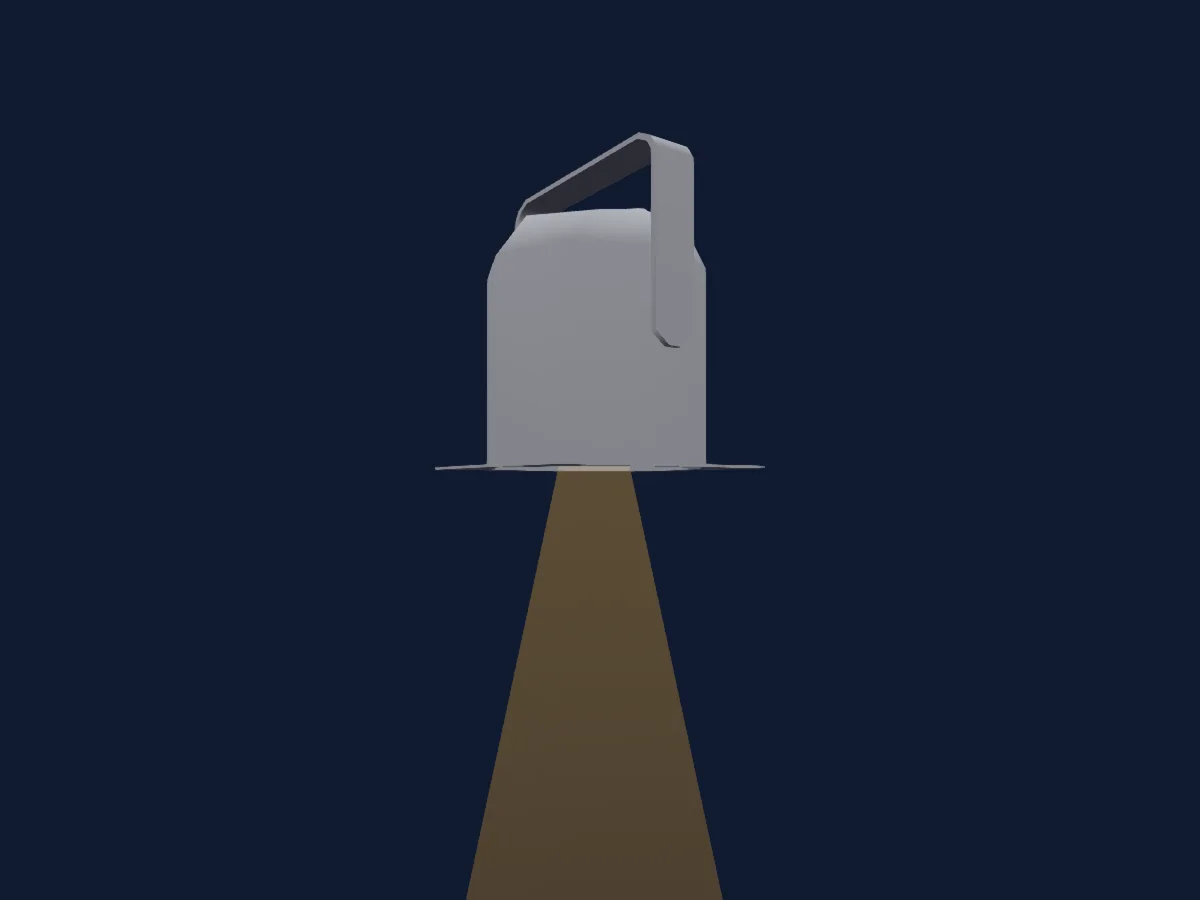
StairVille Outdoor Stage PAR 12*3W WLA
Las tablas proceden de la descripción GDTF del foco, convertida para la biblioteca de HitLight. HitLight no está vinculado a Stairville.
Fixture model: gdtf-stairville-hl-x90-rgbw-2026110483
Original HitLight parametric reconstruction. Manufacturer drawings and photographs used as dimensional and visual references; no third-party mesh or photographic texture incorporated. Approximate planning model; not hardware verified.
Creator: HitLight