 HitLight
StairVille Showbar Pro RGBWA
Tabla DMX, 1 modo DMX y vista previa en 3D. 80 canales DMX.
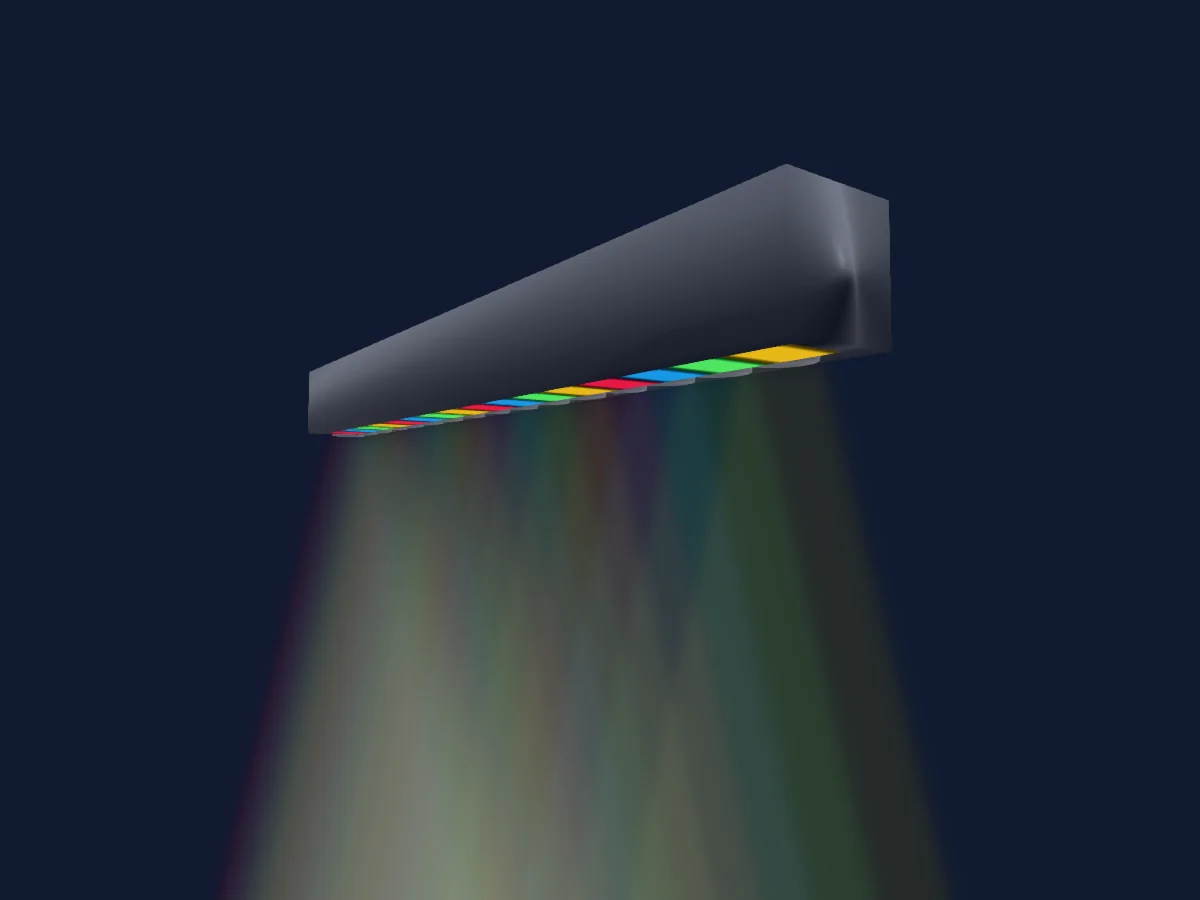
Lo que puede hacer
- Colores LED adicionales
- Control de píxeles
Modos DMX y tablas de canales
| Modo | Canales | En HitLight |
|---|---|---|
| 80 ch | 80 | Listo en HitLight |
80 ch
Listo en HitLight80 canales DMX · Descargar esta tabla en CSV
| Canal | Función | Predeterminado | Valores DMX |
|---|---|---|---|
| 1 | Red | 255 | 0–255 |
| 2 | Green | 255 | 0–255 |
| 3 | Blue | 255 | 0–255 |
| 4 | White | 0 | 0–255 |
| 5 | Color Add RY | 0 | 0–255 |
| 6 | Red | 255 | 0–255 |
| 7 | Green | 255 | 0–255 |
| 8 | Blue | 255 | 0–255 |
| 9 | White | 0 | 0–255 |
| 10 | Color Add RY | 0 | 0–255 |
| 11 | Red | 255 | 0–255 |
| 12 | Green | 255 | 0–255 |
| 13 | Blue | 255 | 0–255 |
| 14 | White | 0 | 0–255 |
| 15 | Color Add RY | 0 | 0–255 |
| 16 | Red | 255 | 0–255 |
| 17 | Green | 255 | 0–255 |
| 18 | Blue | 255 | 0–255 |
| 19 | White | 0 | 0–255 |
| 20 | Color Add RY | 0 | 0–255 |
| 21 | Red | 255 | 0–255 |
| 22 | Green | 255 | 0–255 |
| 23 | Blue | 255 | 0–255 |
| 24 | White | 0 | 0–255 |
| 25 | Color Add RY | 0 | 0–255 |
| 26 | Red | 255 | 0–255 |
| 27 | Green | 255 | 0–255 |
| 28 | Blue | 255 | 0–255 |
| 29 | White | 0 | 0–255 |
| 30 | Color Add RY | 0 | 0–255 |
| 31 | Red | 255 | 0–255 |
| 32 | Green | 255 | 0–255 |
| 33 | Blue | 255 | 0–255 |
| 34 | White | 0 | 0–255 |
| 35 | Color Add RY | 0 | 0–255 |
| 36 | Red | 255 | 0–255 |
| 37 | Green | 255 | 0–255 |
| 38 | Blue | 255 | 0–255 |
| 39 | White | 0 | 0–255 |
| 40 | Color Add RY | 0 | 0–255 |
| 41 | Red | 255 | 0–255 |
| 42 | Green | 255 | 0–255 |
| 43 | Blue | 255 | 0–255 |
| 44 | White | 0 | 0–255 |
| 45 | Color Add RY | 0 | 0–255 |
| 46 | Red | 255 | 0–255 |
| 47 | Green | 255 | 0–255 |
| 48 | Blue | 255 | 0–255 |
| 49 | White | 0 | 0–255 |
| 50 | Color Add RY | 0 | 0–255 |
| 51 | Red | 255 | 0–255 |
| 52 | Green | 255 | 0–255 |
| 53 | Blue | 255 | 0–255 |
| 54 | White | 0 | 0–255 |
| 55 | Color Add RY | 0 | 0–255 |
| 56 | Red | 255 | 0–255 |
| 57 | Green | 255 | 0–255 |
| 58 | Blue | 255 | 0–255 |
| 59 | White | 0 | 0–255 |
| 60 | Color Add RY | 0 | 0–255 |
| 61 | Red | 255 | 0–255 |
| 62 | Green | 255 | 0–255 |
| 63 | Blue | 255 | 0–255 |
| 64 | White | 0 | 0–255 |
| 65 | Color Add RY | 0 | 0–255 |
| 66 | Red | 255 | 0–255 |
| 67 | Green | 255 | 0–255 |
| 68 | Blue | 255 | 0–255 |
| 69 | White | 0 | 0–255 |
| 70 | Color Add RY | 0 | 0–255 |
| 71 | Red | 255 | 0–255 |
| 72 | Green | 255 | 0–255 |
| 73 | Blue | 255 | 0–255 |
| 74 | White | 0 | 0–255 |
| 75 | Color Add RY | 0 | 0–255 |
| 76 | Red | 255 | 0–255 |
| 77 | Green | 255 | 0–255 |
| 78 | Blue | 255 | 0–255 |
| 79 | White | 0 | 0–255 |
| 80 | Color Add RY | 0 | 0–255 |
Usar StairVille Showbar Pro RGBWA en HitLight
- Abre Añadir foco y busca StairVille Showbar Pro RGBWA.
- Elige el modo DMX configurado en el menú del propio foco. HitLight le asigna la dirección inicial libre más baja de su universo en la que cabe el número de canales del modo.
- Comprueba el modo y los controles con tu foco real antes de usarlo en directo.
Focos relacionados
Barra LED
StairVille LED Bar 252 Wip
11 canales DMX
Barra LED
StairVille SonicPulse LED Bar 10
4 / 39 canales DMX
Stairville
Stairville LED Bar 240/8 RGB
2 / 3 / 5 / 24 canales DMX
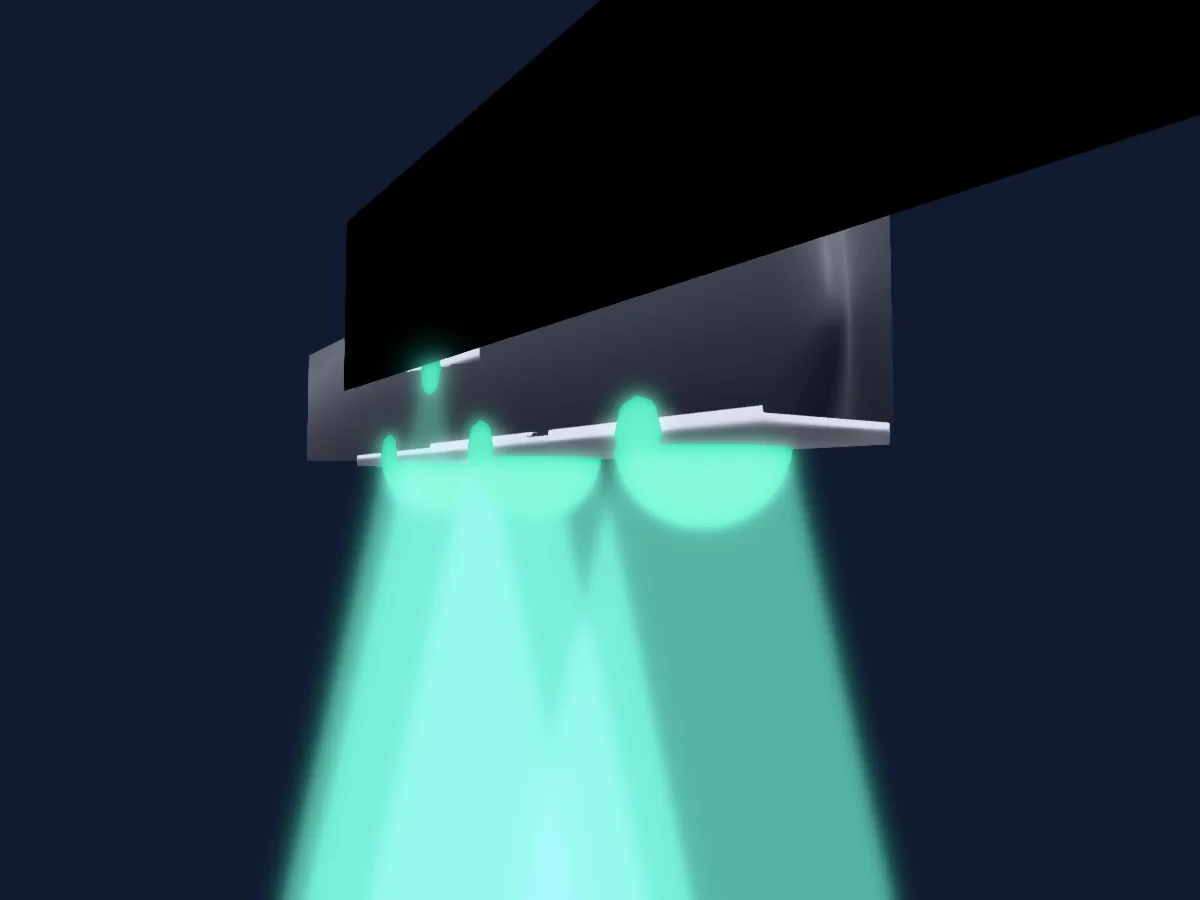
Barra LED
StairVille LED Bar 120_4 RGB DMX
5 / 12 canales DMX
Barra LED
StairVille Stage TRI LED Bundle
14 canales DMX
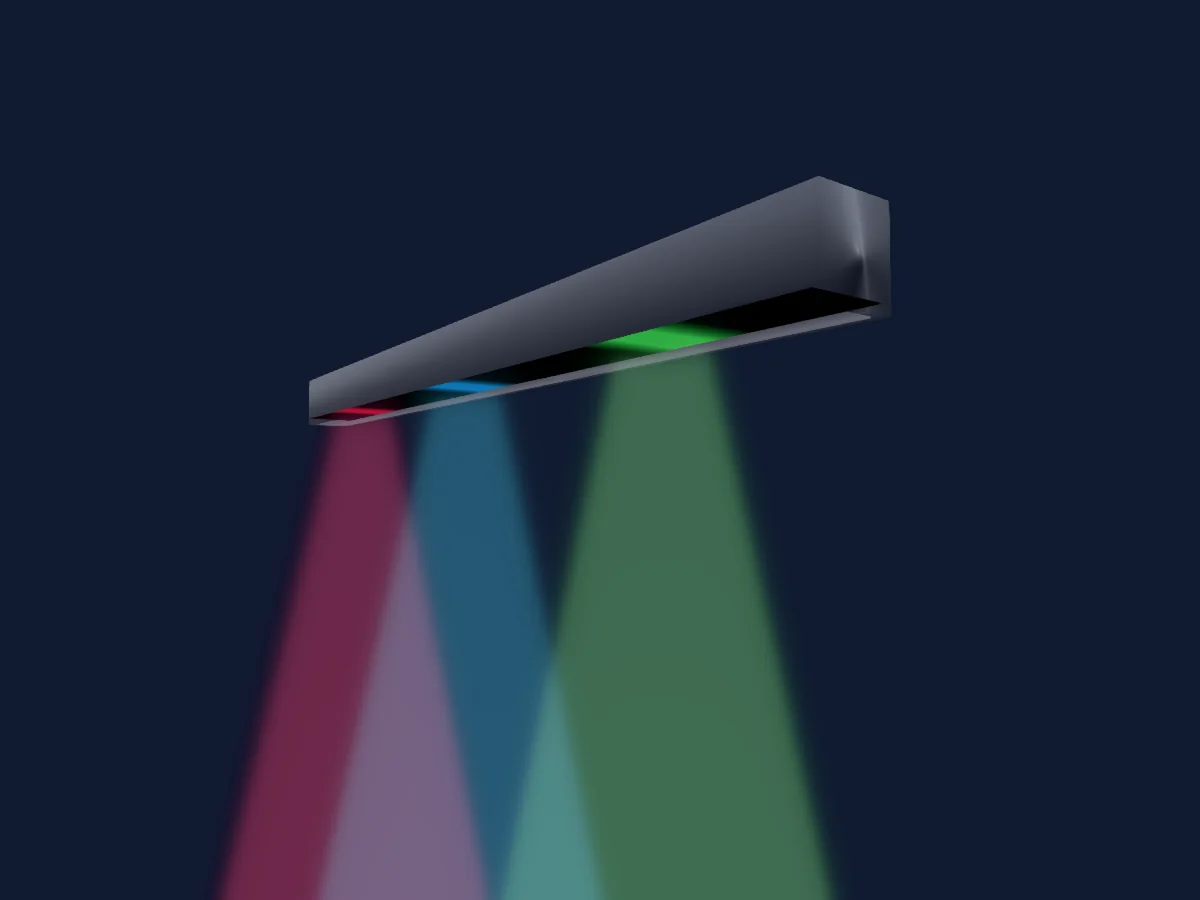
Barra LED
StairVille LED Bar 252
11 canales DMX
Las tablas proceden de la descripción GDTF del foco, convertida para la biblioteca de HitLight. HitLight no está vinculado a StairVille.