Vai al contenuto
HitLight
Cameo · Testa mobile

Cameo Auro Spot Z300

Tabella DMX, 2 modalità DMX e anteprima 3D. 17 / 20 canali DMX.
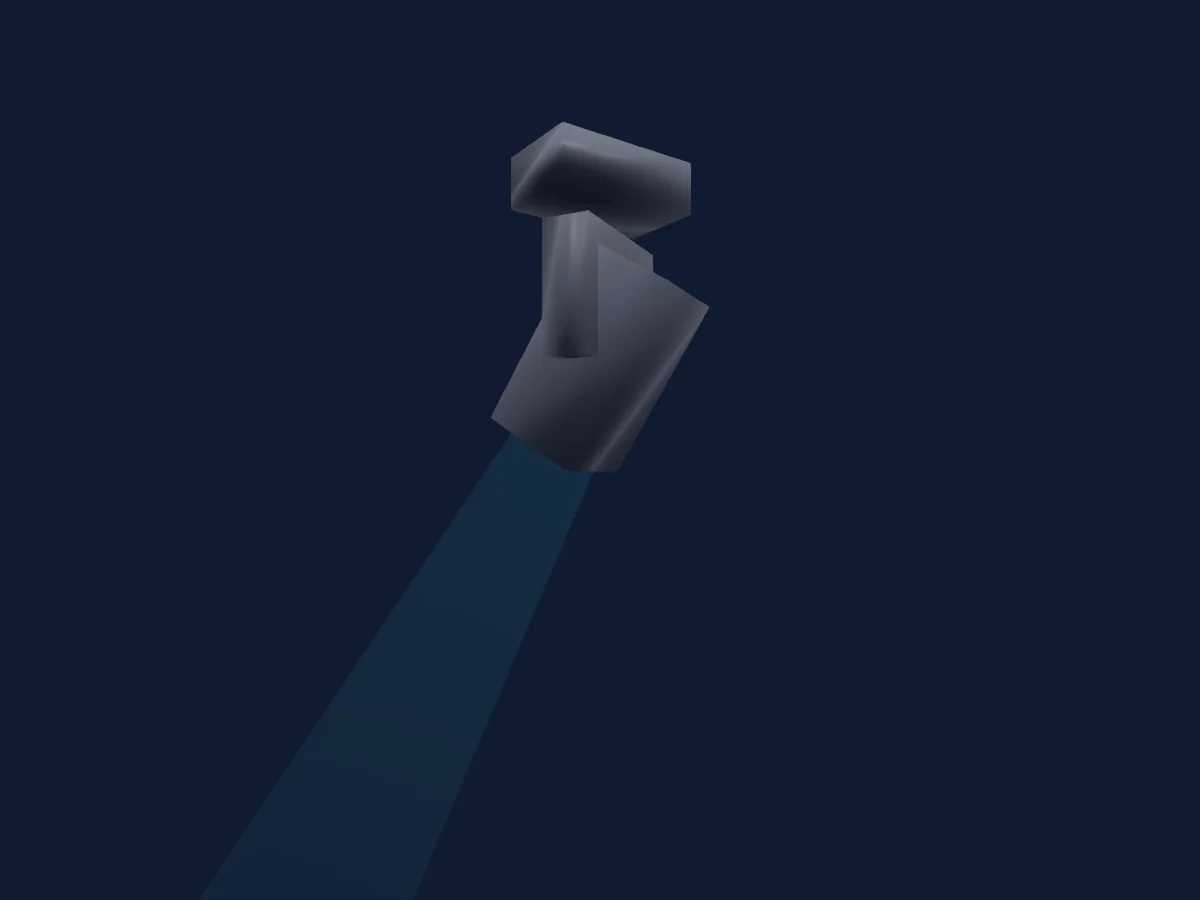
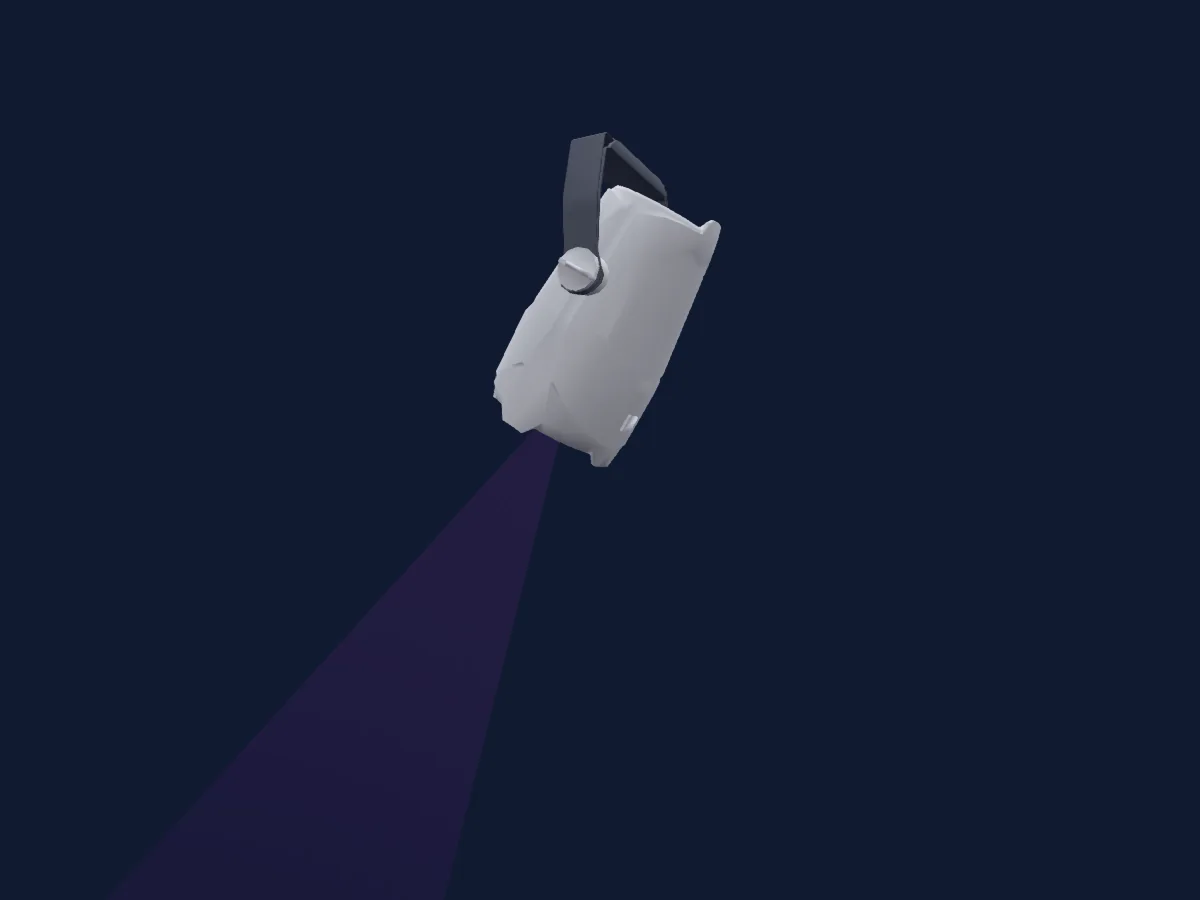
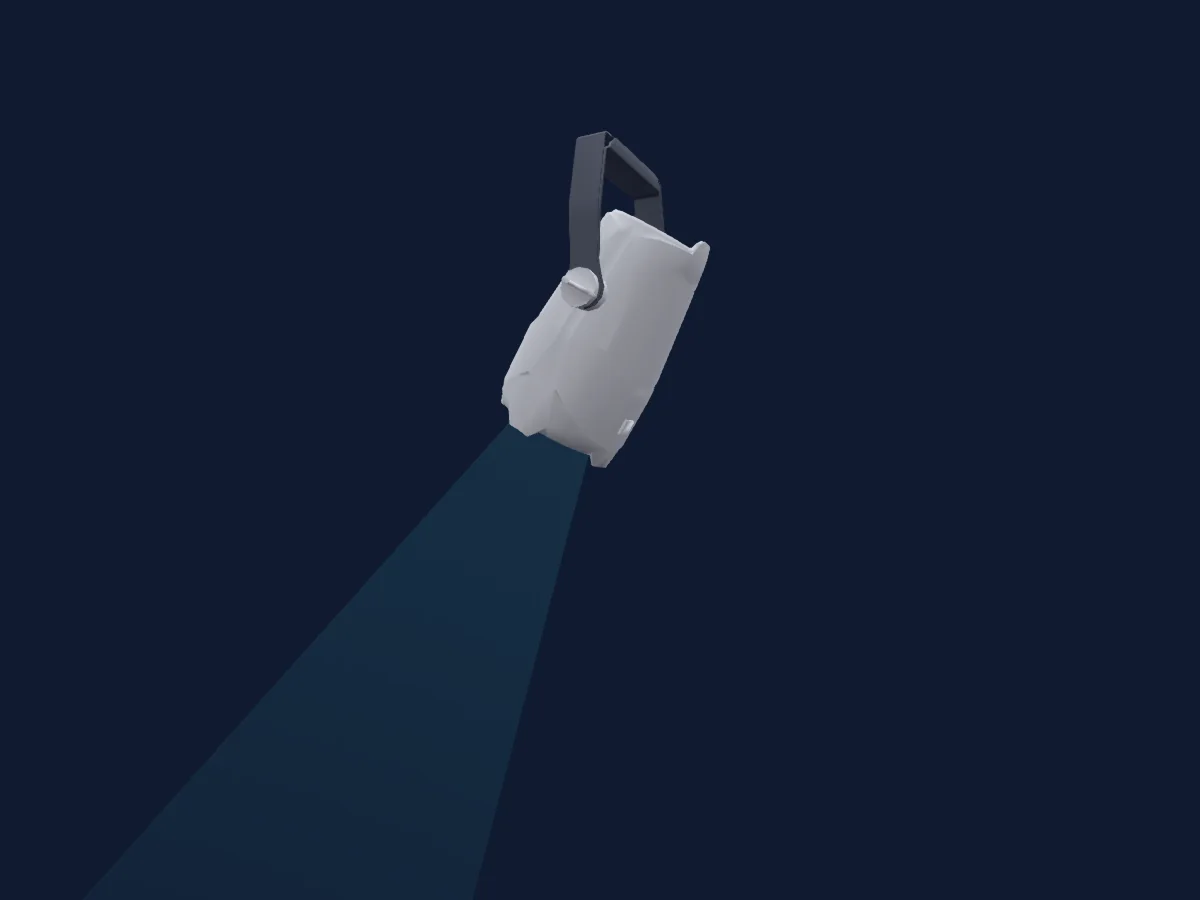
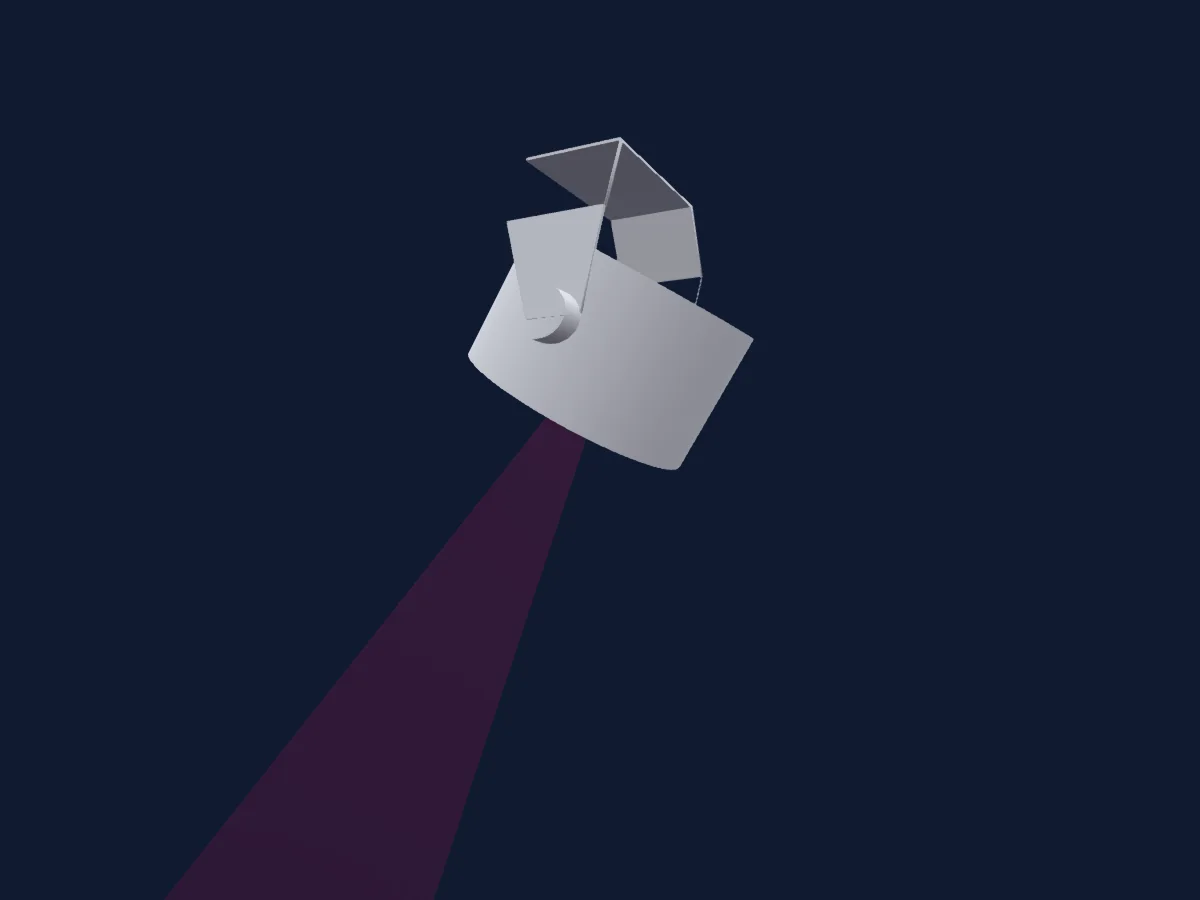
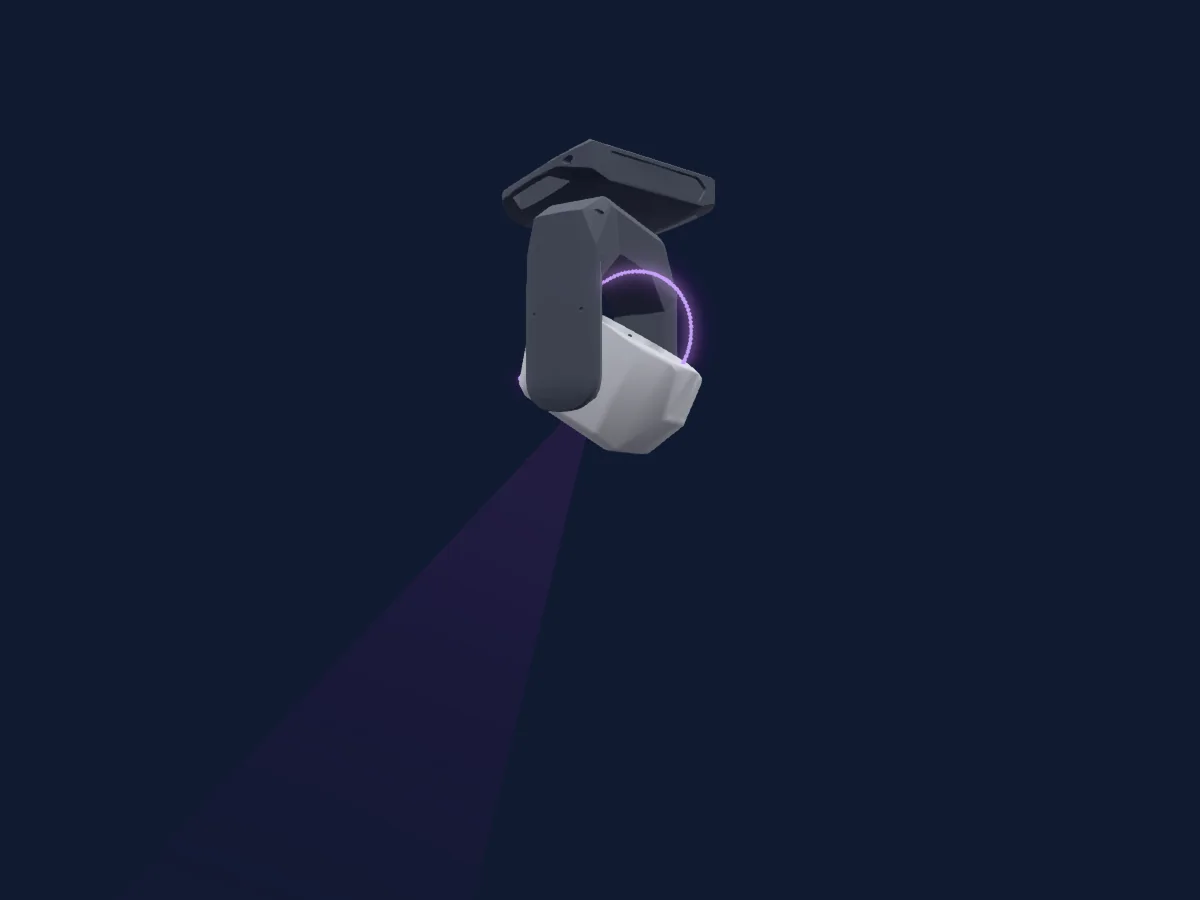
Cameo Auro Spot Z300 renderizzato in HitLight

Cosa può fare

  • Messa a fuoco
  • Frost
  • Prisma
  • Rotazione del prisma
  • Zoom
  • Ruota colori
  • Strobo
  • Intensità
  • Velocità di movimento
  • Gobo
  • Rotazione dei gobo

Funzioni rilevanti per la sicurezza: Reset del faro · Programmi di effetti integrati. Verifica come si comportano sul tuo faro prima di uno spettacolo.

Modalità DMX e tabelle dei canali

Modalità DMX di Cameo Auro Spot Z300
ModalitàCanaliIn HitLight
17Ch17Pronto in HitLight
20Ch20Pronto in HitLight

17Ch

Pronto in HitLight

17 canali DMX · Scarica questa tabella in CSV

Tabella dei canali DMX di 17Ch
CanaleFunzionePredefinitoValori DMX
1Pan1280–255
2Pan Fine0Byte fine di Pan
3Tilt1280–255
4Tilt Fine0Byte fine di Tilt
5Dimmer0
2 intervalli di valori
  • 0–254 Closed
  • 255–255 Open
6Dimmer Fine0Byte fine di Dimmer
7Shutter / Strobe0
18 intervalli di valori
  • 0–5 Open
  • 6–10 Closed
  • 11–32 Min Random Pulse
  • 33–33 Max Random Pulse
  • 34–55 Min Pulse Open
  • 56–56 Max Pulse Open
  • 57–78 Min Pulse Closed
  • 79–79 Max Pulse Closed
  • 80–90 Min Random
  • 91–101 Med Random
  • 102–102 Max Random
  • 103–114 Shutter1StrobeBreak · Min Break 1–5.13 Hz
  • 115–126 Shutter1StrobeBreak · Med Break 5.5–9.63 Hz
  • 127–127 Shutter1StrobeBreak · Max Break 10 Hz
  • 128–188 Min Strobe
  • 189–249 Med Strobe
  • 250–250 Max Strobe
  • 251–255 Shutter Open
8Color Wheel0
16 intervalli di valori
  • 0–5 Open (wheel slot 1)
  • 6–11 Deep Red (wheel slot 2)
  • 12–17 Medium Blue (wheel slot 3)
  • 18–23 Deep Green (wheel slot 4)
  • 24–29 Yellow (wheel slot 5)
  • 30–35 Lavender (wheel slot 6)
  • 36–41 Amber (wheel slot 7)
  • 42–47 CTO 3200K (wheel slot 8)
  • 48–53 Congo Blue (wheel slot 9)
  • 54–191 Wheel Min Position
  • 192–192 Wheel Max Position
  • 193–222 >
  • 223–223 >>>
  • 224–224 Stop
  • 225–254 <<<
  • 255–255 <
9Gobo0
25 intervalli di valori
  • 0–5 Open (wheel slot 1)
  • 6–20 Gobo 1 (wheel slot 2)
  • 21–35 Gobo 2 (wheel slot 3)
  • 36–50 Gobo 3 (wheel slot 4)
  • 51–65 Gobo 4 (wheel slot 5)
  • 66–80 Gobo 5 (wheel slot 6)
  • 81–95 Gobo 6 (wheel slot 7)
  • 96–109 Gobo 1 Min Shake (wheel slot 2)
  • 110–110 Gobo 1 Max Shake (wheel slot 2)
  • 111–124 Gobo 2 Min Shake (wheel slot 3)
  • 125–125 Gobo 2 Max Shake (wheel slot 3)
  • 126–139 Gobo 3 Min Shake (wheel slot 4)
  • 140–140 Gobo 3 Max Shake (wheel slot 4)
  • 141–154 Gobo 4 Min Shake (wheel slot 5)
  • 155–155 Gob 4 Max Shake (wheel slot 5)
  • 156–169 Gobo 5 Min Shake (wheel slot 6)
  • 170–170 Gobo 5 Max Shake (wheel slot 6)
  • 171–184 Gobo 6 Min Shake (wheel slot 7)
  • 185–185 Gobo 6 Max Shake (wheel slot 7)
  • 186–192 Open (wheel slot 1)
  • 193–222 >
  • 223–223 >>>
  • 224–224 Stop
  • 225–254 <<<
  • 255–255 <
10Gobo Rotation0
8 intervalli di valori
  • 0–5 Open (wheel slot 1)
  • 6–126 Min Position
  • 127–127 Max Position
  • 128–190 >
  • 191–191 >>>
  • 192–192 Stop
  • 193–254 <<<
  • 255–255 <
11Gobo 20
25 intervalli di valori
  • 0–5 Open (wheel slot 1)
  • 6–20 Gobo 1 (wheel slot 2)
  • 21–35 Gobo 2 (wheel slot 3)
  • 36–50 Gobo 3 (wheel slot 4)
  • 51–65 Gobo 4 (wheel slot 5)
  • 66–80 Gobo 5 (wheel slot 6)
  • 81–95 Gobo 6 (wheel slot 7)
  • 96–109 Gobo 1 Min Shake (wheel slot 2)
  • 110–110 Gobo 1 Max Shake (wheel slot 2)
  • 111–124 Gobo 2 Min Shake (wheel slot 3)
  • 125–125 Gobo 2 Max Shake (wheel slot 3)
  • 126–139 Gobo 3 Min Shake (wheel slot 4)
  • 140–140 Gobo 3 Max Shake (wheel slot 4)
  • 141–154 Gobo 4 Min Shake (wheel slot 5)
  • 155–155 Gob 4 Max Shake (wheel slot 5)
  • 156–169 Gobo 5 Min Shake (wheel slot 6)
  • 170–170 Gobo 5 Max Shake (wheel slot 6)
  • 171–184 Gobo 6 Min Shake (wheel slot 7)
  • 185–185 Gobo 6 Max Shake (wheel slot 7)
  • 186–192 Open (wheel slot 1)
  • 193–222 >
  • 223–223 >>>
  • 224–224 Stop
  • 225–254 <<<
  • 255–255 <
12Zoom128
3 intervalli di valori
  • 0–127 Narrow
  • 128–254 Med
  • 255–255 Max
13Focus128
3 intervalli di valori
  • 0–127 Min Focus
  • 128–254 Med Focus
  • 255–255 Max Focus
14Prism0
3 intervalli di valori
  • 0–5 Open (wheel slot 1)
  • 6–127 6-Facet-Circular (wheel slot 2)
  • 128–255 5-Facet-Linear (wheel slot 3)
15Prism Rotation0
8 intervalli di valori
  • 0–5 Open (wheel slot 1)
  • 6–126 Min Position
  • 127–127 Max Position
  • 128–190 >
  • 191–191 >>>
  • 192–192 Stop
  • 193–254 <<<
  • 255–255 <
16Frost10
3 intervalli di valori
  • 0–5 No Frost
  • 6–254 Min Frost
  • 255–255 Max Frost
17Control10
25 intervalli di valori
  • 0–5 No Function
  • 6–15 Blackout While Moving ON
  • 16–25 Blackout While Moving OFF
  • 26–35 Invert Pan ON
  • 36–45 Invert Pan OFF
  • 46–55 Invert Tilt ON
  • 56–65 Invert Tilt OFF
  • 66–75 Display backlight ON
  • 76–85 Display backlight OFF
  • 86–95 Dimmer Curve LINEAR
  • 96–105 Dimmer Curve EXPONENTIAL
  • 106–115 Dimmer Curve LOGARITHMIC
  • 116–125 Dimmer Curve SCURVE
  • 126–135 PWM Freq 800Hz
  • 136–145 PWM 1200Hz
  • 146–155 PWM 2000Hz
  • 156–165 PWM 3600Hz
  • 166–175 PWM 12kHz
  • 176–185 PWM 25kHz
  • 186–195 Fan AUTO
  • 196–205 Fan SILENT
  • 206–215 Pan/Tilt Reset
  • 216–225 Head Reset
  • 226–235 Global Reset
  • 236–255 No Function

20Ch

Pronto in HitLight

20 canali DMX · Scarica questa tabella in CSV

Tabella dei canali DMX di 20Ch
CanaleFunzionePredefinitoValori DMX
1Pan1280–255
2Pan Fine0Byte fine di Pan
3Tilt1280–255
4Tilt Fine0Byte fine di Tilt
5Dimmer0
2 intervalli di valori
  • 0–254 Closed
  • 255–255 Open
6Dimmer Fine0Byte fine di Dimmer
7Shutter / Strobe1
18 intervalli di valori
  • 0–5 Open
  • 6–10 Closed
  • 11–32 Min Random Pulse
  • 33–33 Max Random Pulse
  • 34–55 Min Pulse Open
  • 56–56 Max Pulse Open
  • 57–78 Min Pulse Closed
  • 79–79 Max Pulse Closed
  • 80–90 Min Random
  • 91–101 Med Random
  • 102–102 Max Random
  • 103–114 Shutter1StrobeBreak · Min Break 0–11.5 Hz
  • 115–126 Shutter1StrobeBreak · Med Break 12.5–24 Hz
  • 127–127 Shutter1StrobeBreak · Max Break 25 Hz
  • 128–188 Min Strobe
  • 189–249 Med Strobe
  • 250–250 Max Strobe
  • 251–255 Shutter Open
8Color Wheel0
16 intervalli di valori
  • 0–5 Open (wheel slot 1)
  • 6–11 Deep Red (wheel slot 2)
  • 12–17 Medium Blue (wheel slot 3)
  • 18–23 Deep Green (wheel slot 4)
  • 24–29 Yellow (wheel slot 5)
  • 30–35 Lavender (wheel slot 6)
  • 36–41 Amber (wheel slot 7)
  • 42–47 CTO 3200K (wheel slot 8)
  • 48–53 Congo Blue (wheel slot 9)
  • 54–191 Wheel Min Position
  • 192–192 Wheel Max Position
  • 193–222 >
  • 223–223 >>>
  • 224–224 Stop
  • 225–254 <<<
  • 255–255 <
9Gobo0
25 intervalli di valori
  • 0–5 Open (wheel slot 1)
  • 6–20 Gobo 1 (wheel slot 2)
  • 21–35 Gobo 2 (wheel slot 3)
  • 36–50 Gobo 3 (wheel slot 4)
  • 51–65 Gobo 4 (wheel slot 5)
  • 66–80 Gobo 5 (wheel slot 6)
  • 81–95 Gobo 6 (wheel slot 7)
  • 96–109 Gobo 1 Min Shake (wheel slot 2)
  • 110–110 Gobo 1 Max Shake (wheel slot 2)
  • 111–124 Gobo 2 Min Shake (wheel slot 3)
  • 125–125 Gobo 2 Max Shake (wheel slot 3)
  • 126–139 Gobo 3 Min Shake (wheel slot 4)
  • 140–140 Gobo 3 Max Shake (wheel slot 4)
  • 141–154 Gobo 4 Min Shake (wheel slot 5)
  • 155–155 Gob 4 Max Shake (wheel slot 5)
  • 156–169 Gobo 5 Min Shake (wheel slot 6)
  • 170–170 Gobo 5 Max Shake (wheel slot 6)
  • 171–184 Gobo 6 Min Shake (wheel slot 7)
  • 185–185 Gobo 6 Max Shake (wheel slot 7)
  • 186–192 Open (wheel slot 1)
  • 193–222 >
  • 223–223 >>>
  • 224–224 Stop
  • 225–254 <<<
  • 255–255 <
10Gobo Rotation0
8 intervalli di valori
  • 0–5 Open (wheel slot 1)
  • 6–126 Min Position
  • 127–127 Max Position
  • 128–190 >
  • 191–191 >>>
  • 192–192 Stop
  • 193–254 <<<
  • 255–255 <
11Gobo 20
25 intervalli di valori
  • 0–5 Open (wheel slot 1)
  • 6–20 Gobo 1 (wheel slot 2)
  • 21–35 Gobo 2 (wheel slot 3)
  • 36–50 Gobo 3 (wheel slot 4)
  • 51–65 Gobo 4 (wheel slot 5)
  • 66–80 Gobo 5 (wheel slot 6)
  • 81–95 Gobo 6 (wheel slot 7)
  • 96–109 Gobo 1 Min Shake (wheel slot 2)
  • 110–110 Gobo 1 Max Shake (wheel slot 2)
  • 111–124 Gobo 2 Min Shake (wheel slot 3)
  • 125–125 Gobo 2 Max Shake (wheel slot 3)
  • 126–139 Gobo 3 Min Shake (wheel slot 4)
  • 140–140 Gobo 3 Max Shake (wheel slot 4)
  • 141–154 Gobo 4 Min Shake (wheel slot 5)
  • 155–155 Gob 4 Max Shake (wheel slot 5)
  • 156–169 Gobo 5 Min Shake (wheel slot 6)
  • 170–170 Gobo 5 Max Shake (wheel slot 6)
  • 171–184 Gobo 6 Min Shake (wheel slot 7)
  • 185–185 Gobo 6 Max Shake (wheel slot 7)
  • 186–192 Open (wheel slot 1)
  • 193–222 >
  • 223–223 >>>
  • 224–224 Stop
  • 225–254 <<<
  • 255–255 <
12Zoom128
3 intervalli di valori
  • 0–127 Narrow
  • 128–254 Med
  • 255–255 Max
13Focus128
3 intervalli di valori
  • 0–127 Min Focus
  • 128–254 Med Focus
  • 255–255 Max Focus
14Prism0
3 intervalli di valori
  • 0–5 Open (wheel slot 1)
  • 6–127 6-Facet-Circular (wheel slot 2)
  • 128–255 5-Facet-Linear (wheel slot 3)
15Prism Rotation0
8 intervalli di valori
  • 0–5 Open (wheel slot 1)
  • 6–126 Min Position
  • 127–127 Max Position
  • 128–190 >
  • 191–191 >>>
  • 192–192 Stop
  • 193–254 <<<
  • 255–255 <
16Frost10
3 intervalli di valori
  • 0–5 No Frost
  • 6–254 Min Frost
  • 255–255 Max Frost
17Effect0
5 intervalli di valori
  • 0–5 Effects Off
  • 6–67 Program 1
  • 68–129 Program 2
  • 130–191 Program 3
  • 192–255 Program 4
18Position Effect0
8 intervalli di valori
  • 0–5 No Effect
  • 6–40 Pan
  • 41–75 Tilt
  • 76–110 Pan/Tilt
  • 111–145 Pan/Tilt Inverse
  • 146–180 Circle
  • 181–215 Circle Inverse
  • 216–255 Random Pos
19Position MSpeed0
2 intervalli di valori
  • 0–254 Pan/Tilt Fast
  • 255–255 Pan/Tilt Slow
20Control10
25 intervalli di valori
  • 0–5 No Function
  • 6–15 Blackout While Moving ON
  • 16–25 Blackout While Moving OFF
  • 26–35 Invert Pan ON
  • 36–45 Invert Pan OFF
  • 46–55 Invert Tilt ON
  • 56–65 Invert Tilt OFF
  • 66–75 Display backlight ON
  • 76–85 Display backlight OFF
  • 86–95 Dimmer Curve LINEAR
  • 96–105 Dimmer Curve EXPONENTIAL
  • 106–115 Dimmer Curve LOGARITHMIC
  • 116–125 Dimmer Curve SCURVE
  • 126–135 PWM Freq 800Hz
  • 136–145 PWM 1200Hz
  • 146–155 PWM 2000Hz
  • 156–165 PWM 3600Hz
  • 166–175 PWM 12kHz
  • 176–185 PWM 25kHz
  • 186–195 Fan AUTO
  • 196–205 Fan SILENT
  • 206–215 Pan/Tilt Reset
  • 216–225 Head Reset
  • 226–235 Global Reset
  • 236–255 No Function

Usare Cameo Auro Spot Z300 in HitLight

  1. Apri Aggiungi faro e cerca Cameo Auro Spot Z300.
  2. Scegli la modalità DMX impostata nel menu del faro. HitLight gli assegna il primo indirizzo iniziale libero del suo universo in cui entra il numero di canali della modalità.
  3. Verifica modalità e controlli sul tuo faro reale prima dell’uso dal vivo.

Locali con Cameo Auro Spot Z300

I loro impianti salvati includono questo modello di proiettore. Verifica l’attrezzatura attuale con il locale.

Le tabelle provengono dalla descrizione GDTF del faro, convertita per la libreria di HitLight. HitLight non è affiliato a Cameo.

Fai il patch e lascia che sia la musica a guidare le luci.

HitLight trova questi fari nella sua libreria, li assegna al primo indirizzo libero e mostra il tuo impianto in 3D prima ancora di collegare una sola luce.

Apri HitLight ↗Scarica HitLight