Vai al contenuto
HitLight
Chauvet Professional · Sagomatore

Chauvet Professional Maverick MK1 Spot

Tabella DMX, 2 modalità DMX e anteprima 3D. 22 / 29 canali DMX.
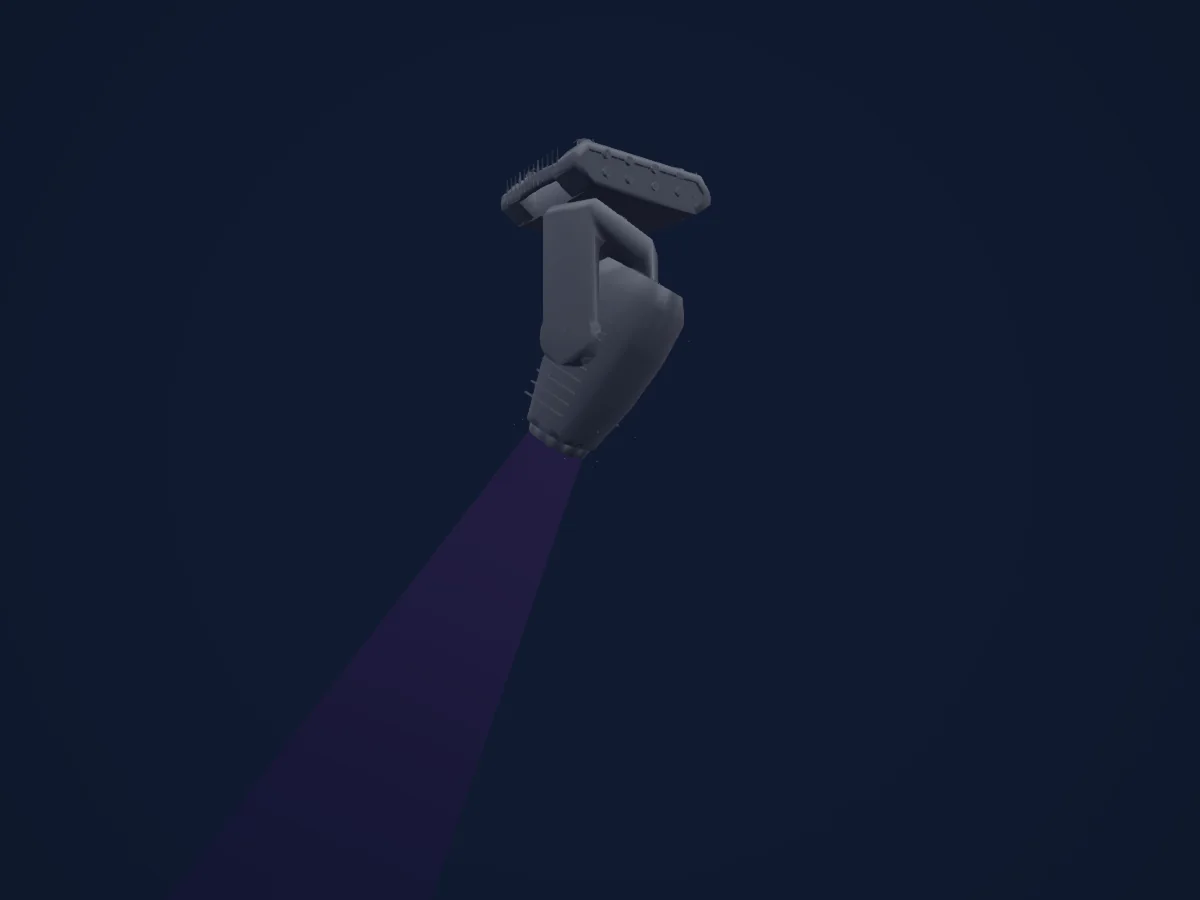
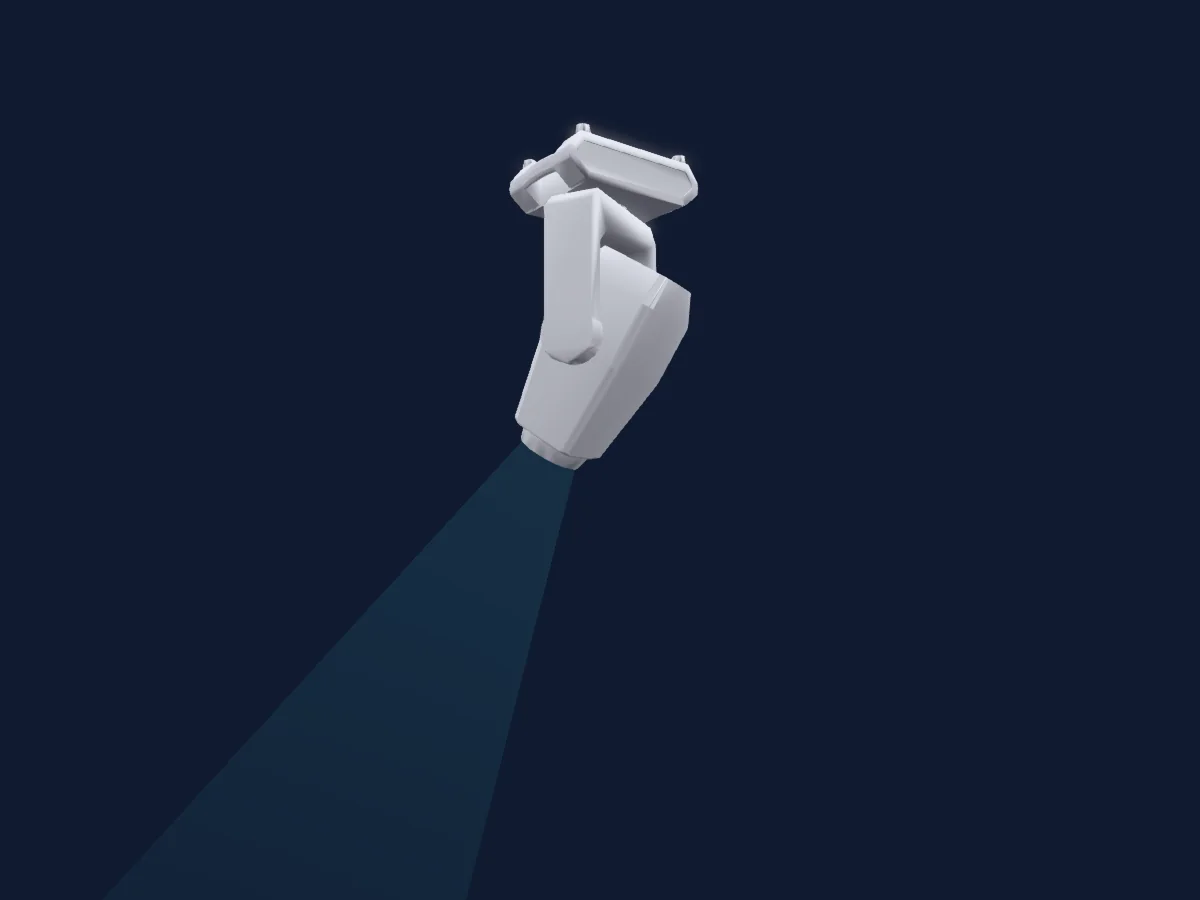
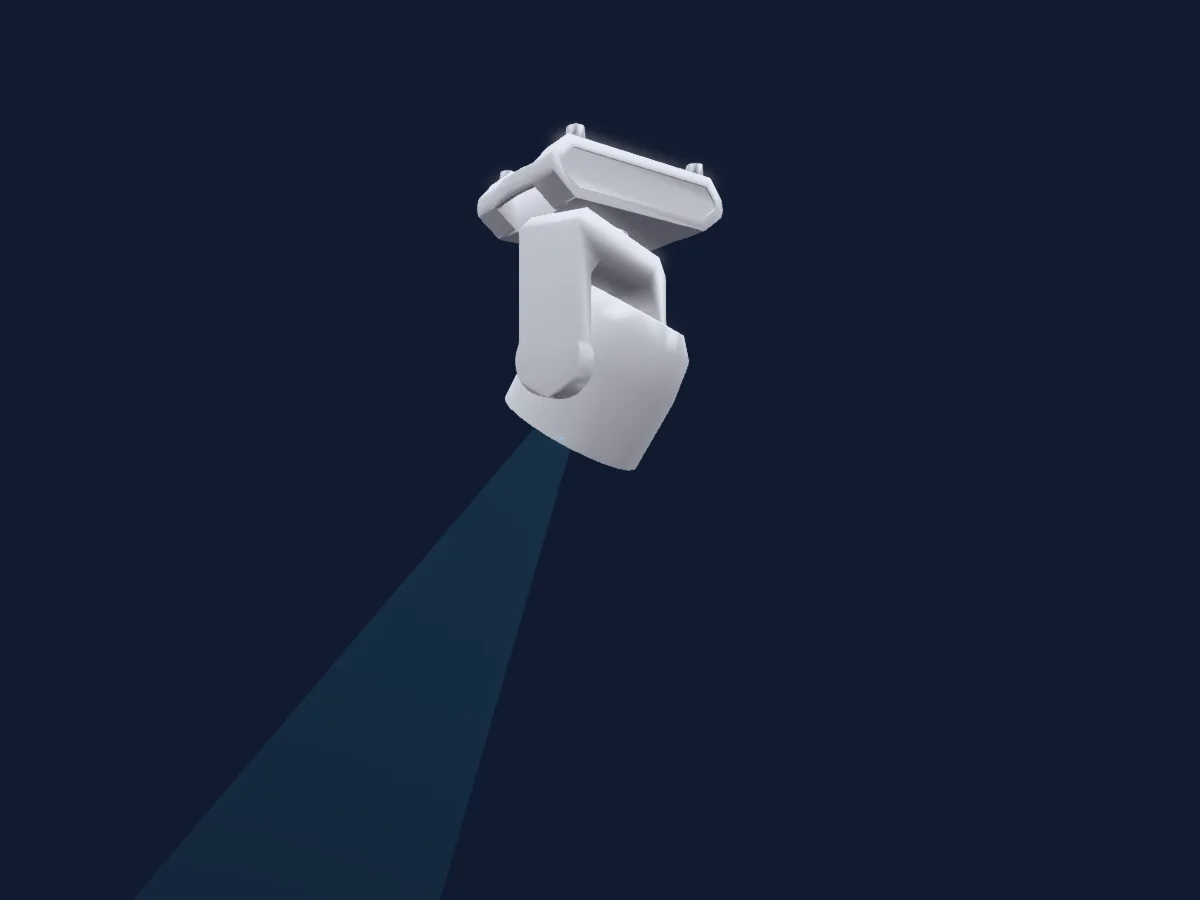
Chauvet Professional Maverick MK1 Spot renderizzato in HitLight

Cosa può fare

  • Messa a fuoco
  • Frost
  • Iride
  • Prisma
  • Rotazione del prisma
  • Zoom
  • Miscelazione colori CMY
  • Ruota colori
  • Strobo
  • Intensità
  • Pan e tilt
  • Velocità di movimento
  • Gobo
  • Rotazione dei gobo

Funzioni rilevanti per la sicurezza: Reset del faro. Verifica come si comportano sul tuo faro prima di uno spettacolo.

Modalità DMX e tabelle dei canali

Modalità DMX di Chauvet Professional Maverick MK1 Spot
ModalitàCanaliIn HitLight
Mode2 22Ch22Pronto in HitLight
Mode1 29Ch29Pronto in HitLight

Mode2 22Ch

Pronto in HitLight

22 canali DMX · Scarica questa tabella in CSV

Tabella dei canali DMX di Mode2 22Ch
CanaleFunzionePredefinitoValori DMX
1Pan1270–255
2Pan Fine255Byte fine di Pan
3Tilt1270–255
4Tilt Fine255Byte fine di Tilt
5Position MSpeed0
3 intervalli di valori
  • 0–0 Min
  • 1–254 Min > Max
  • 255–255 Max
6Dimmer0
3 intervalli di valori
  • 0–0 Min
  • 1–254 Min > Max
  • 255–255 Max
7Shutter / Strobe6
6 intervalli di valori
  • 0–3 Closed - Shutter Closed
  • 4–7 Open - Shutter Open
  • 8–76 S > F - Strobe
  • 77–145 S > F - Strobe Pulse Random
  • 146–215 S > F - Strobe Random
  • 216–255 Open - Shutter Open
8Shutter / Strobe 20
3 intervalli di valori
  • 0–1 Open - Shutter Open
  • 2–128 Shaking Strobe S > F - Strobe
  • 129–255 Fade In/Out S > F - Strobe Pulse Random
9Cyan0
3 intervalli di valori
  • 0–0 Min
  • 1–254 Min > Max
  • 255–255 Max
10Magenta0
3 intervalli di valori
  • 0–0 Min
  • 1–254 Min > Max
  • 255–255 Max
11Yellow0
3 intervalli di valori
  • 0–0 Min
  • 1–254 Min > Max
  • 255–255 Max
12Color Wheel0
12 intervalli di valori
  • 0–6 Open - Color (wheel slot 1)
  • 7–13 Red - Color (wheel slot 2)
  • 14–20 Orange - Color (wheel slot 3)
  • 21–27 Green - Color (wheel slot 4)
  • 28–34 Blue - Color (wheel slot 5)
  • 35–41 Magenta - Color (wheel slot 6)
  • 42–48 UV - Color (wheel slot 7)
  • 49–59 CTO - Color (wheel slot 8)
  • 60–187 Split Colors - Color (wheel slot 9)
  • 188–219 F > S - Rotate CW
  • 220–223 Stop - Stop Loop
  • 224–255 S > F - Rotate CCW
13Gobo0
18 intervalli di valori
  • 0–7 Open - Gobo Open (wheel slot 1)
  • 8–15 Gobo 1 - Gobo (wheel slot 2)
  • 16–23 Gobo 2 - Gobo (wheel slot 3)
  • 24–31 Gobo 3 - Gobo (wheel slot 4)
  • 32–39 Gobo 4 - Gobo (wheel slot 5)
  • 40–47 Gobo 5 - Gobo (wheel slot 6)
  • 48–55 Gobo 6 - Gobo (wheel slot 7)
  • 56–63 Gobo 7 - Gobo (wheel slot 8)
  • 64–71 Gobo 7 Shake - Gobo Shake (wheel slot 8)
  • 72–79 Gobo 6 Shake - Gobo Shake (wheel slot 7)
  • 80–87 Gobo 5 Shake - Gobo Shake (wheel slot 6)
  • 88–95 Gobo 4 Shake - Gobo Shake (wheel slot 5)
  • 96–103 Gobo 3 Shake - Gobo Shake (wheel slot 4)
  • 104–111 Gobo 2 Shake - Gobo Shake (wheel slot 3)
  • 112–119 Gobo 1 Shake - Gobo Shake (wheel slot 2)
  • 120–127 Open - Gobo Open (wheel slot 1)
  • 128–191 S > F - Rotate CW
  • 192–255 S > F - Rotate CCW
14Gobo Rotation0
5 intervalli di valori
  • 0–63 Indexing - Indexing
  • 64–145 F > S - Rotate CW
  • 146–149 Stop - Stop Loop
  • 150–231 S > F - Rotate CCW
  • 232–255 Bounce Effect - Gobo Shake
15Gobo 20
18 intervalli di valori
  • 0–6 Open - Gobo Open (wheel slot 1)
  • 7–13 Gobo 1 - Gobo (wheel slot 2)
  • 14–20 Gobo 2 - Gobo (wheel slot 3)
  • 21–27 Gobo 3 - Gobo (wheel slot 4)
  • 28–34 Gobo 4 - Gobo (wheel slot 5)
  • 35–41 Gobo 5 - Gobo (wheel slot 6)
  • 42–48 Gobo 6 - Gobo (wheel slot 7)
  • 49–63 Gobo 7 - Gobo (wheel slot 8)
  • 64–70 Gobo 7 Shake - Gobo Shake (wheel slot 8)
  • 71–77 Gobo 6 Shake - Gobo Shake (wheel slot 7)
  • 78–84 Gobo 5 Shake - Gobo Shake (wheel slot 6)
  • 85–91 Gobo 4 Shake - Gobo Shake (wheel slot 5)
  • 92–98 Gobo 3 Shake - Gobo Shake (wheel slot 4)
  • 99–105 Gobo 2 Shake - Gobo Shake (wheel slot 3)
  • 106–112 Gobo 1 Shake - Gobo Shake (wheel slot 2)
  • 113–127 Open - Shutter Open (wheel slot 1)
  • 128–191 S > F - Rotate CW
  • 192–255 S > F - Rotate CCW
16Focus127
3 intervalli di valori
  • 0–0 Min
  • 1–254 Min > Max
  • 255–255 Max
17Zoom127
3 intervalli di valori
  • 0–0 Narrow
  • 1–254 Narrow > Wide
  • 255–255 Wide
18Prism0
2 intervalli di valori
  • 0–4 No Func - Custom (wheel slot 1)
  • 5–255 Prism Effect - Prism (wheel slot 2)
19Prism Rotation0
4 intervalli di valori
  • 0–127 Indexing - Indexing
  • 128–189 F > S - Rotate CW
  • 190–193 Stop - Stop Loop
  • 194–255 S > F - Rotate CCW
20Iris0
4 intervalli di valori
  • 0–63 Big > Small - Iris
  • 64–127 Auto Change S > F - Iris
  • 128–191 Slow Zoom Out Fast Zoom In - Iris
  • 192–255 Slow Zoom In Fast Zoom Out - Iris
21Frost10
3 intervalli di valori
  • 0–0 Min
  • 1–254 Min > Max
  • 255–255 Max
22Control10
29 intervalli di valori
  • 0–7 No Func - Custom
  • 8–15 XY Blackout - Blackout
  • 16–23 C Blackout - Blackout
  • 24–31 G Blackout - Blackout
  • 32–39 XYC Blackout - Blackout
  • 40–47 XYG Blackout - Blackout
  • 48–55 XYCG Blackout - Blackout
  • 56–95 No Func - Custom
  • 96–103 X Reset - Reset
  • 104–111 Y Reset - Reset
  • 112–119 Color Reset - Reset
  • 120–127 Gobo Gobo Rotation Reset - Reset
  • 128–135 No Func - Custom
  • 136–143 Prism Reset - Reset
  • 144–151 No Func - Custom
  • 152–159 All Reset - Reset
  • 160–167 Iris Reset - Reset
  • 168–175 Frost Reset - Reset
  • 176–183 Zoom Reset - Reset
  • 184–191 CMY Reset - Reset
  • 192–199 Fan Low Speed - Speed
  • 200–207 Fan Full Speed - Speed
  • 208–215 Fan Auto - Custom
  • 216–220 No Func - Custom
  • 221–225 Iris Fast Mode - Speed
  • 226–230 Iris Smooth Mode - Speed
  • 231–235 XY Swap On - Custom
  • 236–240 XY Swap Off - Custom
  • 241–255 No Func - Custom

Mode1 29Ch

Pronto in HitLight

29 canali DMX · Scarica questa tabella in CSV

Tabella dei canali DMX di Mode1 29Ch
CanaleFunzionePredefinitoValori DMX
1Pan1270–255
2Pan Fine255Byte fine di Pan
3Tilt1270–255
4Tilt Fine255Byte fine di Tilt
5Position MSpeed0
3 intervalli di valori
  • 0–0 Min
  • 1–254 Min > Max
  • 255–255 Max
6Dimmer00–255
7Dimmer Fine0Byte fine di Dimmer
8Shutter / Strobe6
6 intervalli di valori
  • 0–3 Closed - Shutter Closed
  • 4–7 Open - Shutter Open
  • 8–76 S > F - Strobe
  • 77–145 S > F - Strobe Pulse Random
  • 146–215 S > F - Strobe Random
  • 216–255 Open - Shutter Open
9Shutter / Strobe 20
3 intervalli di valori
  • 0–1 Open - Shutter Open
  • 2–128 Shaking Strobe S > F - Strobe
  • 129–255 Fade In/Out S > F - Strobe Pulse Random
10Cyan0
3 intervalli di valori
  • 0–0 Min
  • 1–254 Min > Max
  • 255–255 Max
11Magenta0
3 intervalli di valori
  • 0–0 Min
  • 1–254 Min > Max
  • 255–255 Max
12Yellow0
3 intervalli di valori
  • 0–0 Min
  • 1–254 Min > Max
  • 255–255 Max
13Color Wheel0
12 intervalli di valori
  • 0–6 Open - Color (wheel slot 1)
  • 7–13 Red - Color (wheel slot 2)
  • 14–20 Orange - Color (wheel slot 3)
  • 21–27 Green - Color (wheel slot 4)
  • 28–34 Blue - Color (wheel slot 5)
  • 35–41 Magenta - Color (wheel slot 6)
  • 42–48 UV - Color (wheel slot 7)
  • 49–59 CTO - Color (wheel slot 8)
  • 60–187 Split Colors - Color (wheel slot 9)
  • 188–219 F > S - Rotate CW
  • 220–223 Stop - Stop Loop
  • 224–255 S > F - Rotate CCW
14Gobo0
18 intervalli di valori
  • 0–7 Open - Gobo Open (wheel slot 1)
  • 8–15 Gobo 1 - Gobo (wheel slot 2)
  • 16–23 Gobo 2 - Gobo (wheel slot 3)
  • 24–31 Gobo 3 - Gobo (wheel slot 4)
  • 32–39 Gobo 4 - Gobo (wheel slot 5)
  • 40–47 Gobo 5 - Gobo (wheel slot 6)
  • 48–55 Gobo 6 - Gobo (wheel slot 7)
  • 56–63 Gobo 7 - Gobo (wheel slot 8)
  • 64–71 Gobo 7 Shake - Gobo Shake (wheel slot 8)
  • 72–79 Gobo 6 Shake - Gobo Shake (wheel slot 7)
  • 80–87 Gobo 5 Shake - Gobo Shake (wheel slot 6)
  • 88–95 Gobo 4 Shake - Gobo Shake (wheel slot 5)
  • 96–103 Gobo 3 Shake - Gobo Shake (wheel slot 4)
  • 104–111 Gobo 2 Shake - Gobo Shake (wheel slot 3)
  • 112–119 Gobo 1 Shake - Gobo Shake (wheel slot 2)
  • 120–127 Open - Gobo Open (wheel slot 1)
  • 128–191 S > F - Rotate CW
  • 192–255 S > F - Rotate CCW
15Gobo Rotation0
5 intervalli di valori
  • 0–62 Indexing - Indexing
  • 63–145 F > S - Rotate CW
  • 146–149 Stop - Stop Loop
  • 150–231 S > F - Rotate CCW
  • 232–255 Bounce Effect - Gobo Shake
16Gobo Rotation Fine0Byte fine di Gobo Rotation
17Gobo 20
18 intervalli di valori
  • 0–6 Open - Gobo Open (wheel slot 1)
  • 7–13 Gobo 1 - Gobo (wheel slot 2)
  • 14–20 Gobo 2 - Gobo (wheel slot 3)
  • 21–27 Gobo 3 - Gobo (wheel slot 4)
  • 28–34 Gobo 4 - Gobo (wheel slot 5)
  • 35–41 Gobo 5 - Gobo (wheel slot 6)
  • 42–48 Gobo 6 - Gobo (wheel slot 7)
  • 49–63 Gobo 7 - Gobo (wheel slot 8)
  • 64–70 Gobo 7 Shake - Gobo Shake (wheel slot 8)
  • 71–77 Gobo 6 Shake - Gobo Shake (wheel slot 7)
  • 78–84 Gobo 5 Shake - Gobo Shake (wheel slot 6)
  • 85–91 Gobo 4 Shake - Gobo Shake (wheel slot 5)
  • 92–98 Gobo 3 Shake - Gobo Shake (wheel slot 4)
  • 99–105 Gobo 2 Shake - Gobo Shake (wheel slot 3)
  • 106–112 Gobo 1 Shake - Gobo Shake (wheel slot 2)
  • 113–127 Open - Shutter Open (wheel slot 1)
  • 128–191 S > F - Rotate CW
  • 192–255 S > F - Rotate CCW
18Focus1270–255
19Focus Fine255Byte fine di Focus
20Focus1Distance0
12 intervalli di valori
  • 0–10 No Func - Custom
  • 11–30 0-5m - Focus
  • 31–50 6m - Focus
  • 51–70 7m - Focus
  • 71–90 8m - Focus
  • 91–110 9m - Focus
  • 111–130 10m - Focus
  • 131–150 12 5m - Focus
  • 151–170 15m - Focus
  • 171–190 17 5m - Focus
  • 191–210 20-60m - Focus
  • 211–255 Auto Detect Distance - Focus
21Zoom127
2 intervalli di valori
  • 0–254 Narrow
  • 255–255 Wide
22Zoom Fine255Byte fine di Zoom
23Prism0
2 intervalli di valori
  • 0–4 No Func - Custom (wheel slot 1)
  • 5–255 Prism Effect - Prism (wheel slot 2)
24Prism Rotation0
4 intervalli di valori
  • 0–127 Indexing - Indexing
  • 128–189 F > S - Rotate CW
  • 190–193 Stop - Stop Loop
  • 194–255 S > F - Rotate CCW
25Iris0
4 intervalli di valori
  • 0–63 Big > Small - Iris
  • 64–127 Auto Change S > F - Iris
  • 128–191 Slow Zoom Out Fast Zoom In - Iris
  • 192–255 Slow Zoom In Fast Zoom Out - Iris
26Frost10
3 intervalli di valori
  • 0–0 Min
  • 1–254 Min > Max
  • 255–255 Max
27Color Macro10
2 intervalli di valori
  • 0–9 No Func - Custom
  • 10–255 CMY Macro - Macro
28Color Macro1Rate0
3 intervalli di valori
  • 0–0 Min
  • 1–254 Min > Max
  • 255–255 Max
29Control10
29 intervalli di valori
  • 0–7 No Func - Custom
  • 8–15 XY Blackout - Blackout
  • 16–23 C Blackout - Blackout
  • 24–31 G Blackout - Blackout
  • 32–39 XYC Blackout - Blackout
  • 40–47 XYG Blackout - Blackout
  • 48–55 XYCG Blackout - Blackout
  • 56–95 No Func - Custom
  • 96–103 X Reset - Reset
  • 104–111 Y Reset - Reset
  • 112–119 Color Reset - Reset
  • 120–127 Gobo Gobo Rotation Reset - Reset
  • 128–135 No Func - Custom
  • 136–143 Prism Reset - Reset
  • 144–151 No Func - Custom
  • 152–159 All Reset - Reset
  • 160–167 Iris Reset - Reset
  • 168–175 Frost Reset - Reset
  • 176–183 Zoom Reset - Reset
  • 184–191 CMY Reset - Reset
  • 192–199 Fan Low Speed - Speed
  • 200–207 Fan Full Speed - Speed
  • 208–215 Fan Auto - Custom
  • 216–220 No Func - Custom
  • 221–225 Iris Fast Mode - Speed
  • 226–230 Iris Smooth Mode - Speed
  • 231–235 XY Swap On - Custom
  • 236–240 XY Swap Off - Custom
  • 241–255 No Func - Custom

Usare Chauvet Professional Maverick MK1 Spot in HitLight

  1. Apri Aggiungi faro e cerca Chauvet Professional Maverick MK1 Spot.
  2. Scegli la modalità DMX impostata nel menu del faro. HitLight gli assegna il primo indirizzo iniziale libero del suo universo in cui entra il numero di canali della modalità.
  3. Verifica modalità e controlli sul tuo faro reale prima dell’uso dal vivo.

Locali con Chauvet Professional Maverick MK1 Spot

I loro impianti salvati includono questo modello di proiettore. Verifica l’attrezzatura attuale con il locale.

Le tabelle provengono dalla descrizione GDTF del faro, convertita per la libreria di HitLight. HitLight non è affiliato a Chauvet Professional.

Fixture model: gdtf-chauvet-professional-maverick-mk1-spot-97431
Creator: HitLight
Modifications: Original HitLight 3D housing: scripted parametric geometry modelled by HitLight from public product photos and the manufacturer's published dimensions. No manufacturer imagery, CAD, meshes or GDTF models are redistributed.

Fai il patch e lascia che sia la musica a guidare le luci.

HitLight trova questi fari nella sua libreria, li assegna al primo indirizzo libero e mostra il tuo impianto in 3D prima ancora di collegare una sola luce.

Apri HitLight ↗Scarica HitLight