 HitLight
China 8x12W LED Tiltbar
Tabella DMX, 1 modalità DMX e anteprima 3D. 38 canali DMX.
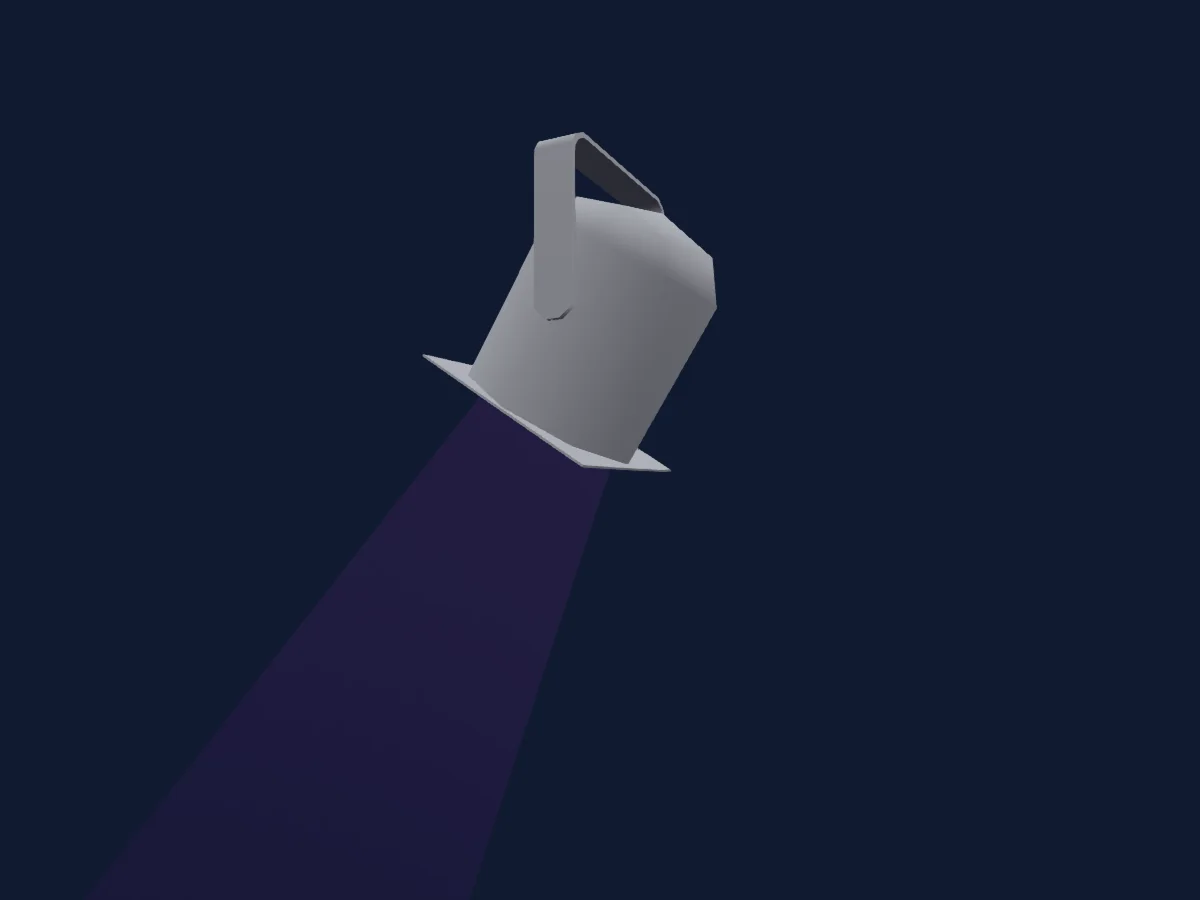
Cosa può fare
- Ruota colori
- Strobo
- Intensità
- Controllo dei pixel
- Pan e tilt
- Velocità di movimento
Modalità DMX e tabelle dei canali
| Modalità | Canali | In HitLight |
|---|---|---|
| Standard mode | 38 | Pronto in HitLight |
Standard mode
Pronto in HitLight38 canali DMX · Scarica questa tabella in CSV
| Canale | Funzione | Predefinito | Valori DMX |
|---|---|---|---|
| 1 | Tilt | 127 | 0–255 |
| 2 | Position MSpeed | 0 | 0–255 |
| 3 | Color Macro1 | 0 | 0–255 |
| 4 | Color Macro1Rate | 0 | 0–255 |
| 5 | Dimmer | 0 | 0–255 |
| 6 | Shutter / Strobe | 0 | 2 intervalli di valori
|
| 7 | Red | 255 | 0–255 |
| 8 | Green | 255 | 0–255 |
| 9 | Blue | 255 | 0–255 |
| 10 | White | 0 | 0–255 |
| 11 | Red | 0 | 0–255 |
| 12 | Green | 0 | 0–255 |
| 13 | Blue | 0 | 0–255 |
| 14 | White | 0 | 0–255 |
| 15 | Red | 0 | 0–255 |
| 16 | Green | 0 | 0–255 |
| 17 | Blue | 0 | 0–255 |
| 18 | White | 0 | 0–255 |
| 19 | Red | 0 | 0–255 |
| 20 | Green | 0 | 0–255 |
| 21 | Blue | 0 | 0–255 |
| 22 | White | 0 | 0–255 |
| 23 | Red | 0 | 0–255 |
| 24 | Green | 0 | 0–255 |
| 25 | Blue | 0 | 0–255 |
| 26 | White | 0 | 0–255 |
| 27 | Red | 0 | 0–255 |
| 28 | Green | 0 | 0–255 |
| 29 | Blue | 0 | 0–255 |
| 30 | White | 0 | 0–255 |
| 31 | Red | 0 | 0–255 |
| 32 | Green | 0 | 0–255 |
| 33 | Blue | 0 | 0–255 |
| 34 | White | 0 | 0–255 |
| 35 | Red | 0 | 0–255 |
| 36 | Green | 0 | 0–255 |
| 37 | Blue | 0 | 0–255 |
| 38 | White | 0 | 0–255 |
Usare China 8x12W LED Tiltbar in HitLight
- Apri Aggiungi faro e cerca China 8x12W LED Tiltbar.
- Scegli la modalità DMX impostata nel menu del faro. HitLight gli assegna il primo indirizzo iniziale libero del suo universo in cui entra il numero di canali della modalità.
- Verifica modalità e controlli sul tuo faro reale prima dell’uso dal vivo.
Fari correlati
Testa mobile
China 36x10 Wash LED Moving Light
16 canali DMX
Testa mobile
China Billoball
18 canali DMX
Testa mobile
China LED Wash Zoom 36x18W RGBWA UV
18 canali DMX
Testa mobile
China Beam Moving Head 230
16 canali DMX
Testa mobile
China 30W Mini Spot
11 canali DMX
Testa mobile
China MiniBeam50N
9 canali DMX
Le tabelle provengono dalla descrizione GDTF del faro, convertita per la libreria di HitLight. HitLight non è affiliato a China.