 HitLight
Elan Lighting Spectral Hybrid
Tabella DMX, 1 modalità DMX e anteprima 3D. 20 canali DMX.
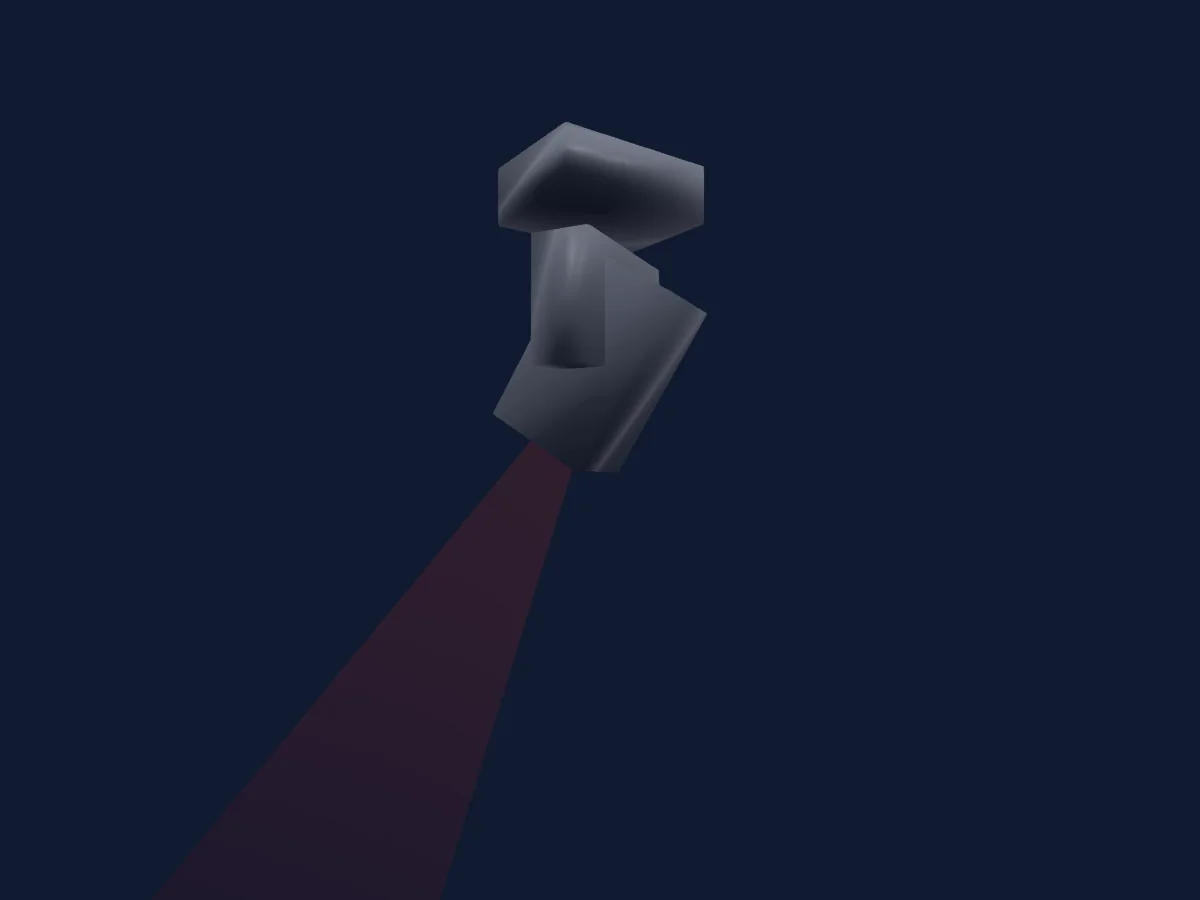
Cosa può fare
- Messa a fuoco
- Frost
- Prisma
- Rotazione del prisma
- Zoom
- Ruota colori
- Strobo
- Intensità
- Velocità di movimento
- Gobo
- Rotazione dei gobo
Funzioni rilevanti per la sicurezza: Reset del faro. Verifica come si comportano sul tuo faro prima di uno spettacolo.
Modalità DMX e tabelle dei canali
| Modalità | Canali | In HitLight |
|---|---|---|
| Default | 20 | Pronto in HitLight |
Default
Pronto in HitLight20 canali DMX · Scarica questa tabella in CSV
| Canale | Funzione | Predefinito | Valori DMX |
|---|---|---|---|
| 1 | Pan | 128 | 0–255 |
| 2 | Pan Fine | 0 | Byte fine di Pan |
| 3 | Tilt | 128 | 0–255 |
| 4 | Tilt Fine | 0 | Byte fine di Tilt |
| 5 | Position MSpeed | 0 | 0–255 |
| 6 | Dimmer | 0 | 0–255 |
| 7 | Dimmer Fine | 0 | Byte fine di Dimmer |
| 8 | Shutter / Strobe | 255 | 7 intervalli di valori
|
| 9 | Color Wheel | 0 | 19 intervalli di valori
|
| 10 | Gobo | 0 | 21 intervalli di valori
|
| 11 | Gobo 2 | 0 | 19 intervalli di valori
|
| 12 | Gobo Rotation | 128 | 4 intervalli di valori
|
| 13 | Prism | 0 | 2 intervalli di valori
|
| 14 | Prism Rotation | 128 | 4 intervalli di valori
|
| 15 | Frost1 | 0 | 2 intervalli di valori
|
| 16 | Zoom | 70 | 0–255 |
| 17 | Zoom Fine | 80 | Byte fine di Zoom |
| 18 | Focus | 0 | 0–255 |
| 19 | Focus Fine | 0 | Byte fine di Focus |
| 20 | Fixture Global Reset | 0 | 4 intervalli di valori
|
Usare Elan Lighting Spectral Hybrid in HitLight
- Apri Aggiungi faro e cerca Elan Lighting Spectral Hybrid.
- Scegli la modalità DMX impostata nel menu del faro. HitLight gli assegna il primo indirizzo iniziale libero del suo universo in cui entra il numero di canali della modalità.
- Verifica modalità e controlli sul tuo faro reale prima dell’uso dal vivo.
Fari correlati
Strobo
Elan Lighting Strobe 1000 RGBW
7 / 16 canali DMX
PAR
Elan Lighting ATLAS-7
3 / 6 / 8 / 12 canali DMX
PAR
Elan Lighting ATLAS-7 _V2
3 / 6 / 8 / 12 / 18 canali DMX
Luce a effetti
Elan Lighting City 44
2 / 3 / 6 / 11 / 19 canali DMX
PAR
Elan Lighting ATLAS ZOOM
4 / 5 / 7 / 13 / 17 / 21 canali DMX
PAR
Elan Lighting ATLAS-12
3 / 6 / 8 / 10 / 13 canali DMX
Le tabelle provengono dalla descrizione GDTF del faro, convertita per la libreria di HitLight. HitLight non è affiliato a Elan Lighting.