 HitLight
Martin Professional ERA 150 Wash
Tabella DMX, 1 modalità DMX e anteprima 3D. 18 canali DMX.
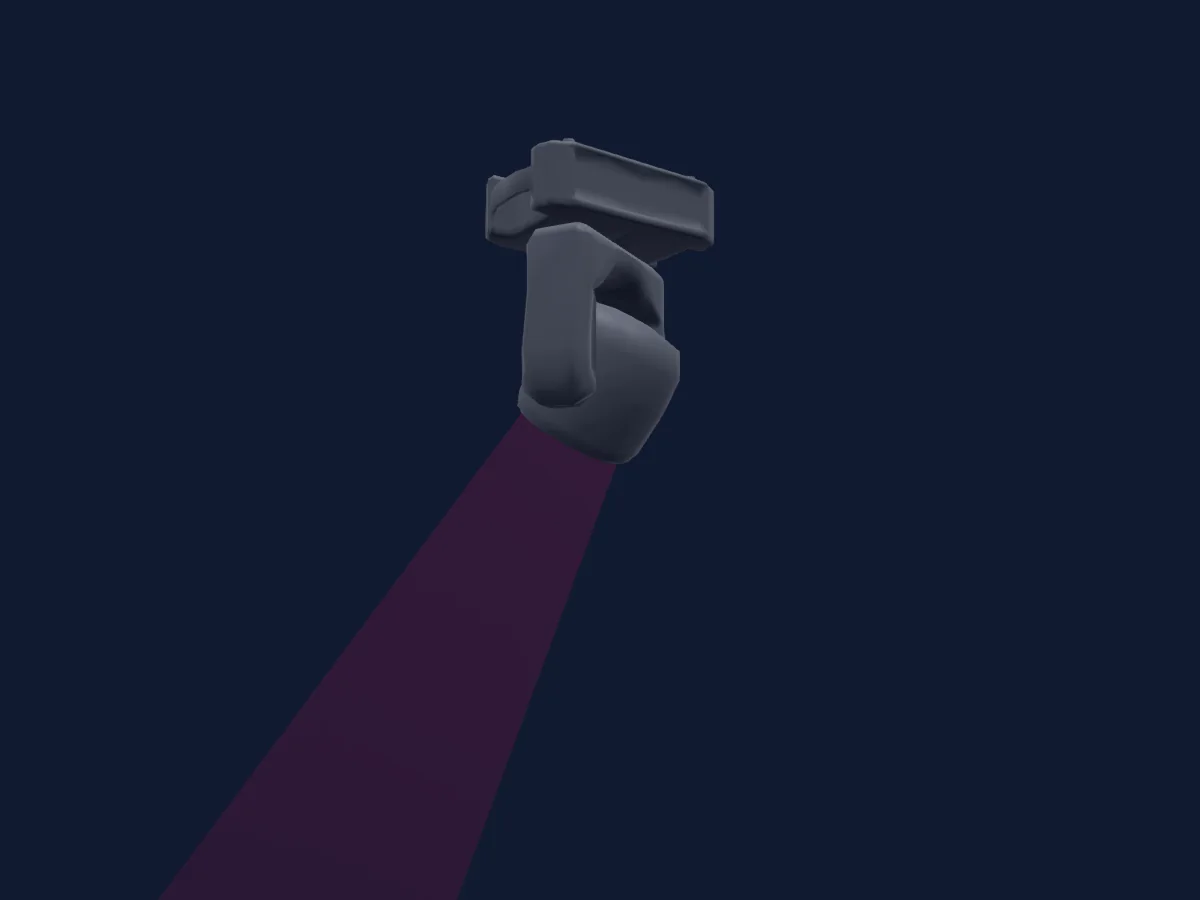
Cosa può fare
- Zoom
- Miscelazione colori RGB
- Temperatura colore
- Ruota colori
- Strobo
- Intensità
- Pan e tilt
Modalità DMX e tabelle dei canali
| Modalità | Canali | In HitLight |
|---|---|---|
| Basic | 18 | Pronto in HitLight |
Basic
Pronto in HitLight18 canali DMX · Scarica questa tabella in CSV
| Canale | Funzione | Predefinito | Valori DMX |
|---|---|---|---|
| 1 | Shutter / Strobe | 30 | 9 intervalli di valori
|
| 2 | Dimmer | 0 | 5 intervalli di valori
|
| 3 | Dimmer Fine | 0 | Byte fine di Dimmer |
| 4 | Red | 255 | 5 intervalli di valori
|
| 5 | Red Fine | 255 | Byte fine di Red |
| 6 | Green | 255 | 5 intervalli di valori
|
| 7 | Green Fine | 255 | Byte fine di Green |
| 8 | Blue | 255 | 5 intervalli di valori
|
| 9 | Blue Fine | 255 | Byte fine di Blue |
| 10 | C TC | 128 | 0–255 |
| 11 | Color Wheel | 0 | 60 intervalli di valori
|
| 12 | Zoom | 128 | 3 intervalli di valori
|
| 13 | Zoom Fine | 0 | Byte fine di Zoom |
| 14 | Pan | 128 | 0–255 |
| 15 | Pan Fine | 0 | Byte fine di Pan |
| 16 | Tilt | 128 | 0–255 |
| 17 | Tilt Fine | 0 | Byte fine di Tilt |
| 18 | Control1 | 0 | 0–255 |
Usare Martin Professional ERA 150 Wash in HitLight
- Apri Aggiungi faro e cerca Martin Professional ERA 150 Wash.
- Scegli la modalità DMX impostata nel menu del faro. HitLight gli assegna il primo indirizzo iniziale libero del suo universo in cui entra il numero di canali della modalità.
- Verifica modalità e controlli sul tuo faro reale prima dell’uso dal vivo.
Locali con Martin Professional ERA 150 Wash
I loro impianti salvati includono questo modello di proiettore. Verifica l’attrezzatura attuale con il locale.
- Hotel Cecil København K, Danimarca
- La Gravière Les Acacias-Genève, Svizzera
- Shrine Social Club Boise, Stati Uniti
- Théâtre El Duende Ivry-sur-Seine, Francia
Fari correlati
Testa mobile
Martin Professional MAC Allure Wash PC
28 / 64 canali DMX
Testa mobile
Martin Professional MAC Aura XB
14 / 25 canali DMX
Testa mobile
Martin Professional MAC Aura PXL
17 / 32 / 35 / 92 canali DMX
Testa mobile
Martin Professional MAC 101 RGB
8 / 12 canali DMX
Testa mobile
Martin Professional Rush MH6
14 canali DMX
Testa mobile
Martin Professional MAC Aura
14 / 25 canali DMX
Le tabelle provengono dalla descrizione GDTF del faro, convertita per la libreria di HitLight. HitLight non è affiliato a Martin Professional.