Vai al contenuto
HitLight
SHEHDS · Testa mobile

SHEHDS 230W 7R Beam Moving Head Button Version

Tabella DMX, 2 modalità DMX e anteprima 3D. 16 / 20 canali DMX.
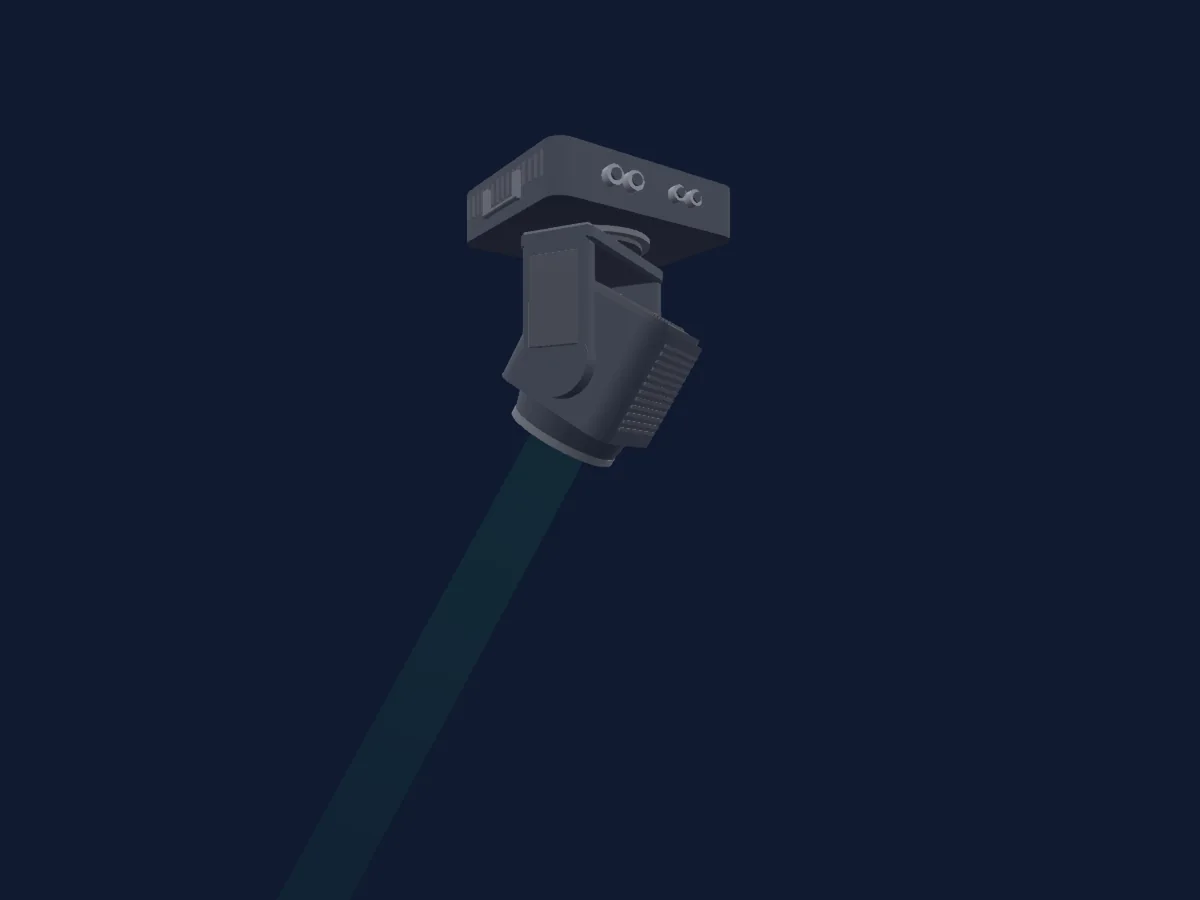
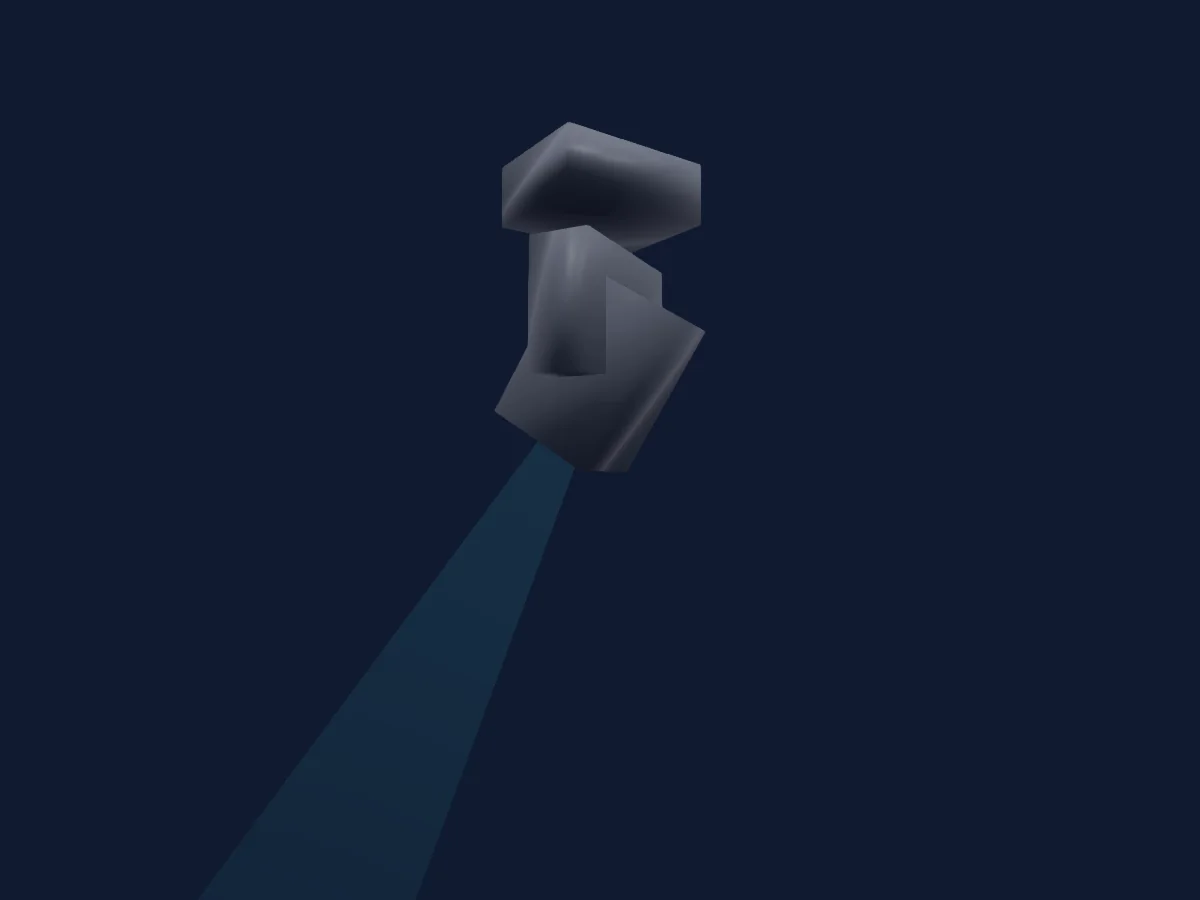
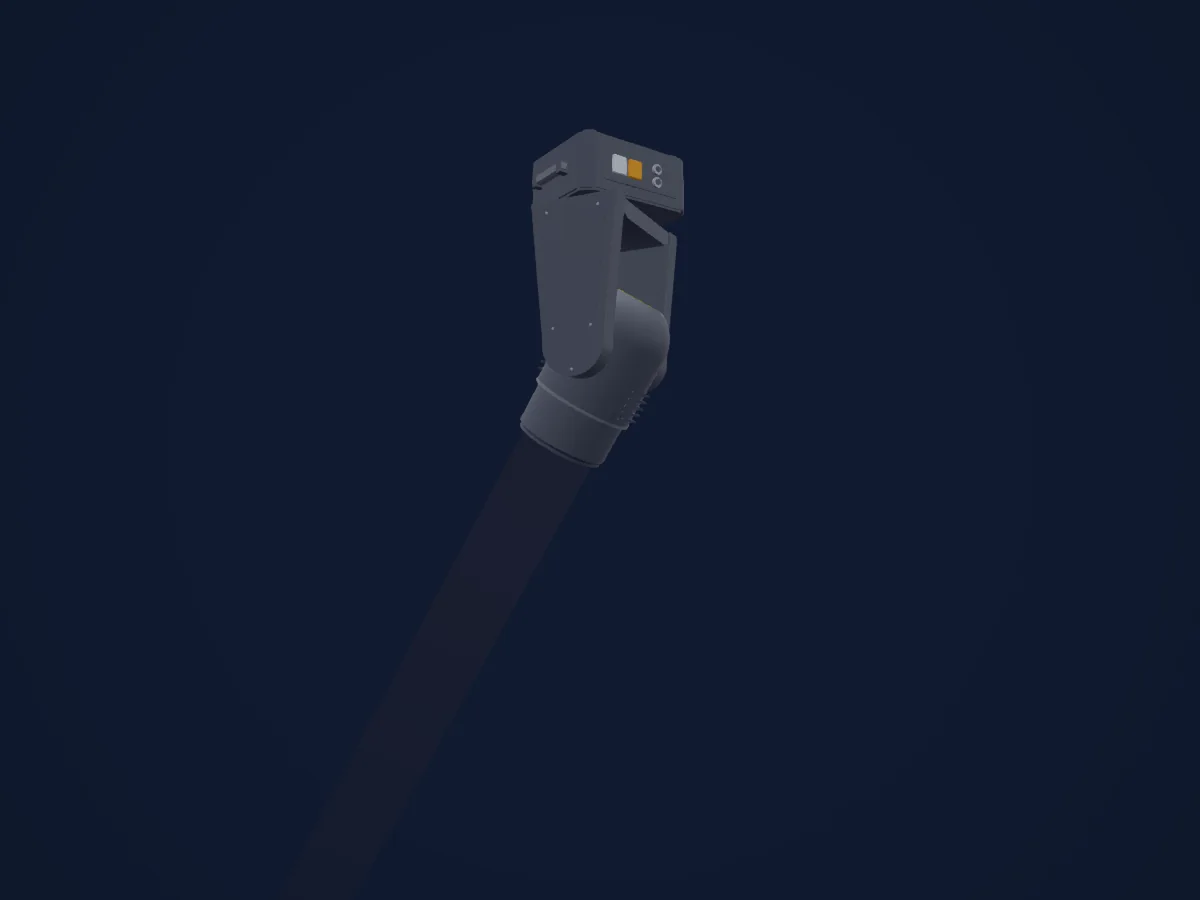
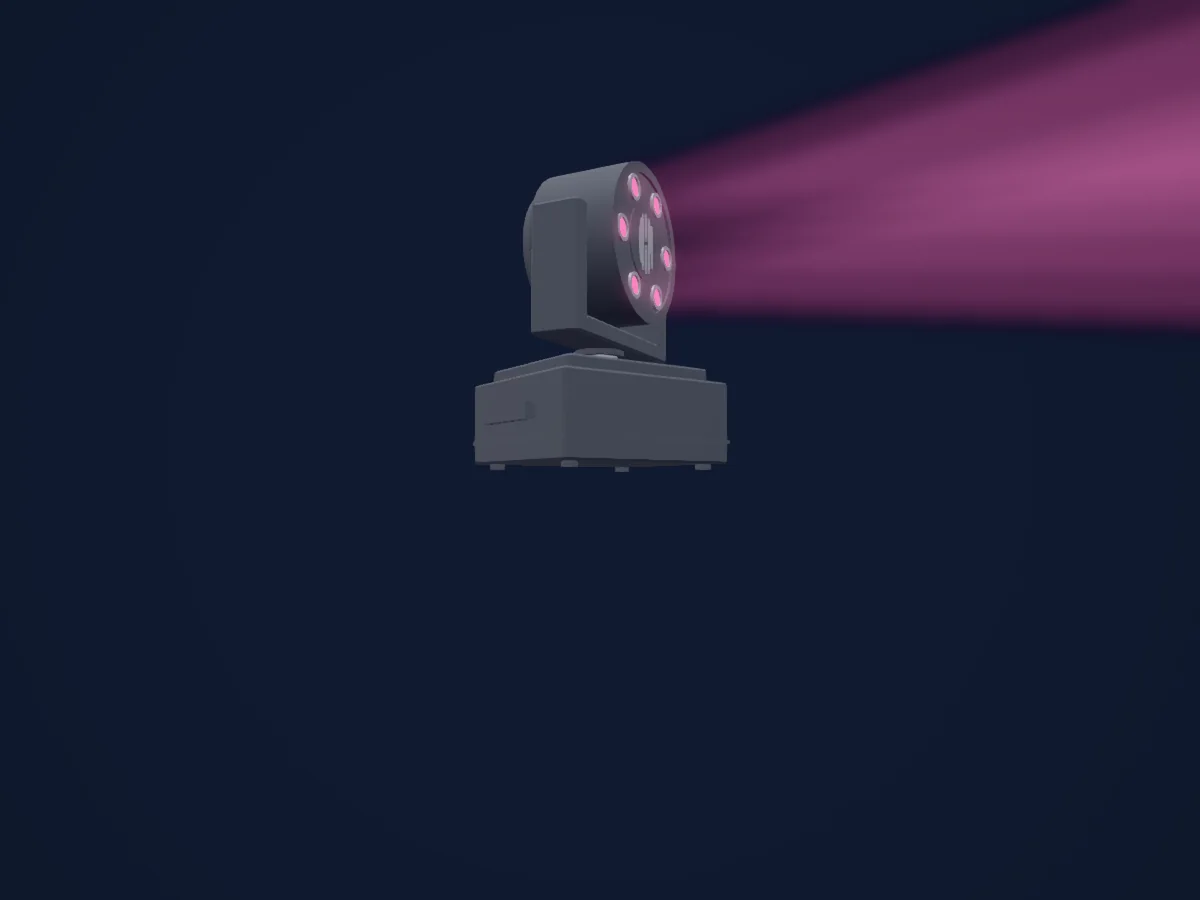
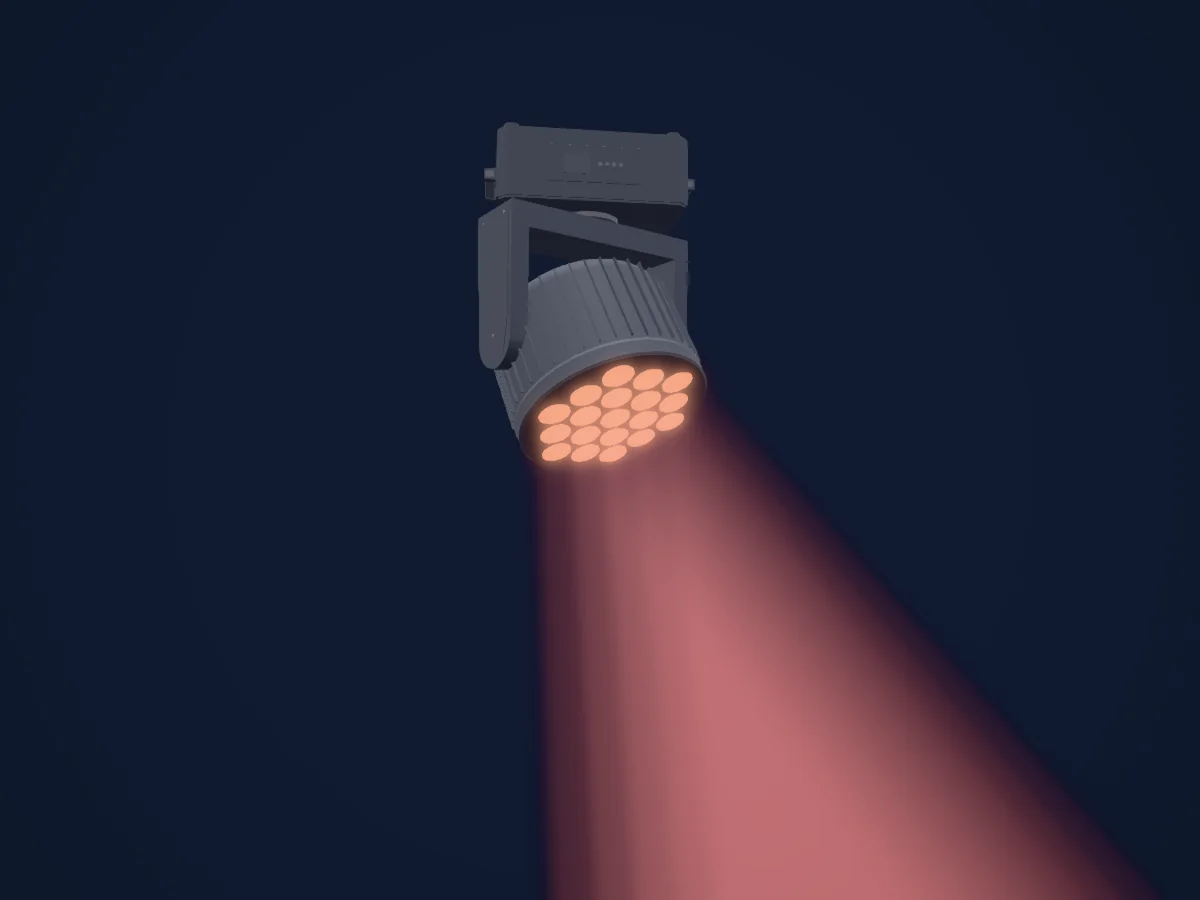
SHEHDS 230W 7R Beam Moving Head Button Version renderizzato in HitLight

Cosa può fare

  • Messa a fuoco
  • Frost
  • Prisma
  • Rotazione del prisma
  • Ruota colori
  • Strobo
  • Intensità
  • Pan e tilt
  • Velocità di movimento
  • Gobo

Funzioni rilevanti per la sicurezza: Accensione e spegnimento della lampada · Reset del faro. Verifica come si comportano sul tuo faro prima di uno spettacolo.

Modalità DMX e tabelle dei canali

Modalità DMX di SHEHDS 230W 7R Beam Moving Head Button Version
ModalitàCanaliIn HitLight
Standard 16 Channel16Pronto in HitLight
Extended 20 Channel20Pronto in HitLight

Standard 16 Channel

Pronto in HitLight

16 canali DMX · Scarica questa tabella in CSV

Tabella dei canali DMX di Standard 16 Channel
CanaleFunzionePredefinitoValori DMX
1Color Wheel0
31 intervalli di valori
  • 0–4 White->White+Red (wheel slot 1)
  • 5–8 White+Red->Red (wheel slot 2)
  • 9–12 Red->Red+Orange (wheel slot 2)
  • 13–17 Red+Orange->Orange (wheel slot 3)
  • 18–21 Orange->Orange+Aquamarine (wheel slot 3)
  • 22–25 Orange+Aquamarine->Aquamarine (wheel slot 4)
  • 26–29 Aquamarine->Aquamarine+Deep Green (wheel slot 4)
  • 30–34 Aquamarine+Deep Green->Deep Green (wheel slot 5)
  • 35–38 Deep Green->Deep Green+Light Green (wheel slot 5)
  • 39–42 Deep Green+Light Green->Light Green (wheel slot 6)
  • 43–46 Light Green->Light Green+Lavender (wheel slot 6)
  • 47–51 Light Green+Lavender->Lavender (wheel slot 7)
  • 52–55 Lavender->Lavender+Pink (wheel slot 7)
  • 56–59 Lavender+Pink->Pink (wheel slot 8)
  • 60–63 Pink->Pink+Yellow (wheel slot 8)
  • 64–68 Pink+Yellow->Yellow (wheel slot 9)
  • 69–72 Yellow->Yellow+Magenta (wheel slot 9)
  • 73–76 Yellow+Magenta->Magenta (wheel slot 10)
  • 77–81 Magenta->Magenta+Cyan (wheel slot 10)
  • 82–85 Magenta+Cyan->Cyan (wheel slot 11)
  • 86–89 Cyan->Cyan+CTO 260 (wheel slot 11)
  • 90–93 Cyan+CTO 260->CTO 260 (wheel slot 12)
  • 94–98 CTO 260->CTO 260+CTO 190 (wheel slot 12)
  • 99–102 CTO 260+CTO 190->CTO 190 (wheel slot 13)
  • 103–106 CTO 190->CTO 190+CTB 8000 (wheel slot 13)
  • 107–110 CTO 190+CTB 8000->CTB 8000 (wheel slot 14)
  • 111–115 CTB 8000->CTB 8000 + Blue (wheel slot 14)
  • 116–119 CTB 8000 + Blue->Blue (wheel slot 15)
  • 120–123 Blue->Blue+White (wheel slot 15)
  • 124–127 Blue+White->White (wheel slot 1)
  • 128–255 Slow to Fast
2Shutter / Strobe2
15 intervalli di valori
  • 0–7 Open
  • 8–63 Linear Strobe · Slow To Fast 8–63 Hz (wheel slot 1)
  • 64–71 Open
  • 72–127 Symmetry Strobe · Slow To Fast 30–360 Hz (wheel slot 1)
  • 128–135 Open (wheel slot 1)
  • 136–160 Strobe Quick Start (wheel slot 1)
  • 161–166 Open
  • 167–191 Strobe Quick Close
  • 192–199 Open (wheel slot 1)
  • 200–209 Effect 1
  • 210–219 Empty Channel Set
  • 220–229 Random Slow
  • 230–239 Random Medium
  • 240–249 Random Fast
  • 250–255 Open
3Dimmer0
2 intervalli di valori
  • 0–254 Closed
  • 255–255 Open
4Gobo0
38 intervalli di valori
  • 0–5 Open
  • 6–9 Gobo 1
  • 10–15 Gobo 2
  • 16–19 Gobo 3
  • 20–25 Gobo 4
  • 26–29 Gobo 5
  • 30–35 Gobo 6
  • 36–39 Gobo 7
  • 40–45 Gobo 8
  • 46–49 Gobo 9
  • 50–55 Gobo 10
  • 56–59 Gobo 11
  • 60–65 Gobo 12
  • 66–69 Gobo 13
  • 70–75 Gobo 14
  • 76–79 Gobo 15
  • 80–85 Gobo 16
  • 86–89 Gobo 17
  • 90–129 Forward rotation, fast to slow
  • 130–134 Stop
  • 135–170 Reverse rotation, slow to fast
  • 171–175 Gobo 1 shake, slow to fast
  • 176–180 Gobo 2 shake, slow to fast
  • 181–185 Gobo 3 shake, slow to fast
  • 186–190 Gobo 4 shake, slow to fast
  • 191–195 Gobo 5 shake, slow to fast
  • 196–200 Gobo 6 shake, slow to fast
  • 201–205 Gobo 7 shake, slow to fast
  • 206–210 Gobo 8 shake, slow to fast
  • 211–215 Gobo 9 shake, slow to fast
  • 216–220 Gobo 10 shake, slow to fast
  • 221–225 Gobo 11 shake, slow to fast
  • 226–230 Gobo 12 shake, slow to fast
  • 231–235 Gobo 13 shake, slow to fast
  • 236–240 Gobo 14 shake, slow to fast
  • 241–245 Gobo 15 shake, slow to fast
  • 246–250 Gobo 16 shake, slow to fast
  • 251–255 Gobo 17 shake, slow to fast
5Prism0
2 intervalli di valori
  • 0–127 Open (wheel slot 1)
  • 128–255 Prism Inserted (wheel slot 2)
6Prism Rotation0
5 intervalli di valori
  • 0–126 Position 0 (wheel slot 3)
  • 127–127 Position 540 (wheel slot 3)
  • 128–190 Fast To Slow (wheel slot 3)
  • 191–192 Stop
  • 193–255 Slow To Fast
7No Feature00–255
8Control1255
2 intervalli di valori
  • 0–127 Unused Range
  • 128–255 Rainbow
9Focus0
2 intervalli di valori
  • 0–254 Distant (wheel slot 1)
  • 255–255 Near
10Pan1280–255
11Pan Fine0Byte fine di Pan
12Tilt1280–255
13Tilt Fine0Byte fine di Tilt
14Frost100–255
15Fixture Global Reset0
6 intervalli di valori
  • 0–149 Unused Range 1
  • 150–155 Reset system
  • 156–199 Unused Range 2
  • 200–205 Complete Reset
  • 206–251 Unused Range 3
  • 252–255 Reset
16Lamp Control0
3 intervalli di valori
  • 0–25 Unused Range
  • 26–100 Lamp Off (wheel slot 1)
  • 101–255 Lamp On

Extended 20 Channel

Pronto in HitLight

20 canali DMX · Scarica questa tabella in CSV

Tabella dei canali DMX di Extended 20 Channel
CanaleFunzionePredefinitoValori DMX
1Color Wheel0
31 intervalli di valori
  • 0–4 White->White+Red (wheel slot 1)
  • 5–8 White+Red->Red (wheel slot 2)
  • 9–12 Red->Red+Orange (wheel slot 2)
  • 13–17 Red+Orange->Orange (wheel slot 3)
  • 18–21 Orange->Orange+Aquamarine (wheel slot 3)
  • 22–25 Orange+Aquamarine->Aquamarine (wheel slot 4)
  • 26–29 Aquamarine->Aquamarine+Deep Green (wheel slot 4)
  • 30–34 Aquamarine+Deep Green->Deep Green (wheel slot 5)
  • 35–38 Deep Green->Deep Green+Light Green (wheel slot 5)
  • 39–42 Deep Green+Light Green->Light Green (wheel slot 6)
  • 43–46 Light Green->Light Green+Lavender (wheel slot 6)
  • 47–51 Light Green+Lavender->Lavender (wheel slot 7)
  • 52–55 Lavender->Lavender+Pink (wheel slot 7)
  • 56–59 Lavender+Pink->Pink (wheel slot 8)
  • 60–63 Pink->Pink+Yellow (wheel slot 8)
  • 64–68 Pink+Yellow->Yellow (wheel slot 9)
  • 69–72 Yellow->Yellow+Magenta (wheel slot 9)
  • 73–76 Yellow+Magenta->Magenta (wheel slot 10)
  • 77–81 Magenta->Magenta+Cyan (wheel slot 10)
  • 82–85 Magenta+Cyan->Cyan (wheel slot 11)
  • 86–89 Cyan->Cyan+CTO 260 (wheel slot 11)
  • 90–93 Cyan+CTO 260->CTO 260 (wheel slot 12)
  • 94–98 CTO 260->CTO 260+CTO 190 (wheel slot 12)
  • 99–102 CTO 260+CTO 190->CTO 190 (wheel slot 13)
  • 103–106 CTO 190->CTO 190+CTB 8000 (wheel slot 13)
  • 107–110 CTO 190+CTB 8000->CTB 8000 (wheel slot 14)
  • 111–115 CTB 8000->CTB 8000 + Blue (wheel slot 14)
  • 116–119 CTB 8000 + Blue->Blue (wheel slot 15)
  • 120–123 Blue->Blue+White (wheel slot 15)
  • 124–127 Blue+White->White (wheel slot 1)
  • 128–255 Slow to Fast
2Shutter / Strobe2
15 intervalli di valori
  • 0–7 Open
  • 8–63 Linear Strobe · Slow To Fast 8–63 Hz (wheel slot 1)
  • 64–71 Open
  • 72–127 Symmetry Strobe · Slow To Fast 30–360 Hz (wheel slot 1)
  • 128–135 Open (wheel slot 1)
  • 136–160 Strobe Quick Start (wheel slot 1)
  • 161–166 Open
  • 167–191 Strobe Quick Close
  • 192–199 Open (wheel slot 1)
  • 200–209 Effect 1
  • 210–219 Empty Channel Set
  • 220–229 Random Slow
  • 230–239 Random Medium
  • 240–249 Random Fast
  • 250–255 Open
3Dimmer0
2 intervalli di valori
  • 0–254 Closed
  • 255–255 Open
4Gobo0
38 intervalli di valori
  • 0–5 Open
  • 6–9 Gobo 1
  • 10–15 Gobo 2
  • 16–19 Gobo 3
  • 20–25 Gobo 4
  • 26–29 Gobo 5
  • 30–35 Gobo 6
  • 36–39 Gobo 7
  • 40–45 Gobo 8
  • 46–49 Gobo 9
  • 50–55 Gobo 10
  • 56–59 Gobo 11
  • 60–65 Gobo 12
  • 66–69 Gobo 13
  • 70–75 Gobo 14
  • 76–79 Gobo 15
  • 80–85 Gobo 16
  • 86–89 Gobo 17
  • 90–129 Forward rotation, fast to slow
  • 130–134 Stop
  • 135–170 Reverse rotation, slow to fast
  • 171–175 Gobo 1 shake, slow to fast
  • 176–180 Gobo 2 shake, slow to fast
  • 181–185 Gobo 3 shake, slow to fast
  • 186–190 Gobo 4 shake, slow to fast
  • 191–195 Gobo 5 shake, slow to fast
  • 196–200 Gobo 6 shake, slow to fast
  • 201–205 Gobo 7 shake, slow to fast
  • 206–210 Gobo 8 shake, slow to fast
  • 211–215 Gobo 9 shake, slow to fast
  • 216–220 Gobo 10 shake, slow to fast
  • 221–225 Gobo 11 shake, slow to fast
  • 226–230 Gobo 12 shake, slow to fast
  • 231–235 Gobo 13 shake, slow to fast
  • 236–240 Gobo 14 shake, slow to fast
  • 241–245 Gobo 15 shake, slow to fast
  • 246–250 Gobo 16 shake, slow to fast
  • 251–255 Gobo 17 shake, slow to fast
5Prism0
2 intervalli di valori
  • 0–127 Open (wheel slot 1)
  • 128–255 Prism Inserted (wheel slot 2)
6Prism Rotation0
5 intervalli di valori
  • 0–126 Position 0 (wheel slot 3)
  • 127–127 Position 540 (wheel slot 3)
  • 128–190 Fast To Slow (wheel slot 3)
  • 191–192 Stop
  • 193–255 Slow To Fast
7No Feature00–255
8Control1255
2 intervalli di valori
  • 0–127 Unused Range
  • 128–255 Rainbow
9Focus0
2 intervalli di valori
  • 0–254 Distant (wheel slot 1)
  • 255–255 Near
10Pan1280–255
11Pan Fine0Byte fine di Pan
12Tilt1280–255
13Tilt Fine0Byte fine di Tilt
14Frost100–255
15Fixture Global Reset0
6 intervalli di valori
  • 0–149 Unused Range 1
  • 150–155 Reset system
  • 156–199 Unused Range 2
  • 200–205 Complete Reset
  • 206–251 Unused Range 3
  • 252–255 Reset
16Lamp Control0
3 intervalli di valori
  • 0–25 Unused Range
  • 26–100 Lamp Off (wheel slot 1)
  • 101–255 Lamp On
17Position MSpeed00–255
18Color Wheel Select MSpeed00–255
19Focus MSpeed00–255
20Gobo Wheel1MSpeed00–255

Usare SHEHDS 230W 7R Beam Moving Head Button Version in HitLight

  1. Apri Aggiungi faro e cerca SHEHDS 230W 7R Beam Moving Head Button Version.
  2. Scegli la modalità DMX impostata nel menu del faro. HitLight gli assegna il primo indirizzo iniziale libero del suo universo in cui entra il numero di canali della modalità.
  3. Verifica modalità e controlli sul tuo faro reale prima dell’uso dal vivo.

Le tabelle provengono dalla descrizione GDTF del faro, convertita per la libreria di HitLight. HitLight non è affiliato a SHEHDS.

Fixture model: gdtf-shehds-230w-7r-beam-moving-head-button-version-138284
Creator: HitLight
Modifications: Made in-house by HitLight: procedural geometry from scripts/gdtf/lib/authoredHousings.ts (hitlight-authored-housing-v1), authored from the published profile and the manufacturer's stated dimensions. No third-party meshes, photos or generated models.

Fai il patch e lascia che sia la musica a guidare le luci.

HitLight trova questi fari nella sua libreria, li assegna al primo indirizzo libero e mostra il tuo impianto in 3D prima ancora di collegare una sola luce.

Apri HitLight ↗Scarica HitLight