Vai al contenuto
HitLight
Showtec · Testa mobile

Showtec Xpression 2000S

Tabella DMX, 2 modalità DMX e anteprima 3D. 14 / 18 canali DMX.
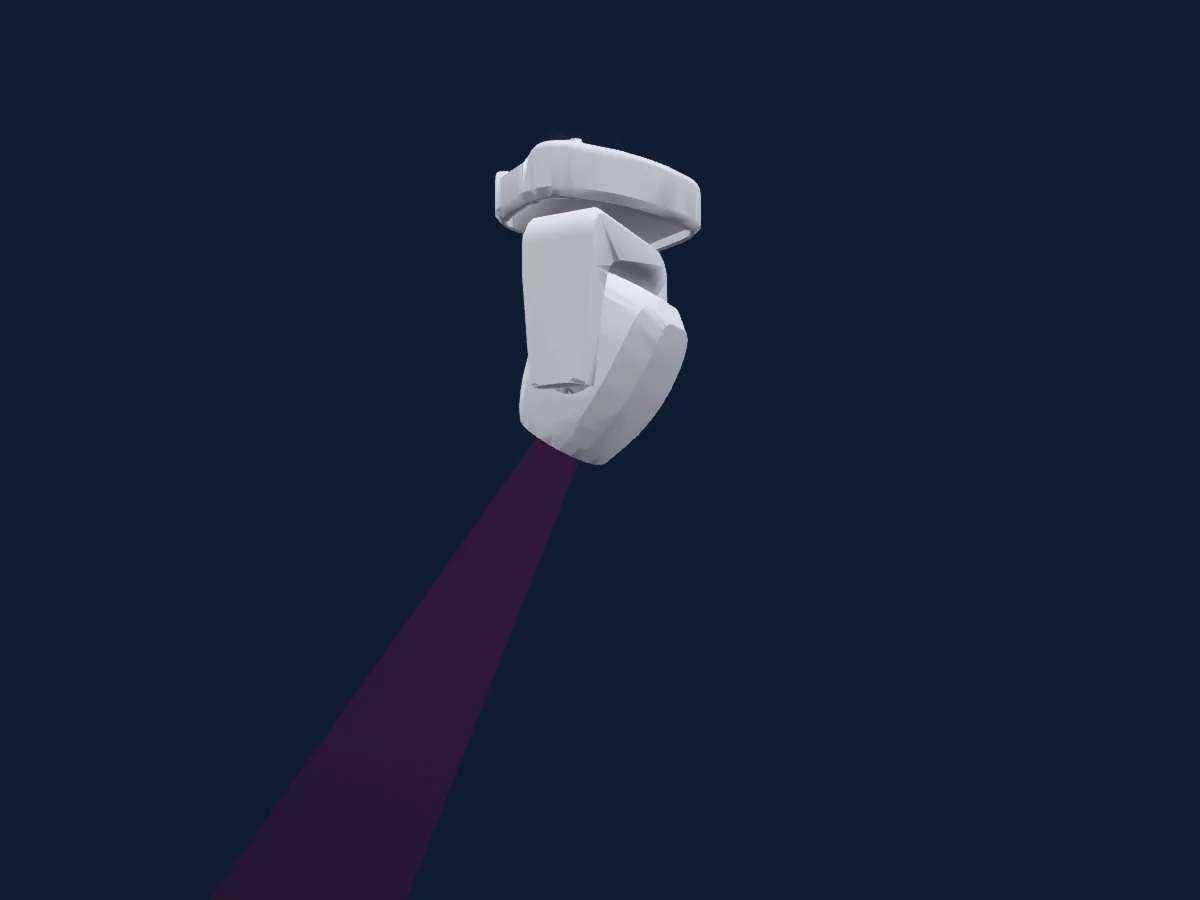
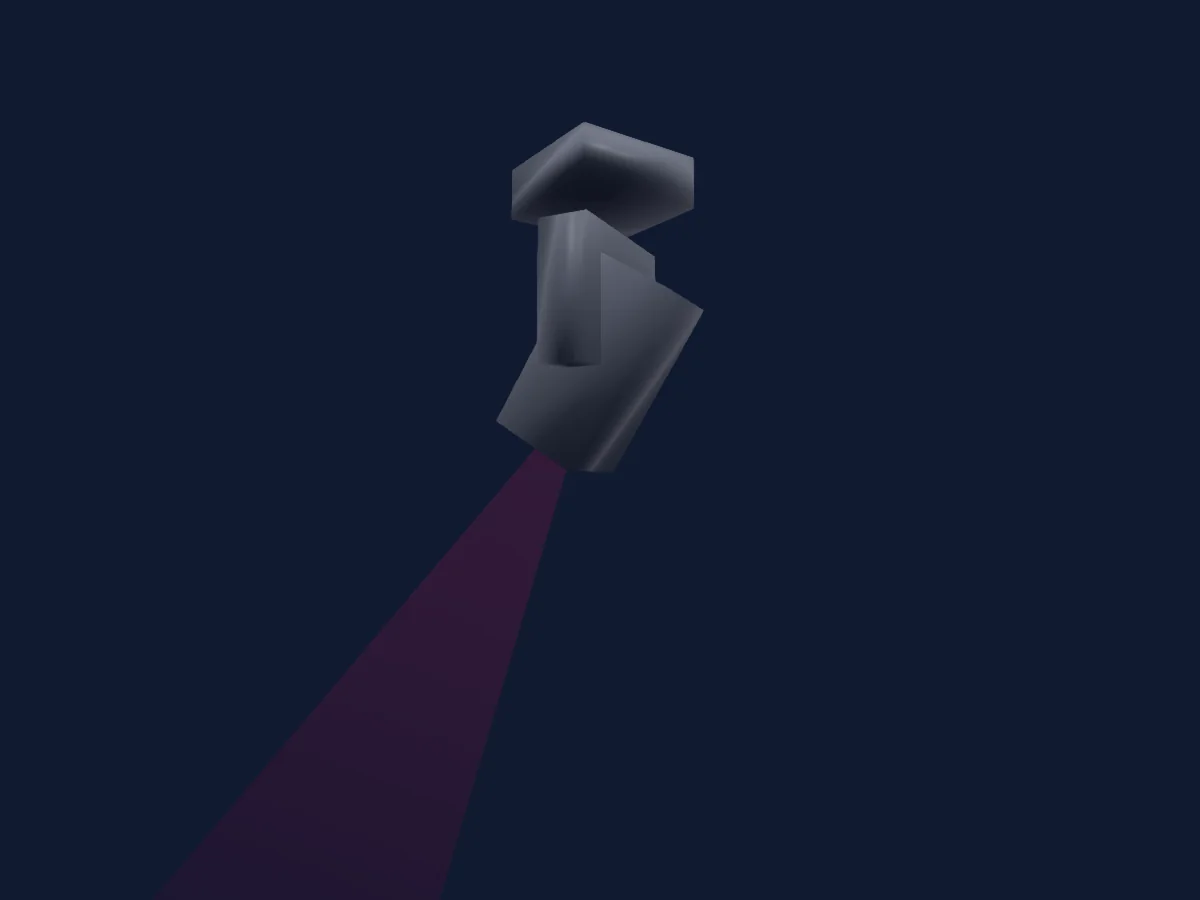
Showtec Xpression 2000S renderizzato in HitLight

Cosa può fare

  • Messa a fuoco
  • Frost
  • Prisma
  • Rotazione del prisma
  • Ruota colori
  • Strobo
  • Intensità
  • Velocità di movimento
  • Gobo
  • Rotazione dei gobo

Funzioni rilevanti per la sicurezza: Reset del faro · Strobo. Verifica come si comportano sul tuo faro prima di uno spettacolo.

Modalità DMX e tabelle dei canali

Modalità DMX di Showtec Xpression 2000S
ModalitàCanaliIn HitLight
Basic 14Ch14Pronto in HitLight
Advanced 18Ch18Pronto in HitLight

Basic 14Ch

Pronto in HitLight

14 canali DMX · Scarica questa tabella in CSV

Tabella dei canali DMX di Basic 14Ch
CanaleFunzionePredefinitoValori DMX
1Pan1270–255
2Tilt1270–255
3Dimmer0
3 intervalli di valori
  • 0–0 Min
  • 1–254 Min > Max
  • 255–255 Max
4Shutter / Strobe5
6 intervalli di valori
  • 0–4 No Function - Custom
  • 5–9 Open - Shutter Open
  • 10–89 Strobe S > F - Strobe
  • 90–169 Pulse Strobe S > F - Strobe Pulse Random
  • 170–250 Strobe Random S > F - Strobe Random
  • 251–255 Open - Shutter Open
5Color Wheel0
19 intervalli di valori
  • 0–16 Open - Color (wheel slot 1)
  • 17–29 Red - Color (wheel slot 2)
  • 30–42 Yellow - Color (wheel slot 3)
  • 43–55 Green - Color (wheel slot 4)
  • 56–68 Orange - Color (wheel slot 5)
  • 69–81 Magenta - Color (wheel slot 6)
  • 82–94 Cyan - Color (wheel slot 7)
  • 95–107 Congo - Color (wheel slot 8)
  • 108–120 Open/Red - Color (wheel slot 9)
  • 121–133 Red/Yellow - Color (wheel slot 10)
  • 134–146 Yellow/Green - Color (wheel slot 11)
  • 147–159 Green/Orange - Color (wheel slot 12)
  • 160–172 Orange/Magenta - Color (wheel slot 13)
  • 173–185 Magenta/Cyan - Color (wheel slot 14)
  • 186–198 Cyan/Congo - Color (wheel slot 15)
  • 199–211 Congo/Open - Color (wheel slot 16)
  • 212–231 F > S - Rotate CW
  • 232–235 Stop - Stop Loop
  • 236–255 S > F - Rotate CCW
6Gobo0
18 intervalli di valori
  • 0–14 Open - Gobo Open (wheel slot 1)
  • 15–29 Gobo 1 - Gobo (wheel slot 2)
  • 30–44 Gobo 2 - Gobo (wheel slot 3)
  • 45–59 Gobo 3 - Gobo (wheel slot 4)
  • 60–74 Gobo 4 - Gobo (wheel slot 5)
  • 75–89 Gobo 5 - Gobo (wheel slot 6)
  • 90–104 Gobo 6 - Gobo (wheel slot 7)
  • 105–119 Gobo 1 Shake - Gobo Shake (wheel slot 2)
  • 120–134 Gobo 2 Shake - Gobo Shake (wheel slot 3)
  • 135–149 Gobo 3 Shake - Gobo Shake (wheel slot 4)
  • 150–164 Gobo 4 Shake - Gobo Shake (wheel slot 5)
  • 165–179 Gobo 5 Shake - Gobo Shake (wheel slot 6)
  • 180–194 Gobo 6 Shake - Gobo Shake (wheel slot 7)
  • 195–207 No Function - Custom
  • 208–211 Open - Gobo Open (wheel slot 1)
  • 212–231 F > S - Rotate CW
  • 232–235 Stop - Stop Loop
  • 236–255 S > F - Rotate CCW
7Gobo Rotation0
5 intervalli di valori
  • 0–49 Indexing - Indexing
  • 50–125 F > S - Rotate CW
  • 126–129 Stop - Stop Loop
  • 130–205 S > F - Rotate CCW
  • 206–255 Gobo Bouncing S > F - Gobo Shake
8Prism0
2 intervalli di valori
  • 0–5 Close
  • 6–255 12F Circular (wheel slot 1)
9Prism Rotation0
5 intervalli di valori
  • 0–49 Indexing - Indexing
  • 50–125 F > S - Rotate CW
  • 126–129 Stop - Stop Loop
  • 130–205 S > F - Rotate CCW
  • 206–255 Prism Bouncing S > F - Rotate Random
10Prism0
2 intervalli di valori
  • 0–5 Close
  • 6–255 10F Linear (wheel slot 1)
11Prism Rotation0
5 intervalli di valori
  • 0–49 Indexing - Indexing
  • 50–125 F > S - Rotate CW
  • 126–129 Stop - Stop Loop
  • 130–205 S > F - Rotate CCW
  • 206–255 Prism Bouncing S > F - Rotate Random
12Focus127
3 intervalli di valori
  • 0–0 Min
  • 1–254 Min > Max
  • 255–255 Max
13Frost10
3 intervalli di valori
  • 0–0 Min
  • 1–254 Min > Max
  • 255–255 Max
14Control10
25 intervalli di valori
  • 0–21 No Function - Custom
  • 22–30 Pan Invert - Custom
  • 31–39 Pan Normal - Custom
  • 40–48 Tilt Invert - Custom
  • 49–57 Tilt Normal - Custom
  • 58–66 No Function - Custom
  • 67–75 Dimmer Curve Linear - Custom
  • 76–84 Dimmer Curve Square - Custom
  • 85–93 Dimmer Curve Inv Square - Custom
  • 94–102 Dimmer Curve S-Curve - Custom
  • 103–111 No Function - Custom
  • 112–120 PWM 1 2Khz - Custom
  • 121–129 PWM 2Khz - Custom
  • 130–138 PWM 4Khz - Custom
  • 139–147 PWM 6Khz - Custom
  • 148–156 PWM 15Khz - Custom
  • 157–165 No Function - Custom
  • 166–174 Blackout During P/T Movement On - Blackout
  • 175–183 Blackout During P/T Movement Off - Blackout
  • 184–192 No Function - Custom
  • 193–201 P/T Reset - Reset
  • 202–210 Color Reset - Reset
  • 211–228 Gobo Reset - Reset
  • 229–246 Focus Reset - Reset
  • 247–255 Reset All - Reset

Advanced 18Ch

Pronto in HitLight

18 canali DMX · Scarica questa tabella in CSV

Tabella dei canali DMX di Advanced 18Ch
CanaleFunzionePredefinitoValori DMX
1Pan1270–255
2Pan Fine255Byte fine di Pan
3Tilt1270–255
4Tilt Fine255Byte fine di Tilt
5Position MSpeed0
3 intervalli di valori
  • 0–0 Min
  • 1–254 Min > Max
  • 255–255 Max
6Dimmer0
3 intervalli di valori
  • 0–0 Min
  • 1–254 Min > Max
  • 255–255 Max
7Shutter / Strobe5
6 intervalli di valori
  • 0–4 No Function - Custom
  • 5–9 Open - Shutter Open
  • 10–89 Strobe S > F - Strobe
  • 90–169 Pulse Strobe S > F - Strobe Pulse Random
  • 170–250 Strobe Random S > F - Strobe Random
  • 251–255 Open - Shutter Open
8Color Wheel0
19 intervalli di valori
  • 0–16 Open - Color (wheel slot 1)
  • 17–29 Red - Color (wheel slot 2)
  • 30–42 Yellow - Color (wheel slot 3)
  • 43–55 Green - Color (wheel slot 4)
  • 56–68 Orange - Color (wheel slot 5)
  • 69–81 Magenta - Color (wheel slot 6)
  • 82–94 Cyan - Color (wheel slot 7)
  • 95–107 Congo - Color (wheel slot 8)
  • 108–120 Open/Red - Color (wheel slot 9)
  • 121–133 Red/Yellow - Color (wheel slot 10)
  • 134–146 Yellow/Green - Color (wheel slot 11)
  • 147–159 Green/Orange - Color (wheel slot 12)
  • 160–172 Orange/Magenta - Color (wheel slot 13)
  • 173–185 Magenta/Cyan - Color (wheel slot 14)
  • 186–198 Cyan/Congo - Color (wheel slot 15)
  • 199–211 Congo/Open - Color (wheel slot 16)
  • 212–231 F > S - Rotate CW
  • 232–235 Stop - Stop Loop
  • 236–255 S > F - Rotate CCW
9Gobo0
18 intervalli di valori
  • 0–14 Open - Gobo Open (wheel slot 1)
  • 15–29 Gobo 1 - Gobo (wheel slot 2)
  • 30–44 Gobo 2 - Gobo (wheel slot 3)
  • 45–59 Gobo 3 - Gobo (wheel slot 4)
  • 60–74 Gobo 4 - Gobo (wheel slot 5)
  • 75–89 Gobo 5 - Gobo (wheel slot 6)
  • 90–104 Gobo 6 - Gobo (wheel slot 7)
  • 105–119 Gobo 1 Shake - Gobo Shake (wheel slot 2)
  • 120–134 Gobo 2 Shake - Gobo Shake (wheel slot 3)
  • 135–149 Gobo 3 Shake - Gobo Shake (wheel slot 4)
  • 150–164 Gobo 4 Shake - Gobo Shake (wheel slot 5)
  • 165–179 Gobo 5 Shake - Gobo Shake (wheel slot 6)
  • 180–194 Gobo 6 Shake - Gobo Shake (wheel slot 7)
  • 195–207 No Function - Custom
  • 208–211 Open - Gobo Open (wheel slot 1)
  • 212–231 F > S - Rotate CW
  • 232–235 Stop - Stop Loop
  • 236–255 S > F - Rotate CCW
10Gobo Rotation0
5 intervalli di valori
  • 0–49 Indexing - Indexing
  • 50–125 F > S - Rotate CW
  • 126–129 Stop - Stop Loop
  • 130–205 S > F - Rotate CCW
  • 206–255 Gobo Bouncing S > F - Gobo Shake
11Prism0
2 intervalli di valori
  • 0–5 Close
  • 6–255 12F Circular (wheel slot 1)
12Prism Rotation0
5 intervalli di valori
  • 0–49 Indexing - Indexing
  • 50–125 F > S - Rotate CW
  • 126–129 Stop - Stop Loop
  • 130–205 S > F - Rotate CCW
  • 206–255 Prism Bouncing S > F - Rotate Random
13Prism0
2 intervalli di valori
  • 0–5 Close
  • 6–255 10F Linear (wheel slot 1)
14Prism Rotation0
5 intervalli di valori
  • 0–49 Indexing - Indexing
  • 50–125 F > S - Rotate CW
  • 126–129 Stop - Stop Loop
  • 130–205 S > F - Rotate CCW
  • 206–255 Prism Bouncing S > F - Rotate Random
15Focus1270–255
16Focus Fine255Byte fine di Focus
17Frost10
3 intervalli di valori
  • 0–0 Min
  • 1–254 Min > Max
  • 255–255 Max
18Control10
25 intervalli di valori
  • 0–21 No Function - Custom
  • 22–30 Pan Invert - Custom
  • 31–39 Pan Normal - Custom
  • 40–48 Tilt Invert - Custom
  • 49–57 Tilt Normal - Custom
  • 58–66 No Function - Custom
  • 67–75 Dimmer Curve Linear - Custom
  • 76–84 Dimmer Curve Square - Custom
  • 85–93 Dimmer Curve Inv Square - Custom
  • 94–102 Dimmer Curve S-Curve - Custom
  • 103–111 No Function - Custom
  • 112–120 PWM 1 2Khz - Custom
  • 121–129 PWM 2Khz - Custom
  • 130–138 PWM 4Khz - Custom
  • 139–147 PWM 6Khz - Custom
  • 148–156 PWM 15Khz - Custom
  • 157–165 No Function - Custom
  • 166–174 Blackout During P/T Movement On - Blackout
  • 175–183 Blackout During P/T Movement Off - Blackout
  • 184–192 No Function - Custom
  • 193–201 P/T Reset - Reset
  • 202–210 Color Reset - Reset
  • 211–228 Gobo Reset - Reset
  • 229–246 Focus Reset - Reset
  • 247–255 Reset All - Reset

Usare Showtec Xpression 2000S in HitLight

  1. Apri Aggiungi faro e cerca Showtec Xpression 2000S.
  2. Scegli la modalità DMX impostata nel menu del faro. HitLight gli assegna il primo indirizzo iniziale libero del suo universo in cui entra il numero di canali della modalità.
  3. Verifica modalità e controlli sul tuo faro reale prima dell’uso dal vivo.

Le tabelle provengono dalla descrizione GDTF del faro, convertita per la libreria di HitLight. HitLight non è affiliato a Showtec.

Fai il patch e lascia che sia la musica a guidare le luci.

HitLight trova questi fari nella sua libreria, li assegna al primo indirizzo libero e mostra il tuo impianto in 3D prima ancora di collegare una sola luce.

Apri HitLight ↗Scarica HitLight