 HitLight
StairVille MH-x60
Tabella DMX, 1 modalità DMX e anteprima 3D. 14 canali DMX.
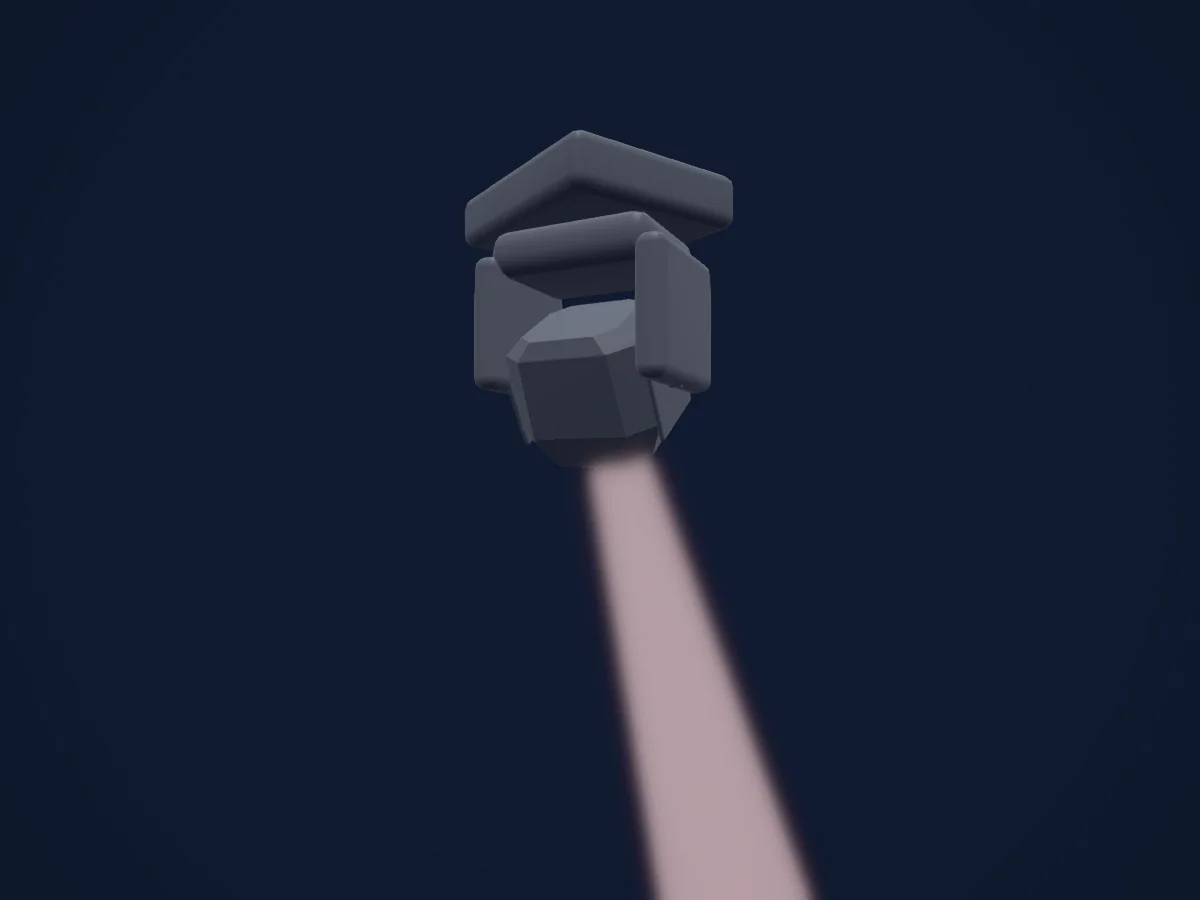
Cosa può fare
- Messa a fuoco
- Prisma
- Ruota colori
- Strobo
- Intensità
- Pan e tilt
- Velocità di movimento
- Gobo
- Rotazione dei gobo
Funzioni rilevanti per la sicurezza: Reset del faro. Verifica come si comportano sul tuo faro prima di uno spettacolo.
Modalità DMX e tabelle dei canali
| Modalità | Canali | In HitLight |
|---|---|---|
| 14 channels | 14 | Pronto in HitLight |
14 channels
Pronto in HitLight14 canali DMX · Scarica questa tabella in CSV
| Canale | Funzione | Predefinito | Valori DMX |
|---|---|---|---|
| 1 | Pan | 128 | 3 intervalli di valori
|
| 2 | Tilt | 128 | 3 intervalli di valori
|
| 3 | Pan Fine | 0 | Byte fine di Pan |
| 4 | Tilt Fine | 0 | Byte fine di Tilt |
| 5 | Position MSpeed | 0 | 2 intervalli di valori
|
| 6 | Color Wheel | 0 | 20 intervalli di valori
|
| 7 | Shutter / Strobe | 4 | 8 intervalli di valori
|
| 8 | Dimmer | 0 | 0–255 |
| 9 | Gobo | 0 | 18 intervalli di valori
|
| 10 | Gobo Rotation | 0 | 4 intervalli di valori
|
| 11 | Function | 0 | 10 intervalli di valori
|
| 12 | Dummy | 0 | 0–255 |
| 13 | Prism | 0 | 5 intervalli di valori
|
| 14 | Focus | 0 | 0–255 |
Usare StairVille MH-x60 in HitLight
- Apri Aggiungi faro e cerca StairVille MH-x60.
- Scegli la modalità DMX impostata nel menu del faro. HitLight gli assegna il primo indirizzo iniziale libero del suo universo in cui entra il numero di canali della modalità.
- Verifica modalità e controlli sul tuo faro reale prima dell’uso dal vivo.
Locali con StairVille MH-x60
I loro impianti salvati includono questo modello di proiettore. Verifica l’attrezzatura attuale con il locale.
- Werkk Kulturlokal Baden, Svizzera
Fari correlati
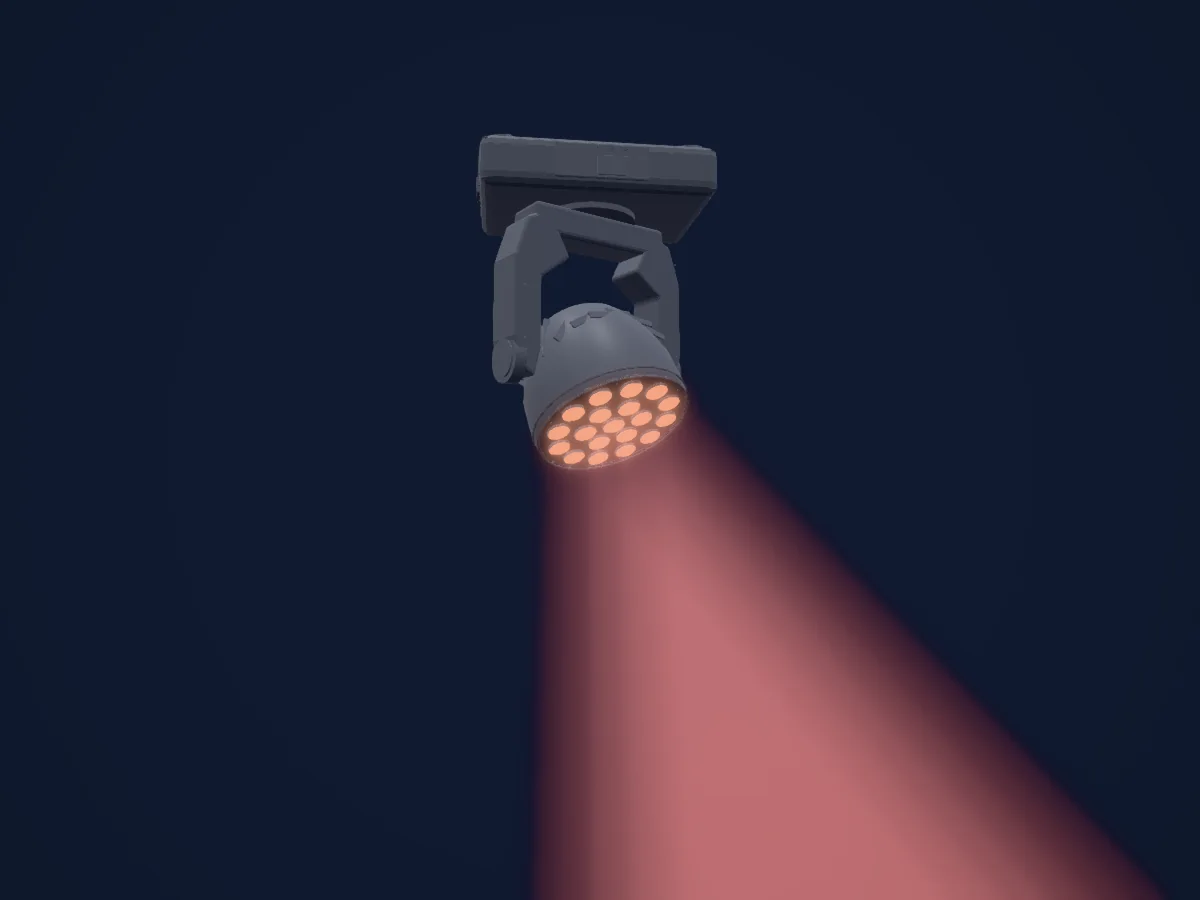
Stairville MH-z1915
StairVille BSW-350
StairVille MH-575 S
StairVille Infinite Pixel Mini 90
StairVille Beam Ball 100 Quad LED
StairVille Beam Moving Head B2R
Le tabelle provengono dalla descrizione GDTF del faro, convertita per la libreria di HitLight. HitLight non è affiliato a StairVille.
Fixture model: gdtf-stairville-mh-x60-31348
Original in-house geometry authored by HitLight
Modifications: Original in-house geometry authored and reviewed by agent thread thr_mzwgs62x28; no third-party mesh or photographs embedded. Original mounting frame restored. Source pivots retained; transverse tilt axis orientation is a visual estimate preserving current preview direction, not measured calibration.