Vai al contenuto
HitLight
Terbly · Testa mobile

Terbly GLW370Z

Tabella DMX, 4 modalità DMX e anteprima 3D. 4 / 17 / 21 / 39 canali DMX.
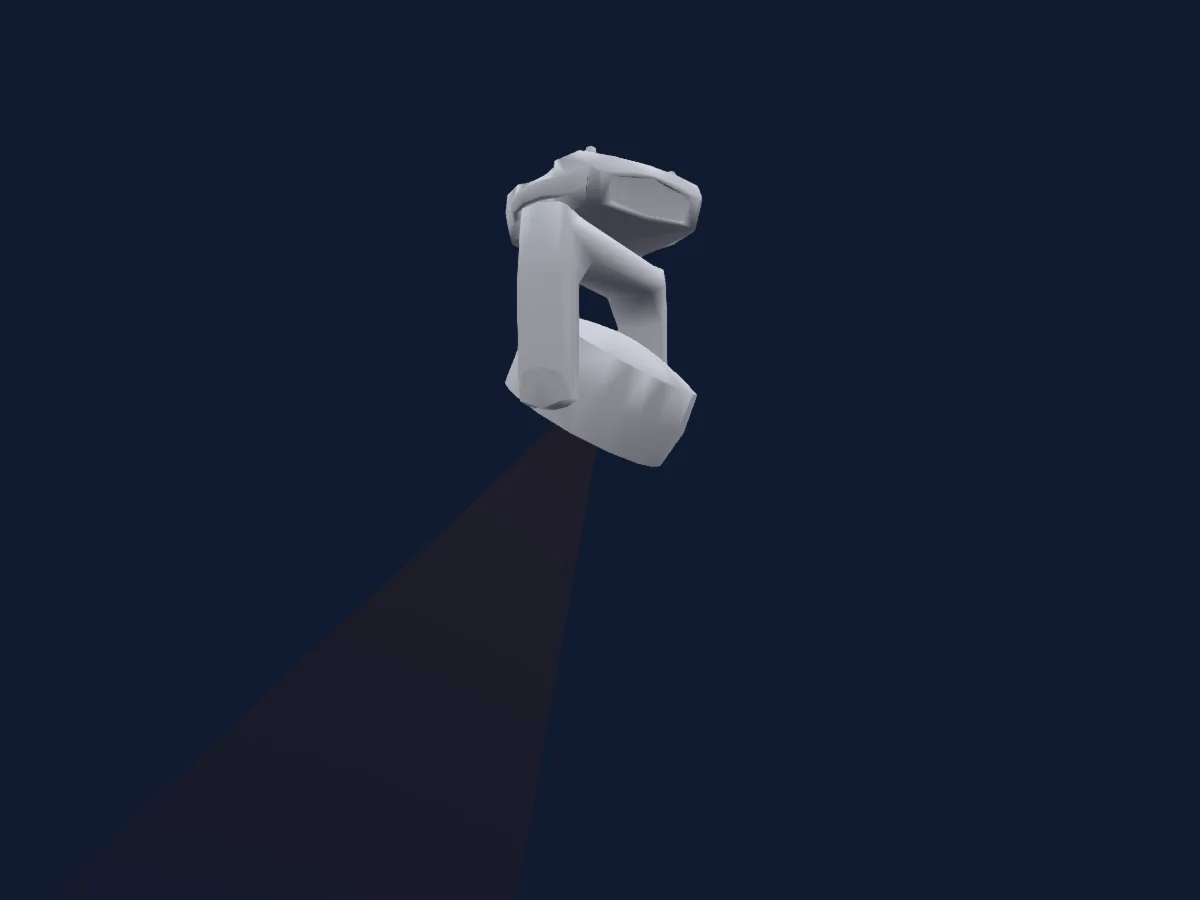
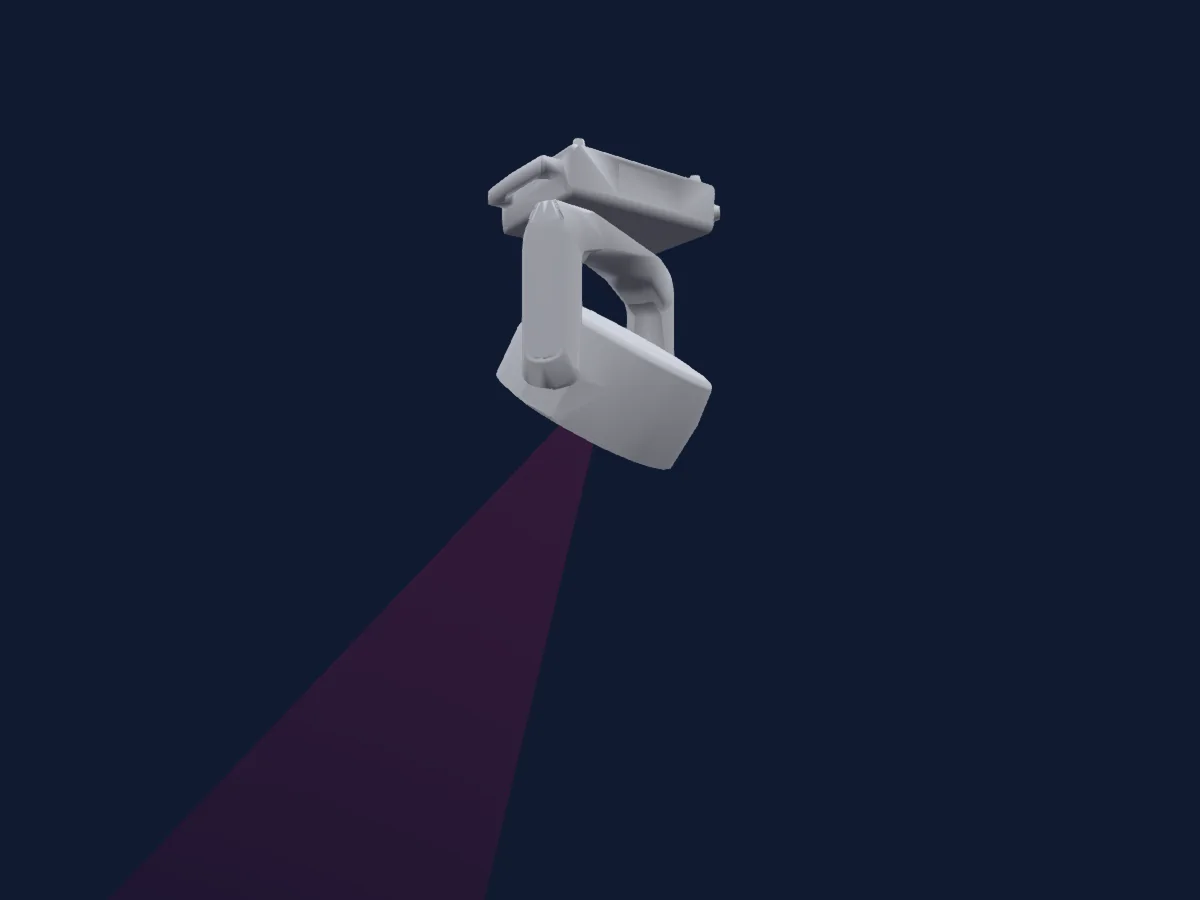
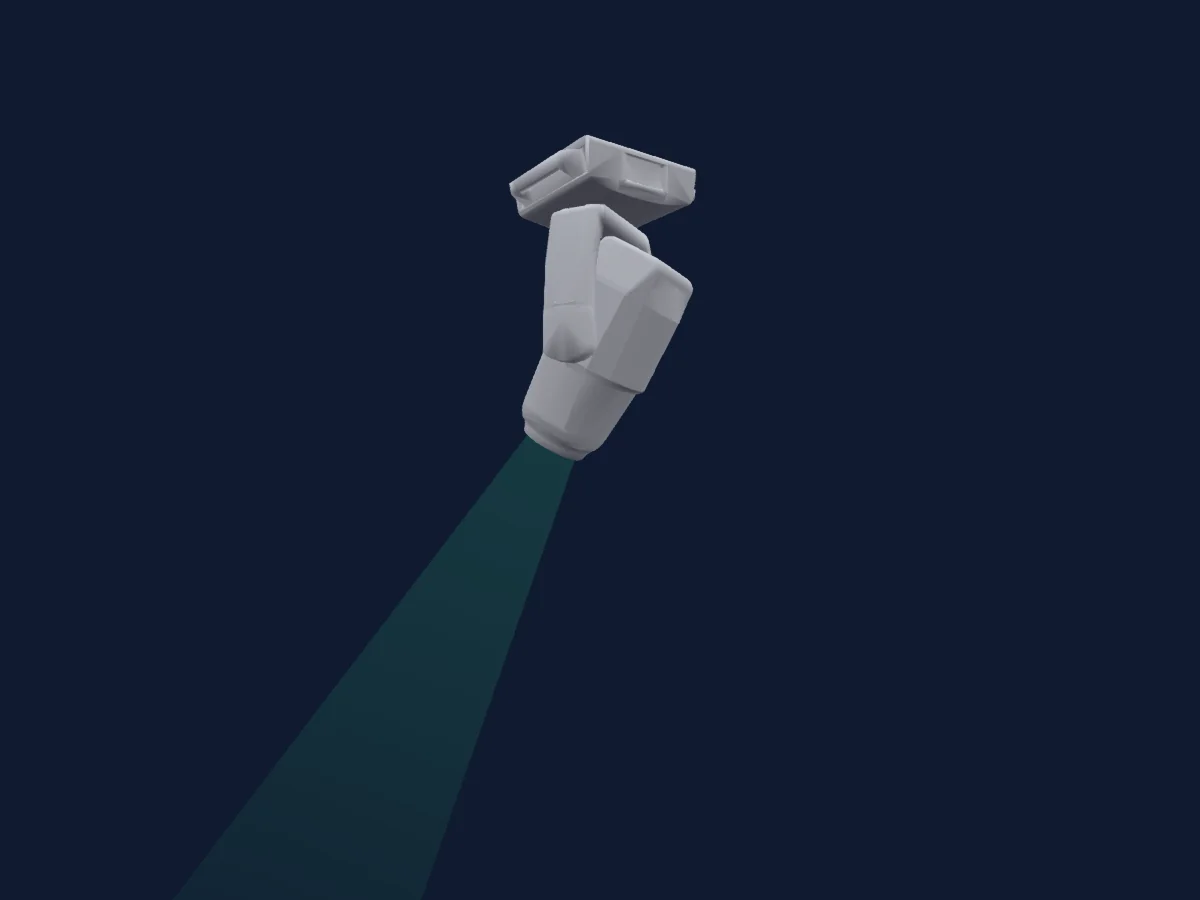
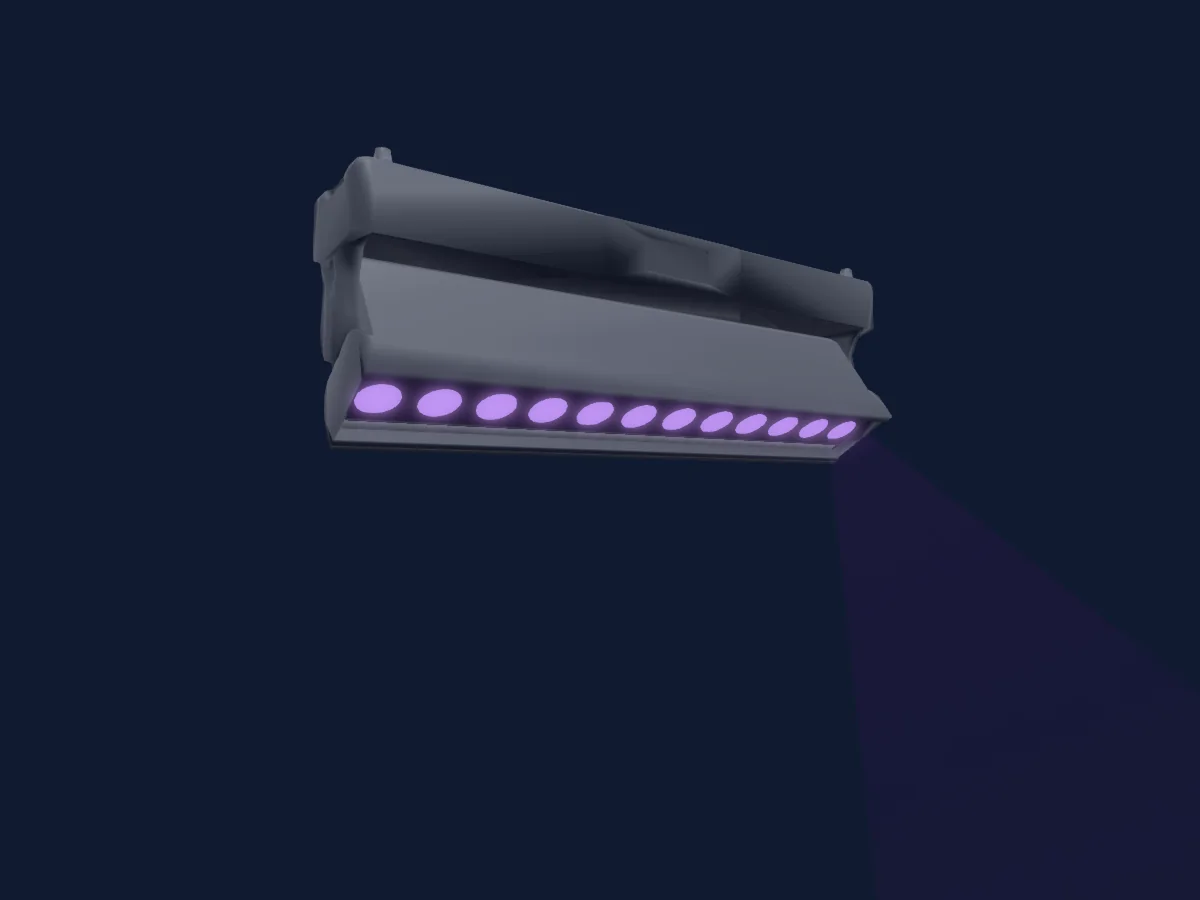
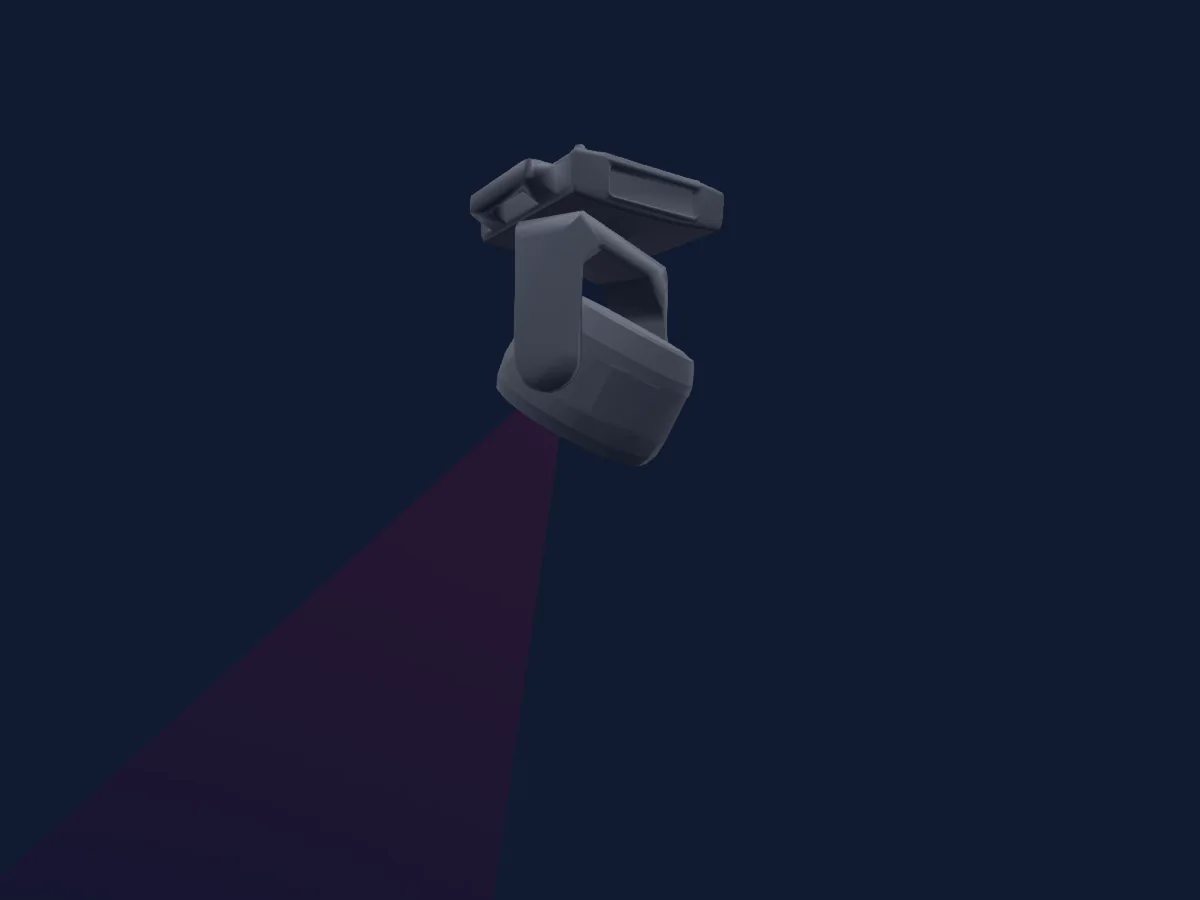
Terbly GLW370Z renderizzato in HitLight

Cosa può fare

  • Zoom
  • Colori LED aggiuntivi
  • Miscelazione colori RGB
  • Ruota colori
  • Velocità degli effetti
  • Strobo
  • Intensità
  • Controllo dei pixel
  • Pan e tilt
  • Velocità di movimento

Funzioni rilevanti per la sicurezza: Funzioni di servizio · Programmi di effetti integrati. Verifica come si comportano sul tuo faro prima di uno spettacolo.

Modalità DMX e tabelle dei canali

Modalità DMX di Terbly GLW370Z
ModalitàCanaliIn HitLight
Pixel4Pronto in HitLight
Basic17Pronto in HitLight
Extended21Pronto in HitLight
Standard39Pronto in HitLight

Pixel

Pronto in HitLight

4 canali DMX · Scarica questa tabella in CSV

Tabella dei canali DMX di Pixel
CanaleFunzionePredefinitoValori DMX
1Red2550–255
2Green2550–255
3Blue2550–255
4White00–255

Basic

Pronto in HitLight

17 canali DMX · Scarica questa tabella in CSV

Tabella dei canali DMX di Basic
CanaleFunzionePredefinitoValori DMX
1Pan1280–255
2Tilt1280–255
3Position MSpeed0
4 intervalli di valori
  • 0–224 max
  • 225–225 min
  • 226–235 BO by Movement
  • 236–255 no function
4Shutter / Strobe63
11 intervalli di valori
  • 0–31 Closed
  • 32–63 Open
  • 64–94 min Strobe
  • 95–95 max Strobe
  • 96–127 Open 2
  • 128–158 min Pulse
  • 159–159 max Pulse
  • 160–191 Open 3
  • 192–222 Random · min Rnd 1–24.2 Hz
  • 223–223 Random · maxRnd 25 Hz
  • 224–255 Open 4
5Dimmer0
2 intervalli di valori
  • 0–254 Closed
  • 255–255 Open
6Dimmer Curve0
6 intervalli di valori
  • 0–20 Standard
  • 21–40 Stage
  • 41–60 TV
  • 61–80 Architectural
  • 81–100 Theatre
  • 101–255 Default
7Zoom128
3 intervalli di valori
  • 0–127 narrow
  • 128–254 normal
  • 255–255 wide
8Red2550–255
9Green2550–255
10Blue2550–255
11White00–255
12Color Wheel0
30 intervalli di valori
  • 0–4 No function (wheel slot 1)
  • 5–9 2700K (wheel slot 2)
  • 10–14 3200K (wheel slot 3)
  • 15–19 4300K (wheel slot 4)
  • 20–24 5600K (wheel slot 5)
  • 25–29 6500K (wheel slot 6)
  • 30–34 8000K (wheel slot 7)
  • 35–39 Red (wheel slot 8)
  • 40–44 Green (wheel slot 9)
  • 45–49 Blue (wheel slot 10)
  • 50–54 Natural White (wheel slot 11)
  • 55–59 Full White (wheel slot 12)
  • 60–64 Yellow (wheel slot 13)
  • 65–69 Magenta (wheel slot 14)
  • 70–74 Cyan (wheel slot 15)
  • 75–79 Salmon (wheel slot 16)
  • 80–84 Turquoise (wheel slot 17)
  • 85–89 Light Green (wheel slot 18)
  • 90–94 Steel Blue (wheel slot 19)
  • 95–99 Orange (wheel slot 20)
  • 100–104 Straw (wheel slot 21)
  • 105–109 Pale Lavander (wheel slot 22)
  • 110–114 Pink (wheel slot 23)
  • 115–119 Red/White (wheel slot 24)
  • 120–124 Green/Red (wheel slot 25)
  • 125–129 Blue/Red (wheel slot 26)
  • 130–134 White/Red (wheel slot 27)
  • 135–139 White/Pink (wheel slot 28)
  • 140–144 White/Turquoise (wheel slot 29)
  • 145–255 Small Red/White (wheel slot 30)
13Effect0
24 intervalli di valori
  • 0–25 Safe
  • 26–35 Chase 1
  • 36–45 Chase 2
  • 46–55 Chase 3
  • 56–65 Chase 4
  • 66–75 Chase 5
  • 76–85 Chase 6
  • 86–95 Chase 7
  • 96–105 Chase 8
  • 106–115 Chase 9
  • 116–125 Chase 10
  • 126–135 CHase 11
  • 136–145 Chase 12
  • 146–155 CHase 13
  • 156–165 Chase 14
  • 166–175 Chase 15
  • 176–185 Chase 16
  • 186–195 Chase 17
  • 196–205 Chase 18
  • 206–215 Chase 19
  • 216–225 Chase 20
  • 226–235 Chase 21
  • 236–245 Chase 22
  • 246–255 Chase 23
14Effect Speed0
7 intervalli di valori
  • 0–0 >>>
  • 1–124 >>
  • 125–125 >
  • 126–130 Stop
  • 131–131 <
  • 132–254 <<
  • 255–255 <<<
15Effects1Fade00–255
16Color Calibration Mode0
3 intervalli di valori
  • 0–189 No function
  • 190–254 Edit a new white balance
  • 255–255 Store a new white balance
17Control10
15 intervalli di valori
  • 0–79 Normal
  • 80–84 Reset all
  • 85–87 Reset P/T
  • 88–90 NoFeature
  • 91–93 Srore white balance enabled
  • 94–96 NoFeature
  • 97–99 Reset others
  • 100–119 Program 1
  • 120–139 Program 2
  • 140–159 Program 3
  • 160–179 Program 4
  • 180–199 Program 5
  • 200–219 Program 6
  • 220–239 Program 7
  • 240–255 Music Control

Extended

Pronto in HitLight

21 canali DMX · Scarica questa tabella in CSV

Tabella dei canali DMX di Extended
CanaleFunzionePredefinitoValori DMX
1Pan1280–255
2Pan Fine128Byte fine di Pan
3Tilt1280–255
4Tilt Fine128Byte fine di Tilt
5Position MSpeed0
4 intervalli di valori
  • 0–224 max
  • 225–225 min
  • 226–235 BO by Movement
  • 236–255 no function
6Shutter / Strobe63
11 intervalli di valori
  • 0–31 Closed
  • 32–63 Open
  • 64–94 min Strobe
  • 95–95 max Strobe
  • 96–127 Open 2
  • 128–158 min Pulse
  • 159–159 max Pulse
  • 160–191 Open 3
  • 192–222 Random · min Rnd 1–24.2 Hz
  • 223–223 Random · maxRnd 25 Hz
  • 224–255 Open 4
7Dimmer0
2 intervalli di valori
  • 0–254 Closed
  • 255–255 Open
8Dimmer Fine0Byte fine di Dimmer
9Dimmer Curve0
6 intervalli di valori
  • 0–20 Standard
  • 21–40 Stage
  • 41–60 TV
  • 61–80 Architectural
  • 81–100 Theatre
  • 101–255 Default
10Zoom128
3 intervalli di valori
  • 0–127 narrow
  • 128–254 normal
  • 255–255 wide
11Zoom Fine128Byte fine di Zoom
12Color Wheel0
30 intervalli di valori
  • 0–4 No function (wheel slot 1)
  • 5–9 2700K (wheel slot 2)
  • 10–14 3200K (wheel slot 3)
  • 15–19 4300K (wheel slot 4)
  • 20–24 5600K (wheel slot 5)
  • 25–29 6500K (wheel slot 6)
  • 30–34 8000K (wheel slot 7)
  • 35–39 Red (wheel slot 8)
  • 40–44 Green (wheel slot 9)
  • 45–49 Blue (wheel slot 10)
  • 50–54 Natural White (wheel slot 11)
  • 55–59 Full White (wheel slot 12)
  • 60–64 Yellow (wheel slot 13)
  • 65–69 Magenta (wheel slot 14)
  • 70–74 Cyan (wheel slot 15)
  • 75–79 Salmon (wheel slot 16)
  • 80–84 Turquoise (wheel slot 17)
  • 85–89 Light Green (wheel slot 18)
  • 90–94 Steel Blue (wheel slot 19)
  • 95–99 Orange (wheel slot 20)
  • 100–104 Straw (wheel slot 21)
  • 105–109 Pale Lavander (wheel slot 22)
  • 110–114 Pink (wheel slot 23)
  • 115–119 Red/White (wheel slot 24)
  • 120–124 Green/Red (wheel slot 25)
  • 125–129 Blue/Red (wheel slot 26)
  • 130–134 White/Red (wheel slot 27)
  • 135–139 White/Pink (wheel slot 28)
  • 140–144 White/Turquoise (wheel slot 29)
  • 145–255 Small Red/White (wheel slot 30)
13Effect0
24 intervalli di valori
  • 0–25 Safe
  • 26–35 Chase 1
  • 36–45 Chase 2
  • 46–55 Chase 3
  • 56–65 Chase 4
  • 66–75 Chase 5
  • 76–85 Chase 6
  • 86–95 Chase 7
  • 96–105 Chase 8
  • 106–115 Chase 9
  • 116–125 Chase 10
  • 126–135 CHase 11
  • 136–145 Chase 12
  • 146–155 CHase 13
  • 156–165 Chase 14
  • 166–175 Chase 15
  • 176–185 Chase 16
  • 186–195 Chase 17
  • 196–205 Chase 18
  • 206–215 Chase 19
  • 216–225 Chase 20
  • 226–235 Chase 21
  • 236–245 Chase 22
  • 246–255 Chase 23
14Effect Speed0
7 intervalli di valori
  • 0–0 >>>
  • 1–124 >>
  • 125–125 >
  • 126–130 Stop
  • 131–131 <
  • 132–254 <<
  • 255–255 <<<
15Effects1Fade00–255
16Color Calibration Mode0
3 intervalli di valori
  • 0–189 No function
  • 190–254 Edit a new white balance
  • 255–255 Store a new white balance
17Control10
15 intervalli di valori
  • 0–79 Normal
  • 80–84 Reset all
  • 85–87 Reset P/T
  • 88–90 NoFeature
  • 91–93 Srore white balance enabled
  • 94–96 NoFeature
  • 97–99 Reset others
  • 100–119 Program 1
  • 120–139 Program 2
  • 140–159 Program 3
  • 160–179 Program 4
  • 180–199 Program 5
  • 200–219 Program 6
  • 220–239 Program 7
  • 240–255 Music Control
18Red2550–255
19Green2550–255
20Blue2550–255
21White00–255

Standard

Pronto in HitLight

39 canali DMX · Scarica questa tabella in CSV

Tabella dei canali DMX di Standard
CanaleFunzionePredefinitoValori DMX
1Pan1280–255
2Pan Fine0Byte fine di Pan
3Tilt1280–255
4Tilt Fine0Byte fine di Tilt
5Position MSpeed0
4 intervalli di valori
  • 0–224 max
  • 225–225 min
  • 226–235 BO by Movement
  • 236–255 no function
6Shutter / Strobe63
11 intervalli di valori
  • 0–31 Closed
  • 32–63 Open
  • 64–94 min Strobe
  • 95–95 max Strobe
  • 96–127 Open 2
  • 128–158 min Pulse
  • 159–159 max Pulse
  • 160–191 Open 3
  • 192–222 Random · min Rnd 1–24.2 Hz
  • 223–223 Random · maxRnd 25 Hz
  • 224–255 Open 4
7Dimmer0
2 intervalli di valori
  • 0–254 Closed
  • 255–255 Open
8Dimmer Curve0
6 intervalli di valori
  • 0–20 Standard
  • 21–40 Stage
  • 41–60 TV
  • 61–80 Architectural
  • 81–100 Theatre
  • 101–255 Default
9Zoom128
3 intervalli di valori
  • 0–127 narrow
  • 128–254 normal
  • 255–255 wide
10Reserved 1000–255
11Reserved 1100–255
12Reserved 1200–255
13Reserved 1300–255
14Reserved 1400–255
15Reserved 1500–255
16Reserved 1600–255
17Reserved 1700–255
18Color Wheel0
30 intervalli di valori
  • 0–4 No function (wheel slot 1)
  • 5–9 2700K (wheel slot 2)
  • 10–14 3200K (wheel slot 3)
  • 15–19 4300K (wheel slot 4)
  • 20–24 5600K (wheel slot 5)
  • 25–29 6500K (wheel slot 6)
  • 30–34 8000K (wheel slot 7)
  • 35–39 Red (wheel slot 8)
  • 40–44 Green (wheel slot 9)
  • 45–49 Blue (wheel slot 10)
  • 50–54 Natural White (wheel slot 11)
  • 55–59 Full White (wheel slot 12)
  • 60–64 Yellow (wheel slot 13)
  • 65–69 Magenta (wheel slot 14)
  • 70–74 Cyan (wheel slot 15)
  • 75–79 Salmon (wheel slot 16)
  • 80–84 Turquoise (wheel slot 17)
  • 85–89 Light Green (wheel slot 18)
  • 90–94 Steel Blue (wheel slot 19)
  • 95–99 Orange (wheel slot 20)
  • 100–104 Straw (wheel slot 21)
  • 105–109 Pale Lavander (wheel slot 22)
  • 110–114 Pink (wheel slot 23)
  • 115–119 Red/White (wheel slot 24)
  • 120–124 Green/Red (wheel slot 25)
  • 125–129 Blue/Red (wheel slot 26)
  • 130–134 White/Red (wheel slot 27)
  • 135–139 White/Pink (wheel slot 28)
  • 140–144 White/Turquoise (wheel slot 29)
  • 145–255 Small Red/White (wheel slot 30)
19Effect0
24 intervalli di valori
  • 0–25 Safe
  • 26–35 Chase 1
  • 36–45 Chase 2
  • 46–55 Chase 3
  • 56–65 Chase 4
  • 66–75 Chase 5
  • 76–85 Chase 6
  • 86–95 Chase 7
  • 96–105 Chase 8
  • 106–115 Chase 9
  • 116–125 Chase 10
  • 126–135 CHase 11
  • 136–145 Chase 12
  • 146–155 CHase 13
  • 156–165 Chase 14
  • 166–175 Chase 15
  • 176–185 Chase 16
  • 186–195 Chase 17
  • 196–205 Chase 18
  • 206–215 Chase 19
  • 216–225 Chase 20
  • 226–235 Chase 21
  • 236–245 Chase 22
  • 246–255 Chase 23
20Effect Speed0
7 intervalli di valori
  • 0–0 >>>
  • 1–124 >>
  • 125–125 >
  • 126–130 Stop
  • 131–131 <
  • 132–254 <<
  • 255–255 <<<
21Effects1Fade00–255
22Color Calibration Mode0
3 intervalli di valori
  • 0–189 No function
  • 190–254 Edit a new white balance
  • 255–255 Store a new white balance
23Control10
15 intervalli di valori
  • 0–79 Normal
  • 80–84 Reset all
  • 85–87 Reset P/T
  • 88–90 NoFeature
  • 91–93 Srore white balance enabled
  • 94–96 NoFeature
  • 97–99 Reset others
  • 100–119 Program 1
  • 120–139 Program 2
  • 140–159 Program 3
  • 160–179 Program 4
  • 180–199 Program 5
  • 200–219 Program 6
  • 220–239 Program 7
  • 240–255 Music Control
24Red2550–255
25Green2550–255
26Blue2550–255
27White00–255
28Red2550–255
29Green2550–255
30Blue2550–255
31White00–255
32Red2550–255
33Green2550–255
34Blue2550–255
35White00–255
36Red2550–255
37Green2550–255
38Blue2550–255
39White00–255

Usare Terbly GLW370Z in HitLight

  1. Apri Aggiungi faro e cerca Terbly GLW370Z.
  2. Scegli la modalità DMX impostata nel menu del faro. HitLight gli assegna il primo indirizzo iniziale libero del suo universo in cui entra il numero di canali della modalità.
  3. Verifica modalità e controlli sul tuo faro reale prima dell’uso dal vivo.

Le tabelle provengono dalla descrizione GDTF del faro, convertita per la libreria di HitLight. HitLight non è affiliato a Terbly.

Fai il patch e lascia che sia la musica a guidare le luci.

HitLight trova questi fari nella sua libreria, li assegna al primo indirizzo libero e mostra il tuo impianto in 3D prima ancora di collegare una sola luce.

Apri HitLight ↗Scarica HitLight