Pular para o conteúdo
HitLight
Chauvet DJ · Luz de efeito

Chauvet DJ Freedom Par Q9

Tabela DMX, 1 modo DMX e prévia em 3D. 14 canais DMX.
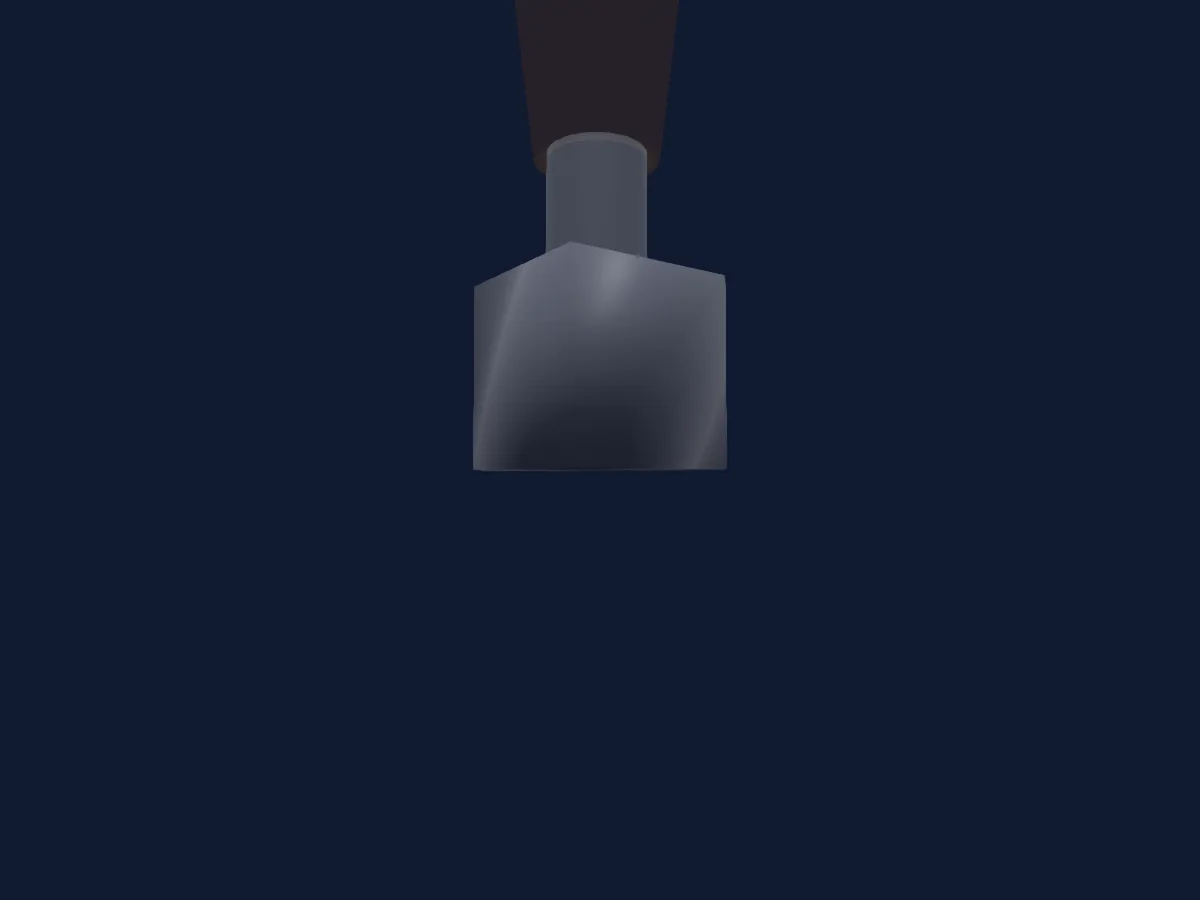
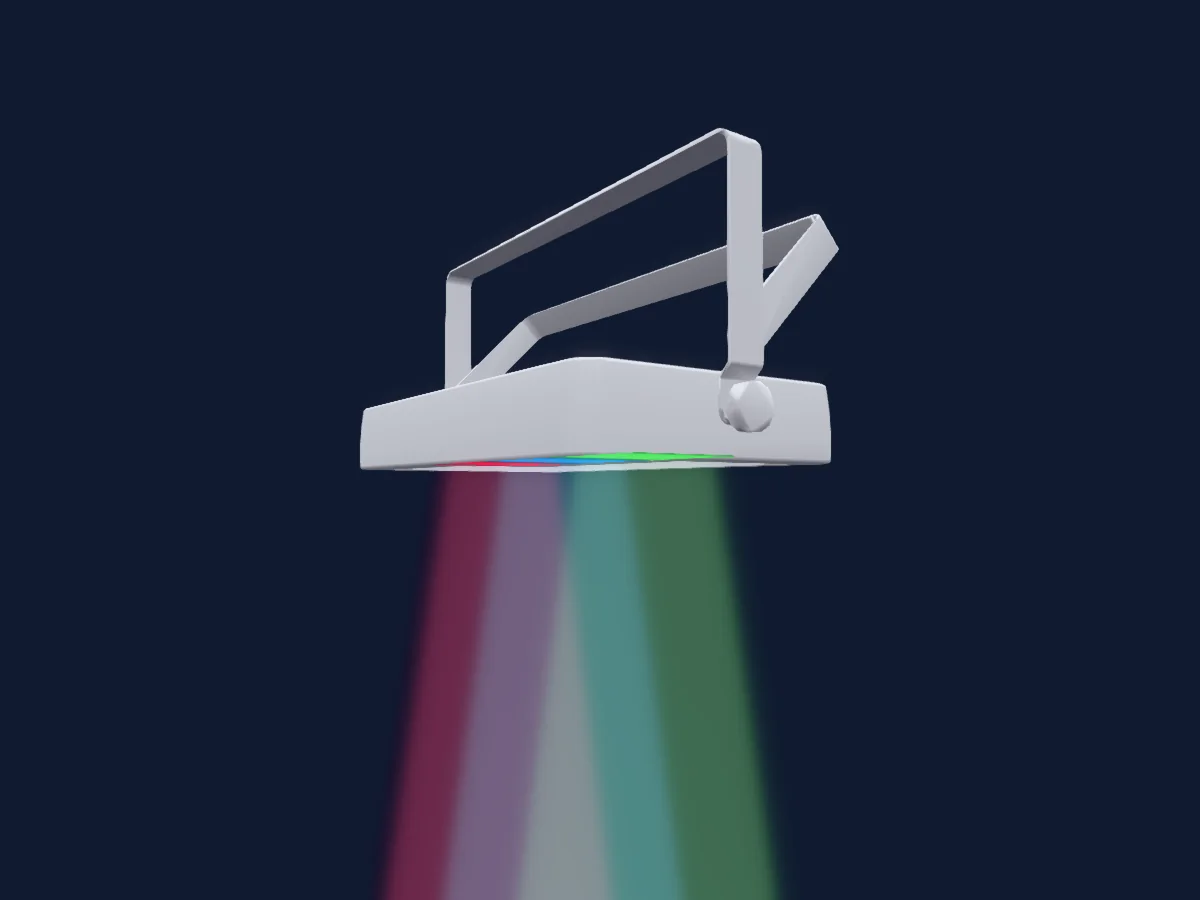
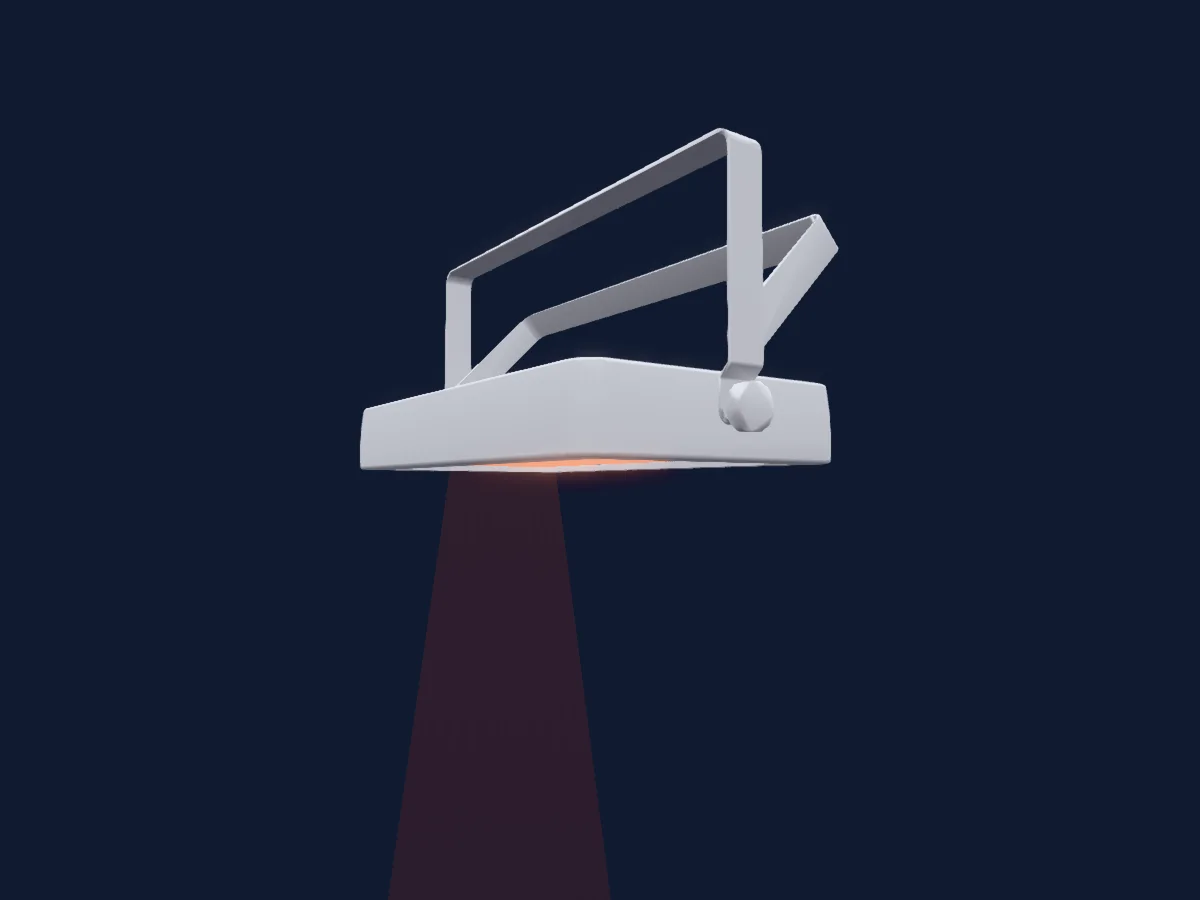
Chauvet DJ Freedom Par Q9 renderizado no HitLight

O que ele faz

  • Cores de LED adicionais
  • Mistura de cores RGB
  • Roda de cores
  • Strobo
  • Dimmer

Funções relevantes para a segurança: Strobo · Programas de efeitos integrados. Confira como elas se comportam no seu refletor antes de um show.

Modos DMX e tabelas de canais

Modos DMX de Chauvet DJ Freedom Par Q9
ModoCanaisNo HitLight
14ch Mode14Pronto no HitLight

14ch Mode

Pronto no HitLight

14 canais DMX · Baixar esta tabela em CSV

Tabela de canais DMX de 14ch Mode
CanalFunçãoPadrãoValores DMX
1Dimmer0
3 faixas de valores
  • 0–0 Min
  • 1–254 Min > Max
  • 255–255 Max
2Red0
3 faixas de valores
  • 0–0 Min
  • 1–254 Min > Max
  • 255–255 Max
3Green0
3 faixas de valores
  • 0–0 Min
  • 1–254 Min > Max
  • 255–255 Max
4Blue0
3 faixas de valores
  • 0–0 Min
  • 1–254 Min > Max
  • 255–255 Max
5Color Add RY0
3 faixas de valores
  • 0–0 Min
  • 1–254 Min > Max
  • 255–255 Max
6Shutter / Strobe0
4 faixas de valores
  • 0–15 Open
  • 16–16 Strobe Min
  • 17–254 Strobe S > F
  • 255–255 Strobe Max
7Color Macro10
21 faixas de valores
  • 0–10 Colour Macros Off
  • 11–30 R:100% G:0-100% B:0 - Color (wheel slot 1)
  • 31–50 R:100%-0 G:100% B:0 - Color (wheel slot 2)
  • 51–70 R:0 G:100% B:0-100% - Color (wheel slot 3)
  • 71–90 R:0 G:100%-0 B:100% - Color (wheel slot 4)
  • 91–110 R:0-100% G:0 B:100% - Color (wheel slot 5)
  • 111–130 R:100% G:0 B:0-100% - Color (wheel slot 6)
  • 131–150 R:100% G:0-100% B:0-100% - Color (wheel slot 7)
  • 151–170 R:100%-0 G:100%-0 B:100% - Color (wheel slot 8)
  • 171–200 RGBA: 100% - Color (wheel slot 9)
  • 201–205 Color 1 (wheel slot 10)
  • 206–210 Color 2 (wheel slot 11)
  • 211–215 Color 3 (wheel slot 12)
  • 216–220 Color 4 (wheel slot 13)
  • 221–225 Color 5 (wheel slot 14)
  • 226–230 Color 6 (wheel slot 15)
  • 231–235 Color 7 (wheel slot 16)
  • 236–240 Color 8 (wheel slot 17)
  • 241–245 Color 9 (wheel slot 9)
  • 246–250 Color 10 (wheel slot 19)
  • 251–255 Color 11 (wheel slot 20)
8Effect0
12 faixas de valores
  • 0–21 Auto Programs Off
  • 22–43 Auto Program 1
  • 44–65 Auto Program 2
  • 66–87 Auto Program 3
  • 88–109 Auto Program 4
  • 110–131 Auto Program 5
  • 132–153 Auto Program 6
  • 154–175 Auto Program 7
  • 176–197 Auto Program 8
  • 198–219 Auto Program 9
  • 220–241 Auto Program 1-9
  • 242–255 Sound Show
9Effect 20
3 faixas de valores
  • 0–0 FG Dim Min
  • 1–254 FG Dim Min > Max
  • 255–255 FG Dim Max
10Color Effects20
16 faixas de valores
  • 0–3 Red (wheel slot 1)
  • 4–7 Green (wheel slot 2)
  • 8–11 Blue (wheel slot 3)
  • 12–15 Amber (wheel slot 4)
  • 16–19 R + G (wheel slot 5)
  • 20–23 R + B (wheel slot 6)
  • 24–27 R + A (wheel slot 7)
  • 28–31 G + B (wheel slot 8)
  • 32–35 G + A (wheel slot 9)
  • 36–39 B + A (wheel slot 10)
  • 40–43 R + G + B (wheel slot 11)
  • 44–47 R + G + A (wheel slot 12)
  • 48–51 R + B + A (wheel slot 13)
  • 52–55 G + B + A (wheel slot 14)
  • 56–59 R + G + B + A (wheel slot 15)
  • 60–255 Off (wheel slot 16)
11Effect 30
3 faixas de valores
  • 0–0 BG Dim Min
  • 1–254 BG Dim Min > Max
  • 255–255 BG Dim Max
12Color Effects30
16 faixas de valores
  • 0–3 Red (wheel slot 1)
  • 4–7 Green (wheel slot 2)
  • 8–11 Blue (wheel slot 3)
  • 12–15 Amber (wheel slot 4)
  • 16–19 R + G (wheel slot 5)
  • 20–23 R + B (wheel slot 6)
  • 24–27 R + A (wheel slot 7)
  • 28–31 G + B (wheel slot 8)
  • 32–35 G + A (wheel slot 9)
  • 36–39 B + A (wheel slot 10)
  • 40–43 R + G + B (wheel slot 11)
  • 44–47 R + G + A (wheel slot 12)
  • 48–51 R + B + A (wheel slot 13)
  • 52–55 G + B + A (wheel slot 14)
  • 56–59 R + G + B + A (wheel slot 15)
  • 60–255 Off (wheel slot 16)
13Effect Speed0
5 faixas de valores
  • 0–0 Auto Speed Min
  • 1–10 Min > Max
  • 11–11 Sensitivity Low
  • 12–254 Sensitivity L > H
  • 255–255 Auto Speed Max
14Intensity MSpeed102
5 faixas de valores
  • 0–51 Speed from Fixture
  • 52–101 Speed Mode Off
  • 102–152 Speed Fastest
  • 153–203 Speed Medium
  • 204–255 Speed Slowest

Usar Chauvet DJ Freedom Par Q9 no HitLight

  1. Abra Adicionar refletor e procure Chauvet DJ Freedom Par Q9.
  2. Escolha o modo DMX configurado no menu do próprio refletor. O HitLight atribui a ele o menor endereço inicial livre do universo que comporta a quantidade de canais do modo.
  3. Confira o modo e os controles no seu refletor real antes de usar ao vivo.

As tabelas vêm da descrição GDTF do refletor, convertida para a biblioteca do HitLight. O HitLight não tem vínculo com a Chauvet DJ.

Faça o patch e deixe a música comandar as luzes.

O HitLight encontra esses refletores na biblioteca, faz o patch no próximo endereço livre e mostra seu rig em 3D antes de você ligar uma única luz.

Abrir HitLight ↗Baixar o HitLight