Pular para o conteúdo
HitLight
Chauvet DJ · Moving head

Chauvet DJ Intimidator Beam 360X

Tabela DMX, 2 modos DMX e prévia em 3D. 8 / 14 canais DMX.
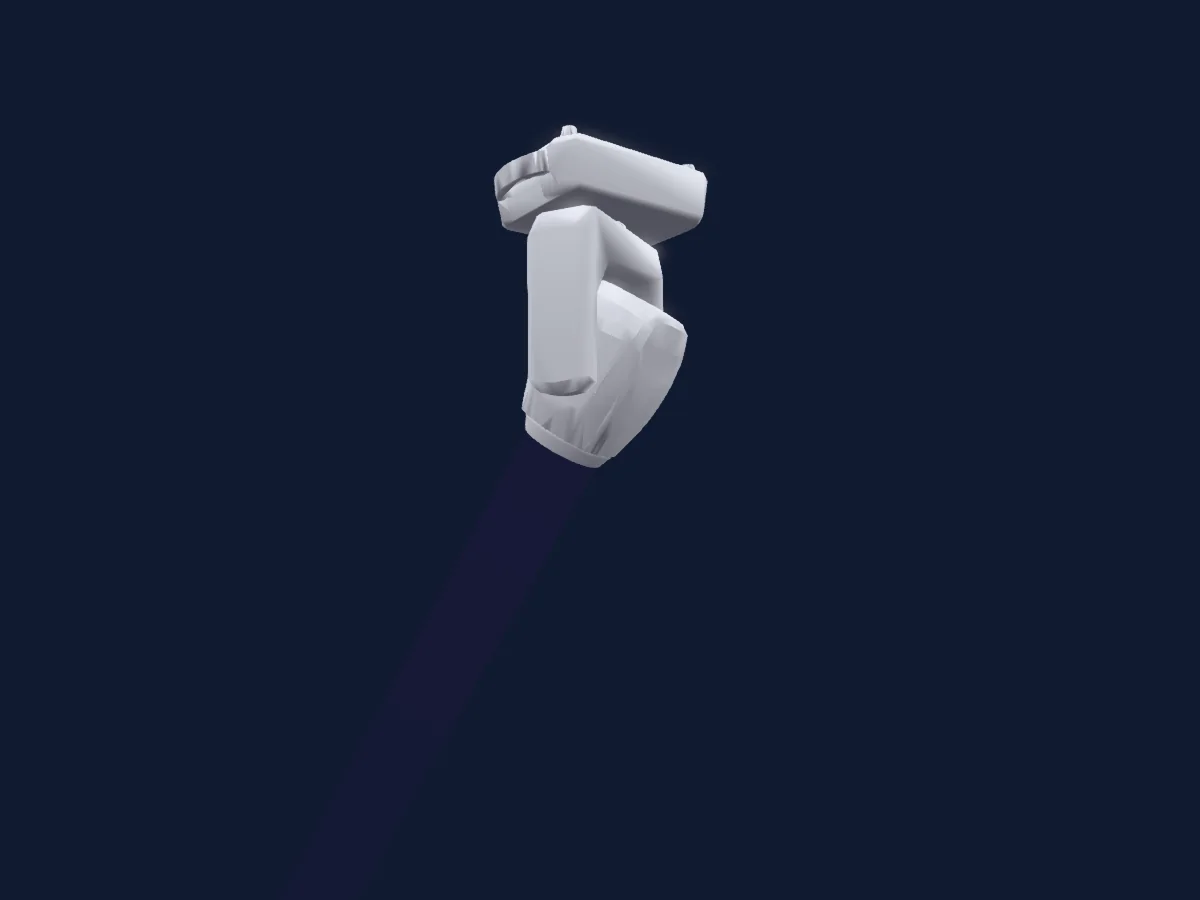
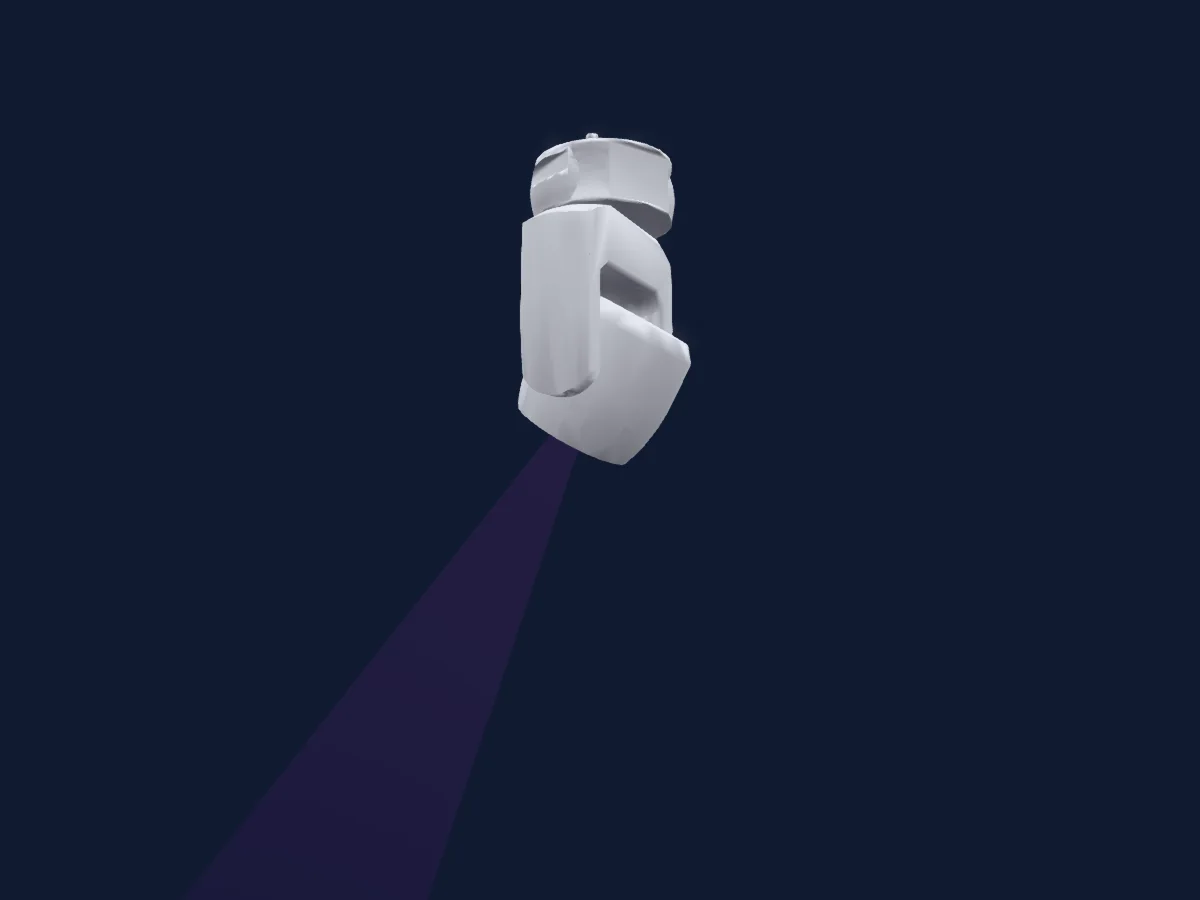
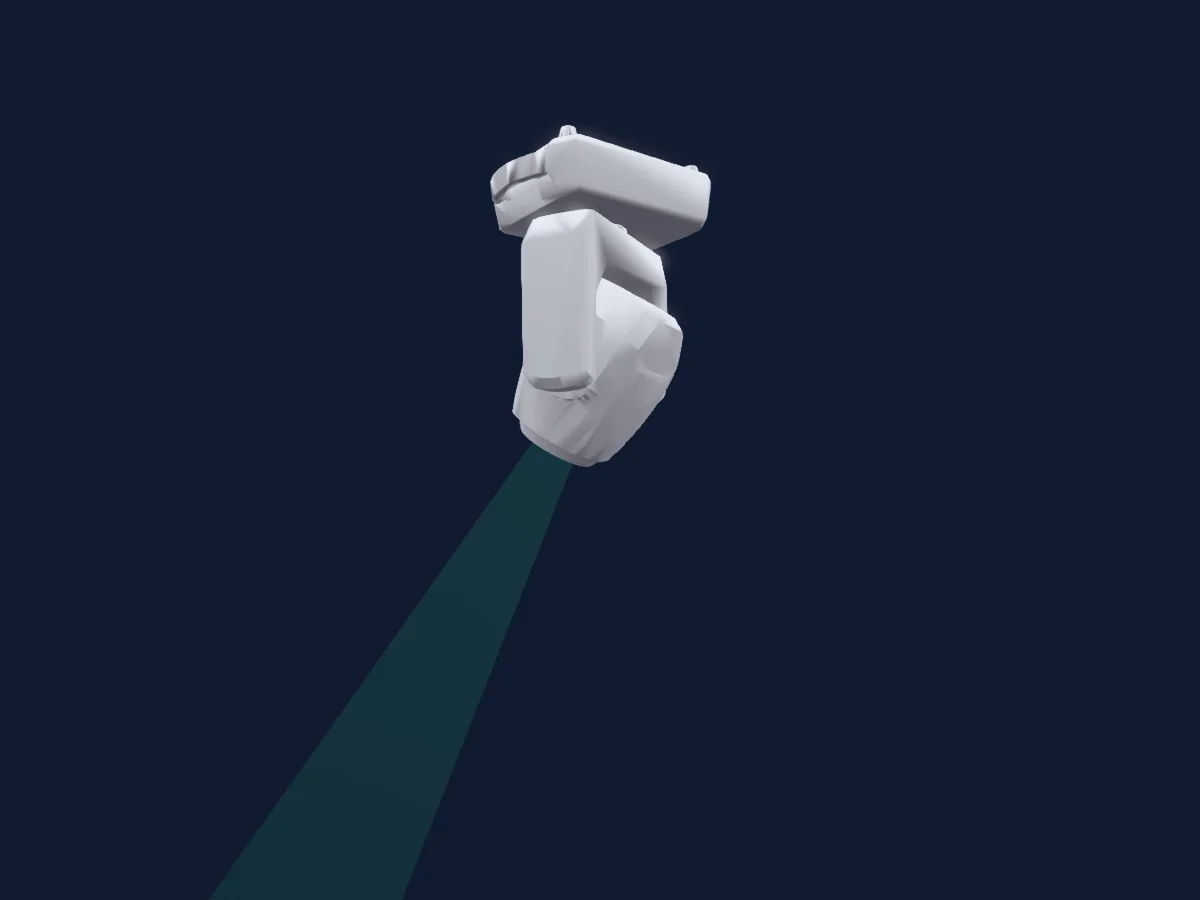
Chauvet DJ Intimidator Beam 360X renderizado no HitLight

O que ele faz

  • Foco
  • Frost
  • Prisma
  • Roda de cores
  • Strobo
  • Dimmer
  • Velocidade de movimento
  • Gobos

Funções relevantes para a segurança: Reset do refletor · Strobo · Programas de efeitos integrados. Confira como elas se comportam no seu refletor antes de um show.

Modos DMX e tabelas de canais

Modos DMX de Chauvet DJ Intimidator Beam 360X
ModoCanaisNo HitLight
8Ch Mode8Pronto no HitLight
14Ch Mode14Pronto no HitLight

8Ch Mode

Pronto no HitLight

8 canais DMX · Baixar esta tabela em CSV

Tabela de canais DMX de 8Ch Mode
CanalFunçãoPadrãoValores DMX
1Pan1270–255
2Tilt1270–255
3Color Wheel0
32 faixas de valores
  • 0–3 White - Color (wheel slot 1)
  • 4–7 Red - Color (wheel slot 2)
  • 8–11 Orange - Color (wheel slot 3)
  • 12–15 Yellow - Color (wheel slot 4)
  • 16–19 Green - Color (wheel slot 5)
  • 20–23 Blue - Color (wheel slot 6)
  • 24–27 CTO - Color (wheel slot 7)
  • 28–31 Cyan - Color (wheel slot 8)
  • 32–35 Magenta - Color (wheel slot 9)
  • 36–39 Lime - Color (wheel slot 10)
  • 40–43 Purple - Color (wheel slot 11)
  • 44–47 Dark Yellow - Color (wheel slot 12)
  • 48–51 Pink - Color (wheel slot 13)
  • 52–55 CTB - Color (wheel slot 14)
  • 56–63 UV - Color (wheel slot 15)
  • 64–67 White/Red - Macro
  • 68–71 Red/Orange - Macro
  • 72–75 Orange/Yellow - Macro
  • 76–79 Yellow/Green - Macro
  • 80–83 Green/Blue - Macro
  • 84–87 Blue/CTO - Macro
  • 88–91 CTO/Cyan - Macro
  • 92–95 Cyan/Magenta - Macro
  • 96–99 Magenta/Lime - Macro
  • 100–103 Lime/Purple - Macro
  • 104–107 Purple/Dark Yellow - Macro
  • 108–111 Dark Yellow/Pink - Macro
  • 112–115 Pink/CTB - Macro
  • 116–119 CTB/UV - Macro
  • 120–127 UV/White - Macro
  • 128–191 S > F - Rotate CW
  • 192–255 S > F - Rotate CCW
4Gobo0
38 faixas de valores
  • 0–3 Open - Gobo Open (wheel slot 1)
  • 4–7 Gobo 1 - Gobo (wheel slot 2)
  • 8–11 Gobo 2 - Gobo (wheel slot 3)
  • 12–15 Gobo 3 - Gobo (wheel slot 4)
  • 16–19 Gobo 4 - Gobo (wheel slot 5)
  • 20–23 Gobo 5 - Gobo (wheel slot 6)
  • 24–27 Gobo 6 - Gobo (wheel slot 7)
  • 28–31 Gobo 7 - Gobo (wheel slot 8)
  • 32–35 Gobo 8 - Gobo (wheel slot 9)
  • 36–39 Gobo 9 - Gobo (wheel slot 10)
  • 40–43 Gobo 10 - Gobo (wheel slot 11)
  • 44–47 Gobo 11 - Gobo (wheel slot 12)
  • 48–51 Gobo 12 - Gobo (wheel slot 13)
  • 52–55 Gobo 13 - Gobo (wheel slot 14)
  • 56–59 Gobo 14 - Gobo (wheel slot 15)
  • 60–63 Gobo 15 - Gobo (wheel slot 16)
  • 64–67 Gobo 16 - Gobo (wheel slot 17)
  • 68–71 Gobo 17 - Gobo (wheel slot 18)
  • 72–75 Gobo 17 Shake S > F - Gobo Shake (wheel slot 18)
  • 76–79 Gobo 16 Shake S > F - Gobo Shake (wheel slot 17)
  • 80–83 Gobo 15 Shake S > F - Gobo Shake (wheel slot 16)
  • 84–87 Gobo 14 Shake S > F - Gobo Shake (wheel slot 15)
  • 88–91 Gobo 13 Shake S > F - Gobo Shake (wheel slot 14)
  • 92–95 Gobo 12 Shake S > F - Gobo Shake (wheel slot 13)
  • 96–99 Gobo 11 Shake S > F - Gobo Shake (wheel slot 12)
  • 100–103 Gobo 10 Shake S > F - Gobo Shake (wheel slot 11)
  • 104–107 Gobo 9 Shake S > F - Gobo Shake (wheel slot 10)
  • 108–111 Gobo 8 Shake S > F - Gobo Shake (wheel slot 9)
  • 112–115 Gobo 7 Shake S > F - Gobo Shake (wheel slot 8)
  • 116–119 Gobo 6 Shake S > F - Gobo Shake (wheel slot 7)
  • 120–123 Gobo 5 Shake S > F - Gobo Shake (wheel slot 6)
  • 124–127 Gobo 4 Shake S > F - Gobo Shake (wheel slot 5)
  • 128–131 Gobo 3 Shake S > F - Gobo Shake (wheel slot 4)
  • 132–135 Gobo 2 Shake S > F - Gobo Shake (wheel slot 3)
  • 136–139 Gobo 1 Shake S > F - Gobo Shake (wheel slot 2)
  • 140–143 Open - Gobo Open (wheel slot 1)
  • 144–199 S > F - Rotate CW
  • 200–255 S > F - Rotate CCW
5Prism0
5 faixas de valores
  • 0–7 No Func - Custom
  • 8–12 16-Facet Prism - Prism
  • 13–130 S > F - Rotate CW
  • 131–247 S > F - Rotate CCW
  • 248–255 16-Facet Prism - Prism
6Focus127
3 faixas de valores
  • 0–0 Min
  • 1–254 Min > Max
  • 255–255 Max
7Shutter / Strobe6
6 faixas de valores
  • 0–3 Closed - Shutter Closed
  • 4–7 Open - Shutter Open
  • 8–76 Strobe S > F - Strobe
  • 77–145 Pulse Strobe S > F - Strobe Pulse Random
  • 146–215 Strobe Random S > F - Strobe Random
  • 216–255 Open - Shutter Open
8Frost10
3 faixas de valores
  • 0–0 Min
  • 1–254 Min > Max
  • 255–255 Max

14Ch Mode

Pronto no HitLight

14 canais DMX · Baixar esta tabela em CSV

Tabela de canais DMX de 14Ch Mode
CanalFunçãoPadrãoValores DMX
1Pan1270–255
2Pan Fine255Byte fino de Pan
3Tilt1270–255
4Tilt Fine255Byte fino de Tilt
5Position MSpeed0
3 faixas de valores
  • 0–0 Min
  • 1–254 Min > Max
  • 255–255 Max
6Color Wheel0
32 faixas de valores
  • 0–3 White - Color (wheel slot 1)
  • 4–7 Red - Color (wheel slot 2)
  • 8–11 Orange - Color (wheel slot 3)
  • 12–15 Yellow - Color (wheel slot 4)
  • 16–19 Green - Color (wheel slot 5)
  • 20–23 Blue - Color (wheel slot 6)
  • 24–27 CTO - Color (wheel slot 7)
  • 28–31 Cyan - Color (wheel slot 8)
  • 32–35 Magenta - Color (wheel slot 9)
  • 36–39 Lime - Color (wheel slot 10)
  • 40–43 Purple - Color (wheel slot 11)
  • 44–47 Dark Yellow - Color (wheel slot 12)
  • 48–51 Pink - Color (wheel slot 13)
  • 52–55 CTB - Color (wheel slot 14)
  • 56–63 UV - Color (wheel slot 15)
  • 64–67 White/Red - Macro
  • 68–71 Red/Orange - Macro
  • 72–75 Orange/Yellow - Macro
  • 76–79 Yellow/Green - Macro
  • 80–83 Green/Blue - Macro
  • 84–87 Blue/CTO - Macro
  • 88–91 CTO/Cyan - Macro
  • 92–95 Cyan/Magenta - Macro
  • 96–99 Magenta/Lime - Macro
  • 100–103 Lime/Purple - Macro
  • 104–107 Purple/Dark Yellow - Macro
  • 108–111 Dark Yellow/Pink - Macro
  • 112–115 Pink/CTB - Macro
  • 116–119 CTB/UV - Macro
  • 120–127 UV/White - Macro
  • 128–191 S > F - Rotate CW
  • 192–255 S > F - Rotate CCW
7Gobo0
38 faixas de valores
  • 0–3 Open - Gobo Open (wheel slot 1)
  • 4–7 Gobo 1 - Gobo (wheel slot 2)
  • 8–11 Gobo 2 - Gobo (wheel slot 3)
  • 12–15 Gobo 3 - Gobo (wheel slot 4)
  • 16–19 Gobo 4 - Gobo (wheel slot 5)
  • 20–23 Gobo 5 - Gobo (wheel slot 6)
  • 24–27 Gobo 6 - Gobo (wheel slot 7)
  • 28–31 Gobo 7 - Gobo (wheel slot 8)
  • 32–35 Gobo 8 - Gobo (wheel slot 9)
  • 36–39 Gobo 9 - Gobo (wheel slot 10)
  • 40–43 Gobo 10 - Gobo (wheel slot 11)
  • 44–47 Gobo 11 - Gobo (wheel slot 12)
  • 48–51 Gobo 12 - Gobo (wheel slot 13)
  • 52–55 Gobo 13 - Gobo (wheel slot 14)
  • 56–59 Gobo 14 - Gobo (wheel slot 15)
  • 60–63 Gobo 15 - Gobo (wheel slot 16)
  • 64–67 Gobo 16 - Gobo (wheel slot 17)
  • 68–71 Gobo 17 - Gobo (wheel slot 18)
  • 72–75 Gobo 17 Shake S > F - Gobo Shake (wheel slot 18)
  • 76–79 Gobo 16 Shake S > F - Gobo Shake (wheel slot 17)
  • 80–83 Gobo 15 Shake S > F - Gobo Shake (wheel slot 16)
  • 84–87 Gobo 14 Shake S > F - Gobo Shake (wheel slot 15)
  • 88–91 Gobo 13 Shake S > F - Gobo Shake (wheel slot 14)
  • 92–95 Gobo 12 Shake S > F - Gobo Shake (wheel slot 13)
  • 96–99 Gobo 11 Shake S > F - Gobo Shake (wheel slot 12)
  • 100–103 Gobo 10 Shake S > F - Gobo Shake (wheel slot 11)
  • 104–107 Gobo 9 Shake S > F - Gobo Shake (wheel slot 10)
  • 108–111 Gobo 8 Shake S > F - Gobo Shake (wheel slot 9)
  • 112–115 Gobo 7 Shake S > F - Gobo Shake (wheel slot 8)
  • 116–119 Gobo 6 Shake S > F - Gobo Shake (wheel slot 7)
  • 120–123 Gobo 5 Shake S > F - Gobo Shake (wheel slot 6)
  • 124–127 Gobo 4 Shake S > F - Gobo Shake (wheel slot 5)
  • 128–131 Gobo 3 Shake S > F - Gobo Shake (wheel slot 4)
  • 132–135 Gobo 2 Shake S > F - Gobo Shake (wheel slot 3)
  • 136–139 Gobo 1 Shake S > F - Gobo Shake (wheel slot 2)
  • 140–143 Open - Gobo Open (wheel slot 1)
  • 144–199 S > F - Rotate CW
  • 200–255 S > F - Rotate CCW
8Prism0
5 faixas de valores
  • 0–7 No Func - Custom (wheel slot 1)
  • 8–12 16-Facet Prism - Prism (wheel slot 2)
  • 13–130 S > F - Rotate CW
  • 131–247 S > F - Rotate CCW
  • 248–255 16-Facet Prism - Prism (wheel slot 2)
9Focus127
3 faixas de valores
  • 0–0 Min
  • 1–254 Min > Max
  • 255–255 Max
10Dimmer0
3 faixas de valores
  • 0–0 Min
  • 1–254 Min > Max
  • 255–255 Max
11Shutter / Strobe6
6 faixas de valores
  • 0–3 Closed - Shutter Closed
  • 4–7 Open - Shutter Open
  • 8–76 Strobe S > F - Strobe
  • 77–145 Pulse Strobe S > F - Strobe Pulse Random
  • 146–215 Strobe Random S > F - Strobe Random
  • 216–255 Open - Shutter Open
12Frost10
3 faixas de valores
  • 0–0 Min
  • 1–254 Min > Max
  • 255–255 Max
13Function0
17 faixas de valores
  • 0–7 No Func - Custom
  • 8–15 BO On P/T Movement - Blackout
  • 16–23 BO On Color Wheel Movement - Blackout
  • 24–31 BO On Gobo Wheel Movement - Blackout
  • 32–39 BO On P/T/Color Wheel Movement - Blackout
  • 40–47 BO On P/T/Gobo Wheel Movement - Blackout
  • 48–55 BO On P/T/Color/Gobo Wheel Movement - Blackout
  • 56–95 No Func - Custom
  • 96–103 Pan Reset - Reset
  • 104–111 Tilt Reset - Reset
  • 112–119 Color Wheel Reset - Reset
  • 120–127 Gobo Wheel Reset - Reset
  • 128–135 Frost Reset - Reset
  • 136–143 Prism Reset - Reset
  • 144–151 Focus Reset - Reset
  • 152–159 All Reset - Reset
  • 160–255 No Function - Custom
14Effect0
17 faixas de valores
  • 0–7 No Func - Custom
  • 8–23 Movement Macro 1 - Macro
  • 24–39 Movement Macro 2 - Macro
  • 40–55 Movement Macro 3 - Macro
  • 56–71 Movement Macro 4 - Macro
  • 72–87 Movement Macro 5 - Macro
  • 88–103 Movement Macro 6 - Macro
  • 104–119 Movement Macro 7 - Macro
  • 120–135 Movement Macro 8 - Macro
  • 136–151 Sound-Active Movement Macro 1 - Macro
  • 152–167 Sound-Active Movement Macro 2 - Macro
  • 168–183 Sound-Active Movement Macro 3 - Macro
  • 184–199 Sound-Active Movement Macro 4 - Macro
  • 200–215 Sound-Active Movement Macro 5 - Macro
  • 216–231 Sound-Active Movement Macro 6 - Macro
  • 232–247 Sound-Active Movement Macro 7 - Macro
  • 248–255 Sound-Active Movement Macro 8 - Macro

Usar Chauvet DJ Intimidator Beam 360X no HitLight

  1. Abra Adicionar refletor e procure Chauvet DJ Intimidator Beam 360X.
  2. Escolha o modo DMX configurado no menu do próprio refletor. O HitLight atribui a ele o menor endereço inicial livre do universo que comporta a quantidade de canais do modo.
  3. Confira o modo e os controles no seu refletor real antes de usar ao vivo.

As tabelas vêm da descrição GDTF do refletor, convertida para a biblioteca do HitLight. O HitLight não tem vínculo com a Chauvet DJ.

Faça o patch e deixe a música comandar as luzes.

O HitLight encontra esses refletores na biblioteca, faz o patch no próximo endereço livre e mostra seu rig em 3D antes de você ligar uma única luz.

Abrir HitLight ↗Baixar o HitLight