Pular para o conteúdo
HitLight
Clay Paky · Elipsoidal

Clay Paky Alpha Beam 1500

Tabela DMX, 2 modos DMX e prévia em 3D. 24 / 28 canais DMX.
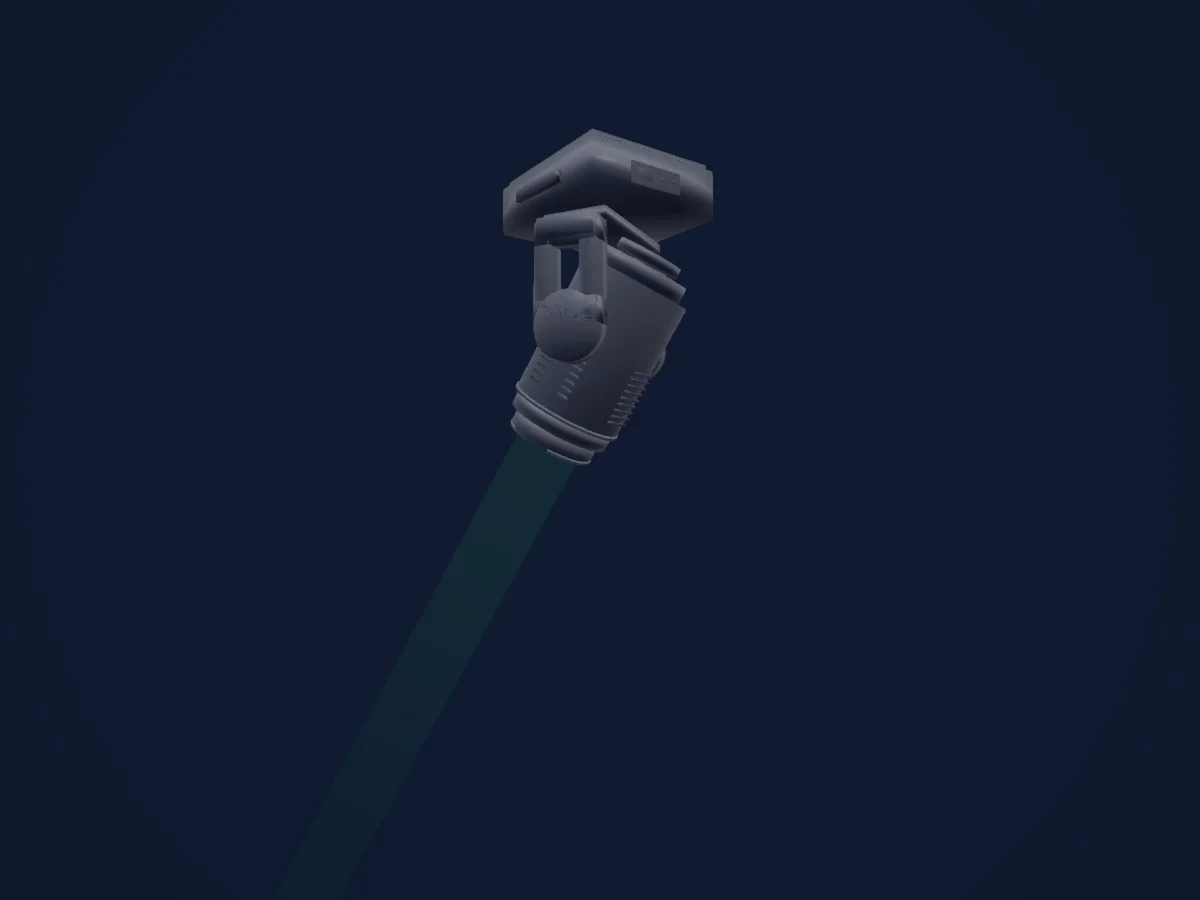
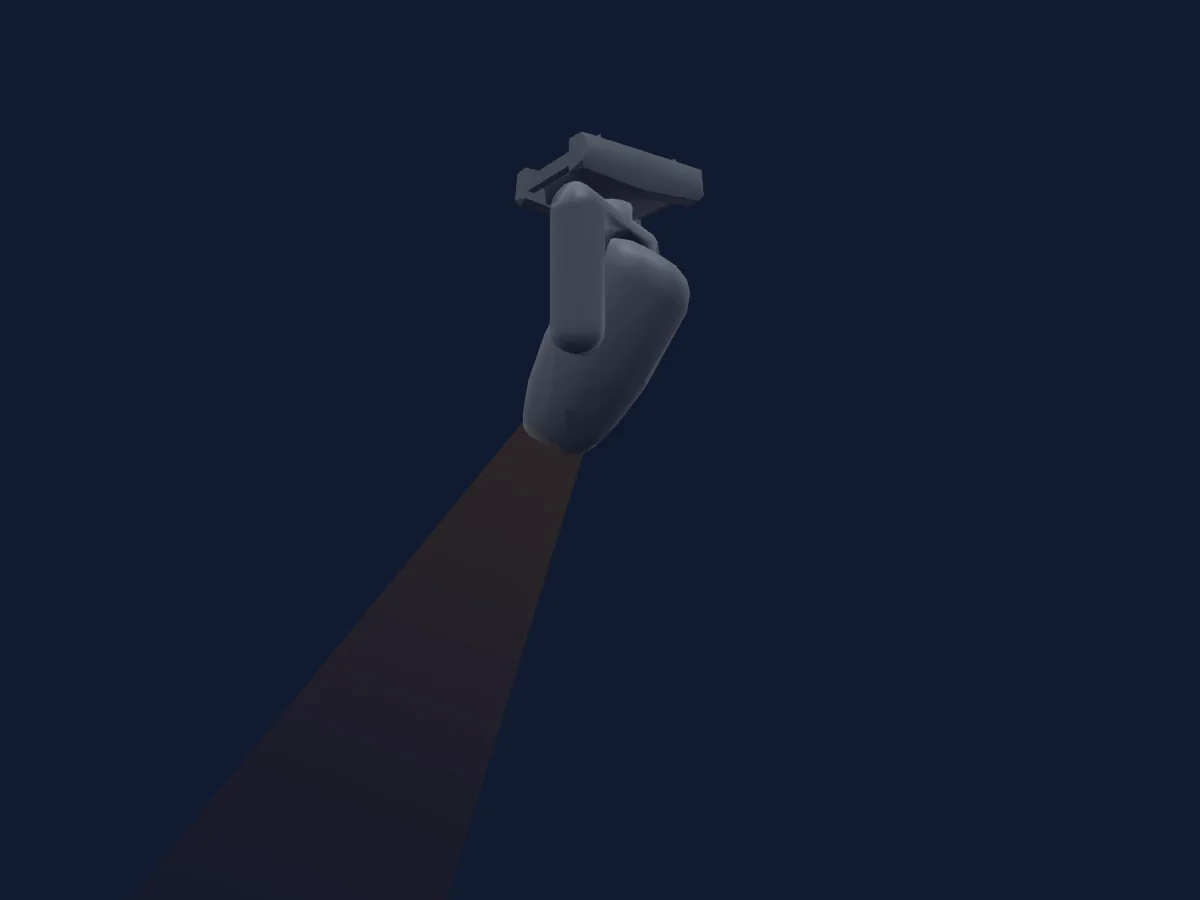
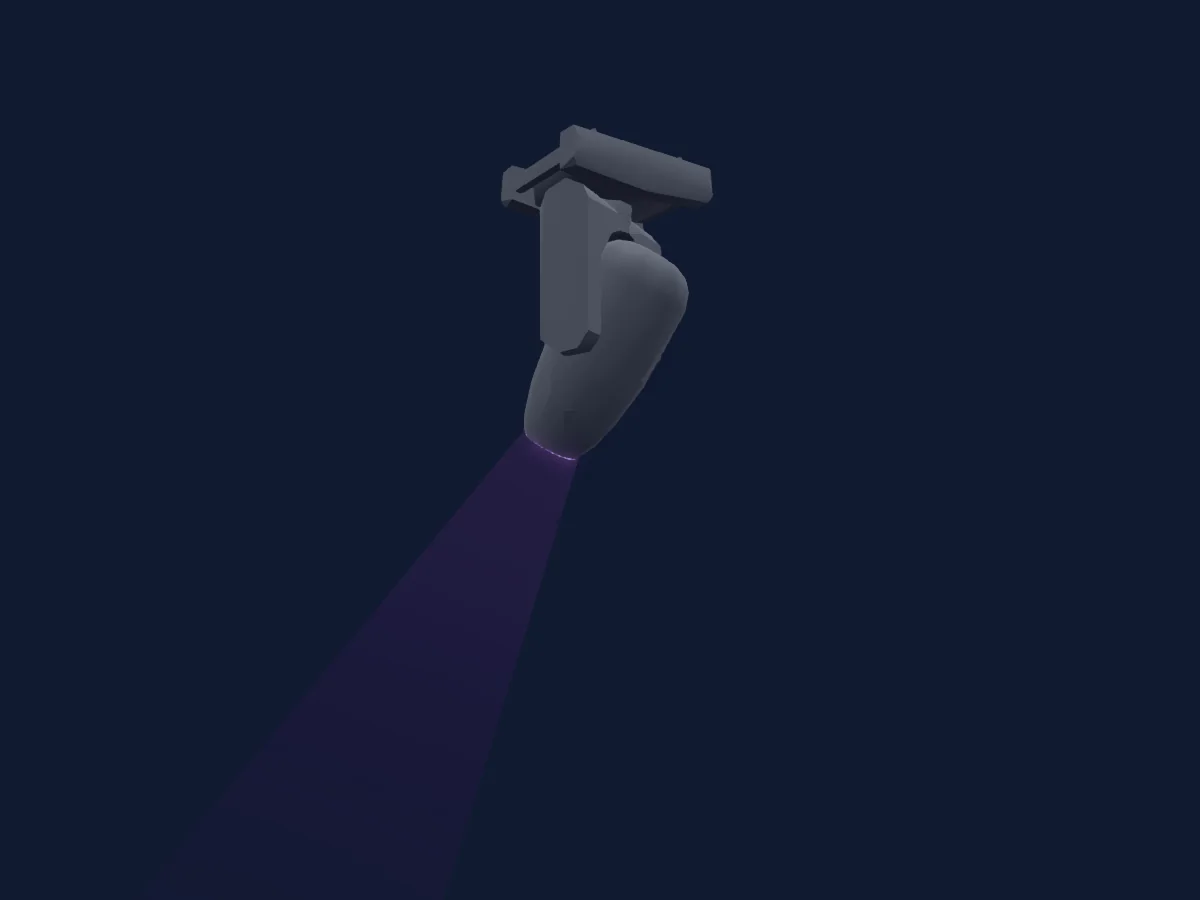
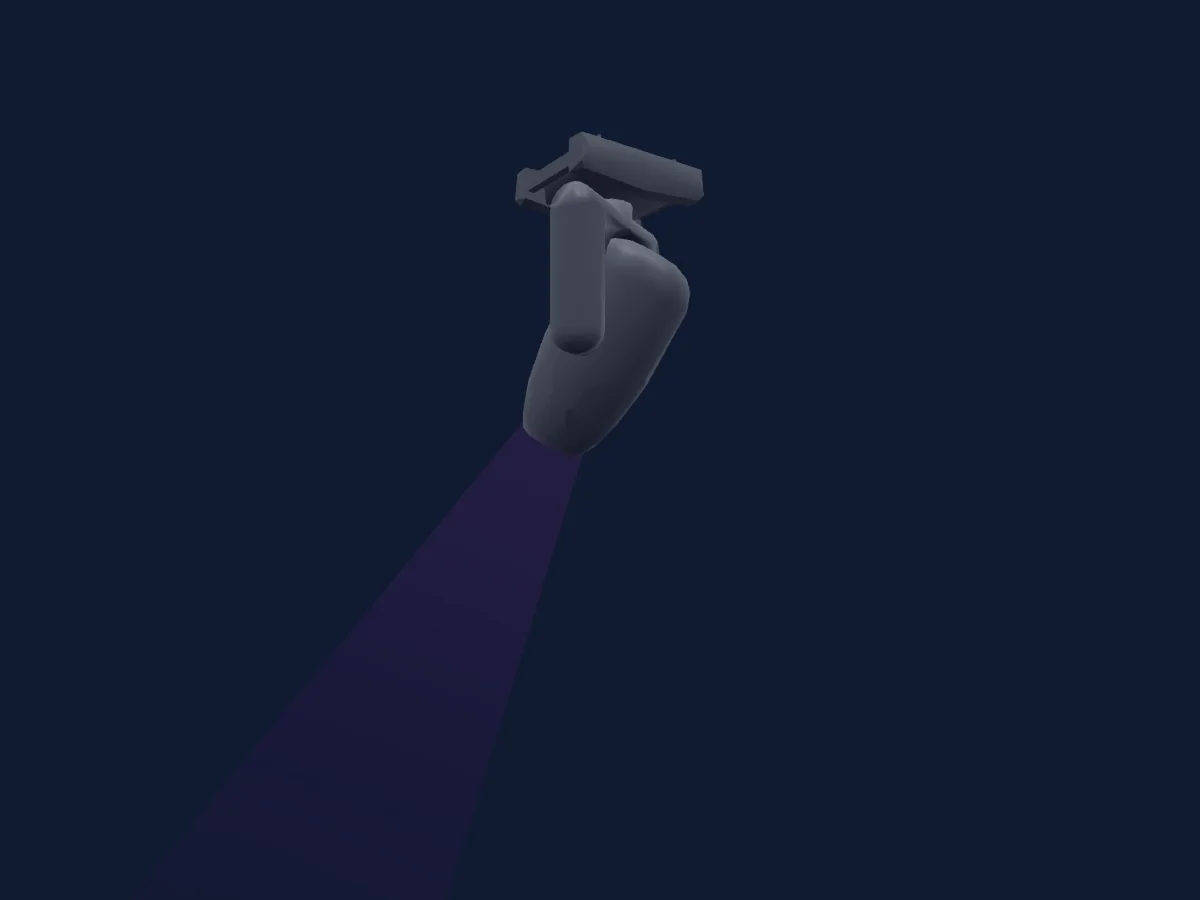
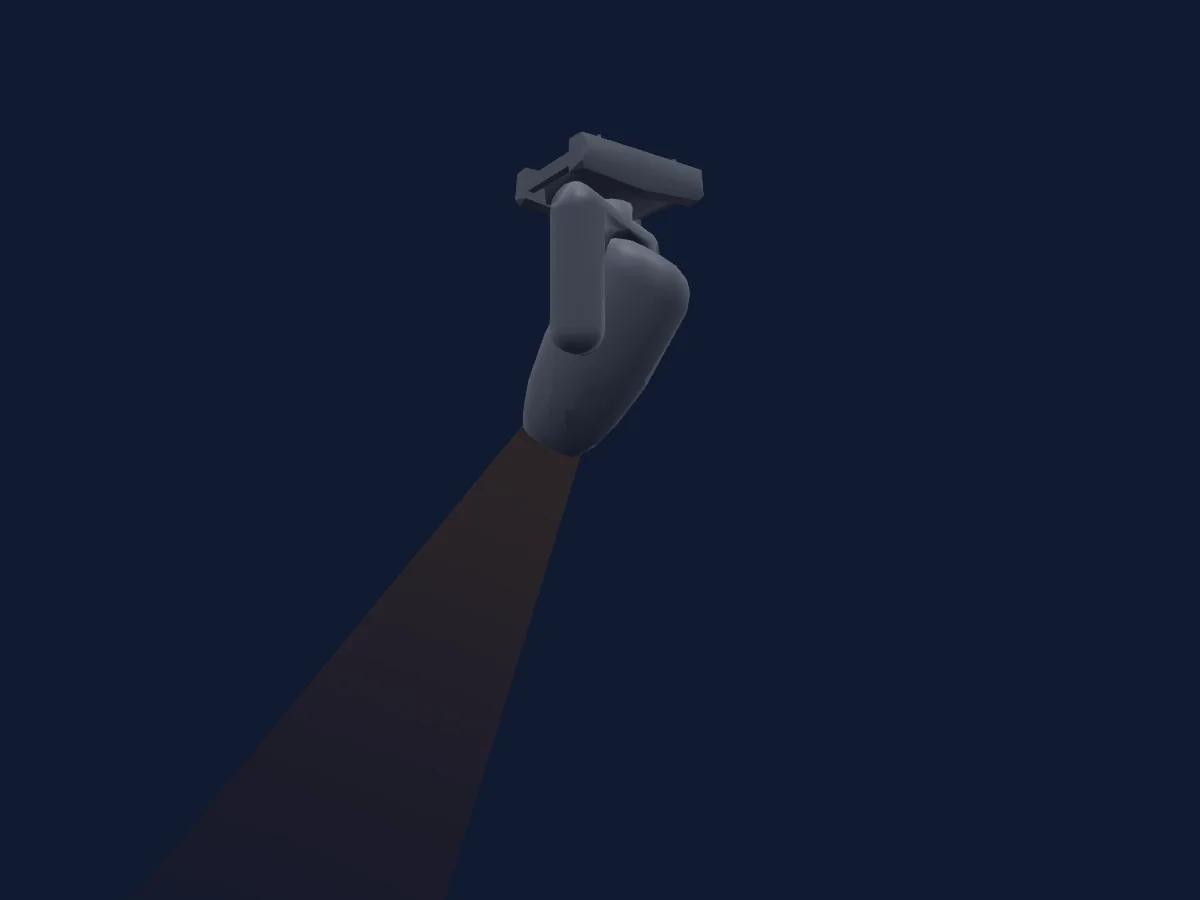
Clay Paky Alpha Beam 1500 renderizado no HitLight

O que ele faz

  • Foco
  • Frost
  • Íris
  • Prisma
  • Rotação do prisma
  • Mistura de cores CMY
  • Roda de cores
  • Strobo
  • Dimmer
  • Pan e tilt
  • Velocidade de movimento
  • Gobos
  • Rotação de gobos

Funções relevantes para a segurança: Ligar e desligar a lâmpada · Reset do refletor. Confira como elas se comportam no seu refletor antes de um show.

Modos DMX e tabelas de canais

Modos DMX de Clay Paky Alpha Beam 1500
ModoCanaisNo HitLight
Standard24Pronto no HitLight
Vector28Pronto no HitLight

Standard

Pronto no HitLight

24 canais DMX · Baixar esta tabela em CSV

Tabela de canais DMX de Standard
CanalFunçãoPadrãoValores DMX
1Cyan00–255
2Magenta00–255
3Yellow00–255
4Color Wheel0
15 faixas de valores
  • 0–9 White (wheel slot 1)
  • 10–18 White + Red
  • 19–27 Red (wheel slot 2)
  • 28–36 Red + CTO 3200
  • 37–45 CTO 3200 (wheel slot 3)
  • 46–54 CTO 3200 + Green
  • 55–63 Green (wheel slot 4)
  • 64–73 Green + Aquamarine
  • 74–82 Aquamarine (wheel slot 5)
  • 83–91 Aquamarine + Orange
  • 92–100 Orange (wheel slot 6)
  • 101–109 Orange + Blue
  • 110–118 Blue (wheel slot 7)
  • 119–127 Blue + White
  • 128–255 Rotation from slow (0,2 rpm) to fast (160 rpm)
5Shutter / Strobe252
9 faixas de valores
  • 0–3 Closed
  • 4–103 Strobe from slow (1 flash/sec) to fast (12 flash/sec) 1–12 Hz
  • 104–107 Open
  • 108–207 StopStrobe3 · Pulsation from slow to fast (macro)
  • 208–212 Open
  • 213–225 Random slow strobe
  • 226–238 Random medium strobe
  • 239–251 Random fast strobe
  • 252–255 Open
6Dimmer00–255
7Dimmer Fine0Byte fino de Dimmer
8Iris128
6 faixas de valores
  • 0–127 Aperture from minimum (0) to maximum (127)
  • 128–131 Maximum aperture
  • 132–171 Pulsation from slow to fast
  • 172–211 Pulsation from slow to fast, fast opening
  • 212–251 Pulsation from slow to fast, fast closing
  • 252–255 Maximum aperture
9Gobo0
20 faixas de valores
  • 0–7 White (wheel slot 1)
  • 8–15 Gobo 1 (wheel slot 2)
  • 16–23 Gobo 2 (wheel slot 3)
  • 24–31 Gobo 3 (wheel slot 4)
  • 32–39 Gobo 4 (wheel slot 5)
  • 40–47 Gobo 5 (wheel slot 6)
  • 48–55 Gobo 6 (wheel slot 7)
  • 56–63 Gobo 7 (wheel slot 8)
  • 64–71 Gobo 8 (wheel slot 9)
  • 72–113 Wheel rotation from fast (100 rpm) to slow (5 rpm)
  • 114–117 Stop
  • 118–159 Wheel rotation from slow (5 rpm) to fast (100 rpm)
  • 160–171 Gobo 1 (wheel slot 2)
  • 172–183 Gobo 2 (wheel slot 3)
  • 184–195 Gobo 3 (wheel slot 4)
  • 196–207 Gobo 4 (wheel slot 5)
  • 208–219 Gobo 5 (wheel slot 6)
  • 220–231 Gobo 6 (wheel slot 7)
  • 232–243 Gobo 7 (wheel slot 8)
  • 244–255 Gobo 8 (wheel slot 9)
10Gobo 20
13 faixas de valores
  • 0–18 White (wheel slot 1)
  • 19–37 Gobo 1 (wheel slot 2)
  • 38–55 Gobo 2 (wheel slot 3)
  • 56–74 Gobo 3 (wheel slot 4)
  • 75–92 Gobo 4 (wheel slot 5)
  • 93–111 Gobo 5 (wheel slot 6)
  • 112–129 Gobo 6 (wheel slot 7)
  • 130–150 Gobo 1 (wheel slot 2)
  • 151–171 Gobo 2 (wheel slot 3)
  • 172–192 Gobo 3 (wheel slot 4)
  • 193–213 Gobo 4 (wheel slot 5)
  • 214–234 Gobo 5 (wheel slot 6)
  • 235–255 Gobo 6 (wheel slot 7)
11Gobo Rotation 20
4 faixas de valores
  • 0–127 Indexed position from 0° to 540°
  • 128–190 Rotation from fast (150 rpm) to slow (2,2 rph)
  • 191–192 Stop
  • 193–255 Rotation from slow (2,2 rph) to fast (150 rpm)
12Prism0
4 faixas de valores
  • 0–63 White (wheel slot 1)
  • 64–127 5 face prism (wheel slot 2)
  • 128–191 Ovalyzer (wheel slot 3)
  • 192–255 6 face prism (wheel slot 4)
13Prism Rotation0
4 faixas de valores
  • 0–127 Indexed position from 0° to 540°
  • 128–190 Rotation from fast (120 rpm) to slow (3 rph)
  • 191–192 Stop
  • 193–255 Rotation from slow (3 rph) to fast (120 rpm)
14Frost100–255
15Frost200–255
16Frost300–255
17Focus00–255
18Pan1280–255
19Pan Fine0Byte fino de Pan
20Tilt1280–255
21Tilt Fine0Byte fino de Tilt
22Control10
6 faixas de valores
  • 0–11 Unused range
  • 12–24 Pan-tilt function: fast (default)
  • 25–37 Pan-tilt function: normal
  • 38–50 Dimmer curve function: conventional
  • 51–62 Dimmer curve function: linear (default)
  • 63–255 Unused range
23Control20
4 faixas de valores
  • 0–25 Unused range
  • 26–76 Effects reset
  • 77–127 Pan / tilt reset
  • 128–255 Complete reset
24Lamp Control0
4 faixas de valores
  • 0–25 Unused range
  • 26–100 Lamp off
  • 101–179 Lamp on (half power)
  • 180–255 Lamp on (full power)

Vector

Pronto no HitLight

28 canais DMX · Baixar esta tabela em CSV

Tabela de canais DMX de Vector
CanalFunçãoPadrãoValores DMX
1Cyan00–255
2Magenta00–255
3Yellow00–255
4Color Wheel0
15 faixas de valores
  • 0–9 White (wheel slot 1)
  • 10–18 White + Red
  • 19–27 Red (wheel slot 2)
  • 28–36 Red + CTO 3200
  • 37–45 CTO 3200 (wheel slot 3)
  • 46–54 CTO 3200 + Green
  • 55–63 Green (wheel slot 4)
  • 64–73 Green + Aquamarine
  • 74–82 Aquamarine (wheel slot 5)
  • 83–91 Aquamarine + Orange
  • 92–100 Orange (wheel slot 6)
  • 101–109 Orange + Blue
  • 110–118 Blue (wheel slot 7)
  • 119–127 Blue + White
  • 128–255 Rotation from slow (0,2 rpm) to fast (160 rpm)
5Shutter / Strobe252
9 faixas de valores
  • 0–3 Closed
  • 4–103 Strobe from slow (1 flash/sec) to fast (12 flash/sec) 1–12 Hz
  • 104–107 Open
  • 108–207 StopStrobe3 · Pulsation from slow to fast (macro)
  • 208–212 Open
  • 213–225 Random slow strobe
  • 226–238 Random medium strobe
  • 239–251 Random fast strobe
  • 252–255 Open
6Dimmer00–255
7Dimmer Fine0Byte fino de Dimmer
8Iris128
6 faixas de valores
  • 0–127 Aperture from minimum (0) to maximum (127)
  • 128–131 Maximum aperture
  • 132–171 Pulsation from slow to fast
  • 172–211 Pulsation from slow to fast, fast opening
  • 212–251 Pulsation from slow to fast, fast closing
  • 252–255 Maximum aperture
9Gobo0
20 faixas de valores
  • 0–7 White (wheel slot 1)
  • 8–15 Gobo 1 (wheel slot 2)
  • 16–23 Gobo 2 (wheel slot 3)
  • 24–31 Gobo 3 (wheel slot 4)
  • 32–39 Gobo 4 (wheel slot 5)
  • 40–47 Gobo 5 (wheel slot 6)
  • 48–55 Gobo 6 (wheel slot 7)
  • 56–63 Gobo 7 (wheel slot 8)
  • 64–71 Gobo 8 (wheel slot 9)
  • 72–113 Wheel rotation from fast (100 rpm) to slow (5 rpm)
  • 114–117 Stop
  • 118–159 Wheel rotation from slow (5 rpm) to fast (100 rpm)
  • 160–171 Gobo 1 (wheel slot 2)
  • 172–183 Gobo 2 (wheel slot 3)
  • 184–195 Gobo 3 (wheel slot 4)
  • 196–207 Gobo 4 (wheel slot 5)
  • 208–219 Gobo 5 (wheel slot 6)
  • 220–231 Gobo 6 (wheel slot 7)
  • 232–243 Gobo 7 (wheel slot 8)
  • 244–255 Gobo 8 (wheel slot 9)
10Gobo 20
13 faixas de valores
  • 0–18 White (wheel slot 1)
  • 19–37 Gobo 1 (wheel slot 2)
  • 38–55 Gobo 2 (wheel slot 3)
  • 56–74 Gobo 3 (wheel slot 4)
  • 75–92 Gobo 4 (wheel slot 5)
  • 93–111 Gobo 5 (wheel slot 6)
  • 112–129 Gobo 6 (wheel slot 7)
  • 130–150 Gobo 1 (wheel slot 2)
  • 151–171 Gobo 2 (wheel slot 3)
  • 172–192 Gobo 3 (wheel slot 4)
  • 193–213 Gobo 4 (wheel slot 5)
  • 214–234 Gobo 5 (wheel slot 6)
  • 235–255 Gobo 6 (wheel slot 7)
11Gobo Rotation 20
4 faixas de valores
  • 0–127 Indexed position from 0° to 540°
  • 128–190 Rotation from fast (150 rpm) to slow (2,2 rph)
  • 191–192 Stop
  • 193–255 Rotation from slow (2,2 rph) to fast (150 rpm)
12Prism0
4 faixas de valores
  • 0–63 White (wheel slot 1)
  • 64–127 5 face prism (wheel slot 2)
  • 128–191 Ovalyzer (wheel slot 3)
  • 192–255 6 face prism (wheel slot 4)
13Prism Rotation0
4 faixas de valores
  • 0–127 Indexed position from 0° to 540°
  • 128–190 Rotation from fast (120 rpm) to slow (3 rph)
  • 191–192 Stop
  • 193–255 Rotation from slow (3 rph) to fast (120 rpm)
14Frost100–255
15Frost200–255
16Frost300–255
17Focus00–255
18Pan1280–255
19Pan Fine0Byte fino de Pan
20Tilt1280–255
21Tilt Fine0Byte fino de Tilt
22Control10
6 faixas de valores
  • 0–11 Unused range
  • 12–24 Pan-tilt function: fast (default)
  • 25–37 Pan-tilt function: normal
  • 38–50 Dimmer curve function: conventional
  • 51–62 Dimmer curve function: linear (default)
  • 63–255 Unused range
23Control20
4 faixas de valores
  • 0–25 Unused range
  • 26–76 Effects reset
  • 77–127 Pan / tilt reset
  • 128–255 Complete reset
24Lamp Control0
4 faixas de valores
  • 0–25 Unused range
  • 26–100 Lamp off
  • 101–179 Lamp on (half power)
  • 180–255 Lamp on (full power)
25Position MSpeed0
3 faixas de valores
  • 0–0 Full
  • 1–254 Pan - Tilt - (Pan fine - Tilt fine): time from 0.2 s to 310 s (time table p28)
  • 255–255 Follow cue data
26Color Mix MSpeed0
3 faixas de valores
  • 0–0 Full
  • 1–254 CMY - Colour wheel: time from 0.2 s to 310 s (time table p28)
  • 255–255 Follow cue data
27Iris MSpeed0
3 faixas de valores
  • 0–0 Full
  • 1–254 Dimmer - Light Frost - Medium Frost - Heavy Frost - Iris - Rotating Prism Change: time from 0.2 s to 310 s (time table p
  • 255–255 Follow cue data
28Gobo Wheel MSpeed0
3 faixas de valores
  • 0–0 Full
  • 1–254 Fixed Gobo - Rotating Gobo Change: time from 0.2 s to 310 s (time table p28)
  • 255–255 Follow cue data

Usar Clay Paky Alpha Beam 1500 no HitLight

  1. Abra Adicionar refletor e procure Clay Paky Alpha Beam 1500.
  2. Escolha o modo DMX configurado no menu do próprio refletor. O HitLight atribui a ele o menor endereço inicial livre do universo que comporta a quantidade de canais do modo.
  3. Confira o modo e os controles no seu refletor real antes de usar ao vivo.

Espaços com Clay Paky Alpha Beam 1500

As suas montagens guardadas incluem este modelo de aparelho. Confirme o equipamento atual com o espaço.

As tabelas vêm da descrição GDTF do refletor, convertida para a biblioteca do HitLight. O HitLight não tem vínculo com a Clay Paky.

Fixture model: gdtf-clay-paky-alpha-beam-1500-2611100130
Original HitLight geometry, scripted locally by the HitLight fixture agent from the manufacturer manual's published dimension drawing and an archived official product photograph. No manufacturer CAD, third-party mesh, photo texture or logo is incorporated. Approximate planning model; not hardware verified.
Creator: HitLight

Faça o patch e deixe a música comandar as luzes.

O HitLight encontra esses refletores na biblioteca, faz o patch no próximo endereço livre e mostra seu rig em 3D antes de você ligar uma única luz.

Abrir HitLight ↗Baixar o HitLight