Pular para o conteúdo
HitLight
Clay Paky · Laser

Clay Paky Xtylos Aqua

Tabela DMX, 1 modo DMX e prévia em 3D. 31 canais DMX.
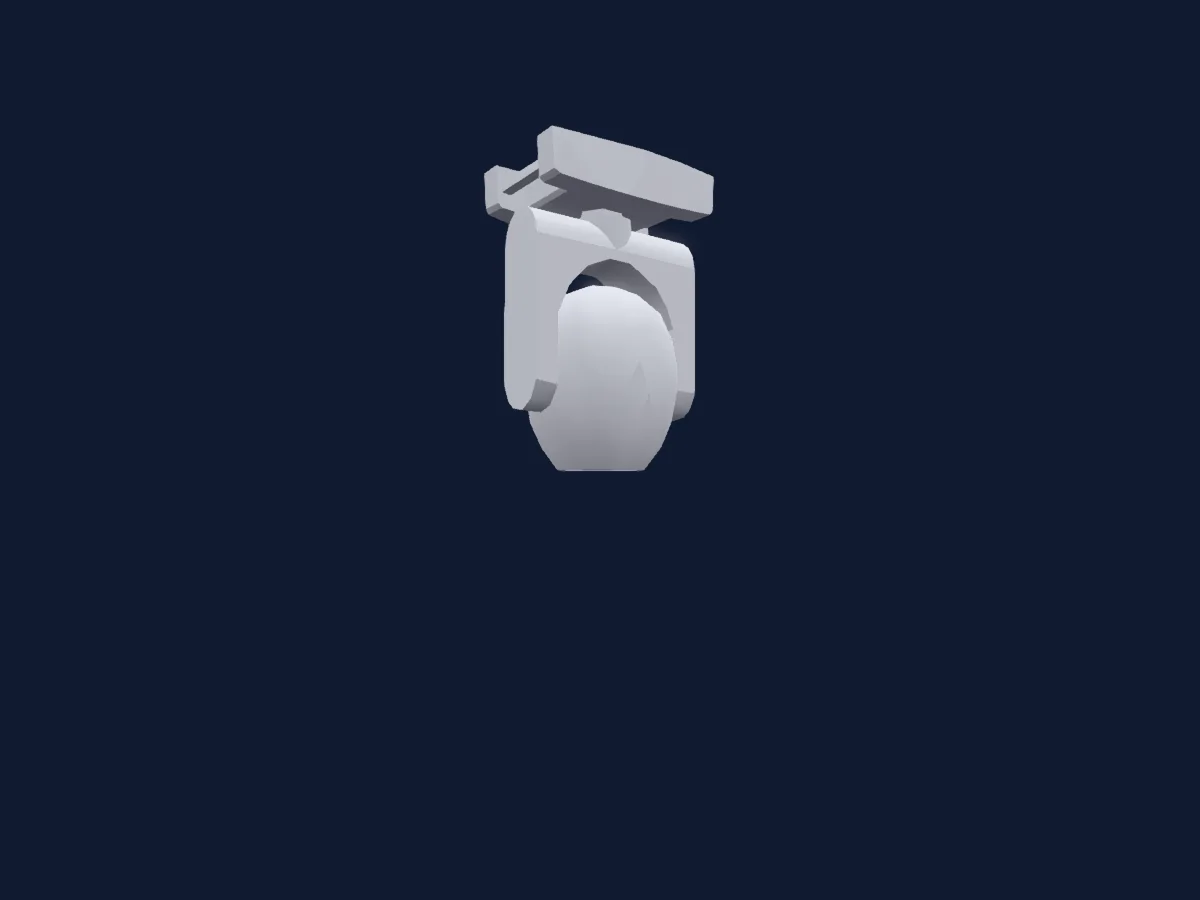
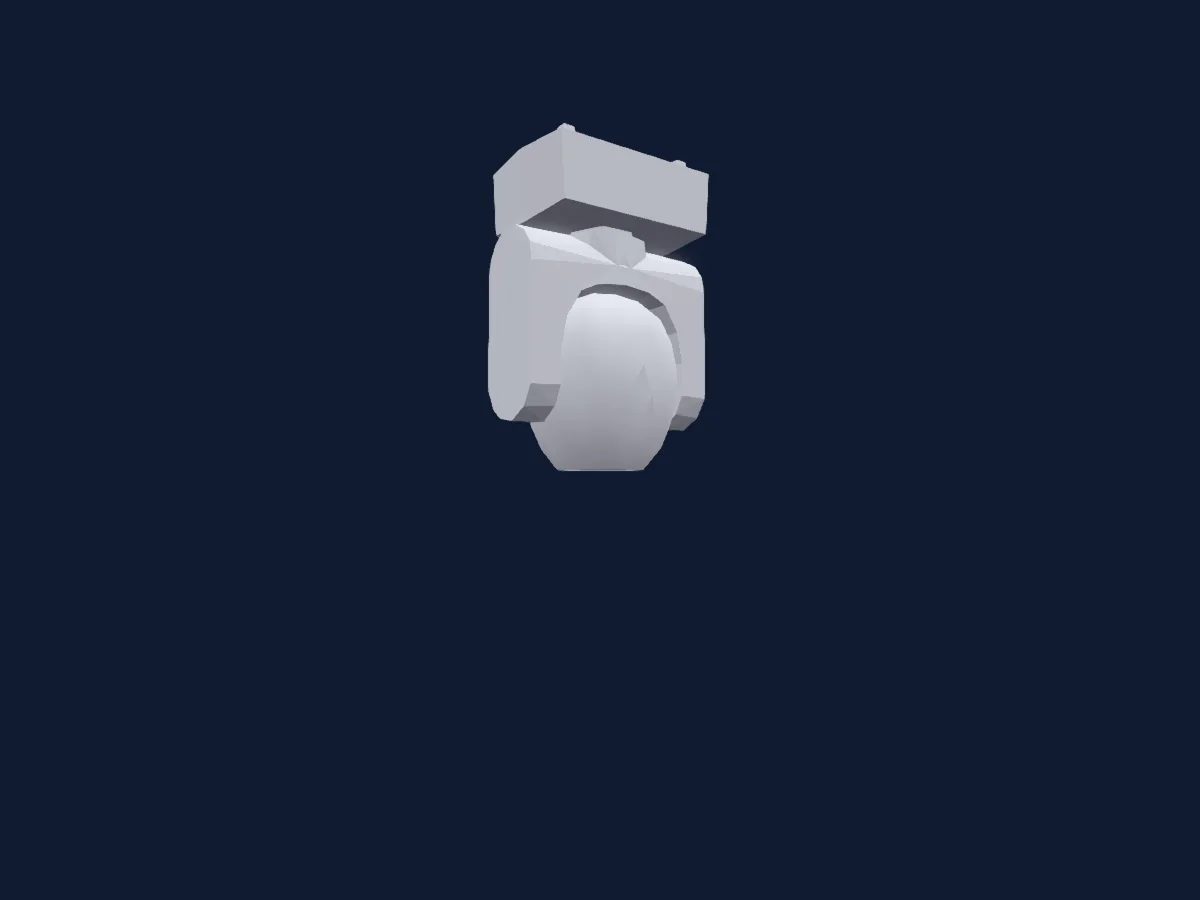
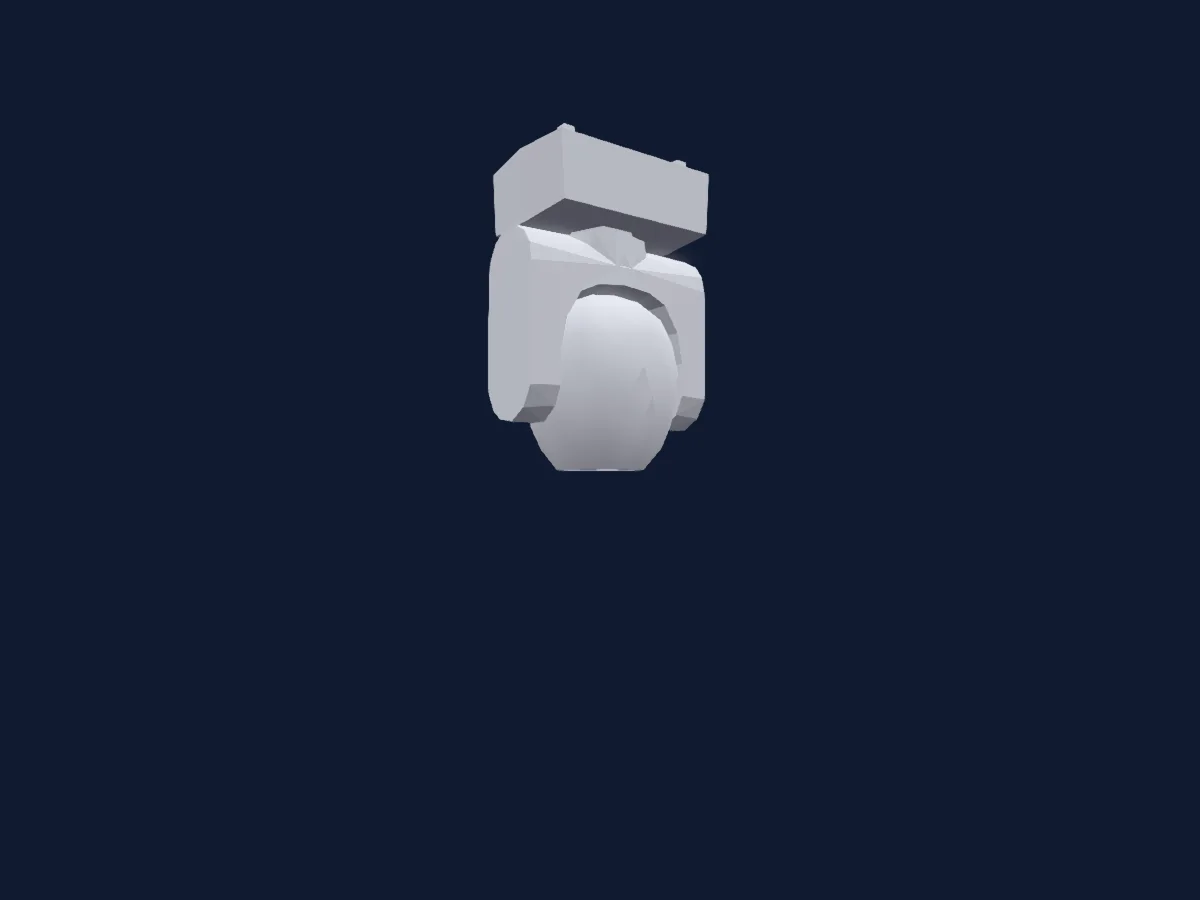
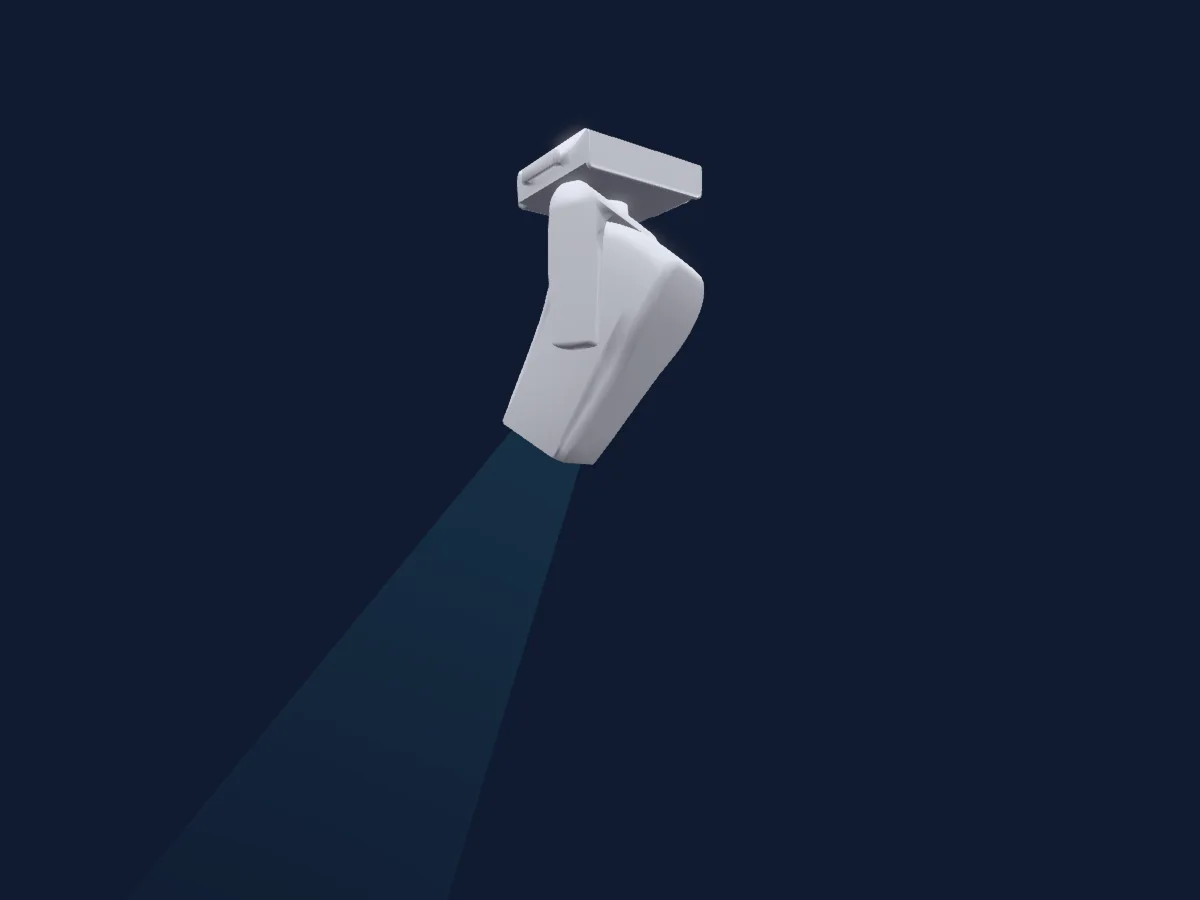
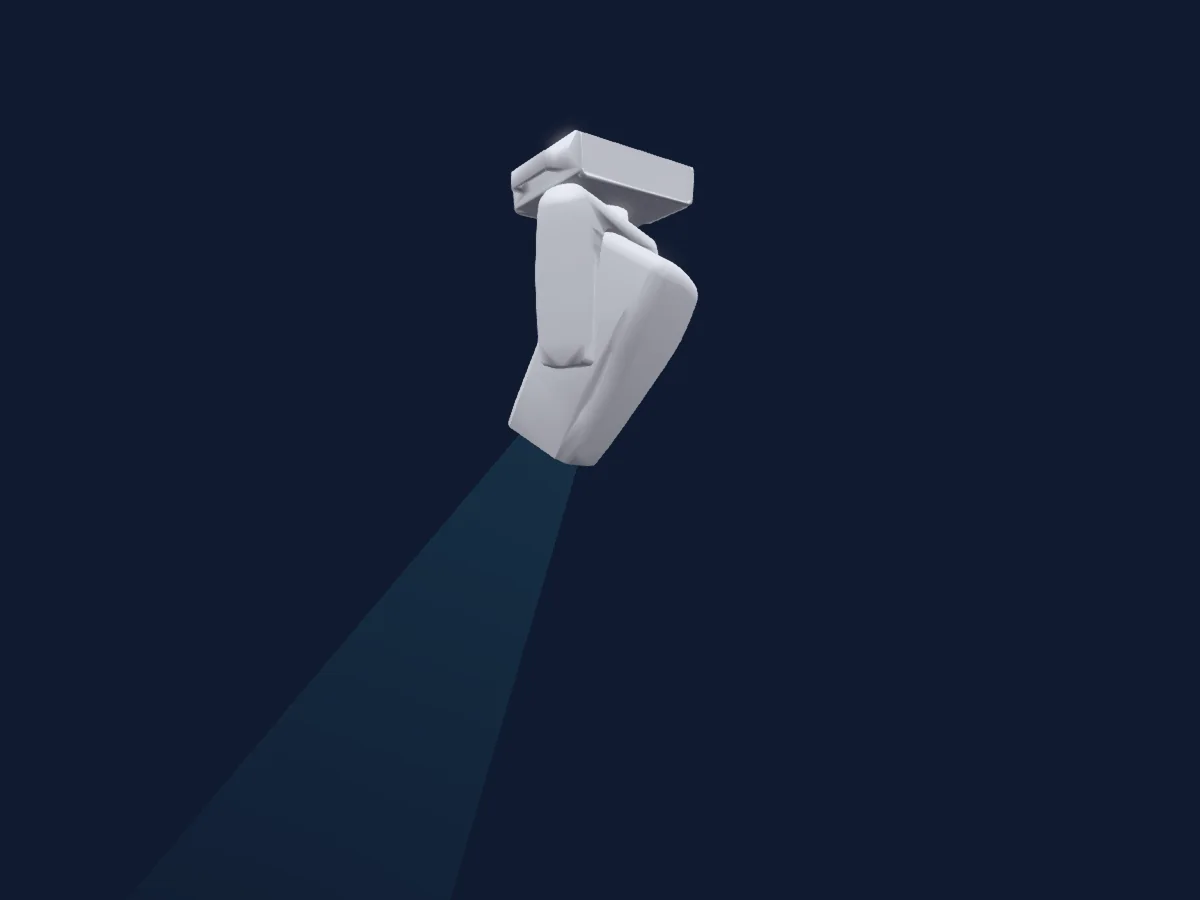
Clay Paky Xtylos Aqua renderizado no HitLight

O que ele faz

  • Foco
  • Prisma
  • Rotação do prisma
  • Mistura de cores RGB
  • Temperatura de cor
  • Strobo
  • Dimmer
  • Gobos
  • Rotação de gobos

Funções relevantes para a segurança: Emissão de laser · Reset do refletor. Confira como elas se comportam no seu refletor antes de um show.

Modos DMX e tabelas de canais

Modos DMX de Clay Paky Xtylos Aqua
ModoCanaisNo HitLight
Standard31Pronto no HitLight

Standard

Pronto no HitLight

31 canais DMX · Baixar esta tabela em CSV

Tabela de canais DMX de Standard
CanalFunçãoPadrãoValores DMX
1Red00–255
2Red Fine0Byte fino de Red
3Green00–255
4Green Fine0Byte fino de Green
5Blue00–255
6Blue Fine0Byte fino de Blue
7C TO0
3 faixas de valores
  • 0–0 Raw Mode
  • 1–254 8000K
  • 255–255 2500K
8Show Set0
29 faixas de valores
  • 0–11 Unused Range
  • 12–16 Limited Output ON
  • 17–21 Limited Output OFF
  • 22–27 SOZ-HD=82ft (sm)
  • 28–32 SOZ-HD=70ft (sm)
  • 33–37 SOZ-HD=60ft (sm)
  • 38–42 SOZ-H=50ft (sm)
  • 43–47 CHECK START
  • 48–52 CHECK STOP
  • 53–57 BAZ-SIM
  • 58–62 BAZ-PAN_180
  • 63–67 BAZ-CUST_TILT_1
  • 68–72 BAZ-CUST-PAN_1
  • 73–78 BAZ-CUST_PAN_2
  • 79–83 BAZ-CUST_TILT_2
  • 84–99 FREE
  • 100–104 BAZ-INVERT
  • 105–108 BAZ-RESET
  • 109–113 SOZ-SYM (sm)
  • 114–118 SOZ-PAN_180 (sm)
  • 119–123 SOZ-CUST_TILT_1 (sm)
  • 124–129 SOZ-CUST_PAN_1 (sm)
  • 130–134 SOZ-CUST_PAN_2 (sm)
  • 135–139 SOZ-CUST_TILT_2 (sm)
  • 140–154 FREE
  • 155–159 SOZ-INVERT (sm)
  • 160–164 SOZ-RESET (sm)
  • 165–169 TOTreset
  • 170–255 FREE
9Dimmer0
2 faixas de valores
  • 0–254 Closed
  • 255–255 Open
10Dimmer Fine0Byte fino de Dimmer
11Shutter / Strobe252
11 faixas de valores
  • 0–3 Close
  • 4–102 Linear Strobe · 1Hz 1–11.9 Hz
  • 103–103 Linear Strobe · 25Hz 12 Hz
  • 104–107 Open
  • 108–206 Linear Pulse · 1Hz 0.5–24.8 Hz
  • 207–207 Linear Pulse · 25Hz 25 Hz
  • 208–212 Open
  • 213–225 Random Strobe · Slow 1–7.63 Hz
  • 226–238 Random Strobe · Med 8.18–14.8 Hz
  • 239–251 Random Strobe · Fast 15.4–22 Hz
  • 252–255 Open
12Gobo0
26 faixas de valores
  • 0–5 Open (wheel slot 1)
  • 6–11 Gobo 1 (wheel slot 2)
  • 12–17 Gobo 2 (wheel slot 3)
  • 18–23 Gobo 3 (wheel slot 4)
  • 24–29 Gobo 4 (wheel slot 5)
  • 30–35 Gobo 5 (wheel slot 6)
  • 36–41 Gobo 6 (wheel slot 7)
  • 42–47 Gobo 7 (wheel slot 8)
  • 48–53 Gobo 8 (wheel slot 9)
  • 54–59 Gobo 9 (wheel slot 10)
  • 60–65 Gobo 10 (wheel slot 11)
  • 66–71 Gobo 11 (wheel slot 12)
  • 72–113 CCW
  • 114–117 STOP
  • 118–159 CW
  • 160–168 GB1 Shake (wheel slot 2)
  • 169–177 GB2 Shake (wheel slot 3)
  • 178–186 GB3 Shake (wheel slot 4)
  • 187–194 GB4 Shake (wheel slot 5)
  • 195–203 GB5 Shake (wheel slot 6)
  • 204–212 GB6 Shake (wheel slot 7)
  • 213–221 GB7 Shake (wheel slot 8)
  • 222–229 GB8 Shake (wheel slot 9)
  • 230–238 GB9 Shake (wheel slot 10)
  • 239–247 GB10 Shake (wheel slot 11)
  • 248–255 GB11 Shake (wheel slot 12)
13Gobo 20
15 faixas de valores
  • 0–16 Open (wheel slot 1)
  • 17–32 Gobo 2-1 (wheel slot 2)
  • 33–48 Gobo 2-2 (wheel slot 3)
  • 49–64 Gobo 2-3 (wheel slot 4)
  • 65–81 Gobo 2-4 (wheel slot 5)
  • 82–97 Gobo 2-5 (wheel slot 6)
  • 98–113 Gobo 2-6 (wheel slot 7)
  • 114–129 Gobo 2-7 (wheel slot 8)
  • 130–147 GB 2-1 Shake (wheel slot 2)
  • 148–165 GB 2-2 Shake (wheel slot 3)
  • 166–183 GB 2-3 Shake (wheel slot 4)
  • 184–201 GB 2-4 Shake (wheel slot 5)
  • 202–219 GB 2-5 Shake (wheel slot 6)
  • 220–237 GB 2-6 Shake (wheel slot 7)
  • 238–255 GB 2-7 Shake (wheel slot 8)
14Gobo Rotation 20
13 faixas de valores
  • 0–20 0
  • 21–41 90
  • 42–62 180
  • 63–83 270
  • 84–104 360
  • 105–126 450
  • 127–127 540
  • 128–189 <<<
  • 190–190 <<
  • 191–192 0
  • 193–223 >
  • 224–254 >>
  • 255–255 >>>
15Gobo Rotation 2 Fine0Byte fino de Gobo Rotation 2
16Prism0
9 faixas de valores
  • 0–25 Open (wheel slot 1)
  • 26–51 Wheel Slot 1 (wheel slot 2)
  • 52–77 Ellipse (wheel slot 3)
  • 78–103 Piramyd (wheel slot 4)
  • 104–129 Frost (wheel slot 5)
  • 130–161 6 Facet Shake (wheel slot 2)
  • 162–192 Elliptical Shake (wheel slot 3)
  • 193–224 6 facet Piramydal Shake (wheel slot 4)
  • 225–255 Frost Shake (wheel slot 5)
17Prism Rotation0
9 faixas de valores
  • 0–21 0 to 90
  • 22–42 90 to 180
  • 43–63 180 to 270
  • 64–84 270 to 360
  • 85–105 360 to 450
  • 106–127 450 to 540
  • 128–190 CCW
  • 191–254 Stop
  • 255–255 CW
18Prism0
2 faixas de valores
  • 0–127 Open (wheel slot 1)
  • 128–255 Prism 16F (wheel slot 2)
19Prism Rotation0
9 faixas de valores
  • 0–21 0 - 90
  • 22–42 90 to 180
  • 43–63 180 - 270
  • 64–84 270 - 360
  • 85–105 360 - 450
  • 106–127 450 - 540
  • 128–190 CW
  • 191–254 Stop Rot
  • 255–255 CCW
20Smart Fade00–255
21Focus127
2 faixas de valores
  • 0–254 Min Focus
  • 255–255 Max Focus
22Focus Fine255Byte fino de Focus
23Pan1280–255
24Pan Fine0Byte fino de Pan
25Tilt1280–255
26Tilt Fine0Byte fino de Tilt
27Function0
4 faixas de valores
  • 0–11 No Feature
  • 12–24 Fast P/T
  • 25–37 Norm P/T
  • 38–255 Free
28Fixture Global Reset0
4 faixas de valores
  • 0–25 No Feature
  • 26–76 Effect Reset
  • 77–127 Position Reset
  • 128–255 Fixture Global Reset
29L EDFrequency21
11 faixas de valores
  • 0–11 No Feature
  • 12–12 4700Hz
  • 13–13 6000Hz
  • 14–14 7300Hz
  • 15–15 8600Hz
  • 16–16 10000Hz
  • 17–17 12000Hz
  • 18–18 15000Hz
  • 19–19 17578Hz
  • 20–20 20000Hz
  • 21–255 22000Hz
30Led Freq Adjust00–255
31Baze Fading0
2 faixas de valores
  • 0–0 No Fade
  • 1–255 Linear Fading (BAZ Only)

Usar Clay Paky Xtylos Aqua no HitLight

  1. Abra Adicionar refletor e procure Clay Paky Xtylos Aqua.
  2. Escolha o modo DMX configurado no menu do próprio refletor. O HitLight atribui a ele o menor endereço inicial livre do universo que comporta a quantidade de canais do modo.
  3. Confira o modo e os controles no seu refletor real antes de usar ao vivo.

Espaços com Clay Paky Xtylos Aqua

As suas montagens guardadas incluem este modelo de aparelho. Confirme o equipamento atual com o espaço.

As tabelas vêm da descrição GDTF do refletor, convertida para a biblioteca do HitLight. O HitLight não tem vínculo com a Clay Paky.

Faça o patch e deixe a música comandar as luzes.

O HitLight encontra esses refletores na biblioteca, faz o patch no próximo endereço livre e mostra seu rig em 3D antes de você ligar uma única luz.

Abrir HitLight ↗Baixar o HitLight