 HitLight
DTS Lighting Scena LED MZ 200 CT
Tabela DMX, 3 modos DMX e prévia em 3D. 3 / 9 canais DMX.
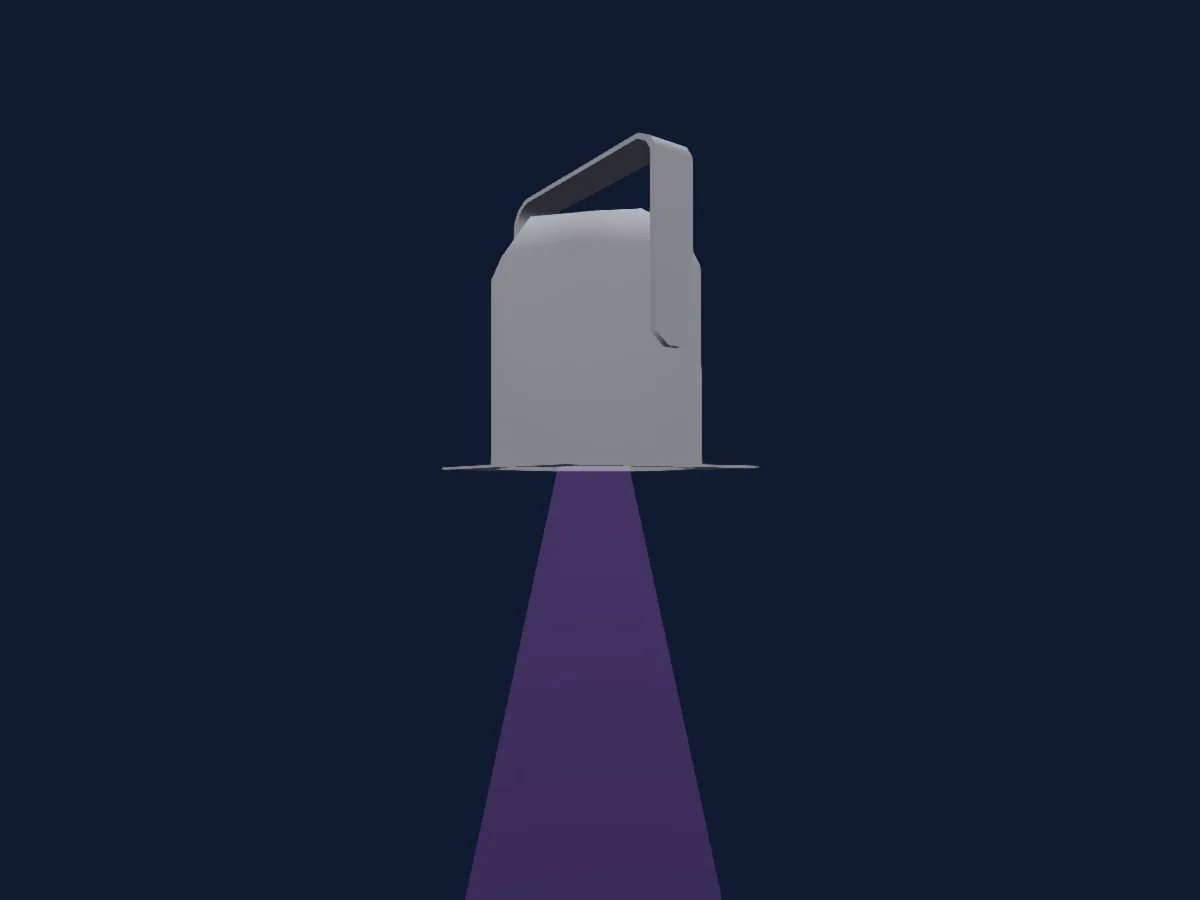
O que ele faz
- Zoom
- Cores de LED adicionais
- Temperatura de cor
- Strobo
- Dimmer
Funções relevantes para a segurança: Reset do refletor · Funções de manutenção · Strobo. Confira como elas se comportam no seu refletor antes de um show.
Modos DMX e tabelas de canais
| Modo | Canais | No HitLight |
|---|---|---|
| 3 CH | 3 | Pronto no HitLight |
| CTC | 3 | Pronto no HitLight |
| 9 CH | 9 | Pronto no HitLight |
3 CH
Pronto no HitLight3 canais DMX · Baixar esta tabela em CSV
| Canal | Função | Padrão | Valores DMX |
|---|---|---|---|
| 1 | White | 0 | 0–255 |
| 2 | White | 0 | 0–255 |
| 3 | Zoom | 0 | 0–255 |
CTC
Pronto no HitLight3 canais DMX · Baixar esta tabela em CSV
| Canal | Função | Padrão | Valores DMX |
|---|---|---|---|
| 1 | Dimmer | 0 | 0–255 |
| 2 | C TC | 255 | 10 faixas de valores
|
| 3 | Zoom | 0 | 0–255 |
9 CH
Pronto no HitLight9 canais DMX · Baixar esta tabela em CSV
| Canal | Função | Padrão | Valores DMX |
|---|---|---|---|
| 1 | White | 0 | 0–255 |
| 2 | White Count | 0 | 0–255 |
| 3 | Shutter / Strobe | 19 | 12 faixas de valores
|
| 4 | Dimmer | 0 | 0–255 |
| 5 | Dimmer Fine | 0 | Byte fino de Dimmer |
| 6 | C TC | 255 | 10 faixas de valores
|
| 7 | Control1 | 135 | 45 faixas de valores
|
| 8 | Zoom | 0 | 0–255 |
| 9 | Zoom Reset | 0 | 2 faixas de valores
|
Usar DTS Lighting Scena LED MZ 200 CT no HitLight
- Abra Adicionar refletor e procure DTS Lighting Scena LED MZ 200 CT.
- Escolha o modo DMX configurado no menu do próprio refletor. O HitLight atribui a ele o menor endereço inicial livre do universo que comporta a quantidade de canais do modo.
- Confira o modo e os controles no seu refletor real antes de usar ao vivo.
Refletores relacionados
PAR
DTS Lighting Brick FC
4 / 6 / 10 canais DMX
PAR
DTS Lighting Chrome 1 Bracket
1 canal DMX
PAR
DTS Lighting Hi-line 60 WH
4 / 11 canais DMX
PAR
DTS Lighting SOPRANO 3 HQS
5 / 10 / 12 / 13 / 17 canais DMX
PAR
DTS Lighting Hi-line 30 FC
4 / 11 canais DMX
PAR
DTS Lighting PIXEL PUNTO1
4 / 11 canais DMX
As tabelas vêm da descrição GDTF do refletor, convertida para a biblioteca do HitLight. O HitLight não tem vínculo com a DTS Lighting.