 HitLight
ETEC Spot E90
Tabela DMX, 1 modo DMX e prévia em 3D. 17 canais DMX.
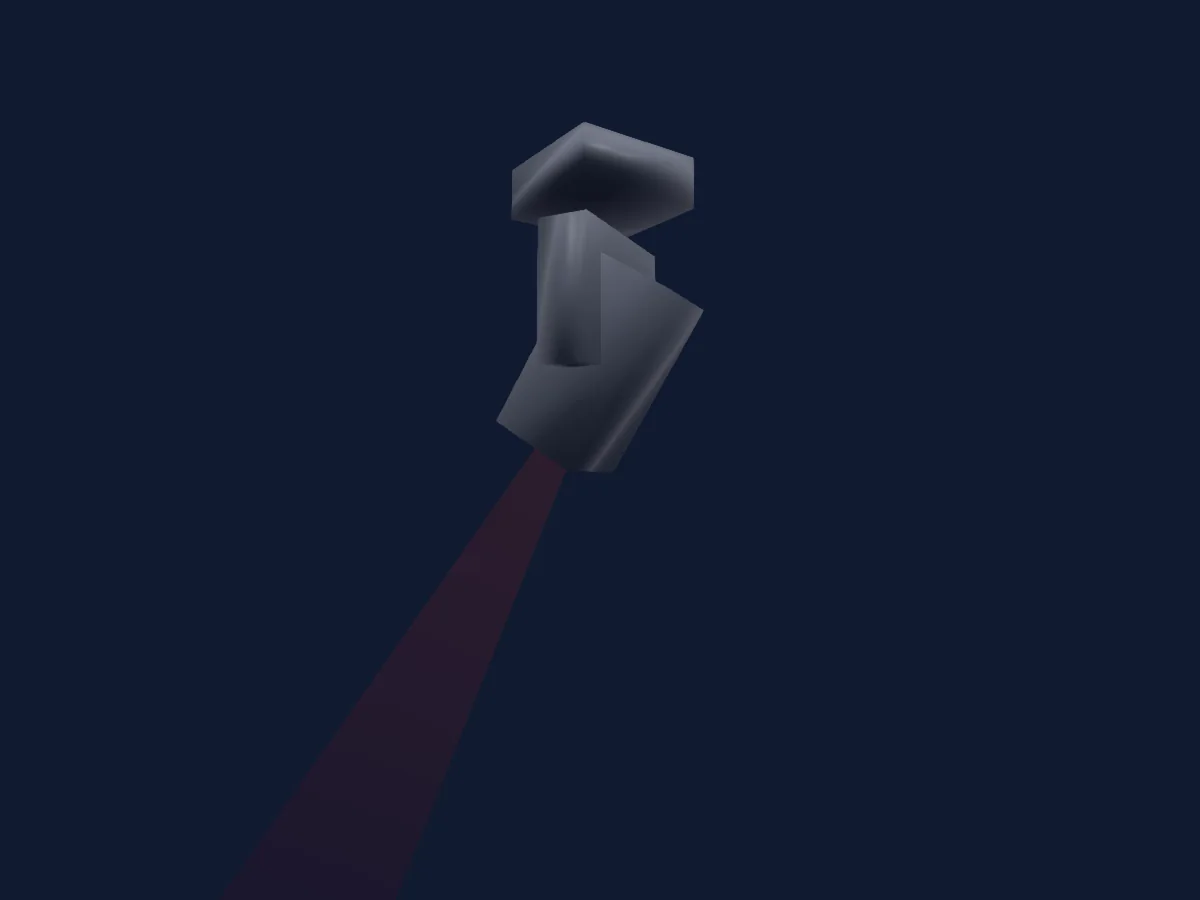
O que ele faz
- Foco
- Prisma
- Roda de cores
- Strobo
- Dimmer
- Pan e tilt
- Velocidade de movimento
- Gobos
Funções relevantes para a segurança: Reset do refletor. Confira como elas se comportam no seu refletor antes de um show.
Modos DMX e tabelas de canais
| Modo | Canais | No HitLight |
|---|---|---|
| 16 Ch | 17 | Pronto no HitLight |
16 Ch
Pronto no HitLight17 canais DMX · Baixar esta tabela em CSV
| Canal | Função | Padrão | Valores DMX |
|---|---|---|---|
| 1 | Pan | 128 | 0–255 |
| 2 | Pan Fine | 0 | Byte fino de Pan |
| 3 | Tilt | 128 | 0–255 |
| 4 | Tilt Fine | 0 | Byte fino de Tilt |
| 5 | Position MSpeed | 0 | 2 faixas de valores
|
| 6 | Dimmer | 0 | 2 faixas de valores
|
| 7 | Shutter / Strobe | 251 | 4 faixas de valores
|
| 8 | Color Wheel | 0 | 10 faixas de valores
|
| 9 | Gobo | 0 | 20 faixas de valores
|
| 10 | Gobo 2 | 0 | 9 faixas de valores
|
| 11 | Gobo2Select Spin | 0 | 7 faixas de valores
|
| 12 | Focus | 0 | 0–255 |
| 13 | Prism | 0 | 2 faixas de valores
|
| 14 | Macro Col UGobo | 0 | 0–255 |
| 15 | Marco Speed | 0 | 0–255 |
| 16 | Movement Macro | 0 | 0–255 |
| 17 | Fixture Global Reset | 0 | 0–255 |
Usar ETEC Spot E90 no HitLight
- Abra Adicionar refletor e procure ETEC Spot E90.
- Escolha o modo DMX configurado no menu do próprio refletor. O HitLight atribui a ele o menor endereço inicial livre do universo que comporta a quantidade de canais do modo.
- Confira o modo e os controles no seu refletor real antes de usar ao vivo.
Refletores relacionados
Moving head
ETEC Beam Washer 19Z Zoom
16 canais DMX
Moving head
ETEC Wash Z19
24 canais DMX
Moving head
ETEC Spot E200
18 canais DMX
Moving head
ETEC Beam Spot 280
24 canais DMX
Moving head
ETEC pro Beam 7R
16 canais DMX
Moving head
ETEC Spot E150
16 canais DMX
As tabelas vêm da descrição GDTF do refletor, convertida para a biblioteca do HitLight. O HitLight não tem vínculo com a ETEC.