Pular para o conteúdo
HitLight
Fine Art · Elipsoidal

Fine Art FINE 1700LH ISPOT IP

Tabela DMX, 3 modos DMX e prévia em 3D. 34 / 42 / 46 canais DMX.
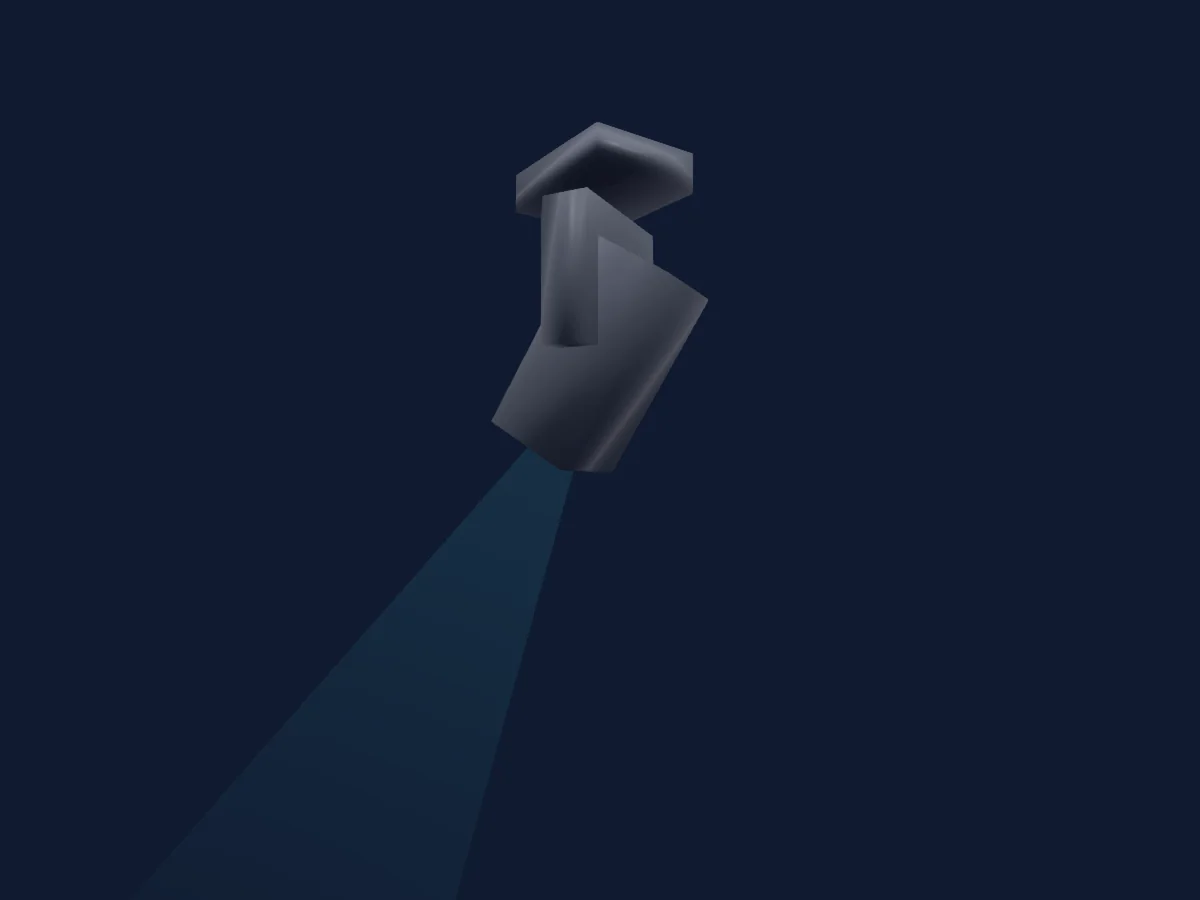
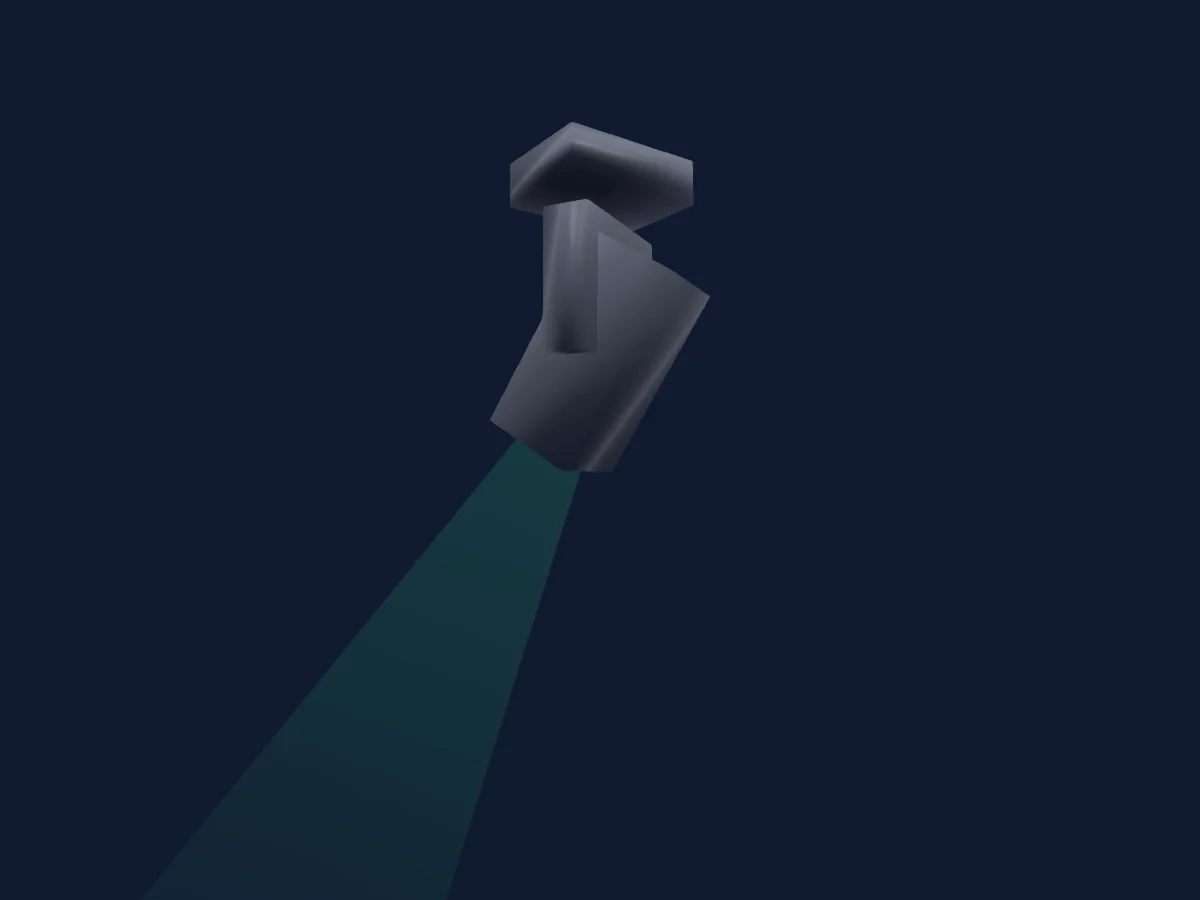
Fine Art FINE 1700LH ISPOT IP renderizado no HitLight

O que ele faz

  • Foco
  • Frost
  • Prisma
  • Rotação do prisma
  • Zoom
  • Mistura de cores CMY
  • Temperatura de cor
  • Roda de cores
  • Strobo
  • Dimmer
  • Pan e tilt
  • Velocidade de movimento
  • Roda de animação
  • Gobos
  • Rotação de gobos

Funções relevantes para a segurança: Reset do refletor · Strobo. Confira como elas se comportam no seu refletor antes de um show.

Modos DMX e tabelas de canais

Modos DMX de Fine Art FINE 1700LH ISPOT IP
ModoCanaisNo HitLight
Stand 3434Pronto no HitLight
16 Bit 4242Pronto no HitLight
EXTN 4646Pronto no HitLight

Stand 34

Pronto no HitLight

34 canais DMX · Baixar esta tabela em CSV

Tabela de canais DMX de Stand 34
CanalFunçãoPadrãoValores DMX
1Shutter / Strobe8
8 faixas de valores
  • 0–5 Close
  • 6–10 Open 1
  • 11–105 Strobe
  • 106–110 Open 2
  • 111–179 Thunder Strobe from slow to fast
  • 180–185 Open 3
  • 186–253 Random
  • 254–255 Open 4
2Dimmer00–255
3Dimmer Fine0Byte fino de Dimmer
4Pan1270–255
5Pan Fine255Byte fino de Pan
6Tilt1270–255
7Tilt Fine255Byte fino de Tilt
8Gobo0
16 faixas de valores
  • 0–9 Open (wheel slot 1)
  • 10–19 G1 (wheel slot 2)
  • 20–29 G2 (wheel slot 3)
  • 30–39 G3 (wheel slot 4)
  • 40–49 G4 (wheel slot 5)
  • 50–59 G5 (wheel slot 6)
  • 60–71 G6 (wheel slot 7)
  • 72–94 G1<> (wheel slot 2)
  • 95–117 G2<> (wheel slot 3)
  • 118–140 G3<> (wheel slot 4)
  • 141–163 G4<> (wheel slot 5)
  • 164–186 G5<> (wheel slot 6)
  • 187–209 G6<> (wheel slot 7)
  • 210–231 100%>>>1%
  • 232–233 Stop
  • 234–255 1%<<<100%
9Gobo Rotation0
6 faixas de valores
  • 0–62 0
  • 63–126 180
  • 127–127 360
  • 128–190 100%>>>1%
  • 191–192 Stop
  • 193–255 1%<<<100%
10Gobo 20
16 faixas de valores
  • 0–9 Open (wheel slot 1)
  • 10–19 G1 (wheel slot 2)
  • 20–29 G2 (wheel slot 3)
  • 30–39 G3 (wheel slot 4)
  • 40–49 G4 (wheel slot 5)
  • 50–59 G5 (wheel slot 6)
  • 60–71 G6 (wheel slot 7)
  • 72–94 G1 (wheel slot 2)
  • 95–117 G2 (wheel slot 3)
  • 118–140 G3 (wheel slot 4)
  • 141–163 G4 (wheel slot 5)
  • 164–186 G5 (wheel slot 6)
  • 187–209 G6 (wheel slot 7)
  • 210–231 100%>>>1%
  • 232–233 Stop
  • 234–255 1%<<<100%
11Gobo Rotation 20
4 faixas de valores
  • 0–127 0-360
  • 128–190 100%>>>1%
  • 191–192 Stop
  • 193–255 1%<<<100%
12Animation Wheel1Pos Rotate0
5 faixas de valores
  • 0–2 Open
  • 3–126 100%>>>1% (wheel slot 1)
  • 127–129 Stop
  • 130–252 1%<<<100% (wheel slot 1)
  • 253–255 Stop 1
13Cyan00–255
14Magenta00–255
15Yellow00–255
16C TO00–255
17Color Wheel0
14 faixas de valores
  • 0–120 Linear
  • 121–126 Red (wheel slot 2)
  • 127–132 Green (wheel slot 3)
  • 133–138 Blue (wheel slot 4)
  • 139–144 Orange (wheel slot 5)
  • 145–150 Pink (wheel slot 6)
  • 151–156 CTB (wheel slot 7)
  • 157–160 Open (wheel slot 1)
  • 161–200 100%>>>1%
  • 201–203 Stop
  • 204–243 1%<<<100%
  • 244–247 100%
  • 248–251 50%
  • 252–255 1%
18Prism10
3 faixas de valores
  • 0–10 Open (wheel slot 1)
  • 11–138 4 Prism (wheel slot 2)
  • 139–255 6 Prism (wheel slot 3)
19Prism Rotation0
4 faixas de valores
  • 0–127 0-360
  • 128–190 100%>>>1%
  • 191–192 Stop
  • 193–255 1%<<<100%
20Focus1280–255
21Zoom1280–255
22Frost10
2 faixas de valores
  • 0–127 Open
  • 128–255 Frost
23Frost200–255
24Custom00–255
25Blade1A00–255
26Blade1B127
3 faixas de valores
  • 0–126 -45
  • 127–254 0
  • 255–255 45
27Blade2A00–255
28Blade2B127
3 faixas de valores
  • 0–126 -45
  • 127–254 0
  • 255–255 45
29Blade3A00–255
30Blade3B127
3 faixas de valores
  • 0–126 -45
  • 127–254 0
  • 255–255 45
31Blade4A00–255
32Blade4B127
3 faixas de valores
  • 0–126 -45
  • 127–254 0
  • 255–255 45
33Shaper Rot0
3 faixas de valores
  • 0–126 0
  • 127–254 90
  • 255–255 180
34Control10
30 faixas de valores
  • 0–9 None
  • 10–14 Reset
  • 15–29 MP Reset
  • 30–34 XY Reset
  • 35–49 Reserved
  • 50–54 LED 1200Hz
  • 55–59 LED 2400Hz
  • 60–64 LED 12KHz
  • 65–69 LED 24KHz
  • 70–74 S-curve Dimmer curve
  • 75–79 Square Law Dimming curve
  • 80–84 Inverse Square Law Dimming curve
  • 85–89 Linear Dimming Cuve
  • 90–124 Reserved
  • 125–129 High light Mode
  • 130–134 Standard Mode
  • 135–139 Theater Mode
  • 140–144 CMY Liner
  • 145–149 CMY parabola
  • 150–169 Reserved
  • 170–179 Fast dimmer
  • 180–189 Slow dimmer
  • 190–199 Reserved
  • 200–205 CTB ON
  • 206–210 CTB OFF
  • 211–234 Reserved
  • 235–239 Mode 1: The console controls all attributes except for the XY attributes
  • 240–244 Mode 2: The console controls all attributes except for the attributes mapped to the gimbal on the joystick and wheeland
  • 245–249 Mode 3: The console controls all attributesexcept for the attributes of the gimbal mapped to the joystick and the XY att
  • 250–255 Mode 4: The console controls all attributes

16 Bit 42

Pronto no HitLight

42 canais DMX · Baixar esta tabela em CSV

Tabela de canais DMX de 16 Bit 42
CanalFunçãoPadrãoValores DMX
1Shutter / Strobe8
8 faixas de valores
  • 0–5 Close
  • 6–10 Open 1
  • 11–105 Strobe
  • 106–110 Open 2
  • 111–179 Thunder Strobe from slow to fast
  • 180–185 Open 3
  • 186–253 Random
  • 254–255 Open 4
2Dimmer00–255
3Dimmer Fine0Byte fino de Dimmer
4Pan1270–255
5Pan Fine255Byte fino de Pan
6Tilt1270–255
7Tilt Fine255Byte fino de Tilt
8Gobo0
16 faixas de valores
  • 0–9 Open (wheel slot 1)
  • 10–19 G1 (wheel slot 2)
  • 20–29 G2 (wheel slot 3)
  • 30–39 G3 (wheel slot 4)
  • 40–49 G4 (wheel slot 5)
  • 50–59 G5 (wheel slot 6)
  • 60–71 G6 (wheel slot 7)
  • 72–94 G1<> (wheel slot 2)
  • 95–117 G2<> (wheel slot 3)
  • 118–140 G3<> (wheel slot 4)
  • 141–163 G4<> (wheel slot 5)
  • 164–186 G5<> (wheel slot 6)
  • 187–209 G6<> (wheel slot 7)
  • 210–231 100%>>>1%
  • 232–233 Stop
  • 234–255 1%<<<100%
9Gobo Rotation0
5 faixas de valores
  • 0–62 0
  • 63–126 180
  • 127–190 360
  • 191–191 Stop
  • 192–255 1%<<<100%
10Gobo Rotation Fine0Byte fino de Gobo Rotation
11Gobo 20
16 faixas de valores
  • 0–9 Open (wheel slot 1)
  • 10–19 G1 (wheel slot 2)
  • 20–29 G2 (wheel slot 3)
  • 30–39 G3 (wheel slot 4)
  • 40–49 G4 (wheel slot 5)
  • 50–59 G5 (wheel slot 6)
  • 60–71 G6 (wheel slot 7)
  • 72–94 G1 (wheel slot 2)
  • 95–117 G2 (wheel slot 3)
  • 118–140 G3 (wheel slot 4)
  • 141–163 G4 (wheel slot 5)
  • 164–186 G5 (wheel slot 6)
  • 187–209 G6 (wheel slot 7)
  • 210–231 100%>>>1%
  • 232–233 Stop
  • 234–255 1%<<<100%
12Gobo Rotation 20
4 faixas de valores
  • 0–127 0-360
  • 128–190 100%>>>1%
  • 191–192 Stop
  • 193–255 1%<<<100%
13Gobo Rotation 2 Fine0Byte fino de Gobo Rotation 2
14Animation Wheel1Pos Rotate0
5 faixas de valores
  • 0–2 Open
  • 3–126 100%>>>1% (wheel slot 1)
  • 127–129 Stop
  • 130–252 1%<<<100% (wheel slot 1)
  • 253–255 Stop 1
15Cyan00–255
16Magenta00–255
17Yellow00–255
18C TO00–255
19Color Wheel0
14 faixas de valores
  • 0–120 Linear
  • 121–126 Red (wheel slot 2)
  • 127–132 Green (wheel slot 3)
  • 133–138 Blue (wheel slot 4)
  • 139–144 Orange (wheel slot 5)
  • 145–150 Pink (wheel slot 6)
  • 151–156 CTB (wheel slot 7)
  • 157–160 Open (wheel slot 1)
  • 161–200 100%>>>1%
  • 201–203 Stop
  • 204–243 1%<<<100%
  • 244–247 100%
  • 248–251 50%
  • 252–255 1%
20Prism10
3 faixas de valores
  • 0–10 Open (wheel slot 1)
  • 11–138 4 Prism (wheel slot 2)
  • 139–255 6 Prism (wheel slot 3)
21Prism Rotation0
4 faixas de valores
  • 0–127 0-360
  • 128–190 100%>>>1%
  • 191–192 Stop
  • 193–255 1%<<<100%
22Focus1280–255
23Focus Fine0Byte fino de Focus
24Zoom1280–255
25Zoom Fine0Byte fino de Zoom
26Focus1Distance00–255
27Focus1Distance Fine0Byte fino de Focus1Distance
28Frost10
2 faixas de valores
  • 0–127 Open
  • 128–255 Frost
29Frost200–255
30Custom00–255
31Blade1A00–255
32Blade1B127
3 faixas de valores
  • 0–126 -45
  • 127–254 0
  • 255–255 45
33Blade2A00–255
34Blade2B127
3 faixas de valores
  • 0–126 -45
  • 127–254 0
  • 255–255 45
35Blade3A00–255
36Blade3B127
3 faixas de valores
  • 0–126 -45
  • 127–254 0
  • 255–255 45
37Blade4A00–255
38Blade4B127
3 faixas de valores
  • 0–126 -45
  • 127–254 0
  • 255–255 45
39Shaper Rot0
3 faixas de valores
  • 0–126 0
  • 127–254 90
  • 255–255 180
40Beam Shaper0
7 faixas de valores
  • 0–9 None
  • 10–19 Square
  • 20–29 Rectangle
  • 30–39 Triangle
  • 40–49 Rhombus
  • 50–59 Trapezium
  • 60–255 Reserved
41C RIMode00–255
42Control10
30 faixas de valores
  • 0–9 None
  • 10–14 Reset
  • 15–29 MP Reset
  • 30–34 XY Reset
  • 35–49 Reserved
  • 50–54 LED 1200Hz
  • 55–59 LED 2400Hz
  • 60–64 LED 12KHz
  • 65–69 LED 24KHz
  • 70–74 S-curve Dimmer curve
  • 75–79 Square Law Dimming curve
  • 80–84 Inverse Square Law Dimming curve
  • 85–89 Linear Dimming Cuve
  • 90–124 Reserved
  • 125–129 High light Mode
  • 130–134 Standard Mode
  • 135–139 Theater Mode
  • 140–144 CMY Liner
  • 145–149 CMY parabola
  • 150–169 Reserved
  • 170–179 Fast dimmer
  • 180–189 Slow dimmer
  • 190–199 Reserved
  • 200–205 CTB ON
  • 206–210 CTB OFF
  • 211–234 Reserved
  • 235–239 Mode 1: The console controls all attributes except for the XY attributes
  • 240–244 Mode 2: The console controls all attributes except for the attributes mapped to the gimbal on the joystick and wheeland
  • 245–249 Mode 3: The console controls all attributesexcept for the attributes of the gimbal mapped to the joystick and the XY att
  • 250–255 Mode 4: The console controls all attributes

EXTN 46

Pronto no HitLight

46 canais DMX · Baixar esta tabela em CSV

Tabela de canais DMX de EXTN 46
CanalFunçãoPadrãoValores DMX
1Shutter / Strobe8
8 faixas de valores
  • 0–5 Close
  • 6–10 Open 1
  • 11–105 Strobe
  • 106–110 Open 2
  • 111–179 Thunder Strobe from slow to fast
  • 180–185 Open 3
  • 186–253 Random
  • 254–255 Open 4
2Dimmer00–255
3Dimmer Fine0Byte fino de Dimmer
4Pan1270–255
5Pan Fine255Byte fino de Pan
6Tilt1270–255
7Tilt Fine255Byte fino de Tilt
8Gobo0
16 faixas de valores
  • 0–9 Open (wheel slot 1)
  • 10–19 G1 (wheel slot 2)
  • 20–29 G2 (wheel slot 3)
  • 30–39 G3 (wheel slot 4)
  • 40–49 G4 (wheel slot 5)
  • 50–59 G5 (wheel slot 6)
  • 60–71 G6 (wheel slot 7)
  • 72–94 G1<> (wheel slot 2)
  • 95–117 G2<> (wheel slot 3)
  • 118–140 G3<> (wheel slot 4)
  • 141–163 G4<> (wheel slot 5)
  • 164–186 G5<> (wheel slot 6)
  • 187–209 G6<> (wheel slot 7)
  • 210–231 100%>>>1%
  • 232–233 Stop
  • 234–255 1%<<<100%
9Gobo Rotation0
5 faixas de valores
  • 0–62 0
  • 63–126 180
  • 127–190 360
  • 191–191 Stop
  • 192–255 1%<<<100%
10Gobo Rotation Fine0Byte fino de Gobo Rotation
11Gobo 20
16 faixas de valores
  • 0–9 Open (wheel slot 1)
  • 10–19 G1 (wheel slot 2)
  • 20–29 G2 (wheel slot 3)
  • 30–39 G3 (wheel slot 4)
  • 40–49 G4 (wheel slot 5)
  • 50–59 G5 (wheel slot 6)
  • 60–71 G6 (wheel slot 7)
  • 72–94 G1 (wheel slot 2)
  • 95–117 G2 (wheel slot 3)
  • 118–140 G3 (wheel slot 4)
  • 141–163 G4 (wheel slot 5)
  • 164–186 G5 (wheel slot 6)
  • 187–209 G6 (wheel slot 7)
  • 210–231 100%>>>1%
  • 232–233 Stop
  • 234–255 1%<<<100%
12Gobo Rotation 20
4 faixas de valores
  • 0–127 0-360
  • 128–190 100%>>>1%
  • 191–192 Stop
  • 193–255 1%<<<100%
13Gobo Rotation 2 Fine0Byte fino de Gobo Rotation 2
14Animation Wheel1Pos Rotate0
5 faixas de valores
  • 0–2 Open
  • 3–126 100%>>>1% (wheel slot 1)
  • 127–129 Stop
  • 130–252 1%<<<100% (wheel slot 1)
  • 253–255 Stop 1
15Cyan00–255
16Magenta00–255
17Yellow00–255
18C TO00–255
19Color Wheel0
14 faixas de valores
  • 0–120 Linear
  • 121–126 Red (wheel slot 2)
  • 127–132 Green (wheel slot 3)
  • 133–138 Blue (wheel slot 4)
  • 139–144 Orange (wheel slot 5)
  • 145–150 Pink (wheel slot 6)
  • 151–156 CTB (wheel slot 7)
  • 157–160 Open (wheel slot 1)
  • 161–200 100%>>>1%
  • 201–203 Stop
  • 204–243 1%<<<100%
  • 244–247 100%
  • 248–251 50%
  • 252–255 1%
20Prism10
3 faixas de valores
  • 0–10 Open (wheel slot 1)
  • 11–138 4 Prism (wheel slot 2)
  • 139–255 6 Prism (wheel slot 3)
21Prism Rotation0
4 faixas de valores
  • 0–127 0-360
  • 128–190 100%>>>1%
  • 191–192 Stop
  • 193–255 1%<<<100%
22Focus1280–255
23Focus Fine0Byte fino de Focus
24Zoom1280–255
25Zoom Fine0Byte fino de Zoom
26Focus1Distance00–255
27Focus1Distance Fine0Byte fino de Focus1Distance
28Frost10
2 faixas de valores
  • 0–127 Open
  • 128–255 Frost
29Frost200–255
30Custom00–255
31Blade1A00–255
32Blade1B127
3 faixas de valores
  • 0–126 -45
  • 127–254 0
  • 255–255 45
33Blade2A00–255
34Blade2B127
3 faixas de valores
  • 0–126 -45
  • 127–254 0
  • 255–255 45
35Blade3A00–255
36Blade3B127
3 faixas de valores
  • 0–126 -45
  • 127–254 0
  • 255–255 45
37Blade4A00–255
38Blade4B127
3 faixas de valores
  • 0–126 -45
  • 127–254 0
  • 255–255 45
39Shaper Rot0
3 faixas de valores
  • 0–126 0
  • 127–254 90
  • 255–255 180
40Beam Shaper0
7 faixas de valores
  • 0–9 None
  • 10–19 Square
  • 20–29 Rectangle
  • 30–39 Triangle
  • 40–49 Rhombus
  • 50–59 Trapezium
  • 60–255 Reserved
41C RIMode00–255
42Control10
30 faixas de valores
  • 0–9 None
  • 10–14 Reset
  • 15–29 MP Reset
  • 30–34 XY Reset
  • 35–49 Reserved
  • 50–54 LED 1200Hz
  • 55–59 LED 2400Hz
  • 60–64 LED 12KHz
  • 65–69 LED 24KHz
  • 70–74 S-curve Dimmer curve
  • 75–79 Square Law Dimming curve
  • 80–84 Inverse Square Law Dimming curve
  • 85–89 Linear Dimming Cuve
  • 90–124 Reserved
  • 125–129 High light Mode
  • 130–134 Standard Mode
  • 135–139 Theater Mode
  • 140–144 CMY Liner
  • 145–149 CMY parabola
  • 150–169 Reserved
  • 170–179 Fast dimmer
  • 180–189 Slow dimmer
  • 190–199 Reserved
  • 200–205 CTB ON
  • 206–210 CTB OFF
  • 211–234 Reserved
  • 235–239 Mode 1: The console controls all attributes except for the XY attributes
  • 240–244 Mode 2: The console controls all attributes except for the attributes mapped to the gimbal on the joystick and wheeland
  • 245–249 Mode 3: The console controls all attributesexcept for the attributes of the gimbal mapped to the joystick and the XY att
  • 250–255 Mode 4: The console controls all attributes
43Position MSpeed0
2 faixas de valores
  • 0–254 100%>>>1%
  • 255–255 Follow Cue
44Color Wheel Select MSpeed0
2 faixas de valores
  • 0–254 100%>>>1%
  • 255–255 Follow Cue
45Zoom MSpeed0
2 faixas de valores
  • 0–254 100%>>>1%
  • 255–255 Follow Cue
46Gobo Wheel1MSpeed0
2 faixas de valores
  • 0–254 100%>>>1%
  • 255–255 Follow Cue

Usar Fine Art FINE 1700LH ISPOT IP no HitLight

  1. Abra Adicionar refletor e procure Fine Art FINE 1700LH ISPOT IP.
  2. Escolha o modo DMX configurado no menu do próprio refletor. O HitLight atribui a ele o menor endereço inicial livre do universo que comporta a quantidade de canais do modo.
  3. Confira o modo e os controles no seu refletor real antes de usar ao vivo.

As tabelas vêm da descrição GDTF do refletor, convertida para a biblioteca do HitLight. O HitLight não tem vínculo com a Fine Art.

Faça o patch e deixe a música comandar as luzes.

O HitLight encontra esses refletores na biblioteca, faz o patch no próximo endereço livre e mostra seu rig em 3D antes de você ligar uma única luz.

Abrir HitLight ↗Baixar o HitLight