Pular para o conteúdo
HitLight
FOS Technologies · Moving head

FOS Technologies FOS Nitro BSW

Tabela DMX, 2 modos DMX e prévia em 3D. 15 / 17 canais DMX.
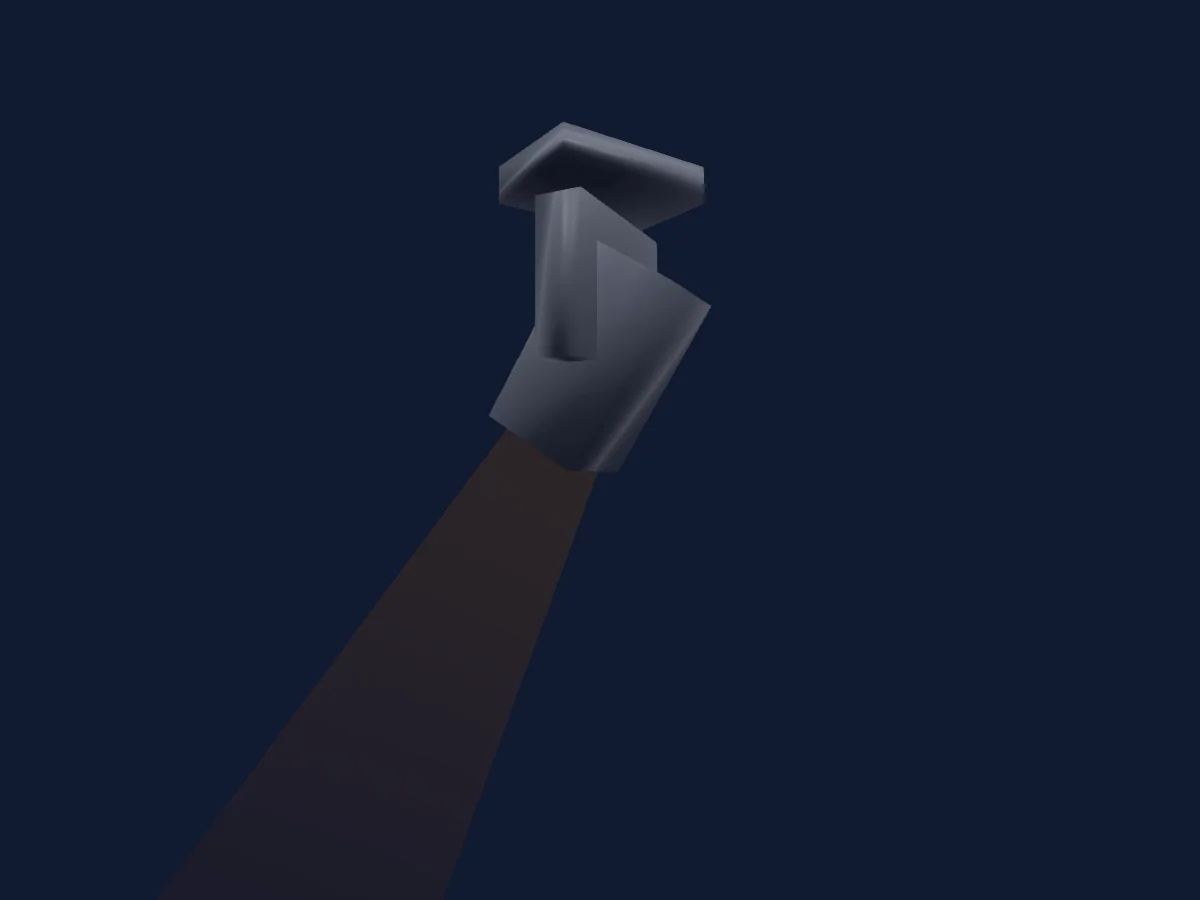
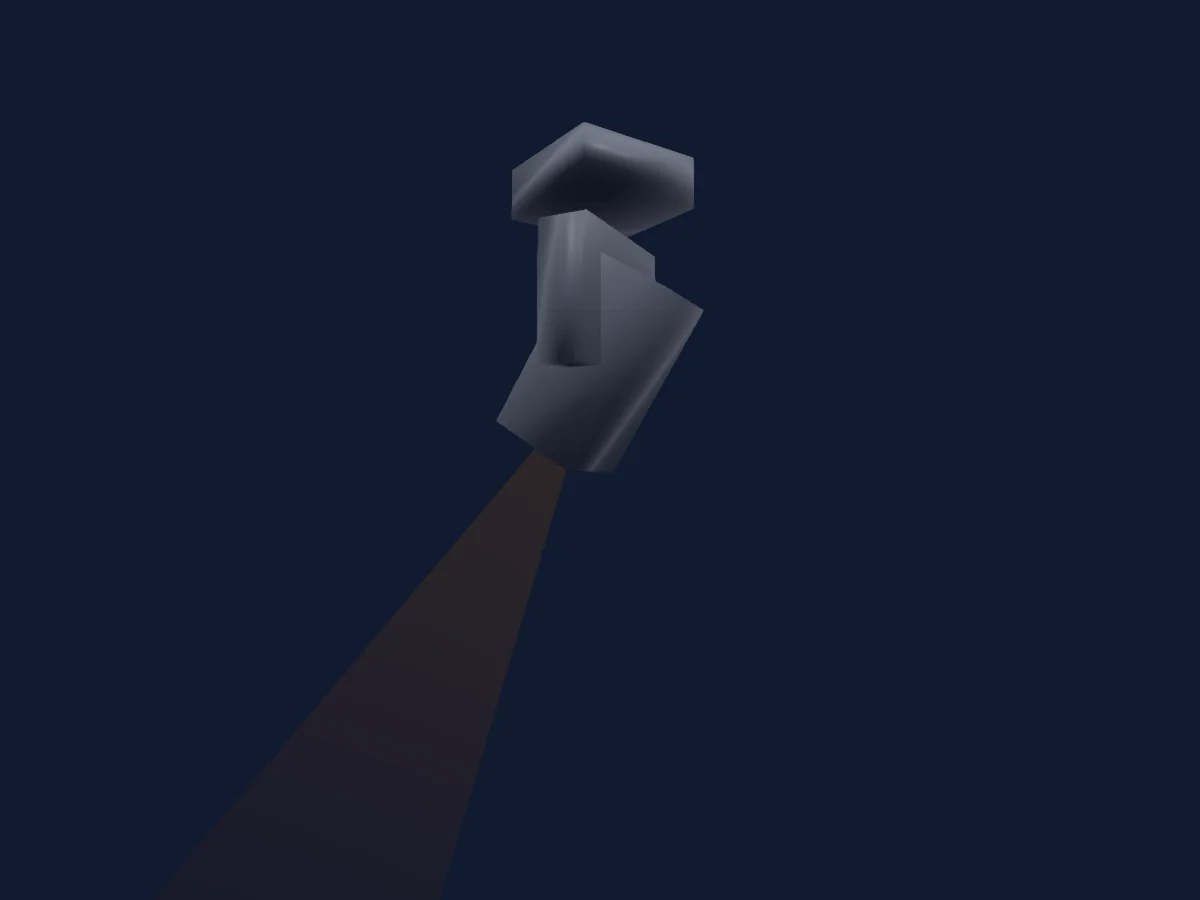
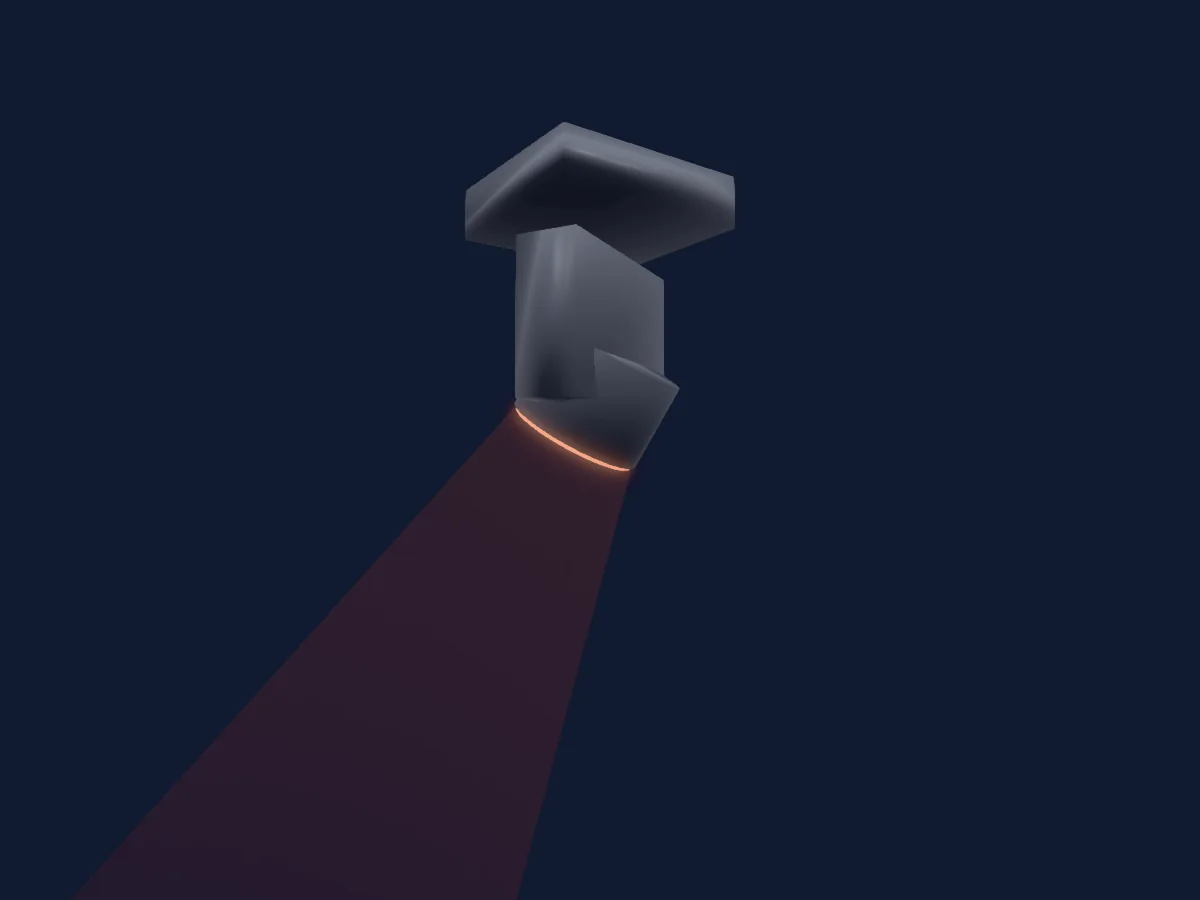
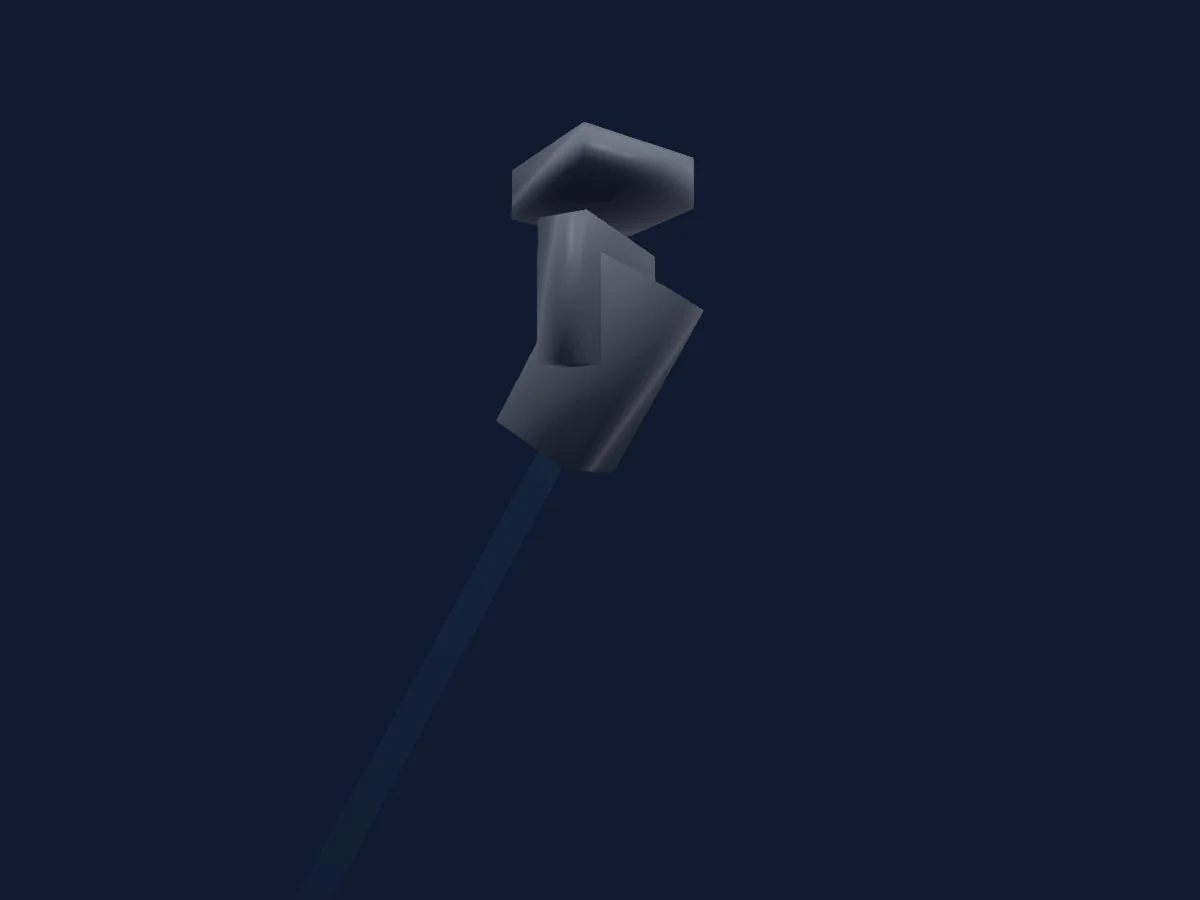
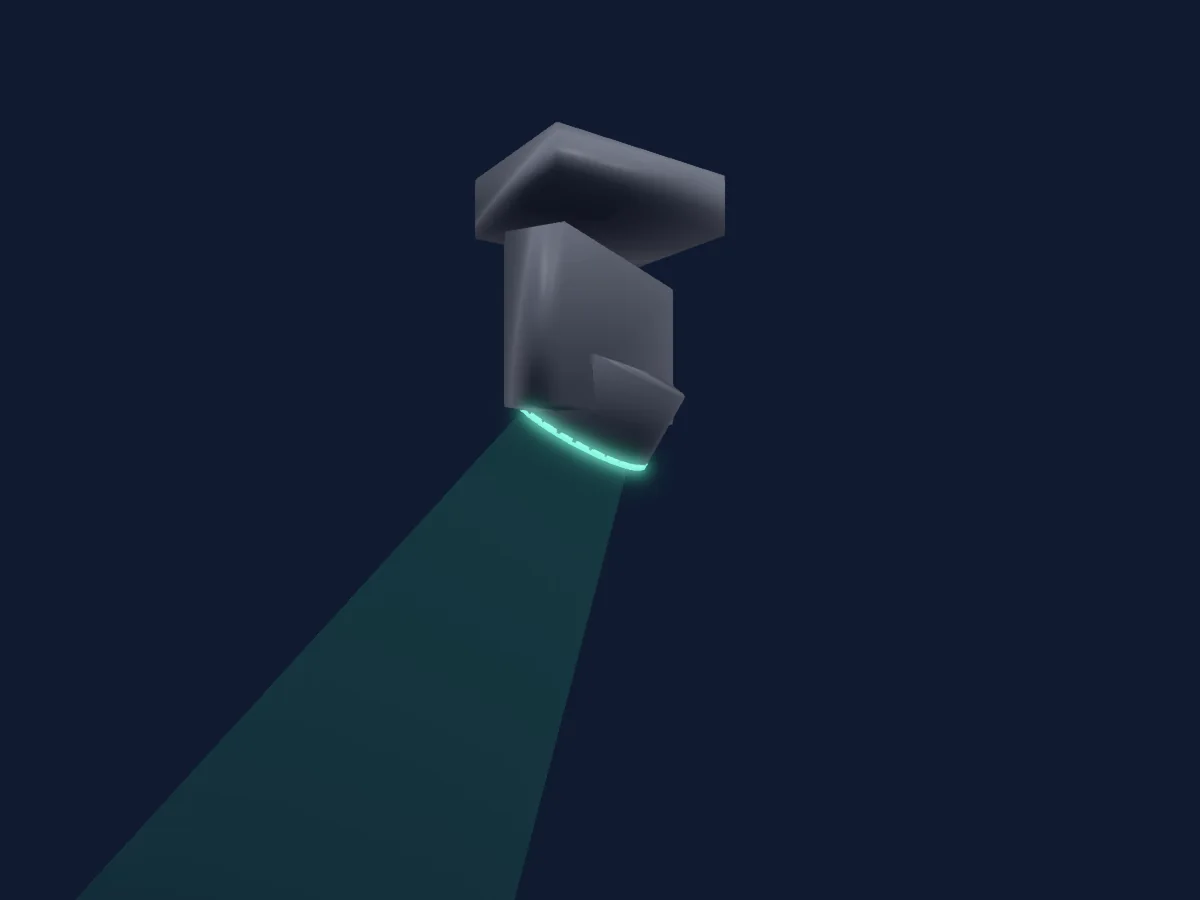
FOS Technologies FOS Nitro BSW renderizado no HitLight

O que ele faz

  • Foco
  • Frost
  • Prisma
  • Rotação do prisma
  • Zoom
  • Roda de cores
  • Strobo
  • Dimmer
  • Pan e tilt
  • Velocidade de movimento
  • Gobos
  • Rotação de gobos

Funções relevantes para a segurança: Ligar e desligar a lâmpada · Reset do refletor · Strobo. Confira como elas se comportam no seu refletor antes de um show.

Modos DMX e tabelas de canais

Modos DMX de FOS Technologies FOS Nitro BSW
ModoCanaisNo HitLight
15CH15Pronto no HitLight
17CH17Pronto no HitLight

15CH

Pronto no HitLight

15 canais DMX · Baixar esta tabela em CSV

Tabela de canais DMX de 15CH
CanalFunçãoPadrãoValores DMX
1Pan00–255
2Tilt00–255
3Color Wheel0
15 faixas de valores
  • 0–9 open (wheel slot 1)
  • 10–19 red (wheel slot 2)
  • 20–29 blue (wheel slot 3)
  • 30–39 green (wheel slot 4)
  • 40–49 yellow (wheel slot 5)
  • 50–59 magenta (wheel slot 6)
  • 60–69 cyan (wheel slot 7)
  • 70–79 pink (wheel slot 8)
  • 80–89 orange (wheel slot 9)
  • 90–99 CTO (wheel slot 10)
  • 100–109 CTB (wheel slot 11)
  • 110–127 UV (wheel slot 12)
  • 128–189 CCW spin
  • 190–254 Stop
  • 255–255 CW spin
4Gobo0
10 faixas de valores
  • 0–9 OPEN (wheel slot 1)
  • 10–19 LINES (wheel slot 2)
  • 20–29 OVALS (wheel slot 3)
  • 30–39 DOTS (wheel slot 4)
  • 40–49 STAR (wheel slot 5)
  • 50–59 YELLOW LINES (wheel slot 6)
  • 60–69 PINK STRIPES (wheel slot 7)
  • 70–79 BLUE WAVES (wheel slot 8)
  • 80–184 Gobo1WheelShake 2
  • 185–255 Gobo1PosRotate 3
5Gobo Rotation0
4 faixas de valores
  • 0–127 Gobo1Pos 1
  • 128–189 CCW Spin
  • 190–254 Stop
  • 255–255 CW Spin
6Gobo 20
19 faixas de valores
  • 0–4 OPEN (wheel slot 1)
  • 5–9 LINE (wheel slot 2)
  • 10–14 PLUS (wheel slot 3)
  • 15–19 RADIAL (wheel slot 4)
  • 20–24 HALF MOON (wheel slot 5)
  • 25–29 STAR (wheel slot 6)
  • 30–34 WAVY TRIANGLE (wheel slot 7)
  • 35–39 STARS (wheel slot 8)
  • 40–44 FORMS (wheel slot 9)
  • 45–49 DOTS (wheel slot 10)
  • 50–54 POINTS (wheel slot 11)
  • 55–59 HEARTS (wheel slot 12)
  • 60–64 FLOWER (wheel slot 13)
  • 65–69 CIRCLE (wheel slot 14)
  • 70–74 MILL (wheel slot 15)
  • 75–79 SPOT (wheel slot 16)
  • 80–84 BEAM (wheel slot 17)
  • 85–203 Gobo2WheelShake 2
  • 204–255 Gobo2WheelSpin 3
7Shutter / Strobe32
8 faixas de valores
  • 0–31 Closed
  • 32–63 Open
  • 64–95 Strobe
  • 96–127 Open 1
  • 128–159 Pulse Strobe
  • 160–191 Open 2
  • 192–223 Random Strobe
  • 224–255 Open 3
8Dimmer0
2 faixas de valores
  • 0–254 Closed
  • 255–255 Open
9Focus00–255
10Zoom00–255
11Prism0
3 faixas de valores
  • 0–5 Open (wheel slot 1)
  • 6–127 8F (wheel slot 2)
  • 128–255 4F (wheel slot 3)
12Prism Rotation191
3 faixas de valores
  • 128–189 CCW Spin
  • 190–254 Stop
  • 255–255 CW Spin
13Frost10
2 faixas de valores
  • 0–199 Open
  • 200–255 Close
14Position MSpeed0
3 faixas de valores
  • 0–225 PositionMSpeed 1
  • 226–235 Blackout by movement
  • 236–255 Blackout by all wheel changing
15Control10
4 faixas de valores
  • 0–39 No Function
  • 40–59 LAMP On
  • 60–79 LAMP Off
  • 80–255 All motors reset

17CH

Pronto no HitLight

17 canais DMX · Baixar esta tabela em CSV

Tabela de canais DMX de 17CH
CanalFunçãoPadrãoValores DMX
1Pan00–255
2Pan Fine0Byte fino de Pan
3Tilt00–255
4Tilt Fine0Byte fino de Tilt
5Color Wheel0
15 faixas de valores
  • 0–9 open (wheel slot 1)
  • 10–19 red (wheel slot 2)
  • 20–29 blue (wheel slot 3)
  • 30–39 green (wheel slot 4)
  • 40–49 yellow (wheel slot 5)
  • 50–59 magenta (wheel slot 6)
  • 60–69 cyan (wheel slot 7)
  • 70–79 pink (wheel slot 8)
  • 80–89 orange (wheel slot 9)
  • 90–99 CTO (wheel slot 10)
  • 100–109 CTB (wheel slot 11)
  • 110–127 UV (wheel slot 12)
  • 128–189 CCW spin
  • 190–254 Stop
  • 255–255 CW spin
6Gobo0
10 faixas de valores
  • 0–9 OPEN (wheel slot 1)
  • 10–19 LINES (wheel slot 2)
  • 20–29 OVALS (wheel slot 3)
  • 30–39 DOTS (wheel slot 4)
  • 40–49 STAR (wheel slot 5)
  • 50–59 YELLOW LINES (wheel slot 6)
  • 60–69 PINK STRIPES (wheel slot 7)
  • 70–79 BLUE WAVES (wheel slot 8)
  • 80–184 Gobo1WheelShake 2
  • 185–255 Gobo1PosRotate 3
7Gobo Rotation0
4 faixas de valores
  • 0–127 Gobo1Pos 1
  • 128–189 CCW Spin
  • 190–254 Stop
  • 255–255 CW Spin
8Gobo 20
19 faixas de valores
  • 0–4 OPEN (wheel slot 1)
  • 5–9 LINE (wheel slot 2)
  • 10–14 PLUS (wheel slot 3)
  • 15–19 RADIAL (wheel slot 4)
  • 20–24 HALF MOON (wheel slot 5)
  • 25–29 STAR (wheel slot 6)
  • 30–34 WAVY TRIANGLE (wheel slot 7)
  • 35–39 STARS (wheel slot 8)
  • 40–44 FORMS (wheel slot 9)
  • 45–49 DOTS (wheel slot 10)
  • 50–54 POINTS (wheel slot 11)
  • 55–59 HEARTS (wheel slot 12)
  • 60–64 FLOWER (wheel slot 13)
  • 65–69 CIRCLE (wheel slot 14)
  • 70–74 MILL (wheel slot 15)
  • 75–79 SPOT (wheel slot 16)
  • 80–84 BEAM (wheel slot 17)
  • 85–203 Gobo2WheelShake 2
  • 204–255 Gobo2WheelSpin 3
9Shutter / Strobe32
8 faixas de valores
  • 0–31 Closed
  • 32–63 Open
  • 64–95 Shutter1Strobe 3
  • 96–127 Open 1
  • 128–159 Shutter1StrobePulse 5
  • 160–191 Open 2
  • 192–223 Shutter1StrobeRandom 7
  • 224–255 Open 3
10Dimmer0
2 faixas de valores
  • 0–254 Closed
  • 255–255 Open
11Focus00–255
12Zoom00–255
13Prism0
3 faixas de valores
  • 0–5 Open (wheel slot 1)
  • 6–127 8F (wheel slot 2)
  • 128–255 4F (wheel slot 3)
14Prism Rotation191
3 faixas de valores
  • 128–189 CCW Spin
  • 190–254 Stop
  • 255–255 CW Spin
15Frost10
2 faixas de valores
  • 0–199 Open
  • 200–255 Close
16Position MSpeed0
3 faixas de valores
  • 0–225 PositionMSpeed 1
  • 226–235 Blackout by movement
  • 236–255 Blackout by all wheel changing
17Control10
4 faixas de valores
  • 0–39 No Function
  • 40–59 LAMP On
  • 60–79 LAMP Off
  • 80–255 All motors reset

Usar FOS Technologies FOS Nitro BSW no HitLight

  1. Abra Adicionar refletor e procure FOS Technologies FOS Nitro BSW.
  2. Escolha o modo DMX configurado no menu do próprio refletor. O HitLight atribui a ele o menor endereço inicial livre do universo que comporta a quantidade de canais do modo.
  3. Confira o modo e os controles no seu refletor real antes de usar ao vivo.

As tabelas vêm da descrição GDTF do refletor, convertida para a biblioteca do HitLight. O HitLight não tem vínculo com a FOS Technologies.

Faça o patch e deixe a música comandar as luzes.

O HitLight encontra esses refletores na biblioteca, faz o patch no próximo endereço livre e mostra seu rig em 3D antes de você ligar uma única luz.

Abrir HitLight ↗Baixar o HitLight