Pular para o conteúdo
HitLight
GLP · Moving head

GLP EXO Spot 30

Tabela DMX, 1 modo DMX e prévia em 3D. 23 canais DMX.
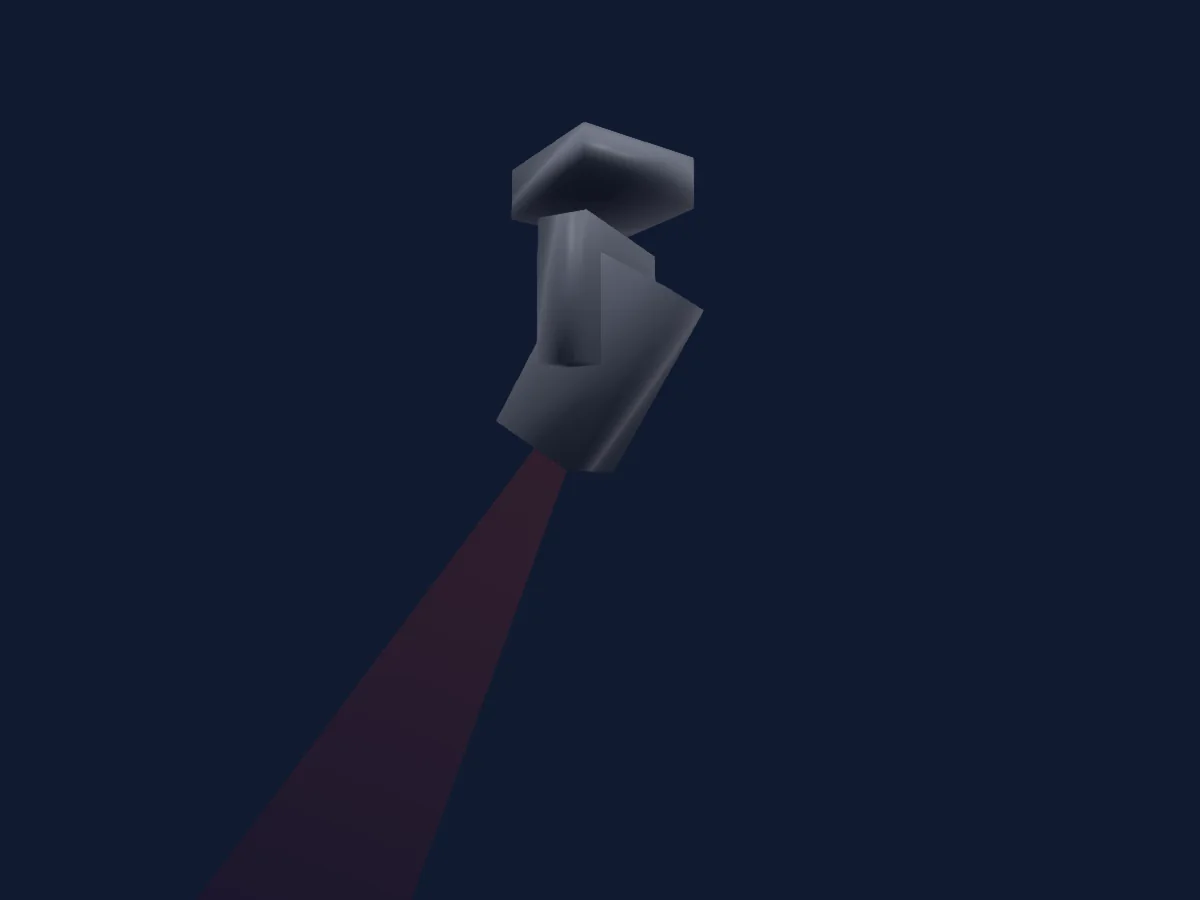
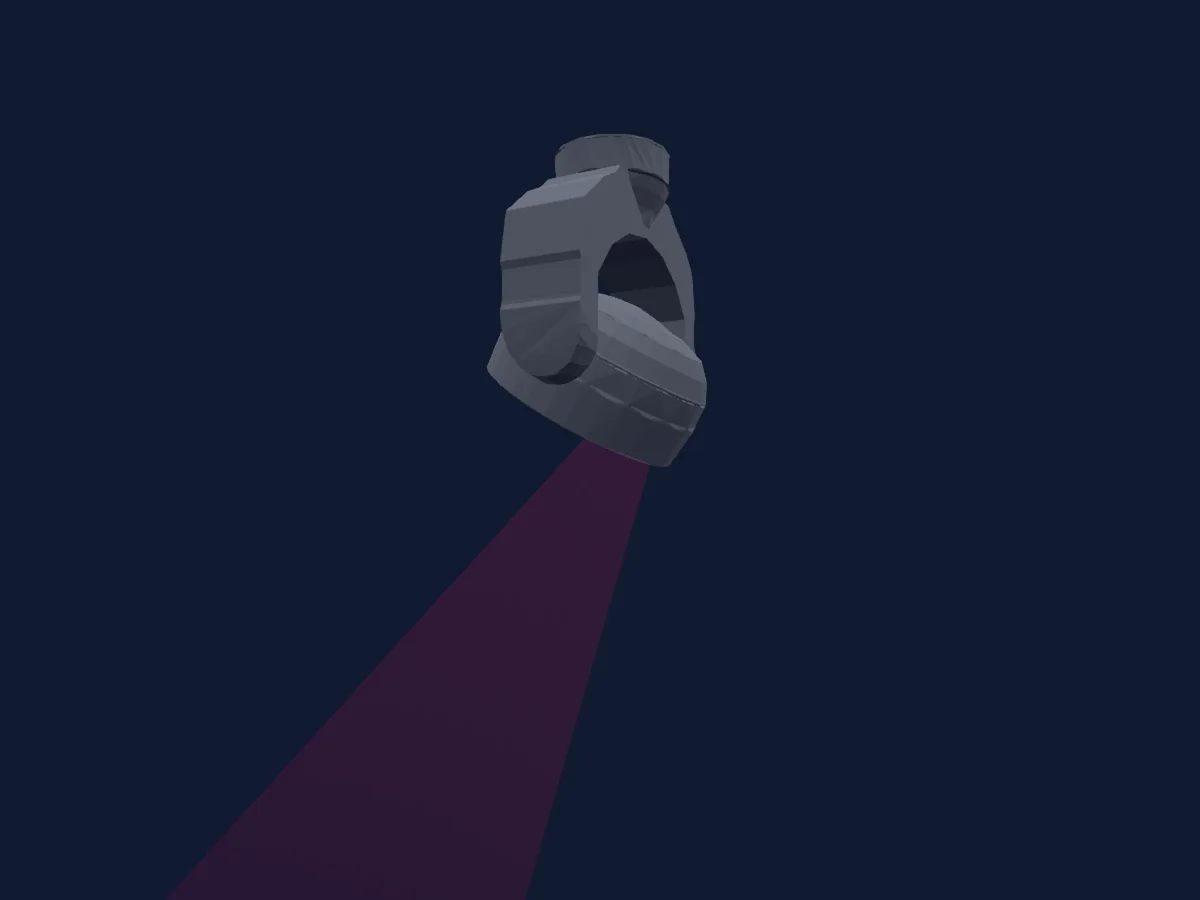
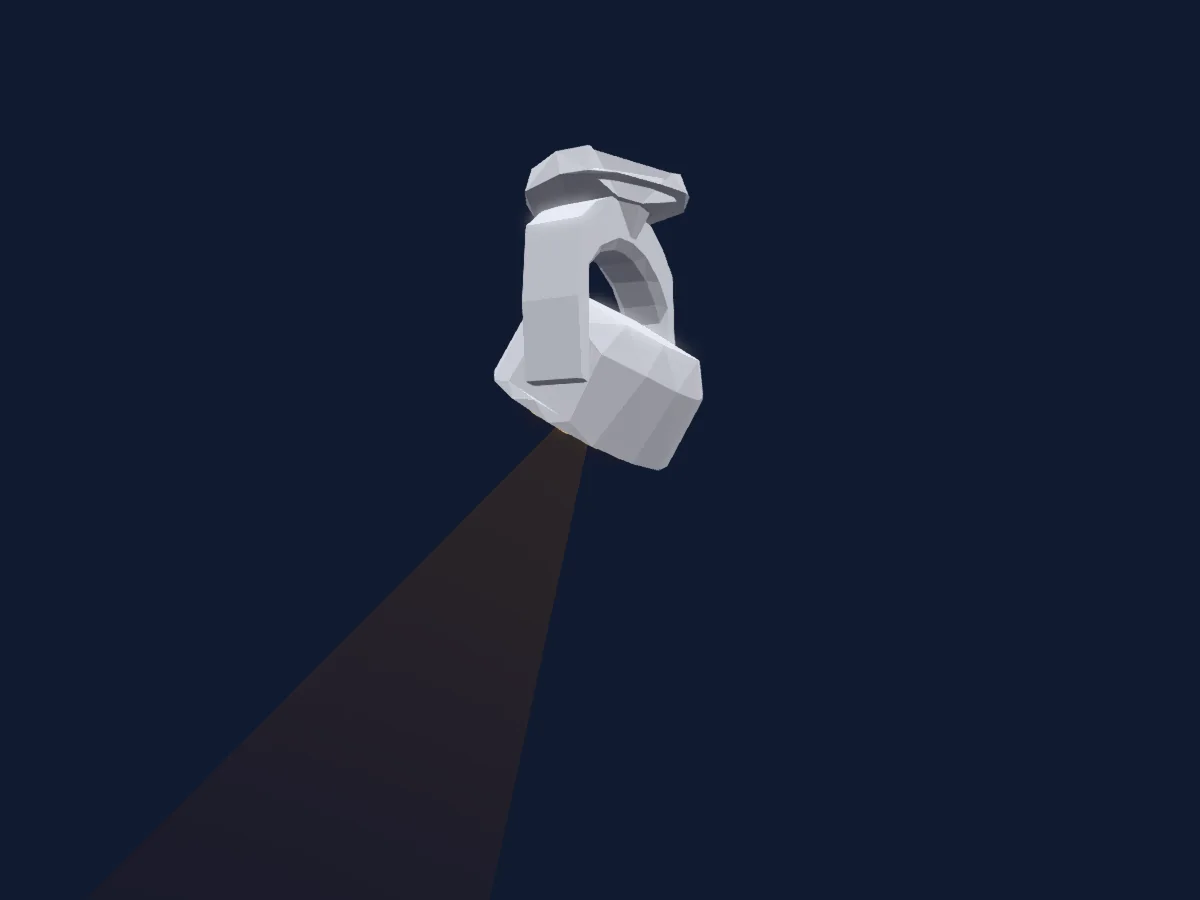
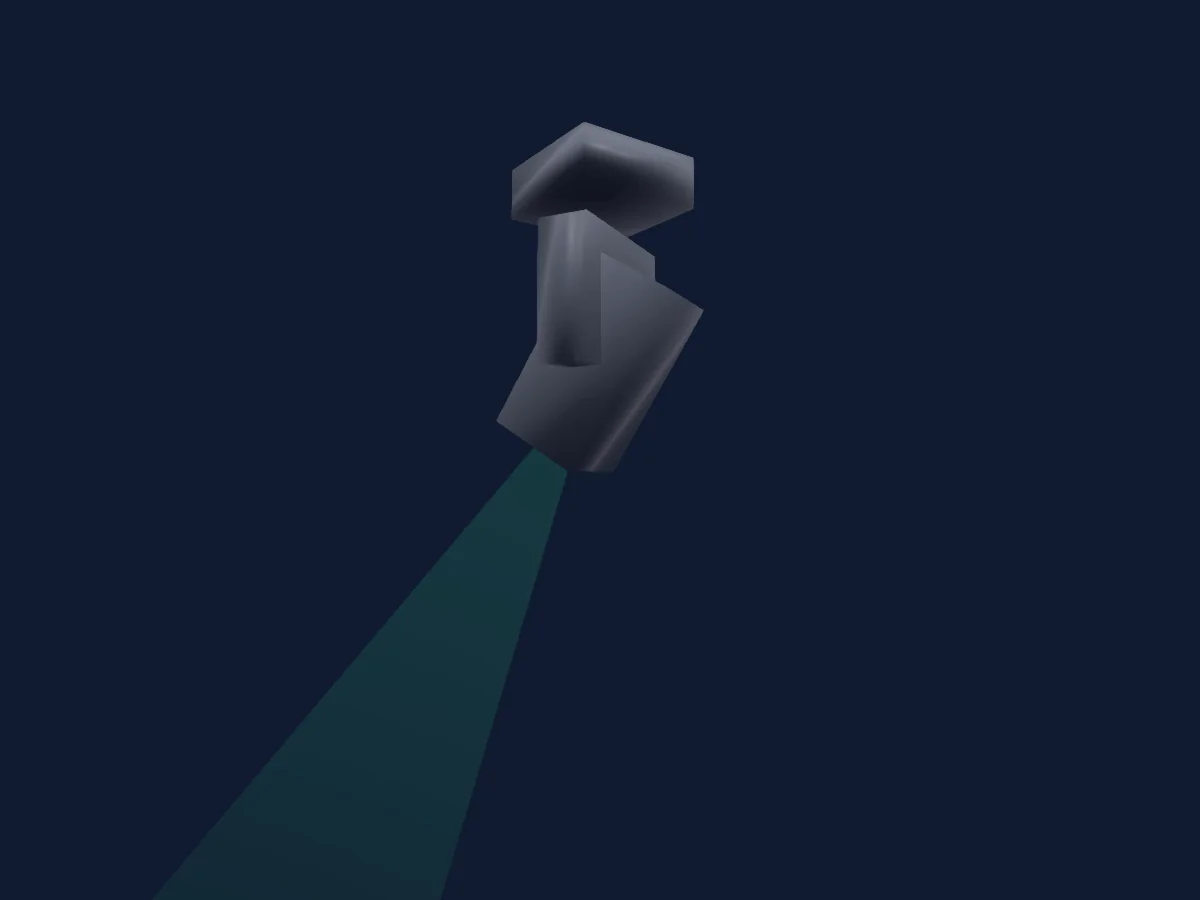
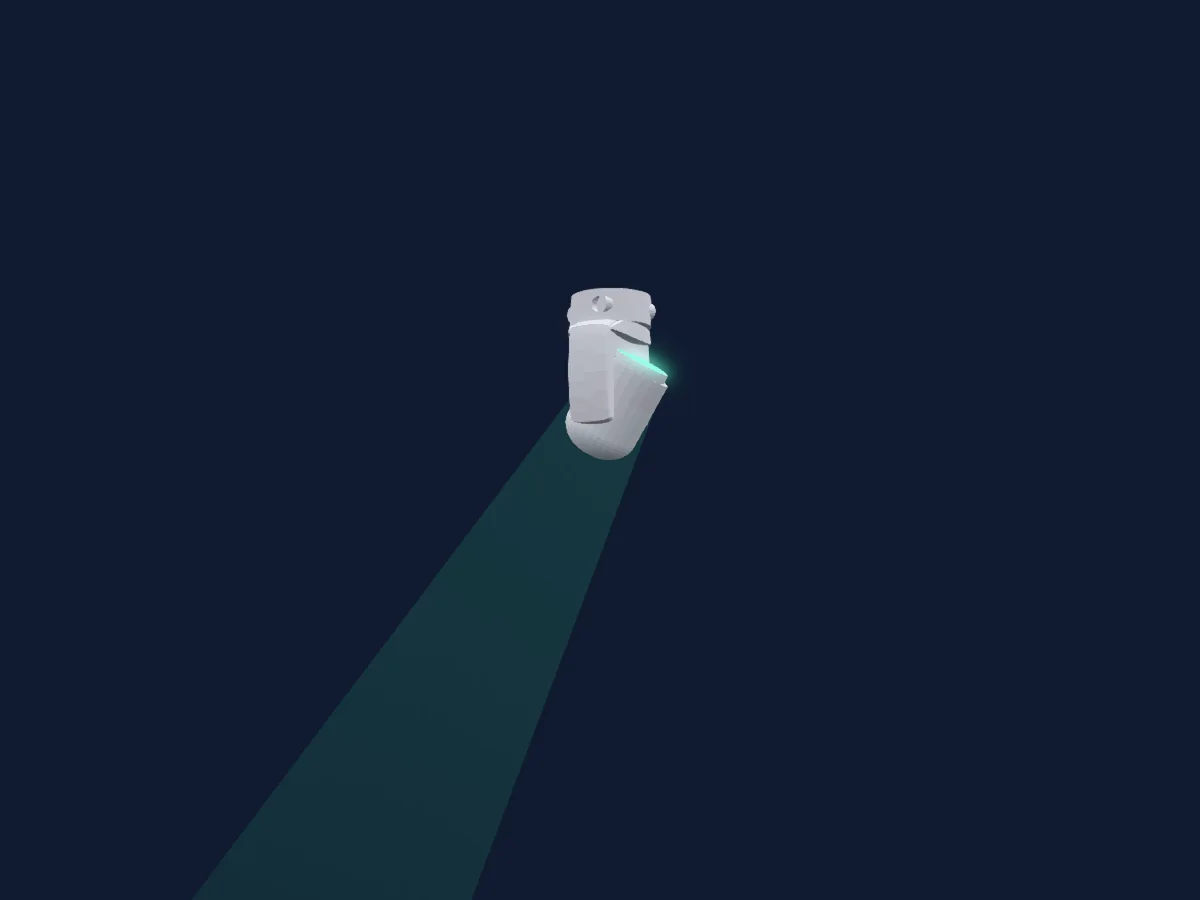
GLP EXO Spot 30 renderizado no HitLight

O que ele faz

  • Foco
  • Frost
  • Prisma
  • Zoom
  • Mistura de cores CMY
  • Roda de cores
  • Strobo
  • Dimmer
  • Pan e tilt
  • Gobos

Funções relevantes para a segurança: Reset do refletor · Funções de manutenção. Confira como elas se comportam no seu refletor antes de um show.

Modos DMX e tabelas de canais

Modos DMX de GLP EXO Spot 30
ModoCanaisNo HitLight
Mode_1 (Default)23Pronto no HitLight

Mode_1 (Default)

Pronto no HitLight

23 canais DMX · Baixar esta tabela em CSV

Tabela de canais DMX de Mode_1 (Default)
CanalFunçãoPadrãoValores DMX
1Pan1280–255
2Pan Fine0Byte fino de Pan
3Tilt1280–255
4Tilt Fine0Byte fino de Tilt
5Color Wheel0
13 faixas de valores
  • 0–3 Open (wheel slot 6)
  • 4–7 C 00/01
  • 8–11 Color 01 (wheel slot 7)
  • 12–15 C 01/02
  • 16–19 Color 02 (wheel slot 8)
  • 20–23 C 02/03
  • 24–27 Color 03 (wheel slot 9)
  • 28–31 C 03/04
  • 32–35 Color 04 (wheel slot 10)
  • 36–169 Color indexing 0 - 360 deg / Split colors
  • 170–214 CW >>>
  • 215–215 CW Stop
  • 216–255 CCW >>>
6Color Wheel 20
13 faixas de valores
  • 0–3 Open (wheel slot 11)
  • 4–7 C 00/01
  • 8–11 Color 01 (wheel slot 12)
  • 12–15 C 01/02
  • 16–19 Color 02 (wheel slot 13)
  • 20–23 C 02/03
  • 24–27 Color 03 (wheel slot 14)
  • 28–31 C 03/04
  • 32–35 Color 04 (wheel slot 15)
  • 36–169 Color indexing 0 - 360 deg / Split colors
  • 170–214 CW >>>
  • 215–215 CW Stop
  • 216–255 CCW >>>
7Color30
13 faixas de valores
  • 0–3 Open (wheel slot 16)
  • 4–7 C 00/01
  • 8–11 Color 01 (wheel slot 17)
  • 12–15 C 01/02
  • 16–19 Color 02 (wheel slot 18)
  • 20–23 C 02/03
  • 24–27 Color 03 (wheel slot 19)
  • 28–31 C 03/04
  • 32–35 Color 04 (wheel slot 20)
  • 36–169 Color indexing 0 - 360 deg / Split colors
  • 170–214 CW >>>
  • 215–215 CW Stop
  • 216–255 CCW >>>
8Cyan00–255
9Magenta00–255
10Yellow00–255
11Gobo0
21 faixas de valores
  • 0–7 Gobo Open (wheel slot 1)
  • 8–15 Gobo 01 (wheel slot 2)
  • 16–23 Gobo 02 (wheel slot 3)
  • 24–31 Gobo 03 (wheel slot 4)
  • 32–39 Gobo 04 (wheel slot 5)
  • 40–47 Gobo 05 (wheel slot 6)
  • 48–55 Gobo 06 (wheel slot 7)
  • 56–63 Gobo 07 (wheel slot 8)
  • 64–71 Gobo 08 (wheel slot 9)
  • 72–78 Gobo stat 01 (wheel slot 2)
  • 79–85 Gobo stat 02 (wheel slot 3)
  • 86–92 Gobo stat 03 (wheel slot 4)
  • 93–99 Gobo stat 04 (wheel slot 5)
  • 100–106 Gobo stat 05 (wheel slot 6)
  • 107–113 Gobo stat 06 (wheel slot 7)
  • 114–120 Gobo stat 07 (wheel slot 8)
  • 121–127 Gobo stat 08 (wheel slot 9)
  • 128–128 Stop
  • 129–191 CW >>>
  • 192–192 Stop
  • 193–255 CCW <<<
12Gobo 20
29 faixas de valores
  • 0–4 Gobo Open (wheel slot 1)
  • 5–9 Gobo 01 (wheel slot 2)
  • 10–14 Gobo 02 (wheel slot 3)
  • 15–19 Gobo 03 (wheel slot 4)
  • 20–24 Gobo 04 (wheel slot 5)
  • 25–29 Gobo 05 (wheel slot 6)
  • 30–34 Gobo 06 (wheel slot 7)
  • 35–39 Gobo rotat 01 (wheel slot 2)
  • 40–44 Gobo rotat 02 (wheel slot 3)
  • 45–49 Gobo rotat 03 (wheel slot 4)
  • 50–54 Gobo rotat 04 (wheel slot 5)
  • 55–59 Gobo rotat 05 (wheel slot 6)
  • 60–64 Gobo rotat 06 (wheel slot 7)
  • 65–74 Gobo rotat 01 (wheel slot 2)
  • 75–84 Gobo rotat 02 (wheel slot 3)
  • 85–94 Gobo rotat 03 (wheel slot 4)
  • 95–104 Gobo rotat 04 (wheel slot 5)
  • 105–114 Gobo rotat 05 (wheel slot 6)
  • 115–124 Gobo rotat 06 (wheel slot 7)
  • 125–134 Gobo rotat 01 (wheel slot 2)
  • 135–144 Gobo rotat 02 (wheel slot 3)
  • 145–154 Gobo rotat 03 (wheel slot 4)
  • 155–164 Gobo rotat 04 (wheel slot 5)
  • 165–174 Gobo rotat 05 (wheel slot 6)
  • 175–184 Gobo rotat 06 (wheel slot 7)
  • 185–185 Stop
  • 186–219 CW >>>
  • 220–220 Stop
  • 221–255 CCW <<<
13Gobo2Select Spin0
4 faixas de valores
  • 0–0 0 -> 360 deg
  • 1–127 CW
  • 128–128 Stop
  • 129–255 CCW
14Shutter / Strobe255
10 faixas de valores
  • 0–4 Closed
  • 5–9 Single Flash
  • 10–39 Sync ramp up slow -> fast
  • 40–69 Sync ramp down slow -> fast
  • 70–99 Sync ramp up-down slow -> fast
  • 100–129 Sync double flash slow -> fast
  • 130–159 Random strobe pxl slow -> fast
  • 160–199 Random strobe all slow -> fast
  • 200–250 Sync strobe /1 Hz-10Hz)
  • 251–255 Shutter open
15Dimmer255
5 faixas de valores
  • 0–62 0%
  • 63–126 25%
  • 127–190 50%
  • 191–254 75%
  • 255–255 100%
16Dimmer Fine255Byte fino de Dimmer
17Frost100–255
18Prism0
2 faixas de valores
  • 0–3 No Prism (wheel slot 1)
  • 4–255 circ Prism (wheel slot 2)
19Prism1Select Spin0
6 faixas de valores
  • 0–3 No Prism (wheel slot 1)
  • 4–127 Pos 0-360 deg (wheel slot 2)
  • 128–128 Stop (wheel slot 2)
  • 129–191 CW >>> (wheel slot 2)
  • 192–192 Stop (wheel slot 2)
  • 193–255 CCW <<< (wheel slot 2)
20Focus1280–255
21Focus Fine0Byte fino de Focus
22Zoom128
3 faixas de valores
  • 0–127 Min
  • 128–254 Mid
  • 255–255 Max
23Control10
39 faixas de valores
  • 1–9 Idle
  • 10–15 Soft (Square) Default
  • 16–21 Linear
  • 22–27 DISPLAY Mode: AUTO (Default)
  • 28–33 DISPLAY ON
  • 34–39 DISPLAY OFF
  • 40–45 Normal
  • 46–51 Flip
  • 52–57 NO SIGNAL BLACKOUT
  • 58–63 NO SIGNAL HOLD (default)
  • 64–69 NO SIGNAL Stand-alone
  • 70–75 Regulated (Default)
  • 76–81 High
  • 82–87 Medium
  • 88–93 Low
  • 94–99 OFF
  • 100–117 ON (Default)
  • 118–123 OFF (Default)
  • 124–129 ON
  • 130–135 OFF (Default)
  • 136–141 ON
  • 142–147 Invert: OFF
  • 148–153 Invert: ON
  • 154–159 Defog: OFF
  • 160–165 Defog: ON
  • 166–171 Defog: Quick
  • 172–177 Load User Setting Preset 1
  • 178–183 Load User Setting Preset 2
  • 184–189 Load User Setting Preset 3
  • 190–195 600HZ
  • 196–201 2200HZ
  • 202–207 3000HZ (Default)
  • 208–213 4800HZ
  • 214–219 9600HZ
  • 220–231 25KHZ
  • 232–237 Normal (Default)
  • 238–243 RESET PAN/TILT
  • 244–249 RESET Head
  • 250–255 RESET ALL

Usar GLP EXO Spot 30 no HitLight

  1. Abra Adicionar refletor e procure GLP EXO Spot 30.
  2. Escolha o modo DMX configurado no menu do próprio refletor. O HitLight atribui a ele o menor endereço inicial livre do universo que comporta a quantidade de canais do modo.
  3. Confira o modo e os controles no seu refletor real antes de usar ao vivo.

As tabelas vêm da descrição GDTF do refletor, convertida para a biblioteca do HitLight. O HitLight não tem vínculo com a GLP.

Faça o patch e deixe a música comandar as luzes.

O HitLight encontra esses refletores na biblioteca, faz o patch no próximo endereço livre e mostra seu rig em 3D antes de você ligar uma única luz.

Abrir HitLight ↗Baixar o HitLight