Pular para o conteúdo
HitLight
JB-Lighting · Elipsoidal

JB-Lighting Varyscan P3

Tabela DMX, 1 modo DMX e prévia em 3D. 22 canais DMX.
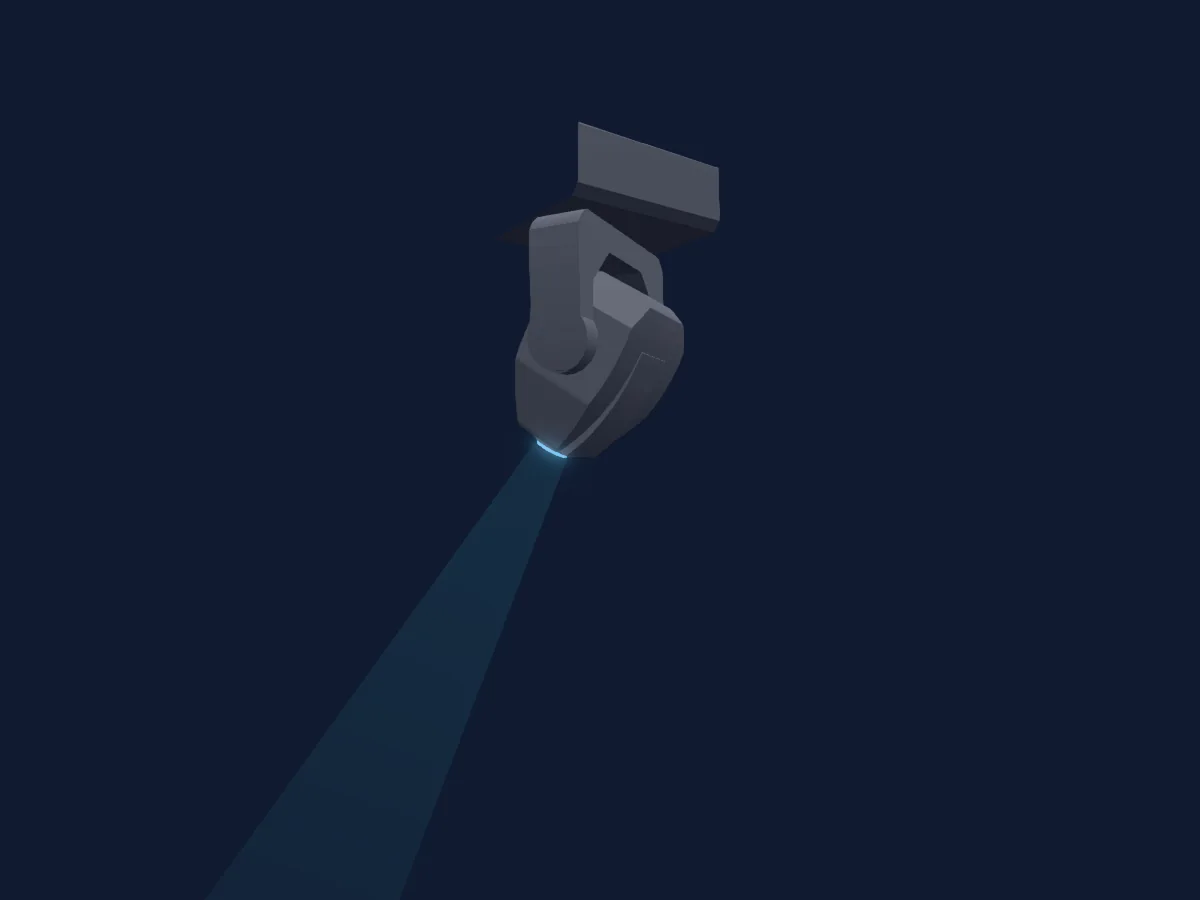
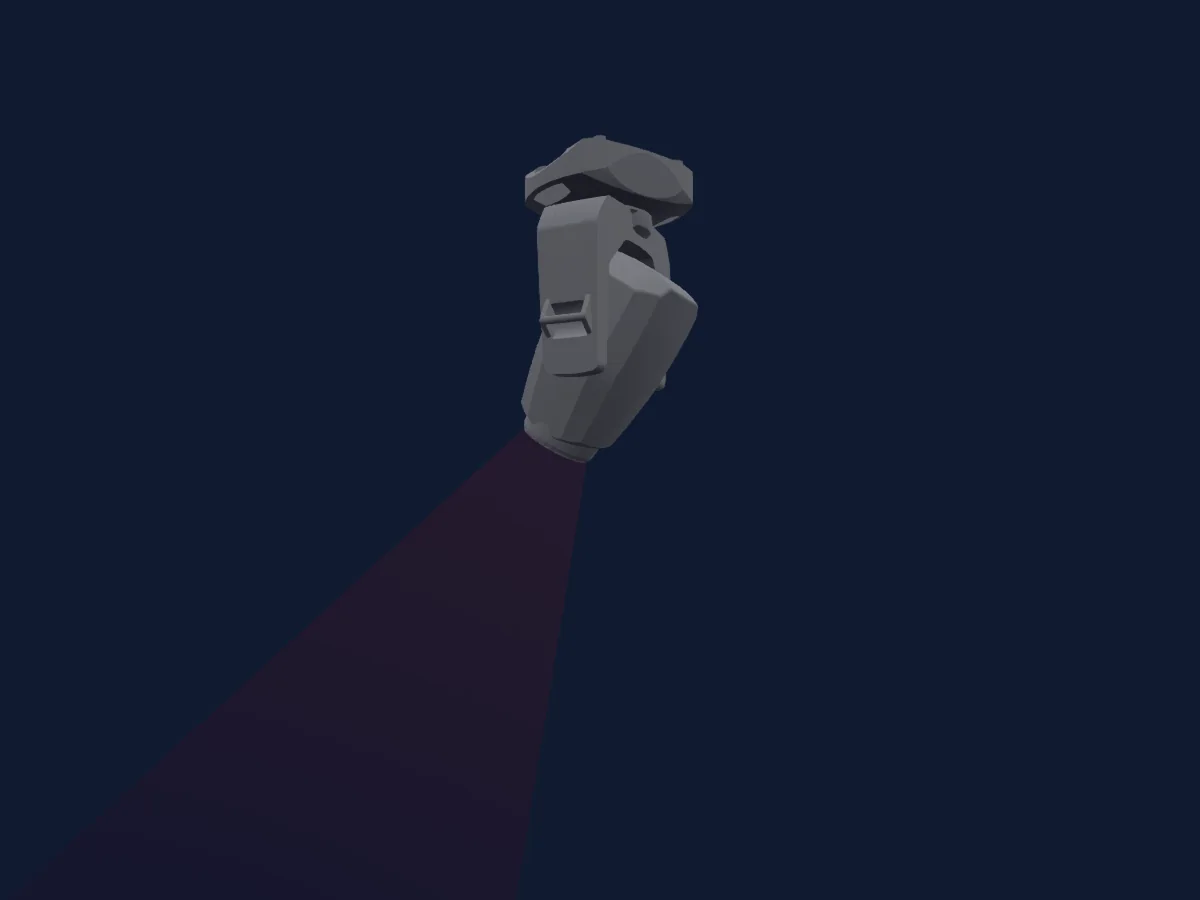
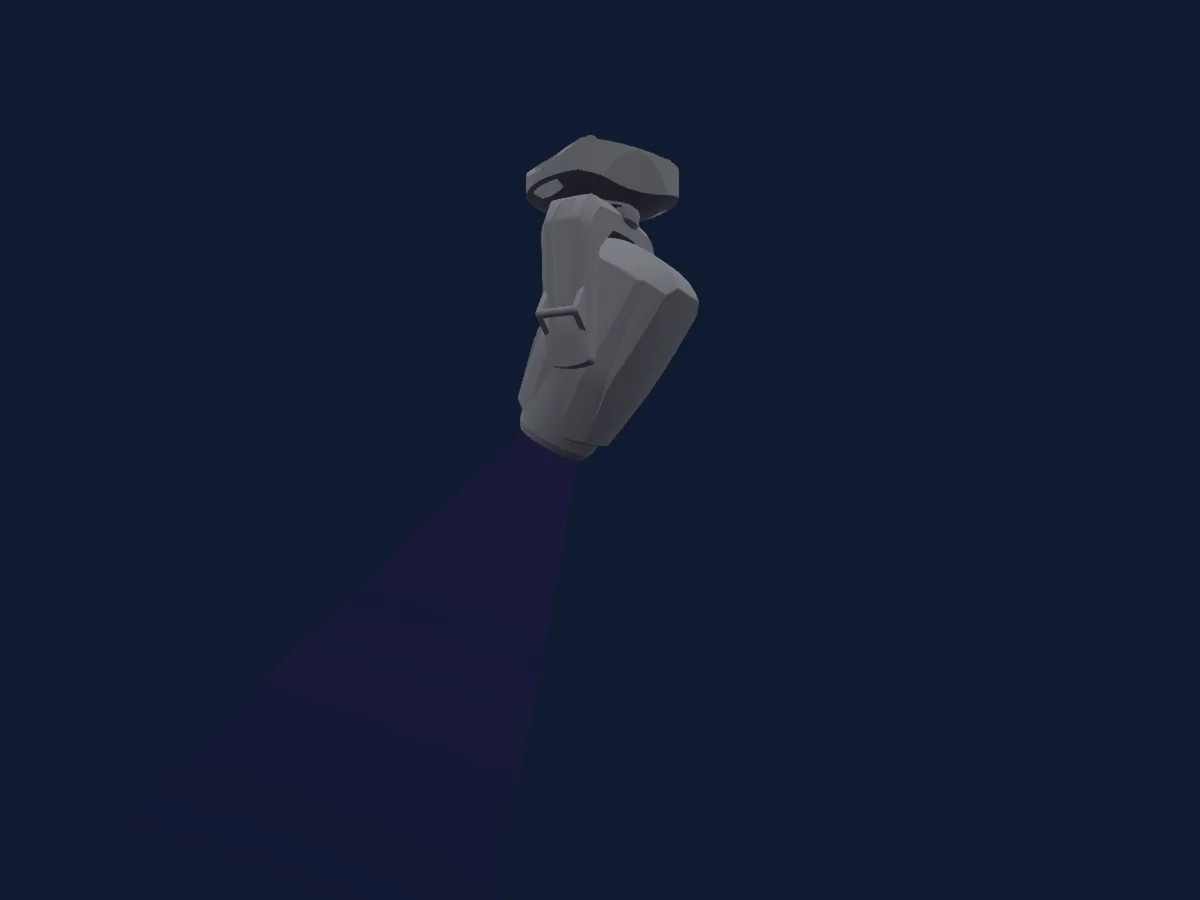
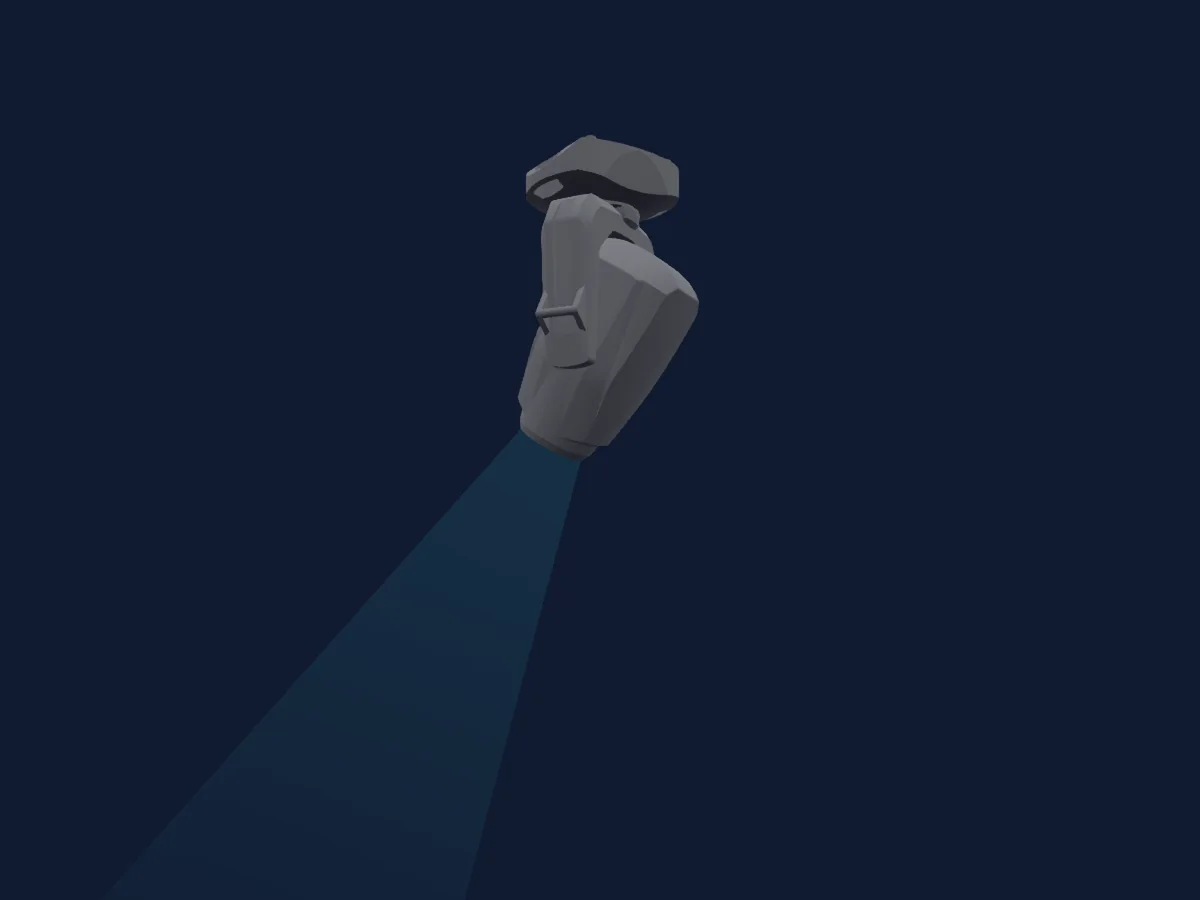
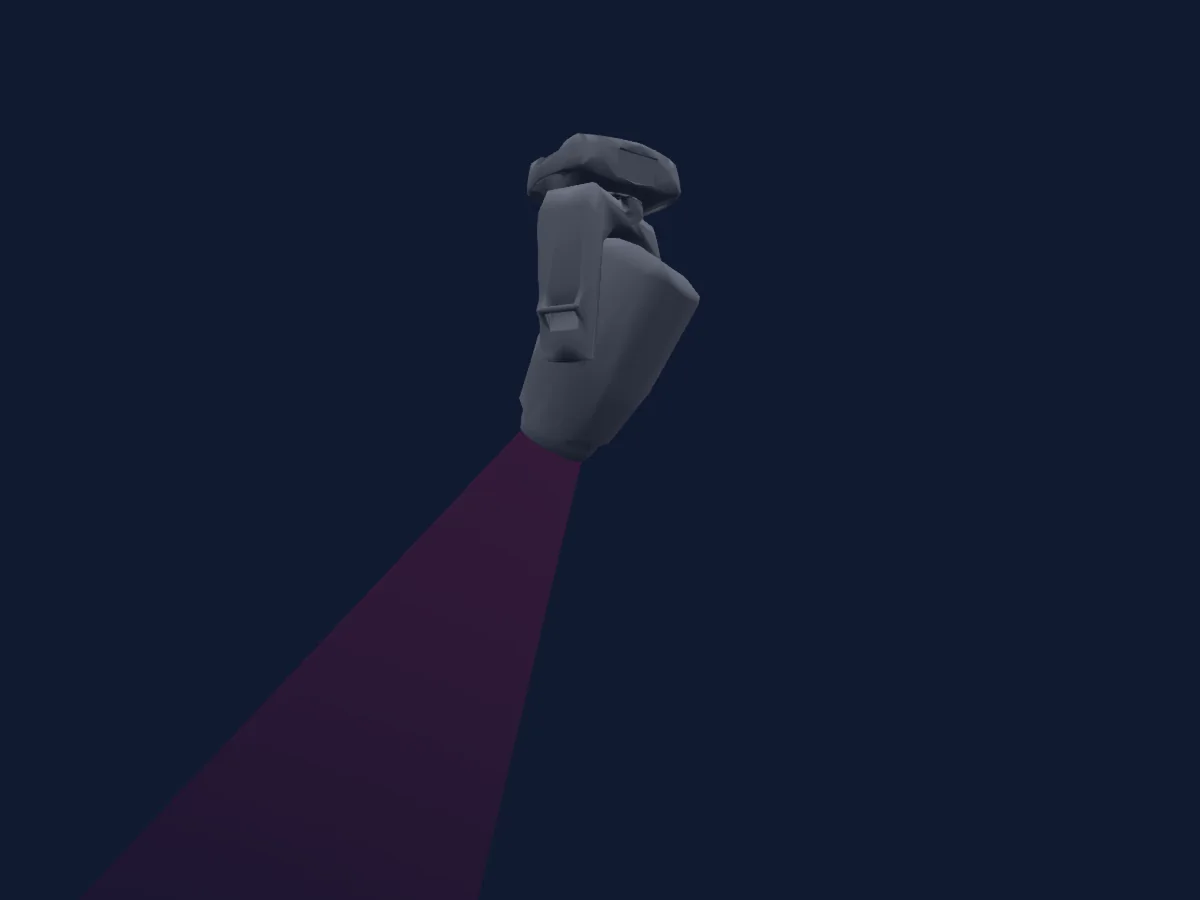
JB-Lighting Varyscan P3 renderizado no HitLight

O que ele faz

  • Foco
  • Íris
  • Prisma
  • Rotação do prisma
  • Roda de cores
  • Strobo
  • Dimmer
  • Pan e tilt
  • Velocidade de movimento
  • Gobos
  • Rotação de gobos

Funções relevantes para a segurança: Ligar e desligar a lâmpada · Reset do refletor. Confira como elas se comportam no seu refletor antes de um show.

Modos DMX e tabelas de canais

Modos DMX de JB-Lighting Varyscan P3
ModoCanaisNo HitLight
22 ch22Pronto no HitLight

22 ch

Pronto no HitLight

22 canais DMX · Baixar esta tabela em CSV

Tabela de canais DMX de 22 ch
CanalFunçãoPadrãoValores DMX
1Pan1280–255
2Tilt1280–255
3Pan Fine128Byte fino de Pan
4Tilt Fine128Byte fino de Tilt
5Control10
4 faixas de valores
  • 0–231 Safe
  • 232–239 Lamp off
  • 240–247 Reset
  • 248–255 Lamp on
6Shutter / Strobe0
33 faixas de valores
  • 0–15 closed (1)
  • 16–111 open (1)
  • 112–116 Shutter1Strobe 2 · Slow 1–3.15 Hz
  • 117–120 Shutter1Strobe 2 · Normal 3.69–5.31 Hz
  • 121–125 Shutter1Strobe 2 · Fast 5.85–8 Hz
  • 126–126 Open (2)
  • 127–127 Closed (2)
  • 128–128 Strobe Pulse Open · 20Hz 20 Hz
  • 129–130 Strobe Pulse Open · 15Hz 18.6–17.2 Hz
  • 131–133 Strobe Pulse Open · 10Hz 15.7–12.9 Hz
  • 134–136 Strobe Pulse Open · 5Hz 11.5–8.63 Hz
  • 137–139 Strobe Pulse Open · 1Hz 7.21–4.36 Hz
  • 140–142 Strobe Pulse Open · 1/10Hz 2.94–0.1 Hz
  • 143–143 open (3)
  • 144–157 pulse close fast
  • 158–158 pulse close slow
  • 159–159 closed (4)
  • 160–173 Shutter Fade close strobe · fade close fast 20–1.52 Hz
  • 174–174 Shutter Fade close strobe · fade close slow 0.1 Hz
  • 175–175 open (5)
  • 176–189 fade open fast
  • 190–190 fade open slow
  • 191–191 closed (6)
  • 192–205 rnd open fast
  • 206–206 rnd open slow
  • 207–207 open (7)
  • 208–221 Shutter Rnd Close strobe · rnd close fast 20–1.52 Hz
  • 222–222 Shutter Rnd Close strobe · rnd close slow 0.1 Hz
  • 223–223 closed (8)
  • 224–238 rnd pulse close fast
  • 239–239 open (9)
  • 240–254 rnd pulse open fast
  • 255–255 open (10)
7Dimmer0
13 faixas de valores
  • 0–24 closed
  • 25–50 10%
  • 51–63 20%
  • 64–75 25%
  • 76–101 30%
  • 102–127 40%
  • 128–152 50%
  • 153–178 60%
  • 179–190 70%
  • 191–203 75%
  • 204–229 80%
  • 230–254 90%
  • 255–255 open
8Iris0
25 faixas de valores
  • 0–125 0%
  • 126–126 100%
  • 127–127 Iris closed
  • 128–142 Iris Shutter longer closed
  • 143–143 Iris open
  • 144–158 Iris shutter longer opend
  • 159–159 Iris closed
  • 160–173 Iris fade close fast
  • 174–174 Iris fade close slow
  • 175–175 Iris open
  • 176–189 Iris fade open fast
  • 190–190 Iris fade open slow
  • 191–191 Iris closed
  • 192–205 IrisRandomPulseOpen fast
  • 206–206 IrisRandomPulseOpen slow
  • 207–207 Iris open
  • 208–221 IrisRandomPulseClose fast
  • 222–222 IrisRandomPulseClose slow
  • 223–223 Iris closed
  • 224–237 IrisRandomFadeClose fast
  • 238–238 IrisRandomFadeClose slow
  • 239–239 Iris open
  • 240–253 IrisRandomFadeOpen fast
  • 254–254 IrisRandomFadeOpen slow
  • 255–255 Iris open
9Focus1280–255
10Gobo0
25 faixas de valores
  • 0–15 open (wheel slot 1)
  • 16–31 gobo 1_1 (wheel slot 2)
  • 32–47 gobo 1_2 (wheel slot 3)
  • 48–63 gobo 1_3 (wheel slot 4)
  • 64–79 gobo 1_4 (wheel slot 5)
  • 80–95 gobo 1_5 (wheel slot 6)
  • 96–111 gobo 1_6 (wheel slot 7)
  • 112–127 gobo 1_7 (wheel slot 8)
  • 128–135 open (2) (wheel slot 1)
  • 136–142 gobo 1_1 fast (wheel slot 2)
  • 143–143 gobo 1_1 slow (wheel slot 2)
  • 144–150 gobo 1_2 fast (wheel slot 3)
  • 151–151 gobo 1_2 slow (wheel slot 3)
  • 152–158 gobo 1_3 fast (wheel slot 4)
  • 159–159 gobo 1_3 slow (wheel slot 4)
  • 160–166 gobo 1_4 fast (wheel slot 5)
  • 167–167 gobo 1_4 slow (wheel slot 5)
  • 168–174 gobo 1_5 fast (wheel slot 6)
  • 175–175 gobo 1_5 slow (wheel slot 6)
  • 176–190 gobo 1_6 fast (wheel slot 7)
  • 191–191 gobo 1_6 slow (wheel slot 7)
  • 192–222 spin >>> fast
  • 223–223 spin >>> slow
  • 224–254 spin <<< slow
  • 255–255 spin <<< fast
11Reserved 1100–255
12Gobo 20
23 faixas de valores
  • 0–15 open (wheel slot 1)
  • 16–31 gobo 2_1 (wheel slot 2)
  • 32–47 gobo 2_2 (wheel slot 3)
  • 48–63 gobo 2_3 (wheel slot 4)
  • 64–79 gobo 2_4 (wheel slot 5)
  • 80–127 gobo 2_5 (wheel slot 6)
  • 128–135 open (2) (wheel slot 1)
  • 136–142 gobo 2_1 fast (wheel slot 2)
  • 143–143 gobo 2_1 slow (wheel slot 2)
  • 144–150 gobo 2_2 fast (wheel slot 3)
  • 151–151 gobo 2_2 slow (wheel slot 3)
  • 152–158 gobo 2_3 fast (wheel slot 4)
  • 159–159 gobo 2_3 slow (wheel slot 4)
  • 160–166 gobo 2_4 fast (wheel slot 5)
  • 167–167 gobo 2_4 slow (wheel slot 5)
  • 168–174 gobo 2_5 fast (wheel slot 6)
  • 175–175 gobo 2_5 slow (wheel slot 6)
  • 176–190 gobo 2_6 fast (wheel slot 7)
  • 191–191 gobo 2_6 slow (wheel slot 7)
  • 192–222 spin >>> fast
  • 223–223 spin >>> slow
  • 224–254 spin <<< slow
  • 255–255 spin <<< fast
13Gobo Rotation 20
12 faixas de valores
  • 0–31 0
  • 32–63 90
  • 64–95 180
  • 96–127 270
  • 128–159 360
  • 160–190 450
  • 191–191 540
  • 192–192 >>>
  • 193–222 rotate 100__1%
  • 223–224 stop
  • 225–254 rotate -1__-100%
  • 255–255 <<<
14Color Wheel0
29 faixas de valores
  • 0–3 open (wheel slot 1)
  • 4–7 white / red (wheel slot 1)
  • 8–11 red (wheel slot 2)
  • 12–15 red / yellow (wheel slot 2)
  • 16–19 yellow (wheel slot 3)
  • 20–23 yellow / magenta (wheel slot 3)
  • 24–27 magenta (wheel slot 4)
  • 28–31 magenta / green (wheel slot 4)
  • 32–35 green (wheel slot 5)
  • 36–39 green / orange (wheel slot 5)
  • 40–43 orange (wheel slot 6)
  • 44–47 orange / blue (wheel slot 6)
  • 48–51 blue (wheel slot 7)
  • 52–55 blue / turquoise (wheel slot 7)
  • 56–59 turquoise (wheel slot 8)
  • 60–63 turquoise / white (wheel slot 8)
  • 64–77 open (2) (wheel slot 1)
  • 78–92 red (wheel slot 2)
  • 93–106 yellow (wheel slot 3)
  • 107–120 magenta (wheel slot 4)
  • 121–134 green (wheel slot 5)
  • 135–148 orange (wheel slot 6)
  • 149–162 blue (wheel slot 7)
  • 163–176 turquoise (wheel slot 8)
  • 177–191 open (3) (wheel slot 1)
  • 192–222 spin >>> fast
  • 223–223 spin >>> slow
  • 224–254 spin <<< slow
  • 255–255 spin <<< fast
15Color Wheel 20
7 faixas de valores
  • 0–15 Open (wheel slot 1)
  • 16–31 CTB (wheel slot 2)
  • 32–47 CTO (wheel slot 3)
  • 48–63 Pink (wheel slot 4)
  • 64–79 Cyan (wheel slot 5)
  • 80–127 Frost (wheel slot 6)
  • 128–255 ColorControl 2
16Reserved 1600–255
17Prism0
2 faixas de valores
  • 0–15 open (wheel slot 1)
  • 16–255 4 facet linear (wheel slot 2)
18Prism Rotation0
12 faixas de valores
  • 0–31 0
  • 32–63 90
  • 64–95 180
  • 96–127 270
  • 128–158 360
  • 159–190 450
  • 191–191 540
  • 192–192 >>>
  • 193–222 rotate 100__1%
  • 223–224 stop
  • 225–254 rotate -1__-100%
  • 255–255 <<<
19Reserved 1900–255
20Position MSpeed0
3 faixas de valores
  • 0–3 real time movement
  • 4–254 movement fast
  • 255–255 movement slow
21Global MSpeed0
3 faixas de valores
  • 0–3 realtime effects
  • 4–254 effects fast
  • 255–255 effects slow
22Blackout Mode0
11 faixas de valores
  • 0–95 no bo
  • 96–126 bo at p/t slow
  • 127–127 bo at p/t fast
  • 128–158 bo at go co pr cmy ir fr slow
  • 159–159 bo at go co pr cmy ir fr fast
  • 160–190 bo at go co pr cmy ir fr fo zo slow
  • 191–191 bo at go co pr cmy ir fr fo zo fast
  • 192–222 bo at go co pr cmy ir fr p/t slow
  • 223–223 bo at go co pr cmy ir fr p/t fast
  • 224–254 bo at go co pr cmy ir fr fo zo p/t slow
  • 255–255 bo at go co pr cmy ir fr fo zo p/t fast

Usar JB-Lighting Varyscan P3 no HitLight

  1. Abra Adicionar refletor e procure JB-Lighting Varyscan P3.
  2. Escolha o modo DMX configurado no menu do próprio refletor. O HitLight atribui a ele o menor endereço inicial livre do universo que comporta a quantidade de canais do modo.
  3. Confira o modo e os controles no seu refletor real antes de usar ao vivo.

Espaços com JB-Lighting Varyscan P3

As suas montagens guardadas incluem este modelo de aparelho. Confirme o equipamento atual com o espaço.

As tabelas vêm da descrição GDTF do refletor, convertida para a biblioteca do HitLight. O HitLight não tem vínculo com a JB-Lighting.

Faça o patch e deixe a música comandar as luzes.

O HitLight encontra esses refletores na biblioteca, faz o patch no próximo endereço livre e mostra seu rig em 3D antes de você ligar uma única luz.

Abrir HitLight ↗Baixar o HitLight