Pular para o conteúdo
HitLight
LIGHT SKY · Moving head

LIGHT SKY DOPHINE SMART

Tabela DMX, 1 modo DMX e prévia em 3D. 23 canais DMX.
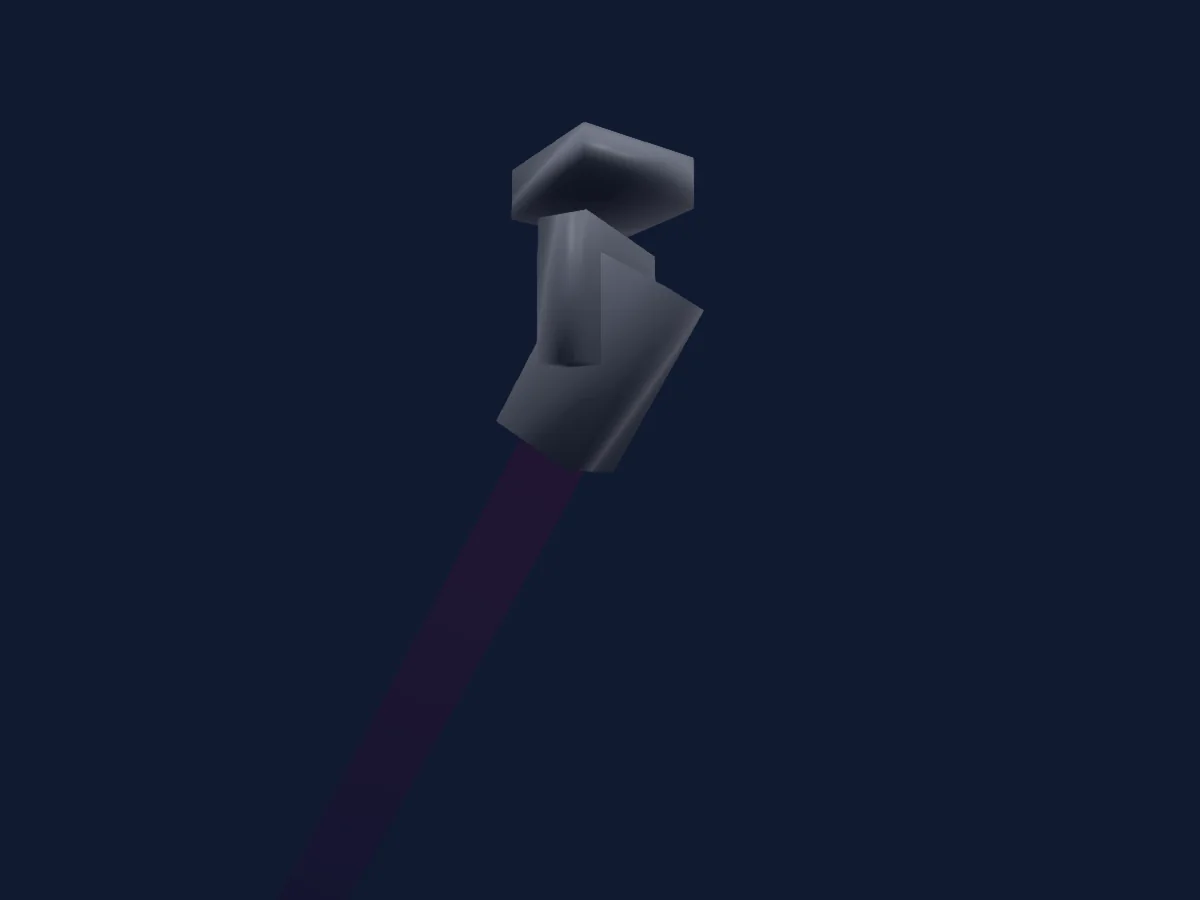
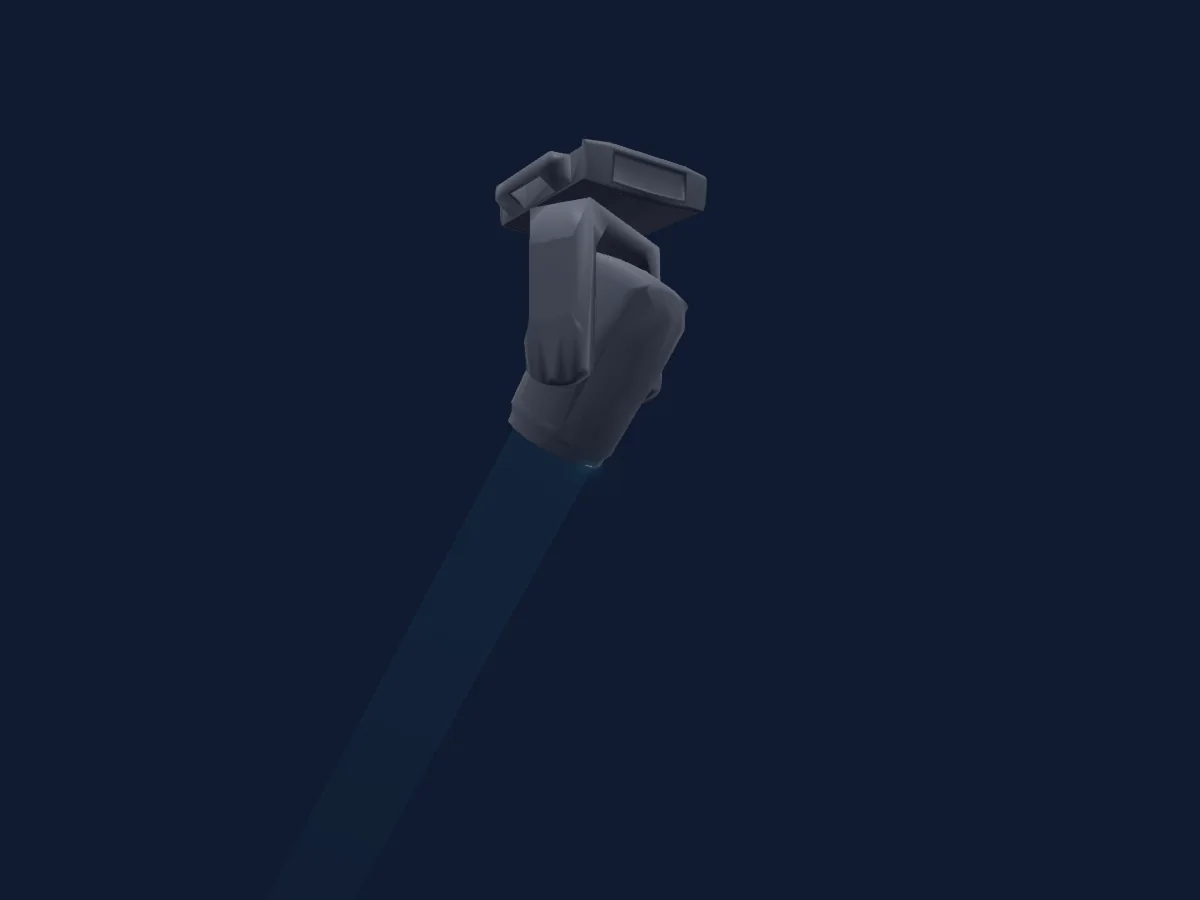
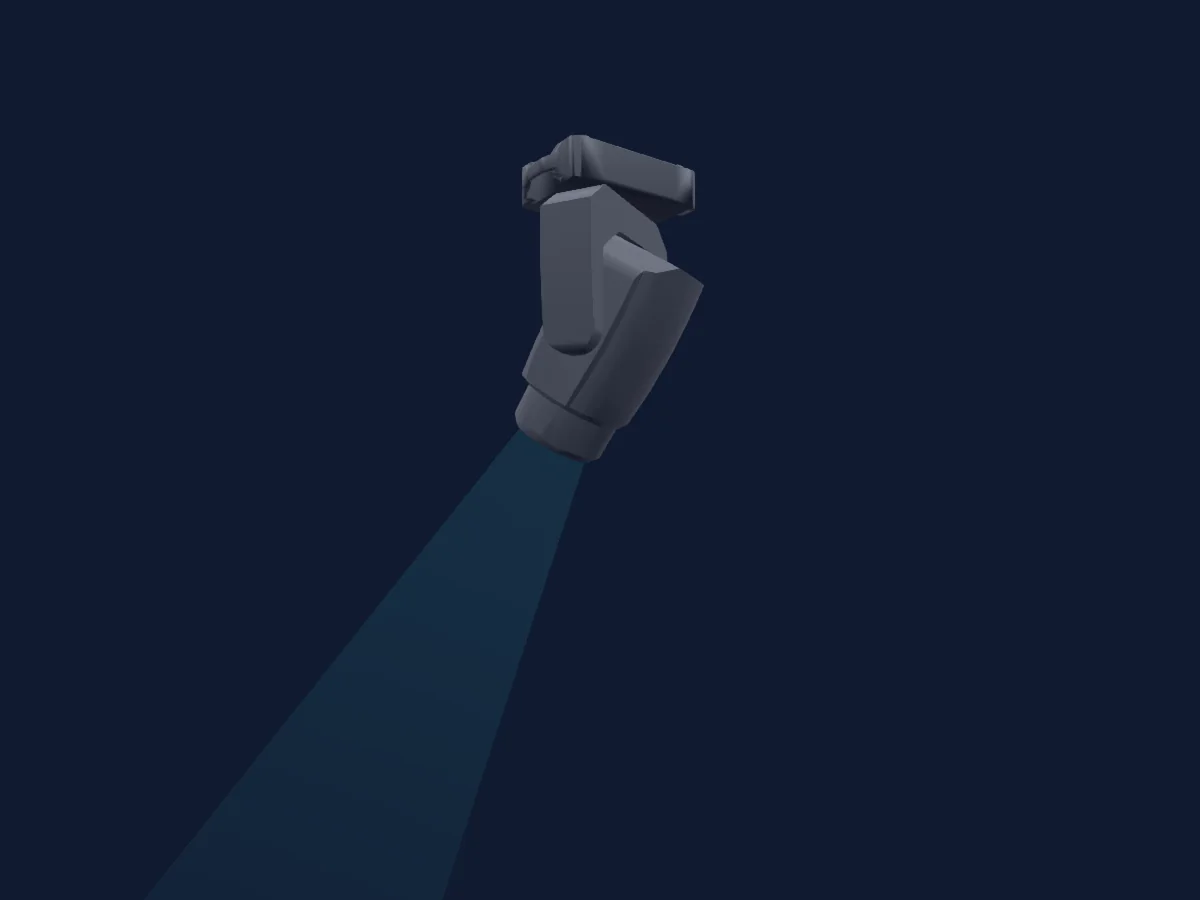
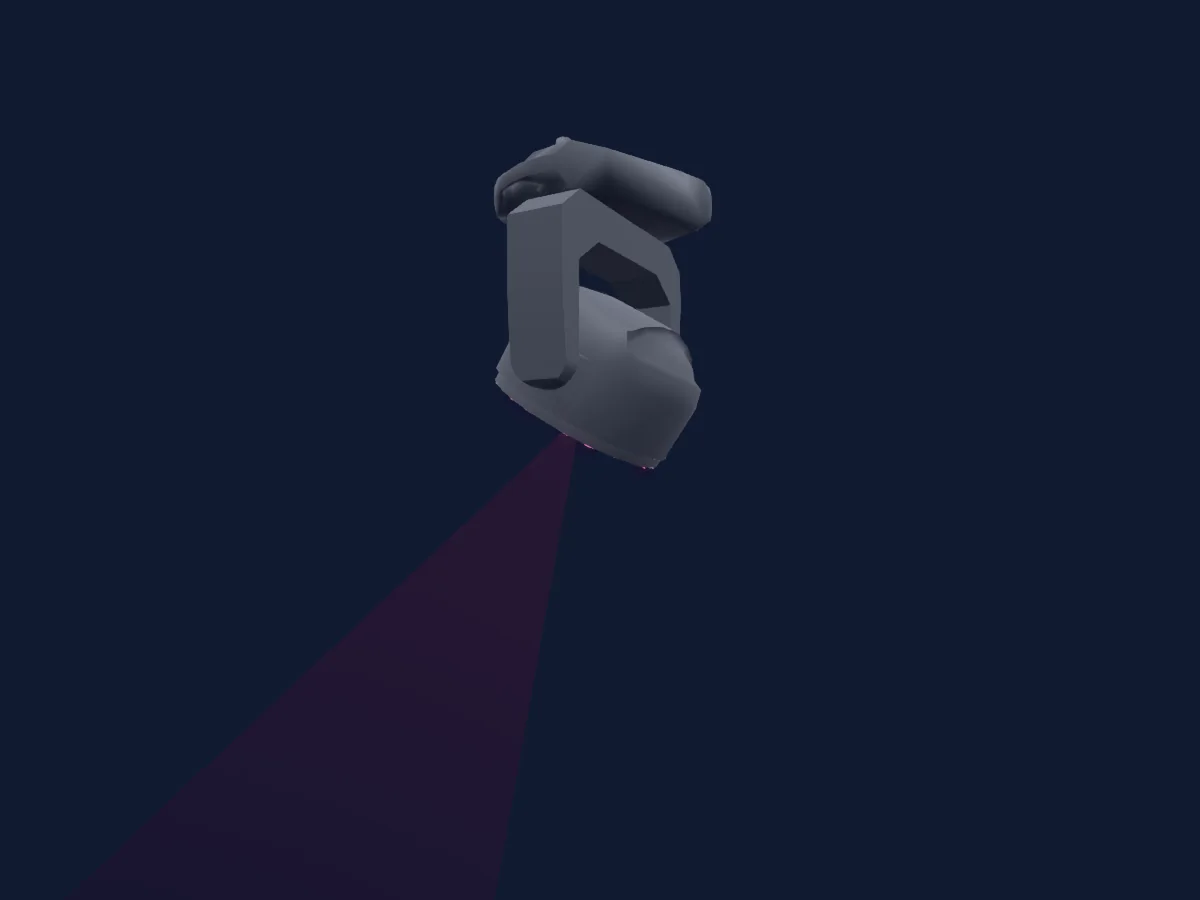
LIGHT SKY DOPHINE SMART renderizado no HitLight

O que ele faz

  • Foco
  • Frost
  • Prisma
  • Rotação do prisma
  • Mistura de cores CMY
  • Roda de cores
  • Strobo
  • Dimmer
  • Pan e tilt
  • Gobos
  • Rotação de gobos

Funções relevantes para a segurança: Reset do refletor. Confira como elas se comportam no seu refletor antes de um show.

Modos DMX e tabelas de canais

Modos DMX de LIGHT SKY DOPHINE SMART
ModoCanaisNo HitLight
23CH23Pronto no HitLight

23CH

Pronto no HitLight

23 canais DMX · Baixar esta tabela em CSV

Tabela de canais DMX de 23CH
CanalFunçãoPadrãoValores DMX
1Pan1280–255
2Pan Fine0Byte fino de Pan
3Tilt1280–255
4Tilt Fine0Byte fino de Tilt
5Tilt Rotate00–255
6Function0
23 faixas de valores
  • 0–25 No Function
  • 26–30 Head Reset
  • 31–35 P/T Reset
  • 36–49 All Reset
  • 50–59 HighOutput
  • 60–69 Standard
  • 70–79 Silent
  • 80–84 Dis Blink Off
  • 85–129 Dis Blink On
  • 130–139 P Invert On
  • 140–149 P Invert Off
  • 150–159 T Invert On
  • 160–169 T Invert Off
  • 170–177 1800Hz
  • 178–185 3600Hz
  • 186–193 7200Hz
  • 194–199 25000Hz
  • 200–204 Linear
  • 205–209 Square
  • 210–214 Inv-Square
  • 215–219 S-Curve
  • 220–229 Dim Fast
  • 230–255 Dim Smooth
7Cyan00–255
8Magenta00–255
9Yellow00–255
10Color Wheel0
18 faixas de valores
  • 0–8 White (wheel slot 1)
  • 9–17 Red (wheel slot 2)
  • 18–25 Orange (wheel slot 3)
  • 26–34 Aquamarine (wheel slot 4)
  • 35–42 Green (wheel slot 5)
  • 43–51 Light Green (wheel slot 6)
  • 52–59 Lavender (wheel slot 7)
  • 60–68 Pink (wheel slot 8)
  • 69–76 Yellow (wheel slot 9)
  • 77–85 Magenta (wheel slot 10)
  • 86–93 Cyan (wheel slot 11)
  • 94–102 CTO 260 (wheel slot 12)
  • 103–110 CTO 190 (wheel slot 13)
  • 111–119 CTB 8000 (wheel slot 14)
  • 120–127 Blue (wheel slot 15)
  • 128–190 >>>
  • 191–192 Stop
  • 193–255 <<<
11Gobo0
20 faixas de valores
  • 0–9 White (wheel slot 1)
  • 10–19 Gobo 1 (wheel slot 2)
  • 20–29 Gobo 2 (wheel slot 3)
  • 30–39 Gobo 3 (wheel slot 4)
  • 40–49 Gobo 4 (wheel slot 5)
  • 50–59 Gobo 5 (wheel slot 6)
  • 60–69 Gobo 6 (wheel slot 7)
  • 70–79 Gobo 7 (wheel slot 8)
  • 80–87 Gobo 1 Shake (wheel slot 2)
  • 88–95 Gobo 2 Shake (wheel slot 3)
  • 96–103 Gobo 3 Shake (wheel slot 4)
  • 104–111 Gobo 4 Shake (wheel slot 5)
  • 112–119 Gobo 5 Shake (wheel slot 6)
  • 120–127 Gobo 6 Shake (wheel slot 7)
  • 128–135 Gobo 7 Shake (wheel slot 8)
  • 136–193 >>>
  • 194–194 >>
  • 195–196 Stop
  • 197–254 <<
  • 255–255 <<<
12Gobo 20
20 faixas de valores
  • 0–9 White (wheel slot 1)
  • 10–19 Gobo 1 (wheel slot 2)
  • 20–29 Gobo 2 (wheel slot 3)
  • 30–39 Gobo 3 (wheel slot 4)
  • 40–49 Gobo 4 (wheel slot 5)
  • 50–59 Gobo 5 (wheel slot 6)
  • 60–69 Gobo 6 (wheel slot 7)
  • 70–79 Gobo 7 (wheel slot 8)
  • 80–87 Gobo 1 Shake (wheel slot 2)
  • 88–95 Gobo 2 Shake (wheel slot 3)
  • 96–103 Gobo 3 Shake (wheel slot 4)
  • 104–111 Gobo 4 Shake (wheel slot 5)
  • 112–119 Gobo 5 Shake (wheel slot 6)
  • 120–127 Gobo 6 Shake (wheel slot 7)
  • 128–135 Gobo 7 Shake (wheel slot 8)
  • 136–193 >>>
  • 194–194 >>
  • 195–196 Stop
  • 197–254 <<
  • 255–255 <<<
13Gobo Rotation 20
6 faixas de valores
  • 0–127 Gobo2Pos
  • 128–188 >>>
  • 189–189 >>
  • 190–193 Stop
  • 194–254 <<
  • 255–255 <<<
14Prism0
2 faixas de valores
  • 0–127 White (wheel slot 1)
  • 128–255 Prism 1 (wheel slot 2)
15Prism Rotation0
6 faixas de valores
  • 0–127 Prism1Pos
  • 128–189 >>>
  • 190–190 >>
  • 191–192 Stop
  • 193–254 <<
  • 255–255 <<<
16Prism0
2 faixas de valores
  • 0–127 White (wheel slot 1)
  • 128–255 Prism 2 (wheel slot 2)
17Prism Rotation0
6 faixas de valores
  • 0–127 Prism2Pos
  • 128–189 >>>
  • 190–190 >>
  • 191–192 Stop
  • 193–254 <<
  • 255–255 <<<
18Frost10
2 faixas de valores
  • 0–127 Frost Out
  • 128–255 Frost In
19Focus1270–255
20Focus Fine255Byte fino de Focus
21Dimmer0
2 faixas de valores
  • 0–254 Closed
  • 255–255 Open
22Dimmer Fine0Byte fino de Dimmer
23Shutter / Strobe255
12 faixas de valores
  • 0–9 Closed
  • 10–48 PulseClose · Slow 0.5–11.7 Hz
  • 49–49 PulseClose · Fast 12 Hz
  • 50–88 PulseOpen · Slow 0.5–11.7 Hz
  • 89–89 PulseOpen · Fast 12 Hz
  • 90–118 Pulse · Pluse Slow 0.5–11.6 Hz
  • 119–119 Pulse · Pluse Fast 12 Hz
  • 120–178 Random Slow
  • 179–179 Random Fast
  • 180–248 Strobe Slow
  • 249–249 Strobe Fast
  • 250–255 Open

Usar LIGHT SKY DOPHINE SMART no HitLight

  1. Abra Adicionar refletor e procure LIGHT SKY DOPHINE SMART.
  2. Escolha o modo DMX configurado no menu do próprio refletor. O HitLight atribui a ele o menor endereço inicial livre do universo que comporta a quantidade de canais do modo.
  3. Confira o modo e os controles no seu refletor real antes de usar ao vivo.

As tabelas vêm da descrição GDTF do refletor, convertida para a biblioteca do HitLight. O HitLight não tem vínculo com a LIGHT SKY.

Faça o patch e deixe a música comandar as luzes.

O HitLight encontra esses refletores na biblioteca, faz o patch no próximo endereço livre e mostra seu rig em 3D antes de você ligar uma única luz.

Abrir HitLight ↗Baixar o HitLight