 HitLight
LIGHT4ME VENOM HYBRID 450 CMY
Tabela DMX, 1 modo DMX e prévia em 3D. 26 canais DMX.
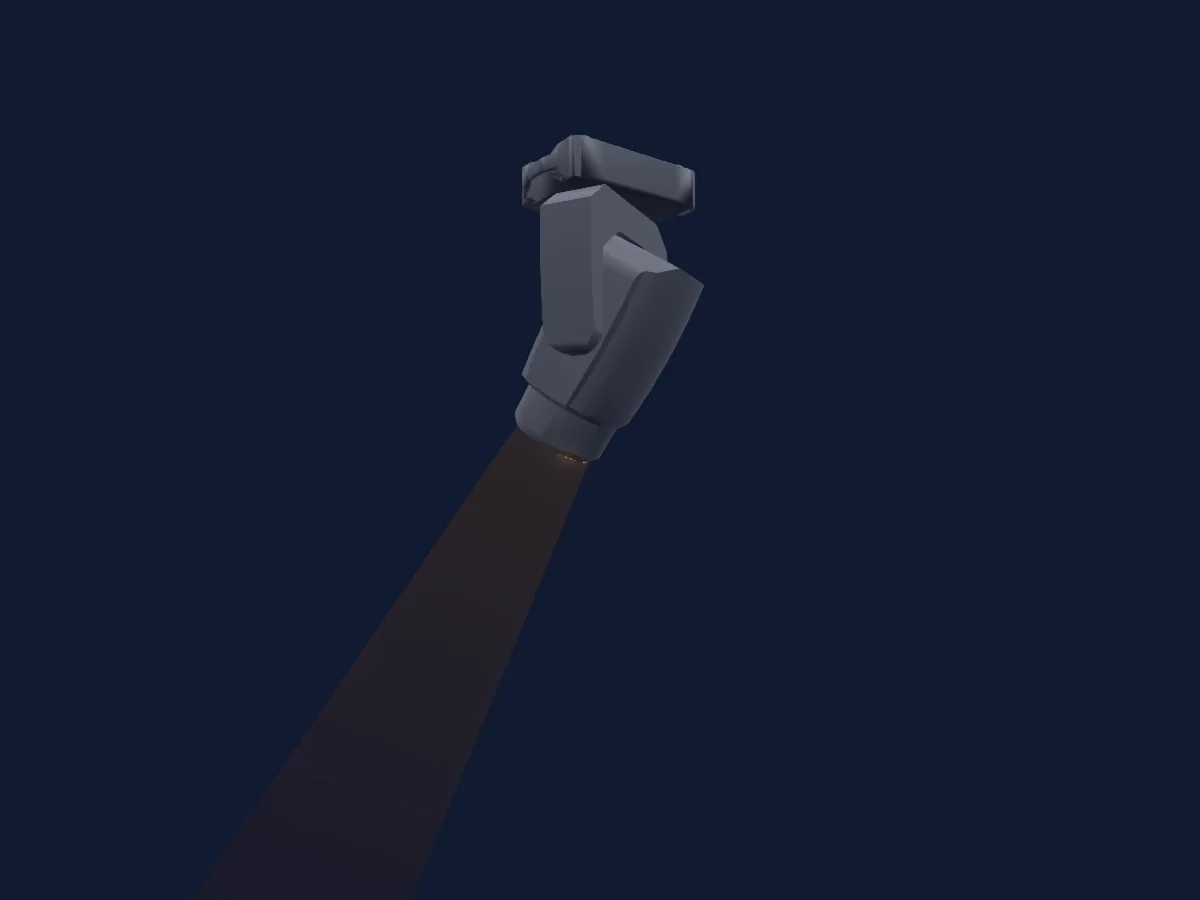
O que ele faz
- Foco
- Frost
- Prisma
- Rotação do prisma
- Zoom
- Mistura de cores CMY
- Temperatura de cor
- Roda de cores
- Dimmer
- Pan e tilt
- Velocidade de movimento
- Gobos
- Rotação de gobos
Funções relevantes para a segurança: Reset do refletor. Confira como elas se comportam no seu refletor antes de um show.
Modos DMX e tabelas de canais
| Modo | Canais | No HitLight |
|---|---|---|
| Mode 1 | 26 | Pronto no HitLight |
Mode 1
Pronto no HitLight26 canais DMX · Baixar esta tabela em CSV
| Canal | Função | Padrão | Valores DMX |
|---|---|---|---|
| 1 | Pan | 128 | 0–255 |
| 2 | Pan Fine | 0 | Byte fino de Pan |
| 3 | Tilt | 128 | 0–255 |
| 4 | Tilt Fine | 0 | Byte fino de Tilt |
| 5 | Position MSpeed | 0 | 4 faixas de valores
|
| 6 | Dimmer | 0 | 2 faixas de valores
|
| 7 | Reserved 7 | 0 | 0–255 |
| 8 | Color Wheel | 0 | 14 faixas de valores
|
| 9 | Color Wheel Fine | 0 | Byte fino de Color Wheel |
| 10 | Cyan | 0 | 0–255 |
| 11 | Magenta | 0 | 0–255 |
| 12 | Yellow | 0 | 0–255 |
| 13 | Color Macro1 | 0 | 0–255 |
| 14 | C TO | 0 | 0–255 |
| 15 | C TB | 0 | 0–255 |
| 16 | C RIMode | 0 | 0–255 |
| 17 | Gobo | 0 | 32 faixas de valores
|
| 18 | Gobo 2 | 0 | 10 faixas de valores
|
| 19 | Gobo Rotation 2 | 0 | 6 faixas de valores
|
| 20 | Focus | 128 | 0–255 |
| 21 | Zoom | 128 | 0–255 |
| 22 | Prism | 0 | 2 faixas de valores
|
| 23 | Prism | 0 | 2 faixas de valores
|
| 24 | Prism Rotation | 0 | 6 faixas de valores
|
| 25 | Frost1 | 0 | 0–255 |
| 26 | Control1 | 0 | 2 faixas de valores
|
Usar LIGHT4ME VENOM HYBRID 450 CMY no HitLight
- Abra Adicionar refletor e procure LIGHT4ME VENOM HYBRID 450 CMY.
- Escolha o modo DMX configurado no menu do próprio refletor. O HitLight atribui a ele o menor endereço inicial livre do universo que comporta a quantidade de canais do modo.
- Confira o modo e os controles no seu refletor real antes de usar ao vivo.
Refletores relacionados
Moving head
LIGHT4ME Hyper Beam
13 canais DMX
PAR
LIGHT4ME Matrix Bar 18x8W RGBW_UPD2
4 canais DMX
PAR
LIGHT4ME MATRIX PANEL 1010 RGB
3 canais DMX
PAR
LIGHT4ME Basic LED PAR 8 24h
3 / 4 / 26 canais DMX
Strobo
LIGHT4ME Auri Strobe
12 / 38 canais DMX
PAR
LIGHT4ME Spectra Bar 24x6w RGBWA-UV
8 / 11 / 20 / 38 / 74 canais DMX
As tabelas vêm da descrição GDTF do refletor, convertida para a biblioteca do HitLight. O HitLight não tem vínculo com a LIGHT4ME.