Pular para o conteúdo
HitLight
Martin · Moving head

Martin Mac 250 Entour

Tabela DMX, 1 modo DMX e prévia em 3D. 18 canais DMX.
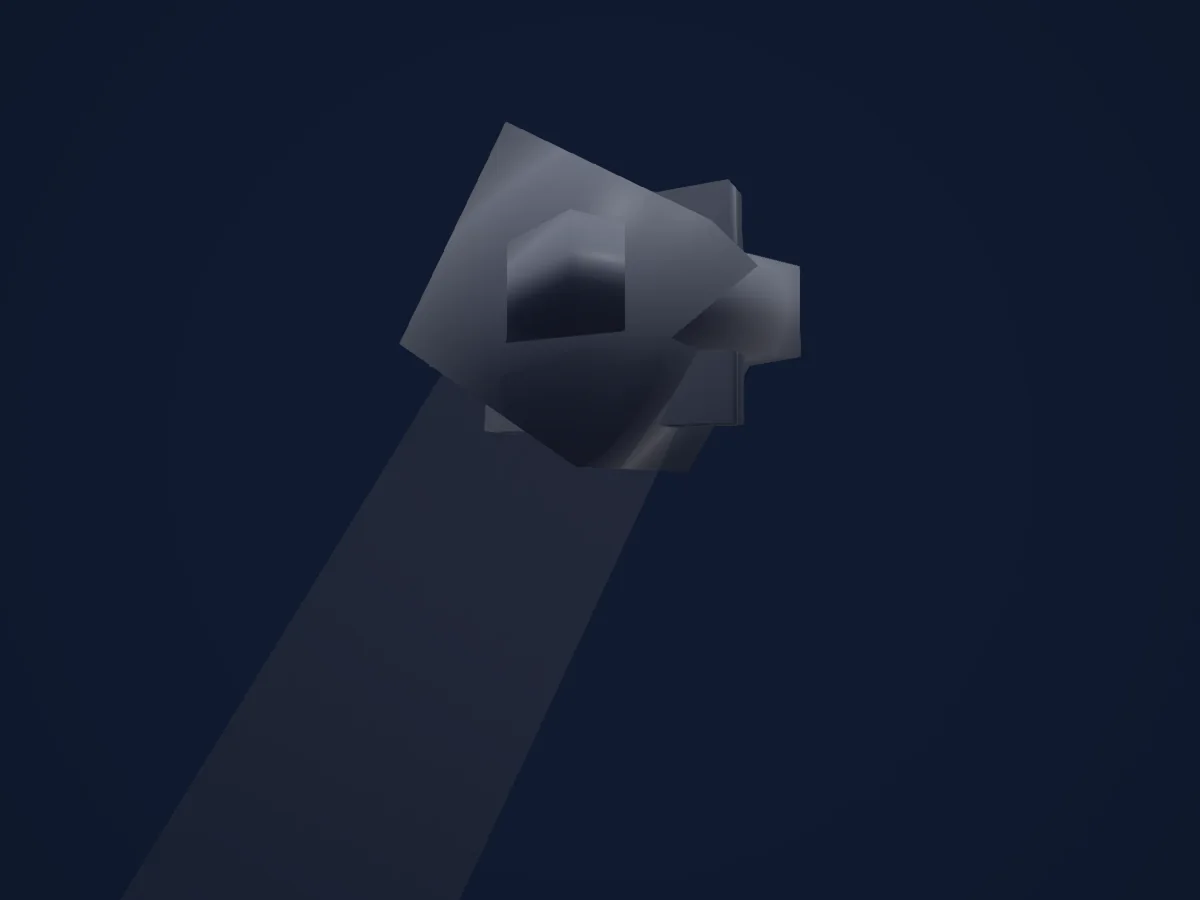
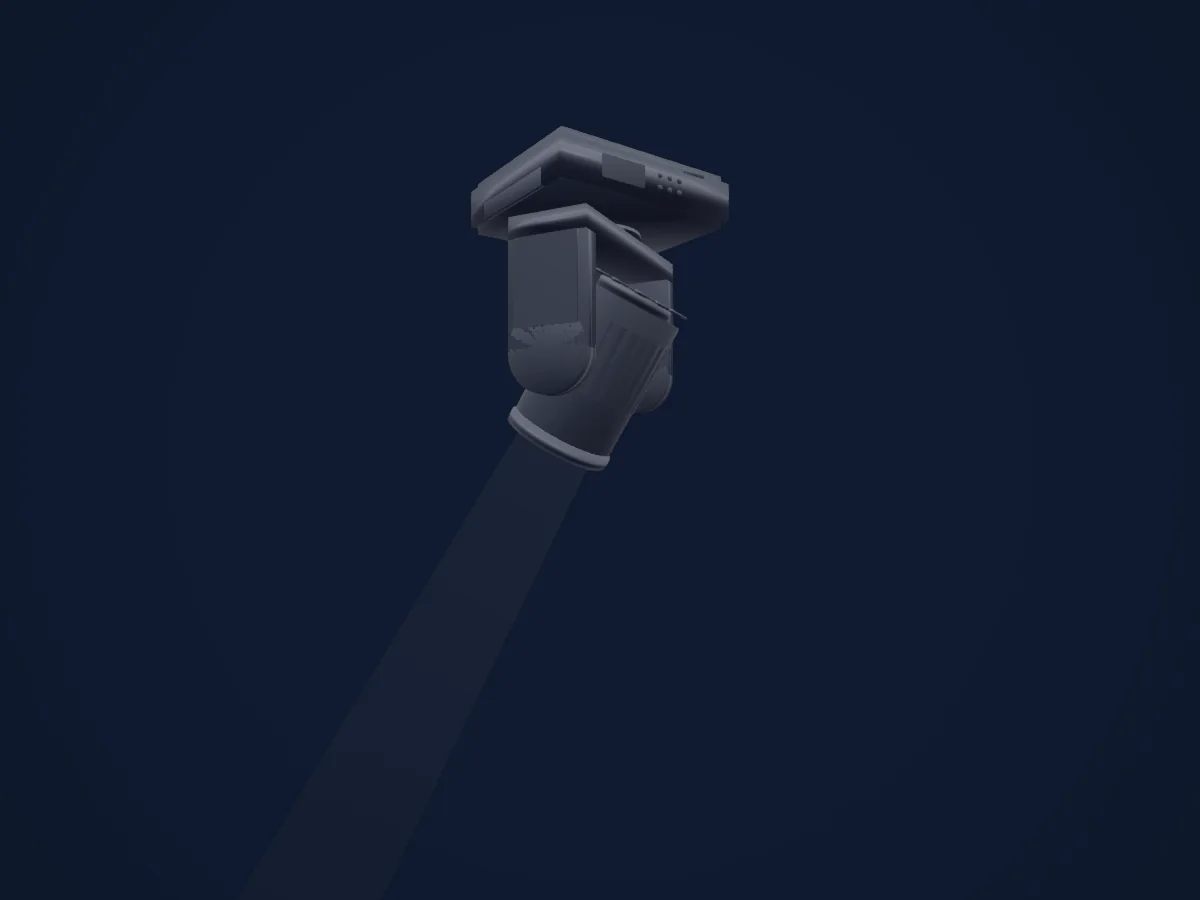
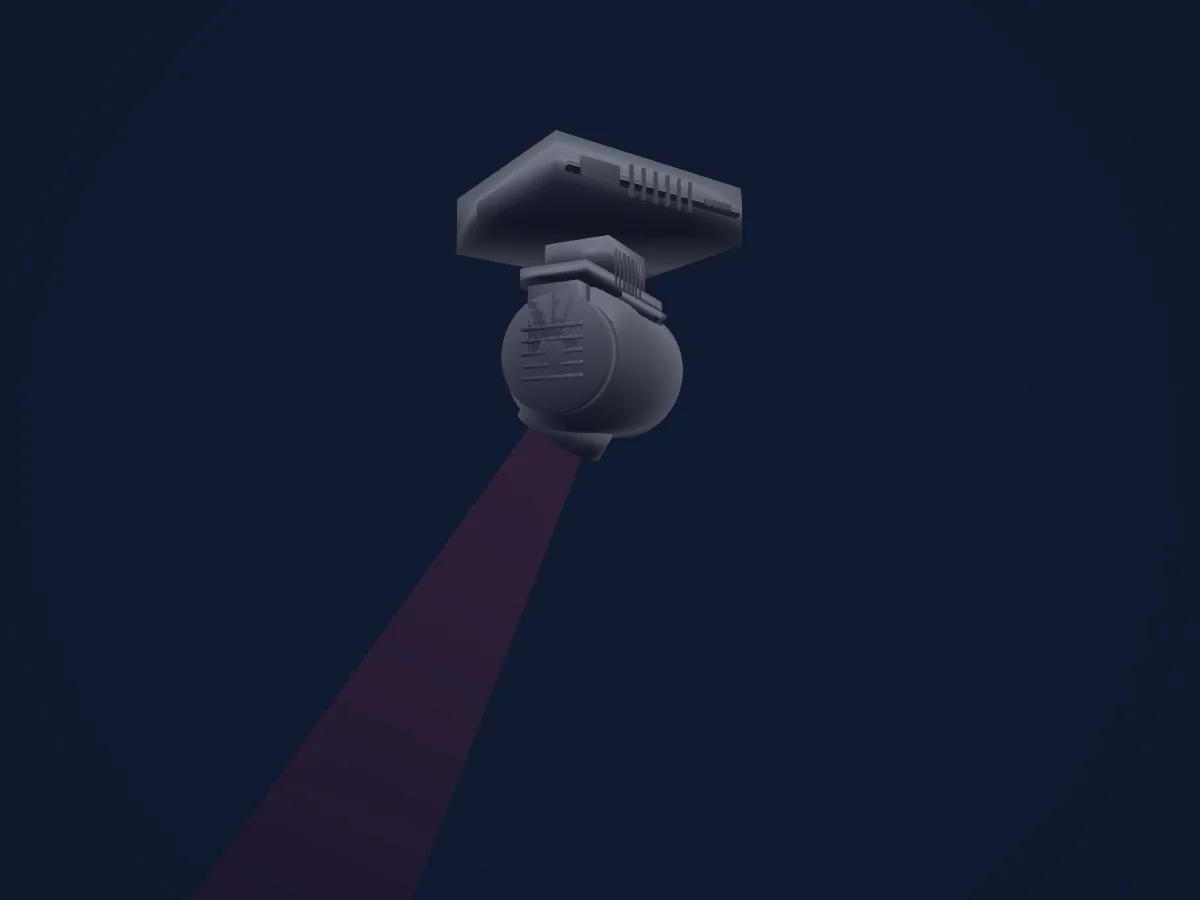
Martin Mac 250 Entour renderizado no HitLight

O que ele faz

  • Foco
  • Roda de cores
  • Dimmer
  • Pan e tilt
  • Velocidade de movimento
  • Gobos
  • Rotação de gobos

Funções relevantes para a segurança: Ligar e desligar a lâmpada · Reset do refletor · Programas de efeitos integrados. Confira como elas se comportam no seu refletor antes de um show.

Modos DMX e tabelas de canais

Modos DMX de Martin Mac 250 Entour
ModoCanaisNo HitLight
16 bit Extended18Pronto no HitLight

16 bit Extended

Pronto no HitLight

18 canais DMX · Baixar esta tabela em CSV

Tabela de canais DMX de 16 bit Extended
CanalFunçãoPadrãoValores DMX
1Shutter / Strobe34
24 faixas de valores
  • 0–19 closed
  • 20–49 open
  • 50–71 max Strobe
  • 72–72 min Strobe
  • 73–79 open (2)
  • 80–98 max Pulse Open
  • 99–99 min Pulse Open
  • 100–118 max Pulse Close
  • 119–119 min Pulse Close
  • 120–127 open (3)
  • 128–147 STROBE_RANDOM · max Rnd
  • 148–167 STROBE_RANDOM · Rnd 50%
  • 168–187 STROBE_RANDOM · min Rnd
  • 188–190 open (4)
  • 191–193 max Rnd Pulse Open
  • 194–196 min Rnd Pulse Open
  • 197–199 max Rnd Pulse Close
  • 200–202 min Rnd Pulse Close
  • 203–207 open (5)
  • 208–217 Reset
  • 218–227 open (6)
  • 228–237 Lamp On
  • 238–247 open (7)
  • 248–255 Lamp Off
2Dimmer0
2 faixas de valores
  • 0–254 closed
  • 255–255 open
3Dimmer Fine0Byte fino de Dimmer
4Color Wheel0
34 faixas de valores
  • 0–5 open (wheel slot 1)
  • 6–16 CTC (wheel slot 2)
  • 17–27 yellow 603 (wheel slot 3)
  • 28–38 blue 104 (wheel slot 4)
  • 39–49 pink 312 (wheel slot 5)
  • 50–60 green 206 (wheel slot 6)
  • 61–71 blue 108 (wheel slot 7)
  • 72–82 red 301 (wheel slot 8)
  • 83–93 magenta 507 (wheel slot 9)
  • 94–104 blue 101 (wheel slot 10)
  • 105–115 orange 306 (wheel slot 11)
  • 116–126 dark green (wheel slot 12)
  • 127–137 purple 502 (wheel slot 13)
  • 138–143 open (2) (wheel slot 1)
  • 144–155 UNKNOWN
  • 156–159 open (3) (wheel slot 1)
  • 160–163 CTC (2) (wheel slot 2)
  • 164–167 yellow 603 (2) (wheel slot 3)
  • 168–171 blue 104 (2) (wheel slot 4)
  • 172–175 pink 312 (2) (wheel slot 5)
  • 176–179 green 206 (2) (wheel slot 6)
  • 180–183 blue 108 (2) (wheel slot 7)
  • 184–187 red 301 (2) (wheel slot 8)
  • 188–191 magenta 507 (2) (wheel slot 9)
  • 192–195 blue 101 (2) (wheel slot 10)
  • 196–199 orange 306 (2) (wheel slot 11)
  • 200–203 dark green (2) (wheel slot 12)
  • 204–207 purple 502 (2) (wheel slot 13)
  • 208–226 >>>
  • 227–244 stop
  • 245–245 <<<
  • 246–248 max Rnd
  • 249–251 Rnd 50%
  • 252–255 min Rnd
5Color Wheel Fine0Byte fino de Color Wheel
6Gobo0
27 faixas de valores
  • 0–4 open (wheel slot 1)
  • 5–10 eclipse (wheel slot 2)
  • 11–15 fat bar (wheel slot 3)
  • 16–20 fan (wheel slot 4)
  • 21–25 happy yins (wheel slot 5)
  • 26–30 twisted triangle (wheel slot 6)
  • 31–35 splash (wheel slot 7)
  • 36–42 aflobet (wheel slot 8)
  • 43–50 open<> (wheel slot 1)
  • 51–58 eclipse<> (wheel slot 2)
  • 59–65 fat bar<> (wheel slot 3)
  • 66–73 fan<> (wheel slot 4)
  • 74–81 happy yins<> (wheel slot 5)
  • 82–89 twisted triangle<> (wheel slot 6)
  • 90–96 splash<> (wheel slot 7)
  • 97–104 aflobet<> (wheel slot 8)
  • 105–119 aflobet<>* (wheel slot 8)
  • 120–134 splash<>* (wheel slot 7)
  • 135–149 twisted triangle<>* (wheel slot 6)
  • 150–164 happy yins<>* (wheel slot 5)
  • 165–179 fan<>* (wheel slot 4)
  • 180–194 fat bar<>* (wheel slot 3)
  • 195–209 eclipse<>* (wheel slot 2)
  • 210–231 Spin 1..100%
  • 232–232 >>>
  • 233–233 <<<
  • 234–255 Spin -100..-1%
7Gobo Rotation0
6 faixas de valores
  • 0–2 zero
  • 3–126 Rotate 1..100%
  • 127–127 >>>
  • 128–252 <<<
  • 253–254 stop (2)
  • 255–255 max CW
8Gobo Rotation Fine0Byte fino de Gobo Rotation
9Gobo 20
27 faixas de valores
  • 0–7 open (wheel slot 1)
  • 8–15 oriental fire (wheel slot 2)
  • 16–23 wiggles (wheel slot 3)
  • 24–31 pear drops (wheel slot 4)
  • 32–39 brush strokes (wheel slot 5)
  • 40–47 lashes (wheel slot 6)
  • 48–55 splash (wheel slot 7)
  • 56–63 crazed (wheel slot 8)
  • 64–71 dibs (wheel slot 9)
  • 72–79 sharp breakup (wheel slot 10)
  • 80–87 zeds a leaping (wheel slot 11)
  • 88–95 open (2) (wheel slot 1)
  • 96–105 zeds a leaping* (wheel slot 11)
  • 106–115 sharp breakup* (wheel slot 10)
  • 116–125 dibs* (wheel slot 9)
  • 126–135 crazed* (wheel slot 8)
  • 136–145 splash* (wheel slot 7)
  • 146–155 lashes* (wheel slot 6)
  • 156–165 brush strokes* (wheel slot 5)
  • 166–175 pear drops* (wheel slot 4)
  • 176–185 wiggles* (wheel slot 3)
  • 186–195 oriental fire* (wheel slot 2)
  • 196–205 open* (wheel slot 1)
  • 206–229 Spin2 1..100%
  • 230–230 >>>
  • 231–231 <<<
  • 232–255 Spin2 -100..-1%
10Focus128
2 faixas de valores
  • 0–254 max Focus
  • 255–255 min Focus
11Focus Fine0Byte fino de Focus
12Effect0
14 faixas de valores
  • 0–19 open (wheel slot 1)
  • 20–79 <<<
  • 80–89 3 facet prism (wheel slot 2)
  • 90–148 Rotate 1..100%
  • 149–149 >>>
  • 150–215 stop
  • 216–220 Prism/gobo Macro 1
  • 221–225 Prism/gobo Macro 2
  • 226–230 Prism/gobo Macro 3
  • 231–235 Prism/gobo Macro 4
  • 236–240 Prism/gobo Macro 5
  • 241–245 Prism/gobo Macro 6
  • 246–250 Prism/gobo Macro 7
  • 251–255 Prism/gobo Macro 8
13Pan1280–255
14Pan Fine0Byte fino de Pan
15Tilt1280–255
16Tilt Fine0Byte fino de Tilt
17Position MSpeed0
6 faixas de valores
  • 0–2 Track 100%
  • 3–244 Track 100..1%
  • 245–245 min Track
  • 246–248 Track 100% (2)
  • 249–251 off
  • 252–255 on
18Intensity MSpeed0
6 faixas de valores
  • 0–2 Track 100%
  • 3–244 Track 100..1%
  • 245–245 min Track
  • 246–248 off
  • 249–251 on
  • 252–255 on (2)

Usar Martin Mac 250 Entour no HitLight

  1. Abra Adicionar refletor e procure Martin Mac 250 Entour.
  2. Escolha o modo DMX configurado no menu do próprio refletor. O HitLight atribui a ele o menor endereço inicial livre do universo que comporta a quantidade de canais do modo.
  3. Confira o modo e os controles no seu refletor real antes de usar ao vivo.

Espaços com Martin Mac 250 Entour

As suas montagens guardadas incluem este modelo de aparelho. Confirme o equipamento atual com o espaço.

As tabelas vêm da descrição GDTF do refletor, convertida para a biblioteca do HitLight. O HitLight não tem vínculo com a Martin.

Faça o patch e deixe a música comandar as luzes.

O HitLight encontra esses refletores na biblioteca, faz o patch no próximo endereço livre e mostra seu rig em 3D antes de você ligar uma única luz.

Abrir HitLight ↗Baixar o HitLight