 HitLight
OGSON fixtures Chromlech Jarag-5
Tabela DMX, 3 modos DMX e prévia em 3D. 1 / 6 / 7 canais DMX.
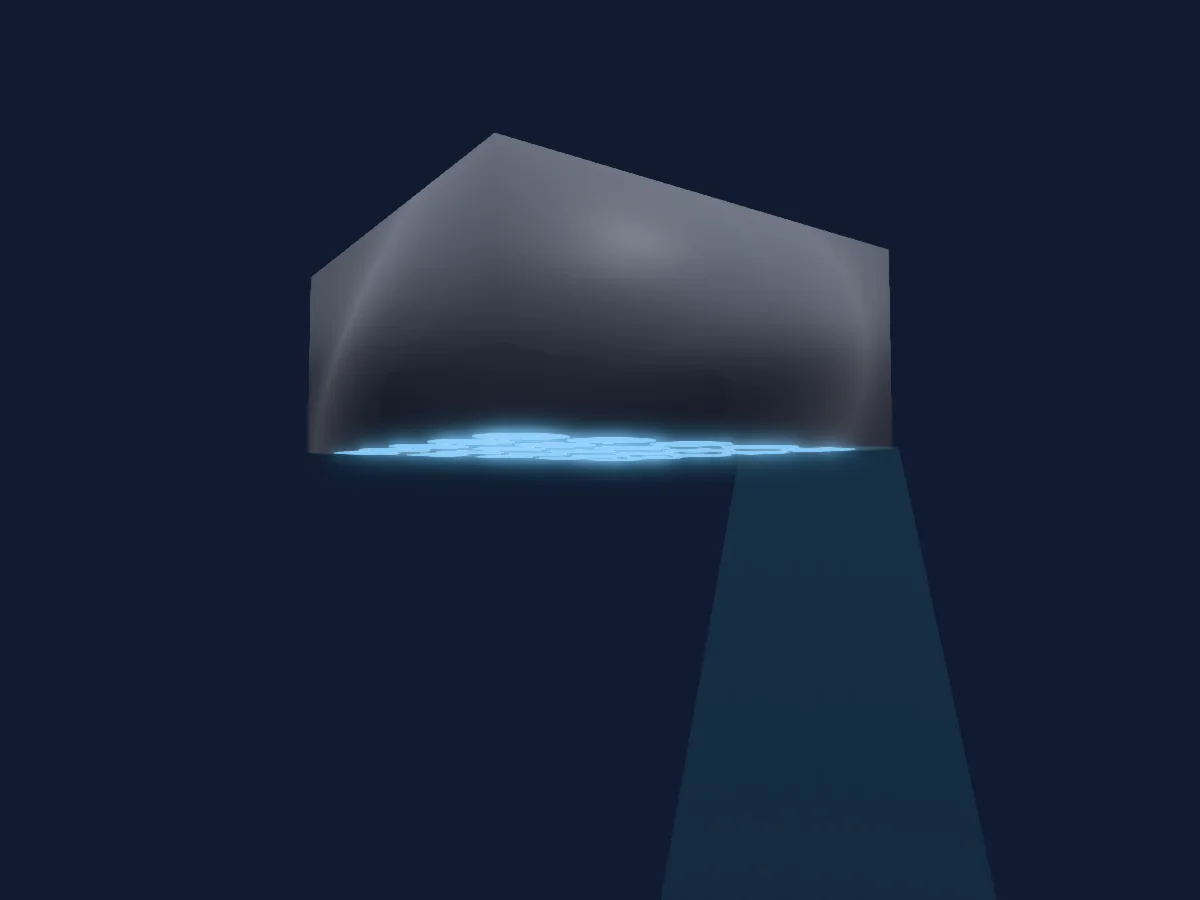
O que ele faz
- Dimmer
Modos DMX e tabelas de canais
| Modo | Canais | No HitLight |
|---|---|---|
| Mode 25ch | 1 | Pronto no HitLight |
| Mode 6ch | 6 | Pronto no HitLight |
| Mode 31ch | 7 | Pronto no HitLight |
Mode 25ch
Pronto no HitLight1 canal DMX · Baixar esta tabela em CSV
| Canal | Função | Padrão | Valores DMX |
|---|---|---|---|
| 1 | Dimmer | 0 | 2 faixas de valores
|
Mode 6ch
Pronto no HitLight6 canais DMX · Baixar esta tabela em CSV
| Canal | Função | Padrão | Valores DMX |
|---|---|---|---|
| 1 | Dimmer | 0 | 2 faixas de valores
|
| 2 | Shape Speed | 0 | 35 faixas de valores
|
| 3 | Shape Transition | 0 | 3 faixas de valores
|
| 4 | Shape Offset | 0 | 8 faixas de valores
|
| 5 | Shape | 0 | 16 faixas de valores
|
| 6 | Shape Bank | 0 | 16 faixas de valores
|
Mode 31ch
Pronto no HitLight7 canais DMX · Baixar esta tabela em CSV
| Canal | Função | Padrão | Valores DMX |
|---|---|---|---|
| 1 | Dimmer | 0 | 2 faixas de valores
|
| 2 | Shape Speed | 0 | 35 faixas de valores
|
| 3 | Shape Transition | 0 | 3 faixas de valores
|
| 4 | Shape Offset | 0 | 8 faixas de valores
|
| 5 | Shape | 0 | 16 faixas de valores
|
| 6 | Shape Bank | 0 | 16 faixas de valores
|
| 7 | Dimmer | 0 | 0–255 |
Usar OGSON fixtures Chromlech Jarag-5 no HitLight
- Abra Adicionar refletor e procure OGSON fixtures Chromlech Jarag-5.
- Escolha o modo DMX configurado no menu do próprio refletor. O HitLight atribui a ele o menor endereço inicial livre do universo que comporta a quantidade de canais do modo.
- Confira o modo e os controles no seu refletor real antes de usar ao vivo.
Refletores relacionados
Luz de efeito
OGSON fixtures Creamsource Vortex 24
1 / 4 / 5 / 6 / 7 / 8 / 9 / 10 / 12 / 13 / 14 / 15 / 16 / 18 / 19 / 20 / 21 / 24 / 26 / 27 / 34 / 35 / 37 / 50 / 51 / 66 / 67 / 72 / 98 / 194 / 386 canais DMX
Luz de efeito
OGSON fixtures ARRI SkyPanel S360C
7 / 9 / 10 / 11 / 12 / 13 / 14 / 15 / 16 / 17 / 18 / 19 / 20 / 21 / 24 / 25 / 26 / 28 / 30 / 32 / 33 / 35 / 36 / 37 / 73 / 97 / 193 canais DMX
Luz de efeito
OGSON fixtures Creamsource Vortex 8
1 / 4 / 5 / 6 / 7 / 8 / 9 / 10 / 12 / 13 / 14 / 15 / 16 / 18 / 19 / 20 / 21 / 24 / 26 / 27 / 34 / 35 / 37 / 50 / 51 / 66 / 67 / 72 / 98 / 130 canais DMX
Luz de efeito
OGSON fixtures CLF SERA
2 / 3 / 4 / 6 / 8 / 10 / 13 / 21 canais DMX
Luz de efeito
OGSON fixtures ADJ Encore DBX
1 / 2 / 5 / 8 / 10 / 11 / 12 / 13 / 16 / 18 / 19 / 21 / 22 / 24 / 25 / 26 / 29 / 31 / 34 / 35 / 40 / 41 canais DMX
Luz de efeito
OGSON fixtures ARRI SkyPanel-X
10 / 12 / 13 / 15 / 16 / 19 / 20 / 23 / 27 / 37 / 42 / 52 / 61 / 68 / 85 / 100 / 108 / 132 / 148 / 156 / 196 / 292 / 388 canais DMX
As tabelas vêm da descrição GDTF do refletor, convertida para a biblioteca do HitLight. O HitLight não tem vínculo com a OGSON fixtures.