Pular para o conteúdo
HitLight
SHEHDS · Moving head

SHEHDS LED 300W Beam

Tabela DMX, 1 modo DMX e prévia em 3D. 17 canais DMX.
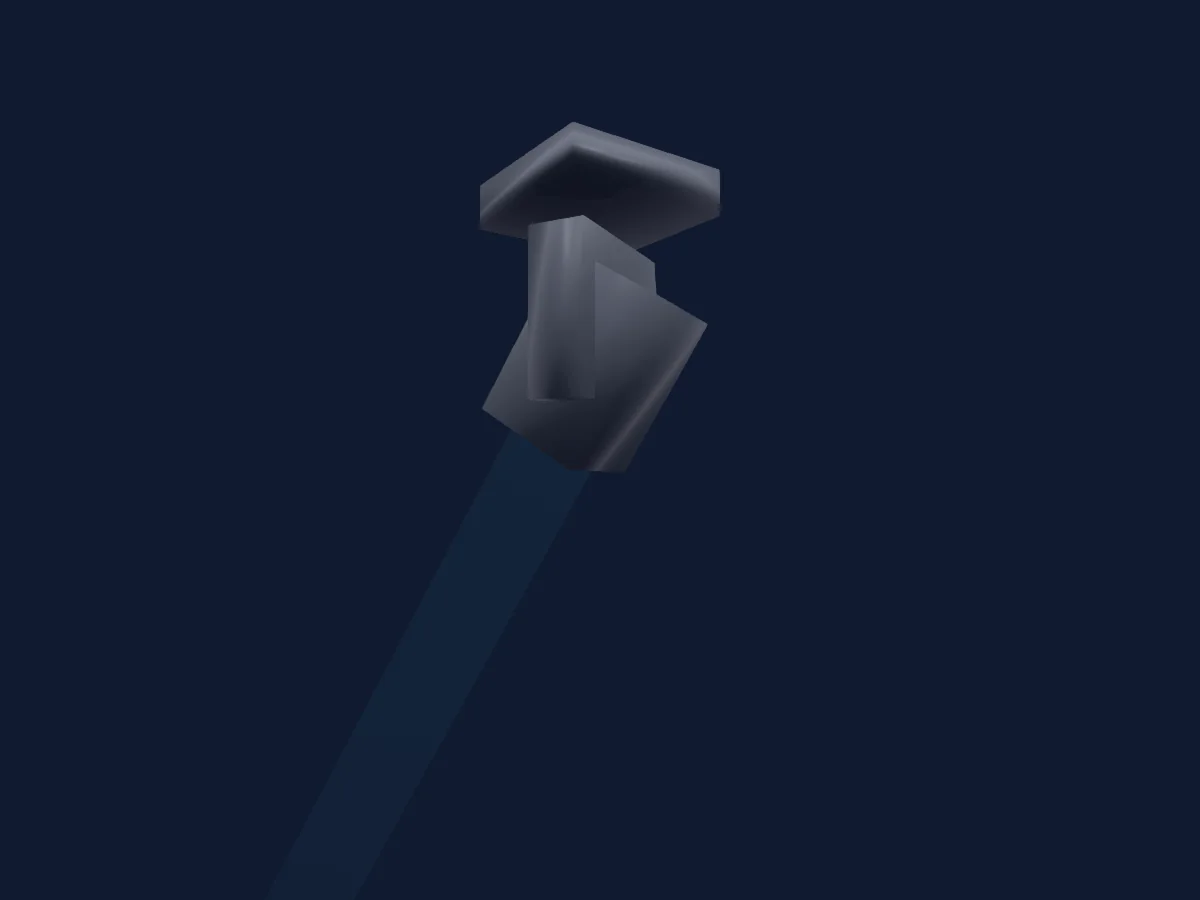
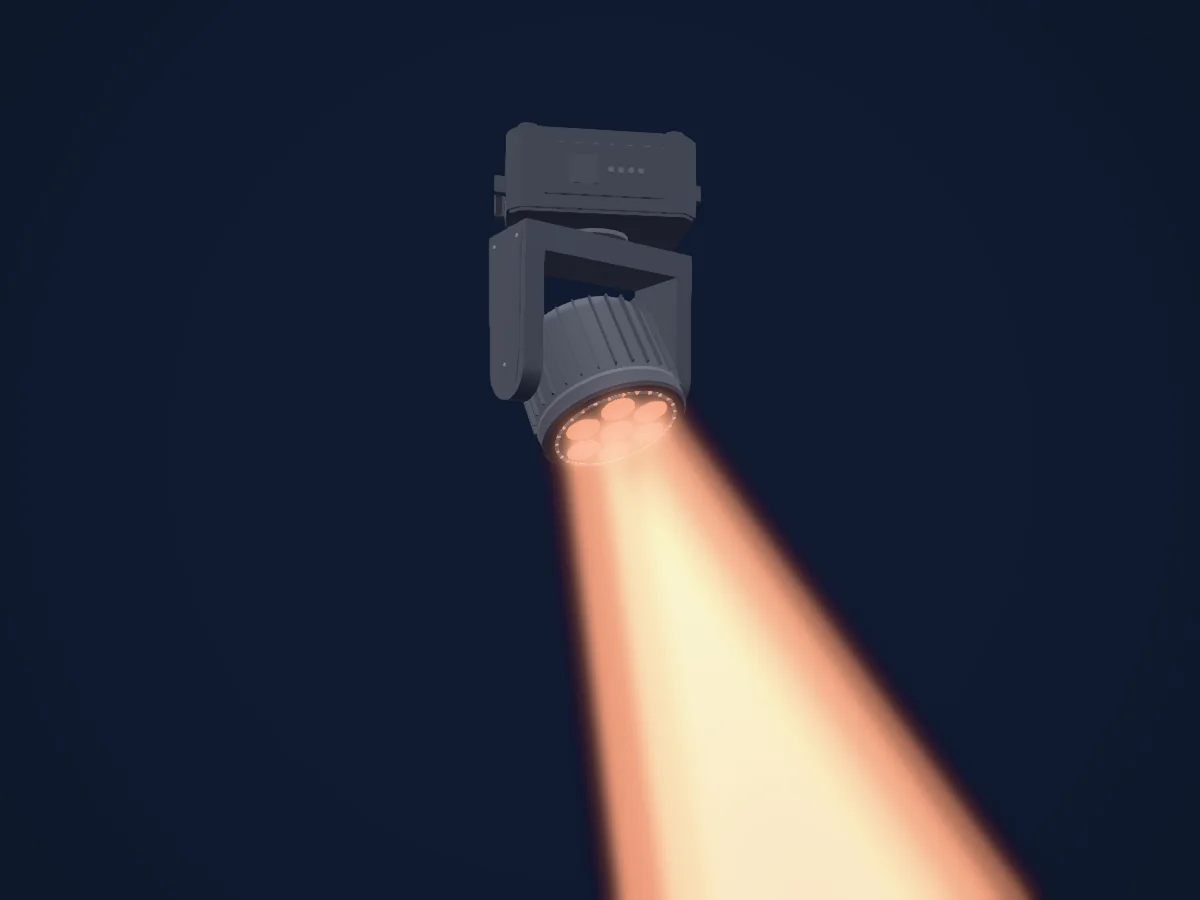
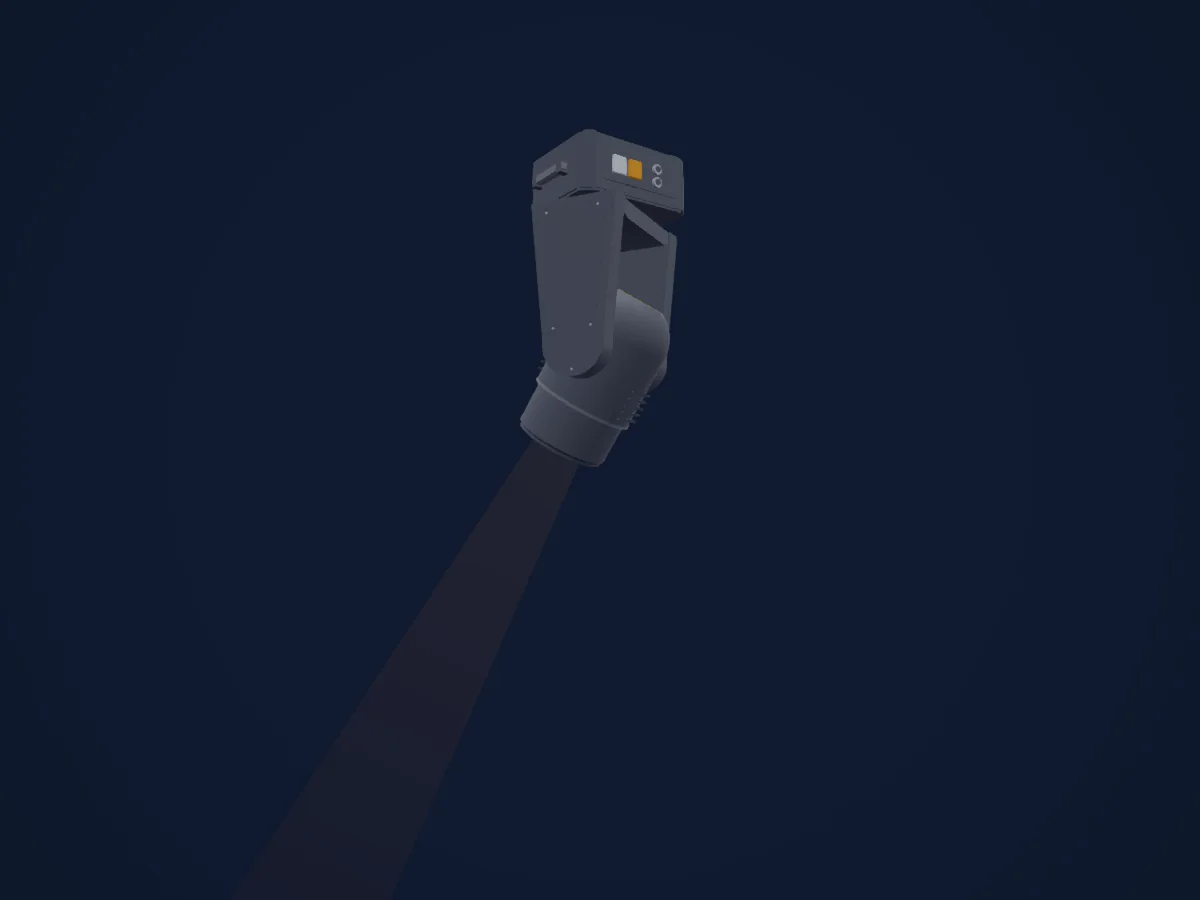
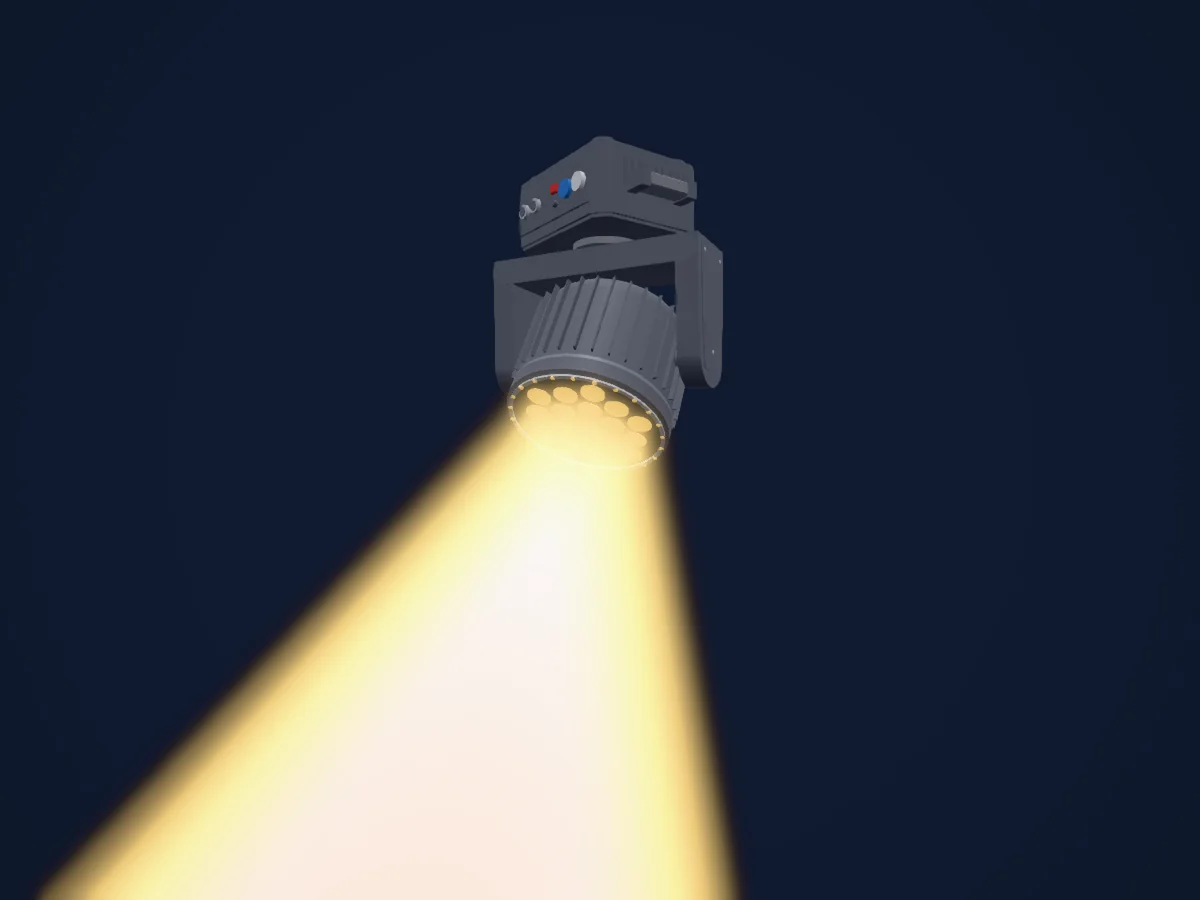
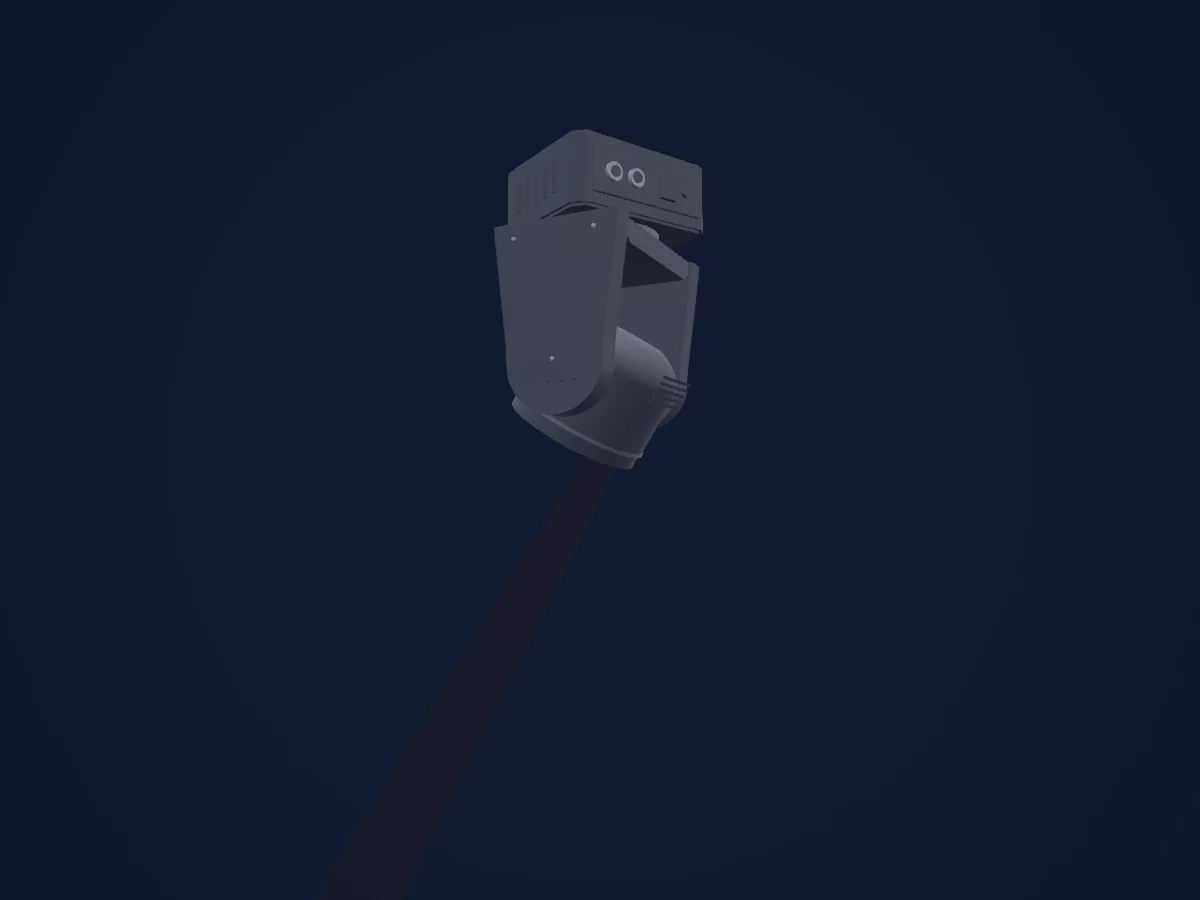
SHEHDS LED 300W Beam renderizado no HitLight

O que ele faz

  • Foco
  • Frost
  • Prisma
  • Rotação do prisma
  • Roda de cores
  • Strobo
  • Dimmer
  • Velocidade de movimento
  • Gobos

Funções relevantes para a segurança: Reset do refletor · Strobo. Confira como elas se comportam no seu refletor antes de um show.

Modos DMX e tabelas de canais

Modos DMX de SHEHDS LED 300W Beam
ModoCanaisNo HitLight
Default17Pronto no HitLight

Default

Pronto no HitLight

17 canais DMX · Baixar esta tabela em CSV

Tabela de canais DMX de Default
CanalFunçãoPadrãoValores DMX
1Pan850–255
2Pan Fine85Byte fino de Pan
3Tilt1280–255
4Tilt Fine0Byte fino de Tilt
5Position MSpeed00–255
6Dimmer0
2 faixas de valores
  • 0–0 Closed
  • 1–255 Open
7Shutter / Strobe255
6 faixas de valores
  • 0–3 Close
  • 4–99 Sync Strobe
  • 100–149 Div Strobe 1
  • 150–199 Strobe
  • 200–250 StrobeModeRandom
  • 251–255 Open
8Color Wheel0
25 faixas de valores
  • 0–1 White (wheel slot 1)
  • 2–7 Red (wheel slot 2)
  • 8–13 Yellow (wheel slot 3)
  • 14–19 Indigo (wheel slot 4)
  • 20–25 Forest Green (wheel slot 5)
  • 26–31 Orange (wheel slot 6)
  • 32–37 Magenta (wheel slot 7)
  • 38–43 Steel Blue (wheel slot 8)
  • 44–49 Purple (wheel slot 9)
  • 50–55 Lime (wheel slot 10)
  • 56–61 Amber (wheel slot 11)
  • 62–67 White + Red (wheel slot 1)
  • 68–73 Red + Yellow (wheel slot 2)
  • 74–79 Yellow + Indigo (wheel slot 3)
  • 80–85 Indigo + Forest Green (wheel slot 4)
  • 86–91 Forest Green + Orange (wheel slot 5)
  • 92–97 Orange + Magenta (wheel slot 6)
  • 98–103 Magenta + Steel Blue (wheel slot 7)
  • 104–109 Steel Blue + Purple (wheel slot 8)
  • 110–115 Purple + Lime (wheel slot 9)
  • 116–121 Lime + Amber (wheel slot 10)
  • 122–127 Amber + White (wheel slot 11)
  • 128–187 CCW
  • 188–190 stop
  • 191–255 CW
9Gobo0
40 faixas de valores
  • 0–9 Open (wheel slot 1)
  • 10–12 Star (wheel slot 2)
  • 13–15 Three Dots (wheel slot 3)
  • 16–18 Trifoil (wheel slot 4)
  • 19–21 Nickelodean (wheel slot 5)
  • 22–24 Trifecta (wheel slot 6)
  • 25–27 Curves (wheel slot 7)
  • 28–30 Anger Dot (wheel slot 8)
  • 31–33 Dashed Circle (wheel slot 9)
  • 34–36 Hazard (wheel slot 10)
  • 37–39 Ninja Star (wheel slot 11)
  • 40–42 Dots (wheel slot 12)
  • 43–45 Four Dots (wheel slot 13)
  • 46–48 Pinwheel (wheel slot 14)
  • 49–51 Pizza (wheel slot 15)
  • 52–54 Dots Ring (wheel slot 16)
  • 55–57 Flower (wheel slot 17)
  • 58–60 Medium Iris (wheel slot 18)
  • 61–63 Narrow Iris (wheel slot 19)
  • 64–70 Star (wheel slot 2)
  • 71–77 Three Dots (wheel slot 3)
  • 78–84 Trifoil (wheel slot 4)
  • 85–91 Nickelodean (wheel slot 5)
  • 92–98 Trifecta (wheel slot 6)
  • 99–105 Curves (wheel slot 7)
  • 106–112 Anger Dot (wheel slot 8)
  • 113–119 Dashed Circle (wheel slot 9)
  • 120–126 Hazard (wheel slot 10)
  • 127–133 Ninja Star (wheel slot 11)
  • 134–140 Dots (wheel slot 12)
  • 141–147 Four Dots (wheel slot 13)
  • 148–154 Pinwheel (wheel slot 14)
  • 155–161 Pizza (wheel slot 15)
  • 162–168 Dots Ring (wheel slot 16)
  • 169–175 Flower (wheel slot 17)
  • 176–182 Medium Iris (wheel slot 18)
  • 183–189 Narrow Iris (wheel slot 19)
  • 200–221 CW
  • 222–249 Stop
  • 250–255 CCW
10Frost10
3 faixas de valores
  • 0–126 Off (wheel slot 1)
  • 127–200 Frost (wheel slot 2)
  • 201–255 Rainbow (wheel slot 3)
11Prism0
2 faixas de valores
  • 0–127 Prism Off (wheel slot 1)
  • 128–255 8 + 16 Facet Prism (wheel slot 2)
12Prism Rotation191
8 faixas de valores
  • 0–127 8 + 16 Facet Prism (wheel slot 2)
  • 128–137 >>> (wheel slot 2)
  • 138–160 >> (wheel slot 2)
  • 161–190 > (wheel slot 2)
  • 191–193 Stop (wheel slot 2)
  • 194–222 < (wheel slot 2)
  • 223–246 << (wheel slot 2)
  • 247–255 <<< (wheel slot 2)
13Focus0
5 faixas de valores
  • 0–0 Max
  • 1–80 Wide
  • 81–160 Medium
  • 161–254 Narrow
  • 255–255 Min
14Shutter / Strobe 2255
3 faixas de valores
  • 0–3 Closed
  • 4–250 Shutter
  • 251–255 Open
15Color Macro200–255
16Color Macro2Rate00–255
17Fixture Global Reset0
3 faixas de valores
  • 0–199 No function
  • 200–205 Reset Fixture
  • 206–255 No function

Usar SHEHDS LED 300W Beam no HitLight

  1. Abra Adicionar refletor e procure SHEHDS LED 300W Beam.
  2. Escolha o modo DMX configurado no menu do próprio refletor. O HitLight atribui a ele o menor endereço inicial livre do universo que comporta a quantidade de canais do modo.
  3. Confira o modo e os controles no seu refletor real antes de usar ao vivo.

As tabelas vêm da descrição GDTF do refletor, convertida para a biblioteca do HitLight. O HitLight não tem vínculo com a SHEHDS.

Faça o patch e deixe a música comandar as luzes.

O HitLight encontra esses refletores na biblioteca, faz o patch no próximo endereço livre e mostra seu rig em 3D antes de você ligar uma única luz.

Abrir HitLight ↗Baixar o HitLight