Pular para o conteúdo
HitLight
Vari-Lite · Elipsoidal

Vari-Lite VLZ Profile

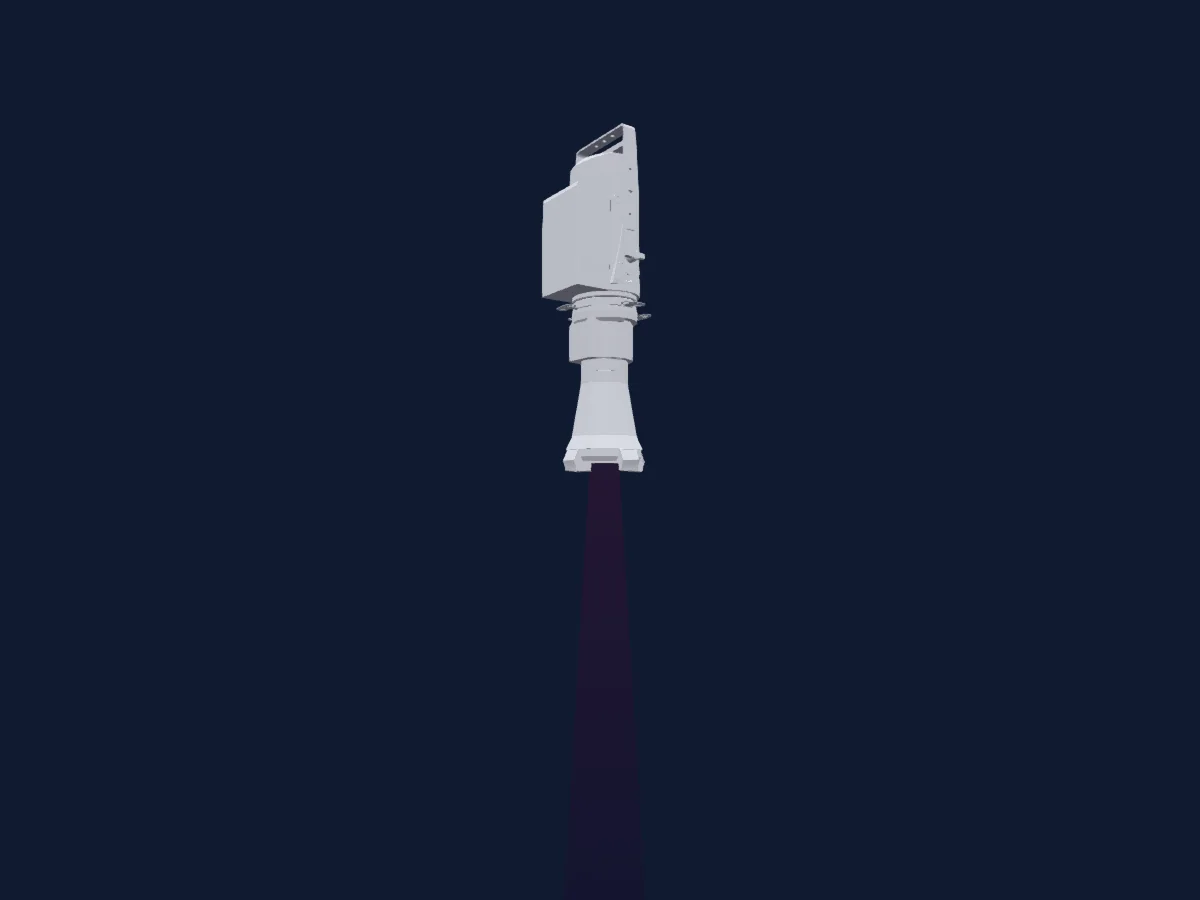
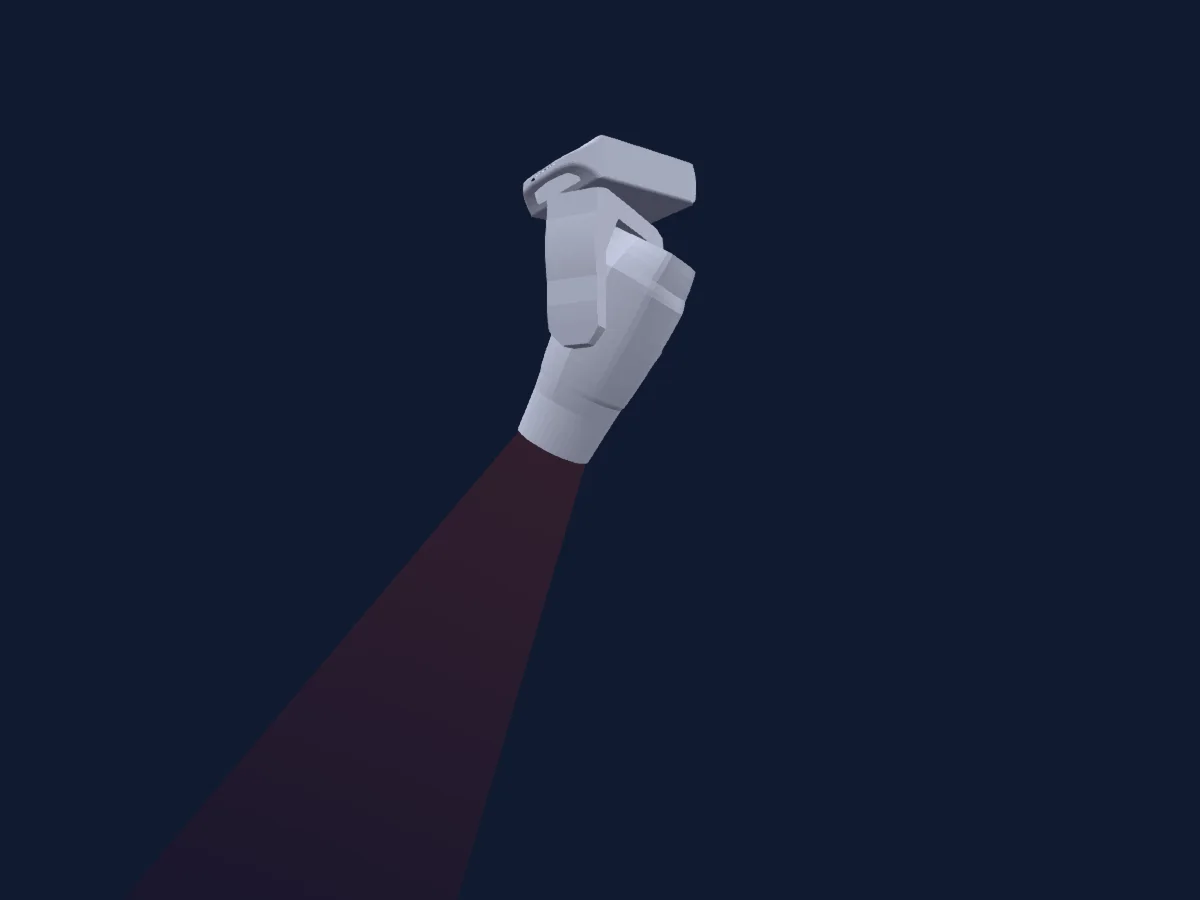
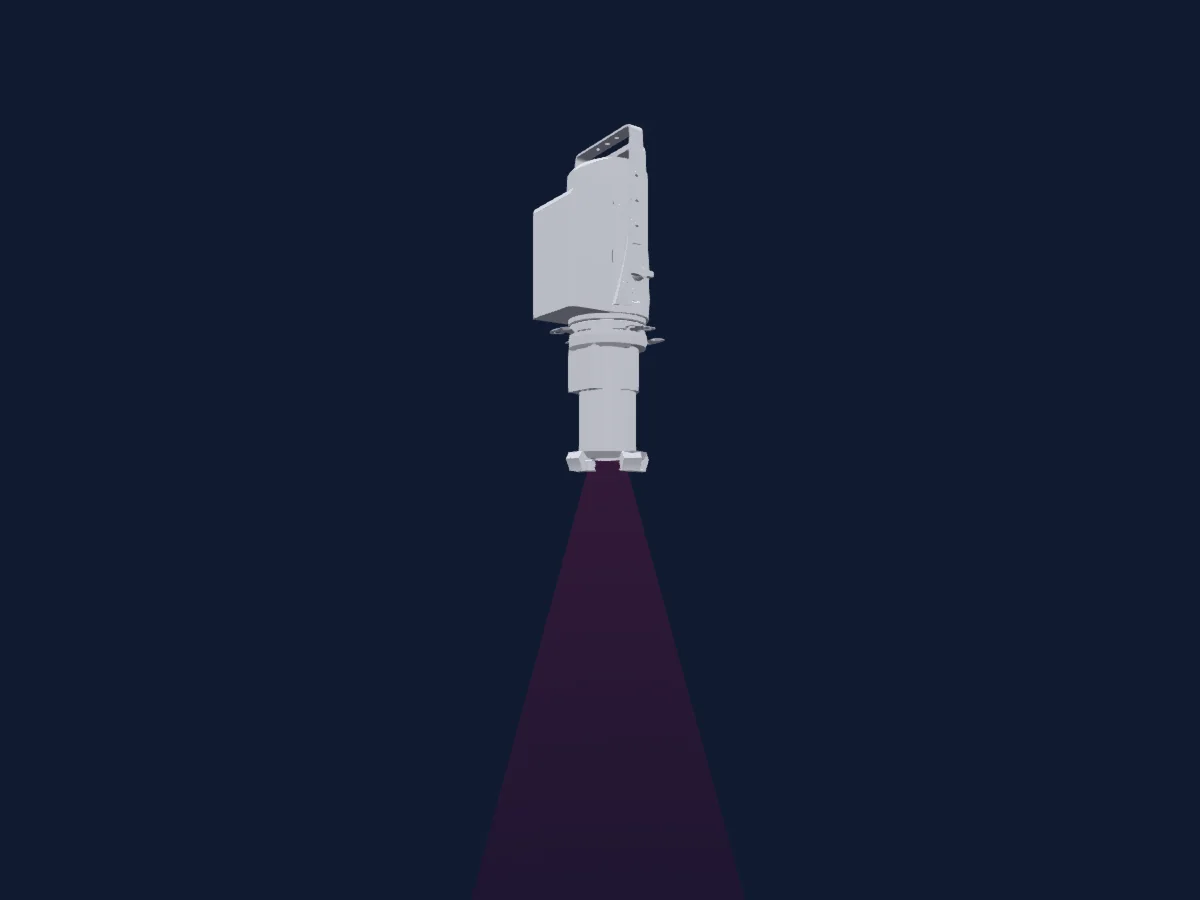
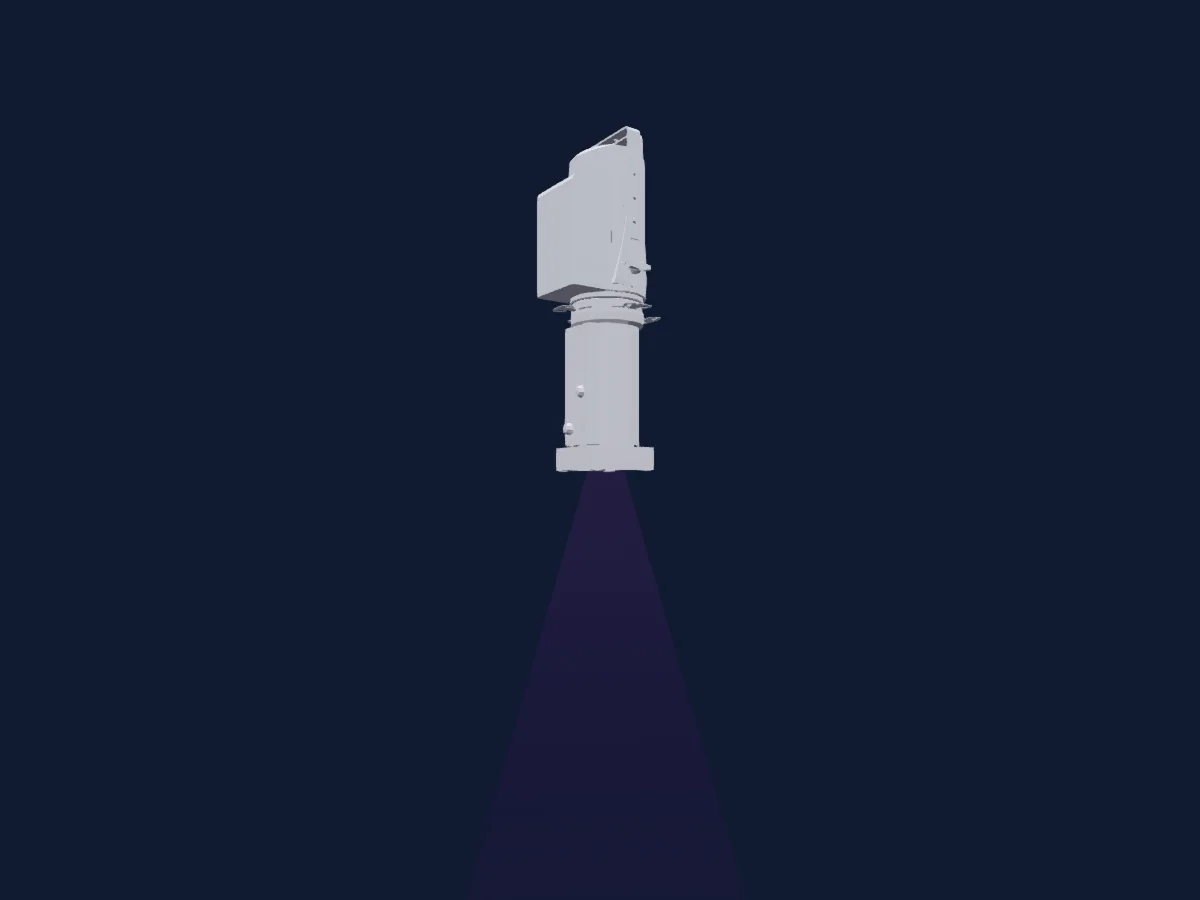
Tabela DMX, 1 modo DMX e prévia em 3D. 61 canais DMX.
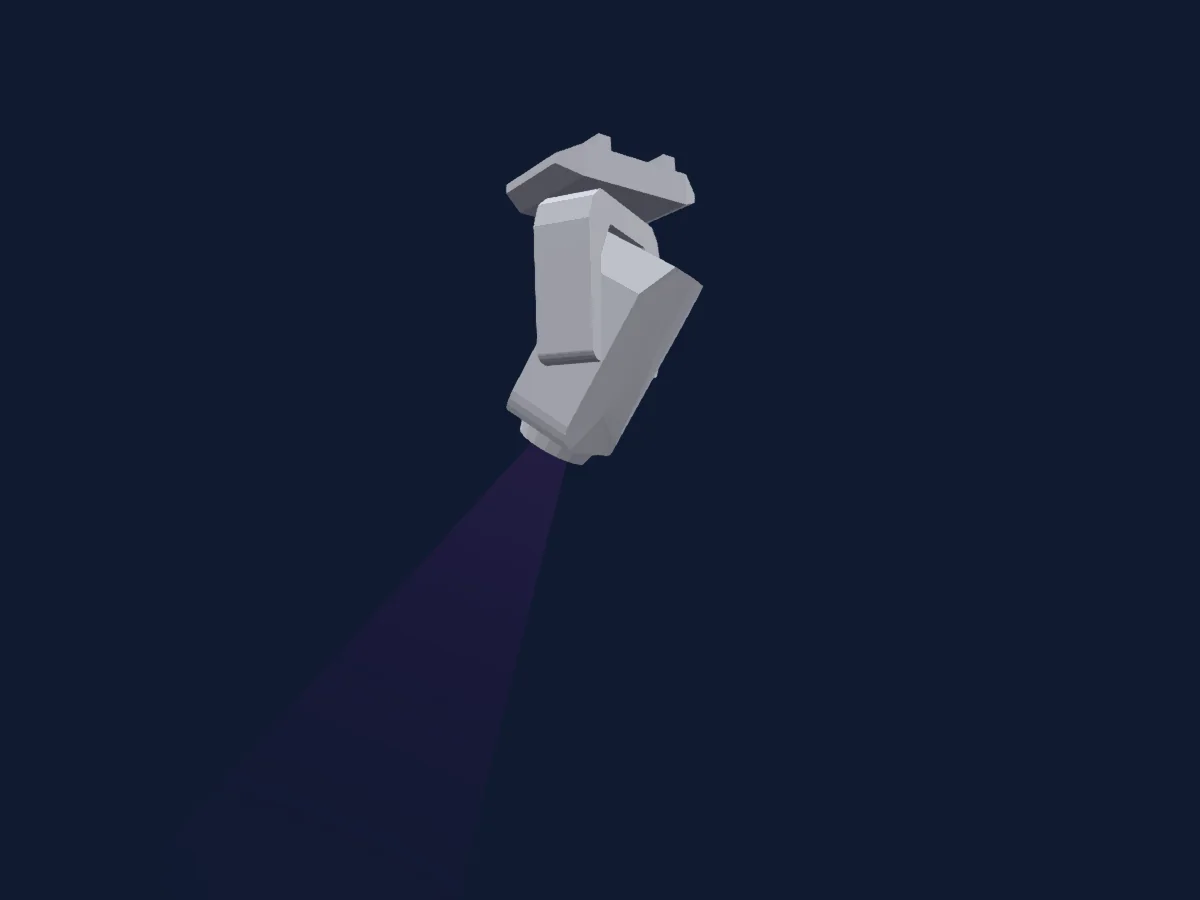
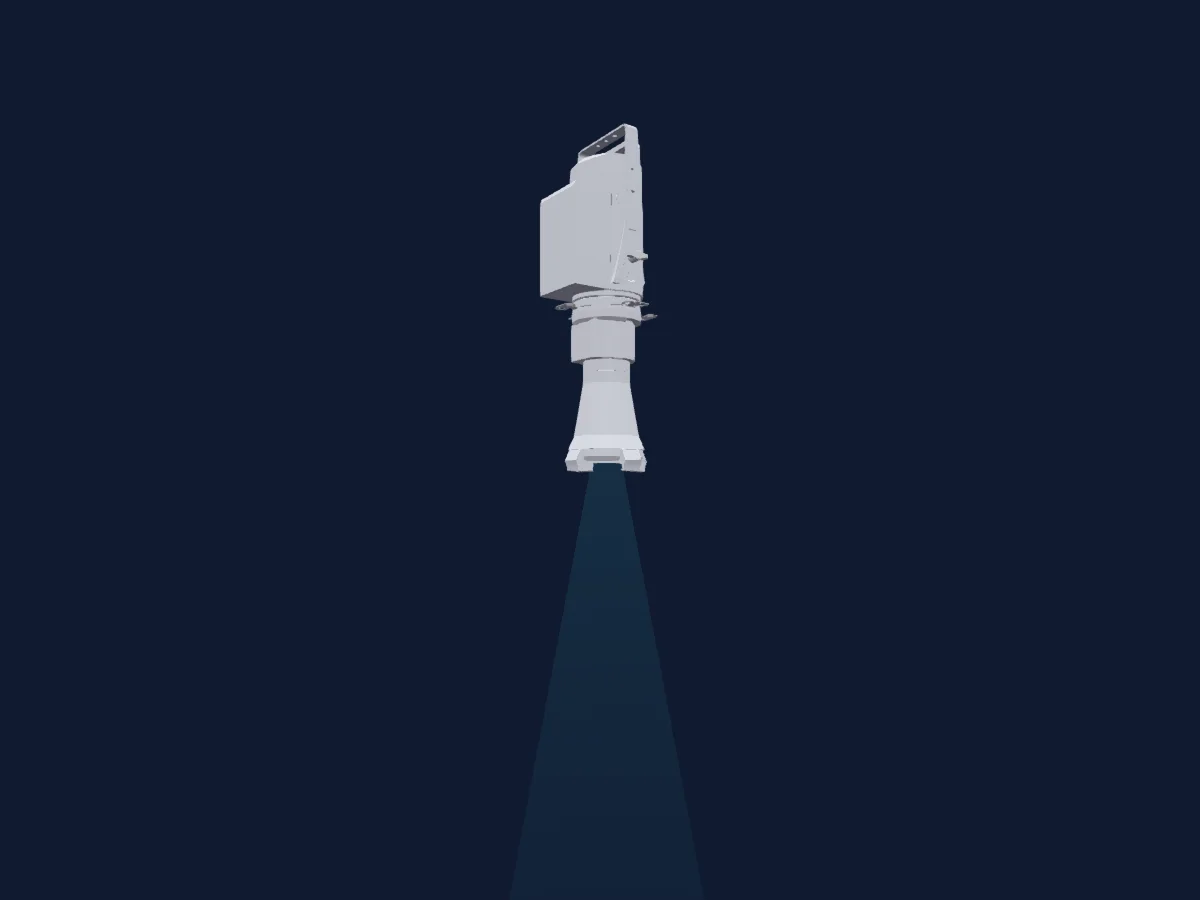
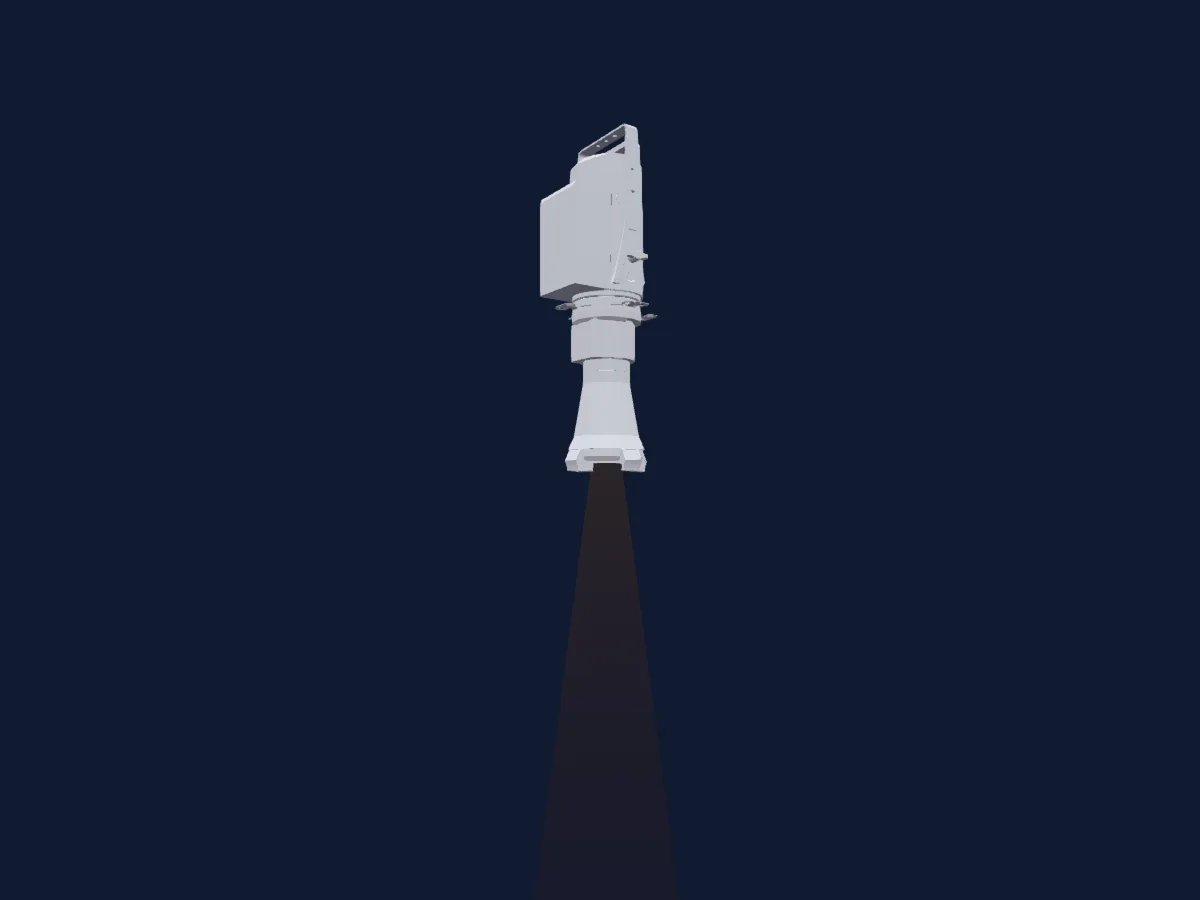
Vari-Lite VLZ Profile renderizado no HitLight

O que ele faz

  • Foco
  • Íris
  • Zoom
  • Mistura de cores CMY
  • Temperatura de cor
  • Roda de cores
  • Strobo
  • Dimmer
  • Pan e tilt
  • Velocidade de movimento
  • Roda de animação
  • Gobos
  • Rotação de gobos

Funções relevantes para a segurança: Reset do refletor. Confira como elas se comportam no seu refletor antes de um show.

Modos DMX e tabelas de canais

Modos DMX de Vari-Lite VLZ Profile
ModoCanaisNo HitLight
Enhanced 16 bit61Pronto no HitLight

Enhanced 16 bit

Pronto no HitLight

61 canais DMX · Baixar esta tabela em CSV

Tabela de canais DMX de Enhanced 16 bit
CanalFunçãoPadrãoValores DMX
1Dimmer0
2 faixas de valores
  • 0–254 closed
  • 255–255 open
2Dimmer Fine0Byte fino de Dimmer
3Pan1270–255
4Pan Fine127Byte fino de Pan
5Tilt1270–255
6Tilt Fine127Byte fino de Tilt
7Focus127
2 faixas de valores
  • 0–254 min Focus
  • 255–255 max Focus
8Focus Fine127Byte fino de Focus
9Zoom127
3 faixas de valores
  • 0–127 narrow
  • 128–254 normal
  • 255–255 wide
10Zoom Fine127Byte fino de Zoom
11Dimmer Curve0
9 faixas de valores
  • 0–2 NoFeature 1
  • 3–5 Linear
  • 6–10 Square law
  • 11–15 TV
  • 16–20 Architectural
  • 21–50 NoFeature 3
  • 51–55 Edge track on
  • 56–60 Edge track off
  • 61–255 NoFeature 5
12Cyan00–255
13Cyan Fine0Byte fino de Cyan
14Yellow00–255
15Yellow Fine0Byte fino de Yellow
16Magenta00–255
17Magenta Fine0Byte fino de Magenta
18C TO0
5 faixas de valores
  • 0–50 Open 6556k
  • 51–101 1/4 6548k
  • 102–152 1/2 5578k
  • 153–203 3/4 3260k
  • 204–255 Full 2823k
19C TO Fine0Byte fino de C TO
20Color Wheel0
15 faixas de valores
  • 0–16 open (wheel slot 1)
  • 17–33 wht/red (wheel slot 1)
  • 34–50 red (wheel slot 2)
  • 51–67 red/yel (wheel slot 2)
  • 68–84 yellow (wheel slot 3)
  • 85–101 yel/grn (wheel slot 3)
  • 102–118 kelly green (wheel slot 4)
  • 119–135 grn/mag (wheel slot 4)
  • 136–152 magenta (wheel slot 5)
  • 153–169 mag/amber (wheel slot 5)
  • 170–186 amber (wheel slot 6)
  • 187–203 amber/congo (wheel slot 6)
  • 204–220 congo blue (wheel slot 7)
  • 221–237 congo/wht (wheel slot 7)
  • 238–255 open (3) (wheel slot 1)
21Color1Mode0
8 faixas de valores
  • 0–5 Half
  • 6–10 Half ColourWheelShortcutMode: off
  • 11–15 >>>
  • 16–20 off
  • 25–25 <<<
  • 26–56 Half (2)
  • 57–87 Half ColourWheelShortcutMode: off
  • 88–255 NoFeature 1
22Gobo0
9 faixas de valores
  • 0–27 open (wheel slot 1)
  • 28–55 leafy breakup (wheel slot 2)
  • 56–83 medium circle (wheel slot 3)
  • 84–111 lattice (wheel slot 4)
  • 112–139 swirl (wheel slot 5)
  • 140–167 radial breakup (wheel slot 6)
  • 168–195 neurons (wheel slot 7)
  • 196–223 grid (wheel slot 8)
  • 224–255 open (2) (wheel slot 1)
23Gobo1Wheel Mode0
10 faixas de valores
  • 0–5 Whole
  • 6–10 Whole GoboWheelShortcutMode: off
  • 11–11 >>>
  • 12–15 Spin 100 1%
  • 16–20 stop
  • 21–24 Spin -1 -100%
  • 25–25 <<<
  • 26–56 Whole (2)
  • 57–87 Whole GoboWheelShortcutMode: off
  • 88–255 NoFeature 1
24Gobo 20
25 faixas de valores
  • 0–5 open (wheel slot 1)
  • 6–10 night sky (wheel slot 2)
  • 11–15 circle of ovals (wheel slot 3)
  • 16–20 bricked out (wheel slot 4)
  • 21–25 punch card (wheel slot 5)
  • 26–30 alpha rays (wheel slot 6)
  • 31–35 honeycomb (wheel slot 7)
  • 36–40 on the rocks (wheel slot 8)
  • 41–45 open<> (wheel slot 1)
  • 46–50 night sky<> (wheel slot 2)
  • 51–55 circle of ovals<> (wheel slot 3)
  • 56–60 bricked out<> (wheel slot 4)
  • 61–65 punch card<> (wheel slot 5)
  • 66–70 alpha rays<> (wheel slot 6)
  • 71–75 honeycomb<> (wheel slot 7)
  • 76–80 on the rocks<> (wheel slot 8)
  • 81–85 open (2) (wheel slot 1)
  • 86–90 night sky (2) (wheel slot 2)
  • 91–95 circle of ovals (2) (wheel slot 3)
  • 96–100 bricked out (2) (wheel slot 4)
  • 101–105 punch card (2) (wheel slot 5)
  • 106–110 alpha rays (2) (wheel slot 6)
  • 111–115 honeycomb (2) (wheel slot 7)
  • 116–120 on the rocks (2) (wheel slot 8)
  • 121–255 NoFeature 3
25Gobo Rotation 20
4 faixas de valores
  • 0–126 zero
  • 127–128 stop
  • 129–254 Rotate2 -1 -100%
  • 255–255 max CW
26Gobo Rotation 2 Fine0Byte fino de Gobo Rotation 2
27Gobo2Wheel Mode0
13 faixas de valores
  • 0–5 Whole2
  • 6–10 Whole2 GoboWheelShortcutMode2: off
  • 11–20 NoFeature 1
  • 21–21 >>>
  • 22–50 Spin2 100 1%
  • 51–60 stop
  • 61–89 Spin2 -1 -100%
  • 90–90 <<<
  • 91–120 Whole2 (2)
  • 121–150 Whole2 GoboWheelShortcutMode2: off
  • 151–180 Whole2 G2WheelOffset Shake2: 0% G2Offset Gobo2Offset: 1 100%
  • 181–209 Whole2 GoboWheelShortcutMode2: off G2WheelOffset Shake2: 0% G2Offset Gobo2Offset: 1 100%
  • 210–255 NoFeature 2
28Animation Wheel10
2 faixas de valores
  • 0–126 open (wheel slot 1)
  • 127–255 Wheel In (wheel slot 2)
29A NIMATIONINDEXROTATE0
4 faixas de valores
  • 0–126 zero
  • 127–127 stop
  • 128–254 Rotate 1 100%
  • 255–255 max CW
30A NIMATIONINDEXROTATE Fine0Byte fino de A NIMATIONINDEXROTATE
31Animation Index Rotate Mode0
8 faixas de valores
  • 0–5 on
  • 6–10 off
  • 11–15 min Shake
  • 16–20 AnimationModeSteppedRotate
  • 21–25 NoFeature 4
  • 26–56 Rotate
  • 87–87 max Shake
  • 88–255 NoFeature 7
32Iris0
2 faixas de valores
  • 0–254 open Iris
  • 255–255 closed Iris
33Blade1B0
2 faixas de valores
  • 0–254 min 1B
  • 255–255 max 1B
34Blade1B Fine0Byte fino de Blade1B
35Blade1A0
2 faixas de valores
  • 0–254 min 1A
  • 255–255 max 1A
36Blade1A Fine0Byte fino de Blade1A
37Blade3B0
2 faixas de valores
  • 0–254 min 3B
  • 255–255 max 3B
38Blade3B Fine0Byte fino de Blade3B
39Blade3A0
2 faixas de valores
  • 0–254 min 3A
  • 255–255 max 3A
40Blade3A Fine0Byte fino de Blade3A
41Blade2B0
2 faixas de valores
  • 0–254 min 2B
  • 255–255 max 2B
42Blade2B Fine0Byte fino de Blade2B
43Blade2A0
2 faixas de valores
  • 0–254 min 2A
  • 255–255 max 2A
44Blade2A Fine0Byte fino de Blade2A
45Blade4B0
2 faixas de valores
  • 0–254 min 4B
  • 255–255 max 4B
46Blade4B Fine0Byte fino de Blade4B
47Blade4A0
2 faixas de valores
  • 0–254 min 4A
  • 255–255 max 4A
48Blade4A Fine0Byte fino de Blade4A
49Shaper Rot127
3 faixas de valores
  • 0–127 max CCW
  • 128–254 zero
  • 255–255 max CW
50Shaper Rot Fine127Byte fino de Shaper Rot
51E FFECTWHEEL0
5 faixas de valores
  • 0–5 open (wheel slot 1)
  • 6–10 3 facet prism (wheel slot 2)
  • 11–15 3 facet prism<> (wheel slot 2)
  • 16–20 3 facet prism Effect<>Mode EffectModeSteppedRotate (wheel slot 2)
  • 21–255 NoFeature 5
52E FFECTINDEXROTATE0
4 faixas de valores
  • 0–126 zero
  • 127–127 stop
  • 128–254 Rotate 1 100%
  • 255–255 max CW
53E FFECTINDEXROTATE Fine0Byte fino de E FFECTINDEXROTATE
54L IGHTFROST0
5 faixas de valores
  • 0–50 Frost Open
  • 51–100 1/4 Frost
  • 101–150 1/2 Frost
  • 151–199 Full Frost
  • 200–255 Dummy 2
55Shutter / Strobe0
25 faixas de valores
  • 0–3 open
  • 4–6 closed
  • 7–31 min Strobe
  • 32–32 max Strobe
  • 33–57 Shutter1StrobeRandom 3 · min Rnd 0.1–9.6 Hz
  • 58–58 Shutter1StrobeRandom 3 · max Rnd 10 Hz
  • 59–83 min Rnd Sync
  • 84–84 max Rnd Sync
  • 85–109 min Pulse Open
  • 110–110 max Pulse Open
  • 111–111 min Rnd Pulse Open
  • 112–135 Rnd Pulse Open 1 100%
  • 136–136 max Rnd Pulse Open
  • 137–137 min Rnd Pulse Open (2)
  • 138–160 Rnd Pulse Open 1 100% (2)
  • 161–161 max Rnd Pulse Open (2)
  • 163–186 min Pulse Open (2)
  • 187–187 max Pulse Open (2)
  • 189–189 min Rnd Pulse Open (3)
  • 190–213 Rnd Pulse Open 1 100% (3)
  • 214–214 max Rnd Pulse Open (3)
  • 215–215 min Rnd Pulse Open (4)
  • 216–238 Rnd Pulse Open 1 100% (4)
  • 239–239 max Rnd Pulse Open (4)
  • 240–255 NoFeature 9
56Position MSpeed255
3 faixas de valores
  • 0–252 min Time
  • 253–253 max Time
  • 255–255 Track 100%
57Zoom MSpeed255
3 faixas de valores
  • 0–252 min Time
  • 253–253 max Time
  • 255–255 Track 100%
58Color Mix MSpeed255
3 faixas de valores
  • 0–252 min Time
  • 253–253 max Time
  • 255–255 Track 100%
59Frame MSpeed255
3 faixas de valores
  • 0–252 min Time
  • 253–253 max Time
  • 255–255 Track 100%
60Gobo Wheel1MSpeed255
3 faixas de valores
  • 0–252 min Time
  • 253–253 max Time
  • 255–255 Track 100%
61Fixture Global Reset0
18 faixas de valores
  • 0–5 NoFeature 1
  • 6–10 Reset
  • 11–20 NoFeature 3
  • 21–25 FixtureSleep
  • 26–30 Display 100%
  • 31–35 Display 0%
  • 36–40 PosReset
  • 41–45 ColWReset
  • 46–50 GW1Reset
  • 51–55 FrmReset
  • 56–60 FocReset
  • 61–65 NoFeature 11
  • 66–70 Reset fixture to defaults
  • 71–75 Full luminaire reboot
  • 76–80 On Off Toggle
  • 81–85 Standard mode
  • 86–90 Studio mode
  • 91–255 NoFeature 15

Usar Vari-Lite VLZ Profile no HitLight

  1. Abra Adicionar refletor e procure Vari-Lite VLZ Profile.
  2. Escolha o modo DMX configurado no menu do próprio refletor. O HitLight atribui a ele o menor endereço inicial livre do universo que comporta a quantidade de canais do modo.
  3. Confira o modo e os controles no seu refletor real antes de usar ao vivo.

Espaços com Vari-Lite VLZ Profile

As suas montagens guardadas incluem este modelo de aparelho. Confirme o equipamento atual com o espaço.

As tabelas vêm da descrição GDTF do refletor, convertida para a biblioteca do HitLight. O HitLight não tem vínculo com a Vari-Lite.

Faça o patch e deixe a música comandar as luzes.

O HitLight encontra esses refletores na biblioteca, faz o patch no próximo endereço livre e mostra seu rig em 3D antes de você ligar uma única luz.

Abrir HitLight ↗Baixar o HitLight