Zum Inhalt springen
HitLight
High End Systems · Profilscheinwerfer

High End Systems SolaSpot 2000

DMX-Tabelle, 1 DMX-Modus und eine 3D-Vorschau. 43 DMX-Kanäle.
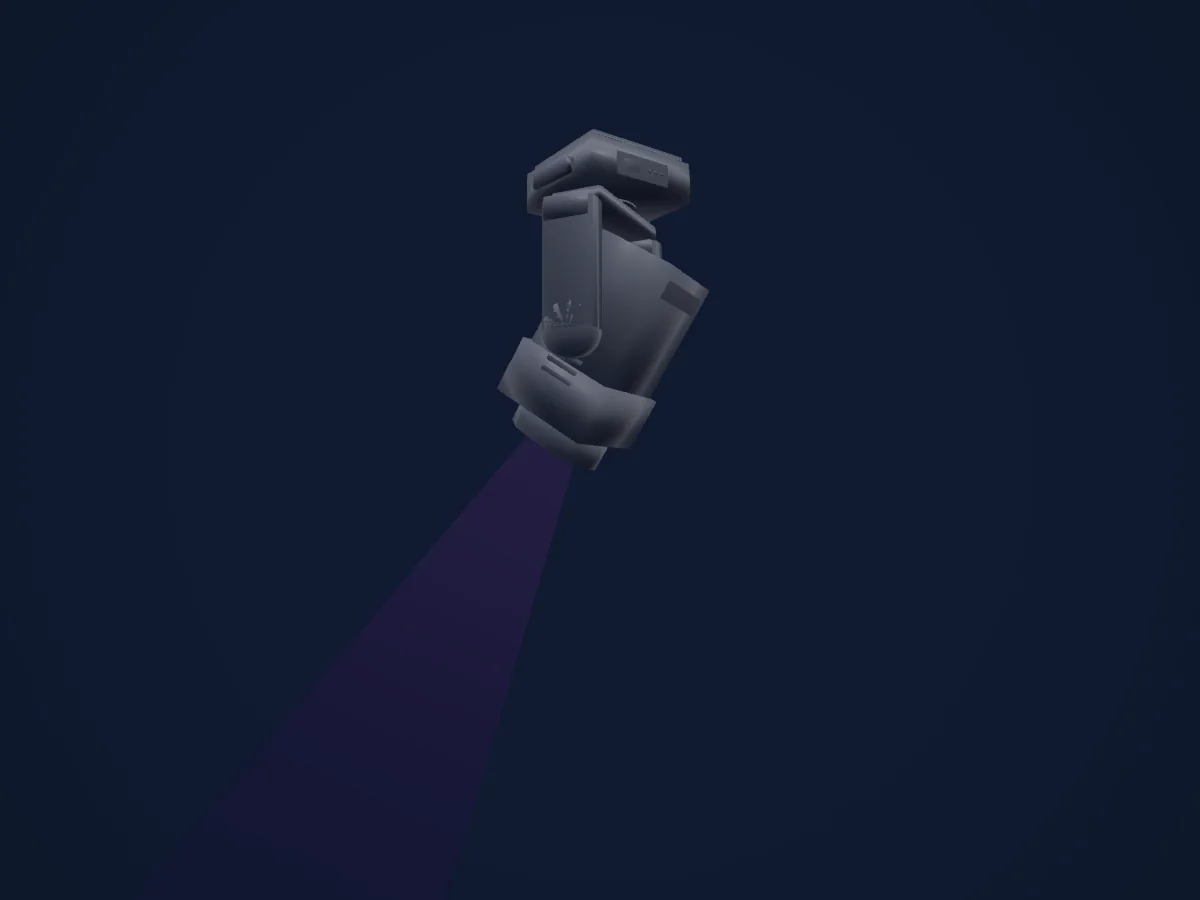
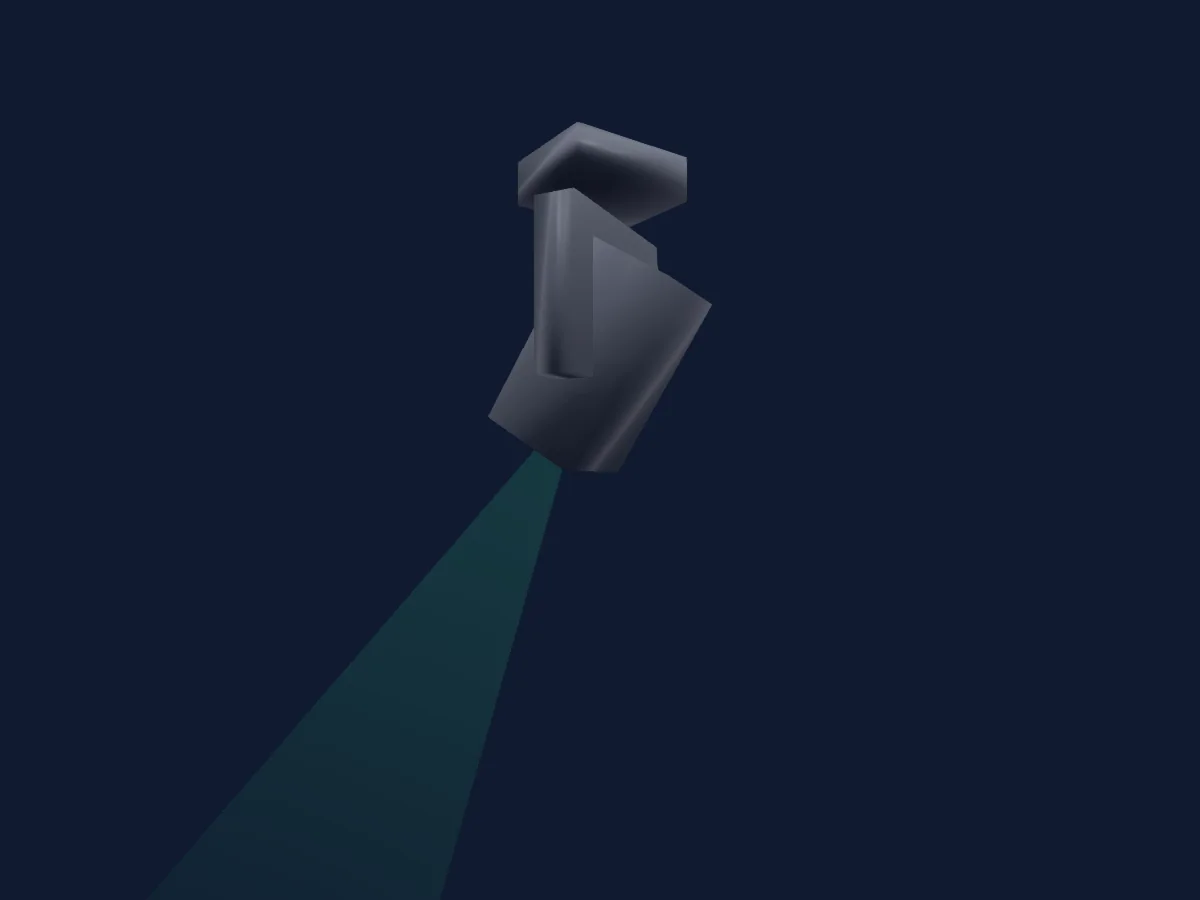
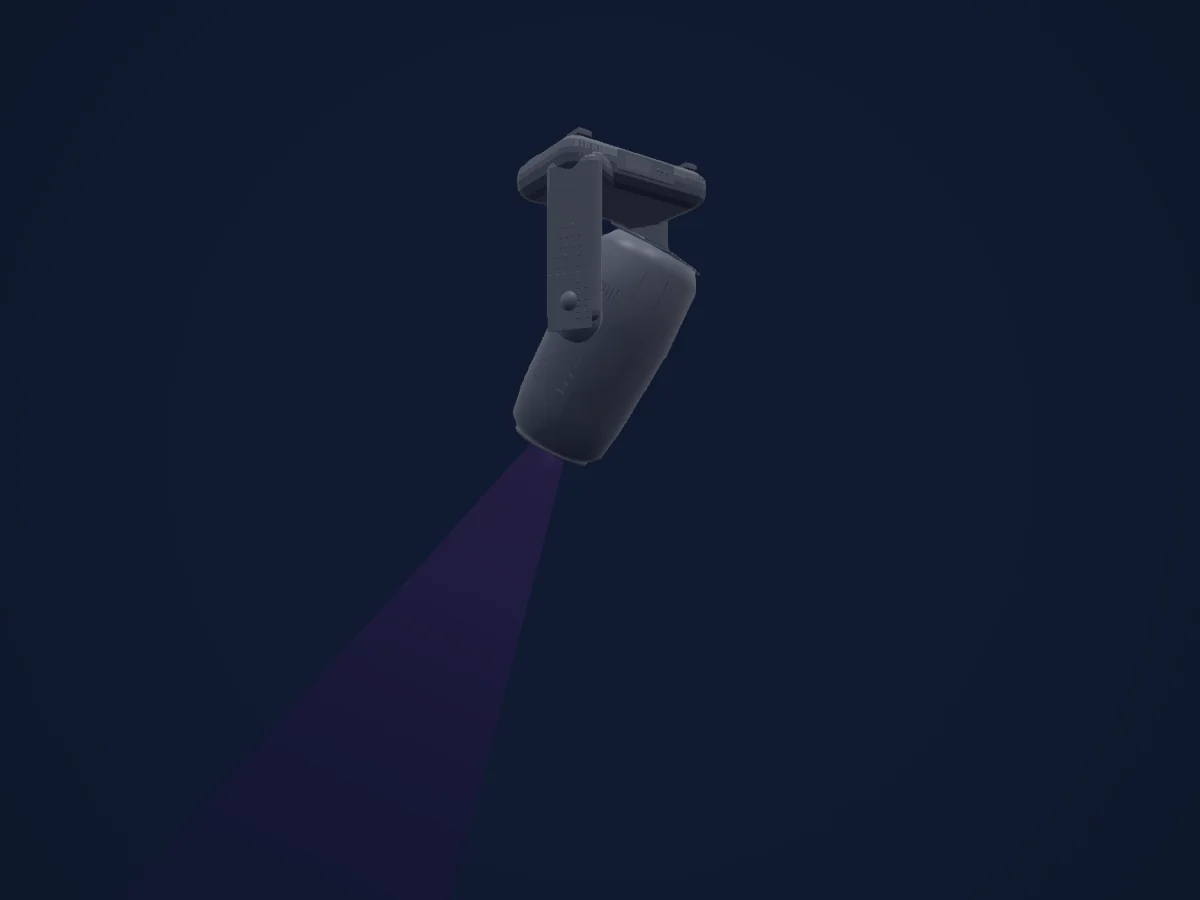
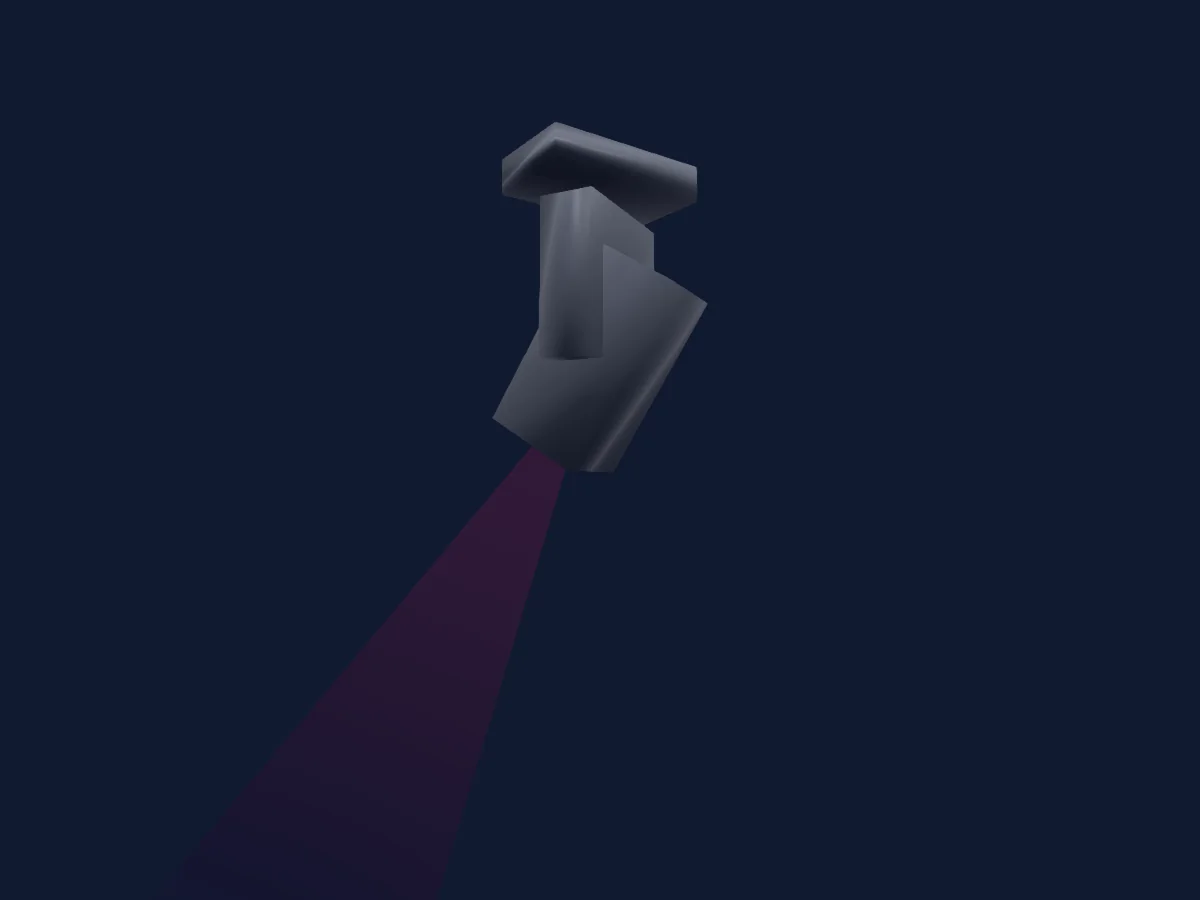
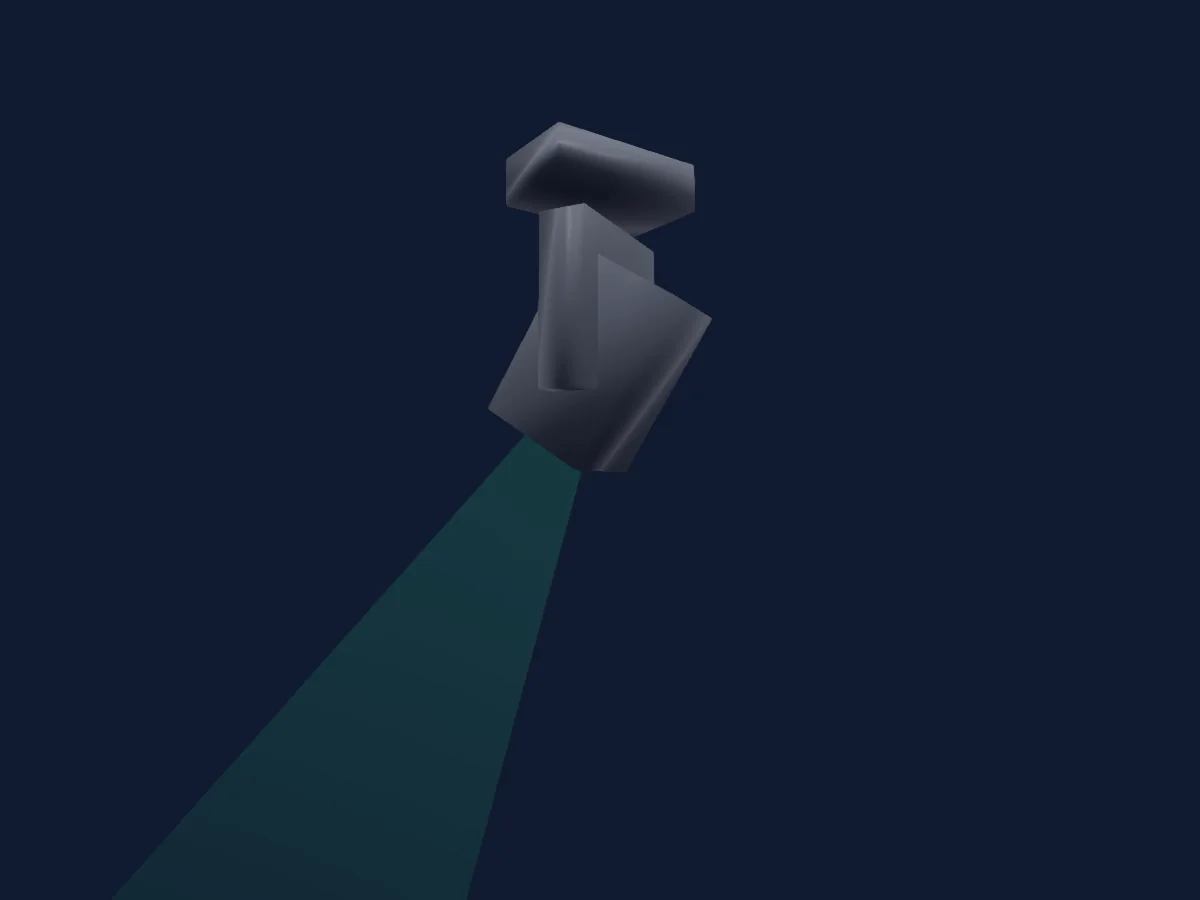
High End Systems SolaSpot 2000, gerendert in HitLight

Was er kann

  • Fokus
  • Frost
  • Iris
  • Prisma
  • Prismenrotation
  • Zoom
  • CMY-Farbmischung
  • Farbtemperatur
  • Farbrad
  • Strobe
  • Dimmer
  • Pan und Tilt
  • Animationsrad
  • Gobos

Sicherheitsrelevante Funktionen: Scheinwerfer-Reset · Servicefunktionen · Eingebaute Effektprogramme. Prüfe vor einer Show, wie sie sich an deinem eigenen Scheinwerfer verhalten.

DMX-Modi und Kanaltabellen

DMX-Modi von High End Systems SolaSpot 2000
ModusKanäleIn HitLight
Standard43Bereit in HitLight

Standard

Bereit in HitLight

43 DMX-Kanäle · Diese Tabelle als CSV herunterladen

DMX-Kanaltabelle für Standard
KanalFunktionStandardDMX-Werte
1Pan1280–255
2Pan Fine0Feinbyte von Pan
3Tilt1280–255
4Tilt Fine0Feinbyte von Tilt
5Color Mix Mode0
4 Wertebereiche
  • 0–31 Pure Mix
  • 32–47 Cycle
  • 48–63 Random
  • 64–255 Reserved (Note 3)
6Cyan2550–255
7Magenta2550–255
8Yellow2550–255
9C TO2550–255
10Color1Wheel Mode0
7 Wertebereiche
  • 0–15 Indexed
  • 16–31 Forward Spin
  • 32–47 Reverse Spin
  • 48–63 Continuous
  • 64–79 Fast Scan
  • 80–95 Random
  • 96–255 Reserved (Note 3)
11Color Wheel0
15 Wertebereiche
  • 0–16 Open (White) (wheel slot 1)
  • 17–32 Open/Red
  • 33–48 Red (wheel slot 2)
  • 49–64 Red/Blue
  • 65–80 Blue (wheel slot 3)
  • 81–96 Blue/Green
  • 97–112 Green (wheel slot 4)
  • 113–128 Green/Orange
  • 129–144 Orange (wheel slot 5)
  • 145–160 Orange/Magenta
  • 161–176 Magenta (wheel slot 6)
  • 177–192 Magenta/Dark Blue
  • 193–208 Dark Blue (wheel slot 7)
  • 209–224 Dark Blue/Open
  • 225–255 Open (White) (wheel slot 1)
12Gobo1Wheel Mode0
6 Wertebereiche
  • 0–15 Indexed
  • 16–31 Forward Wheel Spin
  • 32–47 Reverse Wheel Spin
  • 48–63 Scan
  • 64–79 Random
  • 80–255 Reserved (Note 3)
13Gobo0
8 Wertebereiche
  • 0–31 Open (wheel slot 1)
  • 32–63 Seashell (wheel slot 2)
  • 64–95 Crescent (wheel slot 3)
  • 96–127 Abstract (wheel slot 4)
  • 128–159 Fracture (wheel slot 5)
  • 160–191 Zebra (wheel slot 6)
  • 192–223 Shower (wheel slot 7)
  • 224–255 Open (wheel slot 1)
14Gobo1Mode0
6 Wertebereiche
  • 0–15 Indexed
  • 16–31 Forward Rotate
  • 32–47 Reverse Rotate
  • 48–63 Forward Strobe Rotate (Gobo animate)
  • 64–79 Reverse Strobe Rotate (Gobo animate)
  • 80–255 Reserved (Note 3)
15Gobo Rotation128
2 Wertebereiche
  • 0–3 Indexed/Blink Modes: Position 0-360 degrees
  • 4–255 Forward/Reverse/Forward Strobe/Reverse Strobe Rotate Modes: Rotate Slowest to Fastest
16Gobo Rotation Fine0Feinbyte von Gobo Rotation
17Gobo2Wheel Mode0
6 Wertebereiche
  • 0–15 Indexed
  • 16–31 Forward Wheel Spin
  • 32–47 Reverse Wheel Spin
  • 48–63 Scan
  • 64–79 Random
  • 80–255 Reserved (Note 3)
18Gobo 20
8 Wertebereiche
  • 0–31 Open (wheel slot 1)
  • 32–63 Strikes (wheel slot 2)
  • 64–95 Triangles (wheel slot 3)
  • 96–127 Woven (wheel slot 4)
  • 128–159 Dense Foliage (wheel slot 5)
  • 160–191 Ice (wheel slot 6)
  • 192–223 Tunnel (wheel slot 7)
  • 224–255 Open (wheel slot 1)
19Gobo2Mode0
6 Wertebereiche
  • 0–15 Indexed
  • 16–31 Forward Rotate
  • 32–47 Reverse Rotate
  • 48–63 Forward Strobe Rotate (Gobo animate)
  • 64–79 Reverse Strobe Rotate (Gobo animate)
  • 80–255 Reserved (Note 3)
20Gobo Rotation 2128
2 Wertebereiche
  • 0–3 Indexed/Blink Modes: Position 0-360 degrees
  • 4–255 Forward/Reverse/Forward Strobe/Reverse Strobe Rotate Modes: Rotate Slowest to Fastest
21Gobo Rotation 2 Fine0Feinbyte von Gobo Rotation 2
22Animation Wheel10
7 Wertebereiche
  • 0–3 Disengaged
  • 4–6 Engaged, static
  • 7–8 Engaged, motion stopped
  • 9–70 Engaged, Forward Spin speed slow to fast
  • 71–131 Engaged, Reverse Spin speed slow to fast
  • 132–193 Engaged, Forward Strobe rotate slow to fast
  • 194–255 Engaged, Reverse Strobe Rotate slow to fast
23Animation Wheel20
7 Wertebereiche
  • 0–3 Disengaged
  • 4–6 Engaged, static
  • 7–8 Engaged, motion stopped
  • 9–70 Engaged, Forward Spin speed slow to fast
  • 71–131 Engaged, Reverse Spin speed slow to fast
  • 132–193 Engaged, Forward Strobe rotate slow to fast
  • 194–255 Engaged, Reverse Strobe Rotate slow to fast
24Prism0
7 Wertebereiche
  • 0–15 Disengaged (wheel slot 1)
  • 16–31 Prism 1 (wheel slot 2)
  • 32–47 Forward Spin
  • 48–63 Reverse Spin
  • 64–79 Forward Strobe Rotate (Effect animate)
  • 80–95 Reverse Strobe Rotate (Effect animate)
  • 96–255 Reserved (Note 3)
25Prism0
7 Wertebereiche
  • 0–15 Disengaged (wheel slot 1)
  • 16–31 Prism 2 (wheel slot 2)
  • 32–47 Forward Spin
  • 48–63 Reverse Spin
  • 64–79 Forward Strobe Rotate (Effect animate)
  • 80–95 Reverse Strobe Rotate (Effect animate)
  • 96–255 Reserved (Note 3)
26Prism Rotation1280–255
27Prism Rotation Fine0Feinbyte von Prism Rotation
28Frost10
7 Wertebereiche
  • 0–0 Open (hard edge)
  • 1–127 Variable edge hard to soft)
  • 128–135 Soft Edge
  • 136–151 Periodic strobe
  • 152–167 Random strobe
  • 168–225 Reserved (Note 3)
  • 226–255 No function (unprinted, assumed)
29Focus1280–255
30Focus Fine0Feinbyte von Focus
31Zoom1280–255
32Zoom Fine0Feinbyte von Zoom
33Focus1Distance0
4 Wertebereiche
  • 0–15 Auto Focus Off
  • 16–31 5m
  • 32–47 7.5m
  • 48–255 10m
34Focus1Adjust00–255
35Iris2550–255
36Strobe Mode Shutter0
4 Wertebereiche
  • 0–31 Normal Shutter Functions
  • 32–63 Random Random strobe
  • 64–95 Synchronous Random Strobe
  • 96–255 Reserved (Note 3)
37Shutter / Strobe255
3 Wertebereiche
  • 0–23 Close
  • 24–229 Strobe Rate (slow to fast) 1–13 Hz
  • 230–255 Open
38Dimmer00–255
39Dimmer Fine0Feinbyte von Dimmer
40Global MSpeed0
2 Wertebereiche
  • 0–3 Disable
  • 4–255 Longest (252.7 seconds) to Shortest (0.15 seconds)
41Control10
21 Wertebereiche
  • 0–9 Safe (normal operation )
  • 10–19 Pan & Tilt Mspeed Off
  • 20–28 Display Off (send 20 packets)
  • 29–35 Display On (send 20 packets)
  • 36–48 Reserved (Note 3)
  • 49–68 Home All (send 20 packets)
  • 69–75 Shutdown (send 80 packets)
  • 76–82 Studio fan control mode (send 20 packets)
  • 83–89 Continuous fan control mode (send 20 packets
  • 90–96 Standard fan control mode (send 20 packets)
  • 97–103 Disable Pan/Tilt motors
  • 104–130 Reserved (Note 3)
  • 131–160 Audio Sync
  • 161–171 Internal Prog 1 scene 1-8 EEPROM
  • 172–182 Internal Prog 2 scene 9-16 EEPROM
  • 183–193 Internal Prog 3 scene 17-24 EEPROM
  • 194–204 Internal Prog 4 scene 25-32 EEPROM
  • 205–215 Internal Prog 5 scene 33-40 EEPROM
  • 216–226 Internal Prog 6 scene 41-48 EEPROM
  • 227–237 Internal Prog 7 scene 49-56 EEPROM
  • 238–255 Reserved (Note 3)
42Effect 20
8 Wertebereiche
  • 0–15 Indigo Highlighter Dim Tracking Mode: Continuous
  • 16–41 Indigo Highlighter Dim Tracking Mode: Periodic Strobe (slow to fast)
  • 42–67 Indigo Highlighter Dim Tracking Mode: Random Strobe (slow to fast)
  • 68–127 Reserved (Note 3)
  • 128–143 Indigo Highlighter Independent Dim Mode: Continuous
  • 144–169 Indigo Highlighter Independent Dim Mode: Periodic Strobe (slow to fast)
  • 170–195 Indigo Highlighter Independent Dim Mode: Random Strobe (slow to fast)
  • 196–255 Reserved (Note 3)
43Effects2Adjust100–255

High End Systems SolaSpot 2000 in HitLight verwenden

  1. Öffne Scheinwerfer hinzufügen und suche nach High End Systems SolaSpot 2000.
  2. Wähle den DMX-Modus, der im Menü des Scheinwerfers eingestellt ist. HitLight gibt ihm die niedrigste freie Startadresse in seinem Universum, die zur Kanalzahl des Modus passt.
  3. Prüfe Modus und Steuerung an deinem echten Scheinwerfer, bevor du ihn live einsetzt.

Spielstätten mit High End Systems SolaSpot 2000

Ihre gespeicherten Lichtaufbauten enthalten dieses Scheinwerfermodell. Klären Sie die aktuelle Ausstattung mit der Spielstätte.

Die Tabellen stammen aus der GDTF-Beschreibung des Scheinwerfers, umgewandelt für die HitLight-Bibliothek. HitLight ist nicht mit High End Systems verbunden.

Fixture model: gdtf-high-end-systems-solaspot-2000-2611090803
Original HitLight geometry, scripted locally by the HitLight fixture agent from published dimensions and product photographs. No manufacturer CAD, third-party mesh, photo texture or logo is incorporated. Approximate planning model; not hardware verified.
Creator: HitLight

Patche ihn und lass die Musik das Licht steuern.

HitLight findet diese Scheinwerfer in seiner Bibliothek, patcht sie auf die nächste freie Adresse und zeigt deine Lichtanlage in 3D, bevor ein einziges Licht eingesteckt ist.

HitLight öffnen ↗HitLight herunterladen