 HitLight
PRstage BLINDER 4100
DMX-Tabelle, 3 DMX-Modi und eine 3D-Vorschau. 1 / 4 / 8 DMX-Kanäle.
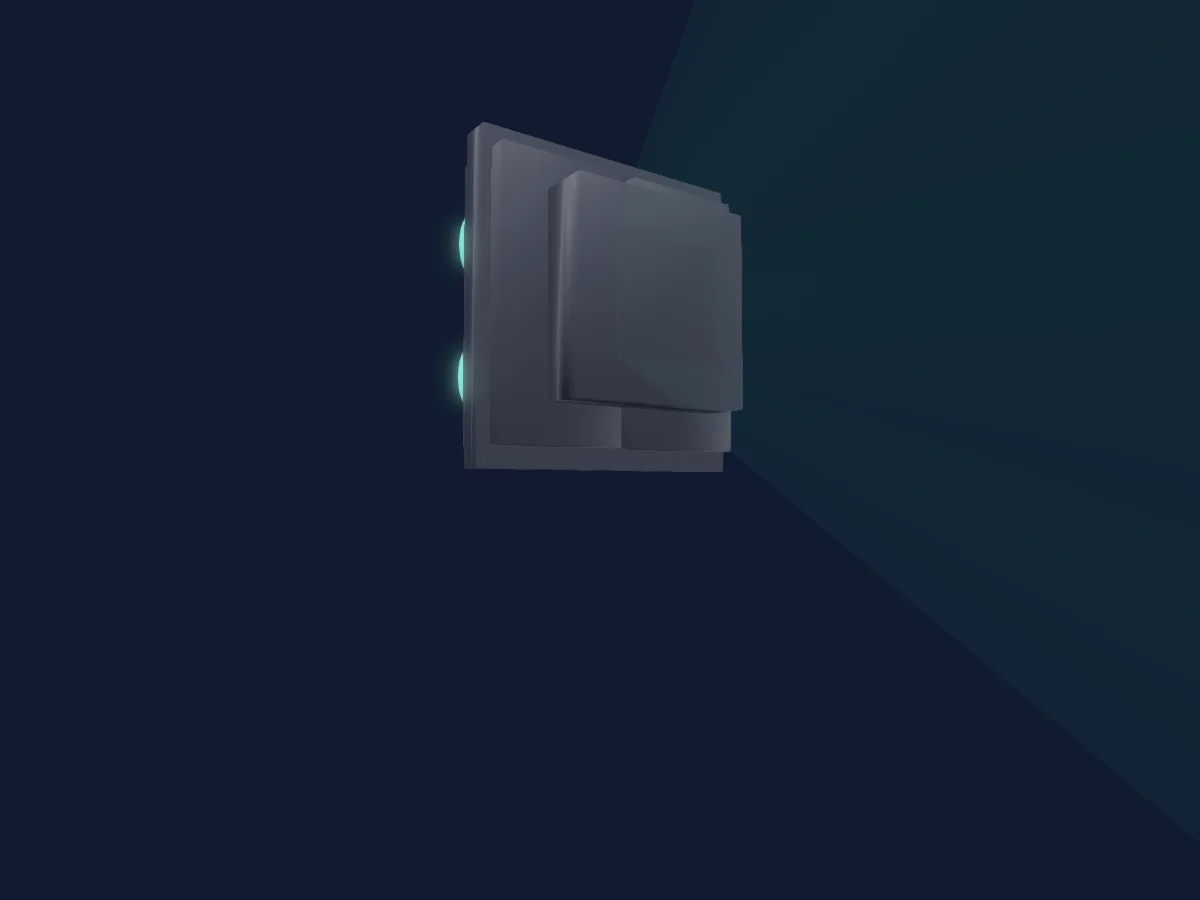
Was er kann
- Effektgeschwindigkeit
- Dimmer
Sicherheitsrelevante Funktionen: Eingebaute Effektprogramme. Prüfe vor einer Show, wie sie sich an deinem eigenen Scheinwerfer verhalten.
DMX-Modi und Kanaltabellen
| Modus | Kanäle | In HitLight |
|---|---|---|
| Mode 1 - 1CH | 1 | Bereit in HitLight |
| Mode 2 - 4CH | 4 | Bereit in HitLight |
| Mode 3 - 8Ch | 8 | Bereit in HitLight |
Mode 1 - 1CH
Bereit in HitLight1 DMX-Kanal · Diese Tabelle als CSV herunterladen
| Kanal | Funktion | Standard | DMX-Werte |
|---|---|---|---|
| 1 | Dimmer | 0 | 0–255 |
Mode 2 - 4CH
Bereit in HitLight4 DMX-Kanäle · Diese Tabelle als CSV herunterladen
| Kanal | Funktion | Standard | DMX-Werte |
|---|---|---|---|
| 1 | Dimmer | 0 | 0–255 |
| 2 | Dimmer | 0 | 0–255 |
| 3 | Dimmer | 0 | 0–255 |
| 4 | Dimmer | 0 | 0–255 |
Mode 3 - 8Ch
Bereit in HitLight8 DMX-Kanäle · Diese Tabelle als CSV herunterladen
| Kanal | Funktion | Standard | DMX-Werte |
|---|---|---|---|
| 1 | Dimmer | 0 | 0–255 |
| 2 | Shutter1Strobe | 0 | 4 Wertebereiche
|
| 3 | Effect | 0 | 29 Wertebereiche
|
| 4 | Effect Speed | 0 | 3 Wertebereiche
|
| 5 | Dimmer | 255 | 0–255 |
| 6 | Dimmer | 255 | 0–255 |
| 7 | Dimmer | 255 | 0–255 |
| 8 | Dimmer | 255 | 0–255 |
PRstage BLINDER 4100 in HitLight verwenden
- Öffne Scheinwerfer hinzufügen und suche nach PRstage BLINDER 4100.
- Wähle den DMX-Modus, der im Menü des Scheinwerfers eingestellt ist. HitLight gibt ihm die niedrigste freie Startadresse in seinem Universum, die zur Kanalzahl des Modus passt.
- Prüfe Modus und Steuerung an deinem echten Scheinwerfer, bevor du ihn live einsetzt.
Ähnliche Scheinwerfer
Profilscheinwerfer
PRstage WASH 1240B RGBL
21 / 25 / 33 / 81 DMX-Kanäle
PAR
PRstage LED COB 200 RGBW
4 / 8 DMX-Kanäle
Moving Head
PRstage WASH 1240Z RGBL
16 / 21 DMX-Kanäle
Profilscheinwerfer
PRstage SPOT 460 CMY
36 DMX-Kanäle
Nebelmaschine
PRstage LOWFOG 3000
2 DMX-Kanäle
LED-Bar
PRstage LED BAR 424 RGBUV
8 / 32 DMX-Kanäle
Die Tabellen stammen aus der GDTF-Beschreibung des Scheinwerfers, umgewandelt für die HitLight-Bibliothek. HitLight ist nicht mit PRstage verbunden.